AI Productivity Tools: The Complete Guide for 2026
AI productivity tools in 2026 — save hours across meetings, notes, automation, writing and comms, plus the best tools (Fathom, Krisp, n8n, Granola).
Key takeaways
- AI productivity tools save hours every week by automating the repetitive parts of work — meeting notes, automation, writing, comms and admin.
- The biggest gains come from stacking a few tools across your real workflow, not chasing one do-everything app.
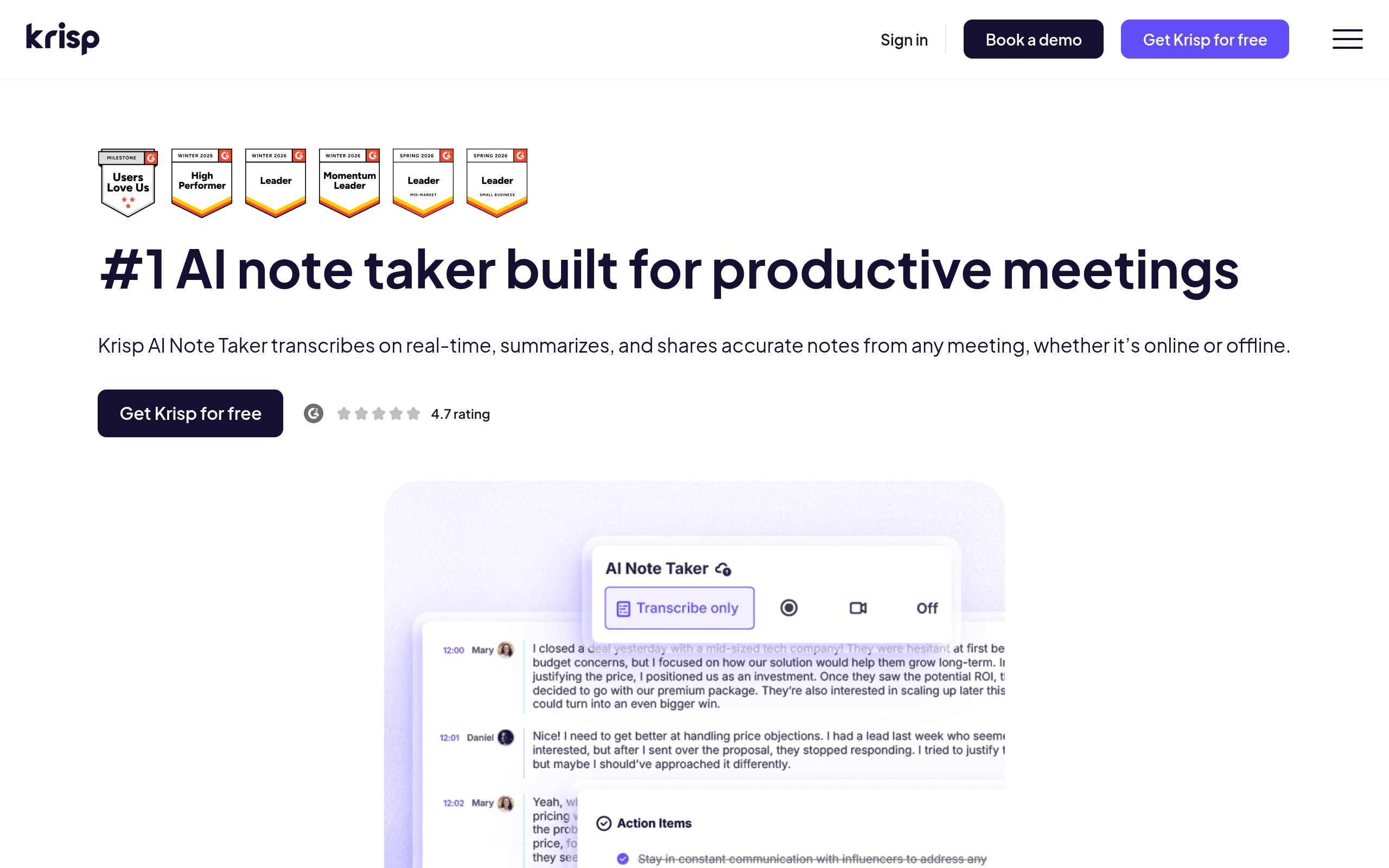
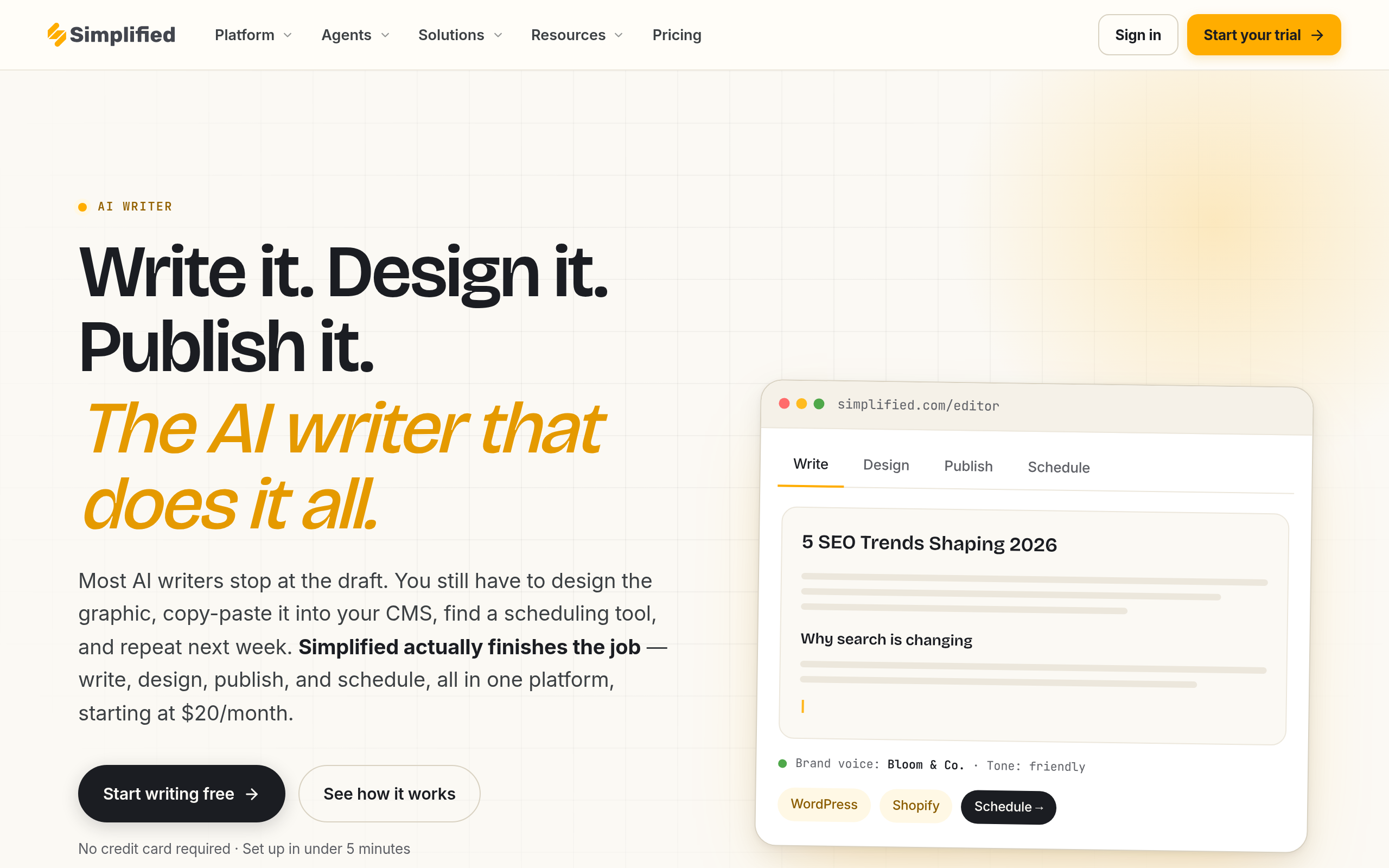
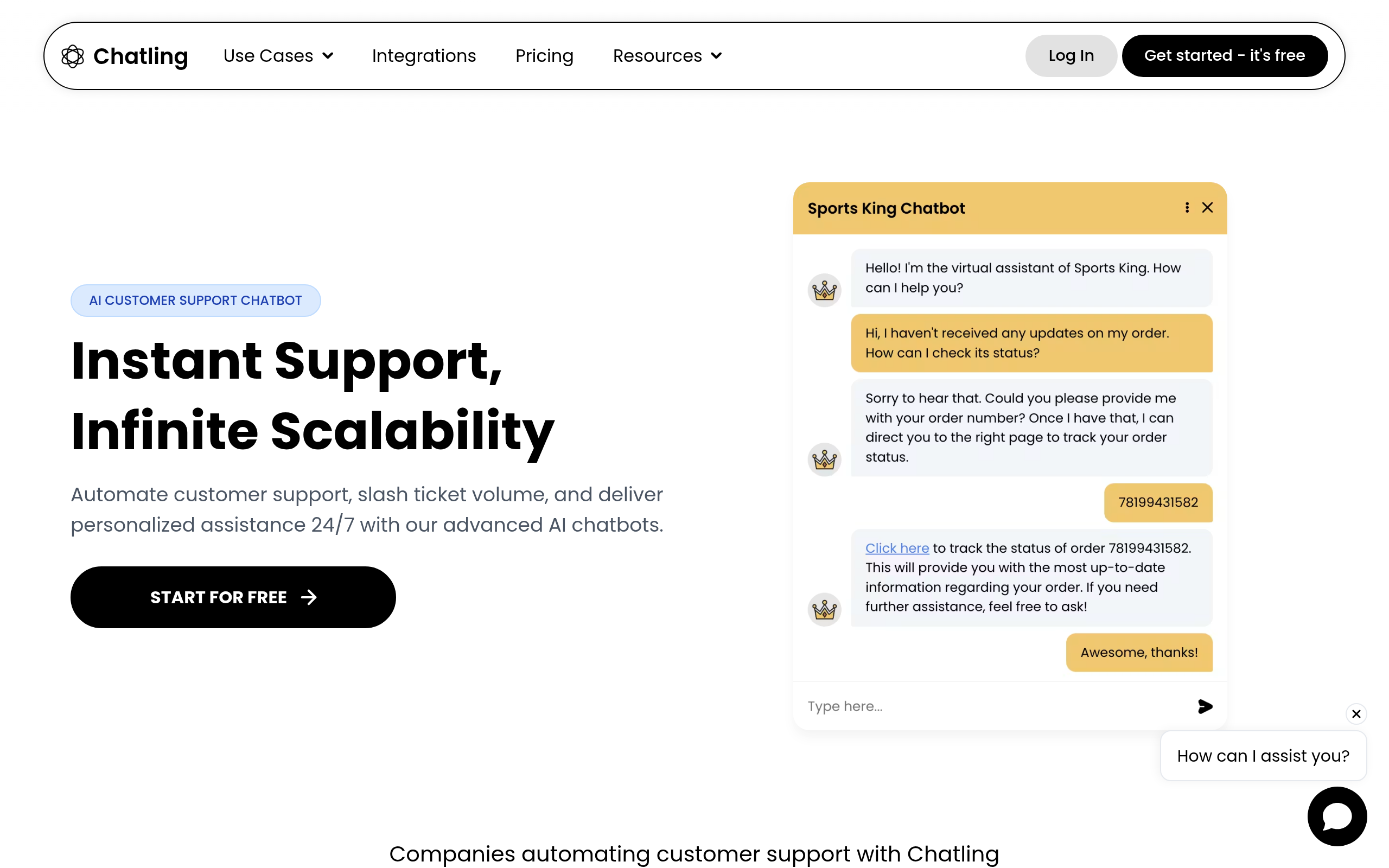
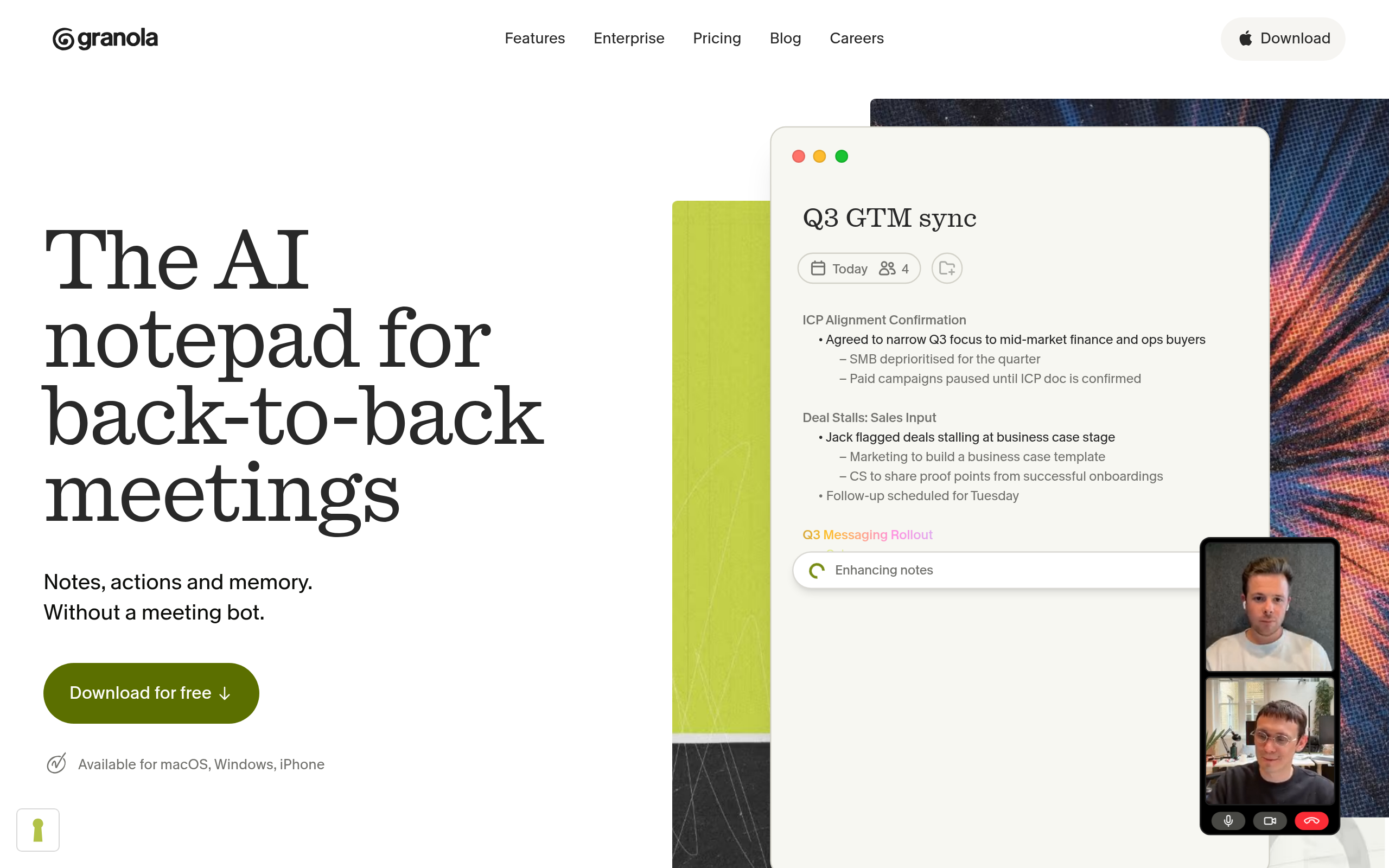
- Best tools: Fathom AI Notetaker for meeting notes, Krisp AI Note Taker for clean calls and notes, n8n for automation, Granola for notes, Chatling for support chatbots, Simplified AI Writer for writing.
- Pick tools by where you actually lose time — then let them handle the routine so you focus on real work.
- Review AI output and keep a human in the loop on anything important.
AI productivity tools save you hours every week by automating the repetitive, low-value parts of work — taking meeting notes, running automations, drafting writing, handling routine comms, and keeping notes organised — so your time goes to the work that actually needs you. The modern workday is full of tasks that are necessary but draining: writing up meetings, copying data between apps, drafting routine messages, answering the same questions. AI tools now handle a large share of this, and the cumulative time saved is significant. This guide covers where AI productivity tools deliver the biggest wins, how to combine them effectively, the best tools in 2026, and how to use them without losing control of quality.
What are AI productivity tools?
AI productivity tools are applications that use AI to take over or accelerate routine work tasks, giving you back time and mental energy. They span the whole workday: meeting tools that record, transcribe and summarise calls so you stop writing notes by hand; note tools that capture and organise your thinking; automation tools that connect your apps and run multi-step workflows without you; writing tools that draft emails, posts and documents; and communication tools like chatbots that handle routine queries. What unites them is a simple promise: take the repetitive, mechanical work off your plate so you can focus on the parts of your job that require judgement, creativity and relationships. The best ones do this so seamlessly that the time saving is real and recurring, week after week, rather than a one-off novelty.
Where AI saves the most time
The biggest productivity wins cluster around a few predictable areas. Meetings — having AI take notes, summarise and extract action items eliminates a task everyone dislikes and forgets to do. Automation — connecting apps so data flows and tasks trigger automatically removes hours of manual copying and chasing. Writing — drafting first versions of emails, posts and documents turns a blank page into an edit job. Communication — chatbots answering routine questions free your team from repetitive replies. And notes and knowledge — capturing and organising information so it is findable later saves the time you would otherwise waste hunting for things. The pattern is clear: AI is best at the repetitive, structured, time-consuming work that surrounds your real job, and reclaiming those hours is where the productivity gain lives.
Best AI productivity tools in 2026
| Job | Best tool |
|---|---|
| Meeting notes & summaries | Fathom AI Notetaker |
| Clean calls + note-taking | Krisp AI Note Taker |
| Workflow automation | n8n |
| Personal & meeting notes | Granola |
| Support chatbots | Chatling |
| AI writing | Simplified AI Writer |
For meeting notes and summaries, Fathom AI Notetaker records, transcribes and summarises calls with action items. Krisp AI Note Taker adds noise-free audio on top of note-taking, so calls are both clear and documented. For automation, n8n connects your apps and runs multi-step, AI-enhanced workflows. Granola is excellent for personal and meeting notes that blend your input with AI structure. Chatling builds support chatbots that handle routine questions, and Simplified AI Writer drafts content fast. To automate more deeply, see our guide to AI agents, and for the meeting side, our AI meeting assistants guide.
How to build your AI productivity stack (step by step)
- Find where you lose time — track a week and note the repetitive tasks that drain hours.
- Automate meetings first — add Fathom AI Notetaker or Krisp AI Note Taker so notes happen without you.
- Automate your busywork — use n8n to connect apps and remove manual copying between them.
- Speed up writing — draft first versions with Simplified AI Writer, then edit.
- Offload routine comms — let Chatling handle repetitive support questions.
- Review and refine — keep a human eye on anything important before it goes out.
Stack a few tools, don't chase one app
The most common mistake with AI productivity is hunting for a single do-everything app, when the real gains come from stacking a few focused tools across your actual workflow. No one product is best at meetings, automation, writing and support chatbots at once — and trying to force one tool to do all of it usually means it does none of them well. A better approach is to map where you genuinely lose time and pick the strongest tool for each: a dedicated notetaker for meetings, an automation platform for busywork, a writing assistant for drafts, a chatbot for routine queries. These tools increasingly connect to one another, so a stack can feel cohesive without being a single app. The compounding effect is what matters — saving twenty minutes on meetings, an hour on automation, and another on writing each adds up to real reclaimed time. Build the stack around your specific bottlenecks rather than chasing a mythical all-in-one, and the time savings become substantial and durable.
Keeping quality high while moving faster
The point of AI productivity tools is to do more in less time, but speed without quality is a false economy — and AI output, while fast, is not automatically correct. So the discipline that separates effective use from sloppy use is keeping a human in the loop on anything that matters. AI-drafted emails and documents need a read before they go out; meeting summaries should be reviewed for the occasional misattribution; automated workflows need monitoring so a silent failure does not cascade; and chatbot responses on sensitive topics deserve oversight. This does not undo the time saving — reviewing a strong draft is far faster than writing from scratch, and supervising an automation is far faster than doing the steps manually. The goal is to let AI handle the volume and the mechanics while you provide the judgement and the final check. Used this way, AI productivity tools genuinely give you hours back without trading away the accuracy, tone and care that your real work depends on. The reclaimed time is real precisely because you keep control of quality.
The bottom line
AI productivity tools give you hours back every week by automating the repetitive work around your real job — meeting notes, automation, writing and comms. The biggest gains come from stacking a few focused tools across your actual workflow: Fathom AI Notetaker and Krisp AI Note Taker for meetings, n8n for automation, Granola for notes, Chatling for support chatbots, and Simplified AI Writer for writing. Pick tools by where you actually lose time, let them handle the routine, and keep a human eye on anything important — and the reclaimed hours add up fast without sacrificing quality.
Disclaimer: AI productivity tools are fast but not infallible — drafts, summaries and automations can contain errors. Review important output, monitor automations, and keep a human in the loop on anything that matters before it goes out.
Tools mentioned in this guide
Pricing, features and model availability can change over time. Always verify current details on each tool's official website before deciding.
Frequently Asked Questions
What are AI productivity tools?
What are AI productivity tools?
What are the best AI productivity tools?
What are the best AI productivity tools?
Where does AI save the most time?
Where does AI save the most time?
Should I use one AI tool or several?
Should I use one AI tool or several?
How much time can AI productivity tools save?
How much time can AI productivity tools save?
Do I still need to check AI output?
Do I still need to check AI output?
Don't just pick a tool — get the whole workflow
Tell Comparee your goal and get a complete step-by-step AI workflow with the right tool for every step.