Best AI Meeting Schedulers & Calendar Assistants in 2026
Discover the best AI meeting schedulers and calendar assistants in 2026. Comparee ranks Noota, MeetGeek, Amie, Lindy and more — free tiers, features & verdict.
The best AI meeting scheduler in 2026 depends on your primary bottleneck. For post-meeting notes and transcription, Noota tops the Comparee rankings with a 94/100 score. For a full AI calendar assistant that handles booking autonomously, Amie and Lindy are the strongest options. Teams that need structured meeting recaps and async catch-up summaries will find MeetGeek and Meeting.ai most useful. Every tool below has a free tier — so there is no reason not to test before you buy.
- Noota earns the highest Comparee score in this category (94/100) — best overall pick for AI meeting notes and real-time transcription.
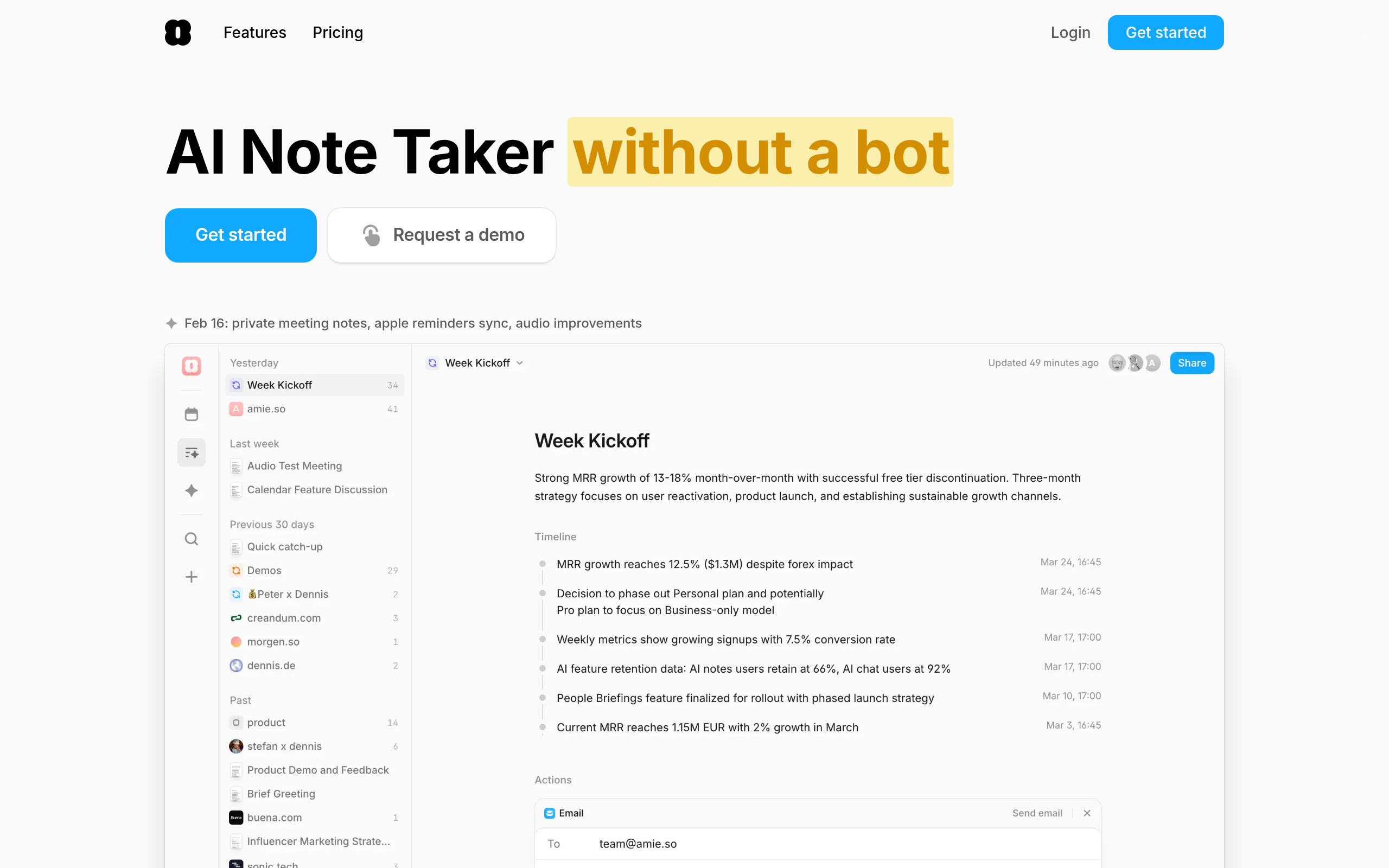
- Amie is the strongest calendar-first AI assistant: natural language scheduling, smart event suggestions, clean interface.
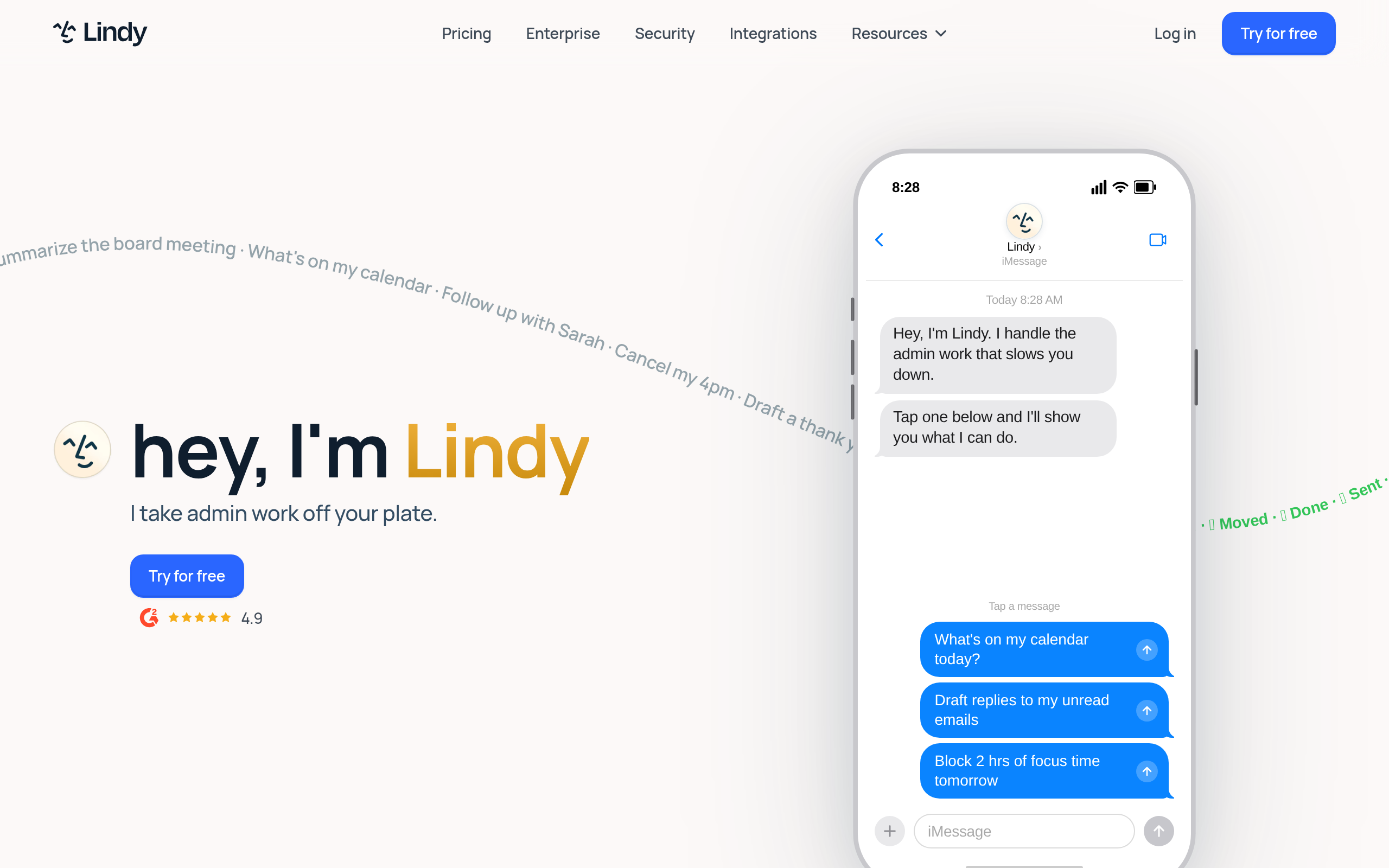
- Lindy acts as an autonomous AI scheduling agent — it handles booking, rescheduling, and follow-ups without you touching the keyboard.
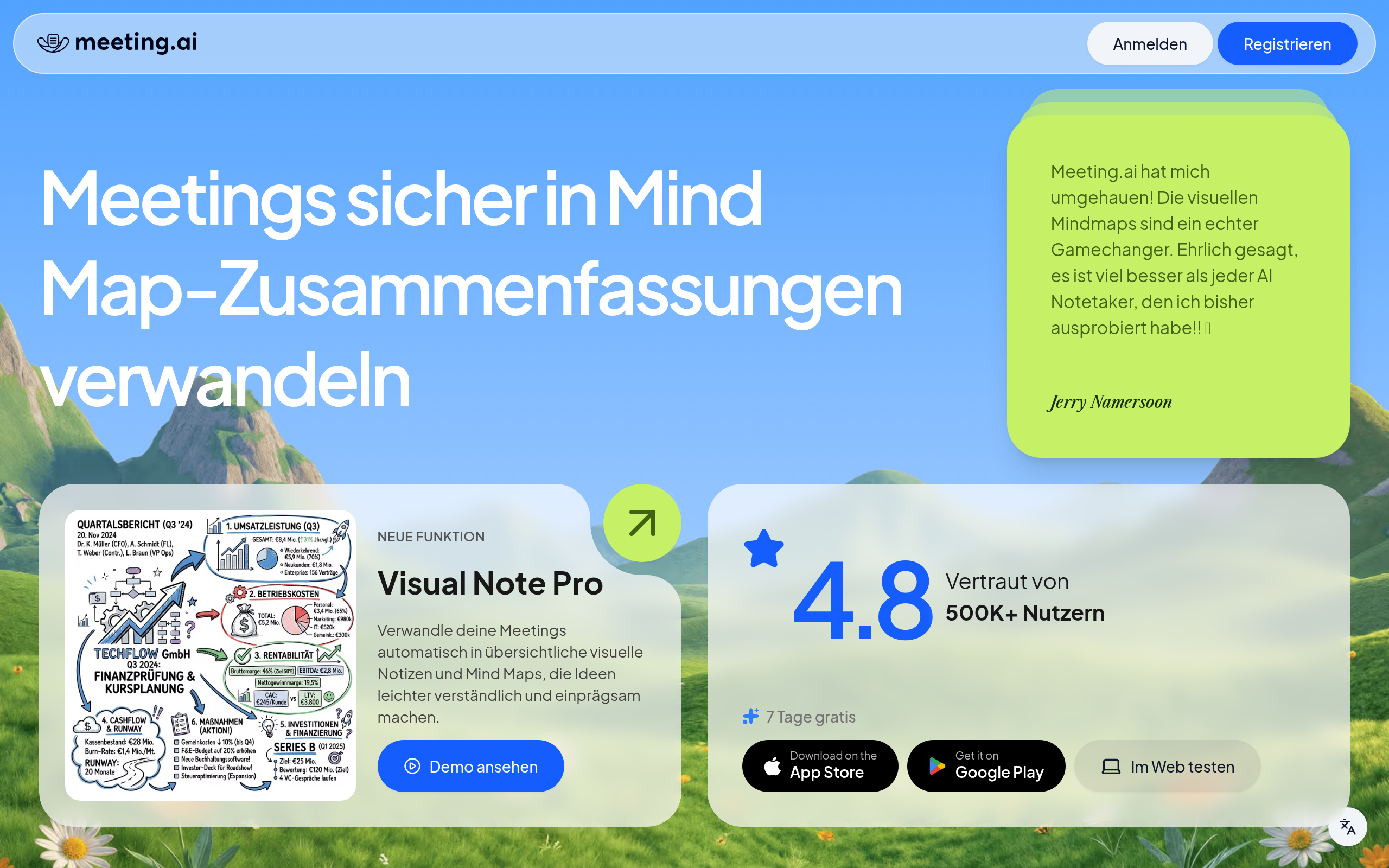
- MeetGeek and Meeting.ai shine for team recaps, highlights, and async collaboration after calls end.
- Every featured tool offers a free plan or trial — validate it with real meetings before committing to a paid plan.
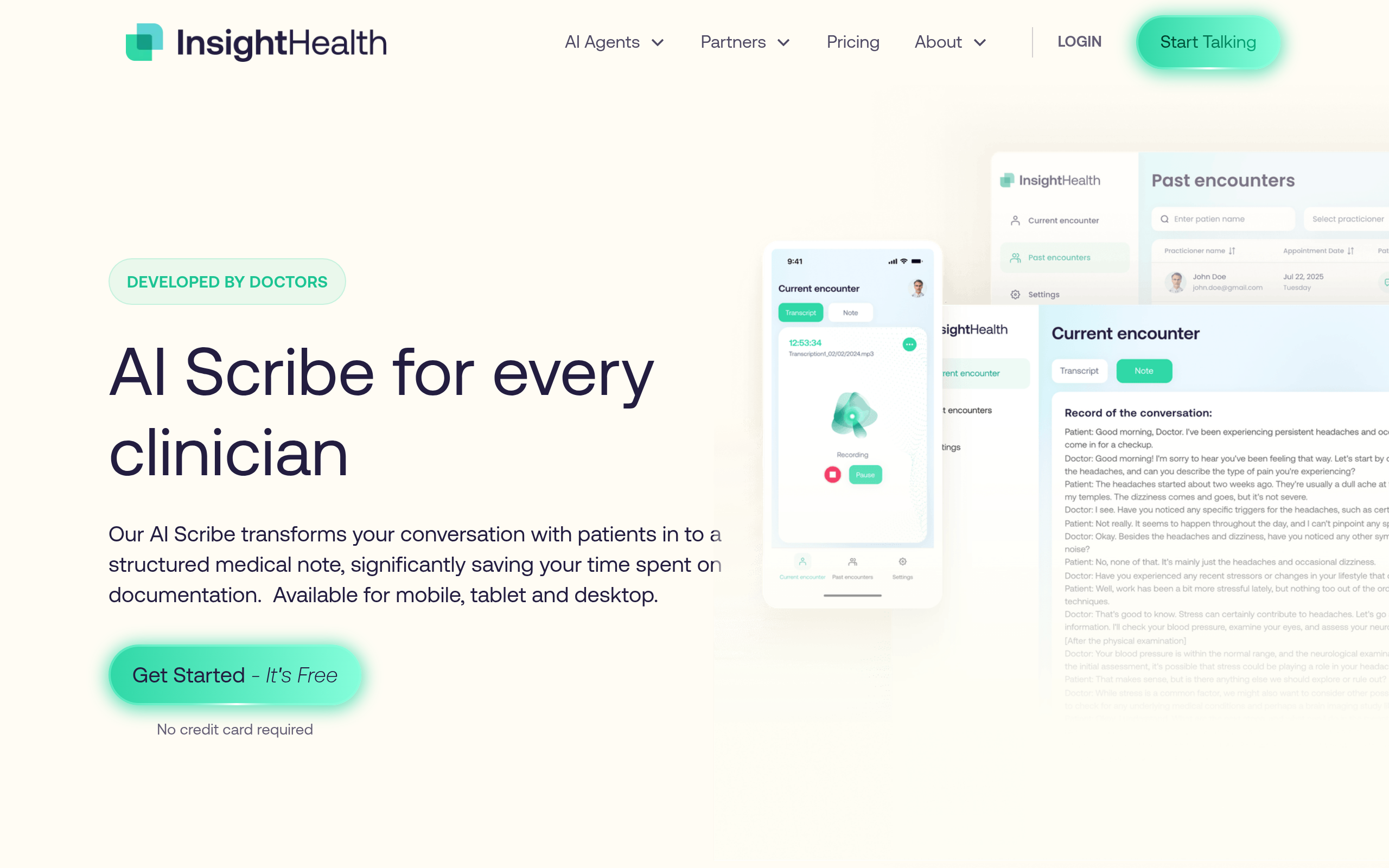
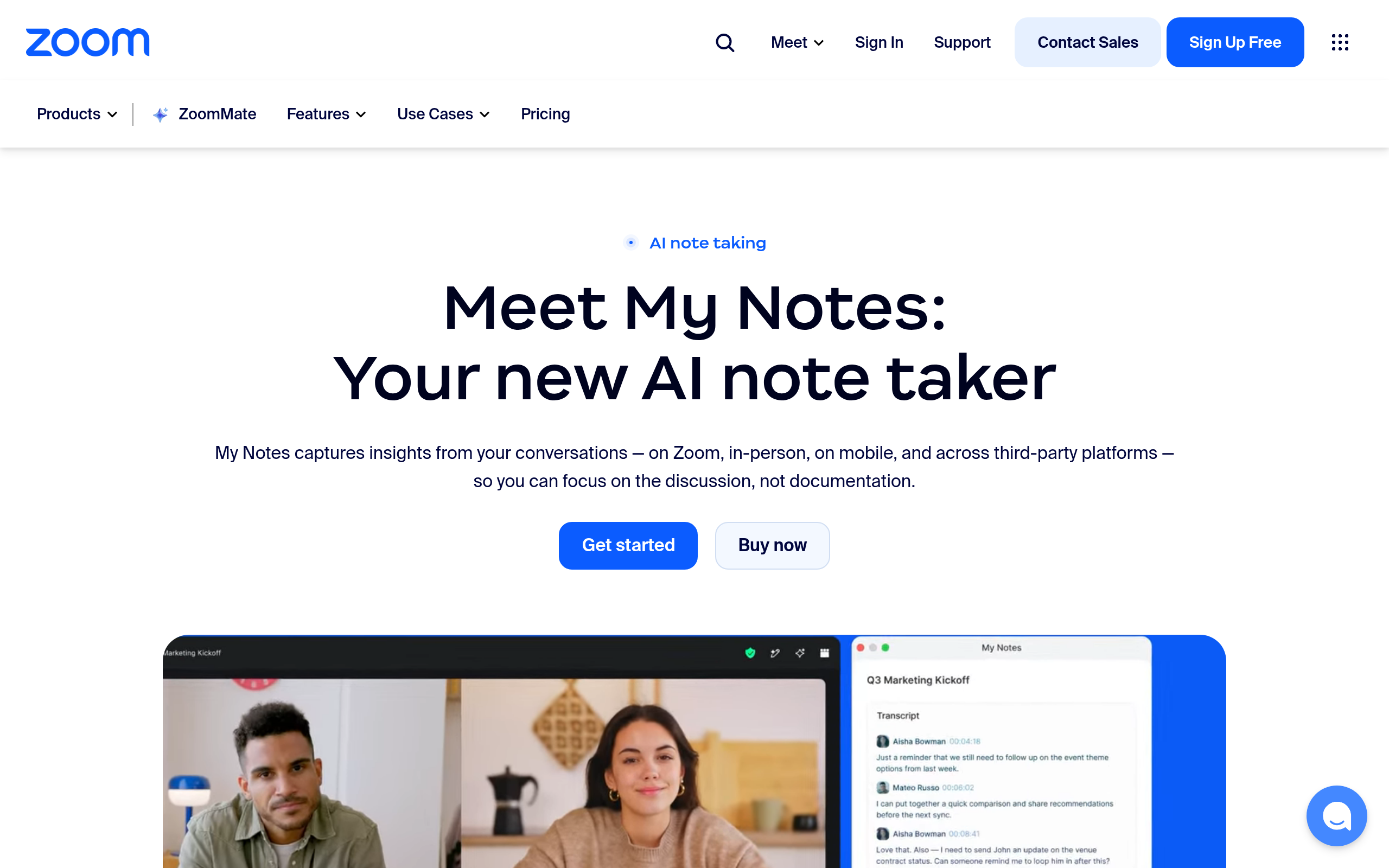
- For solo users on a budget, My Notes and Aura AI Scribe are lighter-weight options with no platform commitment required.
What Makes an AI Meeting Scheduler Different from a Regular Calendar App?
A standard calendar app — Google Calendar, Outlook — lets you place events and set reminders. An AI meeting scheduler goes further: it reads your availability patterns, suggests optimal meeting times, drafts invites, transcribes conversations in real time, extracts action items, and in the most capable tools, books meetings entirely on your behalf.
The key differentiators in 2026 are:
- Natural language scheduling — tell the tool "find a 30-minute slot next week with the whole team" and it handles the coordination.
- Meeting transcription and summarization — AI writes notes, pulls out decisions, and assigns tasks while you focus on the conversation itself.
- Autonomous scheduling agents — tools like Lindy email contacts, check calendars, and confirm bookings without you touching the keyboard.
- Async-first workflows — searchable transcripts and highlight reels mean teammates who missed a call can catch up in under two minutes.
Explore the full Productivity & Meetings category on Comparee for a broader view of what is available in 2026.
Quick Verdict — Which AI Meeting Tool Is Best for Each Use Case?
| Tool | Best For | Free Tier | Standout Feature |
|---|---|---|---|
| Noota | Meeting notes & transcription | Yes | Real-time AI notes, multi-language transcription |
| MeetGeek | Team meeting recaps | Yes | Auto-summaries and shareable highlight clips |
| Meeting.ai | Meeting prep & follow-up automation | Yes | Pre/post-meeting AI workflow automation |
| Amie | AI-first calendar management | Yes | Natural language scheduling, smart suggestions |
| Lindy | Autonomous AI scheduling agent | Yes | Full booking flows without manual input |
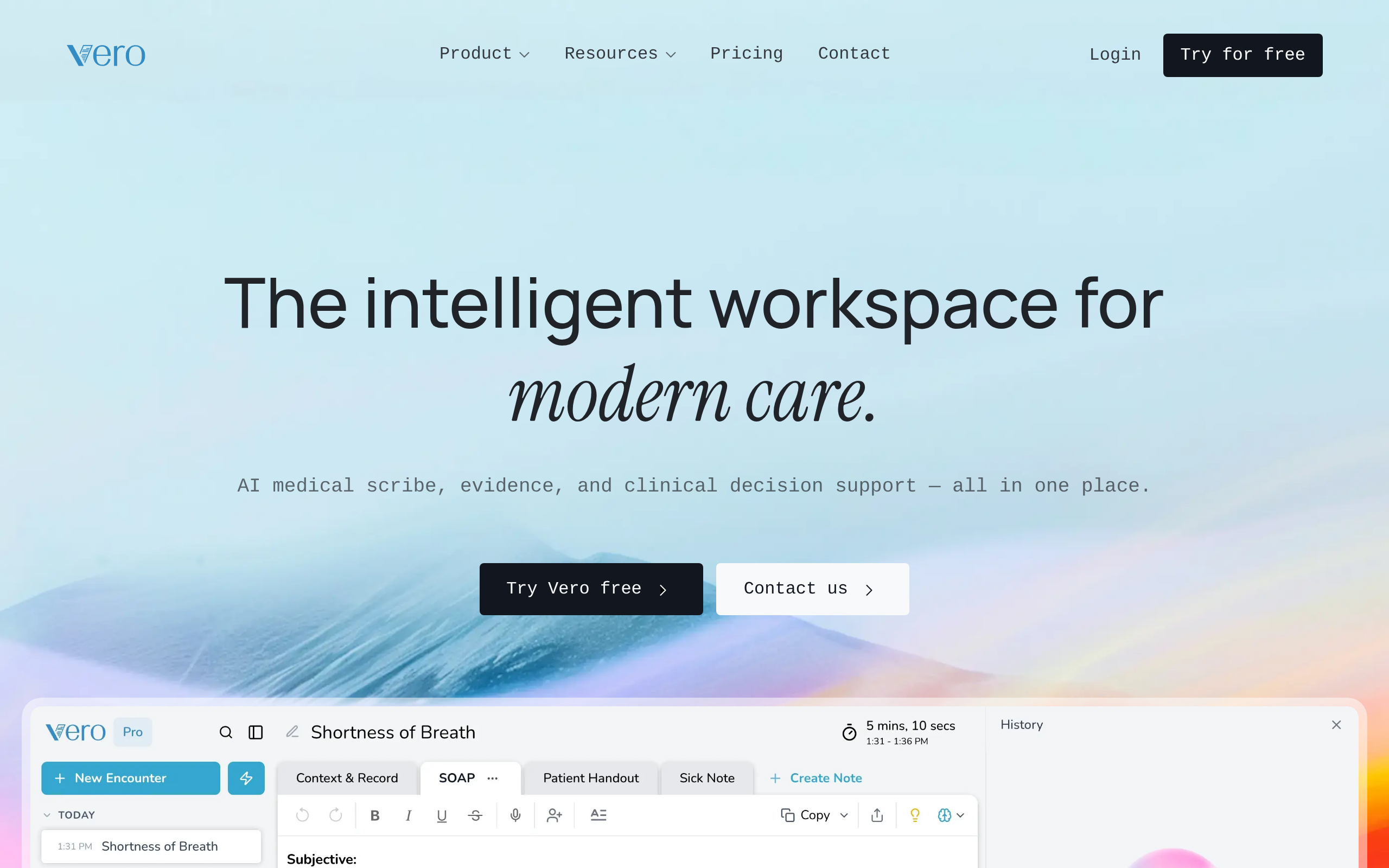
| Vero | Scheduling within broader workflows | Yes | Multi-channel automation triggers |
| Aura AI Scribe | Real-time AI scribe during calls | Yes | Low-friction professional transcription |
| My Notes | Lightweight solo note capture | Yes | Distraction-free, AI-assisted note organization |
How Do the Top AI Meeting Assistants Compare on Features?
Not all AI meeting tools are built the same. Some are optimized for recording and summarizing calls; others focus on proactively managing your calendar. Here is how the main contenders compare on the features that matter most for professional and remote teams:
| Feature | Noota | MeetGeek | Meeting.ai | Amie | Lindy | Aura AI Scribe |
|---|---|---|---|---|---|---|
| AI Transcription | ✓ | ✓ | ✓ | — | — | ✓ |
| Calendar Integration | ✓ | ✓ | ✓ | ✓ | ✓ | — |
| Autonomous Scheduling | — | — | Partial | ✓ | ✓ | — |
| Meeting Summaries | ✓ | ✓ | ✓ | — | ✓ | ✓ |
| Action Item Extraction | ✓ | ✓ | ✓ | — | ✓ | — |
| Multi-Language Support | ✓ | Partial | — | ✓ | — | — |
| Async Collaboration | ✓ | ✓ | ✓ | — | ✓ | — |
If transcription and meeting notes are your primary pain point, Noota and MeetGeek are the safest starting points. If you want the AI to take over scheduling logistics entirely, Lindy and Amie are the right layer to add to your workflow.
What Is the Best Free AI Meeting Scheduler in 2026?
Every tool in this guide offers a free plan or free trial, but what is included varies significantly. Here is what to expect from each free tier before you reach a paywall:
- Noota — the free plan covers a limited number of meeting recordings per month. Enough to validate the workflow and transcription quality, which is among the best in class, before upgrading.
- MeetGeek — free plan includes a set number of meeting hours per month with full summary and highlight features. A genuinely useful starting point for small teams.
- Amie — free tier gives access to the core AI calendar features and smart suggestions. Paid plans unlock deeper integrations and team sharing capabilities.
- Lindy — usage-based free allowance: you get a set number of AI tasks before hitting the paid tier. Ideal for testing the scheduling agent with real external contacts before committing.
- Meeting.ai — a free trial provides full access to meeting prep and follow-up automation; post-trial moves to a subscription model.
- My Notes — fully free for individual use. No paywalled features for core note-taking. The clear pick if budget is the deciding factor.
- Aura AI Scribe — offers a free tier focused on real-time scribe functionality; paid tiers unlock longer session limits and additional export formats.
For most professionals, the realistic path is: start on the free tier, run the tool through one month of actual meetings, then decide whether the paid upgrade pays for itself in time saved. AI scheduling tools have a strong compounding effect — the more meetings you have, the faster they break even.
How Do Pricing Models Compare Across AI Calendar and Meeting Tools?
| Tool | Pricing Model | Best Fit | Typical Team Size |
|---|---|---|---|
| Noota | Free + tiered subscription | Meeting-heavy teams needing transcription at scale | Small–large |
| MeetGeek | Free + usage-based paid | Distributed teams across time zones | Small–mid |
| Meeting.ai | Free trial + subscription | Teams with structured meeting cadences | Individual–team |
| Amie | Free + subscription | Calendar-first power users | Individual–small team |
| Lindy | Free tier + usage-based | Automating outbound scheduling and follow-ups | Individual–mid |
| Vero | Subscription | Teams embedding scheduling in broader automation workflows | Small team |
| Aura AI Scribe | Free + paid tiers | Professionals needing real-time scribe services | Individual |
| My Notes | Free | Solo users, budget-first | Individual |
Exact pricing for each tool changes frequently — always verify on the vendor's pricing page before purchasing. What matters more than the listed price is the per-seat cost at your team size and whether the tier you need is the free plan or requires an upgrade.
Which AI Meeting Tool Works Best for Remote and Hybrid Teams?
Remote and hybrid teams face a specific scheduling challenge: participants span multiple time zones, async communication matters as much as live calls, and meeting notes must be accessible to people who were not in the room. Standard calendar tools fall apart quickly in this scenario.
The strongest choices for distributed teams in 2026:
- MeetGeek — automatic summaries and shareable highlight reels mean anyone can catch up asynchronously. The searchable transcript library reduces "you had to be there" friction for key decisions.
- Meeting.ai — pre-meeting briefings and post-meeting follow-up automation help distributed teams stay aligned without adding more synchronous calls to the calendar.
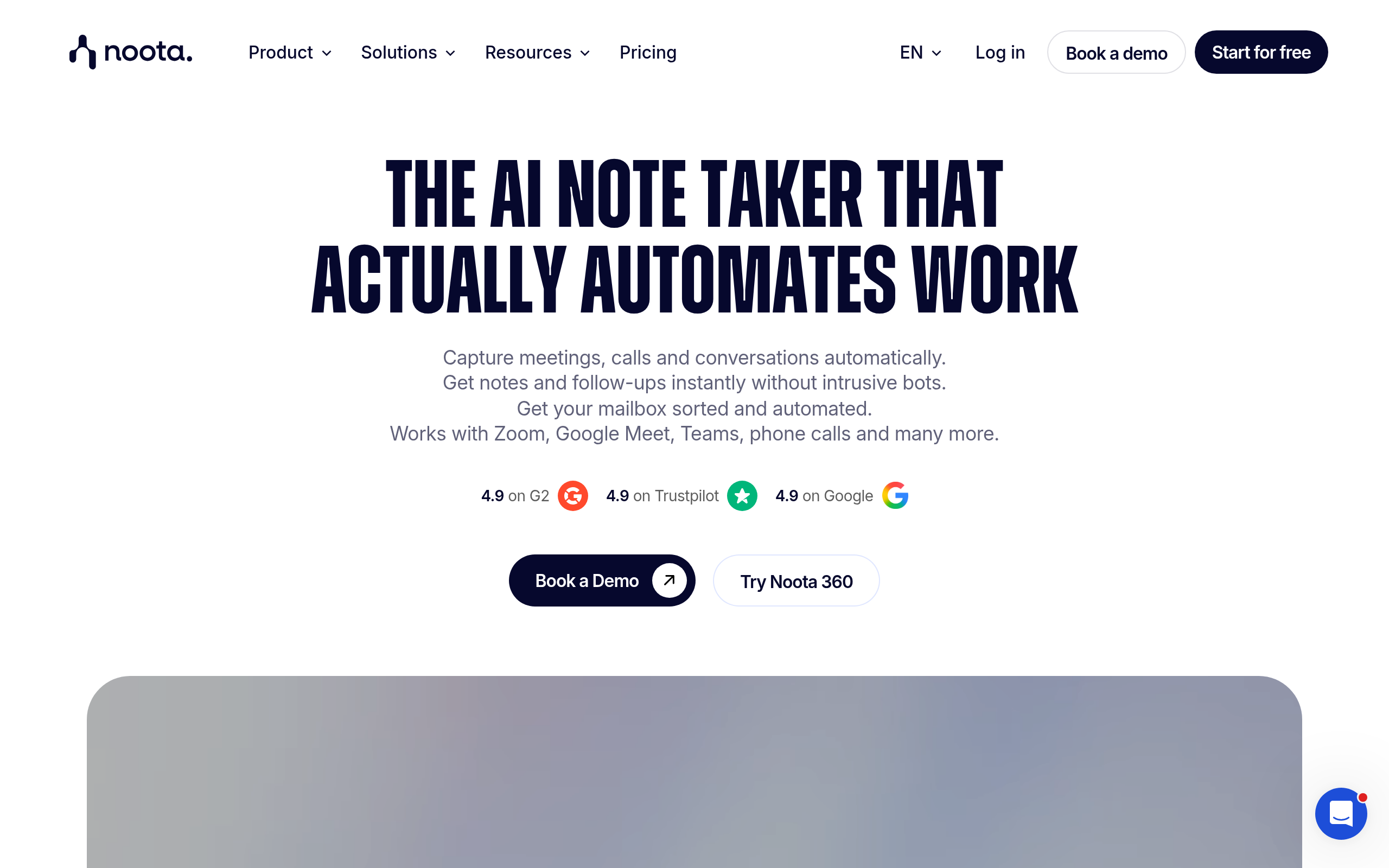
- Noota — multi-language transcription is a meaningful differentiator when teams span multiple countries. Notes are shareable immediately after the call ends, with no manual cleanup needed.
- Lindy — autonomous scheduling across time zones eliminates the email ping-pong that plagues cross-continental booking. The AI finds slots that work for all parties and confirms without human intervention.
If your team relies heavily on Slack, Notion, or project management tools, prioritize tools with native integrations. Both MeetGeek and Lindy offer strong third-party connectivity that reduces the friction of switching context after a call.
How Does AI Meeting Scheduling Actually Work — and What Should You Expect?
Understanding the underlying mechanism helps set realistic expectations. Most AI meeting schedulers operate through one or more of these approaches:
Calendar-connected availability matching
The tool connects to your Google Calendar or Outlook, reads your free and busy slots, and either shares a booking link or negotiates directly with another party. Amie does this well — it understands natural language commands like "block Thursday afternoons" or "find a lunch slot with the design team next week" and acts on them immediately.
AI agent-driven scheduling
Lindy takes this further by acting as a full scheduling agent. It can email external contacts, interpret their replies, handle rescheduling requests, and confirm the meeting — all without you stepping in. Think of it as delegating to a virtual executive assistant rather than a smarter calendar widget.
Real-time transcription and post-meeting intelligence
Tools like Noota, MeetGeek, and Aura AI Scribe join your calls (or connect to a recording) and produce structured outputs: full transcripts, executive summaries, speaker attribution, action items, and decisions. The value compounds over time as your meeting archive becomes searchable and referenceable.
Meeting prep and follow-up automation
Meeting.ai automates the before and after: pulling relevant context before a call, drafting follow-up emails, and flagging open action items. This is particularly valuable for sales and client-facing teams where meeting follow-through directly affects revenue outcomes.
One realistic expectation to set: AI scheduling tools reduce friction but do not eliminate judgment calls. You still decide which meetings to take, how to prioritize conflicts, and what actually matters from a conversation. The AI handles the logistics layer — you handle the strategic layer.
Comparee's Verdict: Which AI Meeting Scheduler Should You Choose?
After mapping tools against real-world use cases, here is Comparee's explicit recommendation by scenario — no vague "it depends" answers:
- Best overall for meeting notes and transcription: Noota — highest Comparee score in the category (94/100), strong multi-language support, free tier available. Start here if meeting notes are your primary pain point. Comparee's verdict: Noota is the best choice for any team that holds more than three calls a week and cannot afford to lose what was said and decided.
- Best AI calendar assistant for individuals: Amie — clean design, natural language scheduling, smart event suggestions. Comparee's verdict: Amie is the best choice for solo professionals and small teams who want their calendar to feel intelligent without adding a complex platform.
- Best autonomous scheduling agent: Lindy — handles the full booking flow, including external email coordination. Comparee's verdict: Lindy is the best choice for consultants, executives, and anyone who manages a high volume of external meetings and wants to reclaim hours spent on scheduling logistics.
- Best for team meeting intelligence: MeetGeek — reliable summaries, async-friendly highlights, solid integrations. Comparee's verdict: MeetGeek is the best choice for teams that meet frequently and need a shared, searchable record of decisions and commitments.
- Best for structured prep and follow-up workflows: Meeting.ai — automates before and after rather than the during. Comparee's verdict: Meeting.ai is the best choice for sales teams, account managers, and anyone whose meetings have formal pre-work and post-meeting action requirements.
- Best lightweight free option: My Notes — no platform lock-in, fully free. Comparee's verdict: My Notes is the best choice for solo users who want AI-assisted note organization without committing to a full meeting intelligence platform.
The one mistake to avoid: choosing a tool based on the feature list rather than your actual bottleneck. If your problem is that meetings produce no follow-through, transcription alone will not fix it — you need action item automation. If your problem is that scheduling takes too many emails, focus on the agent-based tools. Start narrow, solve one problem well, then expand.
Browse and filter all tools in the Productivity & Meetings section on Comparee to compare scores, features, and free tier availability side by side.
Tools mentioned in this guide
Pricing, features and model availability can change over time. Always verify current details on each tool's official website before deciding.
Frequently Asked Questions
What is the best AI meeting scheduler in 2026?
What is the best AI meeting scheduler in 2026?
Are AI meeting schedulers free?
Are AI meeting schedulers free?
How does AI meeting transcription work?
How does AI meeting transcription work?
Can AI schedule meetings automatically without any input from me?
Can AI schedule meetings automatically without any input from me?
What is the difference between Noota and MeetGeek?
What is the difference between Noota and MeetGeek?
Is Amie a good replacement for Google Calendar?
Is Amie a good replacement for Google Calendar?
Can AI meeting tools integrate with Zoom, Google Meet, and Microsoft Teams?
Can AI meeting tools integrate with Zoom, Google Meet, and Microsoft Teams?
What is the best AI tool purely for meeting notes?
What is the best AI tool purely for meeting notes?
Don't just pick a tool — get the whole workflow
Tell Comparee your goal and get a complete step-by-step AI workflow with the right tool for every step.