Krisp Review (2026): Noise Cancellation and AI Meeting Notes
Krisp review 2026 — AI noise cancellation and meeting notes. Strengths, trade-offs and who should use it.
Key takeaways
- Krisp AI Note Taker combines AI noise cancellation with meeting transcription and notes.
- Best for remote workers in noisy environments who also want a record of their calls.
- Less essential if you already have a quiet space and a separate notetaker you like.
- A strong all-in-one for clean audio plus meeting notes.
Background noise on calls is more than annoying — it makes you sound less professional and harder to understand. Krisp AI Note Taker tackles that and adds meeting notes on top. This review covers whether the combination is worth it.
When work moved out of quiet offices and into homes, cafés and shared spaces, background noise became a daily professional problem — keyboards, traffic, family, other conversations all bleeding into calls. Sounding clear on a call is part of sounding competent, and straining to hear others is exhausting. That practical pain is why noise-cancellation tools became popular, and Krisp AI Note Taker is among the most searched, because it pairs effective noise removal with meeting notes in one tool. This review looks at how well the combination works, who benefits most, and whether it's worth it if you already have a quiet space.
The short verdict
Krisp AI Note Taker is best known for AI noise cancellation that removes background sound from your calls, and it also handles meeting transcription and notes. For remote workers — especially in noisy homes, cafés or shared spaces — the clean-audio benefit alone is compelling, and the notes make it a useful all-in-one.
What is Krisp?
Krisp AI Note Taker sits between your microphone and your calls, using AI to strip out background noise (typing, traffic, other voices, room echo) so you come through clearly. Alongside that, it transcribes meetings and produces notes, combining "sound professional" and "keep a record" in one tool. It works across the calling apps you already use rather than being tied to one platform.
Who Krisp is for
It fits anyone who takes calls from less-than-ideal environments — remote workers, people in open-plan offices or busy homes, travellers, and customer-facing staff who need to sound clear no matter where they are. If you've ever apologised for background noise or strained to hear someone else's, Krisp AI Note Taker targets exactly that pain, with meeting notes as a bonus.
Strengths
The standout is the noise cancellation — it genuinely improves how you sound and how well you hear others, which matters on every call. Combining that with transcription and notes means one tool covers two needs. And because it works across your existing calling apps, you don't have to change how you meet to benefit.
Considerations
If you already work from a quiet space, the noise-cancellation benefit is smaller — though the notes may still appeal. As with any notetaker, consent matters when recording or transcribing meetings, so make sure participants are aware. And if you already use a separate notetaker you love, you're mainly evaluating Krisp for the audio side. AI transcription is strong but not perfect, so confirm critical details.
How Krisp compares
Krisp AI Note Taker is somewhat unique in pairing noise cancellation with notes — many tools do one or the other. If you mainly want meeting notes, compare it with dedicated notetakers; if you mainly want clean audio, it's in a smaller field. See related tools in the voice & audio category and the productivity & meetings category.
Pricing approach
Krisp AI Note Taker offers a free tier with paid upgrades, so you can test the noise cancellation on your own calls before paying. Pricing changes, so confirm current tiers on their site.
Pros and cons
| Pros | Cons |
|---|---|
| ✅ Genuinely effective noise cancellation | ⚠️ Smaller benefit if you already have a quiet space |
| ✅ Works across your existing calling apps | ⚠️ Consent matters when transcribing |
| ✅ Adds transcription + notes in one tool | ⚠️ Transcription strong but not perfect |
| ✅ Free tier to test on your own calls |
How to get the most out of Krisp AI Note Taker
To get the most from Krisp AI Note Taker, enable the noise cancellation on every call so you consistently sound clear, and let the notes run in the background for a searchable record. Test it from your noisiest environment first — that's where the difference is most obvious. If you already use a separate notetaker you love, you can still run Krisp purely for the audio benefit.
Is Krisp AI Note Taker worth it?
Is Krisp AI Note Taker worth it? If you take calls from noisy environments — a busy home, café or open-plan office — yes, the audio improvement is immediate and the notes are a bonus. If you already work from a quiet, dedicated space, the case is weaker and rests mainly on the notes. For most remote workers, cleaner calls plus a record is an easy yes.
Krisp AI Note Taker in practice
In practice, Krisp AI Note Taker earns its keep on the first noisy call. The moment a colleague stops hearing your keyboard, your dog, or the café behind you, the value is obvious — you sound more professional and the conversation flows better. Because it works across whatever calling app you already use, there's nothing to change about how you meet; it just quietly cleans up the audio. The meeting notes then add a second layer of usefulness on top.
Who should skip Krisp AI Note Taker
Who should skip Krisp AI Note Taker? If you already work from a quiet, dedicated room with a good microphone, the headline benefit is smaller, and you'd mainly be evaluating it for the notes. And if you have a separate notetaker you're committed to, you'd use Krisp purely for audio. For the large number of people who take calls from imperfect environments, though, it's one of the simplest quality-of-life upgrades available.
The fastest way to judge Krisp AI Note Taker is to turn it on during a call from your noisiest spot and watch the reaction — or the lack of one — from the people you're talking to. When the background chaos simply disappears and nobody mentions it, you've experienced the core benefit. The meeting notes then sit on top as a useful extra. Because it works with the calling apps you already use, there's no workflow change to adopt it, and the free tier lets you test the audio on your own calls first. For anyone whose environment isn't studio-quiet, that combination makes it a low-effort, high-payoff upgrade.
It's also worth noting how little friction there is to adopt it: because it improves your audio across whatever apps you already use, there's nothing new to learn and no workflow to change — you simply sound better immediately. Few productivity tools deliver a benefit this tangible with this little effort, which is a big part of why it has the following it does.
The verdict
Krisp AI Note Taker is an easy win if you take calls from noisy environments — the audio improvement is immediate and noticeable, and the meeting notes add real value. If you already have a quiet space and a notetaker you like, the case is weaker. For most remote workers, though, cleaner calls plus a record is a combination well worth trying.
Disclaimer: features and pricing change frequently — confirm the current details on the product's official site before deciding. This review is independent and based on the tool's general capabilities and positioning.
Tools mentioned in this guide
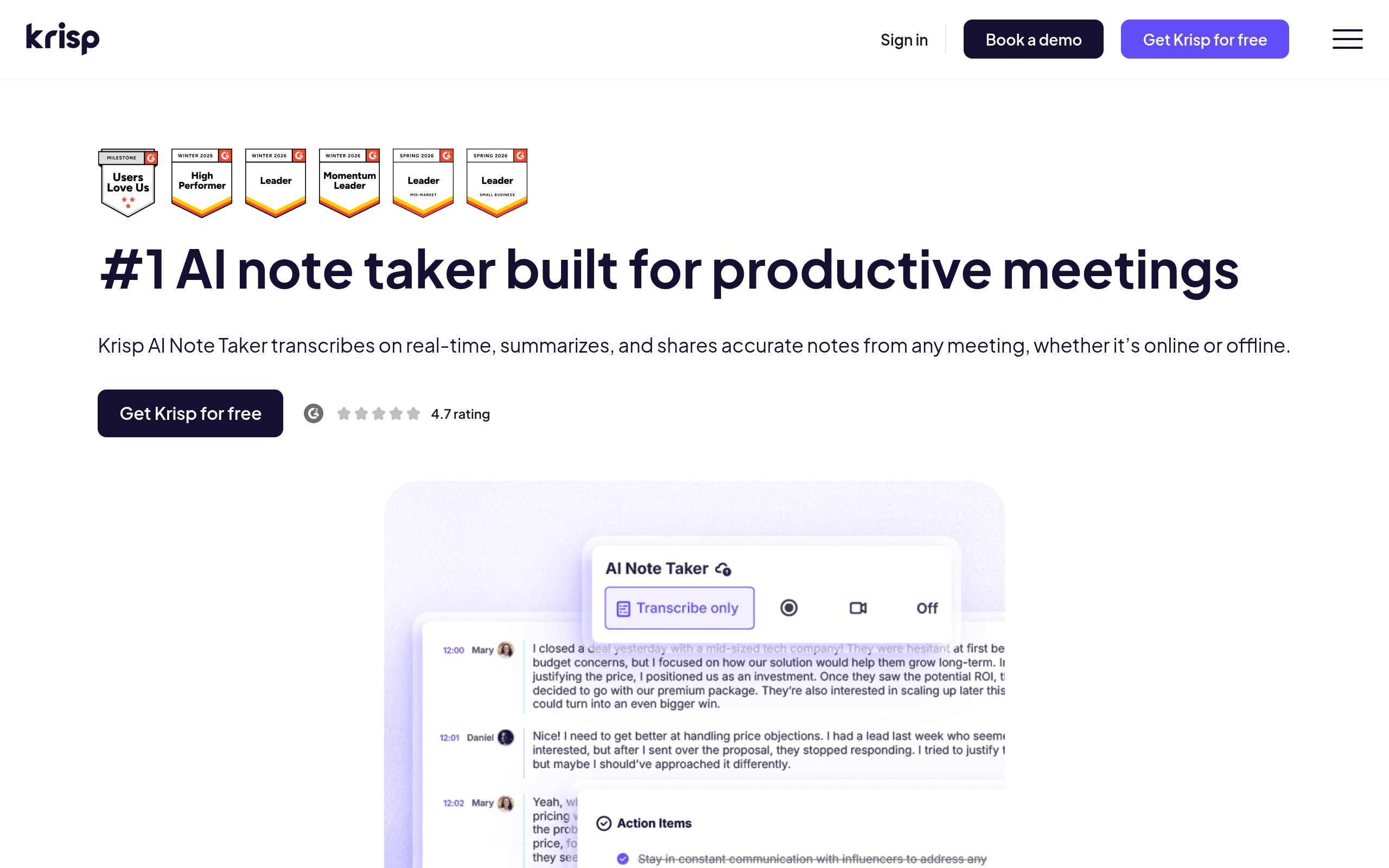
Pricing, features and model availability can change over time. Always verify current details on each tool's official website before deciding.
Frequently Asked Questions
What does Krisp do?
What does Krisp do?
Does Krisp work with any calling app?
Does Krisp work with any calling app?
Is Krisp free?
Is Krisp free?
Is Krisp worth it if I have a quiet office?
Is Krisp worth it if I have a quiet office?
Don't just pick a tool — get the whole workflow
Tell Comparee your goal and get a complete step-by-step AI workflow with the right tool for every step.