How to Automate Your Business with AI: A 2026 Guide
Automate your business with AI in 2026: find repetitive processes, pick the right automation or agent tool, and keep humans in the loop on high-stakes work.
Key takeaways
- Automating your business with AI starts by mapping the repetitive, rule-based work that drains your team.
- Tools like n8n, Relay.app, StackAI and Twin span workflow automation and AI agents.
- Automate the boring and repeatable first; save judgment-heavy work for humans or human-reviewed agents.
- High-stakes actions need a human-in-the-loop checkpoint, not blind autonomy.
- Start small with one process, prove it, then expand — big-bang automation projects usually fail.
You can automate a large share of your business's repetitive work in 2026 using AI, but the wins come from picking the right processes and keeping humans in the loop where the stakes are high. Automation is not about replacing your team wholesale; it is about removing the dull, error-prone, repeatable tasks that drain hours and morale. The businesses that succeed treat automation as a discipline: they map where time actually goes, automate the most repetitive low-risk steps first, and add AI agents for the fuzzier work only when there is a safety net. The ones that fail try to automate everything at once, hand critical decisions to unsupervised software, and end up firefighting. This guide shows the disciplined path and names the tools that fit each layer.
What does it mean to automate a business with AI?
Automating a business with AI means using software to carry out tasks that previously required a person, ranging from simple rule-based workflows to more autonomous AI agents that handle ambiguity. At the simple end, automation connects your tools so that an event in one triggers an action in another — a form submission creates a record, a payment sends a receipt, a new lead gets routed. At the more advanced end, AI agents can read messy inputs, make judgment calls and chain several steps together toward a goal. The distinction matters because the two carry very different risk profiles. Deterministic workflows do exactly what you specify every time, while agents are powerful but less predictable. A healthy automation strategy uses both, matching the tool to the risk of the task rather than reaching for the most advanced option everywhere.
Find the repetitive work first
Before choosing any tool, map where your team's time actually goes. The best automation candidates are tasks that are repetitive, rule-based, high-volume and low-judgment — copying data between systems, sending routine notifications, generating standard documents, chasing the same follow-ups. These are the jobs people dislike and frequently get wrong when tired, which makes them perfect for software. Resist the urge to start with the most visible or most complex problem; start with the most repetitive one, because that is where automation pays back fastest and risk is lowest. Spend a week simply noticing which tasks you do over and over, and write them down. That list, ranked by frequency and tedium, is your automation roadmap. Skipping this step is the single most common reason automation efforts stall — teams automate something impressive but rarely used, and see no real return.
Choosing between automation and agents
Not every task wants the same kind of tool. For predictable, rule-based workflows where you want the same result every time, classic workflow automation is the right choice — it is transparent, debuggable and reliable. For tasks involving messy inputs, natural language or judgment, an AI agent can do things rigid workflows cannot, like reading an unstructured email and deciding how to respond. The trade-off is predictability: an agent might handle an edge case gracefully or might do something you did not anticipate. The practical rule is to use deterministic automation wherever the logic can be specified, and reserve agents for genuinely fuzzy work where their flexibility earns its unpredictability. Many real systems combine both — a reliable workflow handles the structured steps and calls an agent only for the one part that needs judgment, keeping most of the process auditable.
Best AI automation tools
| What you need | Best tool |
|---|---|
| Flexible workflow automation you control | n8n |
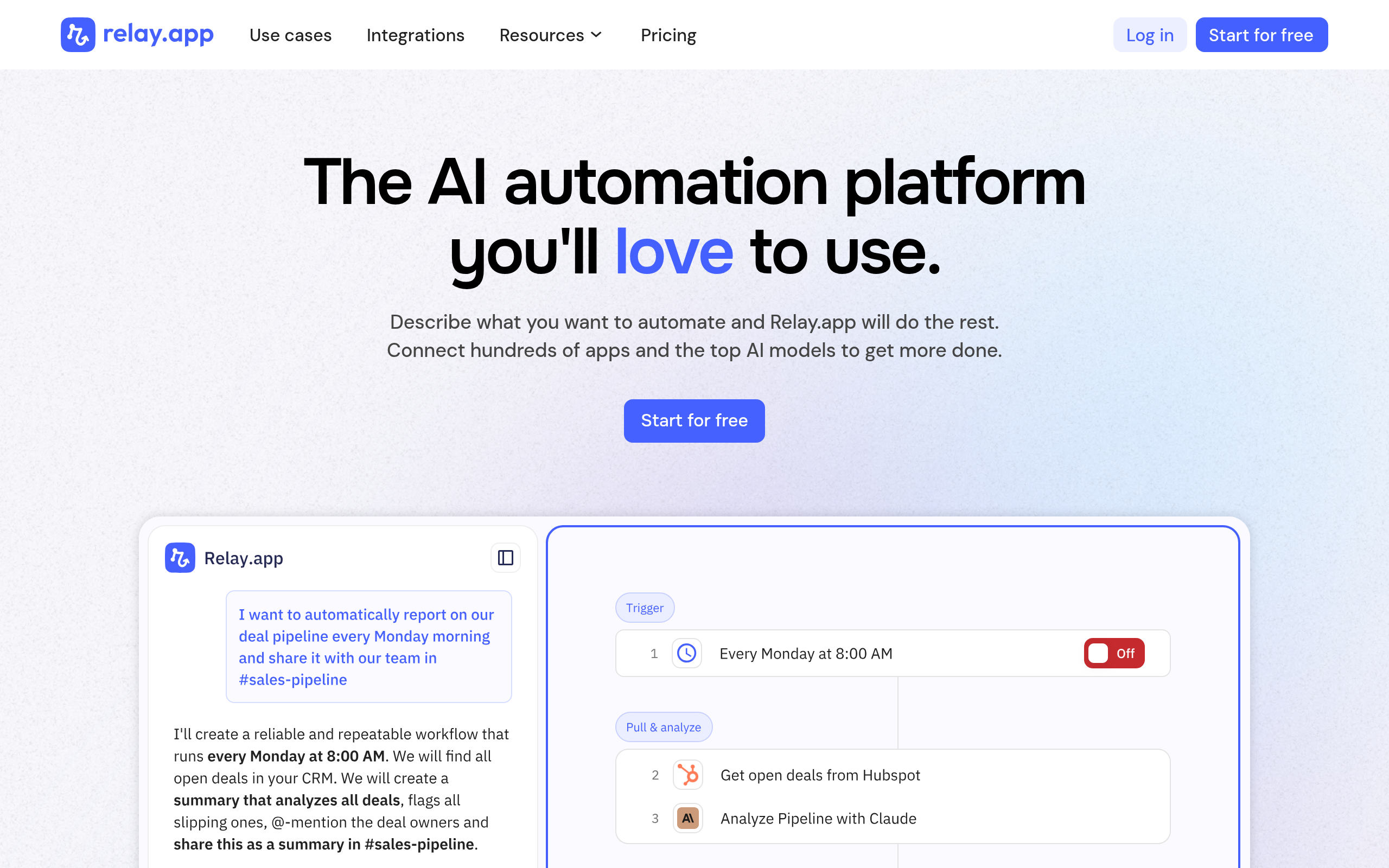
| Automation with built-in human approval steps | Relay.app |
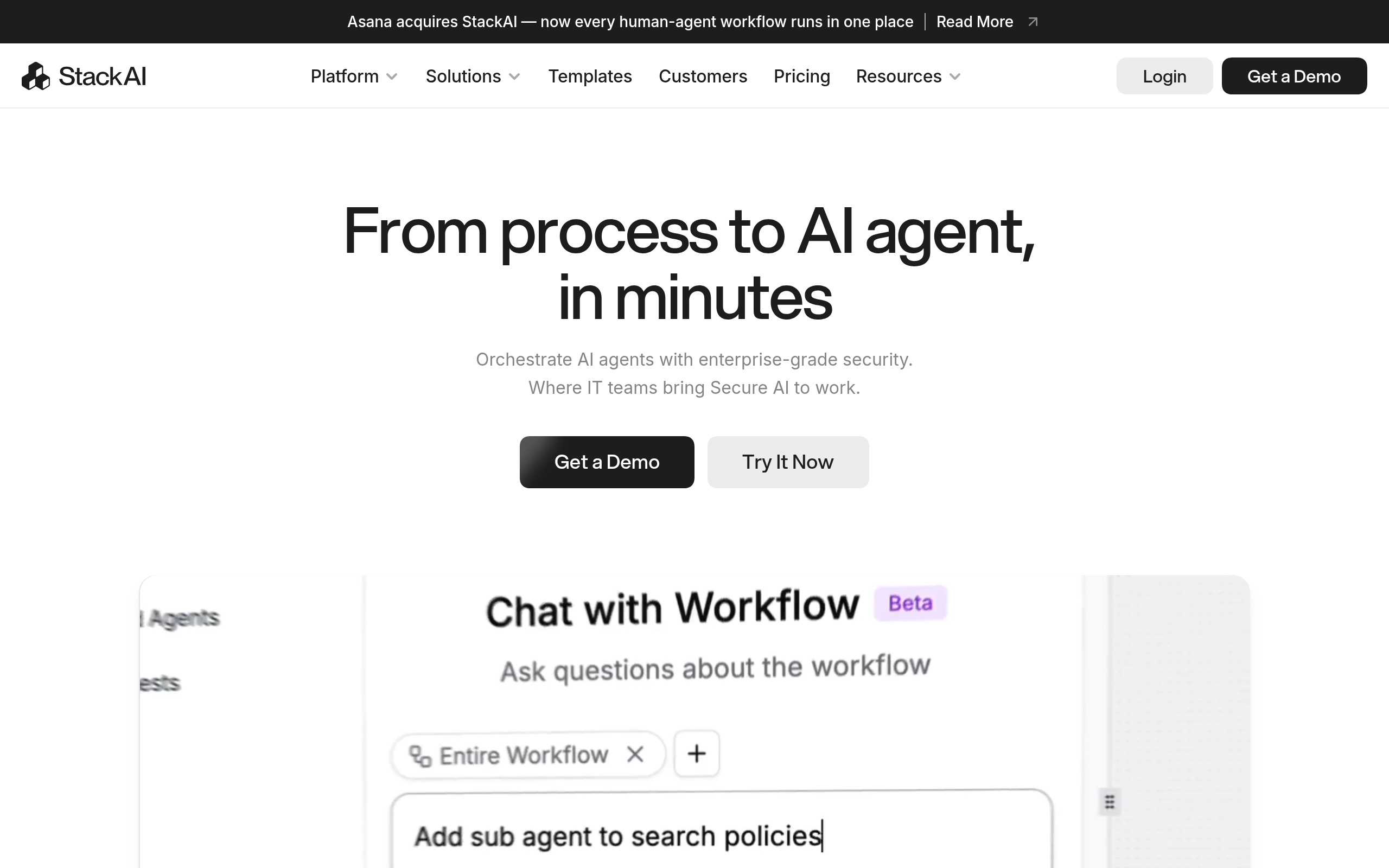
| Build AI agents and apps on your data | StackAI |
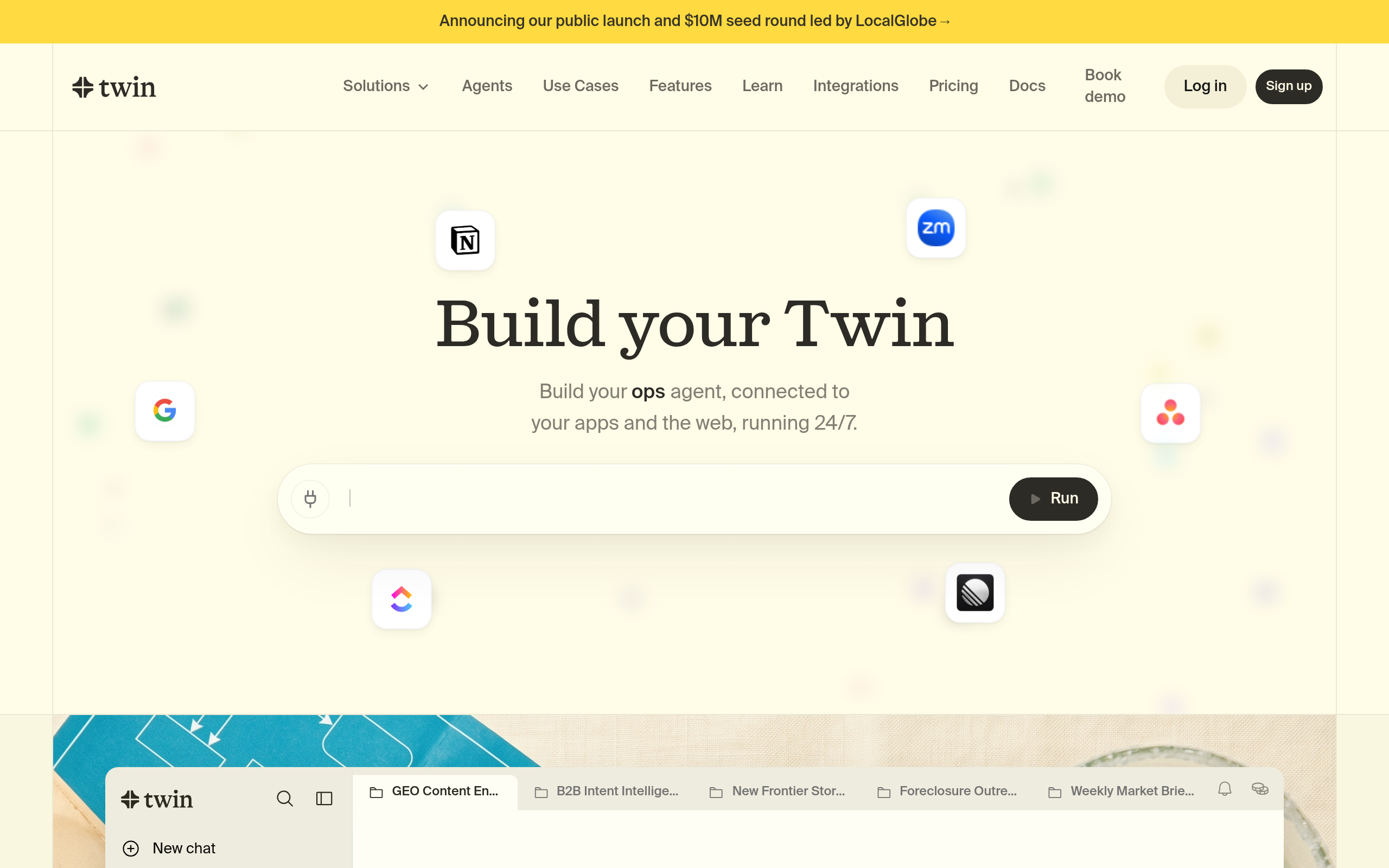
| Agent that operates software like a person | Twin |
| Extract data from sites without an API | Browse AI |
n8n is a flexible workflow automation platform that lets you connect apps and build multi-step automations with a high degree of control, including self-hosting if you want it. Relay.app stands out for building human approval directly into automations, which makes it well suited to processes where a person should sign off before a sensitive action runs. StackAI helps you build AI agents and applications grounded in your own data, useful when you need automation that reasons over your documents. Twin is an agent that can operate software much as a person would, handling tasks across interfaces that lack clean integrations. Browse AI extracts data from websites that offer no API, feeding structured information into your workflows. To go deeper on the agent side specifically, see our complete guide to AI agents.
How to automate a process (step by step)
- Map your team's repetitive work for a week and rank tasks by how often they recur and how tedious they are.
- Pick one high-frequency, low-risk task to automate first, so you can prove value before expanding.
- Decide whether the task needs deterministic workflow automation or a more flexible AI agent.
- Build the automation, then test it thoroughly on real data before letting it run unattended.
- Add a human-in-the-loop approval step for any action that is costly, irreversible or customer-facing.
- Monitor results, fix edge cases, and only then move on to automate the next process on your list.
Keep humans in the loop on high-stakes work
The fastest way to turn automation into a disaster is to remove human oversight from decisions that carry real consequences. Sending money, deleting data, replying to important customers, making commitments — these are actions where a single confident mistake by an agent can be expensive or irreversible. The answer is not to avoid automation but to design checkpoints. Let software prepare the work and a human approve the final, consequential step. This human-in-the-loop pattern captures most of the speed of automation while keeping a person accountable for the outcomes that matter. Over time, as you watch an automation perform reliably on a given task, you can loosen the checkpoint where evidence justifies it. But you earn that trust through observation, not assumption. Defaulting to oversight on high-stakes actions is simply good risk management, and it is what separates durable automation from cautionary tales.
Start small, prove it, then scale
The biggest predictor of automation success is not the sophistication of the tools but the size of the first bite. Teams that try to automate an entire department in one project almost always stall, because complexity compounds and any single failure undermines confidence in the whole thing. Teams that automate one well-chosen process, prove it works, measure the time saved and then move to the next build unstoppable momentum. Each small win frees up capacity and teaches you where the edge cases hide, which makes the next automation easier. This incremental approach also keeps risk contained: if a small automation misbehaves, the blast radius is small. Treat automation as a habit you build process by process rather than a megaproject you deliver once. The compounding effect of many small, reliable automations far outweighs the appeal of one ambitious system that never quite ships.
The bottom line
Automating your business with AI in 2026 is a discipline, not a shopping spree. Map your repetitive work, automate the dullest low-risk tasks first, and match the tool to the risk — deterministic workflows with n8n or Relay.app where logic is clear, AI agents like StackAI and Twin where judgment is needed, and Browse AI to pull data the rest can act on. Keep a human in the loop on anything high-stakes, start small, and let reliable wins compound. Do that and automation becomes a steady source of leverage rather than a source of new fires to fight.
Disclaimer: AI agents can behave unpredictably on edge cases; always test automations on real data and keep human oversight on costly or irreversible actions. Verify each tool's features, security and pricing directly with the provider before relying on it in production.
Tools mentioned in this guide
Pricing, features and model availability can change over time. Always verify current details on each tool's official website before deciding.
Frequently Asked Questions
Where should I start when automating my business?
Where should I start when automating my business?
What is the difference between workflow automation and an AI agent?
What is the difference between workflow automation and an AI agent?
What does human-in-the-loop mean?
What does human-in-the-loop mean?
Why do big automation projects often fail?
Why do big automation projects often fail?
Can AI agents be trusted to act on their own?
Can AI agents be trusted to act on their own?
How do I scale automation safely?
How do I scale automation safely?
Don't just pick a tool — get the whole workflow
Tell Comparee your goal and get a complete step-by-step AI workflow with the right tool for every step.