AI Meeting Assistants: How to Never Take Notes Again (2026)
AI meeting assistants in 2026 — how they record, transcribe and summarise meetings, consent rules, and the best tools like Fathom, Krisp and Granola.
Key takeaways
- AI meeting assistants record, transcribe and summarise your calls automatically — so you stay present instead of scrambling to take notes.
- They turn every meeting into searchable notes with summaries and action items, building a knowledge base over time.
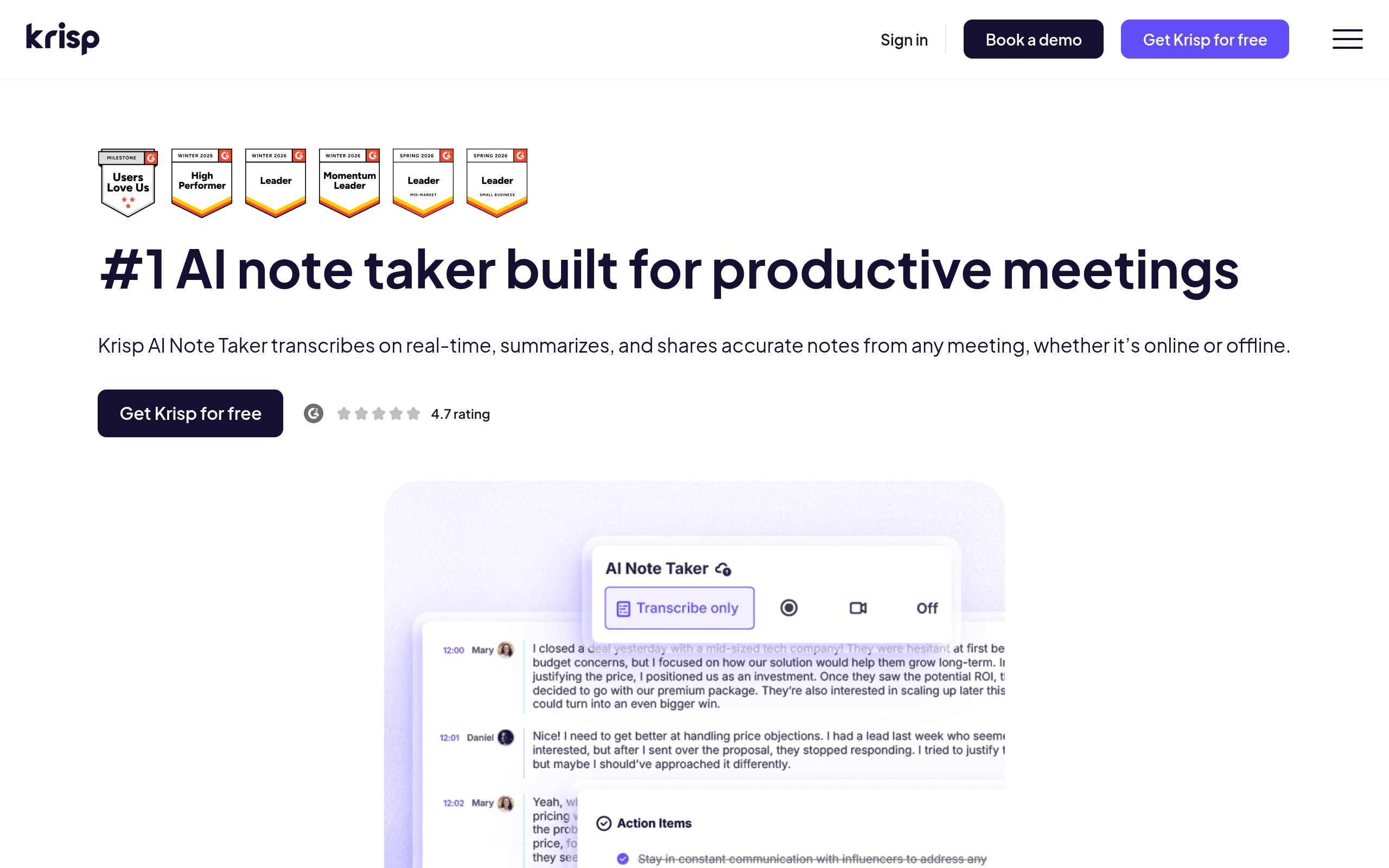
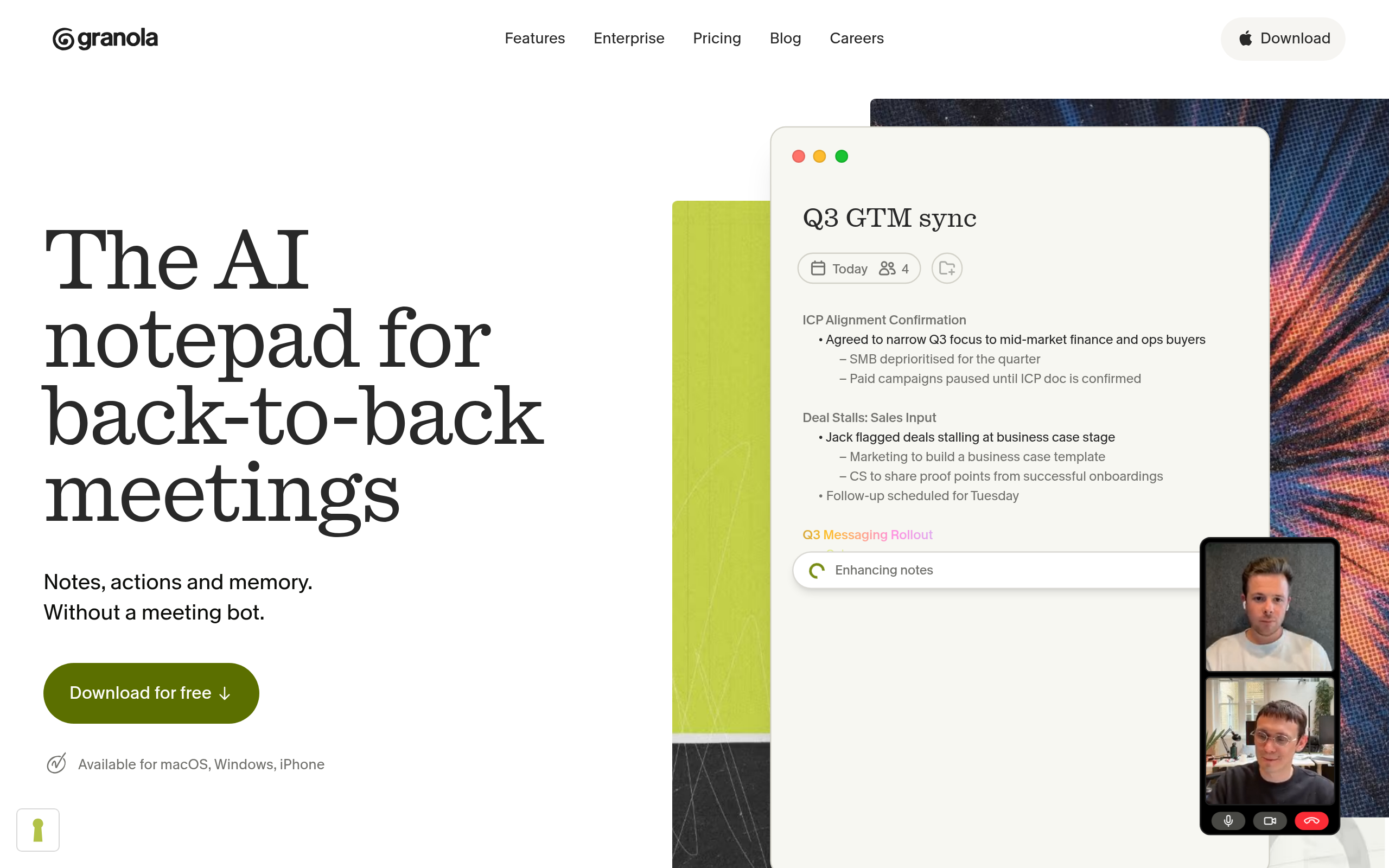
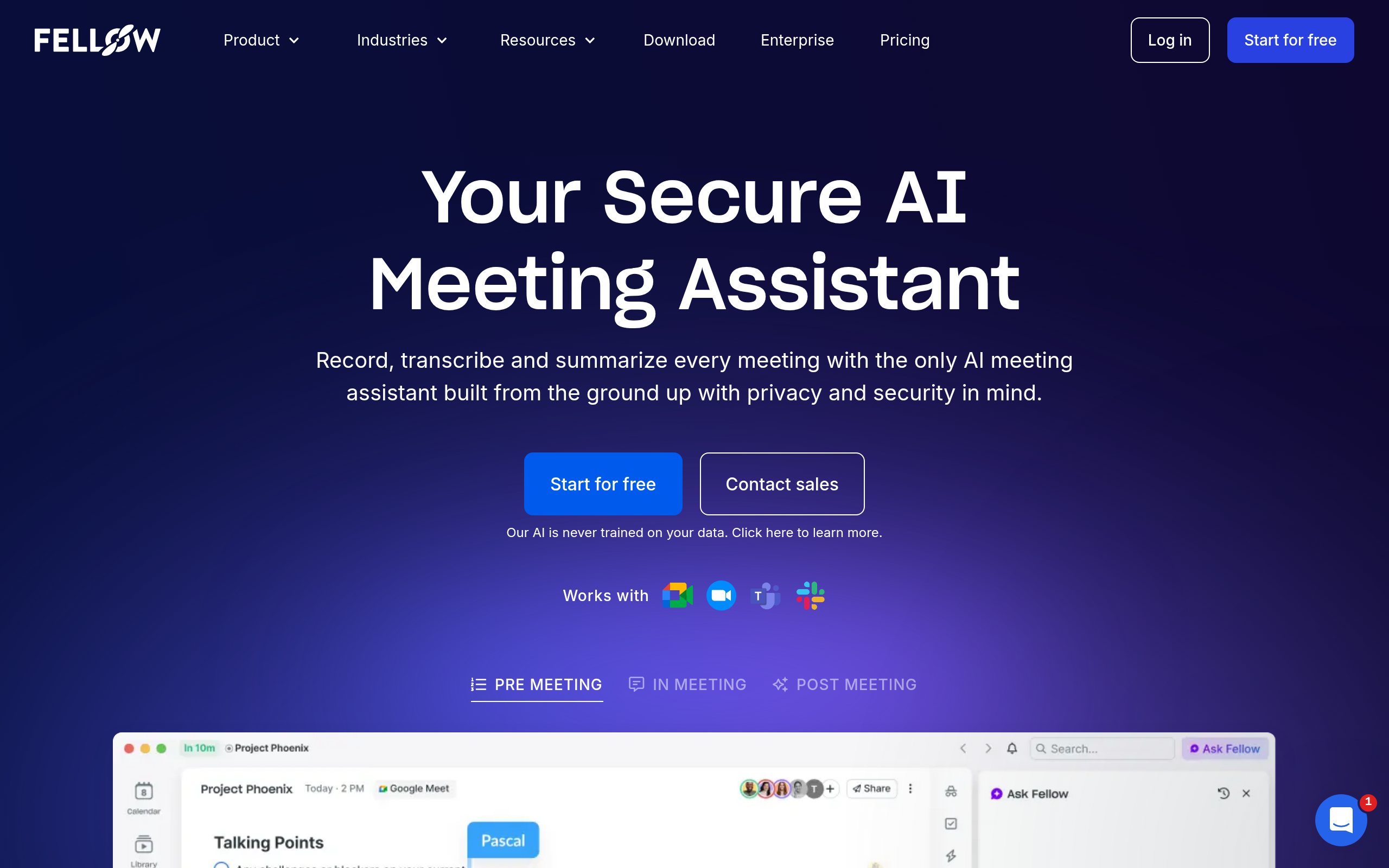
- Best tools: Fellow.ai for teams with security or compliance requirements, Fathom AI Notetaker for summaries (generous free option), Krisp AI Note Taker for clean audio plus notes, Granola for personal-style notes, and MeetGeek for team insights.
- Consent matters — make sure everyone knows the meeting is being recorded.
- Verify high-stakes details; AI summaries are very good but not infallible.
An AI meeting assistant automatically records, transcribes and summarises your meetings, producing notes, highlights and action items — so you can focus on the conversation instead of typing. For anyone who spends real time on calls, it removes one of the most thankless tasks in work: you stay fully present, and still walk away with an accurate, searchable record of what was said and decided. This guide explains how these tools work, what separates a good one from a great one, the consent rules you must respect, and the best AI meeting assistants in 2026.
What is an AI meeting assistant?
An AI meeting assistant (or AI note taker) joins your video calls, captures the audio, produces a transcript, and uses AI to generate a concise summary — including key points and action items — without you typing anything. The best ones go further: they make every meeting searchable, so months later you can find exactly what a client said or what your team agreed. Some focus on summaries, some on clean call audio, some on personal-style notes, and some on full team meeting workflows. What they share is the core promise: be present in the conversation and still keep a complete record.
Why use one?
The case is simple but powerful. Taking notes while genuinely participating in a meeting is nearly impossible — you do one or the other, and both suffer. An AI assistant removes that trade-off, which has three big payoffs. First, presence: you actually listen and contribute instead of transcribing. Second, accuracy: decisions and action items are captured exactly, ending the "wait, what did we agree?" problem. Third, and most underrated, a searchable archive: over months, your past meetings become a knowledge base you can mine, turning scattered conversations into an asset. For meeting-heavy roles — sales, management, customer-facing teams — the time and clarity gains are substantial.
How AI meeting assistants work
Most follow the same flow. They join your call (via a calendar integration or by being added like a participant), record and transcribe the conversation in real time, then apply AI to summarise — distilling a long transcript into the points that matter, with action items extracted. After the meeting, you get the summary, the full transcript, and often shareable highlights, all stored and searchable. Some tools add extras: noise cancellation so you sound clear, or the ability to blend your own jotted notes with the AI's. The quality differences show up in how good the summaries are and how accurately they capture decisions.
Best AI meeting assistants in 2026
| Priority | Best tool |
|---|---|
| Security, compliance & admin controls | Fellow.ai |
| Automatic summaries & action items | Fathom AI Notetaker |
| Clean call audio + notes | Krisp AI Note Taker |
| Personal-style notes | Granola |
| Team meeting insights | MeetGeek |
If your meetings contain sensitive information, start with Fellow.ai: it records with or without a bot (in-person meetings included), is SOC 2 Type II certified and HIPAA-eligible, does not train AI models on your meetings, and gives admins SSO, SCIM and retention policies. Its free plan is small (five AI notes per user in total), so plan on the Team or Business tier for regular use. Otherwise, for most people, Fathom AI Notetaker is the easiest recommendation — it records, transcribes and summarises with action items, and is known for a genuinely generous free option. If background noise plagues your calls, Krisp AI Note Taker pairs AI noise cancellation with notes so you sound clear and keep a record. If you like staying lightly involved, Granola blends your own jotted points with AI polish. For team meeting insights at scale, MeetGeek. Compare more in our Otter.ai alternatives and Fireflies.ai alternatives guides and the productivity & meetings category.
What to look for when choosing
Five things separate a tool you will keep from one you will abandon. Transcription accuracy on your accents and call types — test it on real meetings. Summary quality — does it capture the decisions and action items, or just paraphrase? Integration — does it join your meeting platforms automatically, so you never have to remember? Privacy and consent handling — recording means everyone should know. And search — a great archive is only useful if you can find things in it. Most tools offer free tiers, so run one on a real week of meetings and judge it on these before committing.
Consent and privacy: do this right
Recording meetings is generally fine when participants are aware and consent — but rules vary by region and organisation, and quietly recording people is both a trust and a legal risk. The simple practice: make sure everyone in the meeting knows it is being recorded and why, and respect anyone who objects. Also be mindful of where the recordings and transcripts are stored and who can access them, especially for sensitive conversations. Handled openly, AI notes are a clear win; handled secretly, they will cost you trust the moment someone finds out.
Some tools build these safeguards in. Fellow.ai, for example, can capture consent before recording starts, lets anyone pause the recording mid-call, and offers a zero-day retention option so recordings and transcripts are not kept after the meeting ends.
Beyond notes: what teams do with the data
The first benefit of an AI meeting assistant is obvious — you stop taking notes. The second, less obvious benefit is what accumulates over time: a structured, searchable record of everything your team has discussed and decided. For sales teams, that means every customer call is captured, so handoffs are seamless and patterns across deals become visible. For managers, it means decisions and commitments are documented, ending disputes about what was agreed. For customer-facing teams, it means institutional memory that does not walk out the door when someone leaves. Some tools surface insights across many meetings — common questions, recurring objections, sentiment trends — turning raw conversation into intelligence. The shift is subtle but real: meetings stop being ephemeral events you half-remember and become a data asset you can actually use. That is why the strongest adopters are not individuals saving a few minutes, but teams building a shared, searchable brain of their conversations.
Getting your team to actually adopt it
The best meeting tool is worthless if people do not use it, and adoption is mostly about removing friction and building trust. Choose a tool that joins calls automatically via your calendar, so no one has to remember to hit record. Be transparent from day one — announce that meetings are recorded and explain the benefit (better notes for everyone), which turns a potential trust issue into a shared upside. Start with one team or one meeting type rather than mandating it everywhere at once. And lean on the searchable archive early, because once people experience finding a decision from three weeks ago in seconds, the value sells itself. Handled openly and rolled out gradually, AI notes become something people rely on rather than something done to them.
The bottom line
AI meeting assistants are one of the most immediately useful AI tools for anyone in frequent calls: stay present, capture accurate notes and action items automatically, and build a searchable archive of every conversation. Start with Fellow.ai when security and compliance come first, Fathom AI Notetaker for summaries, Krisp AI Note Taker if audio is an issue, Granola for personal notes, or MeetGeek for team insights. Get consent, verify high-stakes points, and you have a tool that quietly saves time on every single meeting.
Disclaimer: Recording meetings requires participant awareness and consent, and rules vary by region. AI summaries can miss or misstate details, so verify anything high-stakes.
Fellow.ai is a Comparee partner.
Disclosure: Fellow.ai is a paid placement on this page. Paid placements never change our verdicts or rankings.
Tools mentioned in this guide
Pricing, features and model availability can change over time. Always verify current details on each tool's official website before deciding.
Frequently Asked Questions
What is an AI meeting assistant?
What is an AI meeting assistant?
What is the best AI note taker?
What is the best AI note taker?
How do AI meeting assistants work?
How do AI meeting assistants work?
Is it legal to record meetings with AI?
Is it legal to record meetings with AI?
Are AI meeting assistants free?
Are AI meeting assistants free?
What is the best AI note taker for noisy calls?
What is the best AI note taker for noisy calls?
Which AI meeting assistant is best for regulated industries?
Which AI meeting assistant is best for regulated industries?
Don't just pick a tool — get the whole workflow
Tell Comparee your goal and get a complete step-by-step AI workflow with the right tool for every step.