AI Agents: The Complete Guide for 2026 (How They Work + Best Tools)
AI agents explained for 2026: what they are, how they work, real use cases, and the best tools to build them — n8n, StackAI, Relay.app and more.
Key takeaways
- An AI agent is software that uses a large language model to reason, decide and take actions toward a goal — not just answer a single prompt.
- Agents combine an LLM (the "brain"), tools (APIs, search, code), memory, and a loop that plans → acts → observes → repeats.
- Best for multi-step work: research, support triage, data tasks, and automations that need judgement.
- To build one without heavy code, use n8n, StackAI or Relay.app; for web-task agents, Twin.
- Keep a human in the loop for anything high-stakes — agents are powerful but can be confidently wrong.
An AI agent is a program that uses a large language model to pursue a goal by reasoning, making decisions, and taking actions through tools — repeating that loop until the task is done. Unlike a chatbot that answers one prompt at a time, an agent can break a goal into steps, call tools (search the web, run code, update a CRM), check the result, and adjust. This guide explains what AI agents are, how they actually work, where they help, and the best tools to build one in 2026 — written to be genuinely useful whether you are evaluating, building, or just trying to understand the hype.
What is an AI agent?
An AI agent is software that wraps a large language model (LLM) with three extra capabilities: tools (so it can act, not just talk), memory (so it remembers context across steps), and an agent loop (so it can plan, act, observe the outcome, and decide what to do next). The difference from a normal chatbot is autonomy over multiple steps. Ask a chatbot "summarise this article" and it answers once. Ask an agent "research our top 3 competitors and put a summary in our shared doc" and it will search, read several pages, synthesise, and write to the document — making decisions along the way.
The key mental model: the LLM is the reasoning engine, the tools are its hands, and the loop is what turns a one-shot answer into goal-directed work.
How AI agents work (the loop)
Almost every AI agent runs some version of the same cycle:
- Goal — the agent receives an objective ("triage these support tickets and draft replies").
- Plan — the LLM breaks the goal into steps.
- Act — it calls a tool (an API, a search, a database query, a code run).
- Observe — it reads the tool's result.
- Decide — based on the result, it continues, retries, or finishes.
- Repeat until the goal is met or a stopping condition is hit.
Some agents are simple (a fixed sequence with one or two tools); others are more autonomous (they choose which tools to use and in what order). More autonomy means more flexibility but also more unpredictability — which is why production agents almost always include guardrails and a human checkpoint for important decisions.
AI agents vs chatbots vs automations
| Type | What it does | Best for |
|---|---|---|
| Chatbot | Answers prompts, one turn at a time | Q&A, drafting, brainstorming |
| Automation (workflow) | Fixed, rule-based steps between apps | Predictable, repetitive processes |
| AI agent | Reasons, chooses tools, adapts across steps | Multi-step work that needs judgement |
In practice the lines blur: modern automation tools now let you drop an AI agent step into the middle of a workflow, getting the reliability of automation with the flexibility of an agent where you need it.
Real use cases for AI agents
Agents shine when a task has multiple steps and a little judgement at each one. Common, practical examples:
- Customer support triage — read a ticket, find the relevant answer, draft a reply, escalate if unsure.
- Research — gather sources on a topic, read them, and produce a cited summary.
- Data operations — pull data from several systems, clean it, and update a record.
- Lead and CRM work — enrich a new lead, score it, and route it.
- Content workflows — draft, check against guidelines, and publish for review.
What these share: they are repetitive enough to be worth automating, but varied enough that rigid rules break — exactly the gap agents fill.
Best tools to build AI agents in 2026
You do not need to write an agent from scratch. The fastest route for most teams is a platform that gives you the loop, the tool connections and a visual builder:
| Tool | Best for |
|---|---|
| n8n | Flexible, self-hostable agent + automation workflows |
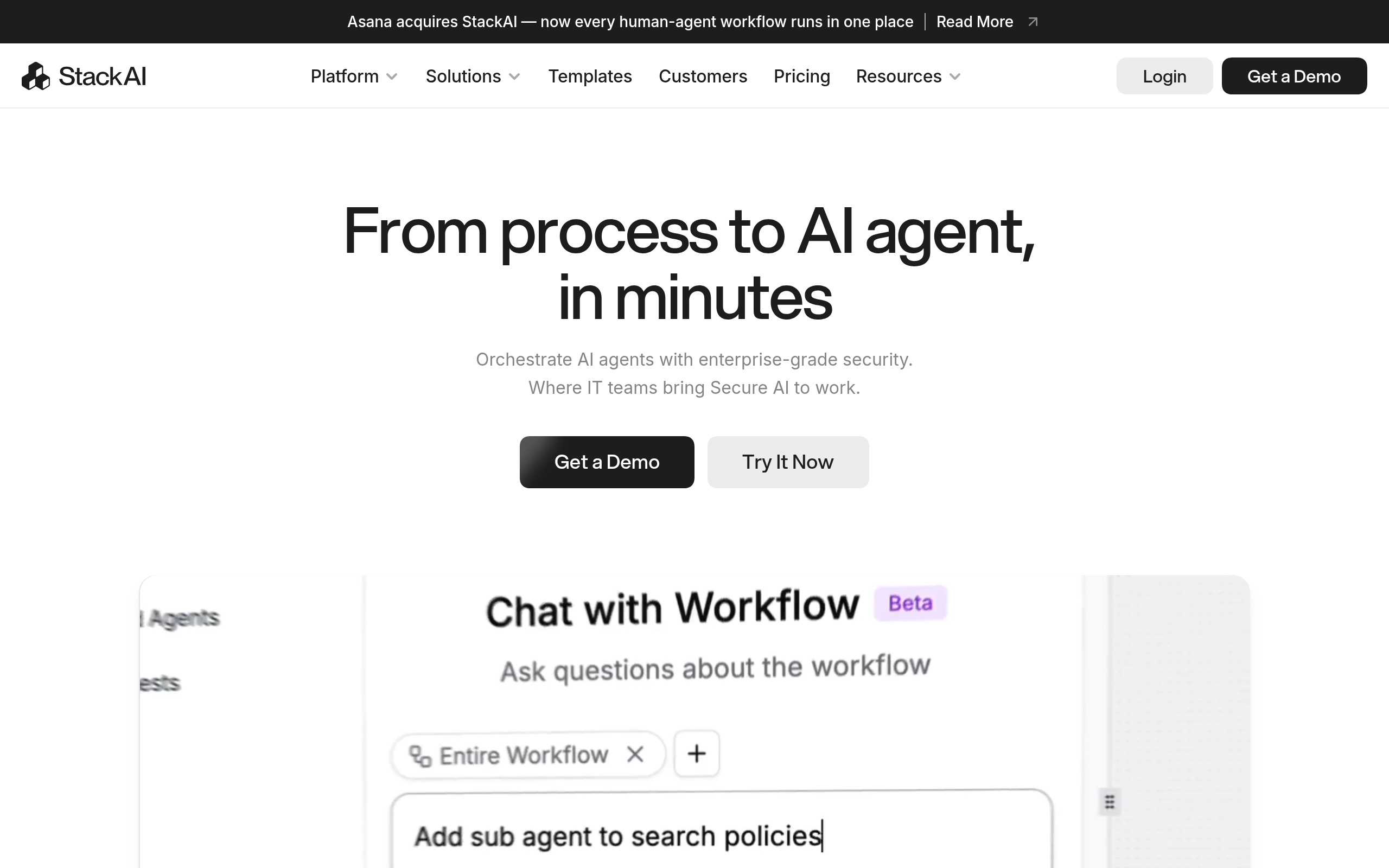
| StackAI | AI-first agents over documents and requests |
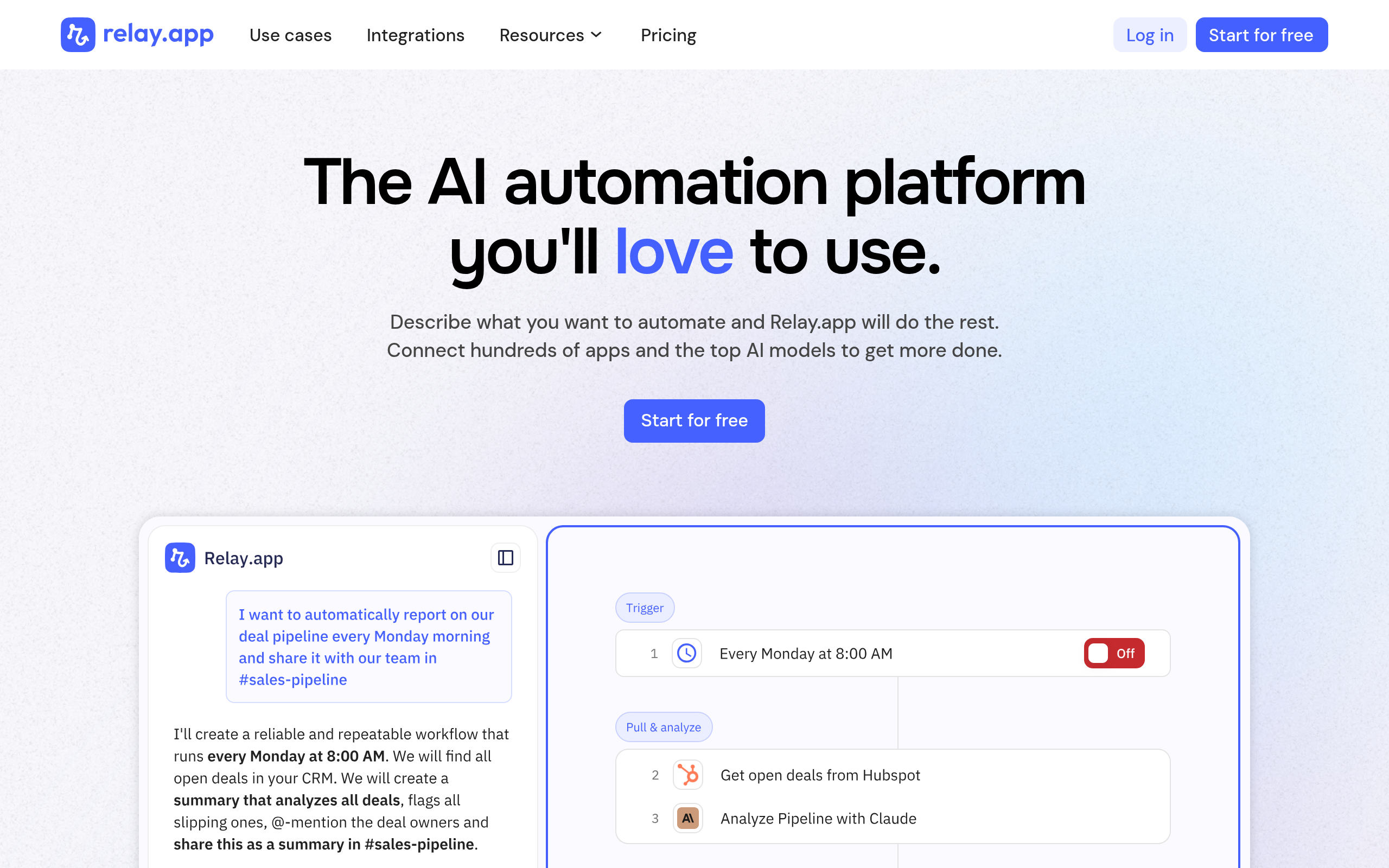
| Relay.app | AI + human-in-the-loop agent workflows |
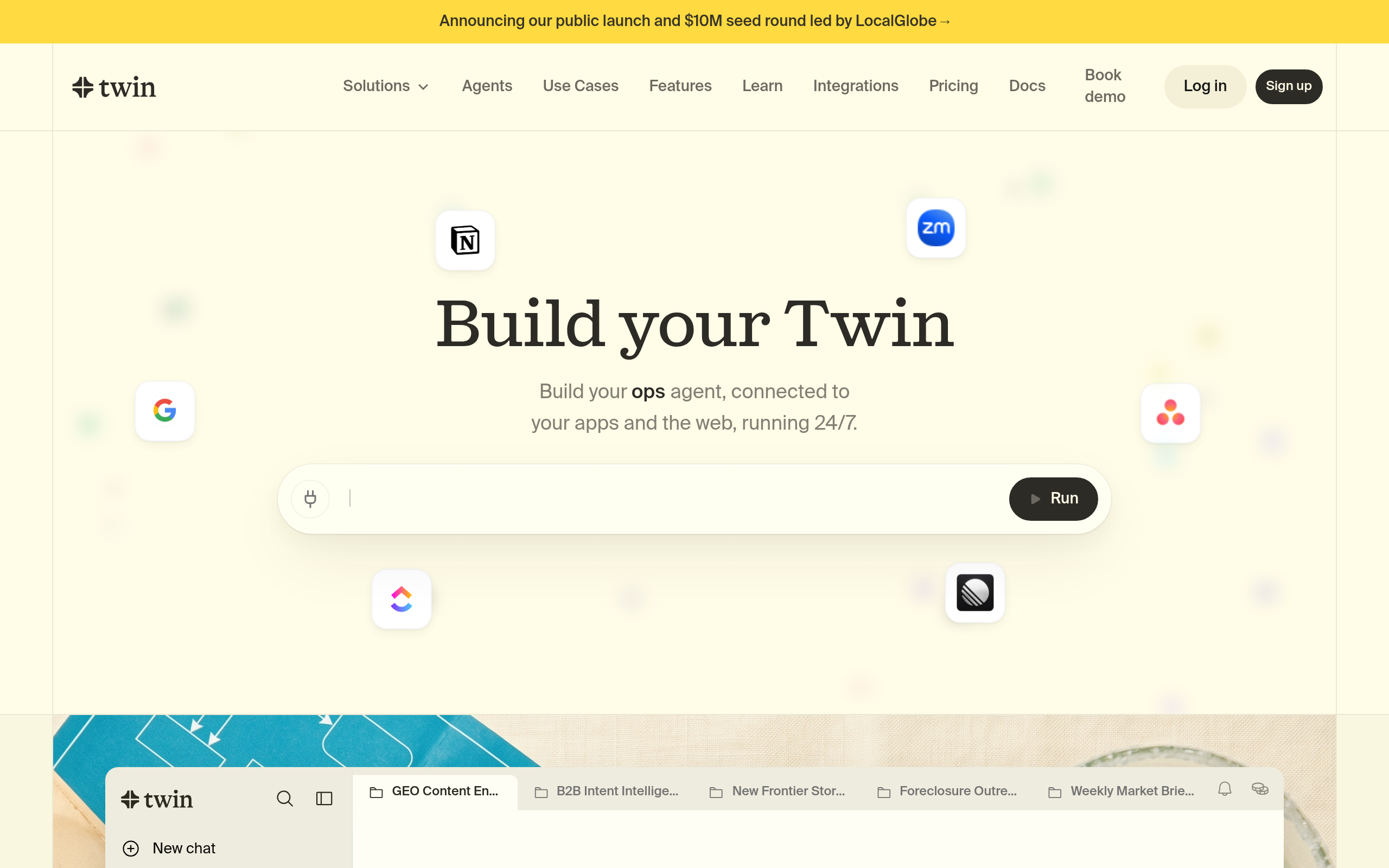
| Twin | Agents that automate repetitive web tasks |
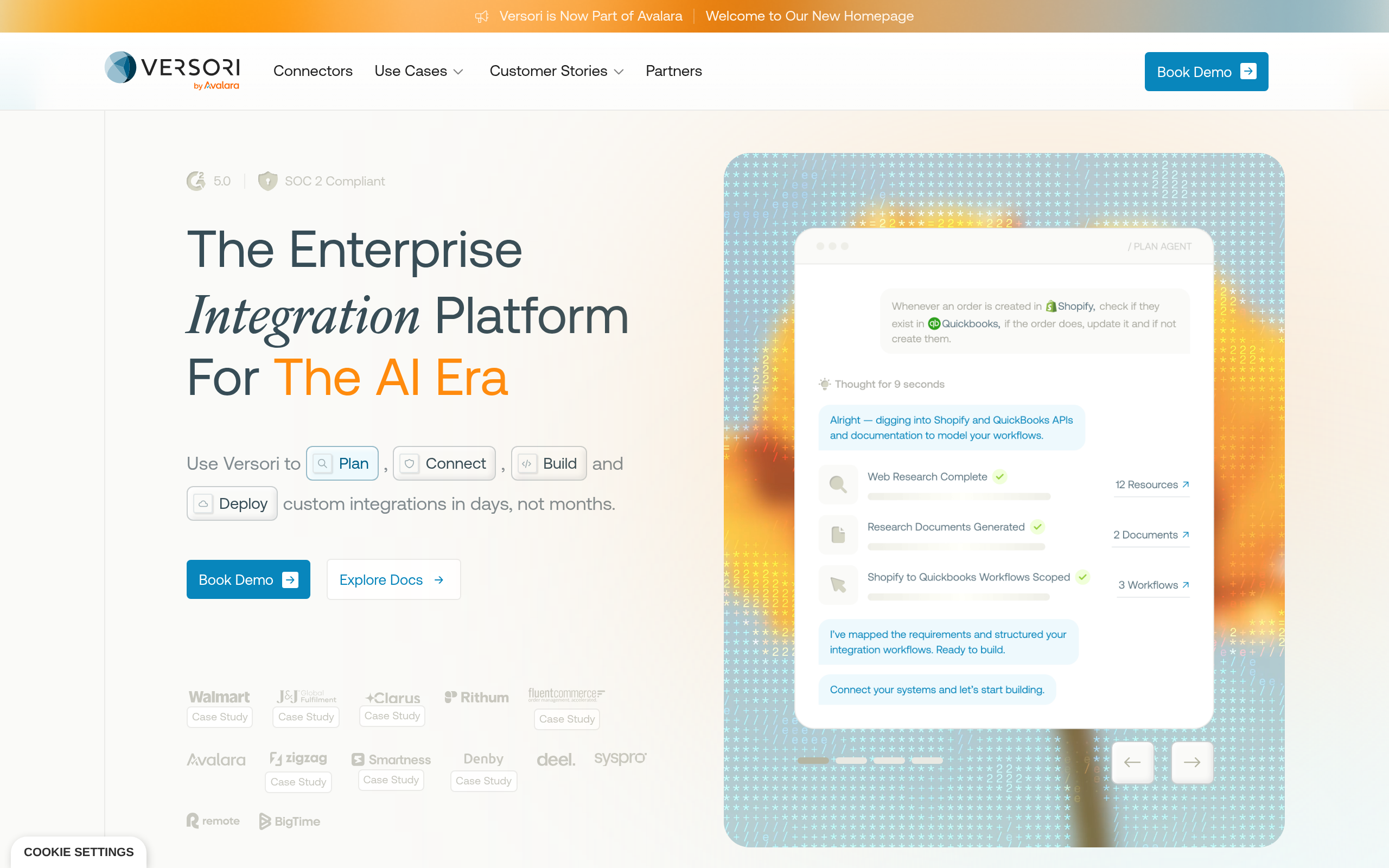
| Versori | Integration-heavy agent projects |
For flexible, production-grade agents that connect to almost anything — and that you can self-host to control data and cost — n8n is the standout: it pairs a visual workflow builder with the ability to add an AI agent step and custom code where needed. For agents whose core job is applying AI to documents, tickets or decisions, StackAI is purpose-built. When a process needs human approval in the loop, Relay.app blends AI steps with people. And for work that happens in a browser rather than through clean APIs, Twin automates those repetitive web tasks, while Versori suits integration-heavy builds. Compare more in our guide to the best AI automation tools and agents.
How to build your first AI agent (step by step)
- Pick one real, repetitive task with clear inputs and a clear "done" — not your most complex process.
- List the tools it needs — which apps, data or searches the agent must touch.
- Choose a platform (e.g. n8n or StackAI) and connect those tools.
- Write a tight goal and constraints — what success looks like and what the agent must never do.
- Add a human checkpoint wherever a mistake would be costly (sending money, emailing customers, deleting data).
- Test on real data for a week, watch every decision, and tighten the prompt and guardrails before trusting it.
Common mistakes (and how to avoid them)
The biggest mistake is handing an agent too much autonomy too soon. Start narrow, with a human approving the important steps, and expand only as it proves reliable. The second is trusting output blindly — agents can be confidently wrong, so verify anything high-stakes. The third is skipping observability: if you cannot see what the agent did and why, you cannot fix it. Log every step. And finally, mind data and security — an agent with tool access is powerful, so scope its permissions tightly.
The future of AI agents
Through 2026, expect agents to get more reliable (better planning and self-correction), more multi-agent (several specialised agents collaborating), and more embedded inside the tools you already use rather than separate apps. The practical takeaway is unchanged: start with one well-scoped task, keep a human in the loop, and expand as trust grows. The teams winning with agents are not the ones chasing full autonomy — they are the ones automating real work safely, one process at a time.
The bottom line
An AI agent turns an LLM from a question-answerer into a doer: it reasons, uses tools, and works through multi-step tasks. For most teams the fastest path is a platform like n8n, StackAI or Relay.app rather than custom code. Start with one repetitive, judgement-light task, keep a human checkpoint on anything risky, and grow from there. Used that way, agents are one of the highest-leverage uses of AI available in 2026.
Disclaimer: AI agents can act autonomously and make mistakes. Always scope permissions tightly, keep a human in the loop for high-stakes actions, and verify important outputs.
Tools mentioned in this guide
Pricing, features and model availability can change over time. Always verify current details on each tool's official website before deciding.
Frequently Asked Questions
What is an AI agent in simple terms?
What is an AI agent in simple terms?
How is an AI agent different from a chatbot?
How is an AI agent different from a chatbot?
What is the best tool to build an AI agent?
What is the best tool to build an AI agent?
Are AI agents safe to use?
Are AI agents safe to use?
Do I need to know how to code to build an AI agent?
Do I need to know how to code to build an AI agent?
What can AI agents actually do today?
What can AI agents actually do today?
Don't just pick a tool — get the whole workflow
Tell Comparee your goal and get a complete step-by-step AI workflow with the right tool for every step.