How to Create Instagram Reels with AI in 2026: Step-by-Step Workflow
How to create Instagram Reels with AI in 2026 — a step-by-step workflow (idea → script → video → edit → captions → voiceover) with the best tool for each step.
Key takeaways
- The easiest AI Reels workflow is: idea → script → video → edit → captions → voiceover/localization → publish.
- Use a specialist tool per step — one app rarely does the whole chain well.
- For most creators: Predis.ai or Invideo Agent One for concept + base video, VEED or CapCut for editing and captions.
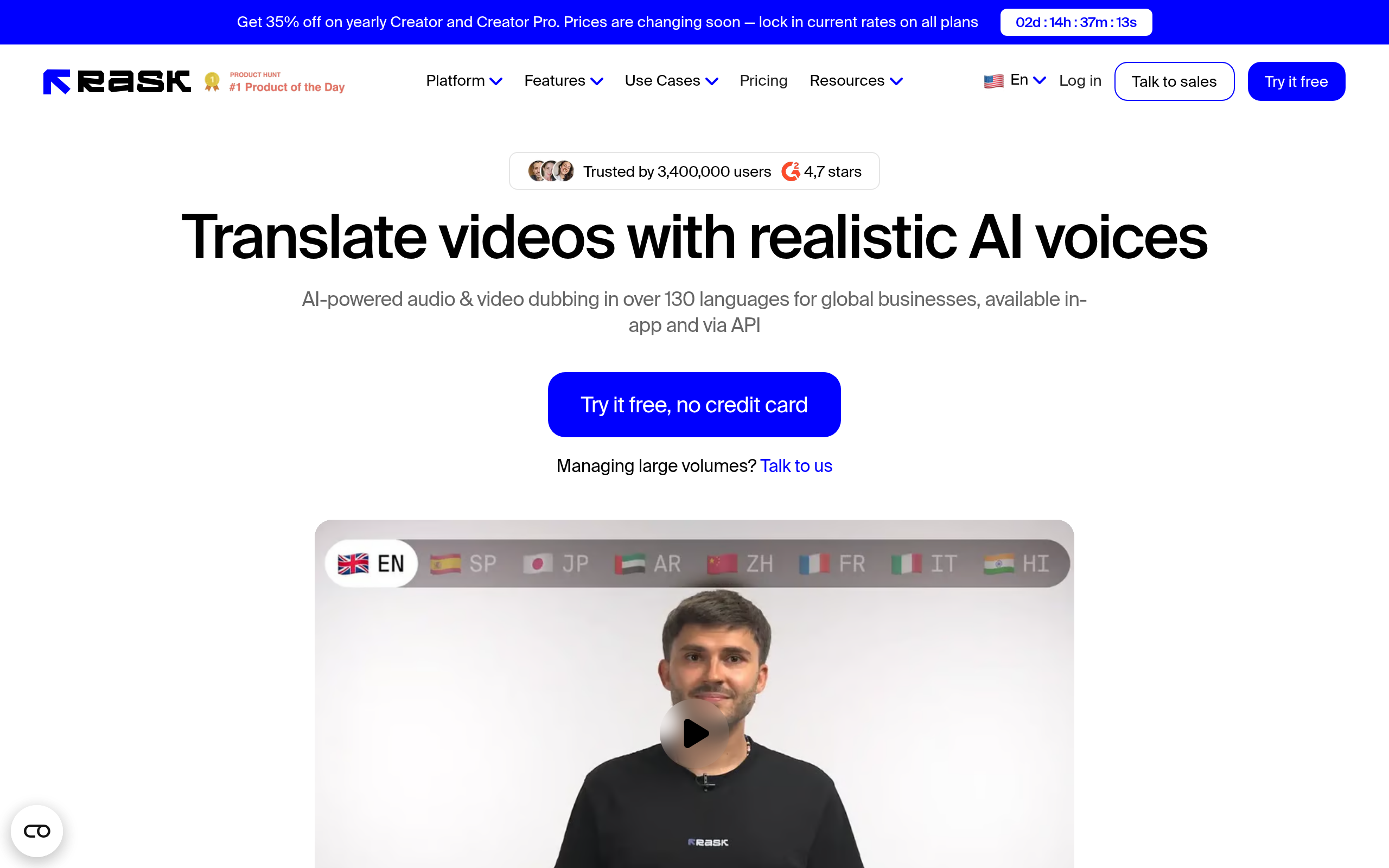
- Add Murf AI Dubbing or Rask AI only if you need voiceover or to localize the Reel into other languages.
Making Instagram Reels by hand is slow: you brainstorm, write, film or source visuals, edit, add captions, and maybe record a voiceover. In 2026 you can run that entire chain with AI in a fraction of the time — if you use the right tool for each step instead of forcing one app to do everything. This guide gives you a concrete, repeatable AI Reels workflow and names the best tool for each stage, using real tools from the Comparee catalog.
The fastest AI Reels workflow, in one line
Here is the short answer you can save: idea → script → visuals → editing → captions → voiceover/localization → publish. Each step has a specialist AI tool. You do not need all of them every time — a simple Reel might be just three steps — but this is the full chain when you want a polished, repeatable result.
The AI Reels workflow: tool per step
| Step | What it does | Best AI tool |
|---|---|---|
| 1. Idea & concept | Reel angle, hook, social post plan | Predis.ai |
| 2. Video generation | Turn a prompt/script into base video | Invideo Agent One |
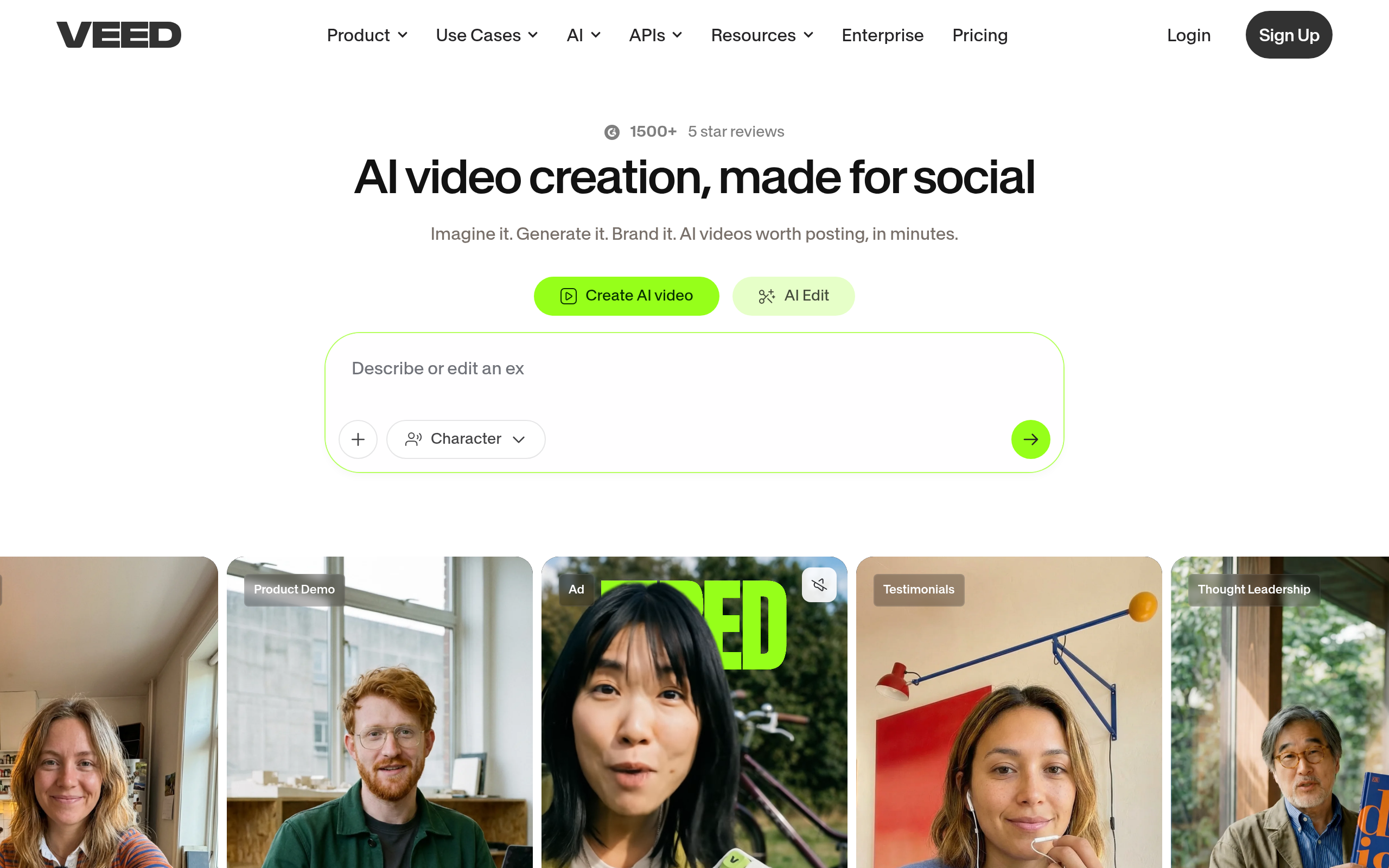
| 3. Editing | Trim, arrange, add b-roll & effects | VEED / CapCut |
| 4. Captions | Auto subtitles (most Reels are muted) | VEED |
| 5. Voiceover | Natural AI narration | Murf AI Dubbing |
| 6. Localization | Dub the Reel into other languages | Rask AI |
| 7. Repurpose | Cut long video into more Reels | Vizard.ai |
Step 1–2: Idea and base video
Predis.ai is built for social content — it helps you turn a topic into a Reel concept, hook and caption, so you start from a plan instead of a blank screen. Once you have the concept, Invideo Agent One generates a base video straight from a prompt or script, which is the fastest way to get footage when you do not want to film.
Step 3–4: Editing and captions
For editing, VEED is the easiest browser-based option — trim clips, add b-roll, and generate accurate auto-captions in one place. If you prefer to edit on your phone, CapCut is the go-to for fast short-form mobile editing. Captions matter more than anything here: most Reels are watched on mute, so auto-subtitles are not optional.
Step 5–6: Voiceover and localization
If your Reel needs narration, Murf AI Dubbing generates a natural AI voiceover from your script. And if you want to reach audiences in other languages, Rask AI can localize and dub the Reel — the same content, many markets, without re-recording. Add these steps only when they serve the content; a quick trend Reel often needs neither.
Repurposing: one video, many Reels
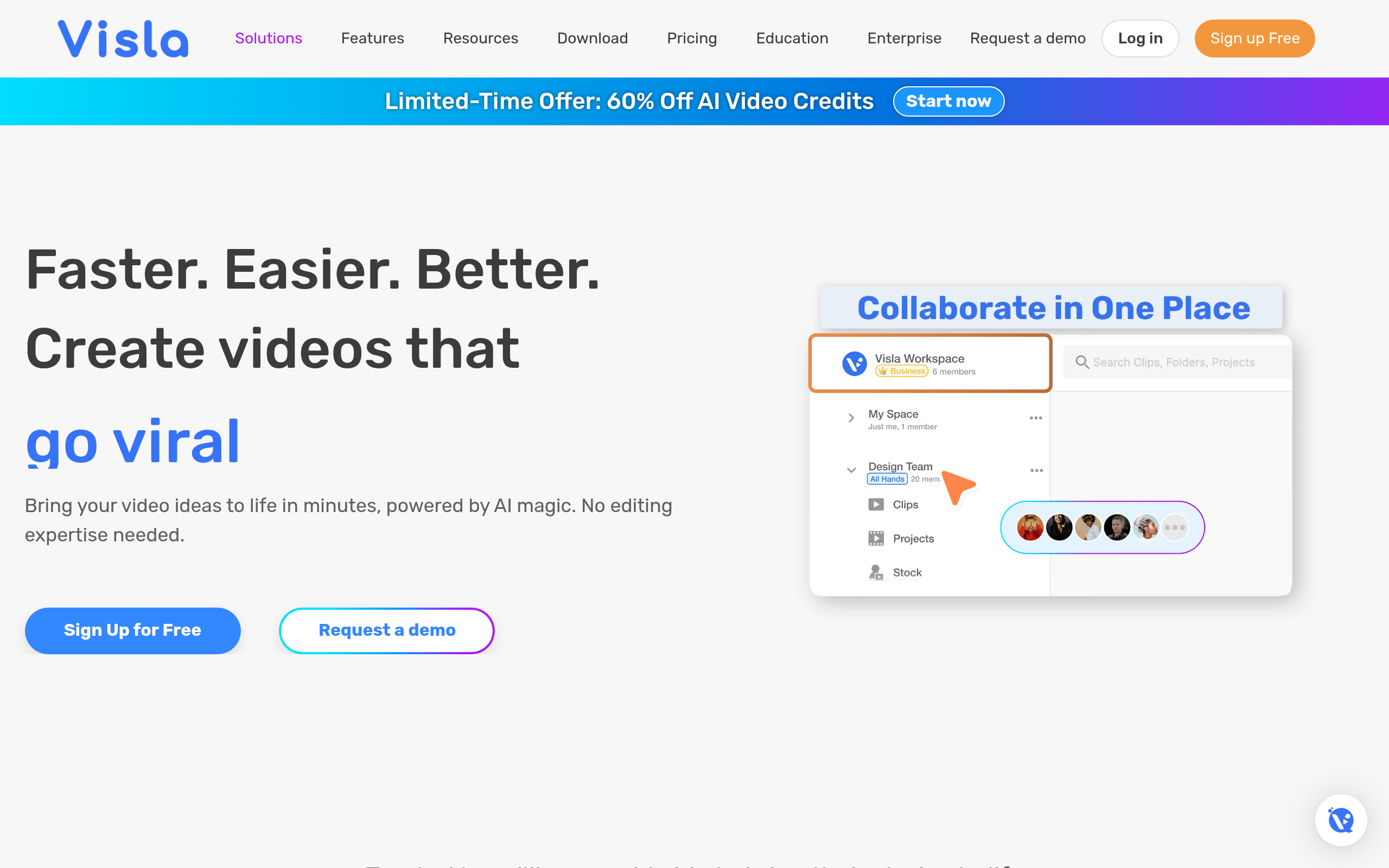
If you already make long-form video, Vizard.ai scans it and cuts the most engaging moments into ready-to-post vertical clips. For creators with a podcast or YouTube channel, this multiplies your Reels output without any extra filming — a long video becomes a week of short content. Visla is a solid alternative when you need quick business/social video creation from a brief.
Free vs paid: which workflow do you need?
| Your situation | Recommended setup |
|---|---|
| Casual creator, occasional Reels | CapCut (free) + free tiers — minimal stack |
| Regular creator, consistent posting | Predis.ai + VEED (editing/captions) |
| Need narration | Add Murf AI Dubbing for voiceover |
| Going multilingual / global | Add Rask AI for dubbing & localization |
| Repurposing long content | Add Vizard.ai to cut clips automatically |
Common mistakes creators make with AI Reels
Three mistakes sink most AI Reels. The first is trying to make one tool do everything — a generator is not an editor, and an editor is not a localization engine. When you force a single app across the whole chain, every step feels mediocre. The second is skipping captions: the majority of Reels are watched on mute, so a Reel without on-screen text loses most of its audience in the first second, no matter how good the video is. The third is over-producing trend content — a fast, timely Reel often beats a polished one that took three times as long, so match your effort to the format. Quick trend Reels need two or three steps; a flagship branded Reel justifies the full chain.
A subtler mistake is generating video that looks generic. AI video generators produce a competent base, but the difference between a scroll-past and a save is your hook, your specific angle and the few seconds of personality only you can add. Use AI to remove the grind — the filming, the timeline work, the captioning — and pour the time you save into the idea and the first three seconds, which is where Reels are won or lost.
How long does the AI Reels workflow take?
Once you have the workflow set up, a simple Reel can go from idea to published in under fifteen minutes: a few minutes for the concept, a few for the base video, a quick edit with auto-captions, and you are done. Adding voiceover or localization extends it by another few minutes per language. Compared with the traditional approach — scripting, filming, editing and captioning by hand, which can eat an afternoon — the AI workflow is not a small improvement but an order-of-magnitude one. The first time you run the full chain it feels slow because you are learning each tool; by the third Reel it is muscle memory, and that repeatability is the whole point. Build the workflow once, reuse it forever, and your output multiplies without your hours doing the same.
Comparee recommendation
Keep it simple. For most creators the winning Reels workflow is: Predis.ai or Invideo Agent One for the concept and base video, VEED or CapCut for editing and captions, and Murf AI Dubbing or Rask AI only when you need voiceover or to localize. Resist the urge to add every tool — the best workflow is the shortest one that still produces a great Reel. Start with three steps, add more only when a specific step is holding you back. To compare the editors and generators in depth, see our guide to the best AI video generators and browse the top video tools.
The bottom line
AI turns Reels from an afternoon of work into minutes — but only if you chain specialist tools by step rather than relying on one app. Save the workflow (idea → script → video → edit → captions → voiceover/localization → publish), pick one tool per step from the table above, and you have a repeatable system. For voiceover and dubbing specifically, compare the top voice and audio tools, and for the wider editing landscape, the video generation & editing category on Comparee.
Tools mentioned in this guide

Pricing, features and model availability can change over time. Always verify current details on each tool's official website before deciding.
Frequently Asked Questions
What is the best AI tool to make Instagram Reels?
What is the best AI tool to make Instagram Reels?
Can AI create a full Reel from just a script?
Can AI create a full Reel from just a script?
Do I need captions on Reels?
Do I need captions on Reels?
How do I make Reels in multiple languages?
How do I make Reels in multiple languages?
Are these AI Reels tools free?
Are these AI Reels tools free?
Don't just pick a tool — get the whole workflow
Tell Comparee your goal and get a complete step-by-step AI workflow with the right tool for every step.