AI Text-to-Speech (TTS): The Complete Guide for 2026
AI text-to-speech in 2026 — turn text into natural speech for voiceover, narration and accessibility, how it differs from voice cloning, and the best TTS tools.
Key takeaways
- AI text-to-speech turns written text into natural-sounding spoken audio — ideal for voiceover, narration, audiobooks and accessibility.
- TTS uses generic, ready-made voices, which is different from voice cloning that recreates one specific person's voice.
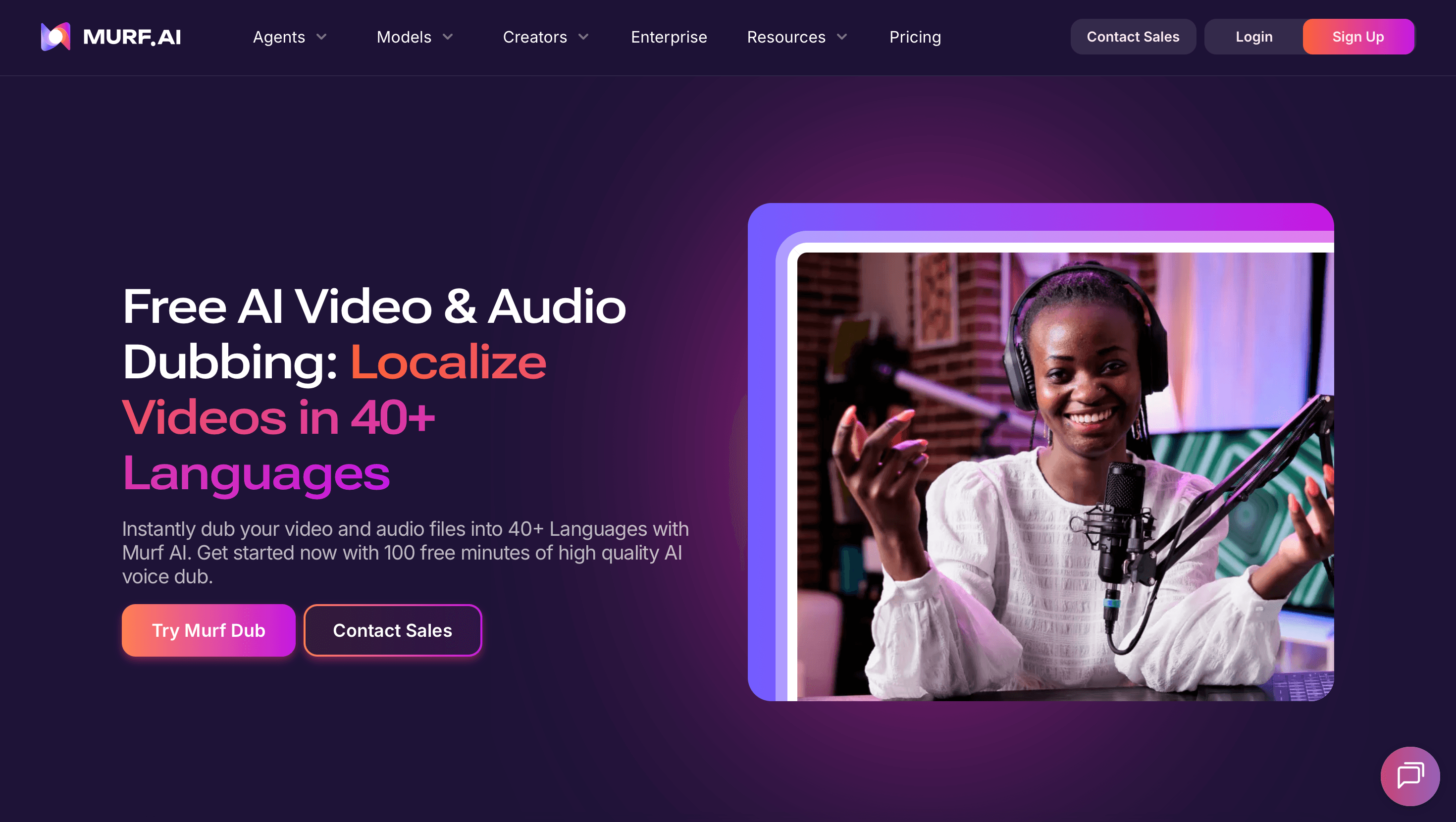
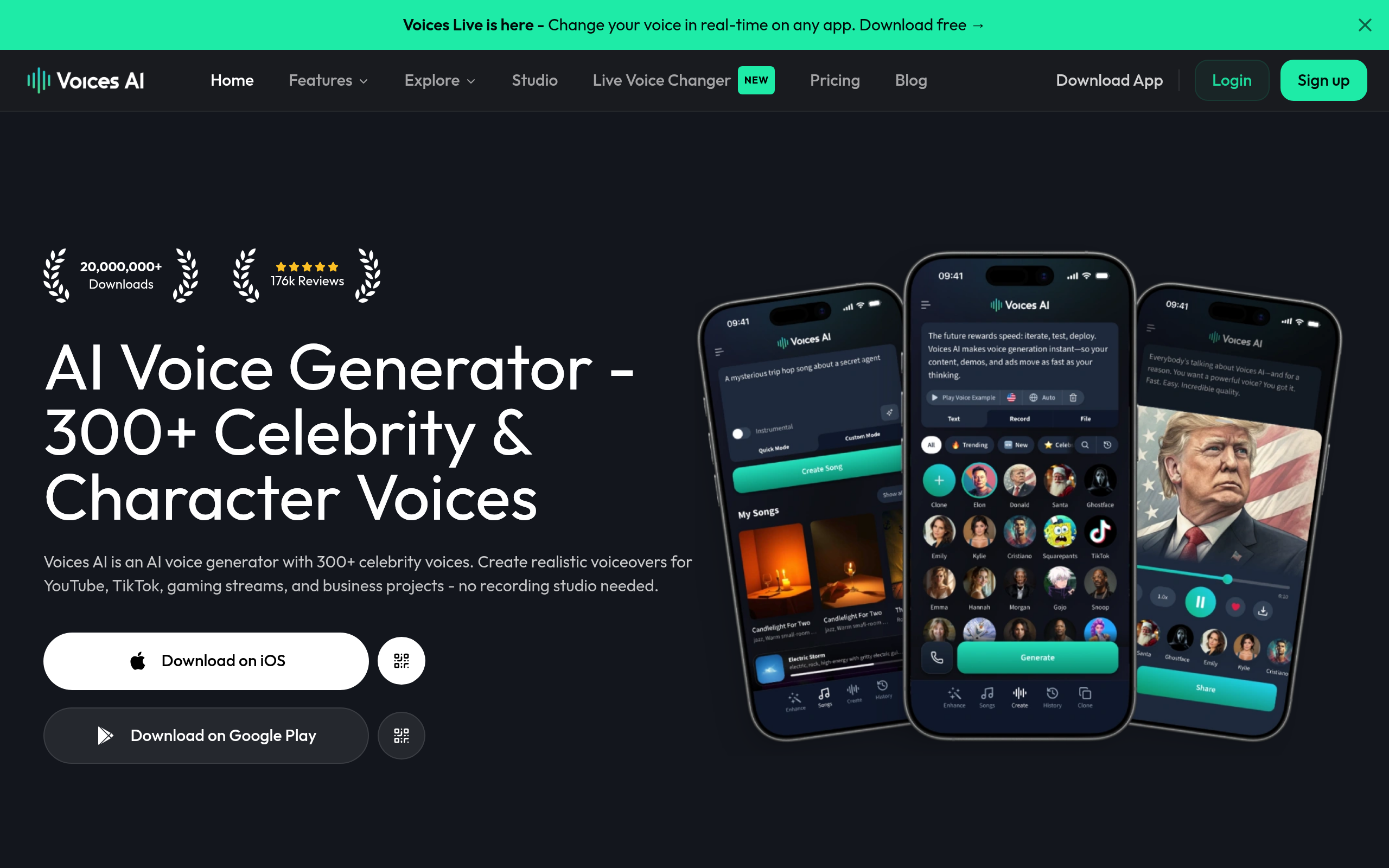
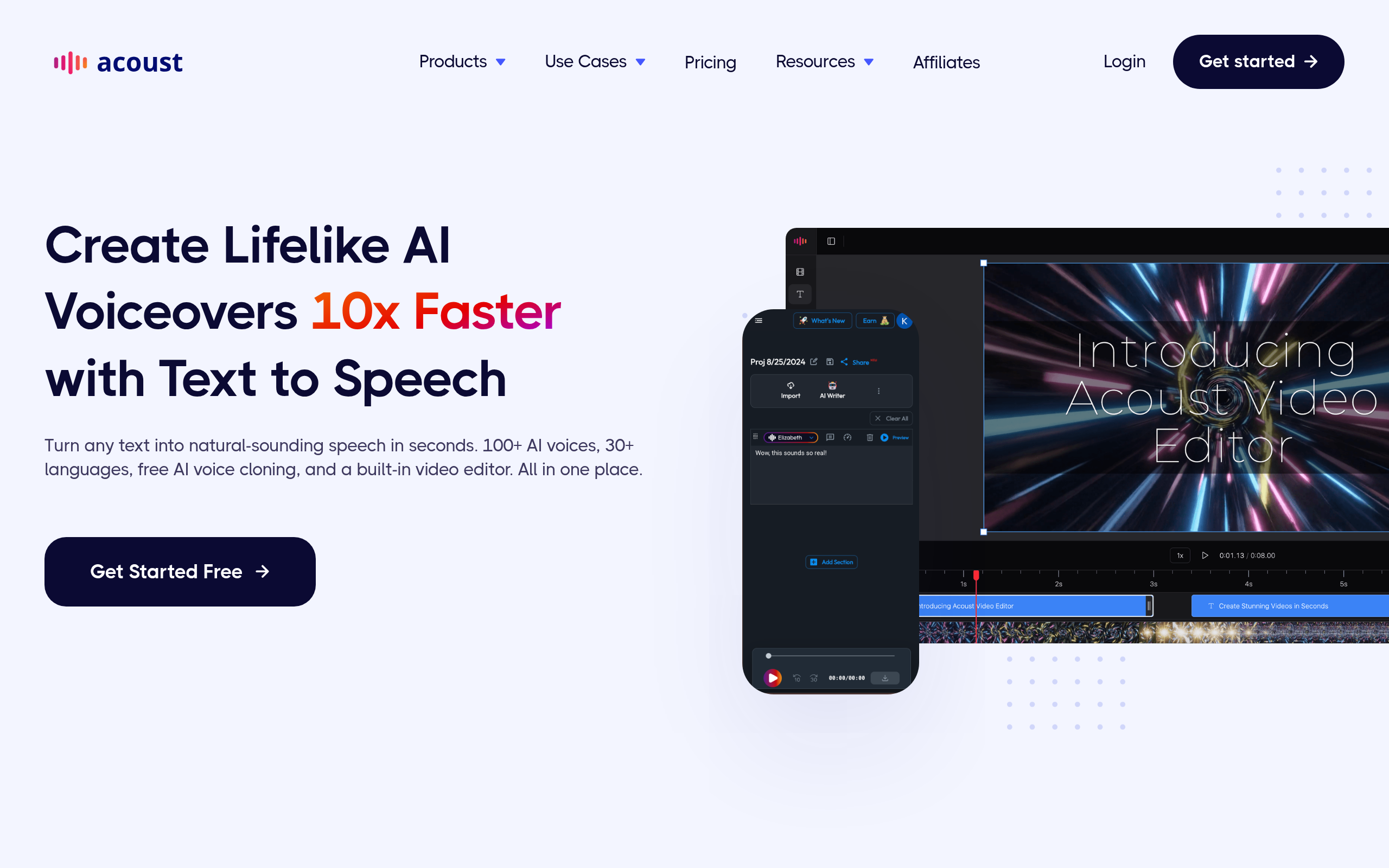
- Best tools: Murf AI Dubbing for studio-grade voiceover, LOVO for versatile AI voices, Soundverse AI for audio creation, Acoust AI for fast TTS and Voices AI for character voices.
- TTS shines when you need many voices, fast turnaround and easy edits without re-recording.
- Choose a voice that fits your content, and always check pronunciation and pacing before you publish.
AI text-to-speech (TTS) turns written text into natural-sounding spoken audio using ready-made synthetic voices, so you can produce voiceover, narration, audiobooks and accessible content in minutes without hiring a voice actor or booking a studio. For years, getting a clean, professional voiceover meant a microphone, a quiet room and a person willing to read your script aloud — and any edit meant re-recording. Modern TTS removes that friction entirely: you type or paste your text, pick a voice, and get polished audio you can tweak instantly. This guide explains what AI text-to-speech is, how it differs from voice cloning, where it genuinely helps, the best tools in 2026, and how to use it well.
What is AI text-to-speech?
AI text-to-speech is technology that converts written text into spoken audio using synthetic voices generated by AI. You provide the words, choose from a library of ready-made voices that vary by language, gender, age and tone, and the system reads your text aloud in a natural, human-like way. The defining feature of TTS is that the voices are generic and pre-built — they belong to no specific real person and are designed to be broadly usable for any project. That makes TTS perfect for situations where you just need a good-quality voice, not a particular one: narrating a video, voicing an e-learning module, producing an audiobook, or reading on-screen text aloud for accessibility. Because the audio is generated rather than recorded, you can change a single word, fix a mispronunciation or swap the entire voice in seconds, which is something traditional voiceover can never offer.
TTS vs voice cloning: the key difference
People often confuse text-to-speech with voice cloning, but they solve different problems. Text-to-speech uses generic, ready-made voices — you pick from a catalogue of synthetic voices that sound great but belong to nobody in particular. Voice cloning, by contrast, recreates one specific person's voice so the output sounds like that individual. If you want a professional narrator voice for a video and you do not care whose voice it is, TTS is exactly right. If you want your own voice, a brand's signature voice, or a specific person's voice reproduced, that is voice cloning. The practical implication is about choice and consent: TTS voices are licensed and ready to use, whereas cloning a real person's voice requires their permission and raises ethical and legal questions. For the vast majority of voiceover and narration work, generic TTS voices are not only sufficient but preferable — faster, simpler and free of the consent concerns that cloning carries. To go deeper on the cloning side, see our AI voice cloning guide.
Where AI text-to-speech genuinely helps
TTS delivers value across a surprisingly wide range of use cases. Voiceover for video — narrating explainers, ads, YouTube videos and product demos without recording yourself. E-learning and training — voicing course modules and lessons consistently across hundreds of slides. Audiobooks and articles — turning written content into listenable audio for people who prefer to consume it that way. Accessibility — reading on-screen text aloud for users with visual impairments or reading difficulties, which is one of the most important and original purposes of the technology. Prototyping — dropping in a temporary voiceover to test a video before committing to a final recording. The common thread is speed and flexibility: TTS produces usable audio immediately, lets you iterate without re-recording, and scales to large volumes of content that would be impractical to voice by hand. That combination is why it has become a default tool for creators, educators and businesses alike.
Best AI text-to-speech tools in 2026
| Need | Best tool |
|---|---|
| Studio-grade voiceover & dubbing | Murf AI Dubbing |
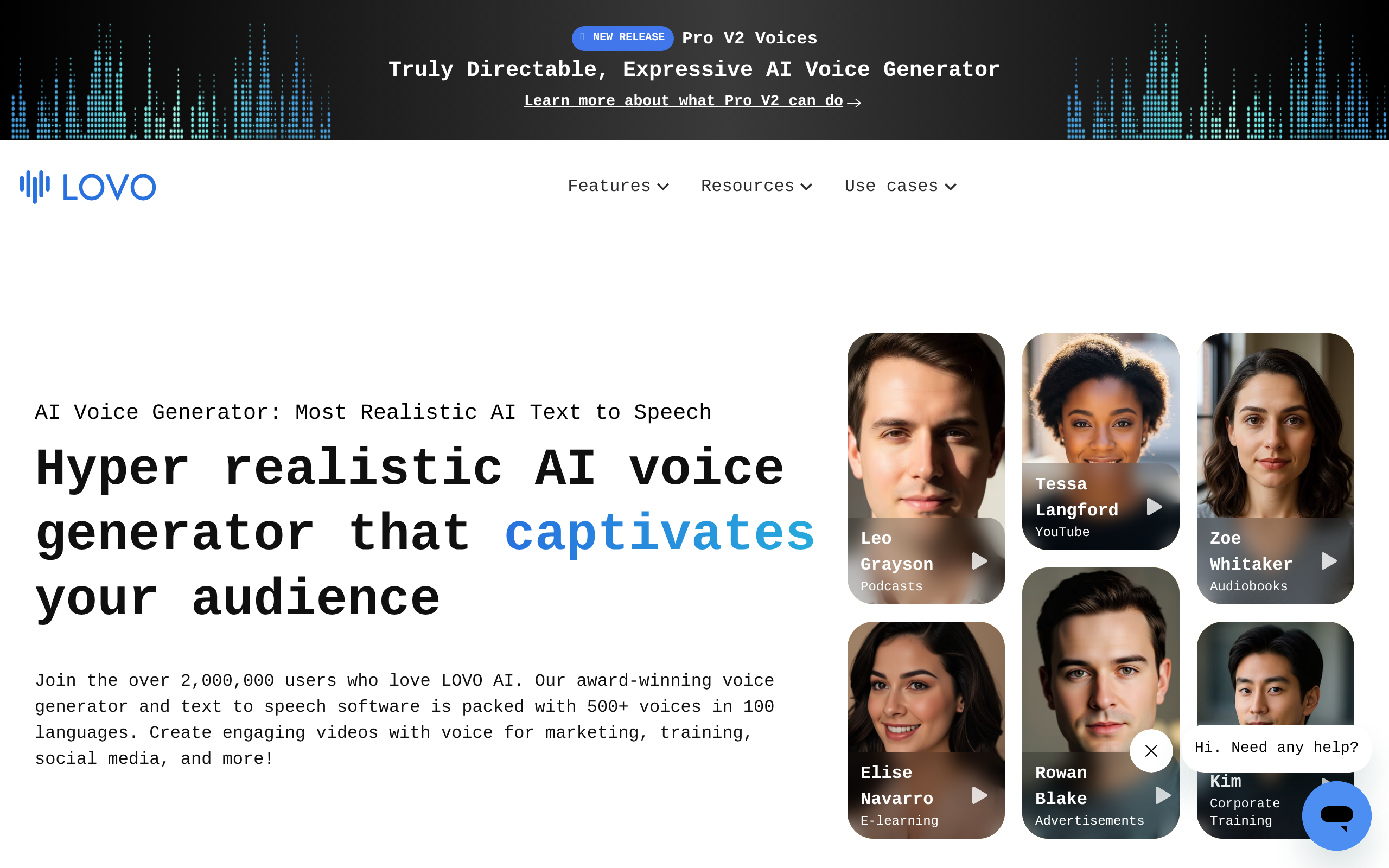
| Versatile AI voices for many projects | LOVO |
| Audio creation & production | Soundverse AI |
| Fast, simple text-to-speech | Acoust AI |
| Character & expressive voices | Voices AI |
For studio-grade voiceover and dubbing, Murf AI Dubbing produces polished, professional narration suitable for ads, videos and presentations. For versatile AI voices across many languages and styles, LOVO offers a broad library well suited to creators and businesses. For audio creation and production beyond plain narration, Soundverse AI helps you build audio assets. For fast, simple text-to-speech when you just need clean audio quickly, Acoust AI is a straightforward choice. And for expressive or character voices that bring personality to your content, Voices AI is worth a look. If your project involves translating and voicing content for other languages, also see our AI dubbing and subtitles guide.
How to create a voiceover with AI text-to-speech (step by step)
- Write and polish your script — clean, well-punctuated text produces the best-sounding audio.
- Pick a voice that fits — match tone, language and energy to your content using LOVO or Murf AI Dubbing.
- Generate a draft and listen all the way through, noting any awkward spots.
- Fix pronunciation and pacing — adjust phonetics, add pauses, and tweak emphasis where needed.
- Regenerate just the parts that need it — change a word or a line without redoing the whole thing.
- Export and place the audio into your video, course or app, then do a final listen in context.
Why AI text-to-speech matters now
The demand for audio and video content has exploded, and text-to-speech has become the practical way to meet it without a proportional explosion in cost and time. A few years ago, voicing a library of training videos or an audiobook meant a serious budget and weeks of studio time; today the same work can be done in an afternoon for a fraction of the cost. This matters because it democratises professional-quality voiceover — solo creators, small businesses, educators and developers can now produce narration that once required a studio and a voice actor. It also matters for accessibility, which is arguably the most important driver: making written content listenable opens it up to people with visual impairments, dyslexia and other reading difficulties, and the better the synthetic voices get, the more usable that content becomes. And in a multilingual world, TTS makes it feasible to voice the same content in many languages, dramatically widening reach. The technology has crossed the threshold where the output is genuinely good enough for professional use, which is why it has moved from novelty to everyday tool.
Common mistakes to avoid with TTS
The most common mistake is publishing the first generation without listening to it carefully. TTS voices are excellent but not perfect — they can mispronounce names, acronyms, technical terms and unusual words, and they sometimes get the pacing or emphasis wrong on a tricky sentence. Always listen to the full output in context before you ship it. A second mistake is choosing a voice that does not fit the content: a high-energy, upbeat voice on a serious topic, or a flat, monotone voice on an ad, undermines the message no matter how clean the audio is. Take the time to audition a few voices. A third is feeding the system messy, poorly punctuated text and expecting natural delivery — punctuation guides pacing and intonation, so clean input produces better output. Some creators also forget that pacing matters: dense, run-on scripts sound rushed even with a great voice, so write for the ear, with shorter sentences and natural breaks. Finally, be mindful of licensing and disclosure where it applies, and where you are voicing a real person's words, make sure you are using a generic TTS voice rather than cloning someone without consent. Avoid these and your TTS output will sound genuinely professional.
The bottom line
AI text-to-speech turns written text into natural, professional spoken audio in minutes, making voiceover, narration, audiobooks and accessible content faster, cheaper and far more flexible than traditional recording. Remember the key distinction: TTS uses generic, ready-made voices, while voice cloning recreates one specific person's voice. For most voiceover work, generic voices are the better fit. Use Murf AI Dubbing for studio-grade voiceover, LOVO for versatile voices, Soundverse AI for audio creation, Acoust AI for fast TTS, and Voices AI for expressive character voices. Write clean scripts, pick a voice that fits, check pronunciation and pacing, and you will get audio that sounds genuinely professional.
Disclaimer: AI text-to-speech voices are high quality but not flawless — they can mispronounce names, acronyms and unusual terms and occasionally mis-pace delivery. Always review the audio before publishing, use generic TTS voices rather than cloning a real person without consent, and follow applicable licensing and disclosure rules.
Tools mentioned in this guide
Pricing, features and model availability can change over time. Always verify current details on each tool's official website before deciding.
Frequently Asked Questions
What is AI text-to-speech?
What is AI text-to-speech?
How is text-to-speech different from voice cloning?
How is text-to-speech different from voice cloning?
What are the best AI text-to-speech tools?
What are the best AI text-to-speech tools?
Can AI text-to-speech sound natural?
Can AI text-to-speech sound natural?
What is AI text-to-speech used for?
What is AI text-to-speech used for?
Do I need permission to use AI voices?
Do I need permission to use AI voices?
Don't just pick a tool — get the whole workflow
Tell Comparee your goal and get a complete step-by-step AI workflow with the right tool for every step.