Best AI Tools for Instagram Reels & TikTok in 2026
Best AI tools for Instagram Reels & TikTok in 2026 — Comparee's expert guide to hook writers, auto-captions, video creation, and scheduling tools.
- AI Social Media Post Generator leads for hook and caption copy — it is purpose-built for short-form social, not generic text output, and carries Comparee's highest score in this category.
- For scheduling Reels and TikToks in advance, Buffer and SocialPilot both support direct publishing with AI-suggested posting times — solo creators typically do fine with Buffer's free tier.
- Captions handles auto-captioning and animated subtitles for video — the fastest way to add on-screen text that stops the scroll without manual editing.
- PlayPlay is the strongest pick for teams that need to produce short-form video content at scale without a dedicated video editor on staff.
- Iconosquare is the analytics-first choice — if you want to understand what is actually working rather than just publish and guess, its reporting depth is unmatched in this catalog.
- Match your tool to the specific job: caption copy, auto-subtitles, video creation, and scheduling require different tools; no single platform does all four equally well.
The best AI tools for Instagram Reels and TikTok in 2026 cover four distinct jobs: writing hooks and captions, auto-captioning video, creating and editing short clips, and scheduling posts at optimal times. No single tool does all four equally well. For caption copy, AI Social Media Post Generator is the top pick from Comparee's catalog. For scheduling, Buffer and SocialPilot are the most practical options. For animated auto-subtitles, Captions stands out. For video creation without a full editing suite, PlayPlay is the go-to for marketing teams. This guide maps each tool to the specific workflow it solves best.
What Makes an AI Tool Actually Useful for Reels and TikTok?
Short-form video is fundamentally different from long-form content or text-based social posts. The three things that move the needle are: hook strength in the first one to three seconds (the algorithm rewards watch time, which starts with stopping the scroll); on-screen captions (most short-form video is watched without sound — burned-in or animated subtitles are no longer optional); and posting consistency (both TikTok and Instagram reward accounts that publish frequently and at the right times for their specific audience).
AI tools help with all three, but different tools specialize in different parts of this workflow. The quick verdict table below maps each catalog tool to its primary strength so you can identify which gap in your current setup to fill first.
| Tool | Primary Use | Free Tier | Best For |
|---|---|---|---|
| AI Social Media Post Generator | Hook & caption copy | Yes | Solo creators, marketers |
| Captions | Auto-subtitles & animated captions | Yes | Video creators, UGC producers |
| PlayPlay | Short-form video creation | Yes | Marketing teams, agencies |
| Buffer | Scheduling & publishing | Yes | Multi-platform solo creators |
| SocialPilot | Scheduling + team management | Yes | Agencies, multi-brand teams |
| Iconosquare | Analytics + scheduling | Yes | Data-driven creators |
| YouCam Online Editor | Video editing with AI effects | Yes | Beauty & lifestyle content |
| Free AI Social Media Post Generator | No-cost caption drafts | Yes (fully free) | Beginners, budget creators |
Which AI Tool Is Best for Writing TikTok Hooks and Instagram Captions?
The hook is the most important moment of any Reel or TikTok — a weak opening, even with great video, kills watch time and tanks algorithmic reach. AI caption tools have matured significantly: the better ones follow platform conventions rather than producing generic blog-style copy.
AI Social Media Post Generator (Comparee score: 94) is the standout in this category. It is designed specifically for short-form social formats, which means the output uses punchy openers, line breaks optimized for mobile reading, and hashtag structures that do not look spammy. It offers a free tier, so there is no barrier to testing it against your current workflow before committing to a paid plan.
Free AI Social Media Post Generator is the fully-free alternative — no trial countdown, no credit system. Output quality is slightly lower on nuance, but for creators who need high volume of draft captions to edit into final copy, it is a practical starting point that costs nothing.
Both tools work best as starting points rather than finished copy. Hooks should always be edited to match your actual voice — AI-generated hooks tend toward recognizable formulas that work algorithmically but feel generic if left unedited. Think of them as a first draft, not a final post.
For teams managing multiple brand accounts, SocialPilot includes an integrated AI caption writer alongside its scheduling dashboard, which removes a context switch from the content production workflow.
How Do Auto-Captioning Tools Work for Reels and TikTok?
Auto-captioning transcribes spoken audio in a video and overlays synchronized text as subtitles. For short-form video, this is non-negotiable: silent autoplay is the default behavior on both Instagram and TikTok, and captions keep viewers watching even when their phone is muted or they are in a noisy environment.
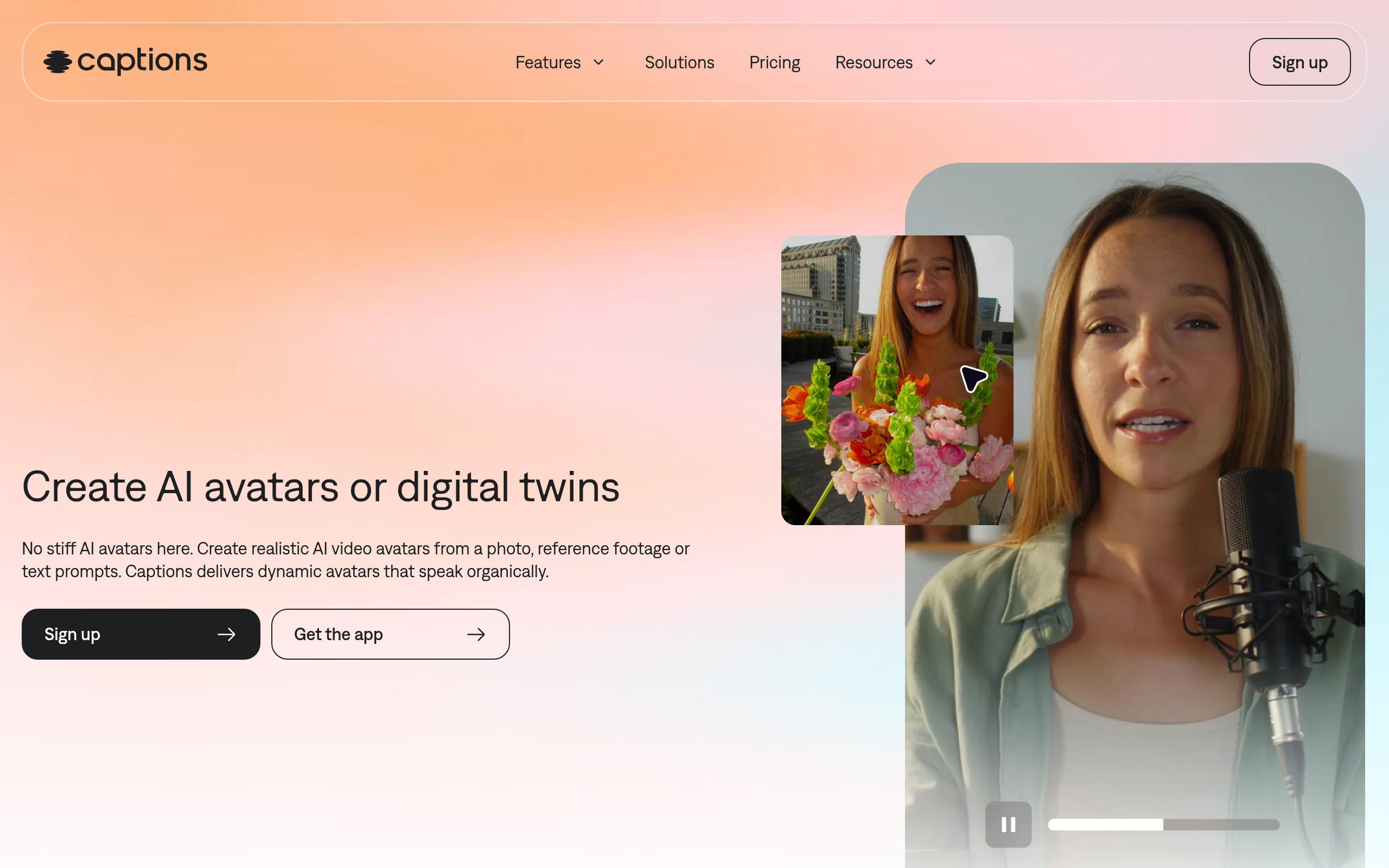
Captions is the dedicated tool from Comparee's catalog for this job. It automatically transcribes video speech and renders animated, stylized subtitles that feel native to the energy of short-form content — not the plain white-text boxes typical of older subtitle tools. Word-level animations, font style options, and visual emphasis effects are part of what makes the output look intentional rather than like an afterthought.
CapCut (not in Comparee's catalog, but widely used and free) has a strong auto-caption feature built directly into its editing timeline, which is why it dominates among individual TikTok creators. The advantage Captions offers over built-in editor captioning is customization depth and the ability to handle batch processing — useful when repurposing a podcast, long interview, or webinar into multiple clips.
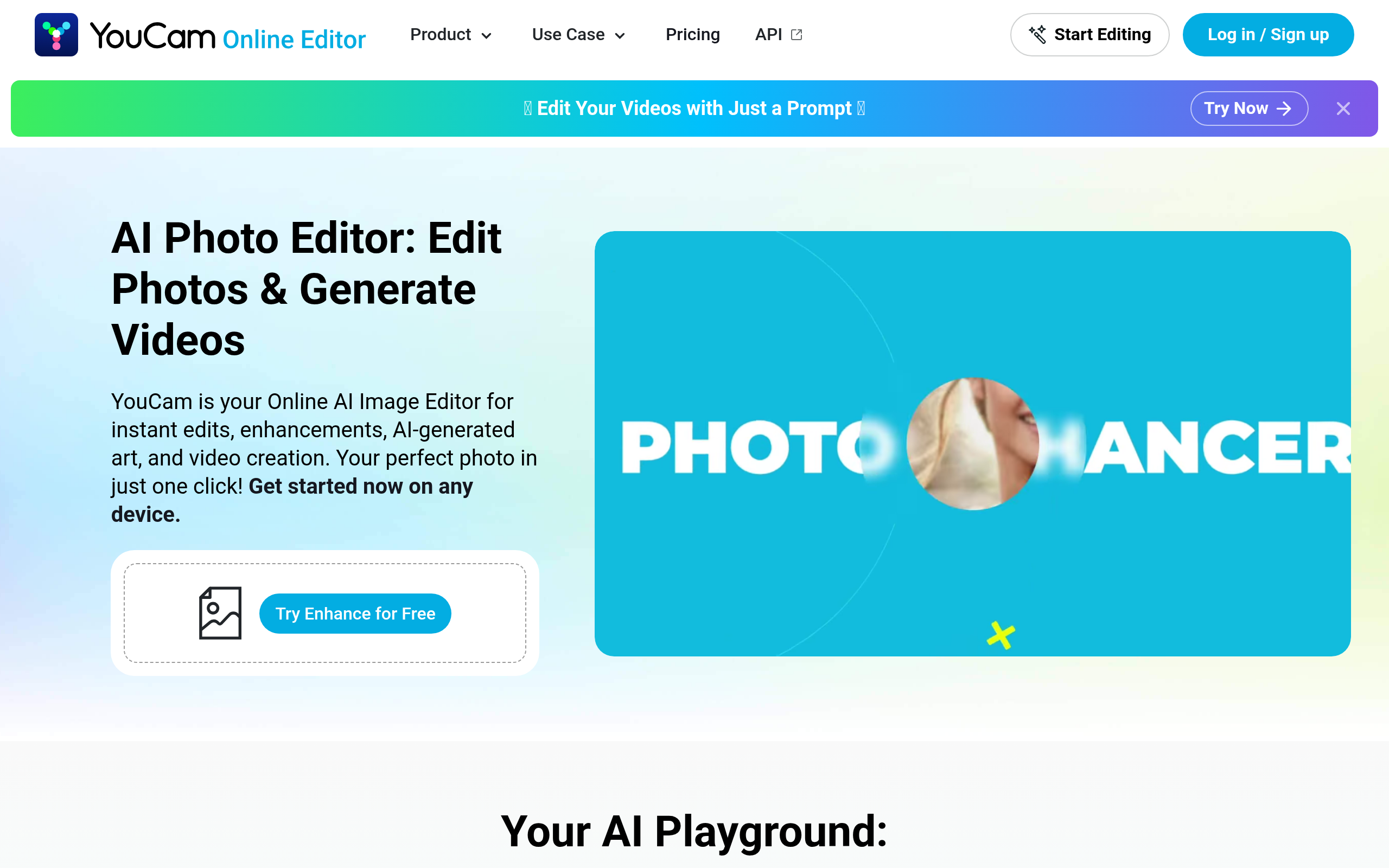
YouCam Online Editor also offers AI-powered text overlay and editing features, making it a solid option for creators in beauty and lifestyle niches who need light editing alongside visual captions within a single interface, without downloading a native app.
What Is the Best AI Tool for Creating Short-Form Video Without a Dedicated Editor?
Not every creator or marketing team has a video editor. For content that needs to look polished without a full production workflow, AI-powered video creation tools handle scene assembly, music selection, and text animation automatically from a brief or script input.
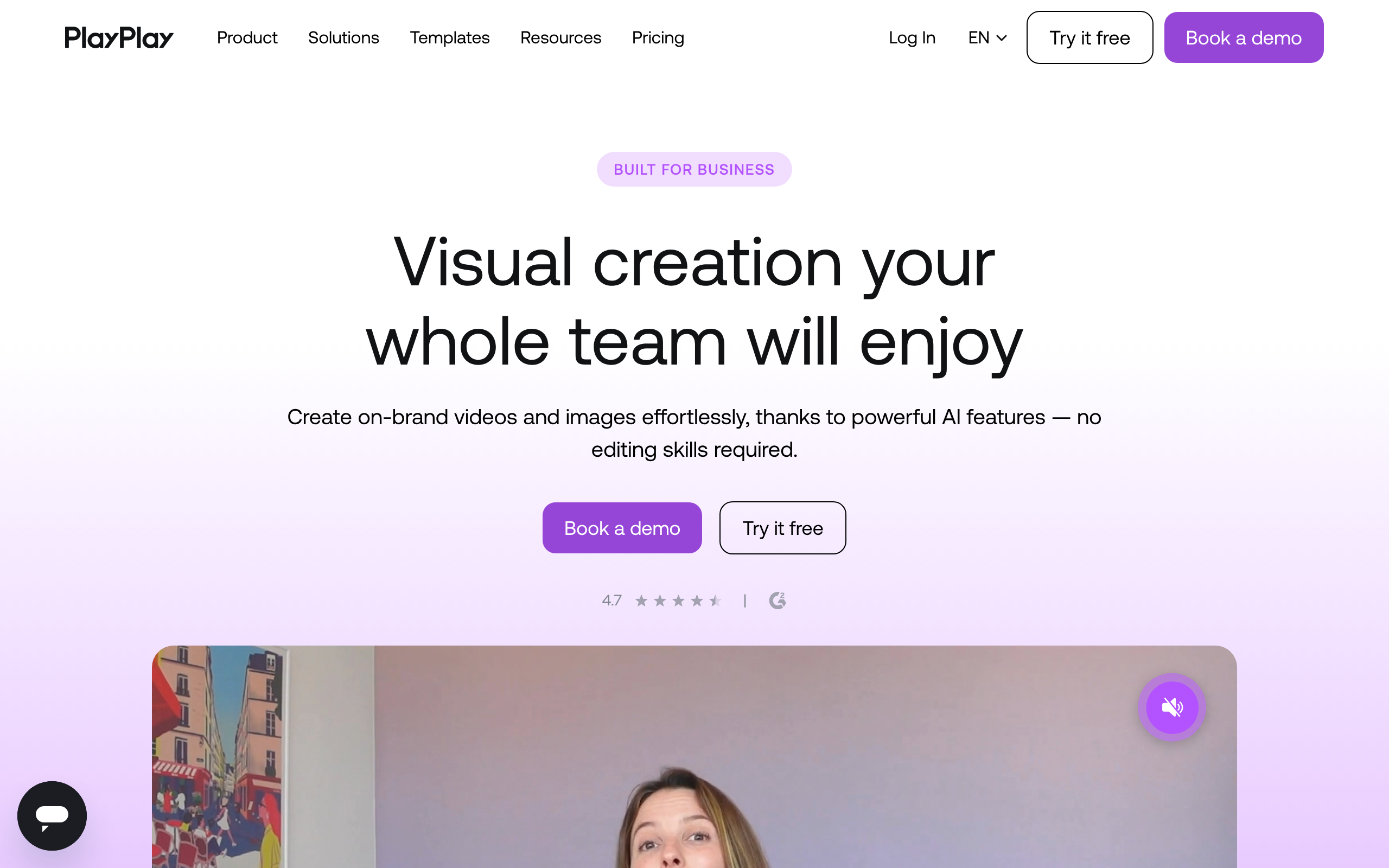
PlayPlay is the strongest catalog option in this segment. It is designed specifically for marketing teams that need to produce video content at volume — input a script or key messages, choose a template, and the tool assembles a ready-to-publish short-form video. The template library includes formats optimized for vertical (9:16) output, which is the native format for both Reels and TikTok.
Where PlayPlay particularly excels is team collaboration: multiple users can work within the same brand kit, keeping fonts, colors, and logo placement consistent across all video output. This matters for brands running creator programs or managing multiple sub-brands where visual consistency is a requirement, not a nice-to-have.
YouCam Online Editor sits at the lighter end of this spectrum — it is better suited to quick edits, AI beauty filters, and adding visual effects to existing footage than to building video from scratch. For lifestyle and beauty content creators who already have their clip and just need polish, it is a faster option than a full creation platform.
| Use Case | Recommended Tool | Why |
|---|---|---|
| Hook copywriting | AI Social Media Post Generator | Platform-specific output, free tier, score 94 |
| Budget-friendly caption drafts | Free AI Social Media Post Generator | Fully free, no trial limits |
| Auto-captions / animated subtitles | Captions | Word-level animations, styled output |
| Video creation without editing skills | PlayPlay | Template-based, brand kit, team-ready |
| Light editing + AI effects | YouCam Online Editor | AI effects, text overlays, beauty filters |
| Scheduling for solo creators | Buffer | Simple, direct TikTok + Instagram publishing |
| Scheduling for agencies | SocialPilot | Team management, approval workflows |
| Analytics-first workflow | Iconosquare | Deep metrics, optimal posting time data |
How Does AI Scheduling Help TikTok and Reels Creators Post Consistently?
Consistency is a ranking signal on both TikTok and Instagram. Accounts that publish regularly — and at the times when their specific audience is most active — see compounding reach benefits over time. Manually sitting at your phone to post at a specific time every day is not sustainable at any meaningful volume.
Buffer supports direct scheduling and publishing to both Instagram Reels and TikTok from a single content queue. Its AI features surface optimal posting time suggestions based on historical engagement data from your account, rather than giving you generic advice like "post at 7pm on weekdays." The free tier allows a limited number of scheduled posts per channel, which is sufficient for individual creators publishing three to five times per week.
SocialPilot is built for teams managing multiple accounts simultaneously. It includes an AI caption assistant, a visual content calendar, bulk scheduling via spreadsheet upload, and approval workflows that matter when a brand needs sign-off before content goes live. For agencies managing ten or more client accounts, SocialPilot is typically more cost-efficient than Buffer at that scale.
Iconosquare goes further on analytics: it tracks engagement rate, reach, follower growth, and story performance, then layers optimal posting time recommendations on top of that data. For data-driven creators who want to understand what is actually working — not just publish and hope — Iconosquare's reporting dashboard is the most detailed option available in Comparee's catalog for this category.
Which AI Tools Help Turn Long Videos Into Short Reels and TikToks?
Auto-clipping — extracting 30 to 60 second highlight clips from a longer interview, webinar, or YouTube video — is one of the highest-leverage uses of AI for short-form content production. A single 60-minute podcast can yield 10 to 15 publishable Reels or TikToks with the right extraction tool, which changes the economics of content creation significantly.
The dedicated auto-clipping tools (Opus Clip, Vidyo.ai, Vizard) are not currently in Comparee's catalog, but they are well-established enough to mention for context: Opus Clip uses AI to identify high-engagement moments in longer video, auto-crops to vertical format, and adds captions automatically. It is the most widely adopted tool for this specific use case as of 2026.
From Comparee's catalog, PlayPlay and YouCam Online Editor support video trimming and editing features that handle manual clip extraction — not automated detection of highlight moments, but sufficient if you already know which segments you want to cut and package.
The emerging workflow for high-volume content teams is a two or three-tool stack: an auto-clipper for extraction, followed by Captions for subtitle styling, and Buffer or SocialPilot for scheduling. This pipeline covers raw footage to published post without requiring manual effort at each stage.
Full Feature Comparison: AI Tools for Instagram Reels and TikTok
| Tool | Caption Copywriting | Auto-Subtitles | Video Creation | Scheduling | Analytics | Free Tier |
|---|---|---|---|---|---|---|
| AI Social Media Post Generator | Yes (primary) | No | No | No | No | Yes |
| Free AI Social Media Post Generator | Yes (primary) | No | No | No | No | Yes (fully) |
| Captions | No | Yes (animated) | Light editing | No | No | Yes |
| PlayPlay | No | Text overlay | Yes (full) | No | No | Yes |
| YouCam Online Editor | No | Text overlay | Yes (light) | No | No | Yes |
| Buffer | AI assist | No | No | Yes | Basic | Yes |
| SocialPilot | AI assist | No | No | Yes | Yes | Yes |
| Iconosquare | No | No | No | Yes | Advanced | Yes |
All tools above offer a free tier. Paid plan pricing changes regularly — check each tool's current page for accurate figures rather than relying on any cached comparison chart.
Comparee's Verdict: Which Tool Is Right for Your Short-Form Video Workflow?
Comparee's verdict: AI Social Media Post Generator is the best choice for creators who need platform-native hook and caption copy fast — it consistently outperforms generic AI writers for short-form social formats and has the highest Comparee score in this category. If you are on a zero budget, Free AI Social Media Post Generator delivers the same core workflow at no cost.
For video subtitle production, Captions is the clear pick — no other tool in the catalog delivers animated, styled subtitles with the visual quality that short-form video audiences expect. PlayPlay is the verdict for marketing teams that need to produce polished vertical video without a dedicated editor; it is more than a solo creator typically needs, but invaluable for content-at-scale operations.
On scheduling: Buffer for solo creators and small teams who want a clean, simple queue. SocialPilot for agencies and multi-brand setups where team collaboration and approval flows are required. If performance data drives your content decisions, add Iconosquare — its analytics depth justifies the subscription for anyone running creator programs or managing brand organic social at a professional level.
For a complete look at tools in this space, browse the Social Media & Creator Tools category on Comparee. For dedicated video creation tools beyond the ones listed here, the Video Generation & Editing category covers the broader landscape.
Tools mentioned in this guide


Pricing, features and model availability can change over time. Always verify current details on each tool's official website before deciding.
Frequently Asked Questions
What is the best free AI tool for writing TikTok captions in 2026?
What is the best free AI tool for writing TikTok captions in 2026?
Can AI automatically clip long videos into Instagram Reels?
Can AI automatically clip long videos into Instagram Reels?
Does Buffer support TikTok scheduling?
Does Buffer support TikTok scheduling?
What is the best AI tool for adding captions to Instagram Reels?
What is the best AI tool for adding captions to Instagram Reels?
How do I use AI to plan a TikTok content calendar?
How do I use AI to plan a TikTok content calendar?
What is the difference between an AI caption writer and an auto-captioning tool?
What is the difference between an AI caption writer and an auto-captioning tool?
Which AI tool is best for a beginner TikTok creator?
Which AI tool is best for a beginner TikTok creator?
Do I need different AI tools for TikTok and Instagram Reels?
Do I need different AI tools for TikTok and Instagram Reels?
Don't just pick a tool — get the whole workflow
Tell Comparee your goal and get a complete step-by-step AI workflow with the right tool for every step.