AI Tools for Content Creators: The Complete Guide for 2026
The 2026 guide to AI tools for content creators: video, social, music, thumbnails and writing for YouTubers and creators in one workflow.
Key takeaways
- Content creators can now produce video, social posts, music and thumbnails with AI, freeing time for ideas and on-camera presence.
- Tools like Visla, Predis.ai, Pollo AI and Soundverse AI cover the slowest parts of the creator workflow: editing, posting, generating clips and scoring music.
- The biggest win is repurposing — turning one long video into dozens of clips, posts and shorts without redoing the work each time.
- Thumbnails and writing still drive clicks, so tools like Pixelcut and Simplified AI Writer remain core to the stack.
- Use AI for the production grind, but keep your voice, your taste and your judgement firmly human.
For content creators in 2026, the highest-leverage use of AI is repurposing — taking one piece of long-form content and multiplying it into clips, posts, thumbnails and scripts so a single recording fuels a week of output. The bottleneck for most creators is no longer ideas; it is the production grind between having an idea and shipping it everywhere. Editing, cutting clips, writing captions, designing thumbnails and scoring music all eat hours that could go toward better content or simply a sustainable schedule. This guide maps the creator workflow stage by stage, names the tools that remove the most friction at each step, and shows how to keep your creative voice while letting AI handle the repetitive heavy lifting.
What are AI tools for content creators?
AI tools for content creators are software products that automate or accelerate the production stages of making content — editing video, generating short clips, writing scripts and captions, designing thumbnails, and producing background music. They differ from general productivity AI in that they are built around the specific rhythms of creator work: publishing often, across multiple platforms, with formats that vary from a sixty-second short to a twenty-minute video. The best of them slot into an existing workflow rather than replacing it, handling the mechanical parts so the creator can focus on the parts audiences actually care about — the idea, the personality, and the storytelling. Used well, they do not make content feel robotic; they remove the busywork that was burning creators out.
The creator workflow, stage by stage
A typical creator workflow runs from idea to script to recording to editing to packaging to distribution, and AI now touches almost every stage. At the scripting stage, a writing tool turns a rough premise into a structured outline. During editing, AI can cut filler, generate captions and assemble rough cuts far faster than doing it frame by frame. Packaging — the thumbnail and title that decide whether anyone clicks — is increasingly handled with AI-assisted design. Distribution, where one piece of content gets reshaped for every platform, is where AI saves the most time of all. The mistake creators make is treating these as separate tools with separate logins; the creators who scale think of them as one pipeline where the output of one stage becomes the input of the next.
Keeping your voice while scaling output
The fear that AI flattens a creator's personality is legitimate, but it usually comes from misusing the tools. AI should handle the parts of production that are invisible to the audience — trimming silences, resizing clips, drafting boilerplate captions — not the parts that define your identity. Your hook, your opinions, your on-camera energy and your sense of humour are the assets no tool can replicate, and they are precisely what you should protect by freeing up time elsewhere. Treat AI output as a first draft to react to, never a final product to ship blindly. A caption written by AI should sound like you after a quick edit; a script should follow your structure, not a generic template. The creators who thrive use AI to do more of their own work, not to outsource their voice.
Best AI tools for content creators
| What you need | Best tool to start with |
|---|---|
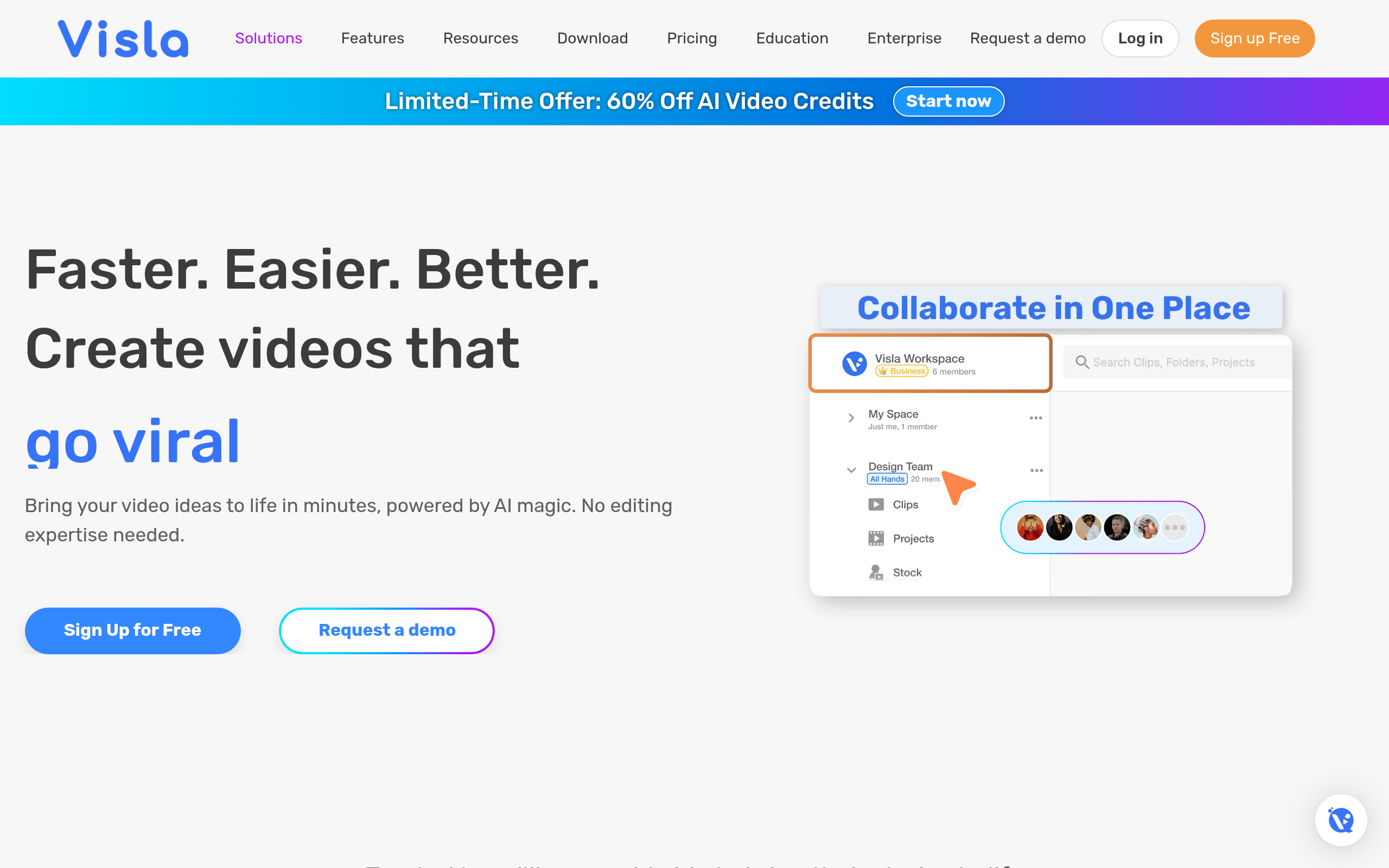
| Edit and assemble video quickly | Visla |
| Generate and schedule social posts | Predis.ai |
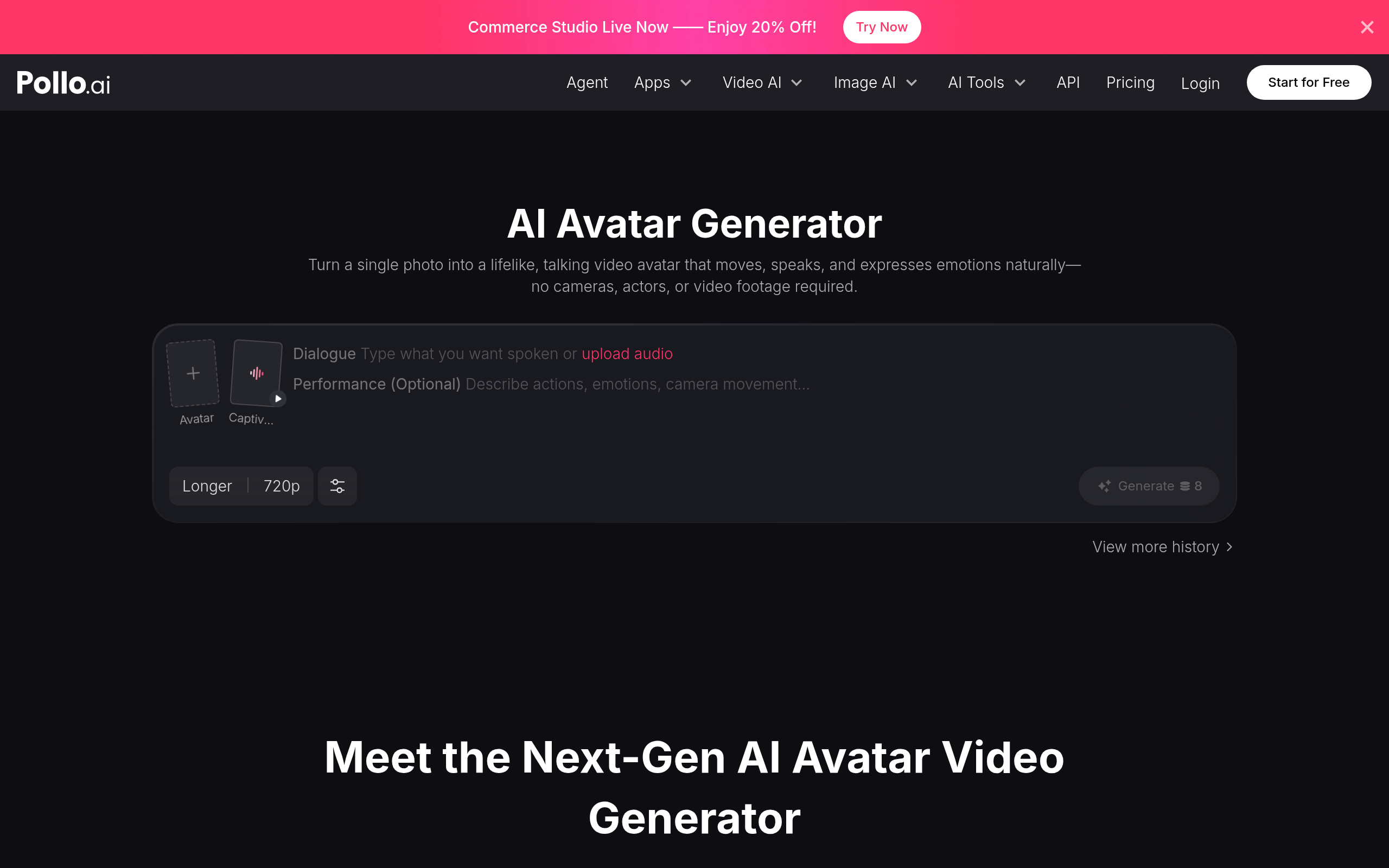
| Create short AI video clips | Pollo AI |
| Produce background music and audio | Soundverse AI |
| Design click-worthy thumbnails | Pixelcut |
| Write scripts, captions and descriptions | Simplified AI Writer |
Visla speeds up the editing stage by helping you assemble and trim video without manual frame-by-frame work, which is often the single biggest time sink for video creators. Predis.ai covers the social side, generating post variations and scheduling them so your long-form content turns into a steady feed. Pollo AI generates short AI video clips, useful for b-roll, intros and experimental shorts that would be expensive to film. Soundverse AI handles music and audio, producing background tracks so you are not stuck searching royalty libraries. For packaging, Pixelcut helps design thumbnails and clean up visuals that drive the click, and Simplified AI Writer drafts scripts, captions and descriptions to remove the blank-page problem. To get more from each upload, see our guide to repurposing content with AI, and for editing specifically the AI video editing guide goes deeper.
How to build a creator AI workflow (step by step)
- Start from your main format — usually a long video or podcast — and treat it as the source everything else flows from.
- Draft your script or outline with Simplified AI Writer, then rewrite it in your own voice before recording.
- Edit and assemble the main piece with Visla, cutting filler and adding captions to speed up post-production.
- Repurpose it into clips and posts using Pollo AI for short video and Predis.ai for social variations.
- Package each piece with a strong thumbnail from Pixelcut and, where needed, background audio from Soundverse AI.
- Schedule everything across platforms and review which formats perform, feeding that back into your next idea.
Why AI matters for creators now
The creator economy has become more competitive and more multi-platform than ever, which means the volume of content required to stay visible has quietly exploded. A creator who used to post one weekly video now needs shorts, posts, and platform-native variations just to maintain reach. Producing all of that manually is unsustainable for an individual or small team, and burnout is one of the leading reasons creators quit. AI changes the maths by collapsing the time between having content and distributing it everywhere. It also lowers the barrier to formats that used to require specialists, like custom music or clean motion graphics. The creators who lean into AI for production are not cutting corners; they are buying back the hours that let them stay consistent long enough to actually grow an audience.
Common mistakes creators make with AI
The biggest mistake is using AI for the creative core instead of the production grind — shipping fully AI-generated scripts that sound like everyone else's, or thumbnails with no personality. Audiences reward distinctiveness, and over-reliance on AI sands it off. A second mistake is treating tools as disconnected, so you re-edit the same clip five times for five platforms instead of repurposing once. A third is skipping the human edit pass; AI output is a starting point, and shipping it raw is how creators get the reputation for low-effort content. Finally, many creators chase every new tool instead of mastering a small, reliable stack. Pick the few tools that fix your actual bottlenecks, learn them well, and resist the urge to rebuild your workflow every time something shiny launches. Consistency beats novelty.
The bottom line
AI lets a single creator operate like a small studio, but only if you point it at the right work. Use Visla to edit, Pollo AI for short clips, Predis.ai to spread posts across platforms, Soundverse AI for audio, Pixelcut for thumbnails, and Simplified AI Writer for scripts and captions. Keep the ideas, voice and taste human, automate the production grind, and repurpose ruthlessly so one recording carries you all week.
Disclaimer: This guide is for general informational purposes only and reflects the landscape as of 2026. Tool features, pricing and availability change frequently — always confirm current details on each provider's official site, and test tools against your own workflow before committing.
Tools mentioned in this guide


Pricing, features and model availability can change over time. Always verify current details on each tool's official website before deciding.
Frequently Asked Questions
What AI tool should a content creator start with?
What AI tool should a content creator start with?
Can AI really help me repurpose one video into many posts?
Can AI really help me repurpose one video into many posts?
Will using AI make my content feel generic?
Will using AI make my content feel generic?
Do I still need to write my own scripts?
Do I still need to write my own scripts?
Can AI handle thumbnails and music too?
Can AI handle thumbnails and music too?
How many AI tools does a creator realistically need?
How many AI tools does a creator realistically need?
Don't just pick a tool — get the whole workflow
Tell Comparee your goal and get a complete step-by-step AI workflow with the right tool for every step.