AI Tools for YouTubers: The Complete Guide for 2026
AI tools for YouTubers in 2026 — scripts, editing, thumbnails, repurposing to shorts and background music, plus the best tools for each part of the workflow.
Key takeaways
- AI tools cover the whole YouTube workflow — scripting, editing, thumbnails, repurposing to shorts and background music — so creators ship more, faster.
- The biggest wins are editing and repurposing, which historically eat the most hours per video.
- Best tools: Visla and Pollo AI for AI video, Descript for editing, Pixelcut for thumbnails, Predis.ai for social repurposing and Soundverse AI for background music.
- Stack a few focused tools across your pipeline rather than hunting for one app that does everything.
- AI accelerates production, but your voice, judgement and final review are what keep the channel yours.
AI tools help YouTubers at every stage of making a video — researching and scripting, editing, designing thumbnails, repurposing long videos into shorts, and adding background music — so a single creator can produce more content, faster, without sacrificing quality. Running a YouTube channel has always been a production grind: the filming is only a fraction of the work, and the editing, thumbnail design, clipping and promotion can take far longer than the recording itself. AI has transformed that grind, automating the slowest parts of the pipeline and letting creators focus on ideas and on-camera performance. This guide walks through the full YouTube workflow, the best AI tools for each stage in 2026, and how to use them without losing your voice.
What are AI tools for YouTubers?
AI tools for YouTubers are applications that use AI to accelerate the many distinct jobs involved in producing and growing a YouTube channel. The workflow breaks into clear stages, and there are AI tools for each. Scripting and ideation tools help you research topics and draft scripts. Video editing tools cut, clean and assemble footage, often by editing the transcript rather than the timeline. Thumbnail design tools create the eye-catching images that drive click-through. Repurposing tools turn one long video into many short clips for Shorts, TikTok and Reels. And audio tools generate background music and clean up sound. The point is not to replace the creator — your ideas, personality and on-camera presence are the channel — but to remove the production bottlenecks that limit how much you can make. By compressing the time each stage takes, AI lets a solo creator operate more like a small studio.
Editing and repurposing: where AI saves the most time
If you ask experienced YouTubers where their hours go, the answer is almost always editing and repurposing — and these are exactly where AI delivers the biggest gains. Editing has been revolutionised by transcript-based tools that let you edit video as easily as editing a document: delete a sentence from the text and the corresponding footage disappears, remove filler words automatically, and assemble a rough cut in a fraction of the usual time. Repurposing is the other massive time sink: every long video is a goldmine of short clips for Shorts, Reels and TikTok, but manually finding and cutting those clips is tedious. AI repurposing tools scan a long video, identify the most engaging moments, and produce ready-to-post vertical clips automatically. Together these two stages used to consume the majority of a creator's production time, and automating them is the single biggest reason a modern YouTuber can sustain a high publishing cadence solo. For deeper dives, see our AI video editing guide and our guide to repurposing content with AI.
Best AI tools for YouTubers in 2026
| Job | Best tool |
|---|---|
| AI video creation | Visla, Pollo AI |
| Editing & transcript-based cuts | Descript |
| Thumbnails & graphics | Pixelcut |
| Repurposing to shorts & social | Predis.ai |
| Background music & audio | Soundverse AI |
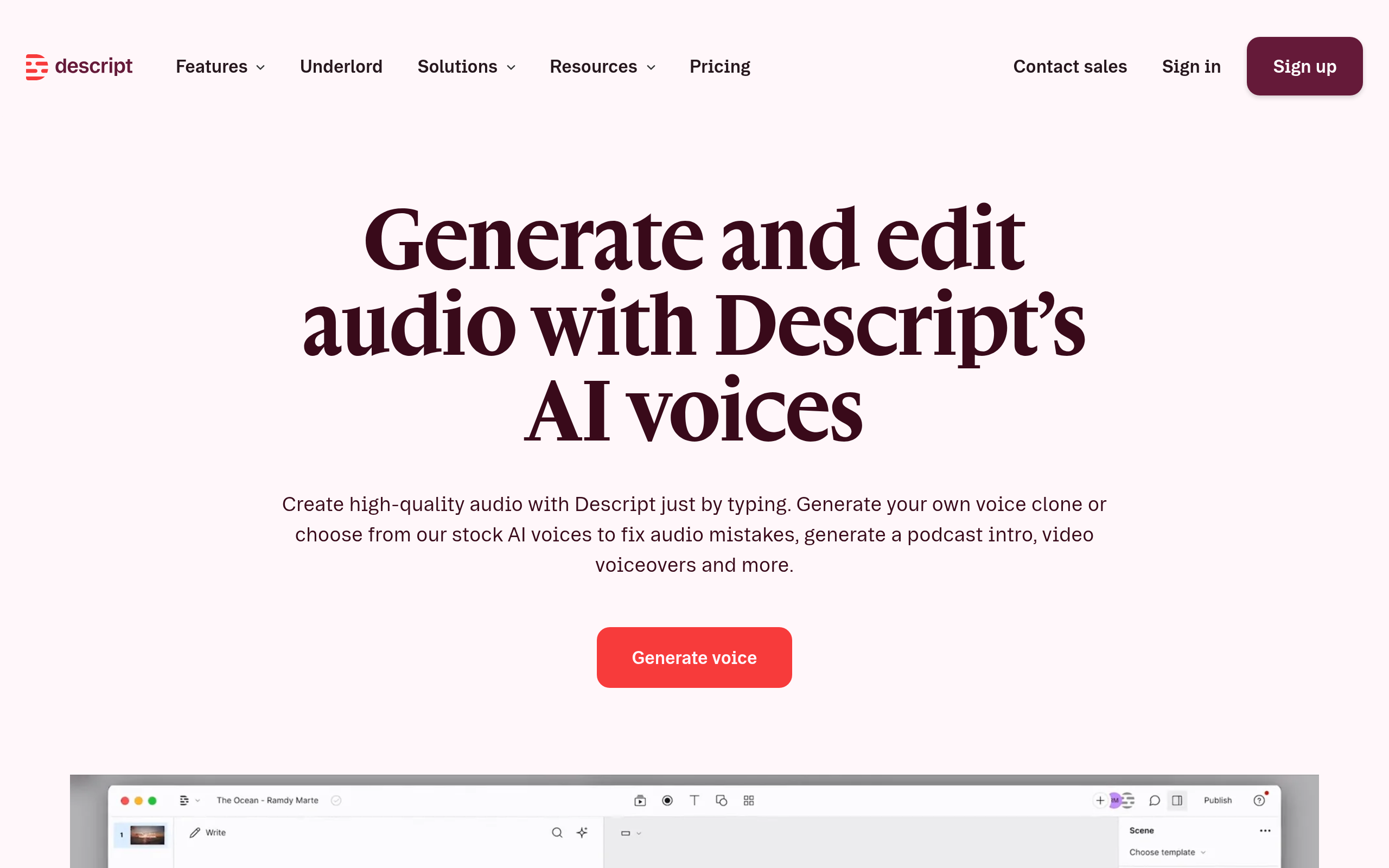
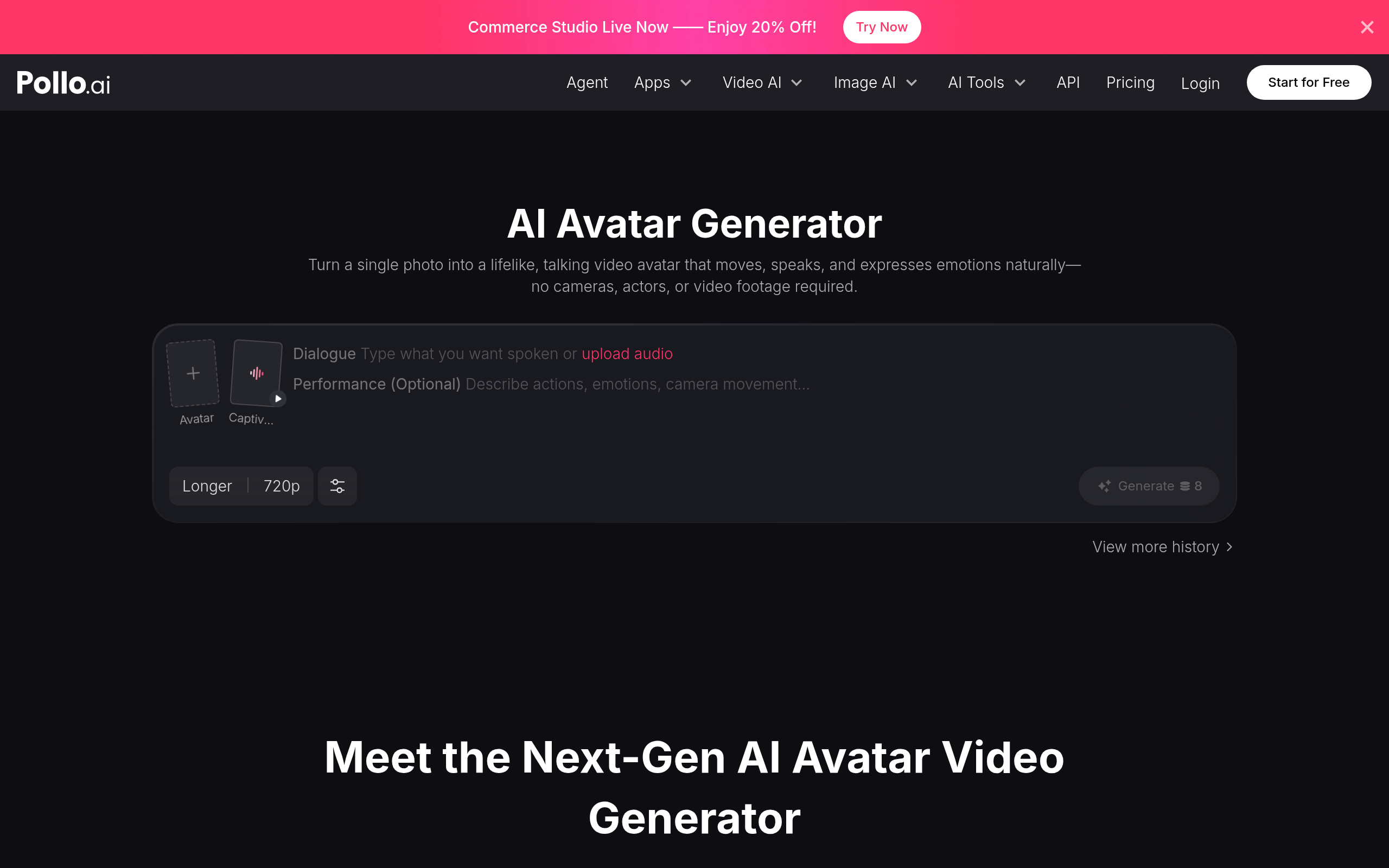
For AI-assisted video creation, Visla and Pollo AI help you generate and assemble video content quickly. For editing, Descript is the standout — its transcript-based workflow lets you edit video by editing text, remove filler words, and produce clean cuts fast. For thumbnails and graphics, Pixelcut makes it easy to design click-worthy images and clean up product or scene shots. For repurposing long videos into shorts and social posts, Predis.ai turns your content into platform-ready clips and captions. And for background music and audio, Soundverse AI generates tracks to score your videos without licensing headaches. Stack the few that fit your pipeline rather than expecting one tool to do it all.
How to build your YouTube production pipeline (step by step)
- Research and script your video, using AI to speed up ideation and drafting while keeping your own angle.
- Film your footage — this stays human, since your presence is the channel.
- Edit fast with Descript — cut on the transcript, remove filler, and build the rough cut quickly.
- Design the thumbnail with Pixelcut and test a couple of options for click-through.
- Add background music with Soundverse AI to set the mood without licensing risk.
- Repurpose to shorts with Predis.ai, posting the best moments across Shorts, Reels and TikTok.
Why AI matters for YouTubers now
The economics of YouTube have shifted in a way that makes AI almost essential for serious creators. Audiences now expect a steady stream of content, the platform rewards consistency, and the rise of Shorts means a single long video is no longer enough — you are expected to feed multiple formats and platforms at once. For a solo creator or small team, meeting that demand by hand is simply not possible; the production load would be crushing. AI changes the math. By automating editing, repurposing, thumbnail design and music, it lets one person produce the volume and variety that used to require a team. This is not about replacing creativity — the ideas, the personality and the on-camera performance still come entirely from the creator — but about removing the production ceiling that limits how often they can publish. The creators thriving in 2026 are the ones who have built an AI-assisted pipeline that turns each recording session into a long video plus a batch of shorts, all edited and scored quickly. That leverage is the difference between burning out and building a sustainable channel.
Common mistakes to avoid
The biggest mistake is letting AI flatten your voice. The tools are powerful, but if you publish AI-drafted scripts and auto-generated clips without your own judgement, the channel starts to feel generic — and audiences notice. Use AI to accelerate, then layer your personality, humour and perspective on top. A second mistake is over-editing: transcript-based tools make it tempting to remove every pause and filler word, but stripping all the natural rhythm out of speech can make a video feel robotic, so leave some breathing room. A third is neglecting thumbnails and titles, which drive click-through more than almost anything else — do not let AI churn out a forgettable thumbnail and move on; test options and pick the one that genuinely earns the click. Another common error is repurposing badly: simply chopping a long video into random clips rarely works, because shorts need a hook in the first second, so let AI find the genuinely engaging moments and then refine them. Finally, do not skip the final review — AI editing and captions can introduce errors, and a quick watch-through before publishing protects your quality and your reputation.
The bottom line
AI tools let a YouTuber operate like a studio, automating the slowest parts of the pipeline — editing, repurposing, thumbnails and music — so you can publish more without burning out. Use Visla and Pollo AI for AI video, Descript for fast transcript-based editing, Pixelcut for thumbnails, Predis.ai for turning long videos into shorts, and Soundverse AI for background music. Stack the few tools that fit your workflow rather than chasing one do-everything app, keep your voice and judgement at the centre, and always do a final review — and AI becomes the leverage that makes a sustainable, high-output channel possible.
Disclaimer: AI editing, captioning and repurposing tools are powerful but not flawless — they can introduce errors and misjudge what makes a clip engaging. Review your output before publishing, keep your own voice and judgement central, and respect platform rules and music licensing.
Tools mentioned in this guide



Pricing, features and model availability can change over time. Always verify current details on each tool's official website before deciding.
Frequently Asked Questions
What AI tools do YouTubers use?
What AI tools do YouTubers use?
Can AI edit YouTube videos?
Can AI edit YouTube videos?
How do I turn long videos into YouTube Shorts with AI?
How do I turn long videos into YouTube Shorts with AI?
Can AI make YouTube thumbnails?
Can AI make YouTube thumbnails?
Will AI make my channel feel generic?
Will AI make my channel feel generic?
Should I use one AI tool or several for YouTube?
Should I use one AI tool or several for YouTube?
Don't just pick a tool — get the whole workflow
Tell Comparee your goal and get a complete step-by-step AI workflow with the right tool for every step.