AI Dubbing & Subtitles: The Complete Guide (2026)
AI dubbing and subtitles in 2026 — how to translate, dub and caption video for global audiences, where human review matters, and the best tools.
Key takeaways
- AI dubbing translates and re-voices your video into other languages; AI subtitles auto-generate accurate captions.
- Together they make one video understandable to global and sound-off audiences — without re-filming or manual captioning.
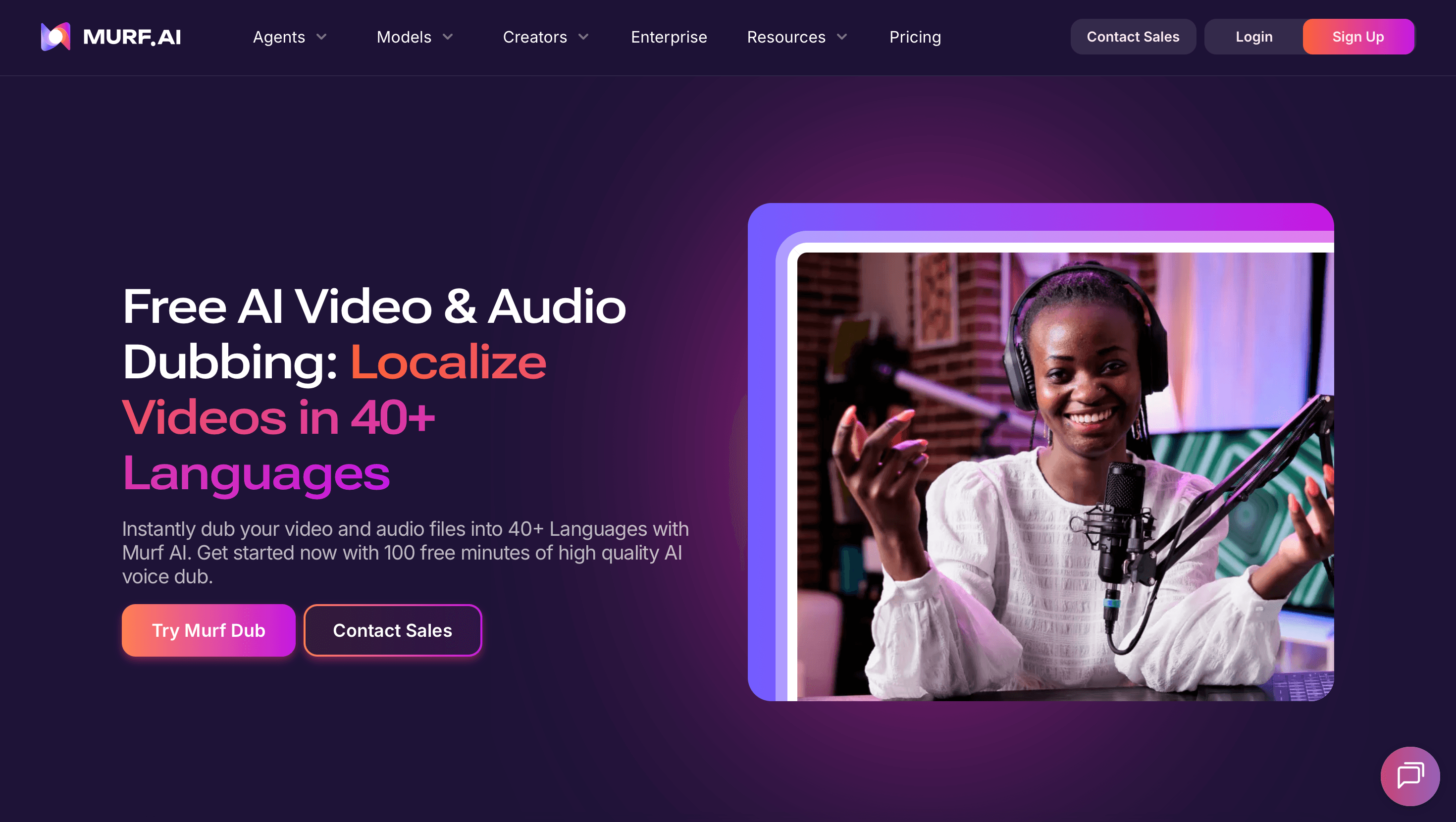
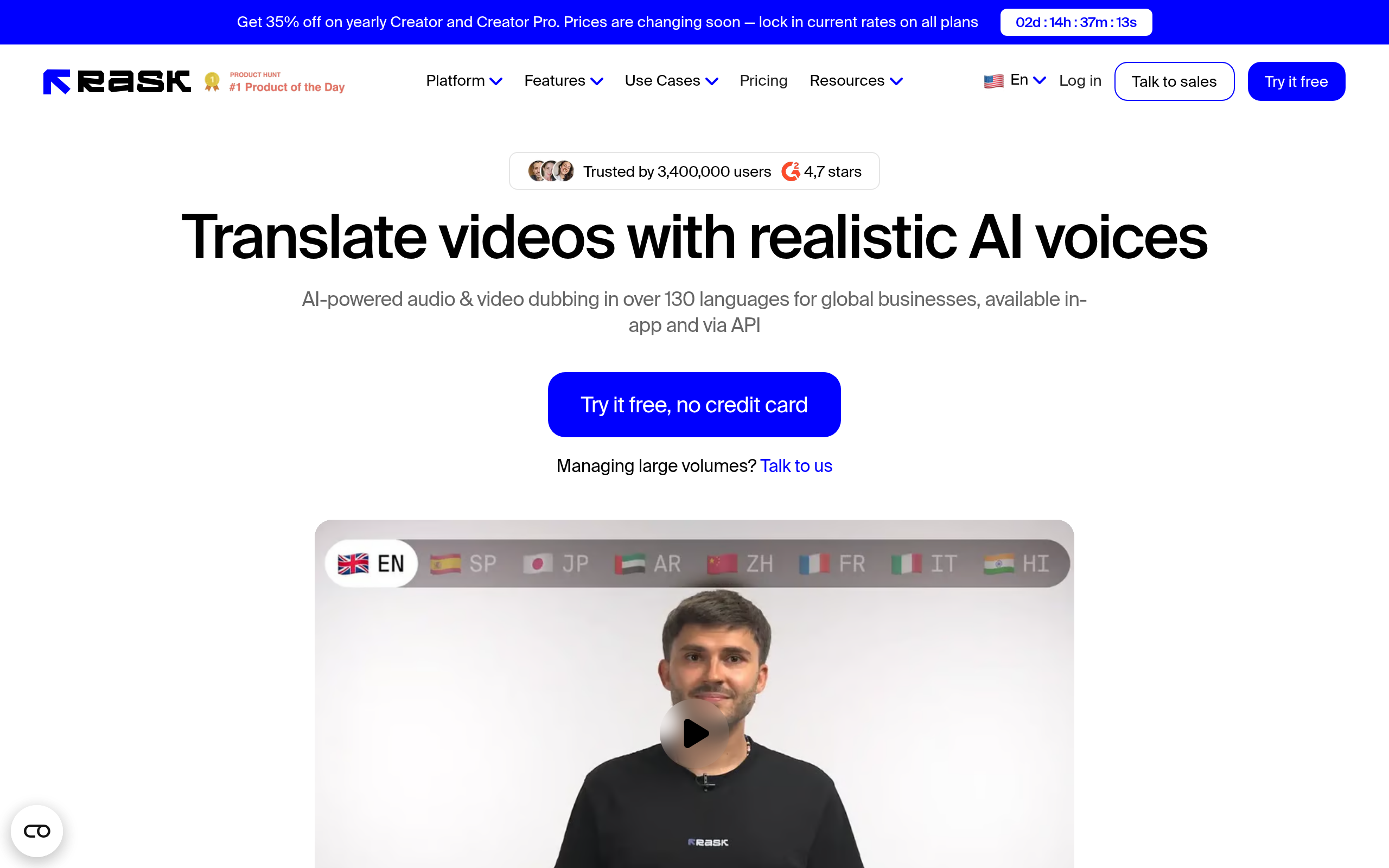
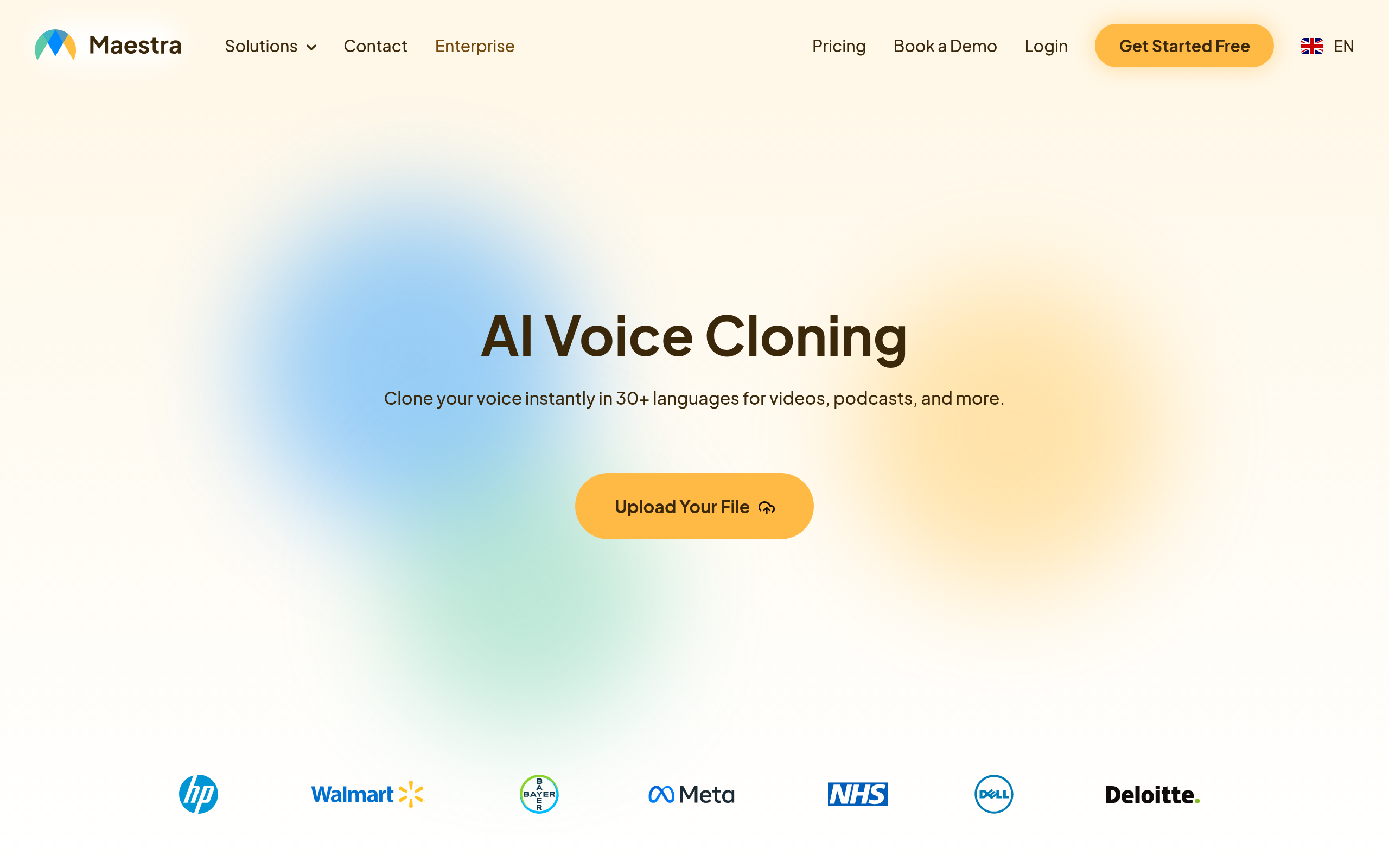
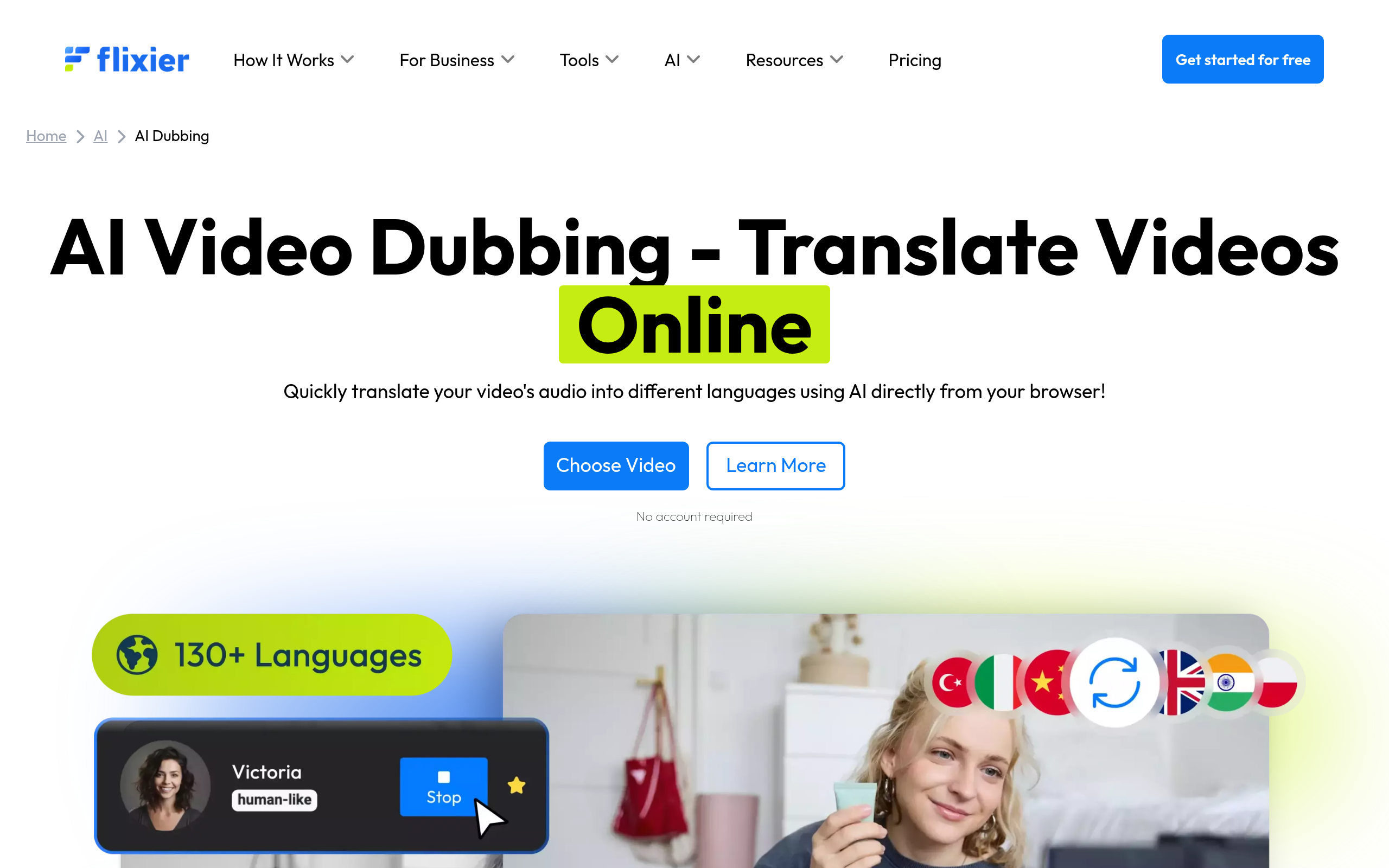
- Best tools: Rask AI for video translation and dubbing, Murf AI Dubbing for voice, Flixier AI Dubbing for browser editing + dubbing, Maestra AI Voice Cloning and Acoust AI for audio.
- Captions lift watch time even in one language; dubbing unlocks new-language audiences.
- Review the output — AI gets nuance mostly right, but check names, terms and tone.
AI dubbing translates and re-voices your video into other languages — often keeping a recognisable voice — while AI subtitles auto-generate accurate captions; together they make one video understandable to global audiences and to the many viewers who watch with sound off. Reaching international or sound-off audiences used to require expensive voice actors and manual captioning per language. AI collapses that cost, turning localization and captioning into near-automated steps. This guide covers how AI dubbing and subtitles work, why they matter, the best tools in 2026, and where a human eye still helps.
Dubbing vs subtitles: which do you need?
They solve overlapping but distinct problems. Subtitles (captions) display the spoken words as text on screen — essential for the huge share of viewers who watch on mute, for accessibility, and for comprehension. Dubbing replaces the original audio with a translated voice track, so viewers hear the content in their own language. Subtitles are cheaper and faster and lift watch time even in the original language; dubbing creates a more immersive experience for new-language audiences but is more involved. Many creators use both: subtitles for accessibility and sound-off viewing, dubbing to genuinely localize for major markets. AI has made both dramatically faster and cheaper than they were.
Why captions and dubbing matter
The case is strong and often underestimated. A large share of social video is watched with sound off, so captions are not optional — without them, you lose viewers in the first seconds. Captions also boost accessibility and comprehension, and they tend to increase watch time even for hearing viewers. Dubbing, meanwhile, unlocks entire new-language audiences: one video can reach viewers who would never engage with it in its original language, multiplying your potential reach. For creators and businesses producing video, adding AI captions is a near-free uplift, and AI dubbing turns global reach from a major project into a few clicks.
Best AI dubbing and subtitle tools in 2026
| Job | Best tool |
|---|---|
| Video translation & dubbing | Rask AI |
| Voiceover & dubbing | Murf AI Dubbing |
| Browser editing + dubbing | Flixier AI Dubbing |
| Audio localization & cloning | Maestra AI Voice Cloning, Acoust AI |
For translating and dubbing video into many languages — often keeping a recognisable voice — Rask AI is a leading specialist. For polished voiceover and dubbing, Murf AI Dubbing; for browser-based editing combined with AI dubbing and captioning, Flixier AI Dubbing; and for audio localization and voice work, Maestra AI Voice Cloning and Acoust AI. Compare more in our AI translation & localization guide, ElevenLabs alternatives and the voice & audio category.
How to dub and caption a video with AI (step by step)
- Start with captions — auto-generate subtitles in the original language; they are a near-free uplift.
- Choose your target languages for dubbing based on where your audience is.
- Dub with a specialist like Rask AI, keeping a consistent voice across languages.
- Review the output — check names, technical terms, tone and timing; AI gets most right but not all.
- For high-visibility content, have a native speaker spot-check the dubbed or captioned result.
- Publish with captions on, and the dubbed versions for the relevant markets.
Where to keep a human in the loop
AI dubbing and captioning are remarkably good, but the gaps tend to appear in predictable places. Names and technical terms can be mistranscribed or mispronounced. Tone and idiom — humour and nuance can flatten in translation. Timing — captions occasionally run ahead of or behind the speech. And for brand-critical or sensitive content, errors carry more cost. The fix is light: review the output before publishing, and for high-visibility pieces have a native speaker spot-check. This captures almost all of AI's speed and cost savings while protecting against the small errors that would undermine an otherwise professional result. Consent also matters — only clone a real person's voice for dubbing with their permission.
Why captions and dubbing are no longer optional
The way people consume video has changed in ways that make captions and dubbing essential rather than nice-to-have. A large share of social video is watched on mute — in offices, on public transport, in bed — which means a video without captions simply fails to communicate to a big chunk of its audience in the crucial first seconds. Captions also serve accessibility, aid comprehension for non-native speakers, and measurably increase watch time even among viewers who do have sound on. Dubbing extends the reach further, into entire language markets that would never engage with content in its original tongue. What makes this an opportunity rather than a burden is that AI has collapsed the cost of both. Where captioning every video and dubbing it into several languages was once a budget line only large publishers could afford, it is now a near-automated step available to any creator. The result is that the barrier to making video globally accessible has effectively disappeared, and the creators who take advantage reach audiences their competitors leave on the table.
Getting AI dubbing and captions right
While AI handles dubbing and captioning remarkably well, the quality of the final result still depends on a light human touch in the right places. The errors AI makes are predictable and easy to catch: it occasionally mistranscribes names or technical terms, can flatten humour or idiom in translation, and sometimes lets caption timing drift slightly out of sync with the speech. None of these are hard to fix, but they do require a review pass before publishing, and for high-visibility or brand-critical content, a quick spot-check by a native speaker of the target language. The workflow that works is straightforward: auto-generate captions in the original language as a default, dub into the languages where your audience actually is, review the output for the predictable error spots, and only then publish. Done this way, you capture nearly all of AI's speed and cost advantage while protecting against the small mistakes that would otherwise undermine an otherwise professional, globally accessible video.
The bottom line
AI dubbing and subtitles let one video reach global and sound-off audiences without re-filming or manual captioning. Add captions to every video as a near-free uplift, and dub into your key markets with Rask AI, Murf AI Dubbing or Flixier AI Dubbing, using Maestra AI Voice Cloning or Acoust AI for audio. Review the output for names, terms and tone, spot-check high-visibility content with a native speaker, and respect voice consent — and you turn international reach from an expensive project into a routine step.
Disclaimer: AI dubbing and captions can mistranscribe names, terms or tone. Review outputs before publishing, spot-check high-visibility content with a native speaker, and obtain consent before cloning a real person's voice.
Tools mentioned in this guide
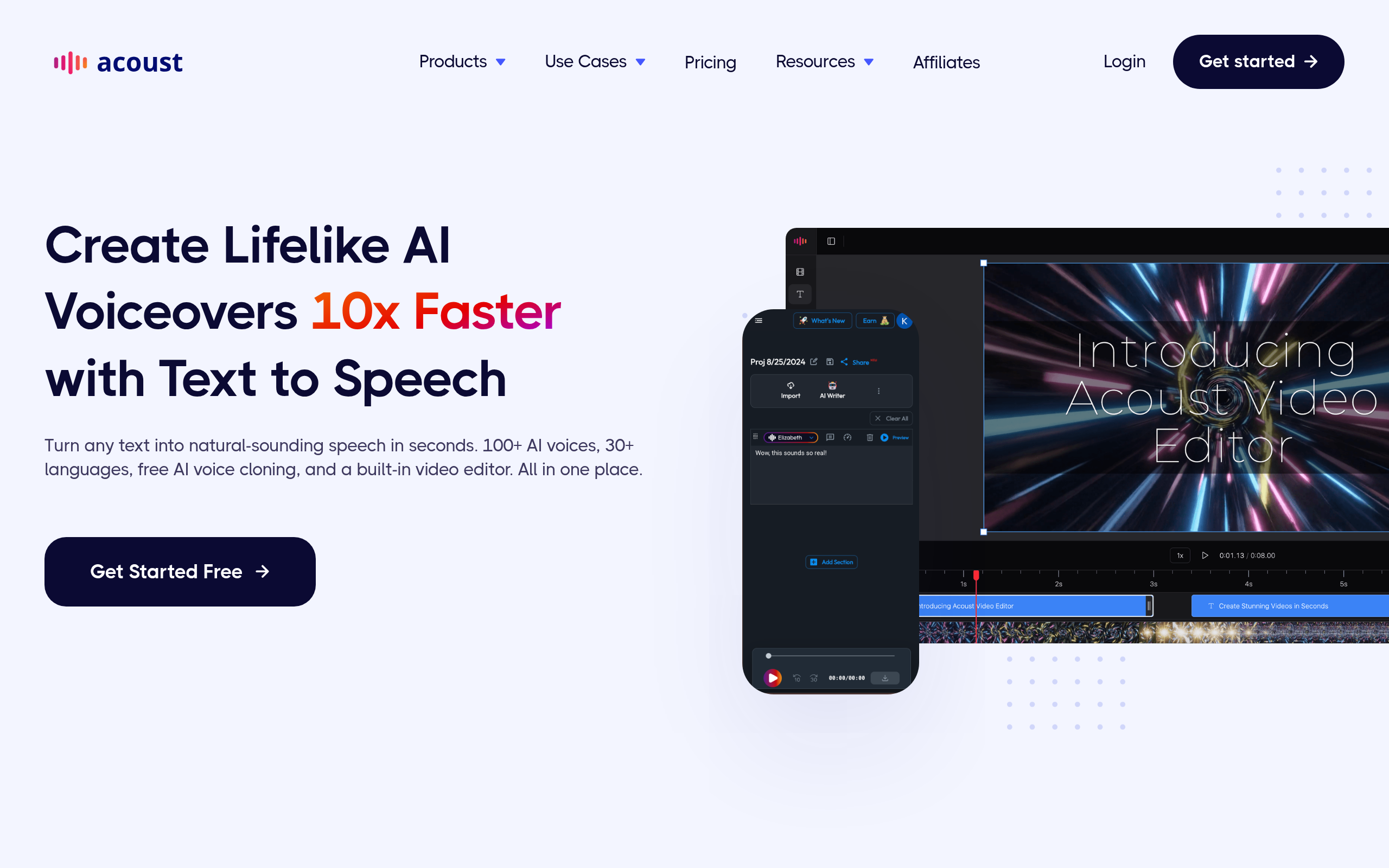
Pricing, features and model availability can change over time. Always verify current details on each tool's official website before deciding.
Frequently Asked Questions
What is the difference between AI dubbing and subtitles?
What is the difference between AI dubbing and subtitles?
What is the best AI dubbing tool?
What is the best AI dubbing tool?
How do I add subtitles to a video with AI?
How do I add subtitles to a video with AI?
Can AI dub my video into another language?
Can AI dub my video into another language?
Are AI subtitles and dubbing accurate?
Are AI subtitles and dubbing accurate?
Do captions really increase watch time?
Do captions really increase watch time?
Don't just pick a tool — get the whole workflow
Tell Comparee your goal and get a complete step-by-step AI workflow with the right tool for every step.