AI Product Photography: The Complete Guide for 2026
AI product photography in 2026 — clean shots, background removal and replacement, lifestyle images at scale for stores, plus the best tools and licensing caveat
Key takeaways
- AI product photography turns plain product shots into clean, professional, on-brand images — removing and replacing backgrounds and generating lifestyle scenes — at a fraction of the cost and time of a photo shoot.
- It lets online stores produce consistent, high-quality product visuals at scale without a studio for every shot.
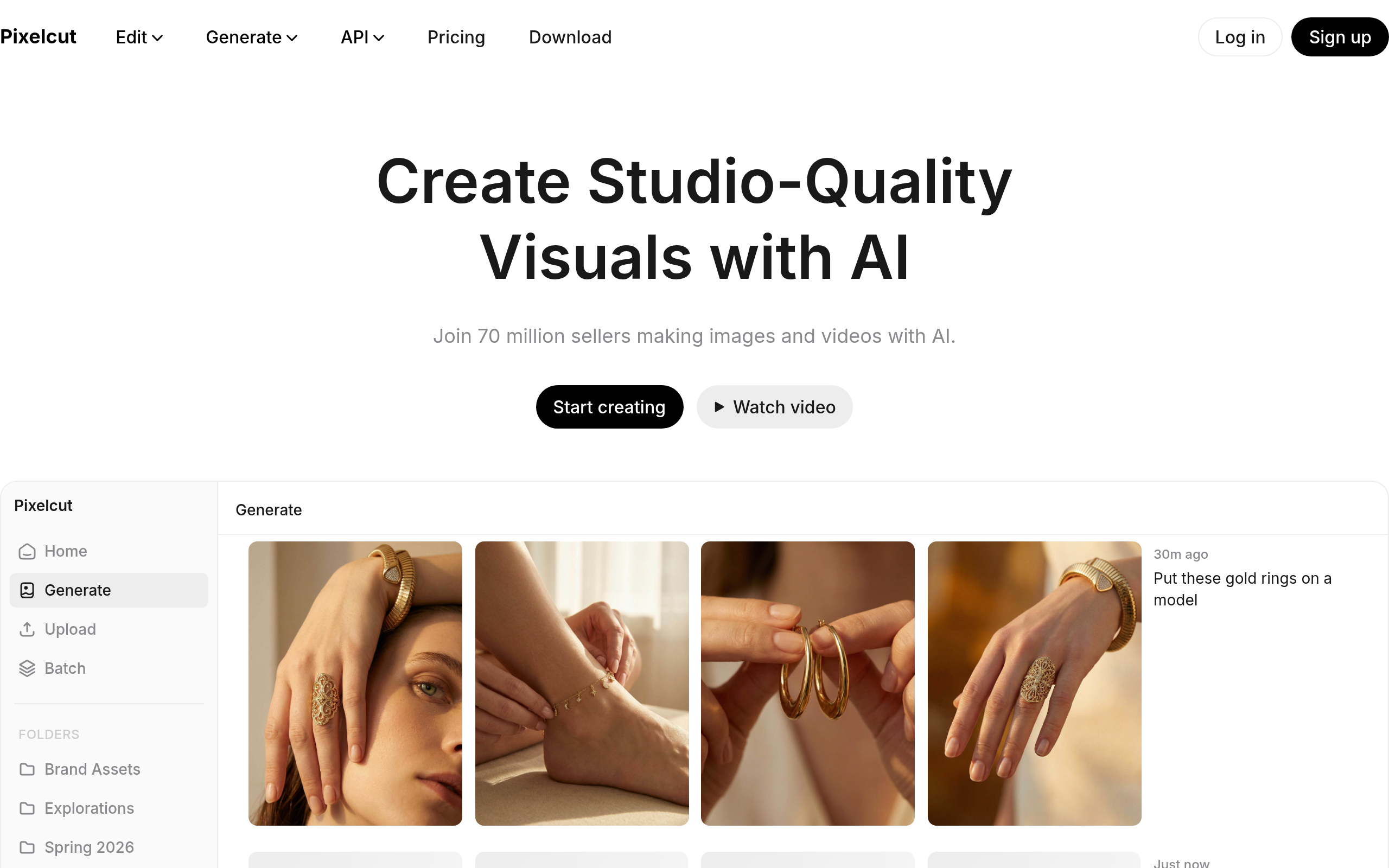
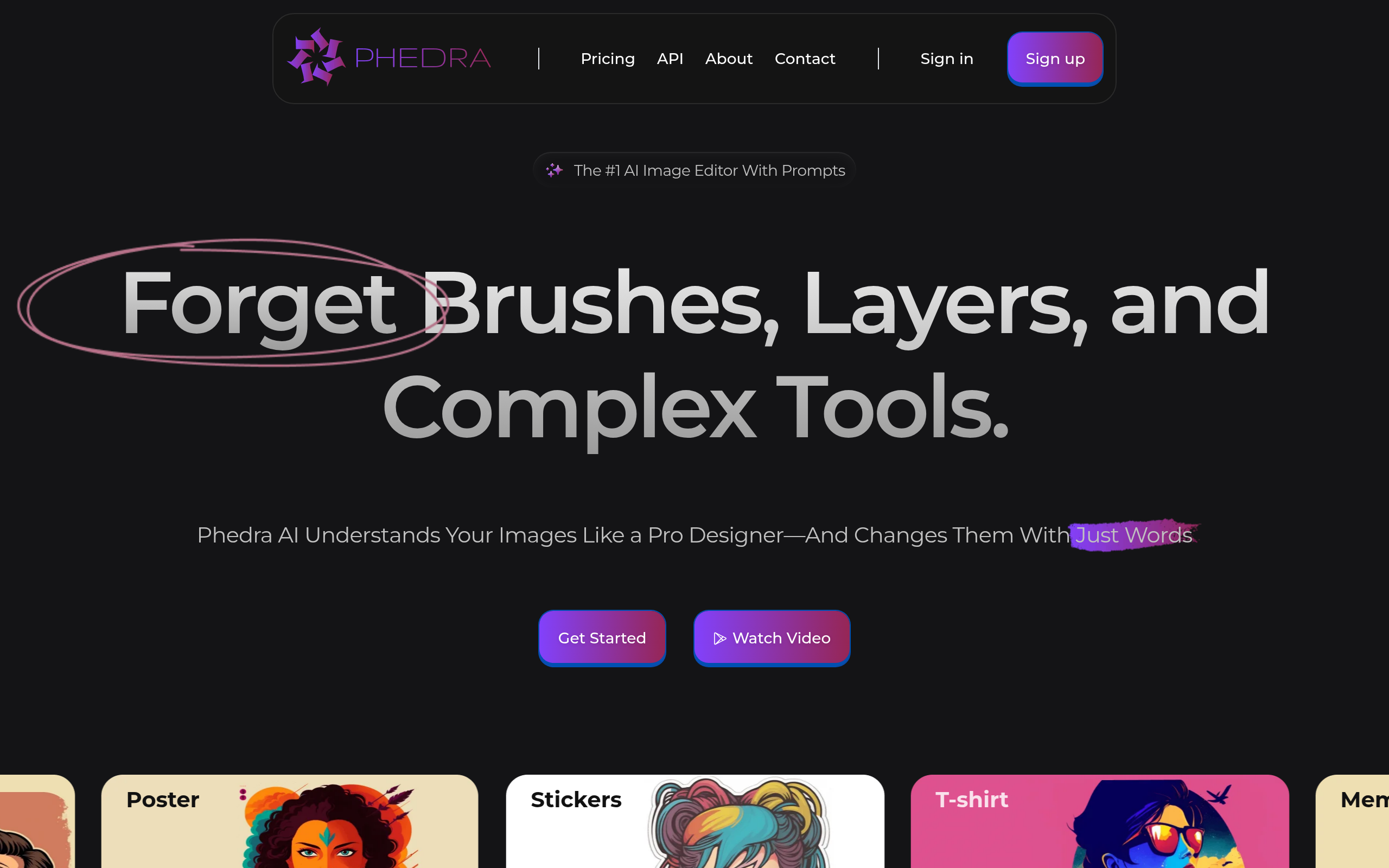
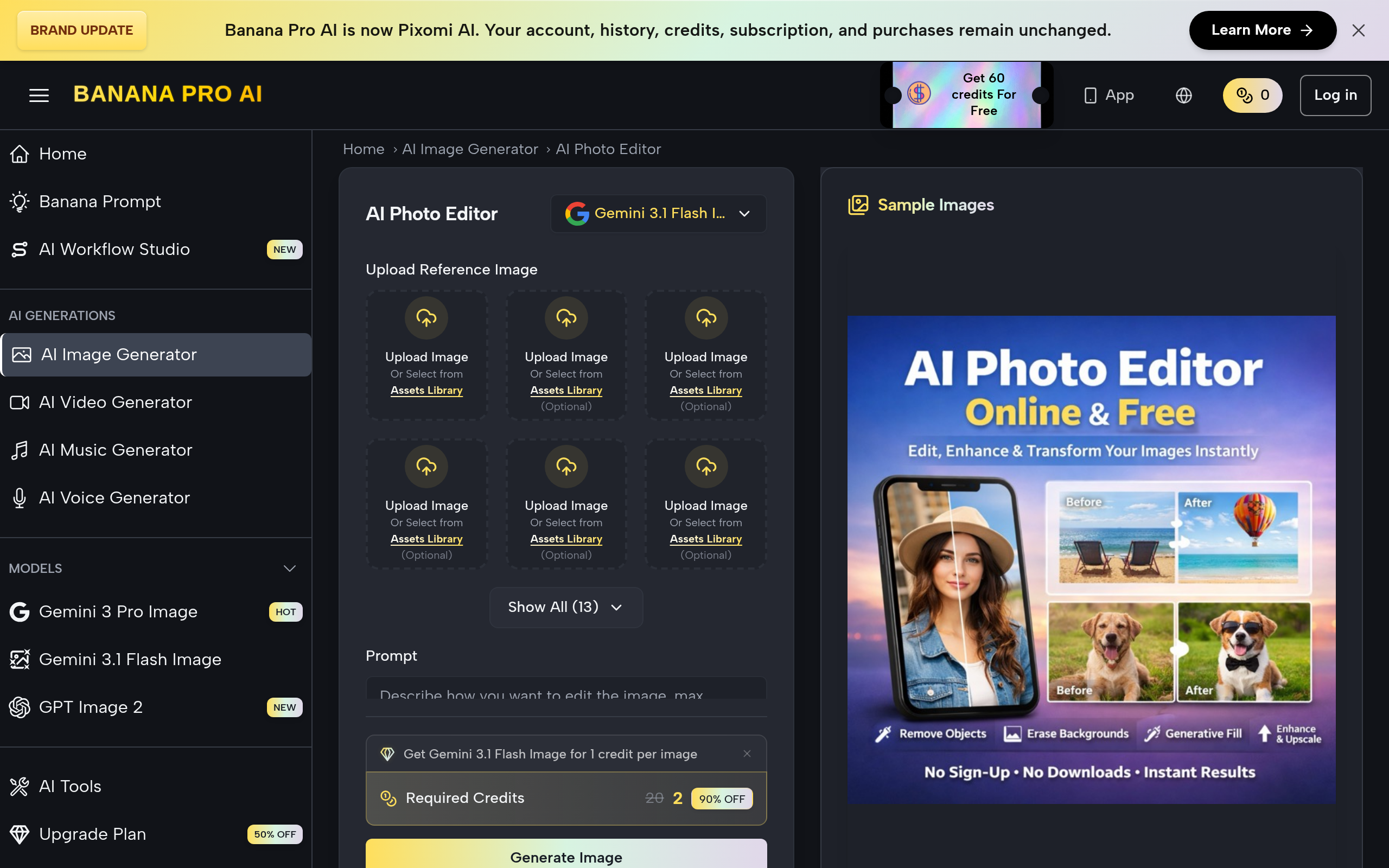
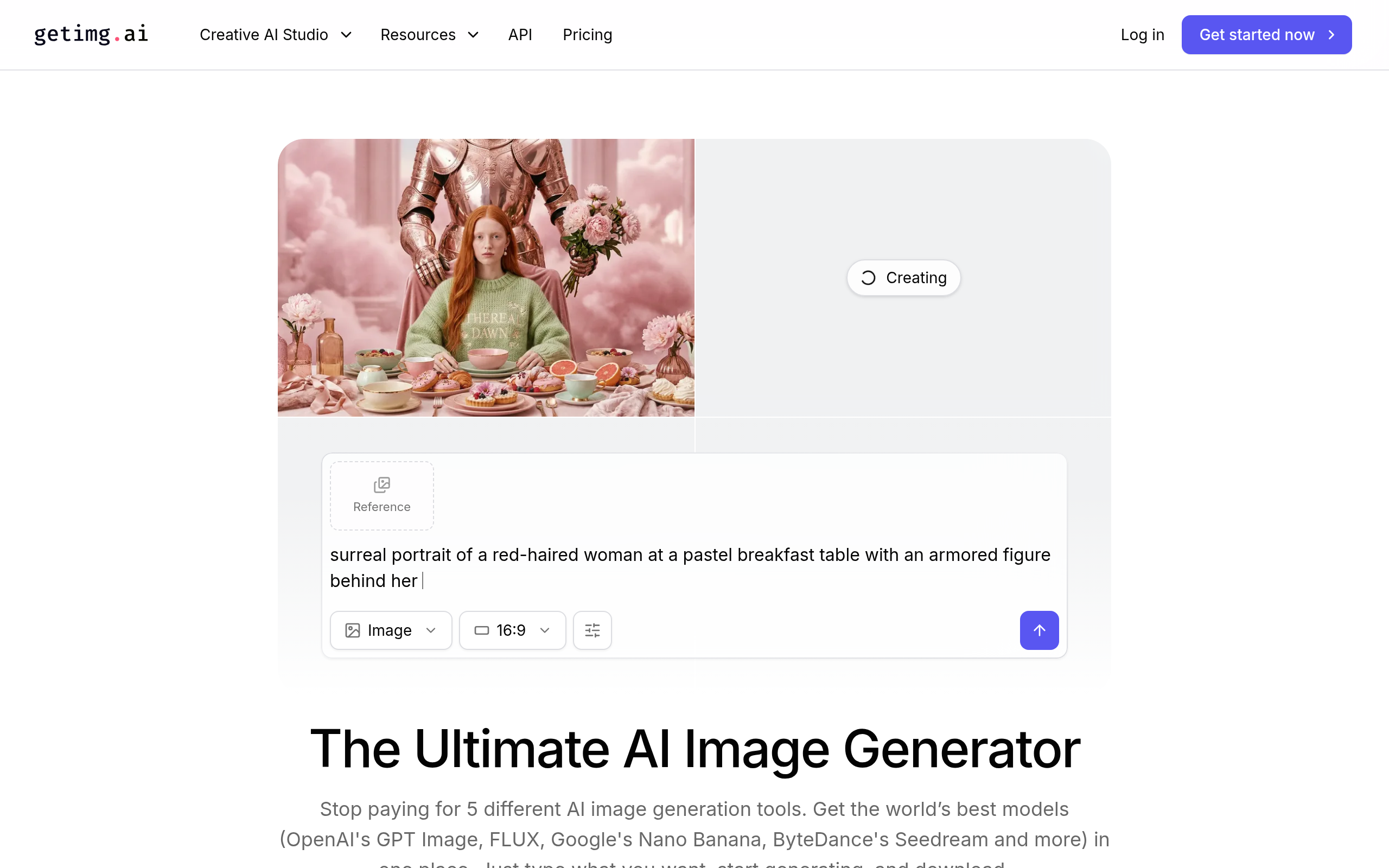
- Best tools: Pixelcut for product shots and background removal, getimg.ai for generating product and lifestyle images, AI Photo Editor Online Free for quick free edits, and Phedra AI for AI product imagery.
- Always review AI-generated images and check licensing and usage rights before publishing them commercially.
- Use AI for speed and scale; keep an eye on accuracy so images honestly represent the real product.
AI product photography uses AI to turn ordinary product photos into clean, professional, on-brand images — removing or replacing backgrounds, polishing the shot, and even generating lifestyle scenes — so online stores can produce consistent, high-quality visuals at scale without booking a studio shoot for every product. Good product imagery sells, but traditional product photography is slow and expensive: studio time, photographers, retouching, and a fresh shoot whenever the catalogue grows. AI collapses much of that cost and time, letting even small stores produce imagery that looks professional and stays consistent across hundreds of products. The trade-off is that you must review what AI produces and respect licensing and accuracy. This guide covers what AI product photography does, how to use it well, the best tools in 2026, and the caveats that keep it honest and legal.
What is AI product photography?
AI product photography is the use of AI tools to create and enhance product images without a full traditional shoot. It spans several jobs. Background removal and replacement takes a product shot and cleanly cuts it out, then places it on a pure white background, a branded colour, or any scene you choose — the single most common need in ecommerce. Image cleanup and enhancement fixes lighting, sharpens detail and makes shots look professional. Lifestyle and scene generation places products in realistic contexts — a mug on a kitchen table, a bag on a city street — without staging and shooting those scenes physically. And batch processing applies all of this across an entire catalogue consistently. The common thread is producing the imagery a store needs — clean, consistent, on-brand — faster and far more cheaply than shooting every product and scene by hand, which is exactly the bottleneck that has held back smaller and faster-moving stores.
Clean product shots and background work
The workhorse of AI product photography is background removal and replacement, because clean, consistent backgrounds are what make a catalogue look professional. Marketplaces and storefronts expect product shots on crisp white or neutral backgrounds, and inconsistency — different backgrounds, lighting and framing across products — makes a store look amateurish and hurts conversion. Historically this meant either shooting everything in a controlled studio or paying for manual retouching of each image. AI does it in seconds: it identifies the product, cleanly separates it from whatever messy background it was shot against, and drops it onto whatever background you need, consistently across your whole range. That alone transforms what a small team can produce — a phone photo on a cluttered desk becomes a clean, marketplace-ready shot. Beyond removal, the same tools enhance lighting and sharpness so the product looks its best. The result is catalogue-wide visual consistency, achieved in a fraction of the time and cost, which is one of the highest-leverage upgrades an online store can make.
Lifestyle images at scale
The more advanced and increasingly important capability is lifestyle and scene generation — placing products in realistic, aspirational contexts rather than showing them in isolation. Lifestyle imagery sells because it helps shoppers picture the product in their own lives: a candle glowing in a cosy room, a jacket worn on a street, skincare on a bathroom shelf. Traditionally these shots required elaborate staging, locations, props and models, which put them out of reach for most stores beyond a handful of hero images. AI changes the economics: it can generate convincing scenes around a product, or place a clean product cut-out into a generated environment, so a store can produce lifestyle imagery across many products instead of just a few. This unlocks richer, more persuasive product pages at a scale that was previously impossible without a serious photography budget. It pairs naturally with broader store optimisation — see our guides to AI photo editing and AI for ecommerce for how the imagery fits the wider picture.
Best AI product photography tools in 2026
| Need | Best tool |
|---|---|
| Product shots & background removal | Pixelcut |
| Generating product & lifestyle images | getimg.ai |
| Quick free photo edits | AI Photo Editor Online Free |
| AI product imagery | Phedra AI |
For clean product shots and background removal or replacement, Pixelcut is built for exactly this — cutting products out, placing them on clean or branded backgrounds, and producing marketplace-ready images quickly. For generating product and lifestyle images, getimg.ai creates and edits imagery so you can produce scenes and variations at scale. For quick, no-cost edits, AI Photo Editor Online Free handles fast touch-ups and background work without a subscription. And Phedra AI focuses on AI-driven product imagery for stores. The right choice depends on your volume and whether you mainly need clean cut-outs or full generated scenes.
How to create AI product photos (step by step)
- Start with a decent source photo — a reasonably lit, in-focus shot of the real product gives AI the best raw material.
- Remove and replace the background with Pixelcut to get clean, consistent product shots across your catalogue.
- Enhance lighting and detail so the product looks its professional best, using Pixelcut or AI Photo Editor Online Free.
- Generate lifestyle scenes with getimg.ai or Phedra AI to show the product in context and lift conversion.
- Review every image — confirm it accurately represents the real product and looks natural, not artificial.
- Check licensing and publish — verify usage rights for commercial use, then add the images to your store consistently.
The accuracy caveat — images must be honest
This is the caveat that protects both your customers and your business. AI is very good at making products look appealing, but product imagery has a duty to be truthful — it must represent the actual item a customer will receive. The risk with AI enhancement and generation is overdoing it: a colour that drifts from reality, a generated scene that implies a feature the product lacks, retouching that makes an item look materially different from what ships. That is not just bad practice; misleading product imagery can breach consumer-protection rules and, more simply, drives returns and destroys trust. So the discipline is to review every image with one question in mind: does this honestly show the real product? Use AI to remove clutter, fix lighting and place the product in a flattering but realistic context — not to invent capabilities or disguise flaws. Lifestyle scenes are fine and persuasive as long as the product within them is accurate. Treat AI as a way to show your real product at its best, never as a way to show a product you do not actually sell. Honest imagery converts and retains; misleading imagery costs you in returns, reviews and reputation.
Licensing, rights and brand consistency
Two practical considerations round out a responsible workflow. First, licensing and usage rights: when you generate or edit images with AI tools, you need to confirm you are allowed to use the output commercially, and you must not feed in assets — logos, copyrighted images, recognisable people — that you have no right to use. Different tools have different terms about ownership and commercial use of generated images, so check them rather than assuming, especially for imagery that will represent your brand publicly. Second, brand consistency: the great advantage of AI is producing a large volume of imagery, but volume without consistency looks chaotic. Decide on your backgrounds, framing, lighting and overall style up front, then apply them uniformly across the catalogue so your store looks cohesive and professional rather than like a patchwork. The stores that benefit most from AI product photography are the ones that combine its speed and scale with deliberate standards — consistent style, honest representation, and verified rights — turning what used to be an expensive bottleneck into a reliable, repeatable production line for great-looking, trustworthy product visuals.
The bottom line
AI product photography lets any online store produce clean, professional, consistent product imagery — and even lifestyle scenes — at a fraction of the cost and time of traditional shoots. Use Pixelcut for product shots and background removal, getimg.ai for generating product and lifestyle images, AI Photo Editor Online Free for quick free edits, and Phedra AI for AI product imagery. Just keep it honest and legal: review every image so it accurately represents the real product, check licensing and usage rights before publishing, and apply consistent style across your catalogue. Done that way, AI turns product photography from an expensive bottleneck into a scalable advantage.
Disclaimer: AI-generated and edited product images must honestly represent the real product; misleading imagery can breach consumer-protection rules and drives returns. Always review outputs for accuracy, confirm commercial usage rights and licensing for generated images, and do not use assets you have no right to use.
Tools mentioned in this guide
Pricing, features and model availability can change over time. Always verify current details on each tool's official website before deciding.
Frequently Asked Questions
What is AI product photography?
What is AI product photography?
What are the best AI product photography tools?
What are the best AI product photography tools?
Can AI remove and replace product backgrounds?
Can AI remove and replace product backgrounds?
Can AI create lifestyle product images?
Can AI create lifestyle product images?
Is it okay to use AI-edited photos for my store?
Is it okay to use AI-edited photos for my store?
How do I keep AI product images consistent?
How do I keep AI product images consistent?
Don't just pick a tool — get the whole workflow
Tell Comparee your goal and get a complete step-by-step AI workflow with the right tool for every step.