AI Photo Editing: The Complete Guide for 2026
AI photo editing in 2026 — background removal, enhancement, product photos and more, plus the best tools (Pixelcut, getimg.ai, AI Photo Editor).
Key takeaways
- AI photo editing automates tasks that once took skill and time — removing backgrounds, enhancing quality, retouching and generating edits from a prompt.
- It puts professional-level editing within reach of anyone, instantly and often for free.
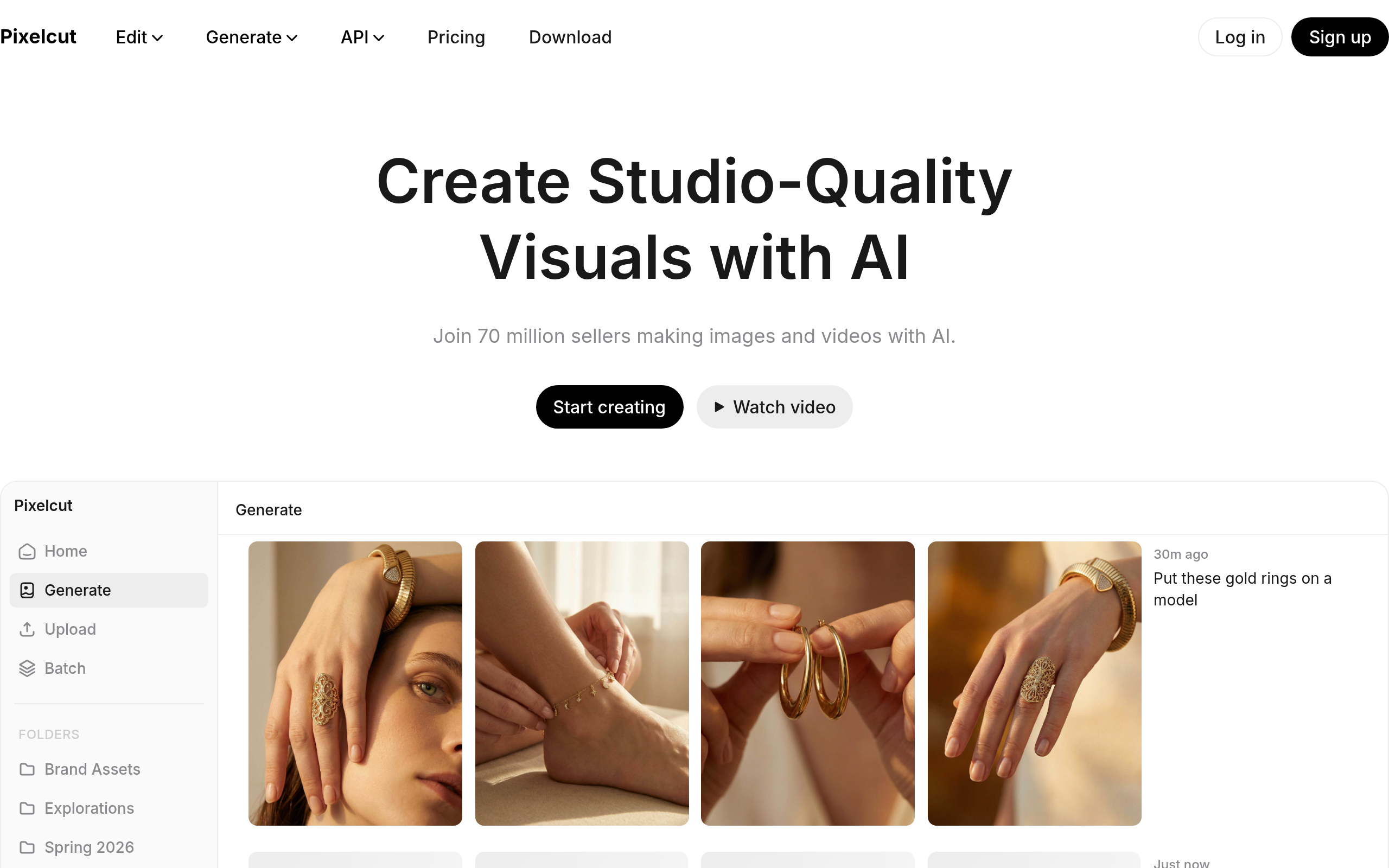
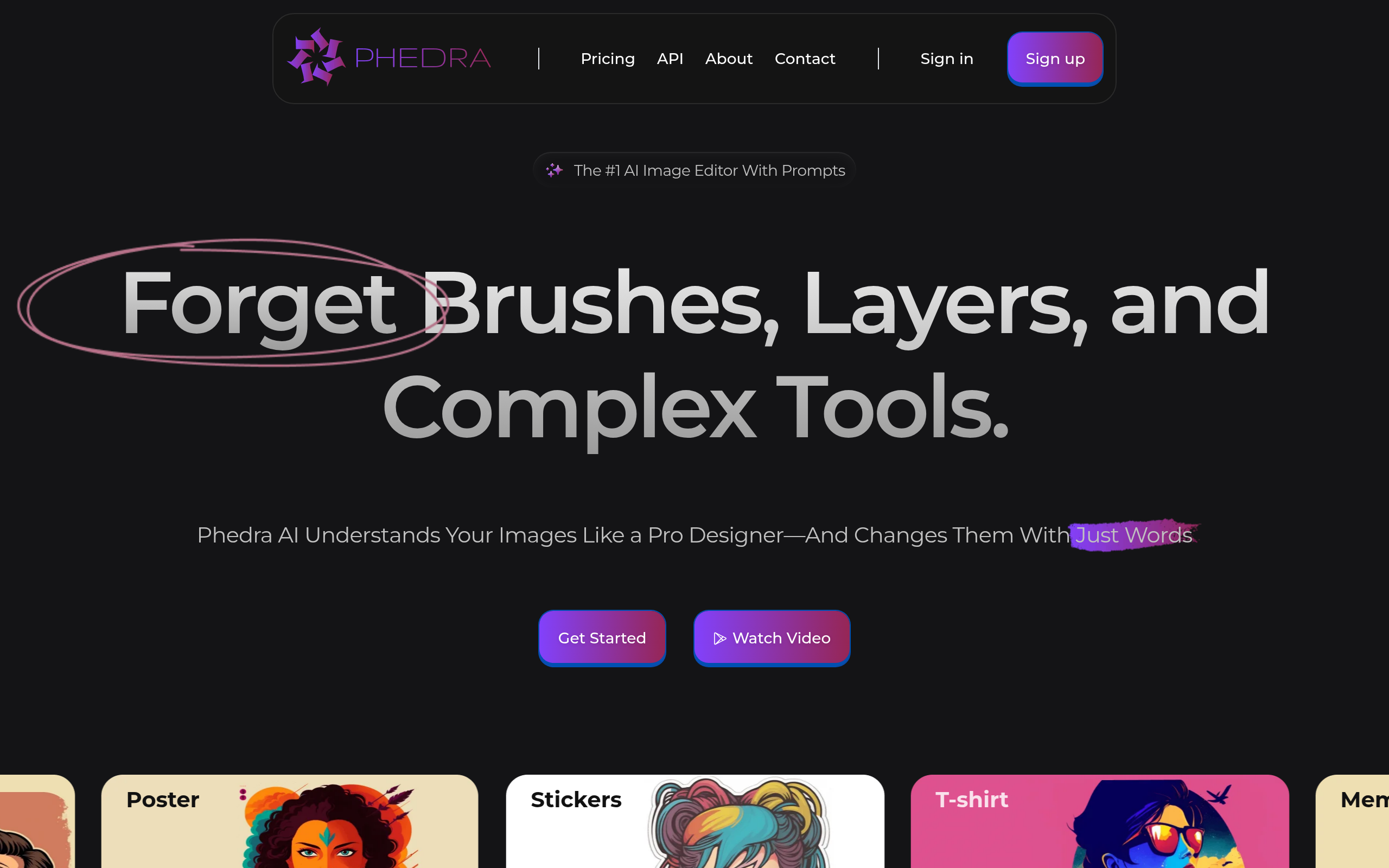
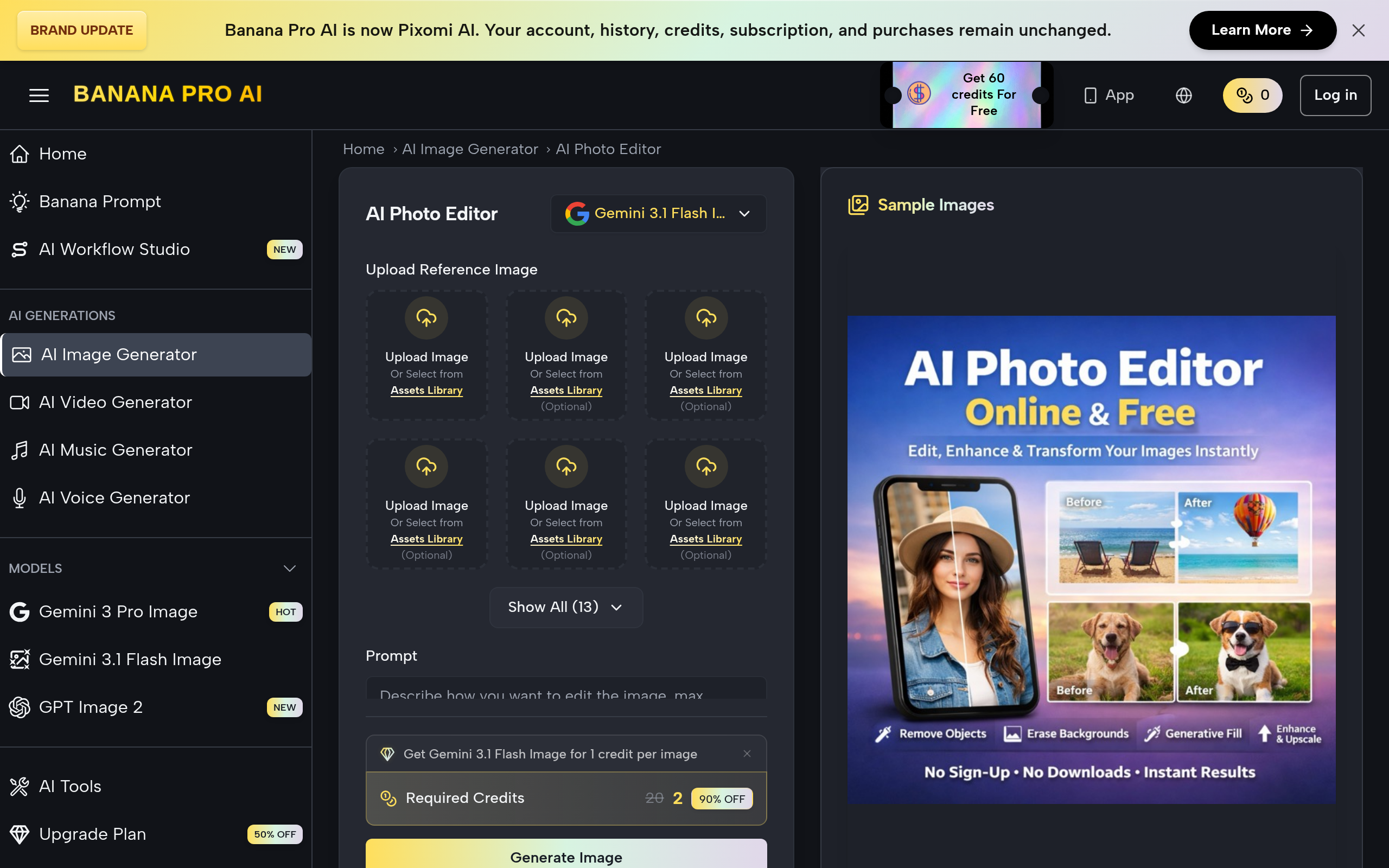
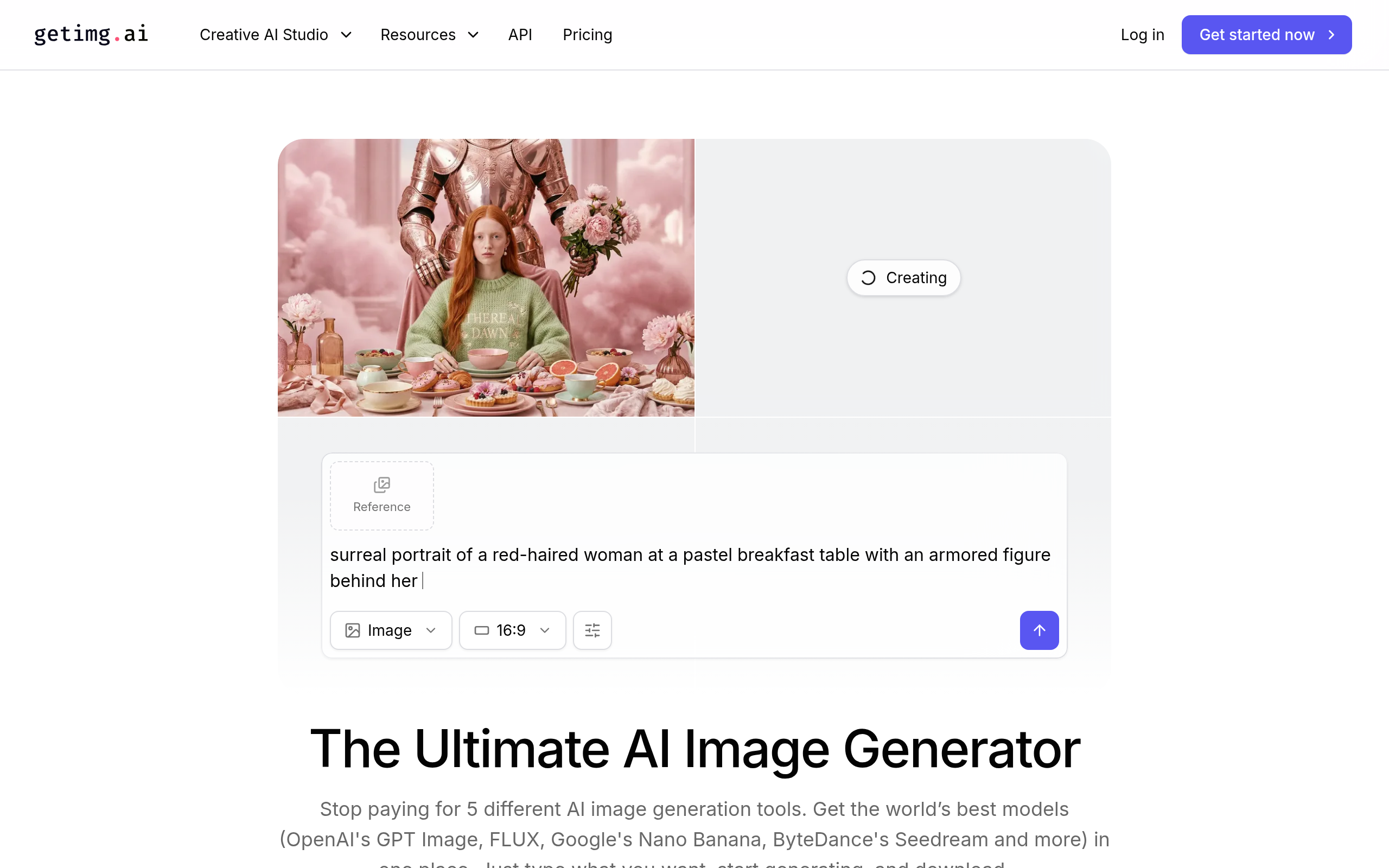
- Best tools: Pixelcut for product and social edits, AI Photo Editor Online Free for free quick fixes, getimg.ai for AI generation and editing, Phedra AI for accessible creation.
- Match the tool to the edit — background removal, enhancement, product shots and generative edits differ.
- Review outputs for artefacts and check licensing for commercial use.
AI photo editing uses AI to automate edits that once required skill and time — removing backgrounds, enhancing quality, retouching, replacing objects, and even generating edits from a text prompt — putting professional-level results within reach of anyone, instantly. Where photo editing used to mean mastering complex software, AI now does many edits in one click. For e-commerce, social media, marketing and everyday use, this is transformative: clean product shots, polished social images and enhanced photos no longer need a designer. This guide covers what AI photo editing can do, the common use cases, and the best tools for every kind of edit in 2026.
What can AI photo editing do?
The range is wide and growing. Background removal and replacement — isolate a subject or drop it onto a new background in a click, essential for product photos. Enhancement — upscale, sharpen, fix lighting and improve quality automatically. Retouching — remove blemishes, objects or distractions. Generative edits — describe a change ("make the sky blue", "add a shadow") and AI applies it. And product and social optimisation — clean, on-brand images sized for each platform. What these share is automation: tasks that used to require an experienced editor and dedicated software now happen instantly, which is why AI photo editing has become a staple for anyone who publishes images.
Common use cases
AI photo editing earns its place wherever images need to look professional without a professional. E-commerce — clean product shots with removed or replaced backgrounds, at scale across a catalogue. Social media — polished, on-brand images and graphics produced quickly. Marketing — enhanced visuals for ads and campaigns without a photographer. Real estate and listings — improved property photos. And everyday fixes — quick enhancements and retouches for any image. The common thread is removing the cost and skill barrier that used to stand between a raw photo and a polished, publishable one.
Best AI photo editing tools in 2026
| Edit type | Best tool |
|---|---|
| Product & social edits | Pixelcut |
| Free quick fixes | AI Photo Editor Online Free |
| Generation + editing | getimg.ai |
| Accessible AI creation | Phedra AI |
For fast product and social image editing — clean shots, backgrounds, graphics — Pixelcut is a strong, practical choice, especially for e-commerce and marketers. For free, browser-based quick fixes and common edits, AI Photo Editor Online Free. For combining AI image generation with editing in one place, getimg.ai, and for accessible AI image creation, Phedra AI. Compare more in our AI image generation guide, Midjourney alternatives and the image generation & editing category.
How to edit a photo with AI (step by step)
- Identify the edit — background removal, enhancement, retouching, or a generative change. Each suits a different tool.
- Pick the right tool — Pixelcut for product/social, AI Photo Editor Online Free for quick fixes, getimg.ai for generative edits.
- Apply the edit — most are one click or a simple prompt.
- Refine if needed — the first result is usually close; adjust for the perfect output.
- Review carefully — check for artefacts, especially around edges, hands and text.
- Confirm licensing for any AI-generated or modified imagery used commercially.
Quality and licensing: what to watch
AI photo editing is impressive but not flawless, so two cautions apply. First, review outputs — AI can leave artefacts, especially around fine edges, hair, hands and any text in the image, so never publish without a careful look, particularly for brand or commercial use. Second, licensing — when AI generates or significantly alters imagery, usage and ownership rights can be nuanced, so check the terms for commercial use. These are easy to manage with a quick review and a glance at the licence, and they are the only real friction in an otherwise dramatic upgrade to how fast and cheaply you can produce polished images.
Why AI photo editing went mainstream
For decades, serious photo editing meant mastering complex, expensive software with a steep learning curve — a barrier that put polished images out of reach for most people and small businesses. AI dismantled that barrier almost overnight. Tasks that used to require an experienced editor and careful manual work — cleanly cutting out a subject, fixing lighting, removing an unwanted object — now happen in a single click or a short text prompt. The consequence is a democratisation of visual quality: a solo founder, a small e-commerce store, or an everyday user can now produce images that look professionally edited, instantly and often for free. This matters because visuals drive engagement and conversions everywhere, from product pages to social feeds, and the old gap between those who could afford good editing and those who could not has largely closed. AI photo editing is not just faster than the old way; it has changed who gets to produce polished images at all.
Matching the tool to the edit
The key to good results is recognising that "AI photo editing" spans several distinct jobs, and the right tool depends on which one you need. Removing or replacing a background for a product shot is a different task from upscaling a low-resolution image, which is different again from making a generative change like altering the sky or adding an element from a text prompt. Some tools specialise in fast product and social edits, some in free quick fixes, and some pair editing with full AI image generation. Trying to force one tool to do everything leads to frustration, while picking the specialist for your specific edit produces clean results quickly. The practical approach is to name the edit first, choose the tool built for it, apply the change, and then review carefully — AI is impressive but still leaves the occasional artefact around fine edges, hair, hands or text, so a final human look is what separates a polished result from an obviously botched one.
The bottom line
AI photo editing has put professional-level results within reach of anyone — background removal, enhancement, retouching and generative edits, instantly and often for free. Use Pixelcut for product and social edits, AI Photo Editor Online Free for quick fixes, and getimg.ai for generation plus editing. Match the tool to the edit, review outputs for artefacts, and check licensing for commercial use — and you can produce polished, publishable images in seconds, without a designer or expensive software — and as the models keep improving, the range of edits that once demanded real expertise and that now take just a single click or a short prompt only continues to grow with every model release.
Disclaimer: AI photo edits can contain artefacts and their licensing can be nuanced. Review outputs before publishing, especially around edges, hands and text, and confirm commercial usage rights.
Tools mentioned in this guide
Pricing, features and model availability can change over time. Always verify current details on each tool's official website before deciding.
Frequently Asked Questions
What can AI photo editing do?
What can AI photo editing do?
What is the best AI photo editor?
What is the best AI photo editor?
Can AI remove the background from a photo?
Can AI remove the background from a photo?
Is there a free AI photo editor?
Is there a free AI photo editor?
Can I use AI-edited photos commercially?
Can I use AI-edited photos commercially?
How do I get the best results from AI photo editing?
How do I get the best results from AI photo editing?
Don't just pick a tool — get the whole workflow
Tell Comparee your goal and get a complete step-by-step AI workflow with the right tool for every step.