getimg.ai Review (2026): AI Image Generation and Editing
getimg.ai review 2026 — AI image generation and editing. Strengths, trade-offs and who should use it.
Key takeaways
- getimg.ai is an AI image generation and editing platform for creating and refining visuals from text.
- Best for creators and marketers who need flexible AI image tools in one place.
- Less suited to those who need guaranteed rights-cleared stock or pure manual photo editing.
- A capable all-round AI image pick.
AI image tools have multiplied, and choosing one is half the battle. getimg.ai aims to be a flexible, all-in-one option for generating and editing visuals. This review covers what it does and who it fits.
Creating custom visuals used to require either design skills, a budget for a designer, or settling for stock imagery that never quite fit. AI image generation changed that almost overnight, letting anyone turn a description into a usable picture — and then the field exploded with options, making choice the new problem. getimg.ai is one of the most searched among them because it bundles generation and editing into one flexible toolkit rather than doing only one. This review looks at what it does, who it suits, and the licensing and quality caveats that come with any AI image tool, so you know what you're getting before you commit.
The short verdict
getimg.ai is an AI image platform for generating images from text prompts and editing them — a flexible toolkit for creators and marketers who want generation and editing in one place. It's a strong all-rounder. As with all AI image tools, you should mind usage rights and review outputs, but for everyday visual creation it's capable and accessible.
What is getimg.ai?
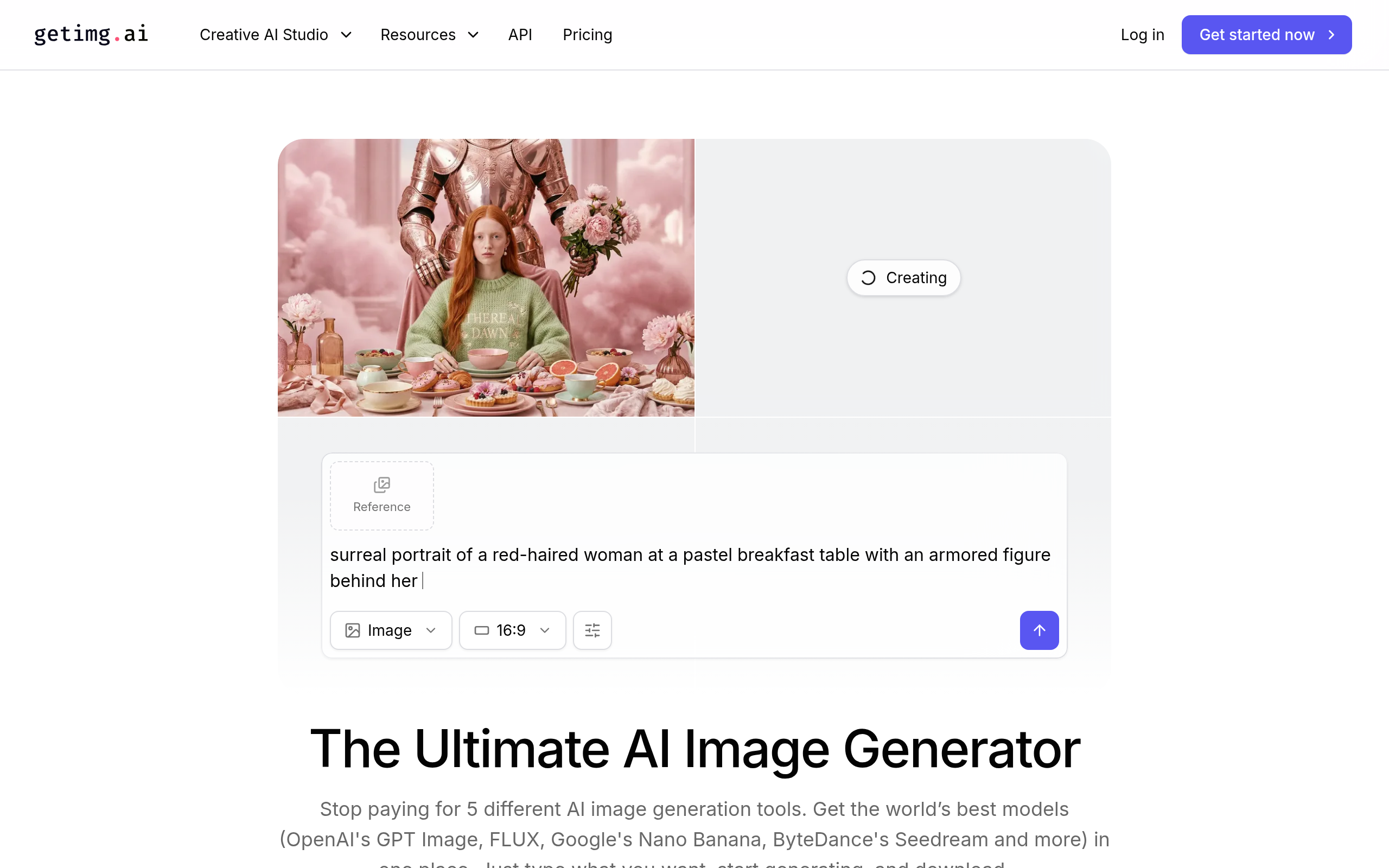
getimg.ai lets you create images from text descriptions and then refine them with editing tools — adjusting, extending or modifying the result rather than only generating once. The appeal is having a range of AI image capabilities together, so you can go from idea to a usable visual without jumping between separate tools. It suits the common creative loop of "generate, react, refine."
Who getimg.ai is for
It fits creators, marketers and small teams who need visuals regularly — social content, blog imagery, concept art, marketing graphics. If you've been paying for stock that never quite fits, or want to create custom visuals on demand, getimg.ai gives you a flexible way to do that. It's less aimed at someone who only needs traditional manual photo retouching, or who specifically requires licensed stock photography.
Strengths
The main strength is flexibility — generation plus editing in one place covers more of the workflow than a generate-only tool. Being able to refine and iterate on an image matters, because the first generation is rarely the final one. And as an accessible web tool, it lowers the barrier to creating custom visuals for people who aren't designers.
Considerations
AI image generation comes with real caveats. Usage rights and licensing for AI-generated images can be nuanced, so check the terms for your use case, especially commercially. AI also sometimes produces artefacts or gets details wrong, so review outputs before publishing — particularly anything with text, hands or brand-sensitive content. And for photorealistic accuracy of real people or places, AI generation has limits.
How getimg.ai compares
getimg.ai is one of many AI image tools, and they differ in style, control and focus (some specialise in logos, some in photo editing, some in generation). To see where it fits, compare the category in our image generation & editing category and the wider AI Tools, Comparisons & Workflows hub.
Pricing approach
getimg.ai offers tiered plans based on usage, typically with a way to try it before paying. Because pricing and credits change, confirm the current details on their site.
Pros and cons
| Pros | Cons |
|---|---|
| ✅ Generation + editing in one place | ⚠️ Licensing for AI images can be nuanced |
| ✅ Easy to iterate and refine images | ⚠️ Review outputs (text, hands, brand details) |
| ✅ Accessible to non-designers | ⚠️ Not for licensed stock or manual retouching |
| ✅ Custom visuals on demand vs stock |
How to get the most out of getimg.ai
To get the most from getimg.ai, treat the first generation as a draft and use the editing tools to refine toward what you actually want, rather than expecting a perfect result from one prompt. Build a few prompt patterns that work for your style, and always review outputs before publishing — especially anything with text or brand-sensitive content. For commercial use, check the licensing terms first.
Is getimg.ai worth it?
Is getimg.ai worth it? If visual content is a regular part of your work and you want custom images on demand without a designer or a stock subscription, yes — the generation-plus-editing combination covers more of the workflow than a generate-only tool. Mind the licensing and review your outputs. For someone who only needs licensed stock or manual retouching, it's the wrong fit.
getimg.ai in practice
In practice, getimg.ai fits the everyday creative loop: you need a visual, you generate a few options, you pick the closest and refine it. Having generation and editing together means you don't bounce between tools to get from idea to finished image. Creators and marketers use it for social posts, blog headers and concept visuals — the kind of steady, custom imagery that stock libraries never quite cover. The more you learn what prompts work for your style, the faster the loop gets.
Who should skip getimg.ai
Who should skip getimg.ai? If you specifically need licensed stock photography of real people or places, AI generation isn't the right route, and licensing for AI images can be nuanced for some commercial uses. If your work is precise manual photo retouching rather than creating new visuals, a traditional editor fits better. But for on-demand custom visuals, it's a flexible, accessible option.
The practical way to assess getimg.ai is to take one real visual you need this week, generate a few options, and refine the best one with the editing tools. If you reach a usable result faster than searching stock or briefing a designer, the generation-plus-editing combination is doing its job. You'll also quickly get a feel for the quality on your kind of imagery, and for how much reviewing the output needs. Keep the licensing question in mind for commercial work, and treat the first generation as a draft rather than the finish. For steady, on-demand visual creation, it's an accessible and flexible option that covers more of the workflow than a generate-only tool.
It's also worth keeping perspective on what AI image tools are best at: fast, custom, good-enough visuals for everyday content, where a stock subscription is overkill and a designer is too slow. Judged on that job rather than on replacing professional design or licensed photography, getimg.ai is a practical, flexible fit — and the more you learn what prompts work for your style, the more value you'll get.
The verdict
getimg.ai is a capable, flexible AI image tool that covers generation and editing in one place — a good fit for creators and marketers who need custom visuals on demand. Mind the licensing and review your outputs, and it's a practical, accessible way to produce images without a designer or a stock subscription. Worth a trial if visual content is part of your work.
Disclaimer: features and pricing change frequently — confirm the current details on the product's official site before deciding. This review is independent and based on the tool's general capabilities and positioning.
Tools mentioned in this guide
Pricing, features and model availability can change over time. Always verify current details on each tool's official website before deciding.
Frequently Asked Questions
What is getimg.ai used for?
What is getimg.ai used for?
Can I use getimg.ai images commercially?
Can I use getimg.ai images commercially?
Is getimg.ai good for non-designers?
Is getimg.ai good for non-designers?
What are good getimg.ai alternatives?
What are good getimg.ai alternatives?
Don't just pick a tool — get the whole workflow
Tell Comparee your goal and get a complete step-by-step AI workflow with the right tool for every step.