AI Image Generation: The Complete Guide for 2026
AI image generation in 2026 — how it works, prompt tips, commercial licensing, and the best tools by use case (getimg.ai, Pixelcut, LogoAI).
Key takeaways
- AI image generation creates original images from text prompts — and increasingly edits and refines existing ones.
- Match the tool to the job: generation, photo editing, logos, product visuals and design are different problems.
- Best tools: getimg.ai for generation + editing, Phedra AI for accessible creation, Pixelcut for product/social visuals, LogoAI and DesignMantic for logos, Penji for pro design.
- Prompting well — and refining the first result — is most of the skill.
- Always review outputs and check commercial licensing, which can be nuanced for AI images.
AI image generation uses AI models to create original images from text descriptions — and, increasingly, to edit and refine existing images — letting anyone produce custom visuals without design skills. In 2026 it covers a wide span: generating new images from prompts, editing photos, creating logos and brand assets, and producing product and social visuals. The key to good results is twofold: choosing the right tool for the specific job, and learning to prompt well and refine the first output. This guide explains how it works, how to get great images, the licensing you must check, and the best tools by use case.
What is AI image generation?
AI image generation is the use of AI models to produce images from inputs — most commonly a text prompt describing what you want, but also an existing image you want edited or transformed. The model interprets your description and generates a matching visual, which you can usually refine through further prompts or editing tools. The technology removed the two big barriers to custom imagery — design skill and cost — which is why it has become a staple for marketing, social content, concept art and product visuals. The important nuance: "AI image" spans different jobs (generating, editing, logos, product shots), and using the wrong tool for your goal is the most common reason people are disappointed.
The main types of AI image tools
| Job | What it does |
|---|---|
| Generation | Creates new images from text prompts |
| Photo editing | Enhances or fixes existing photos |
| Logos & branding | Generates logos and brand assets |
| Product/social visuals | Fast, clean commercial graphics |
| Design services | Professional design done for you |
A general generator will not produce a great logo, and a logo maker will not generate a photographic scene — these are genuinely different problems, so the first step is always to name the job.
How to write great image prompts
Prompting is most of the skill, and a few principles go a long way. Be specific about the subject, style, setting, lighting and mood — vague prompts produce vague images. Reference a style or medium ("watercolour", "product photo", "flat illustration") to steer the look. Describe composition (close-up, wide shot, centred). And crucially, iterate: the first generation is a draft, not the final image, so refine your prompt or use editing tools to close the gap. The people who get stunning results are not using secret tools — they are prompting precisely and refining patiently.
Best AI image tools in 2026 (by use case)
Pick the specialist for your job:
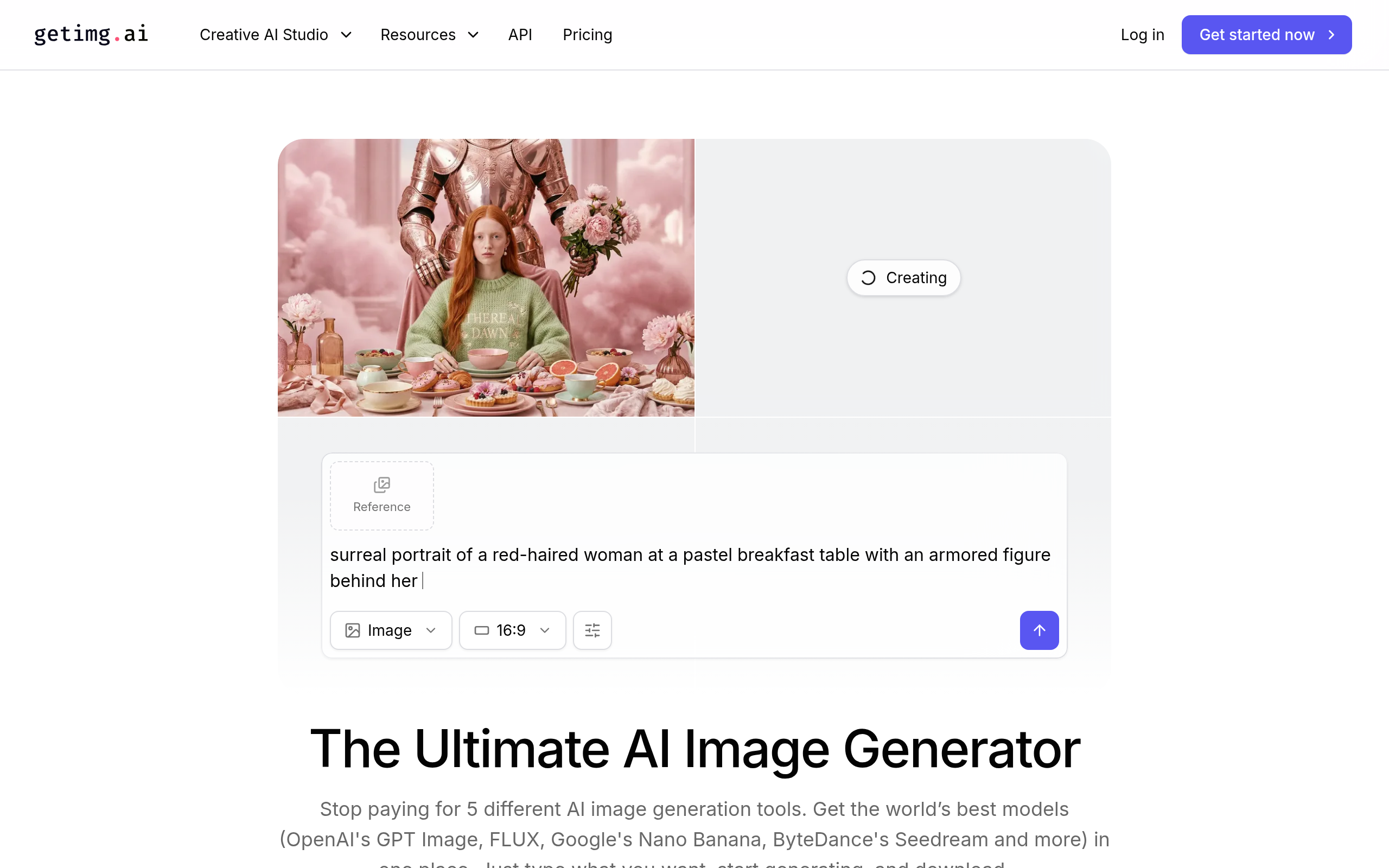
- getimg.ai — flexible generation and editing in one place; the strongest all-rounder for creating and refining custom images.
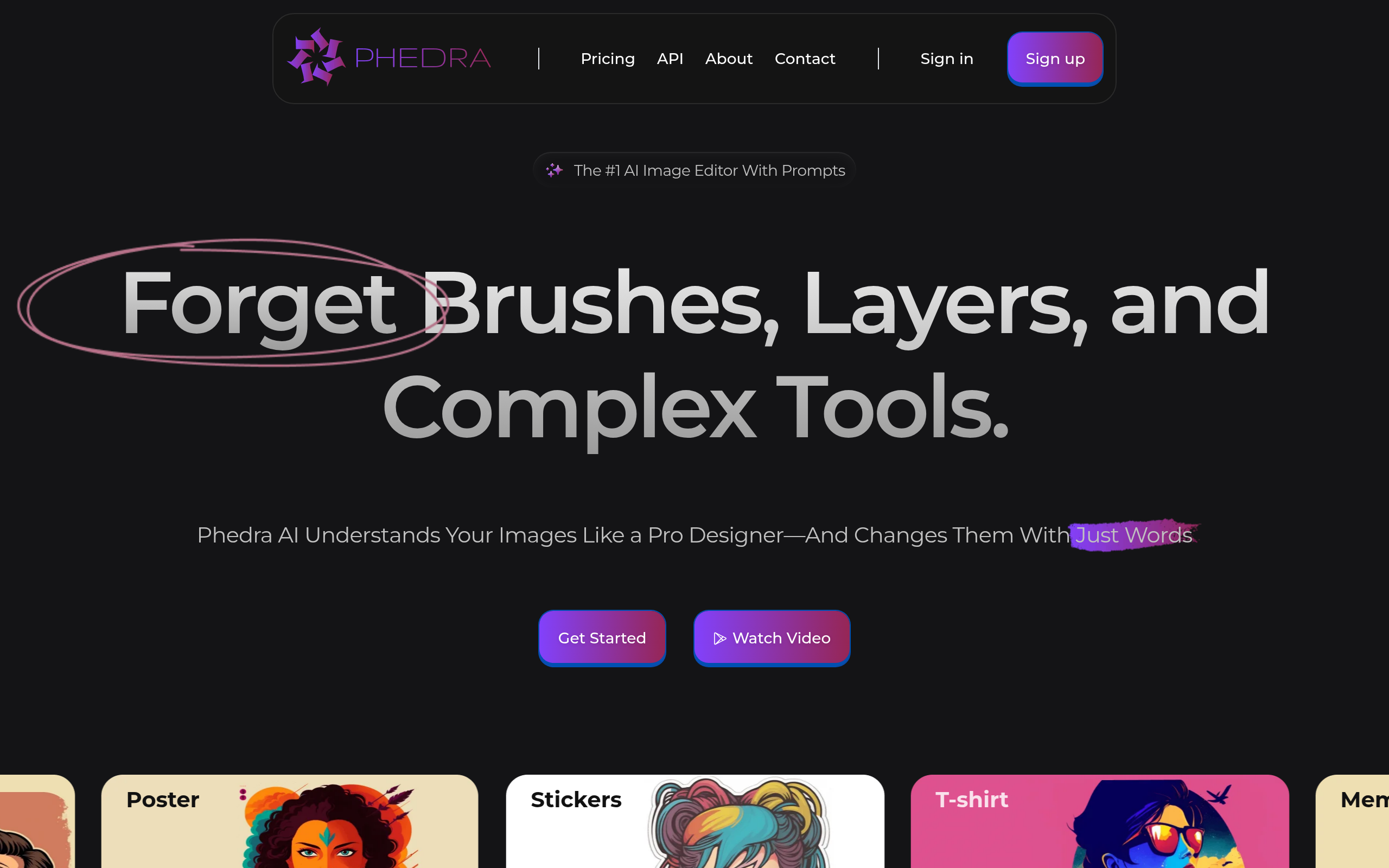
- Phedra AI — accessible AI image creation with a straightforward workflow.
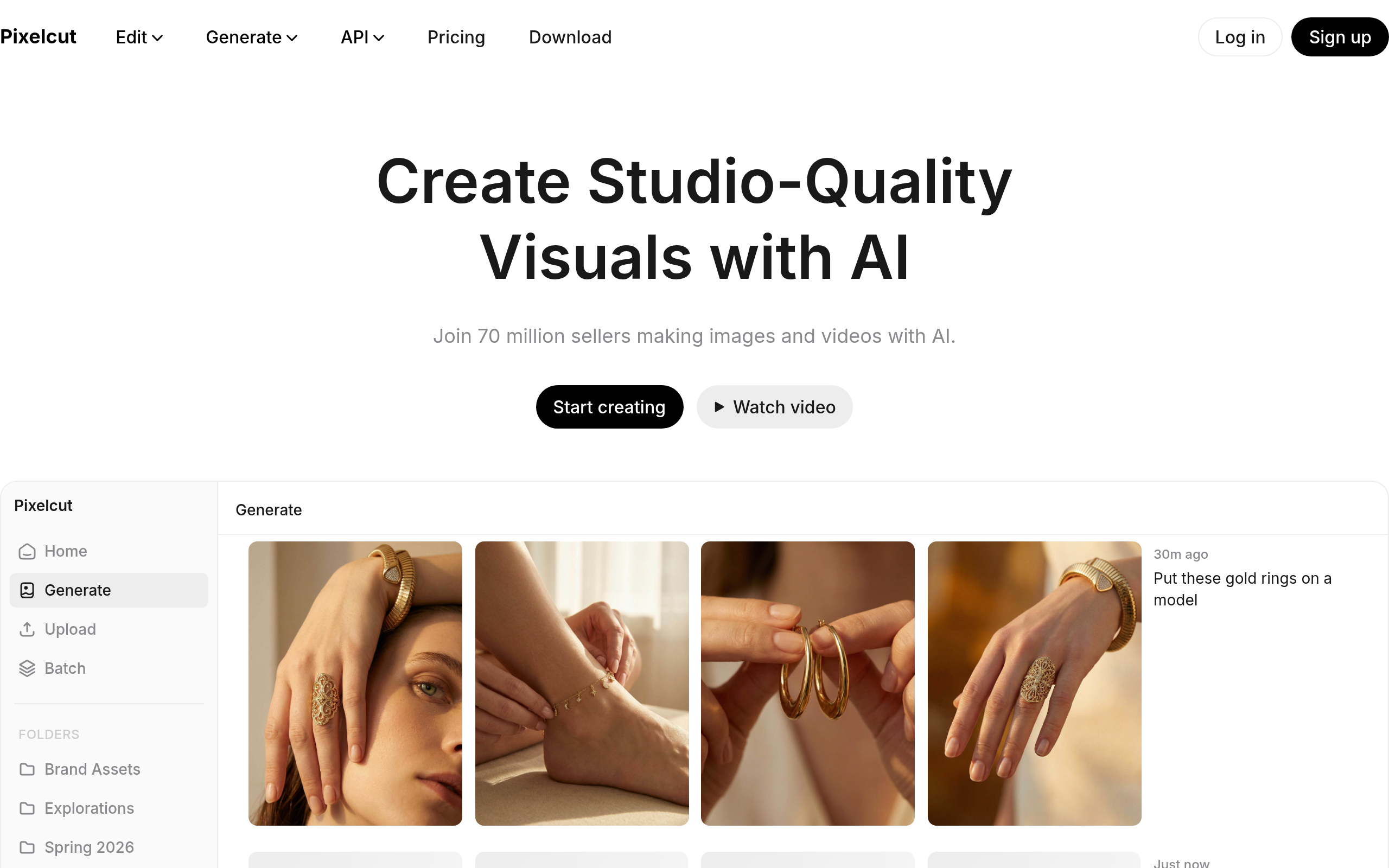
- Pixelcut — fast product and social visuals for e-commerce and marketing.
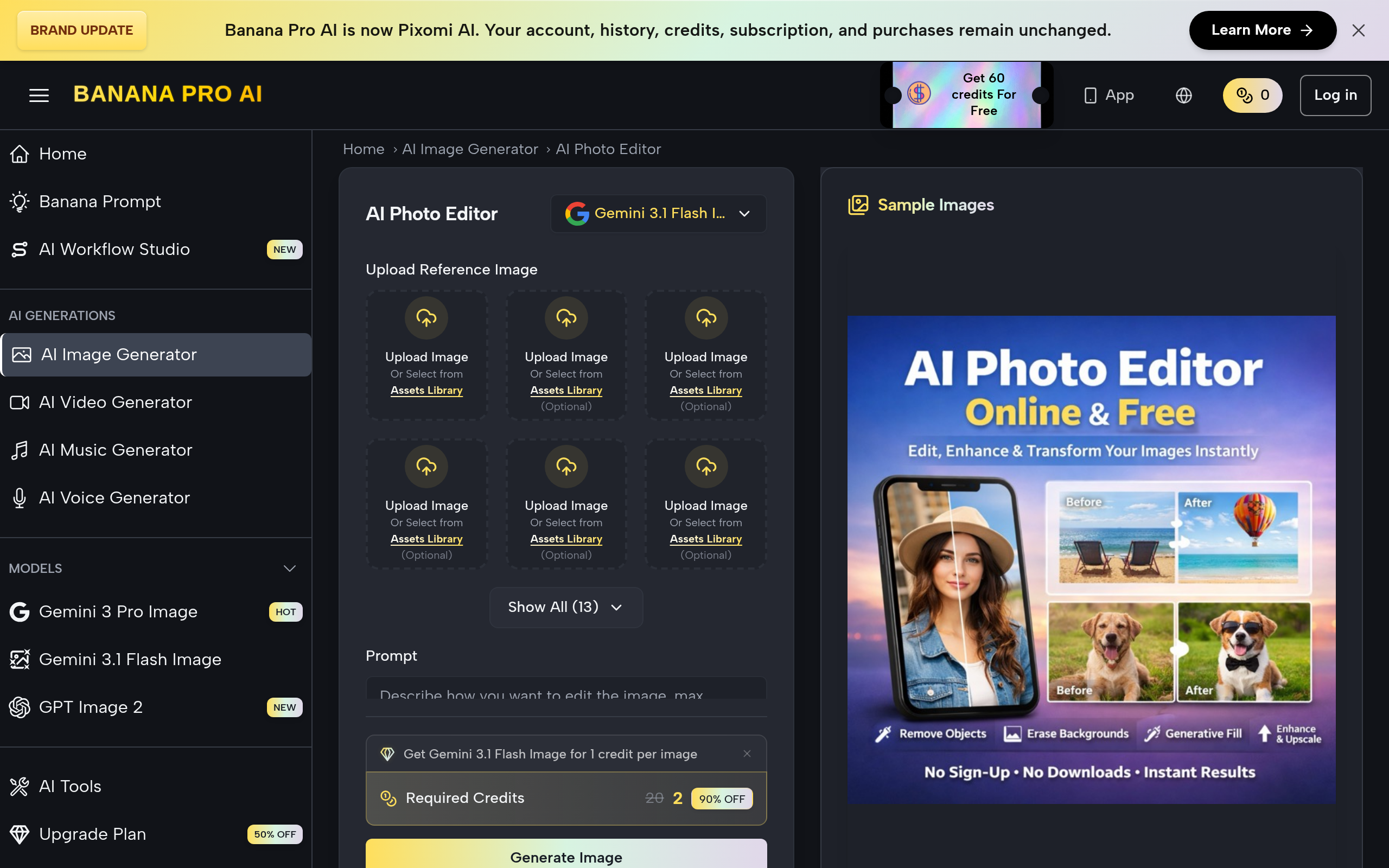
- AI Photo Editor Online Free — free, browser-based photo editing for quick fixes.
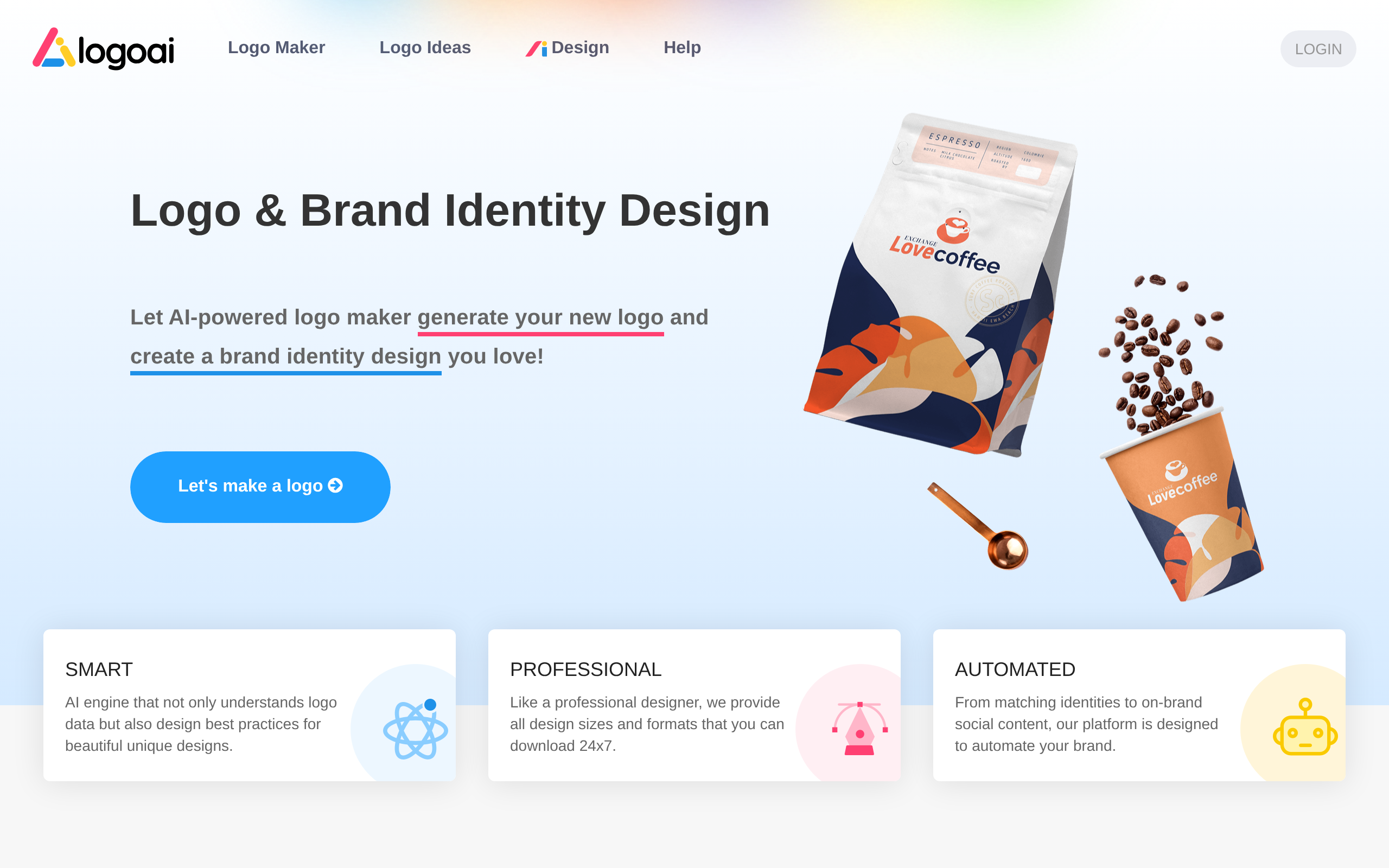
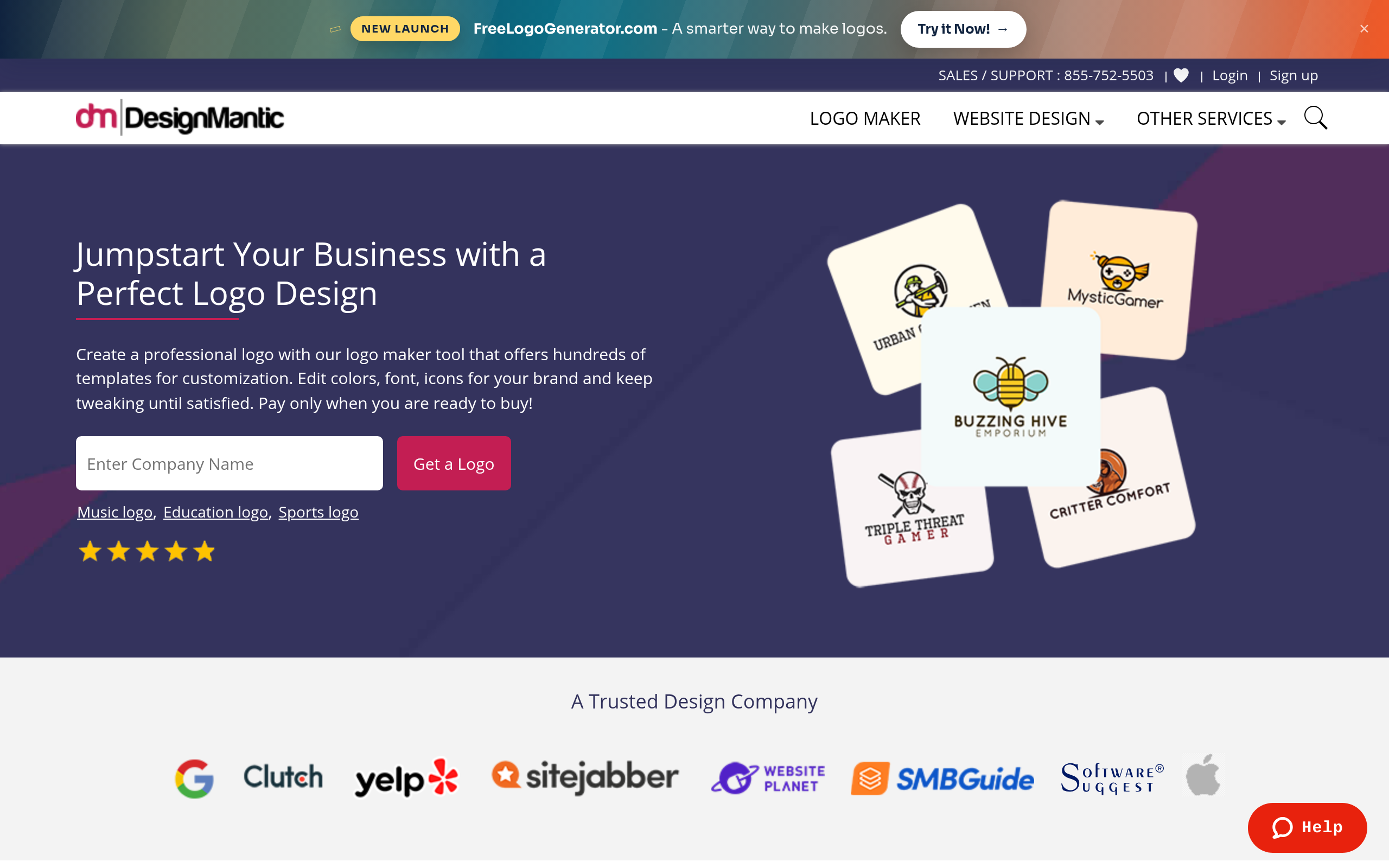
- LogoAI and DesignMantic — logos and brand identity.
- Penji — professional design as a service when output quality really matters.
For most custom imagery, getimg.ai is the best starting point because it pairs generation with editing. For commercial product shots, Pixelcut; for logos, LogoAI or DesignMantic; and for hand-off professional work, Penji. Compare more in our best AI image tools guide, the Midjourney alternatives and DALL-E alternatives guides, and the image generation category.
Licensing, rights and quality: read this before publishing
Two cautions apply to every AI image. First, usage rights can be nuanced, especially for commercial use — the rules around who owns an AI-generated image and how you can use it vary by tool and jurisdiction, so check the terms before you build a campaign on it. Second, review every output: AI still mangles text within images, distorts hands, and produces odd artefacts, so nothing should go live unchecked — particularly anything with words, faces, or brand-sensitive content. For logos especially, remember an AI-generated mark does not guarantee originality or trademark clearance, so verify before you commit a business to it.
Why AI image generation went mainstream
Custom visuals used to require either design skills, a budget for a designer, or settling for stock photos that never quite fit. AI removed all three constraints almost overnight: anyone can now describe an image and get a usable result in seconds, for little or no cost. That is why AI imagery has become a staple across marketing, social media, e-commerce and content — the steady stream of custom visuals that audiences now expect was previously impractical for small teams to produce, and AI made it routine. The quality has risen sharply too; images that looked obviously synthetic a year or two ago are now good enough to publish in many contexts. The honest limits remain — fine detail, text within images, and photorealistic accuracy of real people or places can still trip up the models — but for the vast majority of everyday visual needs, "we don't have a designer" has stopped being a valid excuse.
Matching the tool to the job (the key skill)
If there is one habit that separates people who get great results from those who get frustrated, it is naming the job before choosing a tool. Need a brand-new scene from a description? That is generation. Need to fix or enhance an existing photo? That is editing. Need a logo? That is a dedicated logo tool. Need clean product shots for a store? That is a product-visual tool. Need professional work handed to you? That is a design service. Each of these is a genuinely different problem, and forcing a general generator to make a logo, or a logo maker to produce a photograph, is the single most common cause of disappointment. Decide the job first, pick the specialist for it, and then judge the tool by generating one real image you would actually publish during a free trial — that one test tells you more about fit and quality than any feature list.
The bottom line
AI image generation in 2026 lets anyone produce custom visuals fast — but only if you match the tool to the job and learn to prompt and refine. Use getimg.ai for generation and editing, Pixelcut for product visuals, LogoAI or DesignMantic for logos, and Penji for professional design. Prompt precisely, treat the first result as a draft, review before publishing, and check commercial licensing — and you can create images that genuinely compete, without a designer or a stock subscription — and as the models keep improving, the gap between what a small team can produce and what once required a studio keeps shrinking.
Disclaimer: Licensing for AI-generated images can be nuanced and outputs can contain errors. Review images before publishing, confirm commercial usage rights, and verify any logo for trademark availability before relying on it.
Tools mentioned in this guide
Pricing, features and model availability can change over time. Always verify current details on each tool's official website before deciding.
Frequently Asked Questions
What is AI image generation?
What is AI image generation?
What is the best AI image generator?
What is the best AI image generator?
How do I write a good AI image prompt?
How do I write a good AI image prompt?
Can I use AI-generated images commercially?
Can I use AI-generated images commercially?
Can AI make a logo for my business?
Can AI make a logo for my business?
Why do my AI images look wrong?
Why do my AI images look wrong?
Don't just pick a tool — get the whole workflow
Tell Comparee your goal and get a complete step-by-step AI workflow with the right tool for every step.