
Pixelcut
94Comparee ScoreEasy-to-use AI tools to make your photos stand out with background removal, upscaling, and image generation.
Comparee rates Pixelcut 94/100 in Image Generation & Editing — based on catalog data as of July 2026. Methodology.
About Pixelcut
Pros & cons
✓ Pros
- ✓Trusted by 70+ million creators and businesses
- ✓Intuitive, easy-to-use interface requiring no special prompting
- ✓Comprehensive suite of AI editing tools in one platform
- ✓High-quality background removal praised by users
- ✓Batch editing for processing hundreds of files
- ✓Character consistency features for brand coherence
- ✓Access to multiple advanced AI models (Flux, DALL-E, Imagen, etc.)
- ✓Free plan available with core features
✗ Cons
- ✗Free plan has limited features and daily credit restrictions
- ✗Credit-based system may require careful management for heavy users
- ✗Pricing increases significantly for higher-tier plans
Frequently asked questions
What is Pixelcut?
Pixelcut is a Image Generation & Editing tool: Easy-to-use AI tools to make your photos stand out with background removal, upscaling, and image generation.
Is Pixelcut free?
Pixelcut offers a free option.
What are the best Pixelcut alternatives?
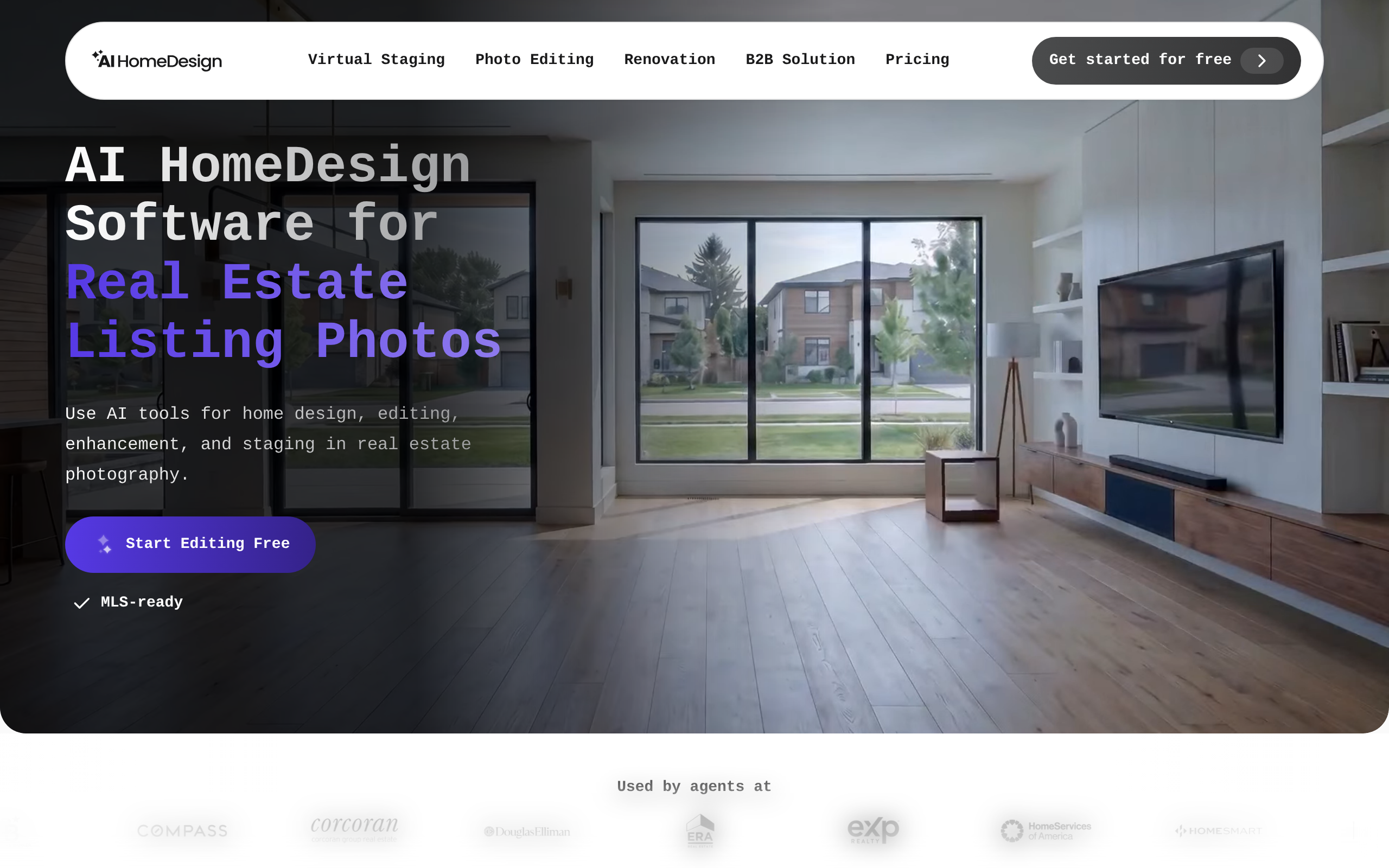
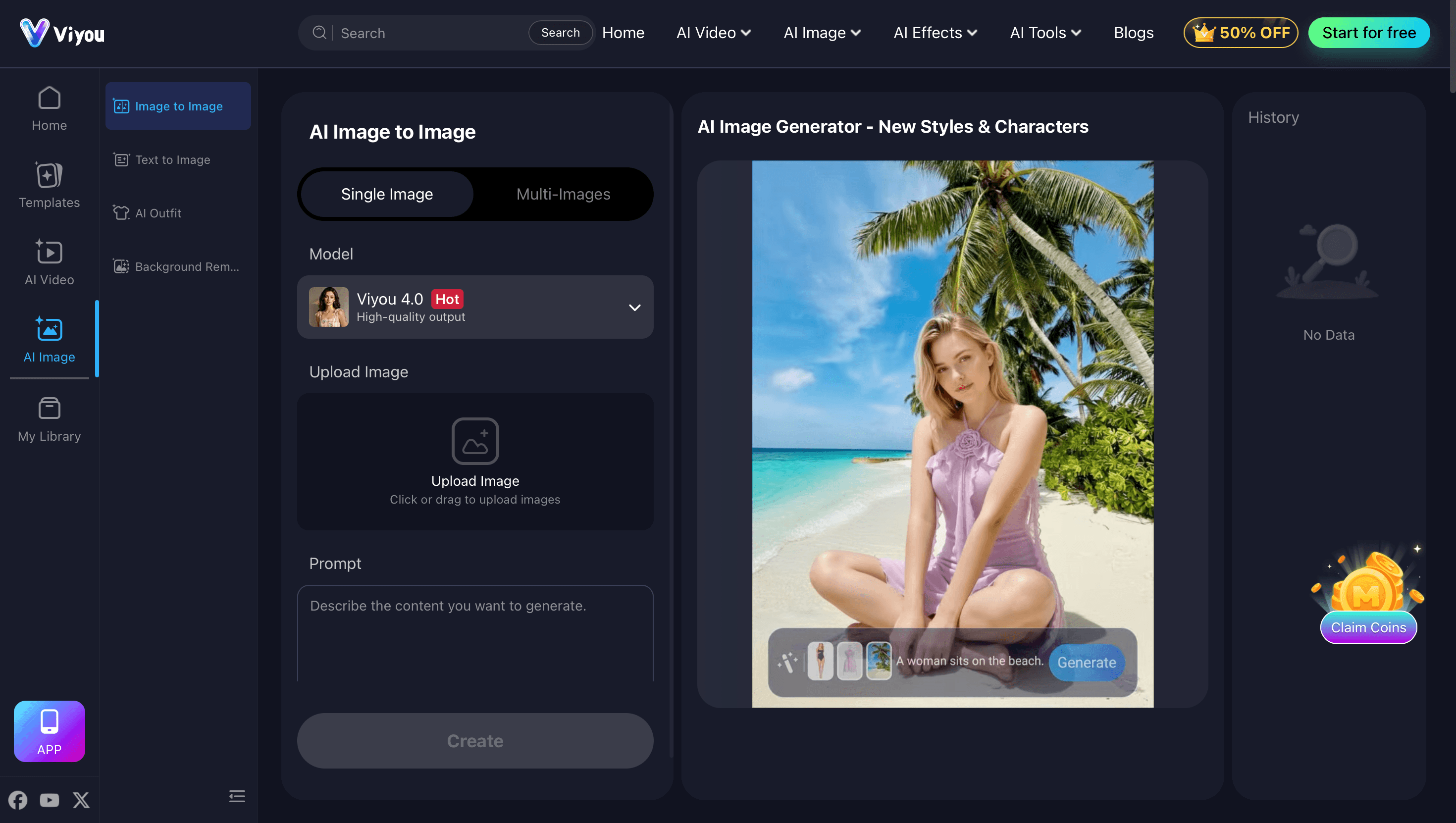
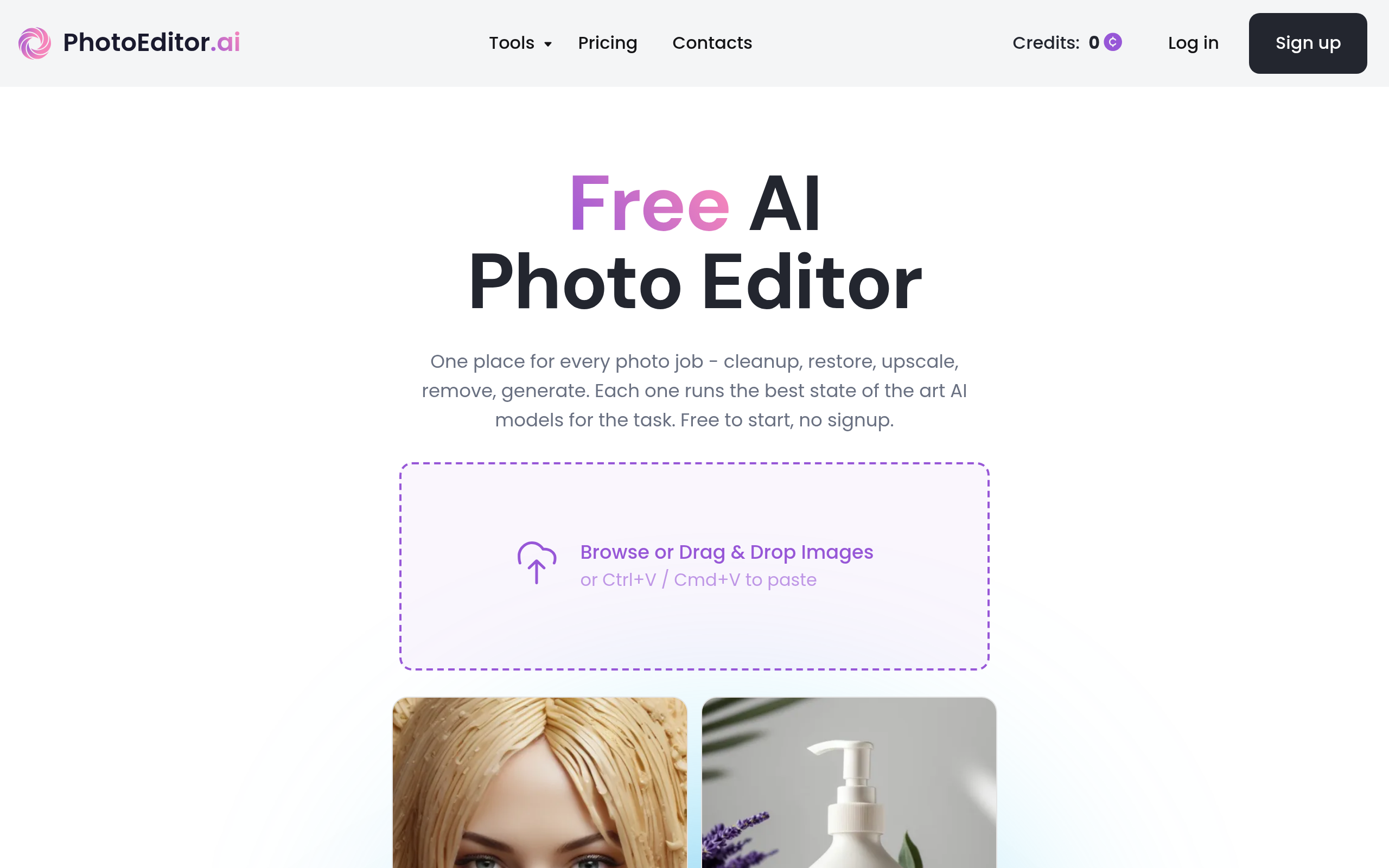
Based on Comparee's ranking, top alternatives include AI HomeDesign, Viyou AI, photoeditor.ai. See the full ranked list on our Pixelcut alternatives page.
How does Comparee rate Pixelcut?
Pixelcut has a Comparee Score of 94/100 — a transparent, rule-based rating from catalog signals (data completeness, pricing transparency, category fit). Affiliate partnerships never influence the score.
Comparee Score: 94/100
Transparent, rule-based — never influenced by partnerships. How it works
Top Pixelcut alternatives

Featured in our guides
Try Pixelcut
Visit the official website for details.
Visit Pixelcut ↗