AI Transcription: The Complete Guide for 2026
AI transcription in 2026 — convert speech to text for meetings, interviews and content. Accuracy, languages, use cases and the best tools (MeetGeek, Fathom).
Key takeaways
- AI transcription converts speech into text automatically and fast — for meetings, interviews, podcasts, videos and any spoken content.
- Modern accuracy is high for clear audio, but it drops with noise, accents, crosstalk and jargon, so a quick review still matters.
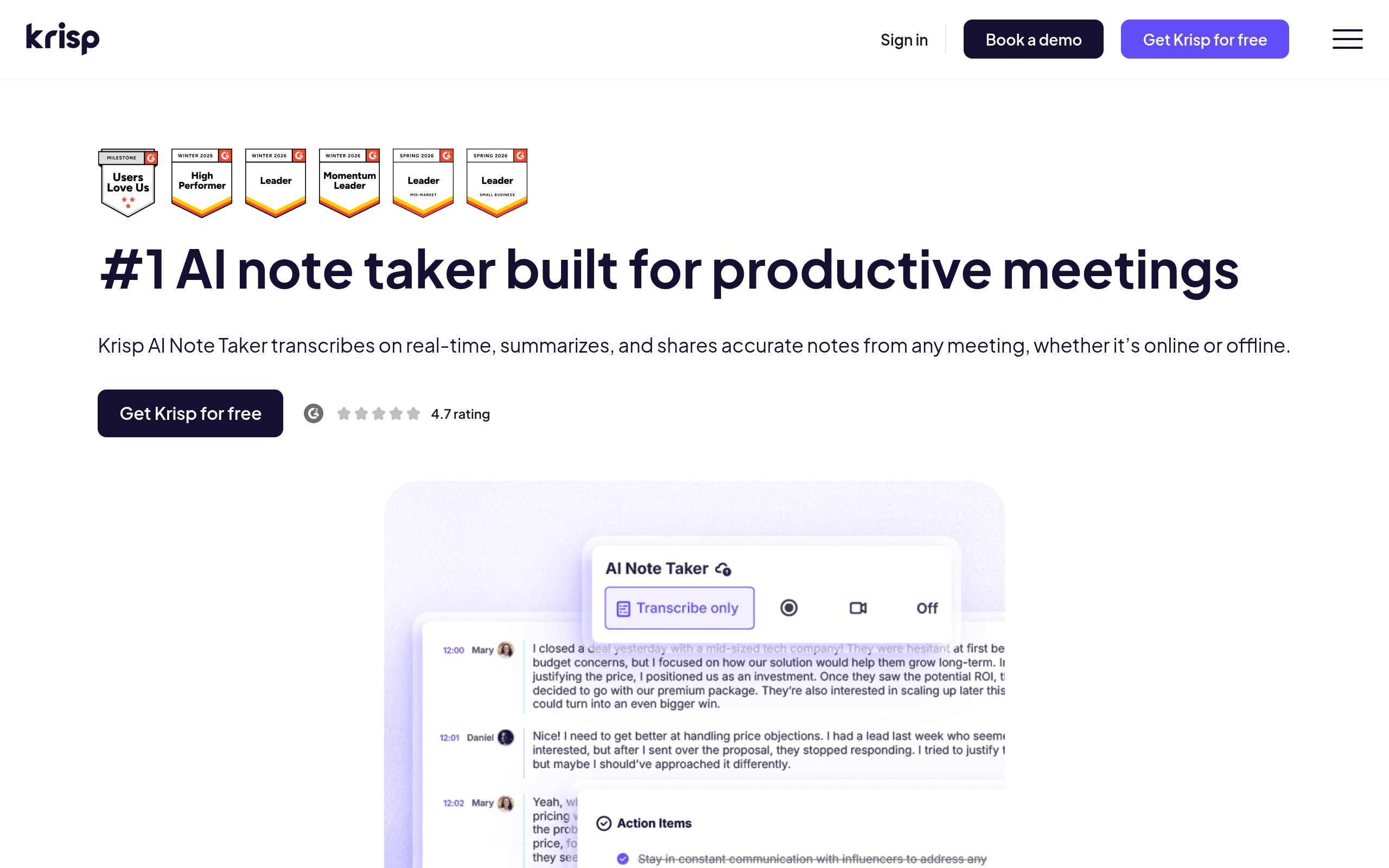
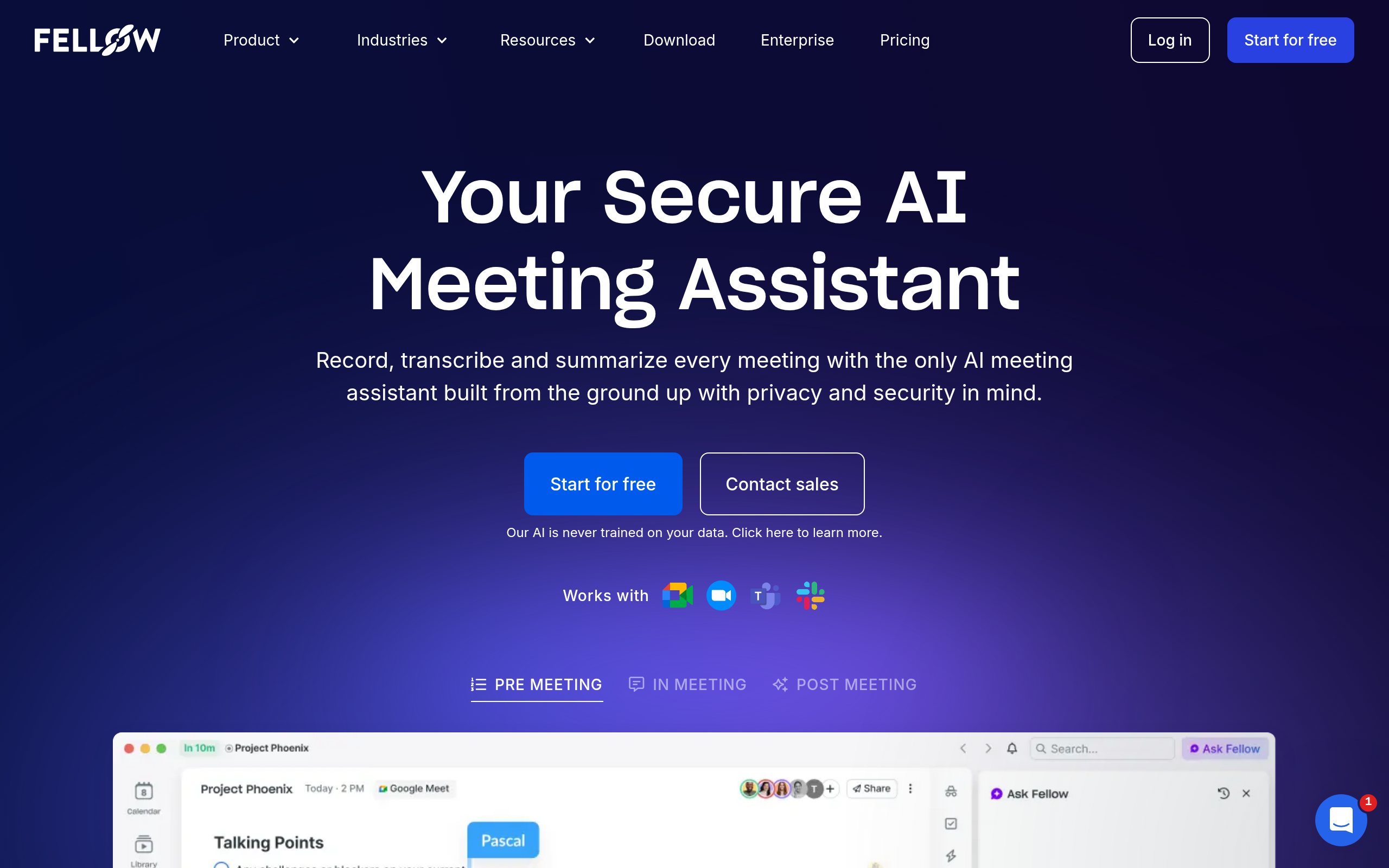
- Best tools: Fellow.ai for secure meeting transcription in 100 languages, MeetGeek and Fathom AI Notetaker for meetings, Krisp AI Note Taker for clean meeting notes, Acoust AI and Maestra AI Voice Cloning for content audio.
- Beyond raw text, AI adds summaries, action items, speaker labels and searchable records.
- It supports many languages and translation, making spoken content accessible and reusable.
AI transcription uses AI to convert spoken audio into written text automatically and quickly — for meetings, interviews, podcasts, videos and any recording — and modern tools go further, adding summaries, action items, speaker labels and search. Transcription used to be a slow, expensive manual task, with a human listening and typing for hours per recording. AI collapsed that into near-real-time at a fraction of the cost, which is why it has quietly become essential infrastructure for anyone who works with spoken content. The accuracy is genuinely good for clear audio, though not perfect, and the best tools layer useful intelligence on top of the raw text. This guide covers what AI transcription does, how accurate it really is, its use cases and languages, and the best tools in 2026.
What is AI transcription?
AI transcription, also called automatic speech recognition, is technology that listens to audio and produces a written text version of what was said. You feed it a recording — or let it listen live — and it returns a transcript, typically in seconds to minutes rather than the hours manual transcription took. The leap that made this practical was the same advance behind other modern AI: models trained on vast amounts of speech learned to recognise words far more accurately than older systems, even across accents and imperfect audio. Today's tools also do more than transcribe verbatim. They can identify and label different speakers, generate a summary, extract action items and decisions, add timestamps, and make the whole transcript searchable — turning a recording from something you would have to re-listen to into a structured, searchable document you can scan in seconds.
How accurate is AI transcription, really?
Accuracy is the question everyone asks, and the honest answer is: very good in good conditions, noticeably worse in bad ones. For clear audio — a single speaker, decent microphone, minimal background noise, standard accent — modern AI transcription is highly accurate and usually needs only light cleanup. Accuracy drops, sometimes sharply, with poor audio (noise, echo, low-quality mics), strong or unfamiliar accents, crosstalk where people talk over each other, and specialised jargon, names or acronyms the model has not seen. It can also mis-attribute who said what. The practical takeaway is to treat AI transcripts as an excellent first draft rather than a flawless record: for casual notes they are fine as-is, but for anything important — legal, medical, published quotes — a human should review and correct the transcript. Knowing where accuracy degrades lets you improve it: better microphones, less background noise, and not talking over each other all measurably raise the quality of the output.
What you can use AI transcription for
The use cases span far beyond simple note-taking. Meetings are the biggest: automatic transcripts, summaries and action items mean no one has to take notes, and you get a searchable record of every decision. Interviews — for research, journalism or hiring — become text you can quote and analyse instead of re-listening to. Podcasts and videos get transcripts that double as show notes, captions and SEO-friendly content. Lectures and webinars turn into study notes. And spoken content creation — dictating a draft and having it transcribed — is faster than typing for many people. The unifying value is turning ephemeral speech into a permanent, searchable, reusable text asset. Once your spoken content is text, you can search it, summarise it, repurpose it and act on it — which is why transcription has become a foundational layer under so many modern workflows.
Best AI transcription tools in 2026
| Need | Best tool |
|---|---|
| Secure meeting transcription (regulated teams) | Fellow.ai |
| Meeting transcription & summaries | MeetGeek, Fathom AI Notetaker |
| Clean meeting notes | Krisp AI Note Taker |
| Content & audio production | Acoust AI |
| Voice cloning for content audio | Maestra AI Voice Cloning |
The best choice depends on the job. For meeting transcription in security-conscious or regulated teams, Fellow.ai transcribes 100 languages with automatic detection, records with or without a bot (including in-person meetings), and adds SOC 2 Type II certification, HIPAA eligibility and optional transcript redaction. For meeting transcription with summaries and action items, MeetGeek and Fathom AI Notetaker join your calls, transcribe them, and produce structured notes automatically. For clean, distraction-free meeting notes (with strong noise handling), Krisp AI Note Taker. For content and audio production workflows, Acoust AI, and for generating or cloning voices for content audio, Maestra AI Voice Cloning. Most of these layer summaries, speaker labels and search on top of the raw transcript, which is where much of the real value sits. To go deeper on the meeting side specifically, see our AI meeting assistants guide.
How to get the best transcription results (step by step)
- Capture good audio — use a decent microphone and minimise background noise; this matters more than anything.
- Pick the right tool — MeetGeek or Fathom AI Notetaker for meetings, Fellow.ai if the recordings are sensitive, Acoust AI for content audio.
- Reduce crosstalk — encourage one person to speak at a time for cleaner, correctly attributed text.
- Let AI add structure — generate summaries, action items and speaker labels, not just raw text.
- Review the transcript — fix names, jargon and any errors, especially for anything important or published.
- Reuse the output — turn transcripts into notes, captions, show notes, quotes or searchable records.
Languages, translation and accessibility
One of the most underrated strengths of modern AI transcription is its reach across languages. Leading tools transcribe speech in many languages (Fellow.ai, for example, detects and transcribes 100 languages automatically), and several can translate as well — taking a meeting or interview in one language and producing a transcript, and sometimes a translation, in another. This matters enormously for global teams, multilingual research and international content, removing a barrier that used to require specialist human transcribers and translators. It also makes spoken content far more accessible: transcripts and captions open up meetings, videos and podcasts to people who are deaf or hard of hearing, and to anyone who would rather read than listen or is in a situation where they cannot play audio. As with accuracy generally, results are stronger for major languages and clear audio and weaker for less-common languages, heavy accents and poor recordings, so the same review discipline applies. But the broad picture is that AI transcription has made spoken content multilingual and accessible by default, which is a meaningful shift.
Why AI transcription became essential
It is worth appreciating how large a change this represents, because transcription's importance is easy to overlook. Speech is how most real work actually happens — meetings, calls, interviews, conversations — yet historically it vanished the moment it was spoken, leaving only whatever someone managed to scribble down. Capturing it as text was so slow and costly that almost no one did it routinely, which meant a vast amount of valuable information simply evaporated. AI transcription changed the economics completely: capturing speech as searchable, structured text is now cheap, fast and automatic, so it makes sense to transcribe almost everything. That has knock-on effects that go well beyond convenience. Meetings become a searchable knowledge base instead of a memory test. Decisions and action items are captured automatically, so less falls through the cracks. Interviews and research become analysable data. And spoken content gains a second life as written content. In other words, AI transcription quietly turned a whole category of previously lost information into a durable, usable asset — which is exactly why it has become foundational infrastructure rather than a niche convenience.
The bottom line
AI transcription turns speech into searchable, structured text automatically and fast — for meetings, interviews, podcasts, videos and content — and the best tools add summaries, action items, speaker labels and translation on top. Accuracy is genuinely high for clear audio but degrades with noise, accents, crosstalk and jargon, so review still matters for anything important. Use MeetGeek and Fathom AI Notetaker for meetings, Krisp AI Note Taker for clean notes, Fellow.ai when meeting data is sensitive, and Acoust AI or Maestra AI Voice Cloning for content audio. Capture good audio, let AI add structure, review the output, and reuse it — and you turn the spoken content that used to vanish into a permanent, searchable, multilingual asset.
Disclaimer: AI transcription accuracy varies with audio quality, accents, crosstalk and jargon and is not flawless. Review and correct transcripts before relying on them for anything important, published or legally sensitive.
Fellow.ai is a Comparee partner.
Disclosure: Fellow.ai is a paid placement on this page. Paid placements never change our verdicts or rankings.
Tools mentioned in this guide
Pricing, features and model availability can change over time. Always verify current details on each tool's official website before deciding.
Frequently Asked Questions
What is AI transcription?
What is AI transcription?
How accurate is AI transcription?
How accurate is AI transcription?
What is the best AI transcription tool?
What is the best AI transcription tool?
Can AI transcription handle multiple languages?
Can AI transcription handle multiple languages?
What can I use AI transcription for?
What can I use AI transcription for?
How do I improve AI transcription accuracy?
How do I improve AI transcription accuracy?
Don't just pick a tool — get the whole workflow
Tell Comparee your goal and get a complete step-by-step AI workflow with the right tool for every step.