Best No-Code AI App Builders in 2026: MVPs to Internal Tools
The best no-code AI app builders in 2026 by use case — MVPs, internal tools, web apps, data extraction and technical founders. Comparee's verdict.
Key takeaways
- No-code AI builders split by output — MVPs, internal tools, web apps and data extraction.
- For fast MVPs, Base44; for web apps, WeWeb; for internal tools and admin systems, NocoBase.
- For technical founders who want code assistance, Replit; for scraping and data extraction, Browse AI; for simple AI apps, BuildAI.
- Match the tool to what you're building — a web-app builder is not an internal-tool platform or a coding assistant.
You can now build an app, a website, an internal tool or an MVP without writing much code — AI does a lot of the heavy lifting. But "no-code AI app builder" covers genuinely different products: tools that spin up an MVP from a prompt, platforms for internal admin tools, web-app builders, and code-assisted environments for people who can handle a little programming. The right one depends on what you're building. This guide compares the best no-code AI app builders in 2026 by use case, using real tools from the Comparee catalog.
The reason this category is confusing is that "build an app without code" means very different things to different people. A founder validating an idea wants the fastest path to something users can click; an operations lead wants an internal admin tool on top of company data; a technical founder wants AI to accelerate real coding rather than replace it. These are genuinely different products, and picking by the brand that's trending instead of by your actual build is the most common and costly mistake. The comparison below is organised by what you're producing — MVP, internal tool, web app, data extraction — because that's the only thing that reliably points to the right tool. Get the category right and almost any leading option in it will work.
The short answer
For a fast MVP from an idea, Base44. For no-code web apps, WeWeb. For internal tools and admin systems, NocoBase. For technical founders who want AI-assisted coding, Replit. For scraping and data extraction workflows, Browse AI. And for simple AI-powered apps, BuildAI.
Best no-code AI app builders by use case
| Use case | Best pick | Why |
|---|---|---|
| Fast MVP | Base44 | Idea to app quickly |
| Web apps | WeWeb | No-code web app builder |
| Internal tools / admin | NocoBase | Admin systems, internal apps |
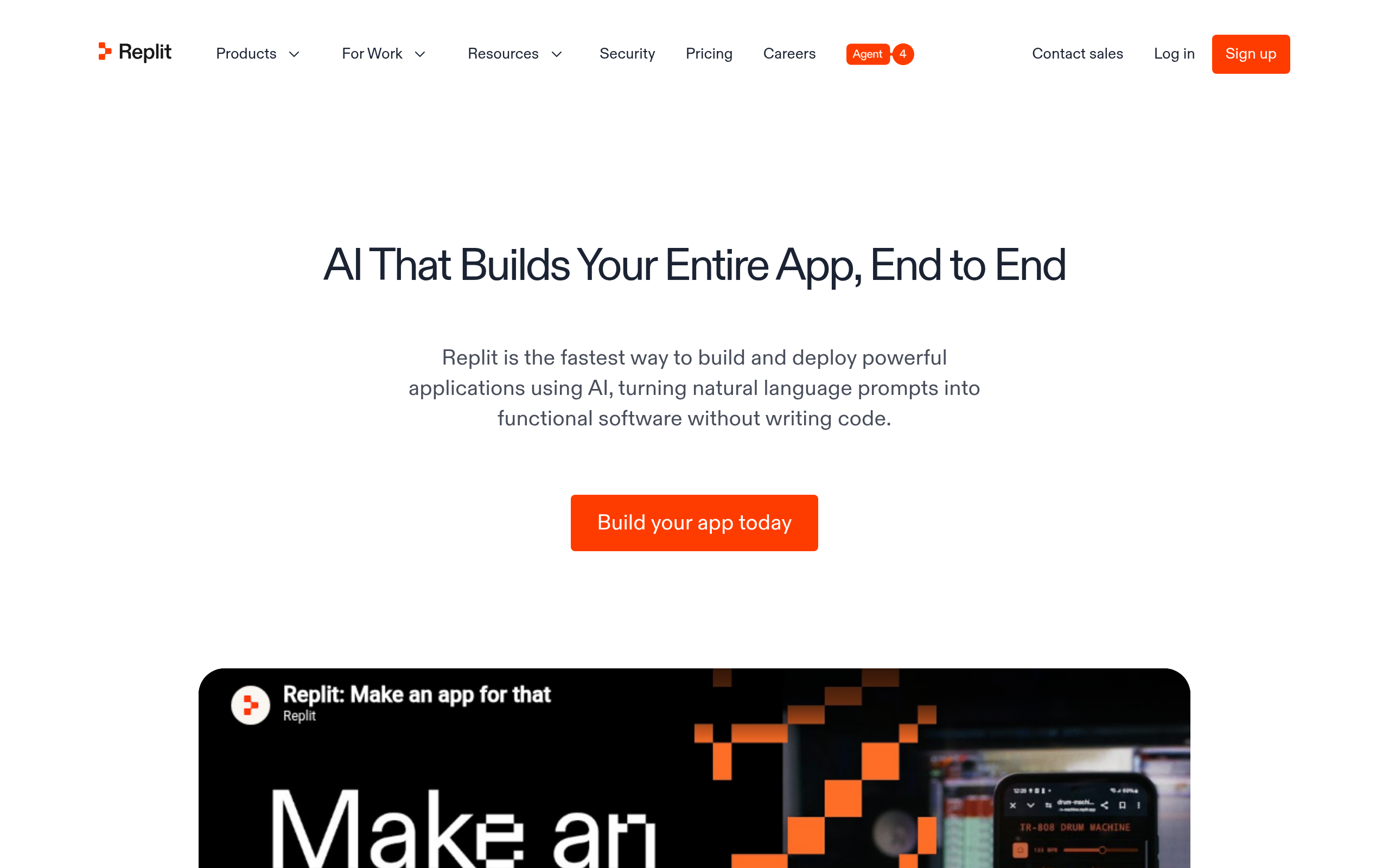
| Technical founders | Replit | AI-assisted coding |
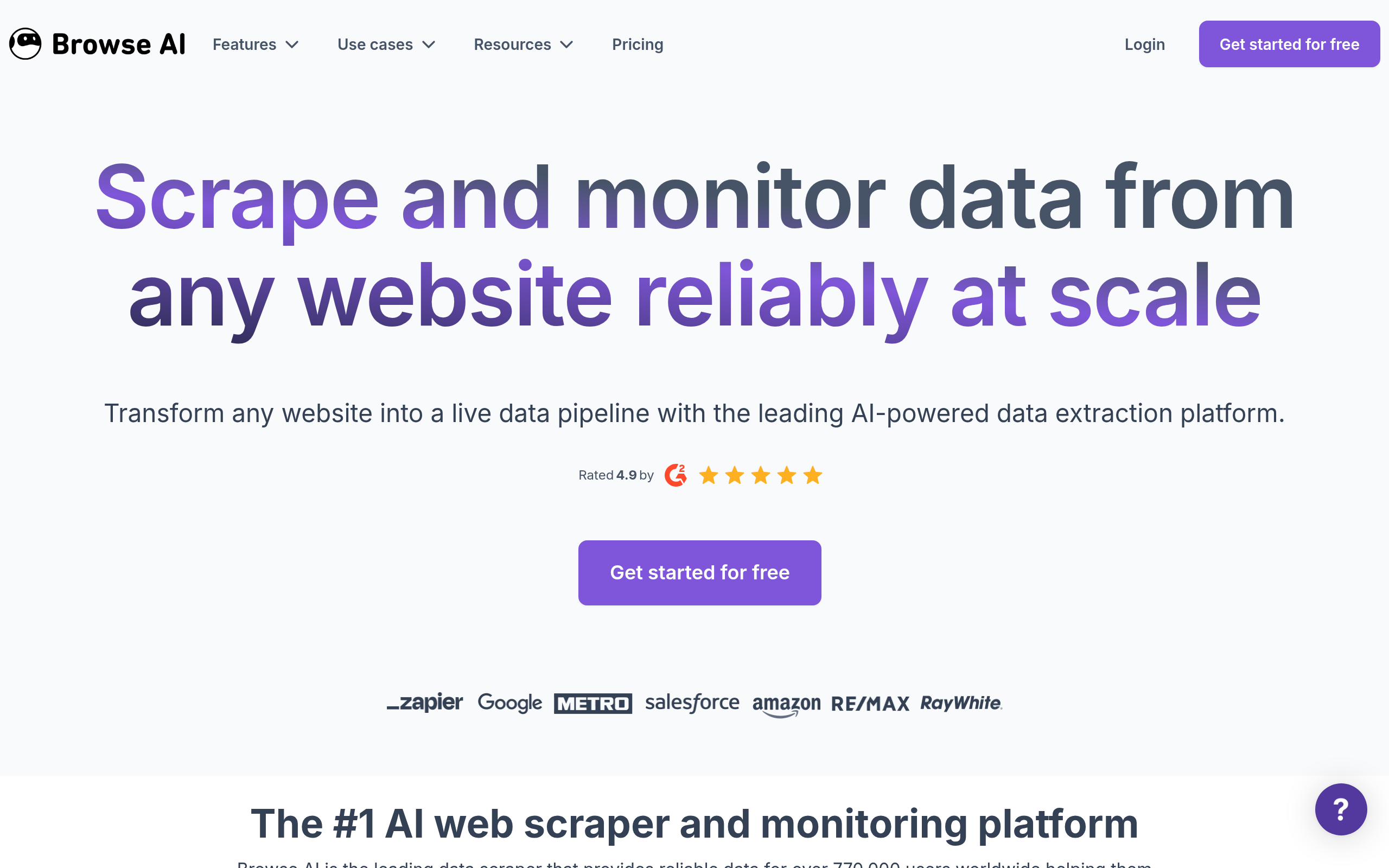
| Data extraction | Browse AI | Scraping & monitoring |
| Simple AI apps | BuildAI | Lightweight AI apps |
Best for MVPs and web apps: Base44 and WeWeb
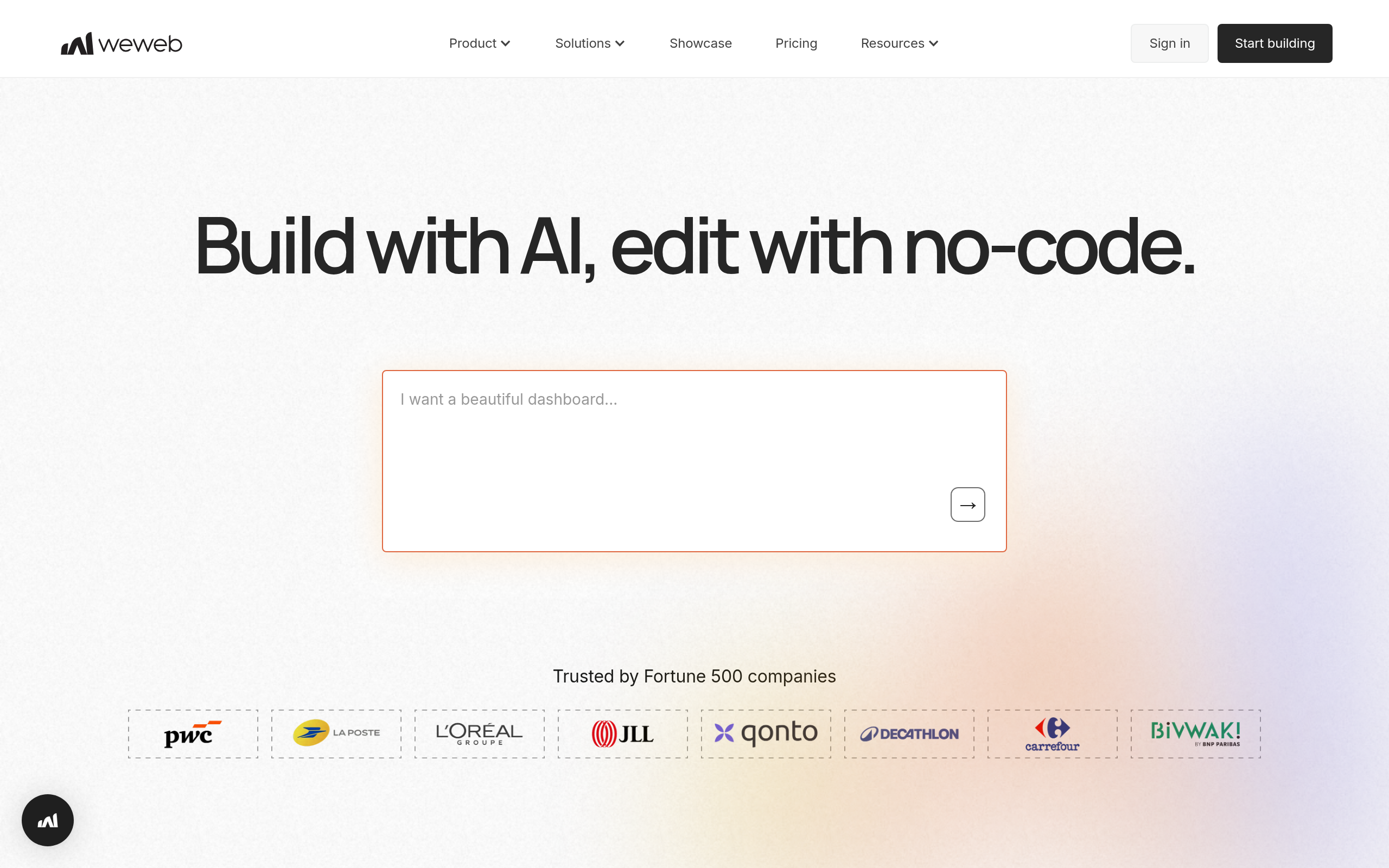
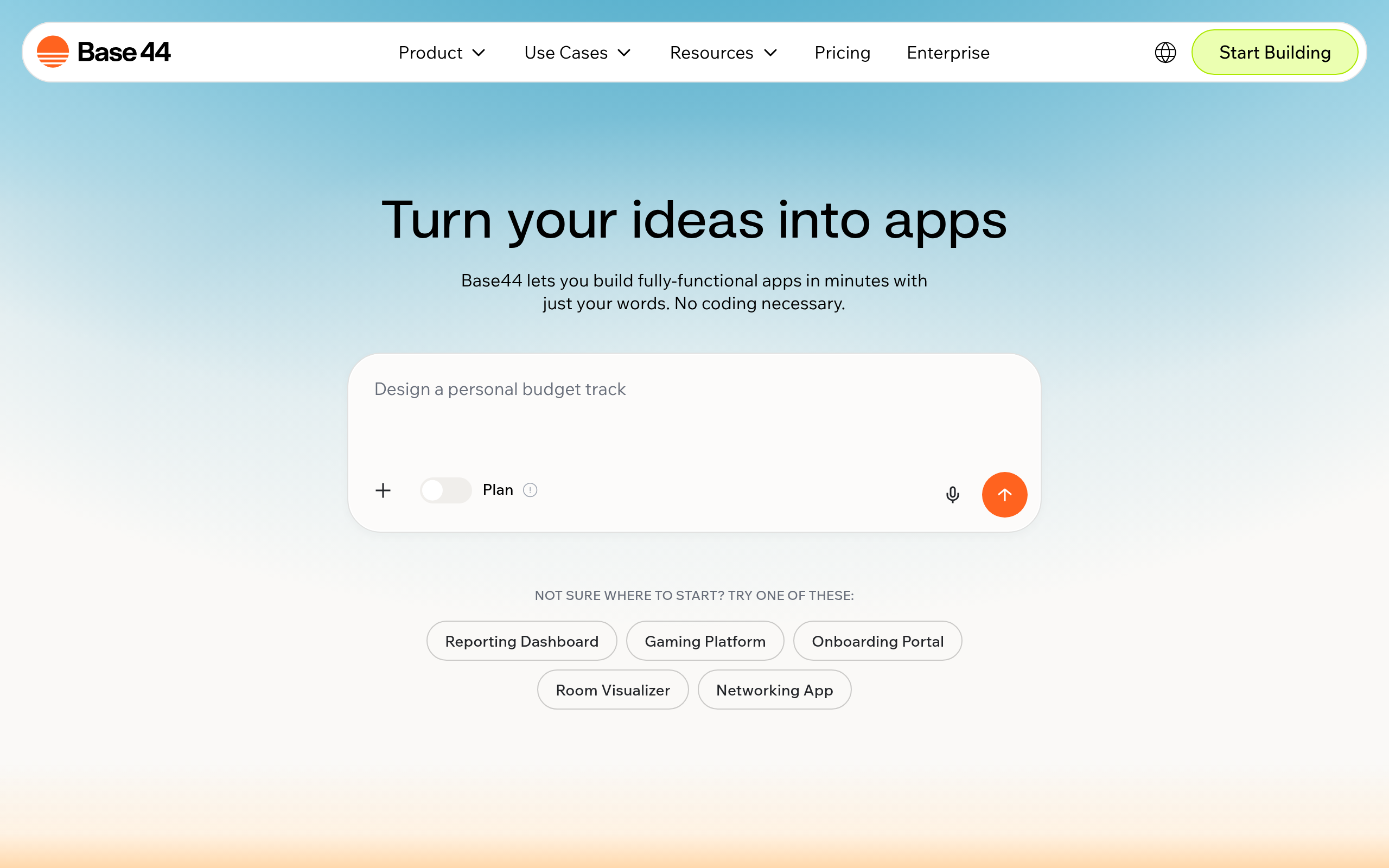
If you want to get an idea in front of users fast, Base44 turns a concept into a working app quickly, which is ideal for validating an MVP before investing in custom development. For polished, no-code web applications with more design control, WeWeb lets you build production-grade web apps without engineering. The two cover the most common founder need: ship something real, fast, and iterate based on what users actually do.
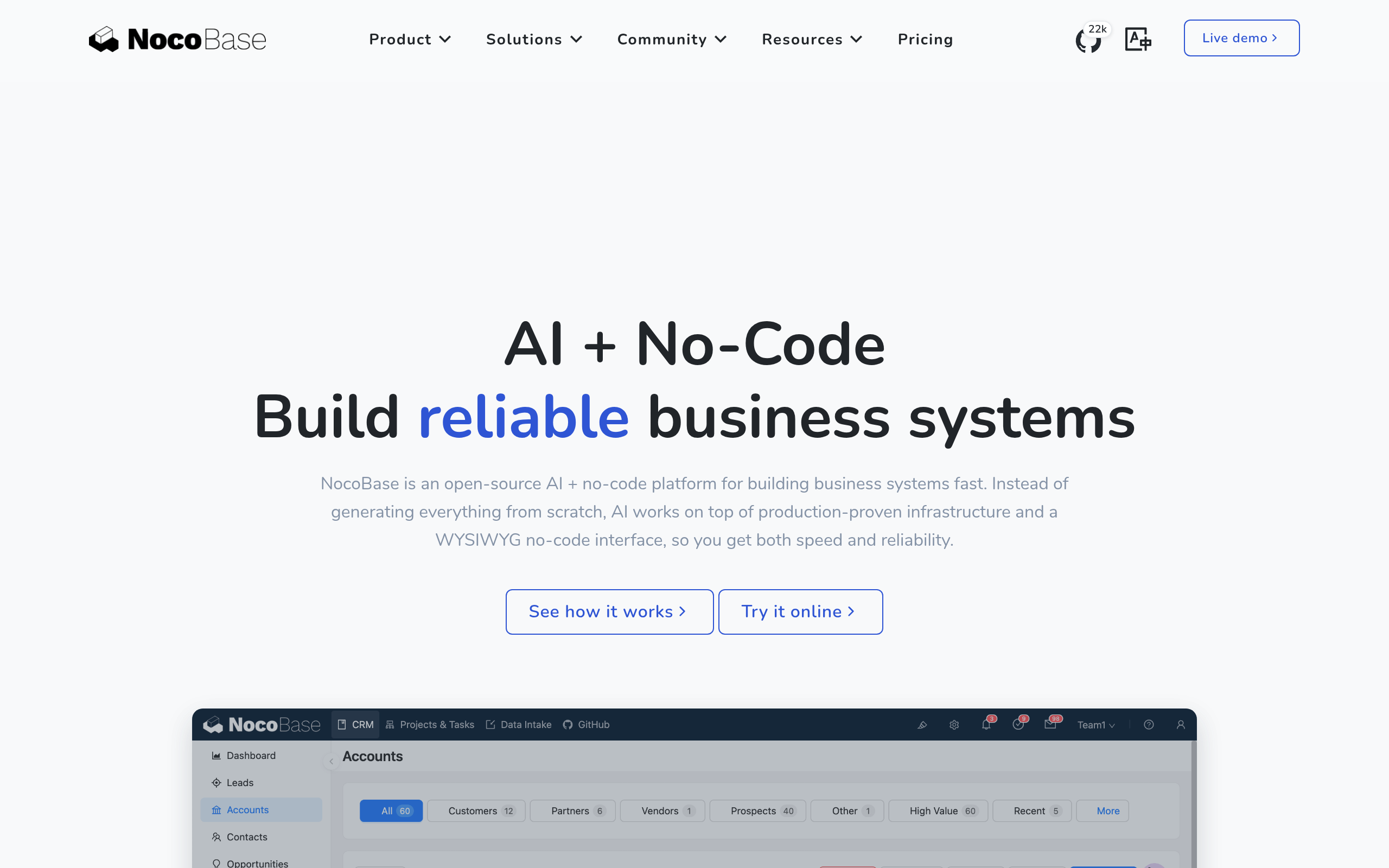
Best for internal tools: NocoBase
A huge amount of software is internal — dashboards, admin panels, CRUD tools that run operations. NocoBase is built for exactly this: internal tools and admin systems on top of your data, without a dev team. It's the right pick when the "app" isn't customer-facing but business-critical, the kind of thing teams used to build in spreadsheets and outgrow. For internal tooling, a purpose-built platform beats a general app builder.
Best for technical founders and data: Replit and Browse AI
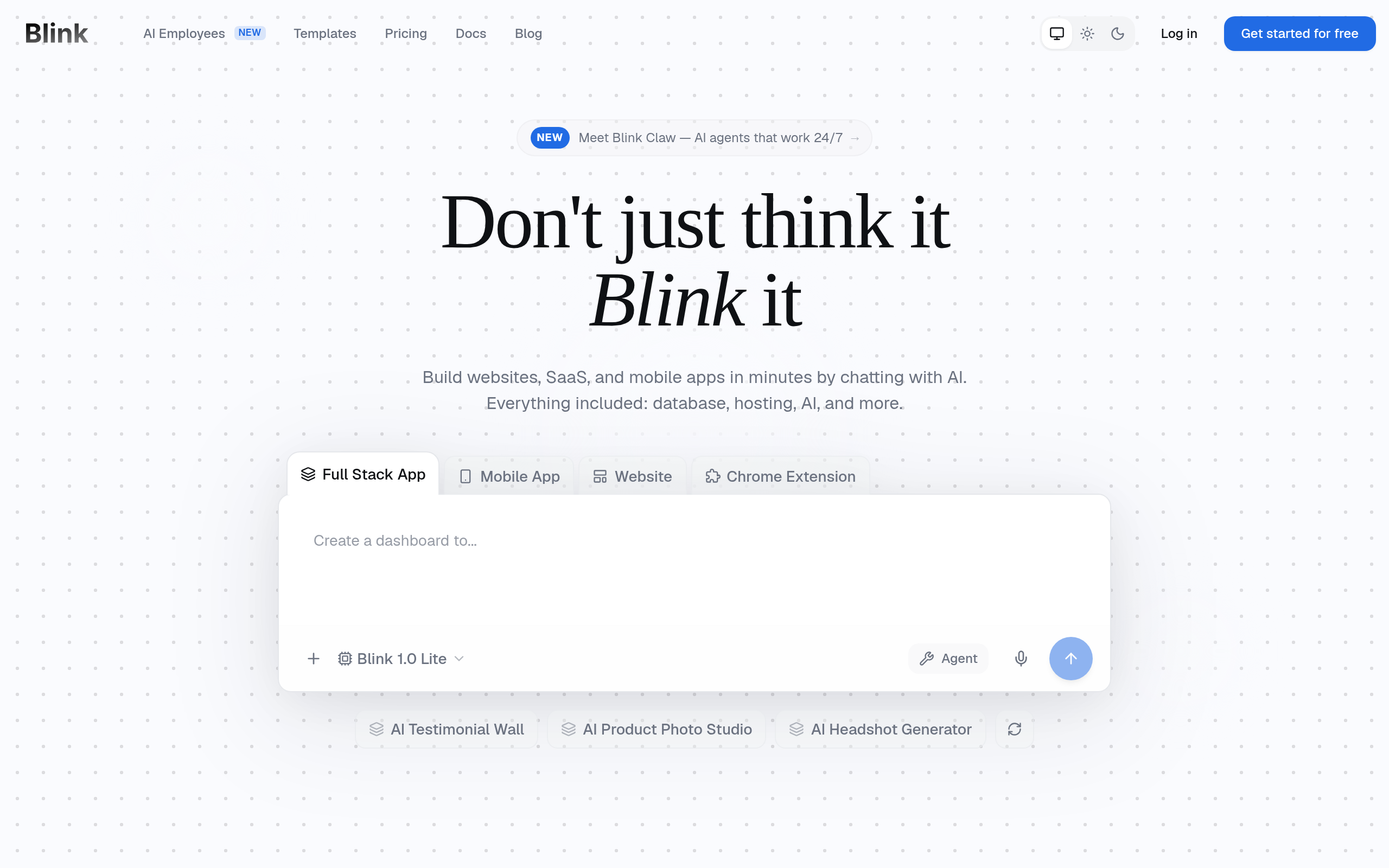
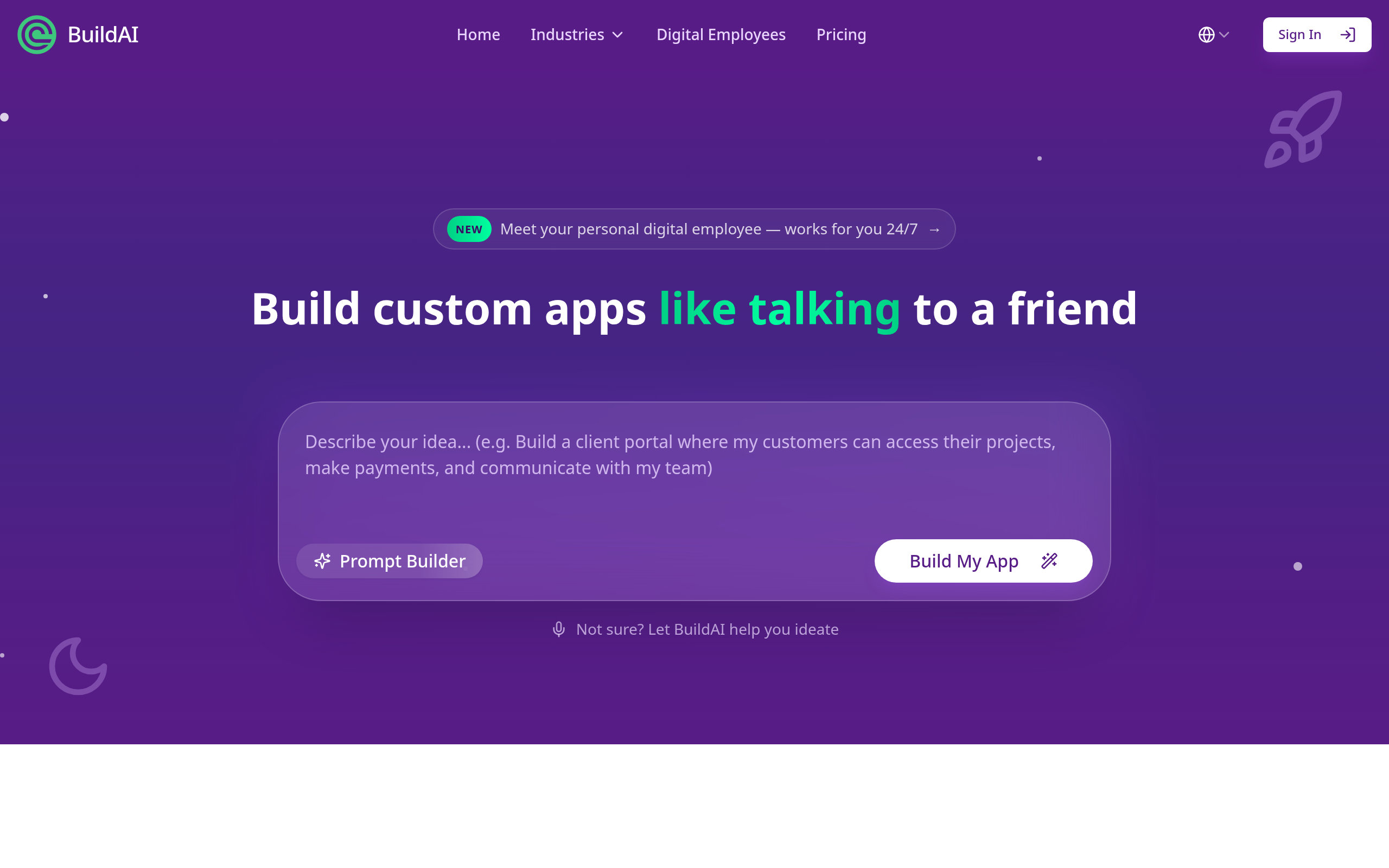
If you can handle a little code, Replit gives you an AI-assisted development environment that goes further than pure no-code — useful when your app needs custom logic a visual builder can't express. For workflows built around extracting data, Browse AI scrapes and monitors websites, turning pages into structured data and alerts. BuildAI covers simple AI-powered apps, and Blink and Emergent are additional options worth a look depending on your specific build.
How to choose, and the categories that get confused
The most common mistake is picking the wrong category. A no-code app builder (Base44, WeWeb) ships customer-facing apps; an internal-tool platform (NocoBase) builds admin systems; a code-assisted environment (Replit) suits technical builders who need custom logic; and a data-extraction tool (Browse AI) isn't an app builder at all — it feeds data into one. Decide what you're actually building first, and the right tool becomes obvious. Most have free tiers, so prototype before committing.
Comparee recommendation
- MVP? → Base44. Web app? → WeWeb.
- Internal tools? → NocoBase.
- Technical founder? → Replit.
- Data extraction? → Browse AI. Simple AI app? → BuildAI.
Choose by what you're building. Compare the options in the top no-code tools and the no-code & app builders category on Comparee, and see related automation tools in AI Tools, Comparisons & Workflows.
Common mistakes with no-code AI builders
The first mistake is picking the wrong category — using a web-app builder like WeWeb when you needed an internal-tool platform like NocoBase, or reaching for a no-code tool when your app genuinely needs custom logic that Replit's code-assisted approach handles better. Name what you're building first. The second mistake is over-scoping the first version: try to build the whole product and you'll stall, whereas a focused MVP in Base44 ships and teaches you what users actually want. The third is ignoring where your data lives — a tool that can't connect to your data, or Browse AI when you specifically need extraction, leaves you stuck.
How to ship your first app
Start with the smallest version that delivers value, and build it end to end before adding features. Use Base44 or WeWeb to get a working app in front of real users fast, watch how they use it, and iterate from there — shipping and learning beats planning in a vacuum. If it's an internal tool, NocoBase gets you a working admin system quickly; if you can handle a little code, Replit takes you further than pure no-code when you hit a wall. Most of these tools have free tiers, so prototype before you pay. The builders who succeed with no-code don't chase the most powerful platform — they pick the one that fits their build, ship something small, and grow it from real usage.
The deeper shift here is that building software is no longer reserved for engineers. A founder, an operations lead or a domain expert can now ship a working app, internal tool or MVP in days — provided they pick the tool that matches what they're building and resist the urge to build everything at once. Start with the smallest version that delivers value, ship it, and let real usage guide what comes next. That discipline, far more than the choice of Base44 versus WeWeb versus NocoBase, is what separates a project that ships from one that stalls on a blank canvas.
Whichever tool you choose, ship the smallest useful version first and let real users tell you what to build next — momentum from a live MVP beats months of planning on a blank canvas every single time.
The bottom line
The best no-code AI app builder depends on the output: Base44 and WeWeb for apps and MVPs, NocoBase for internal tools, Replit for technical founders, and Browse AI for data extraction. Match the tool to what you're building, test on a free tier, and you'll ship in days instead of months.
Tools mentioned in this guide
Pricing, features and model availability can change over time. Always verify current details on each tool's official website before deciding.
Frequently Asked Questions
What is the best no-code AI app builder in 2026?
What is the best no-code AI app builder in 2026?
What is the best tool to build an internal tool without code?
What is the best tool to build an internal tool without code?
Can I really build an app without coding?
Can I really build an app without coding?
What is the difference between a no-code app builder and a coding assistant?
What is the difference between a no-code app builder and a coding assistant?
Are no-code AI app builders free?
Are no-code AI app builders free?
Don't just pick a tool — get the whole workflow
Tell Comparee your goal and get a complete step-by-step AI workflow with the right tool for every step.