Best AI Website Builders in 2026: From Prompt to Live Site
Compare the best AI website builders of 2026. Prompt-to-site in minutes: Blink, B12, Figma Make, Replit, Squarespace, BuildAI — ranked by use case.
- Best overall: Blink — highest Comparee score in the category (94), fastest path from prompt to live professional site.
- Best for professional services: B12 — AI drafts your site, then adds booking, payments, and client management in one platform.
- Best for design-to-site workflow: Figma Make — turns Figma designs into a deployable site; no separate dev handoff needed.
- Best for semi-technical founders: Replit — prompt-to-code-to-deploy, gives you real code you own and can extend.
- Best for AI-powered mini-apps: BuildAI — purpose-built for interactive AI tools and lead gen apps, no coding required.
- All featured tools offer a free tier or free trial — test before committing.
The best AI website builder in 2026 for most non-technical founders is Blink. It leads Comparee’s No-code & App Builders category with a score of 94, lets you go from a one-sentence description to a styled, live site in minutes, and has a free tier so there’s no barrier to testing it. If you run a professional services business, B12 is the sharper pick — it layers client management, scheduling, and payments on top of the AI-built site. Design teams already working in Figma should look at Figma Make first. The full breakdown by use case is below.
What Makes an AI Website Builder Different in 2026?
Traditional drag-and-drop website builders still exist and still work. But AI website builders compress the timeline dramatically: you describe what you want in plain English and the tool generates layout, copy, and sometimes even images. The gap between “I need a website” and “my website is live” has collapsed from days to under an hour for most use cases.
What separates a good AI builder from a mediocre one in 2026:
- Prompt quality → output quality: Can it handle a vague brief (“I sell handmade candles”) and still produce something usable?
- Editability: Once generated, how easy is it to adjust without breaking the layout?
- Deployment and hosting: Does it publish directly, or do you still need to wire up a separate host?
- Ongoing tools: SEO settings, analytics, contact forms, payments — built in or bolt-on?
- Pricing model: Free tiers, usage caps, per-seat vs. per-site billing.
Explore the full No-code & App Builders category on Comparee for the complete ranked list with filters by price and feature.
Quick Verdict — Best AI Website Builder for Each Use Case
| Use case | Best pick | Runner-up | Why |
|---|---|---|---|
| Get a site live in under 30 minutes | Blink | Emergent | Fastest prompt-to-publish pipeline in the category |
| Professional services (consulting, law, finance) | B12 | SiteW | Built-in client tools plus AI-generated copy |
| Design teams / Figma users | Figma Make | Replit | Direct design-to-code without developer handoff |
| Portfolio, creative, or restaurant site | Squarespace | Mobirise | Best-in-class templates plus AI copy assist |
| AI-powered mini-app or interactive lead gen tool | BuildAI | Replit | Purpose-built for embedding AI in the app itself |
| Offline workflow, no lock-in | Mobirise | SiteW | Desktop app, export clean files, host anywhere |
The Best AI Website Builders Reviewed
Blink — Best Overall
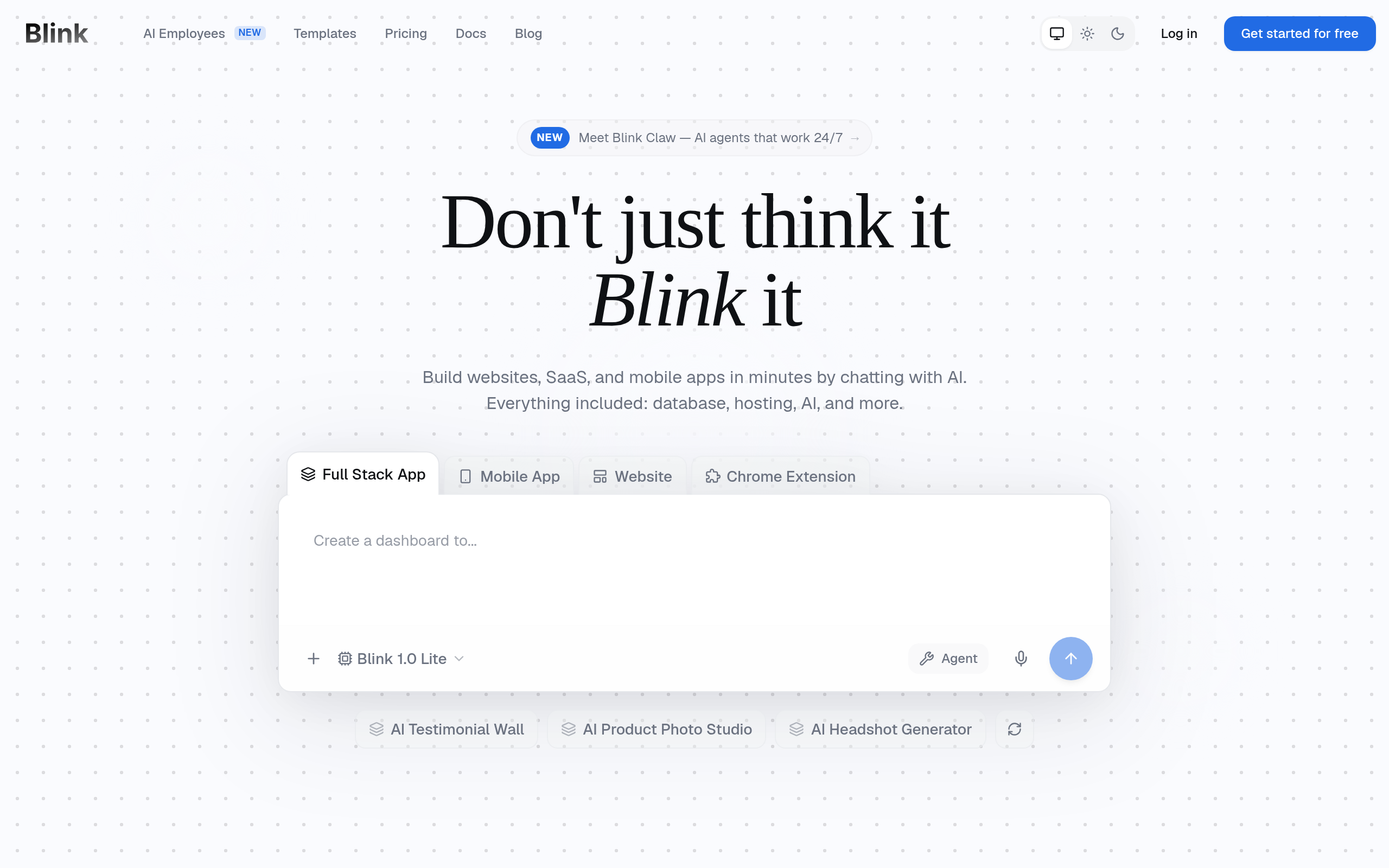
Blink tops Comparee’s No-code & App Builders ranking with a score of 94 — the highest in the category. The premise is simple: a complete non-technical person describes their business in plain language and gets a working, live website with no manual layout work. The AI handles structure, copy tone, and section logic. A free tier means there’s no financial barrier to trying it. If you have one tool to test first, this is it.
Best for: Solopreneurs, early-stage startups, anyone who needs something professional live today.
B12 — Best for Professional Services
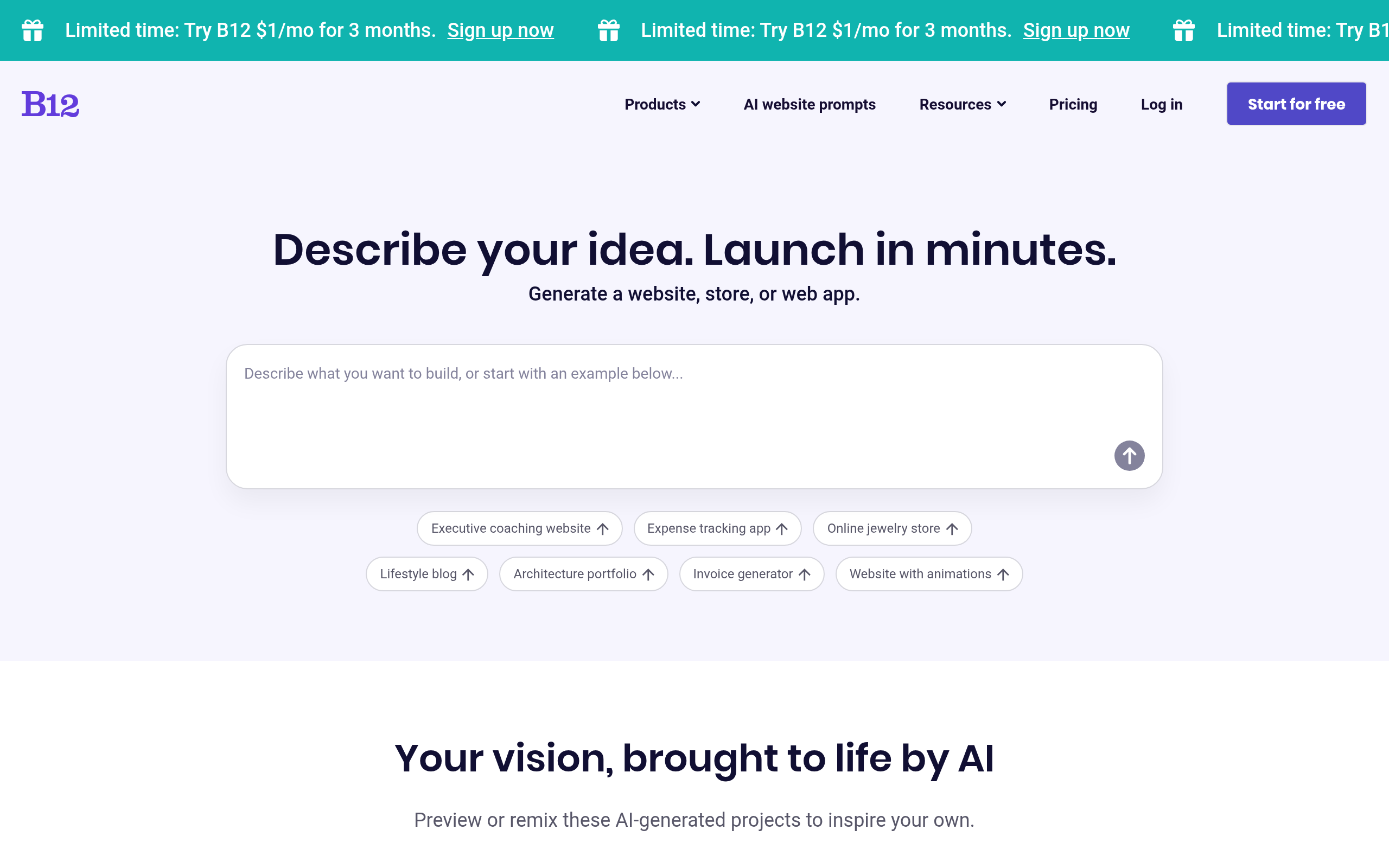
B12 takes a different angle: it’s an AI-powered client platform, not just a site builder. After the AI drafts your site from a prompt, you get scheduling, payments, contracts, and email marketing built in — managed from one dashboard. That depth makes it overkill for a simple landing page but near-perfect for consultants, lawyers, accountants, and agencies. A free tier is available to start.
Best for: Service businesses that want a site and a lightweight CRM and scheduling tool in one place.
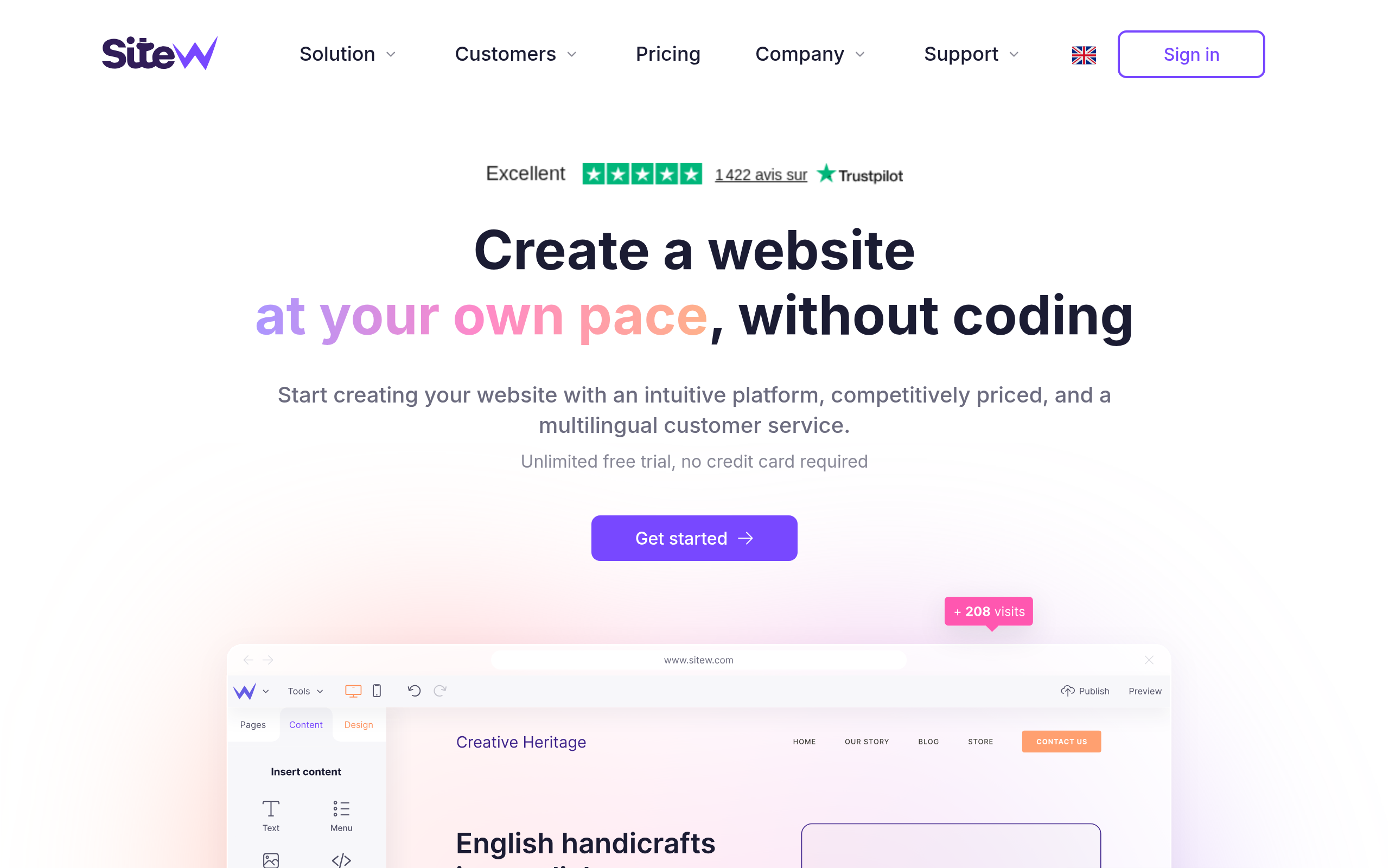
SiteW — Best for Straightforward Business Sites
SiteW (Comparee score: 83, free tier) is a clean, no-nonsense builder with AI-assisted content generation. It won’t overwhelm you with settings and integrations — the focus is on getting a good-looking, fast-loading site published with minimum friction. For small businesses that don’t need CRM logic or custom app behavior, that simplicity is a genuine feature.
Best for: Local businesses, freelancers, and small shops that want a clean site with zero configuration overhead.
BuildAI — Best for AI-Powered Mini-Apps
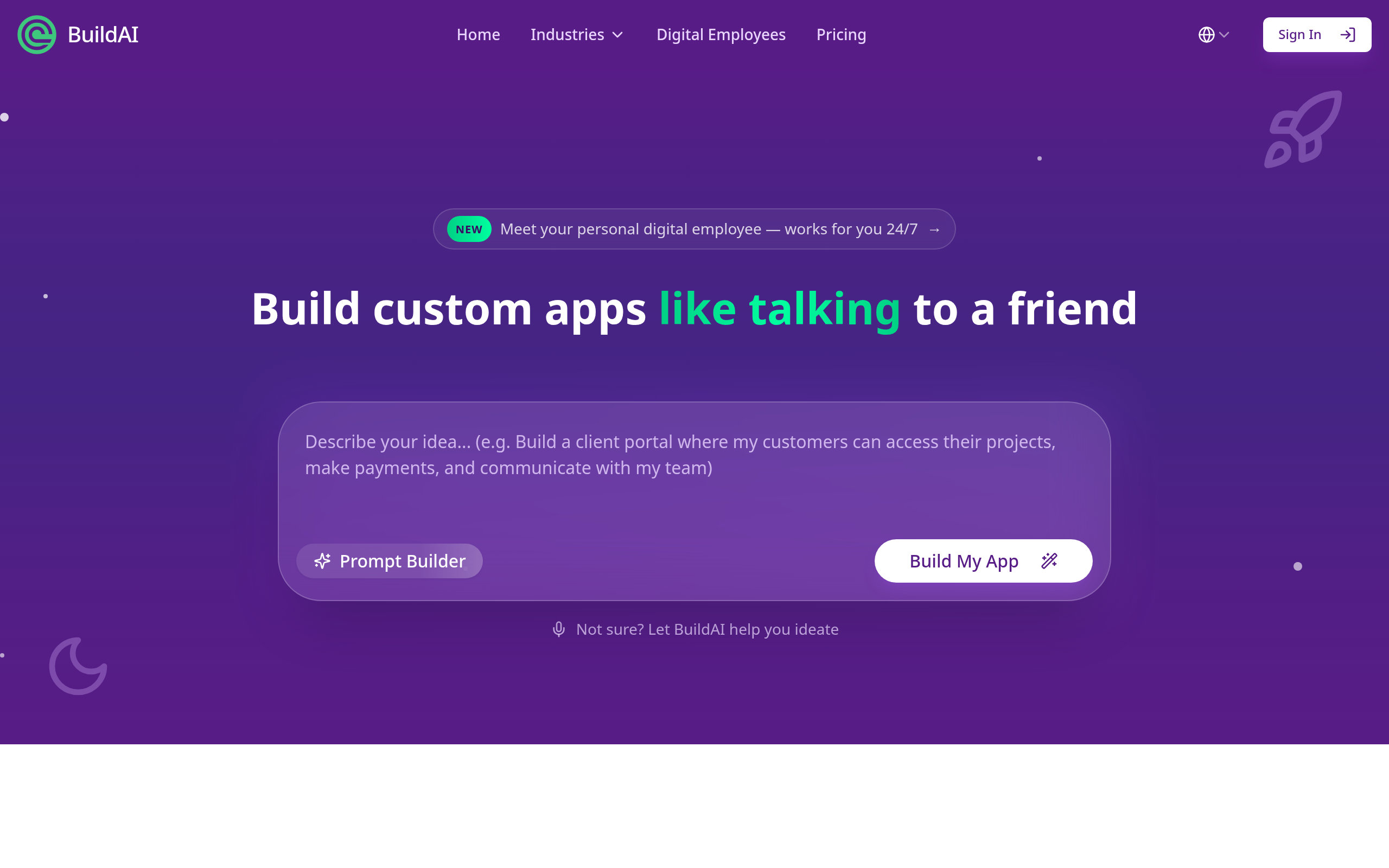
BuildAI (score: 83, free tier) targets founders who want to publish not just a brochure site but an interactive AI tool — a calculator, a recommender, a form that feeds an AI response. If your “website” is actually a product that runs AI under the hood, BuildAI is purpose-built for exactly that. You wire up prompts and user inputs into a publishable web interface without writing code.
Best for: Founders shipping a micro-SaaS or AI-powered lead gen tool quickly.
Replit — Best for Semi-Technical Founders
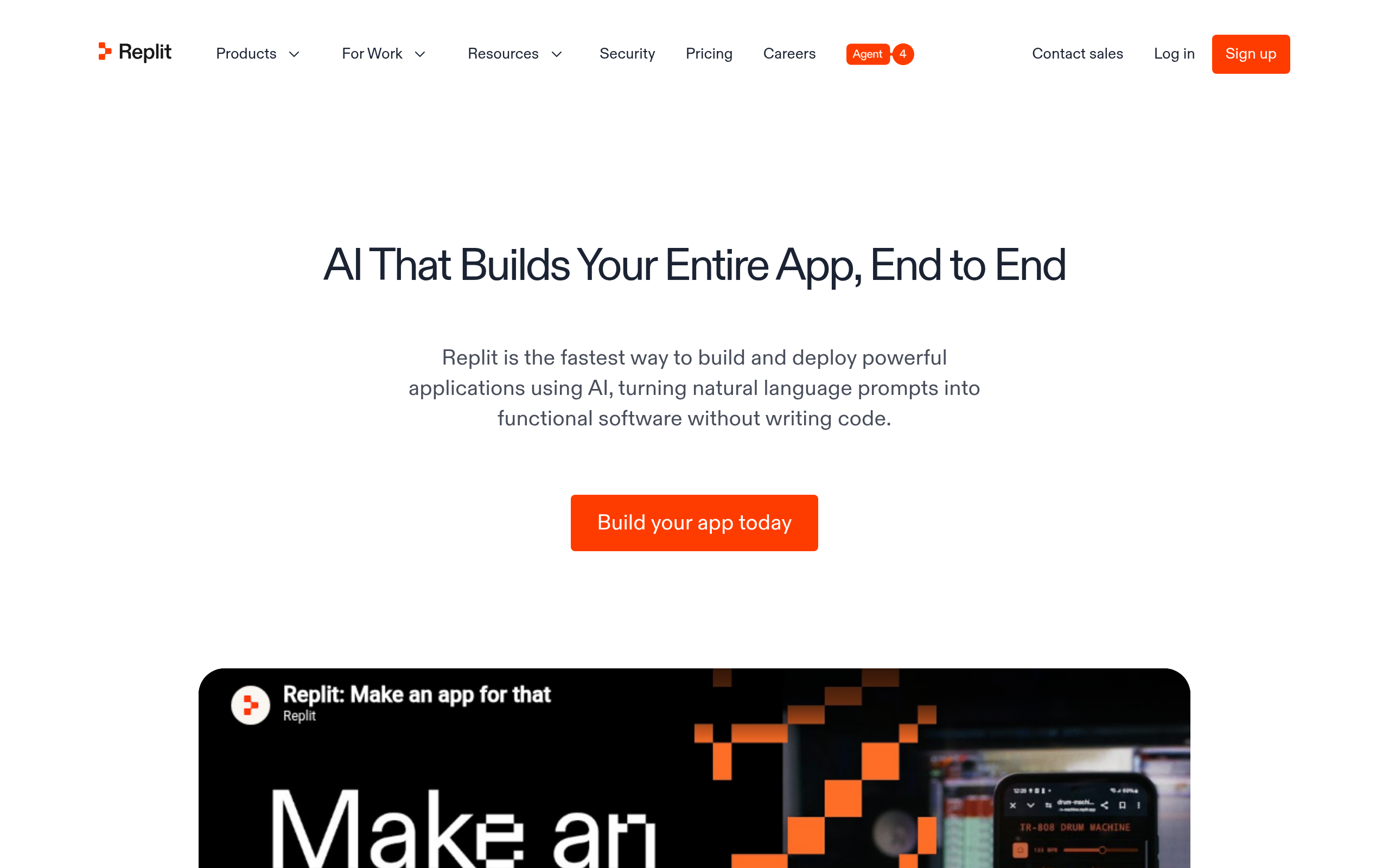
Replit (score: 83, free) is a collaborative coding environment whose AI agent can take a plain-language prompt and build a full web application — not just a static site. The output is real code you own and can extend. If you’re comfortable reading code even if you can’t write it from scratch, Replit gives you significantly more flexibility than any template-based builder. Deployments are one-click.
Best for: Technical or semi-technical founders who want a custom app with real code, not a locked template.
Figma Make — Best for Design Teams
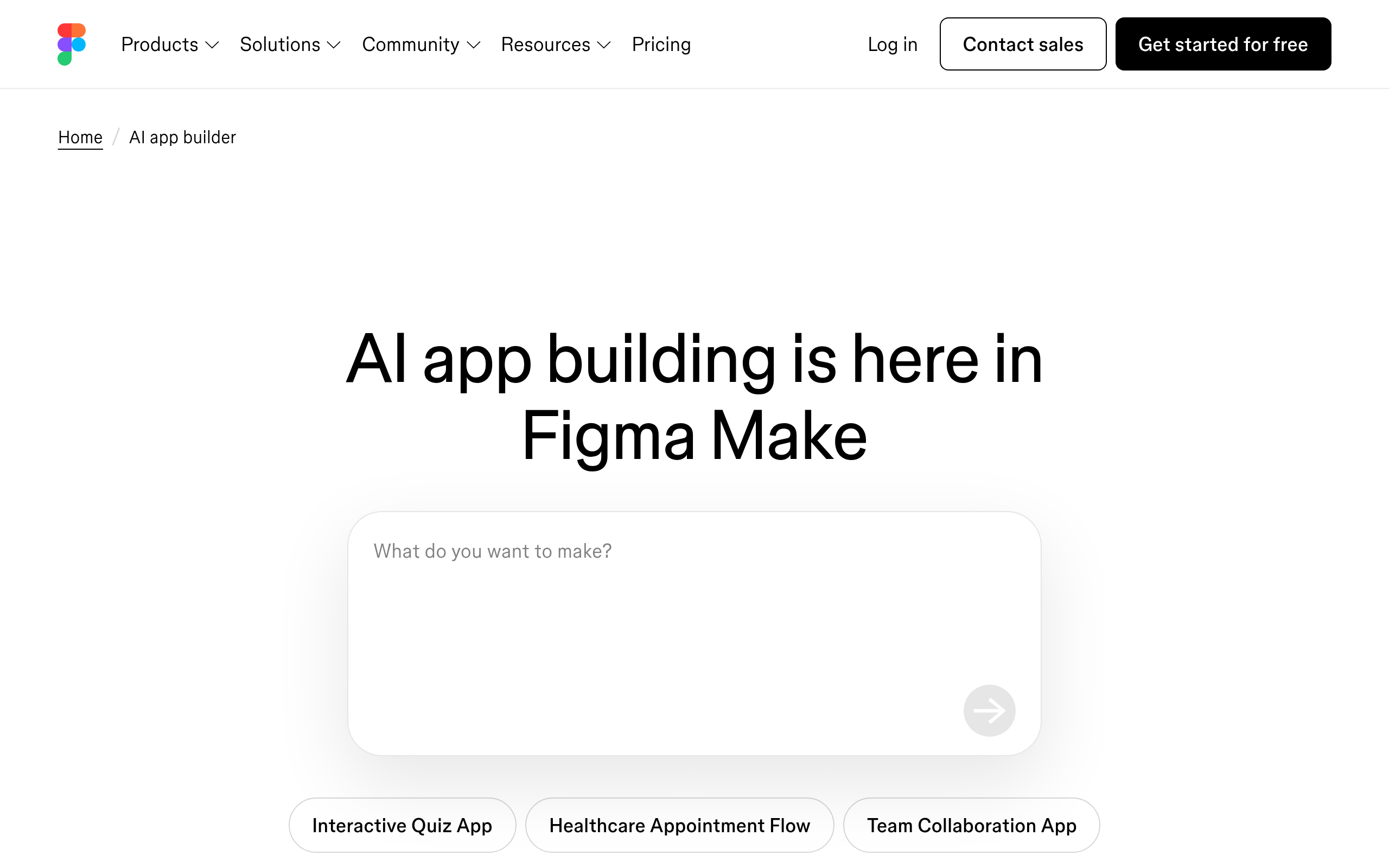
Figma Make (score: 66, free tier) closes the design-to-production gap. If your team already uses Figma to prototype, Figma Make converts those designs into a deployable site or app without a separate developer handoff. It’s newer than the others on this list, but the workflow is compelling for product teams that want to ship without an engineering sprint.
Best for: Product and design teams prototyping in Figma who want to go live without waiting for engineering resources.
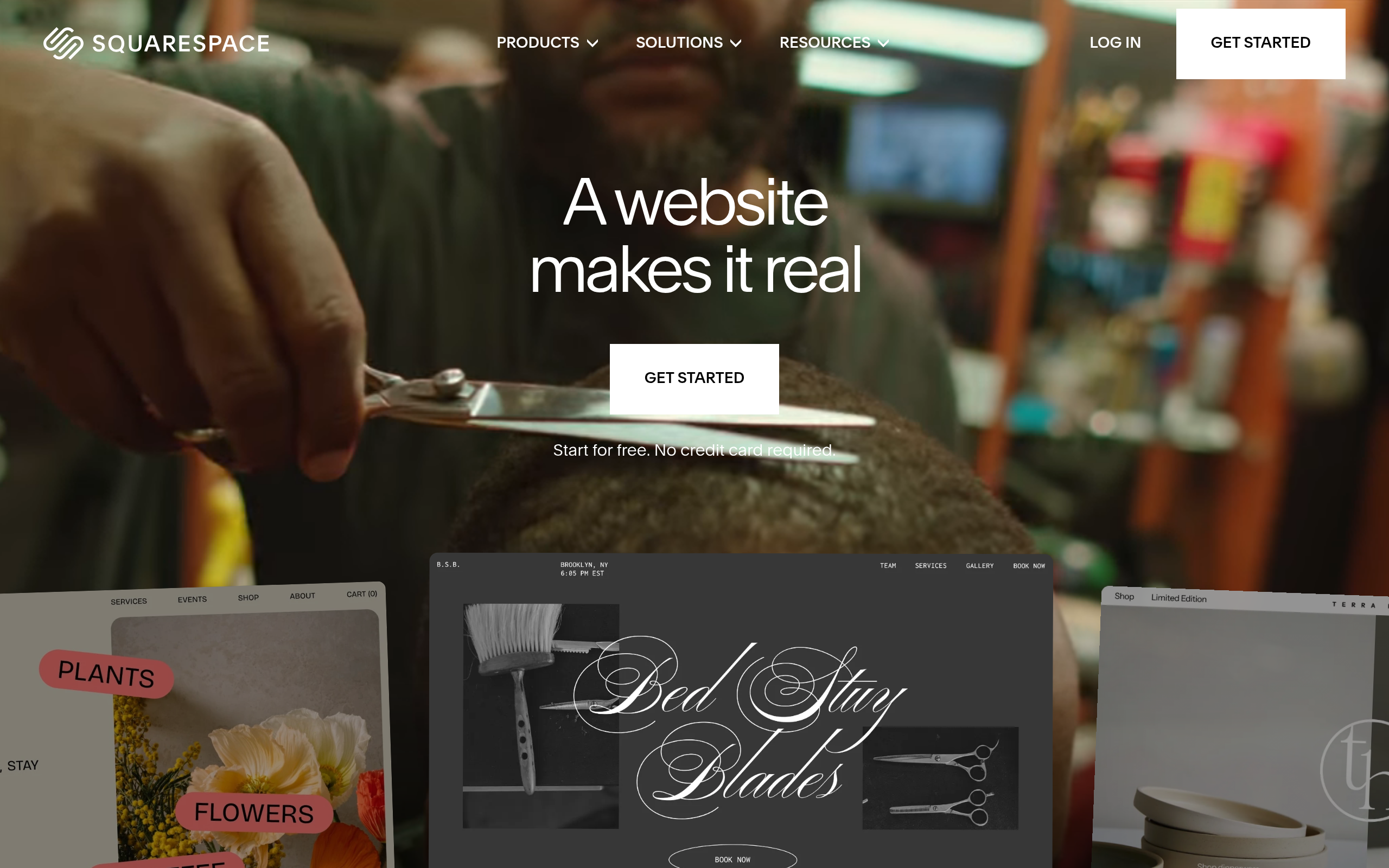
Squarespace — Best for Creative and Portfolio Sites
Squarespace (score: 66) has been building websites longer than most AI tools have existed, and in 2026 it added meaningful AI features: AI-generated page sections, Blueprint AI for layout guidance, and AI-assisted copywriting. Its templates remain best-in-class for photographers, artists, and creative professionals. A free trial lets you build and preview before committing to a plan.
Best for: Creatives, photographers, restaurants, and anyone where visual presentation and polished templates matter most.
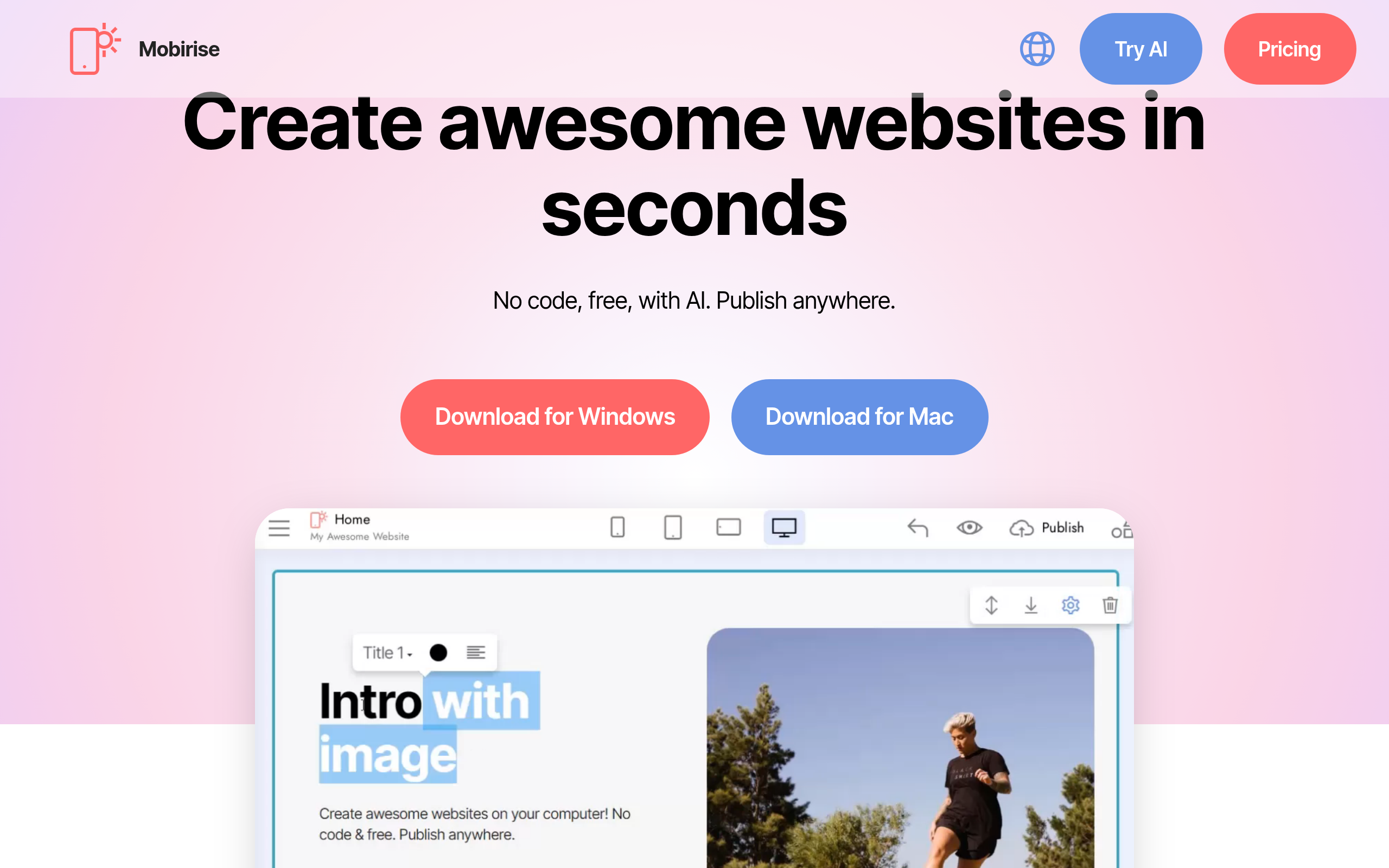
Mobirise — Best for Owning Your Files
Mobirise (score: 66, free) is unique among the tools on this list: it’s a desktop application, not a SaaS. You build locally, export clean HTML and CSS, and host wherever you like — no recurring platform fee for hosting. Its AI assistant generates content blocks and suggests layouts. For users uncomfortable with lock-in or SaaS pricing, Mobirise is the exit.
Best for: Developers and agencies building sites for clients who want full ownership and self-hosted deployment.
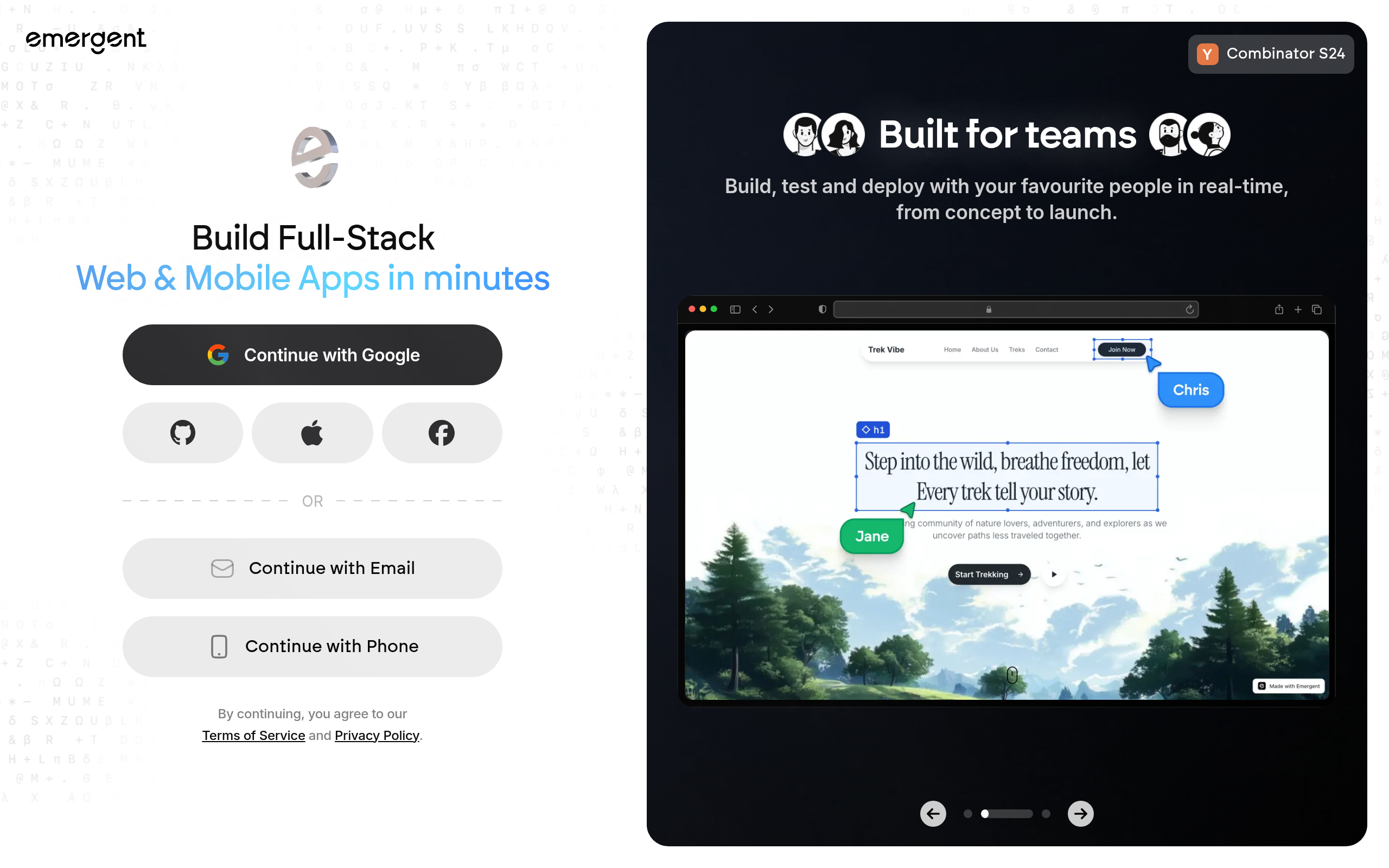
Emergent — Best for Rapid MVP Validation
Emergent (score: 66, free tier) optimizes for speed above everything else. Describe your product or service, and it assembles a page that can go live immediately. It’s lighter on customization than Blink or B12, which means less flexibility but faster first results — particularly useful for landing page tests and validating demand before building a full product.
Best for: Founders testing an idea with a landing page before investing in a full build.
How Do These AI Website Builders Compare on Key Features?
| Tool | Comparee score | Free tier | Prompt-to-site | Built-in CRM / scheduling | Custom code access | Offline / self-host |
|---|---|---|---|---|---|---|
| Blink | 94 | Yes | Yes | Limited | Limited | No |
| SiteW | 83 | Yes | Partial | No | Limited | No |
| BuildAI | 83 | Yes | Yes | No | Yes | No |
| Replit | 83 | Yes | Yes | No | Full | No |
| B12 | 66 | Yes | Yes | Yes (full) | Limited | No |
| Figma Make | 66 | Yes | From design | No | Yes | No |
| Squarespace | 66 | Trial | Partial | Limited | Limited | No |
| Mobirise | 66 | Yes | Partial | No | Full | Yes |
| Emergent | 66 | Yes | Yes | No | No | No |
Which AI Website Builder Is Right for You?
Three questions narrow it down fast: How technical is your team? What does the site need to actually do beyond looking good? And how much does ownership of the output matter to you?
| Your situation | Best pick |
|---|---|
| Non-technical, need something live this week | Blink |
| Service business (consultants, lawyers, coaches) | B12 |
| Small local business, want simplicity | SiteW |
| Building a micro-SaaS or interactive AI tool | BuildAI or Replit |
| Design team already working in Figma | Figma Make |
| Creative professional, portfolio, restaurant | Squarespace |
| Agency or developer needing full file ownership | Mobirise |
| Validating an idea before building the real thing | Emergent |
Comparee’s Verdict — Our Picks for Every Founder Profile
Comparee’s verdict: Blink is the best choice for non-technical founders who need to go from zero to a live, professional website as fast as possible — its Comparee score of 94 reflects genuine speed and ease-of-use that the rest of the category doesn’t match.
Comparee’s verdict: B12 is the best choice for professional service businesses — consultants, coaches, lawyers, accountants — because it combines an AI-built website with built-in client management tools that would otherwise require a separate subscription.
Comparee’s verdict: BuildAI is the best choice for founders shipping AI-powered mini-apps or interactive lead gen tools without writing code — it’s the only tool in this comparison purpose-built for embedding AI behavior in the site itself.
Comparee’s verdict: Replit is the best choice for semi-technical founders who want real, owned code rather than a locked template — the AI agent handles the build while you keep full control of the output.
Comparee’s verdict: Mobirise is the best choice for agencies and developers building client sites without subscription lock-in — export clean files, host anywhere, no recurring platform fees.
Still comparing? The No-code & App Builders section on Comparee has the full ranked list with filters for pricing model, features, and use case.
Tools mentioned in this guide
Pricing, features and model availability can change over time. Always verify current details on each tool's official website before deciding.
Frequently Asked Questions
What is the best AI website builder in 2026?
What is the best AI website builder in 2026?
Can I build a website by just typing a prompt?
Can I build a website by just typing a prompt?
Which AI website builder is best for a non-technical founder?
Which AI website builder is best for a non-technical founder?
What is the best AI website builder for professional services like consulting or law?
What is the best AI website builder for professional services like consulting or law?
Is there an AI website builder that works with Figma?
Is there an AI website builder that works with Figma?
What AI website builder gives me the most control over the code?
What AI website builder gives me the most control over the code?
Are there AI website builders with no monthly subscription?
Are there AI website builders with no monthly subscription?
How is an AI website builder different from a traditional builder like WordPress?
How is an AI website builder different from a traditional builder like WordPress?
Don't just pick a tool — get the whole workflow
Tell Comparee your goal and get a complete step-by-step AI workflow with the right tool for every step.