No-Code AI App Builders: How to Build Without Coding (2026)
How to build apps without coding in 2026 — how no-code AI app builders work, what you can build, and the best tools (WeWeb, NocoBase, BuildAI).
Key takeaways
- No-code AI app builders let you build real web apps, internal tools and sites visually — no programming required.
- They handle the front-end, data and logic so you focus on what the app should do, not how to code it.
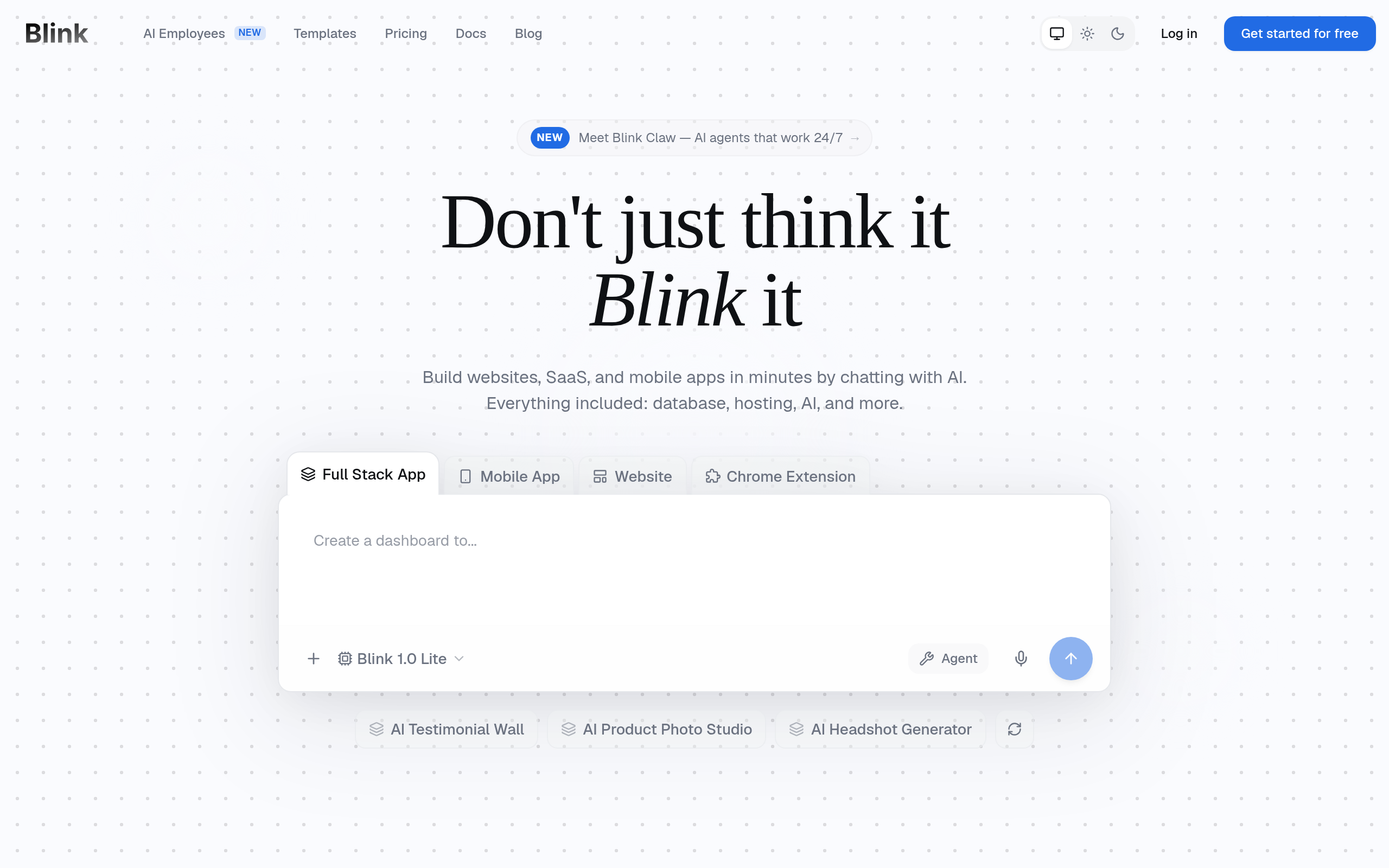
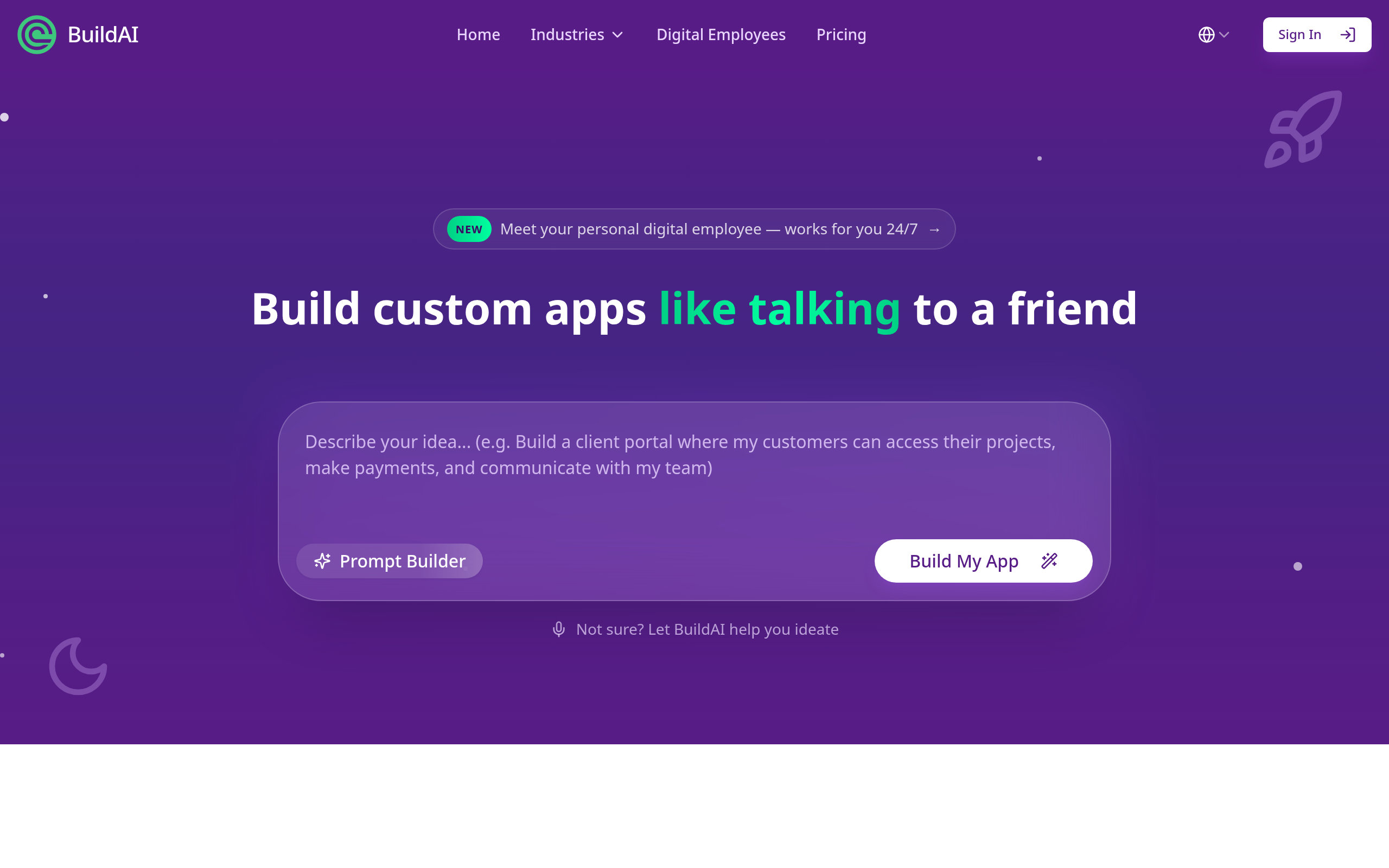
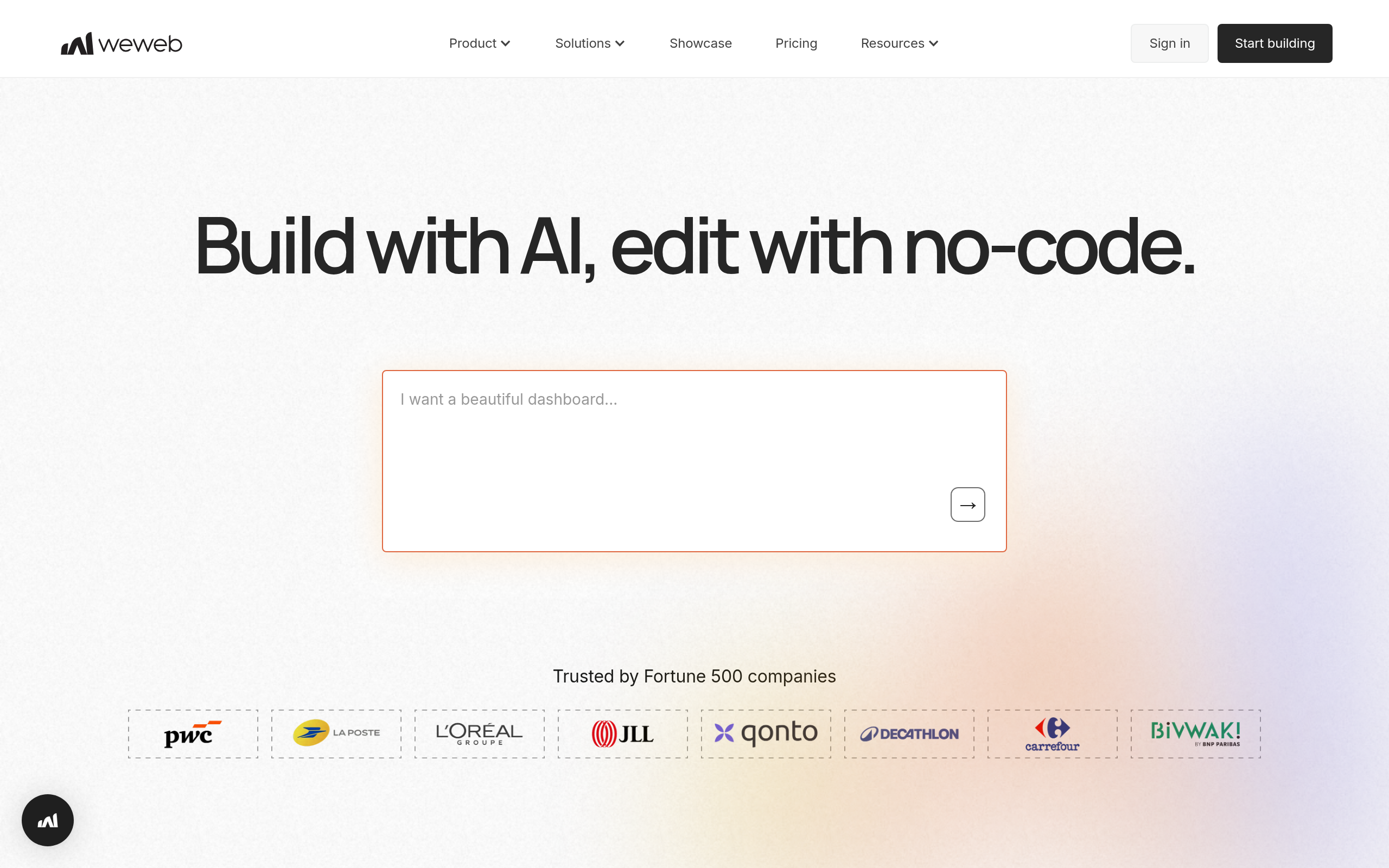
- Best tools: WeWeb for production web apps, NocoBase for internal tools, BuildAI for AI-assisted building, Blink and Shipper for speed.
- Match the tool to what you are building — a website, a web app, or an internal tool are different jobs.
- Start with one core flow, ship it, and expand — do not try to build everything at once.
No-code AI app builders let you create real applications — web apps, internal tools and websites — visually, without writing code, increasingly with AI assistance that turns a description into a working result. They handle the hard parts (the front-end, the data layer, the logic) so you can focus on what the app should do. In 2026 this means a founder can ship a product front-end, an ops team can build an internal tool, and a small business can launch a site — all without hiring developers. This guide explains how these tools work, what you can realistically build, the best options, and how to choose the right one.
What is a no-code AI app builder?
A no-code app builder lets you assemble an application using visual tools — drag-and-drop interfaces, configuration panels, and connections to data — instead of writing programming code. The "AI" layer, increasingly common, adds assistance: describe what you want and the builder generates screens, logic or whole flows for you to refine. The result is software you can actually ship, built in a fraction of the time and cost of traditional development. The important nuance: "no-code" spans different jobs — building a public website, a customer-facing web app, or an internal business tool are distinct problems, and the best tool depends on which you mean.
What can you build without code?
More than most people expect. Web apps — customer-facing products with real functionality and design, like a marketplace, a booking tool, or a SaaS front-end. Internal tools — admin panels, dashboards and business apps built on top of your data. Websites — marketing sites and landing pages. Database-driven apps — tools that store, relate and act on structured data. The ceiling has risen sharply: where no-code once meant simple sites, it now produces genuinely capable applications. The honest limit is that the most complex, large-scale or highly custom systems still benefit from real engineering — but the range that no-code handles well keeps expanding.
Best no-code AI app builders in 2026
| What you are building | Best tool |
|---|---|
| Production web apps (design control) | WeWeb |
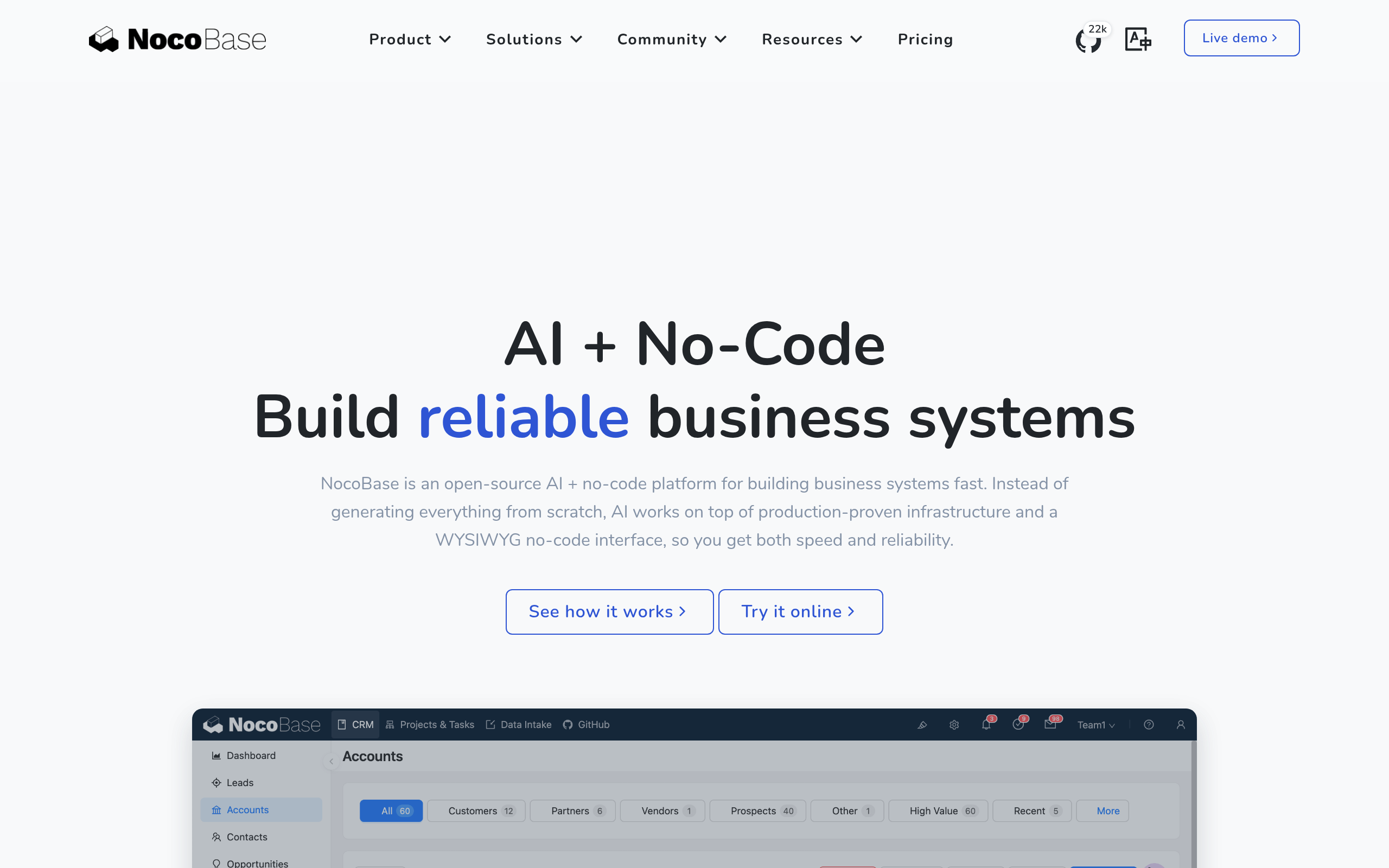
| Internal tools & database apps | NocoBase |
| AI-assisted building | BuildAI |
| Fast builds / shipping quickly | Blink, Shipper |
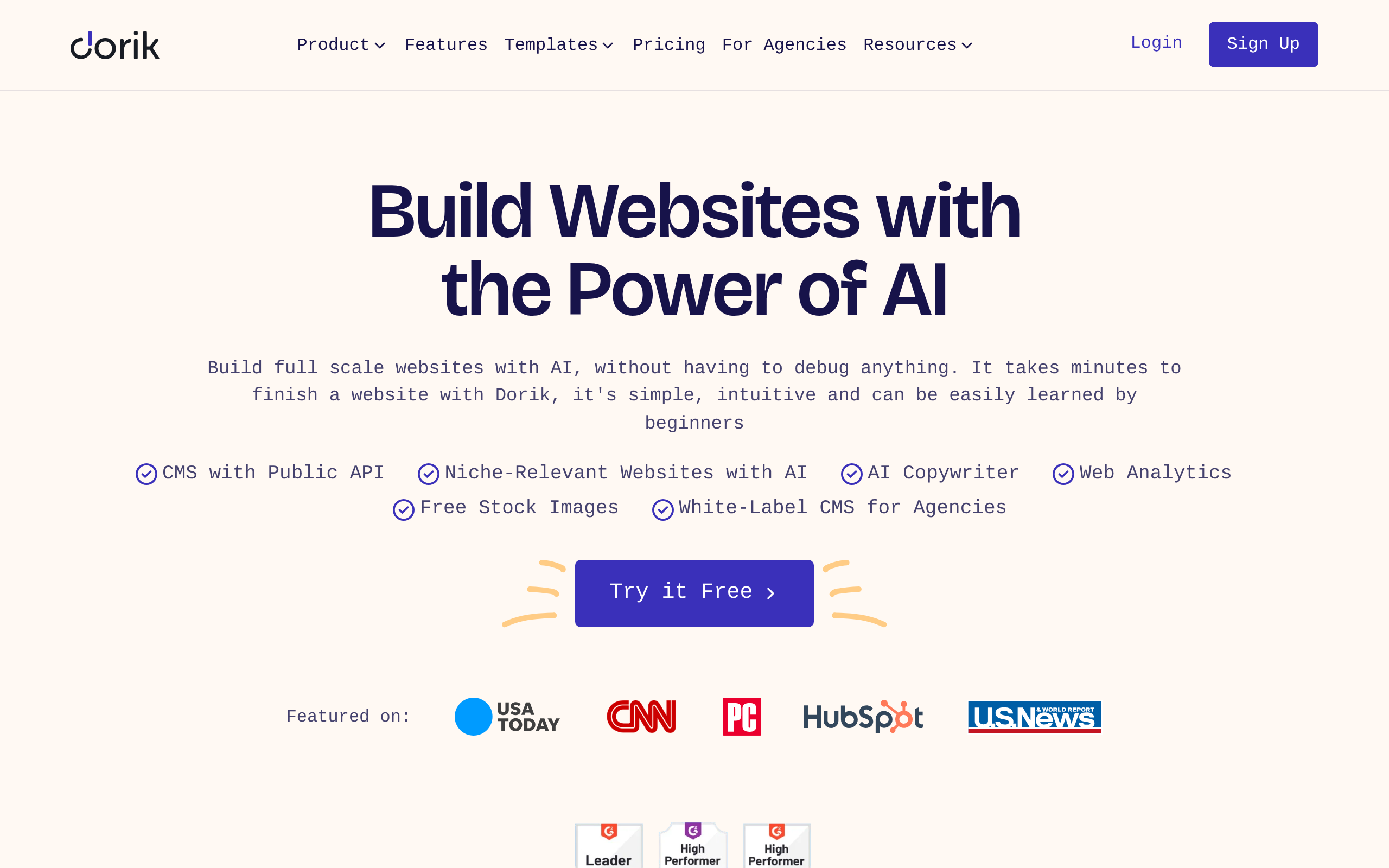
| Simple websites | Dorik |
For a real, polished web app with design control and your own data behind it, WeWeb is the standout. For internal tools, admin panels and database-driven business apps, NocoBase is purpose-built and often self-hostable. For AI-assisted building that turns a description into a working app faster, BuildAI; and when speed to a shipped product matters most, Blink and Shipper focus on getting you live quickly. For a simple website, Dorik keeps it light. Compare more in our Bubble alternatives, Retool alternatives and Wix alternatives guides.
How to build your first no-code app (step by step)
- Define the one core flow the app must nail — not the whole product, just the single most important thing it does.
- Choose the right tool for the type (web app, internal tool, or site) using the table above.
- Connect your data — the database, services or APIs the app needs.
- Build the core flow first and get it working end to end before adding anything else.
- Test with real users on that one flow, and fix what confuses them.
- Expand deliberately — add features only once the core proves valuable. Scope creep kills no-code projects.
How to choose the right tool
The single most important decision is matching the tool to what you are building, because no-code builders are not interchangeable. Need a polished, customer-facing web app? You want design control and data flexibility — that points to WeWeb. Building an internal tool on your data? NocoBase is the fit. Want AI to do more of the building? BuildAI. Racing to ship? Blink or Shipper. Just need a simple site? Dorik. After matching the type, the second factor is how it connects to your data and scales in price and performance — so build your one core flow during a free trial and judge it on that real experience before committing your whole project.
Why no-code matters now
The bottleneck in building software has always been engineering capacity — there are never enough developers, and their time is expensive, so good ideas sit in a queue. No-code AI builders attack that bottleneck directly. A founder can validate a product without raising money to hire a team; an operations lead can build the internal tool they have wanted for years without filing a ticket and waiting a quarter; a small business can launch and iterate on its own site without an agency. The AI layer accelerates this further, turning a plain-language description into a working starting point. None of this eliminates developers — complex, large-scale systems still need them — but it dramatically widens who can build, and how fast. For a huge range of everyday software needs, the honest answer to "should we build this?" has shifted from "only if we can find engineering time" to "yes, this afternoon."
The biggest mistake in no-code projects
Almost every failed no-code project dies the same way: scope creep. Because building feels so fast, it is tempting to keep adding features, screens and edge cases until the project balloons into something unwieldy that never ships. The discipline that separates success from a stalled prototype is ruthless focus on one core flow — the single most important thing the app does — built and shipped before anything else is added. Get that one flow working end to end, put it in front of real users, and let their behaviour tell you what to build next. This is not a no-code limitation; it is product discipline, and it is exactly what professional teams do. The tools have removed the technical barrier; the remaining challenge is the human one of saying no to everything that is not essential yet.
The bottom line
No-code AI app builders have turned "I can't build that, I'm not a developer" into "which tool fits what I'm building?" — web apps with WeWeb, internal tools with NocoBase, AI-assisted builds with BuildAI, fast shipping with Blink and Shipper, and simple sites with Dorik. Match the tool to the job, build one core flow first, ship it, and expand from there. Done that way, you can put real, working software in front of users in days, not months — without writing a line of code.
Disclaimer: No-code builders suit a wide and growing range of projects, but the largest, most complex or highly custom systems may still need traditional development. Confirm each tool fits your data and scaling needs.
Tools mentioned in this guide
Pricing, features and model availability can change over time. Always verify current details on each tool's official website before deciding.
Frequently Asked Questions
Can I really build an app without coding?
Can I really build an app without coding?
What is the best no-code app builder?
What is the best no-code app builder?
What can you build with no-code AI tools?
What can you build with no-code AI tools?
How do I start building a no-code app?
How do I start building a no-code app?
Are no-code app builders free?
Are no-code app builders free?
What is the difference between a website and a web app builder?
What is the difference between a website and a web app builder?
Don't just pick a tool — get the whole workflow
Tell Comparee your goal and get a complete step-by-step AI workflow with the right tool for every step.