AI for Spreadsheets & Data Entry: The Complete Guide for 2026
AI for spreadsheets and data entry in 2026 — live data into sheets, automated data entry, extraction and cleaning, and the best tools (Coefficient, Coupler.io).
Key takeaways
- AI for spreadsheets and data entry pulls live data into your sheets, automates manual entry, and extracts and cleans data — cutting hours of tedious work.
- It replaces the worst parts of spreadsheet work: copy-pasting, manual updates, retyping data from documents.
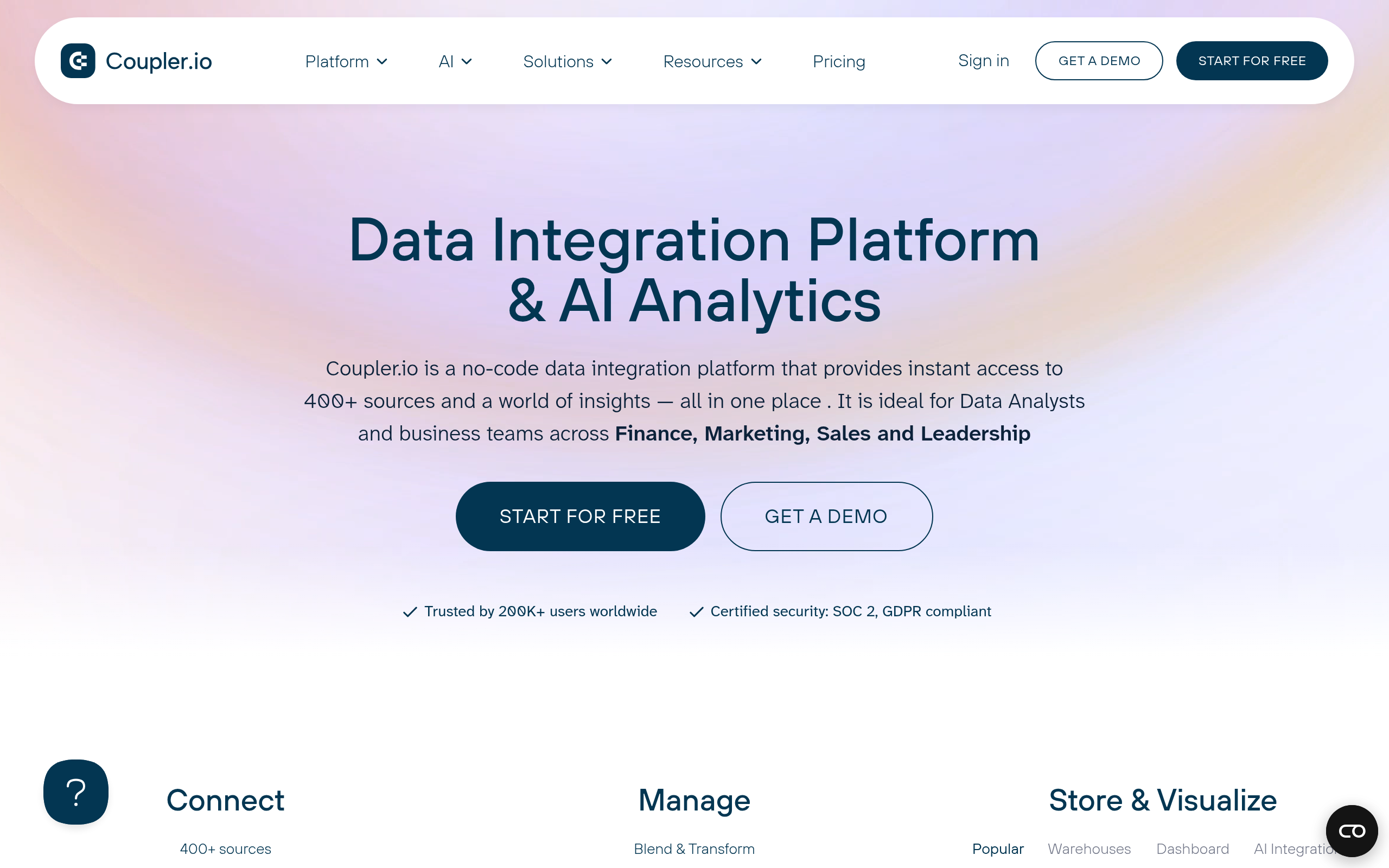
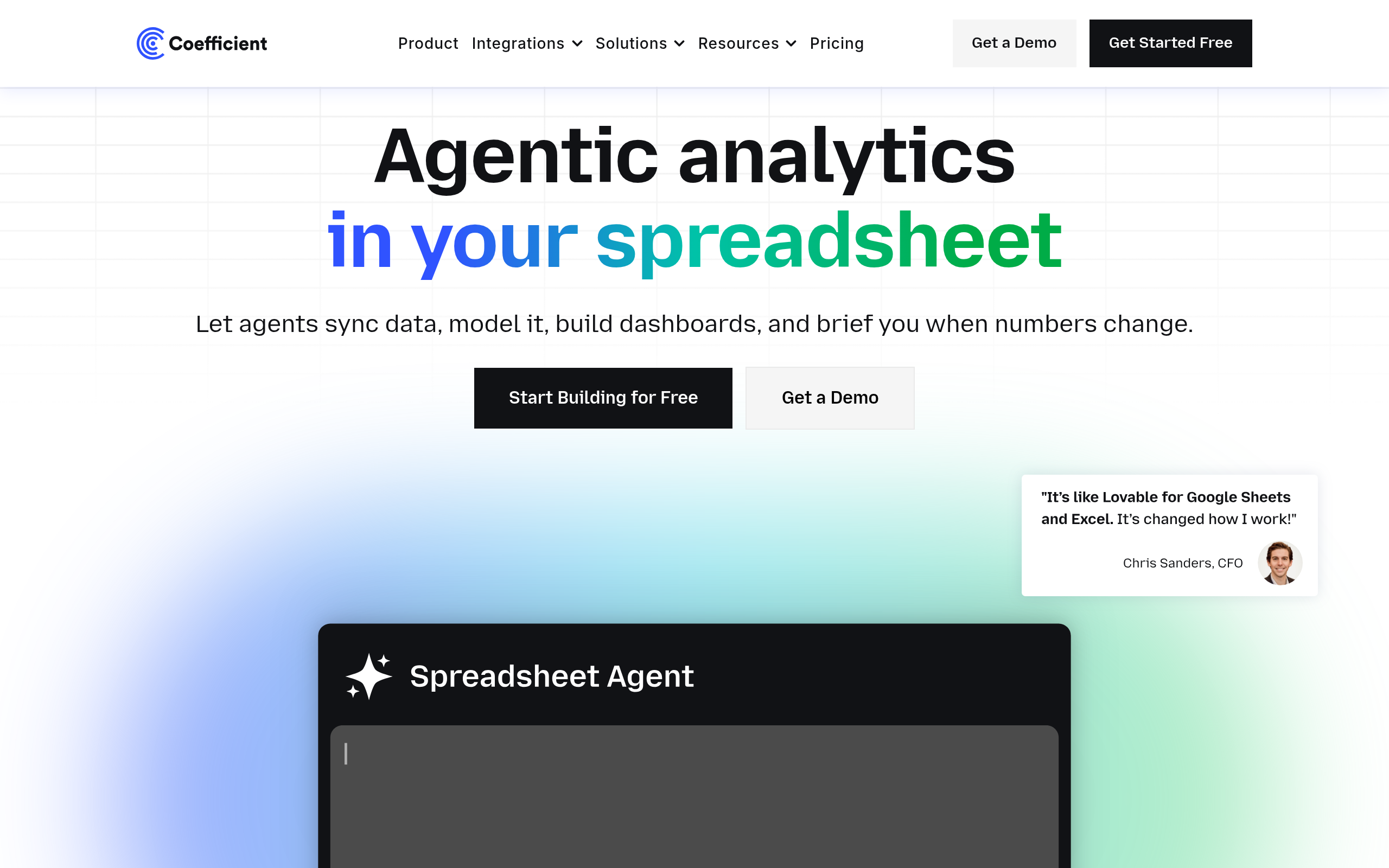
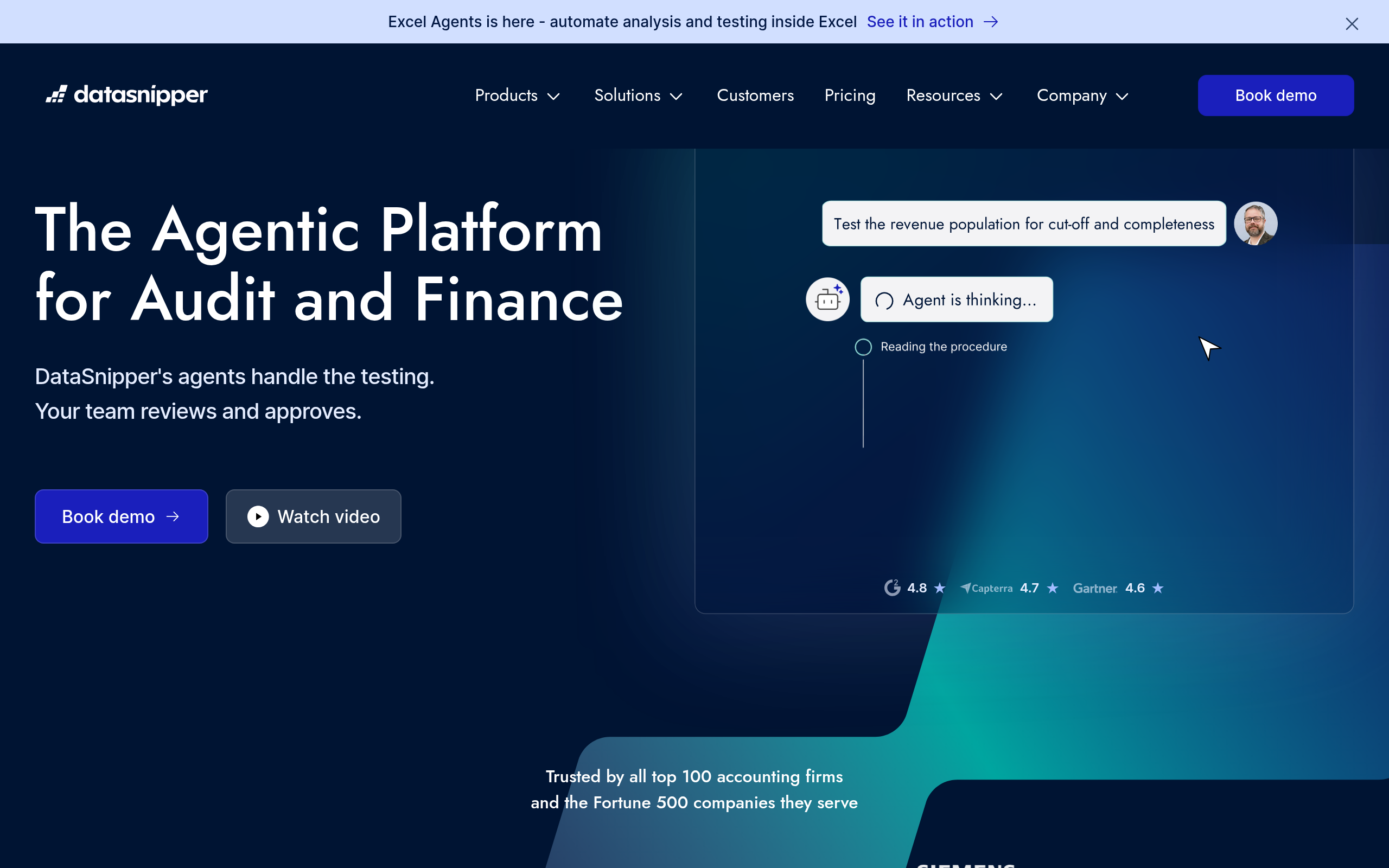
- Best tools: Coefficient and Coupler.io for live data into spreadsheets, DataSnipper for extracting data from documents, n8n to automate data flows end to end.
- Get live, accurate data into sheets automatically instead of rebuilding them by hand each time.
- Spot-check automated data and keep a human review on anything that drives decisions.
AI for spreadsheets and data entry uses AI and automation to pull live data into your sheets, automate the manual entry that eats hours, and extract and clean data from documents — replacing the most tedious, error-prone parts of spreadsheet work with reliable automation. Spreadsheets remain the workhorse of business, but the work around them — copy-pasting between systems, manually updating numbers, retyping data from invoices and PDFs — is slow, repetitive and a constant source of errors. AI and modern data tools eliminate much of it. This guide covers what AI does for spreadsheets and data entry, how to get live data flowing, the best tools in 2026, and how to keep the results accurate.
What is AI for spreadsheets and data entry?
AI for spreadsheets and data entry covers the tools and automation that remove manual spreadsheet labour. There are a few distinct jobs here. Live data connections bring data from your business systems — CRM, analytics, databases, ads — directly into a spreadsheet and keep it updated automatically, so you stop exporting and pasting. Data entry automation handles the routine entry and updating of data that people otherwise do by hand. Data extraction pulls structured information out of documents like invoices, receipts and PDFs, so you stop retyping it. And data flows connect all of this end to end so data moves between systems and sheets without manual steps. Together they target the same problem: the enormous amount of human time spent moving, entering and cleaning data in spreadsheets, which is both tedious and a leading cause of errors.
Getting live data into your spreadsheets
The single biggest spreadsheet upgrade is replacing manual exports with live data connections. Instead of logging into a system, exporting a file, and pasting it into your sheet — then repeating that every time the data changes — a live connection pulls the data in automatically and refreshes it on a schedule. Your dashboards and reports stay current without anyone touching them, and the version in the spreadsheet always matches the source. This eliminates a huge category of manual work and the errors that come with copy-pasting: no more stale numbers, no more broken pastes, no more wondering whether the report reflects today's reality. It also changes what a spreadsheet can be — from a static snapshot that is outdated the moment it is built, to a live, self-updating report. For anyone who has spent their week rebuilding the same spreadsheet from fresh exports, this is the change that gives the most time back.
Best AI spreadsheet and data tools in 2026
| Need | Best tool |
|---|---|
| Live data into spreadsheets | Coefficient, Coupler.io |
| Extracting data from documents | DataSnipper |
| Automating data flows end to end | n8n |
For live data into spreadsheets, Coefficient and Coupler.io connect your business systems to Google Sheets and Excel and keep the data refreshed automatically, ending manual exports. For extracting data from documents — invoices, receipts, PDFs — DataSnipper pulls structured data out so you stop retyping, which is especially valuable in finance and audit work. And to automate data flows end to end — moving and transforming data between systems and sheets without manual steps — n8n connects the whole pipeline. To go further on analysing the data once it is in your sheets, see our guide to AI data analysis and BI.
How to automate your spreadsheet work (step by step)
- Identify the manual work — the exports, pastes and retyping you do repeatedly.
- Connect live data with Coefficient or Coupler.io so your sheets refresh automatically.
- Automate document extraction with DataSnipper instead of retyping from invoices and PDFs.
- Build end-to-end flows with n8n to move and transform data between systems.
- Spot-check the output — verify the automated data matches the source, especially early on.
- Keep a review step for any data that drives decisions or reporting.
Automating data entry and extraction
Beyond live connections, the other huge time sink AI tackles is data entry and extraction. A vast amount of business data still arrives as documents — invoices, receipts, forms, PDFs — and someone has historically had to read each one and retype the figures into a spreadsheet, a job that is mind-numbing and riddled with transcription errors. AI-powered extraction reads these documents and pulls the structured data out automatically, so the numbers land in your sheet without anyone retyping them. This is transformative in finance, accounting and audit, where document-heavy data entry consumes enormous time. Similarly, routine data updates that people perform by hand can be automated so they simply happen on schedule. The result is not only hours saved but better accuracy: machines do not fat-finger a figure or transpose digits the way a tired person retyping their hundredth invoice does. Removing humans from the mechanical entry step both speeds the work up and makes it more reliable — though, as with all automation, the output still deserves verification.
Keeping automated data accurate
Automating spreadsheet work removes a major source of human error, but it does not make verification optional — it changes what you verify. Automated data flows and extractions are highly reliable, yet they can still go wrong: a source system changes format, an extraction misreads an unusual document layout, a connection breaks silently and leaves stale data in place. Because spreadsheets so often feed decisions and reports, an error that flows in automatically can propagate further and faster than a manual one. So the discipline is to spot-check, especially when you first set up a connection or extraction, and to keep a human review step on any data that drives decisions. Confirm that a new live connection matches the source, that extracted figures are correct on a sample of documents, and that automations are actually running rather than silently failing. This verification is light compared with the manual work it replaces — checking a sample is far faster than entering everything by hand — and it is what lets you trust the automation enough to rely on it. Speed and accuracy together are the goal; the automation delivers the speed, and a sensible review keeps the accuracy.
The bottom line
AI for spreadsheets and data entry eliminates the most tedious, error-prone parts of spreadsheet work — pulling live data in automatically, extracting data from documents, and removing manual entry. Use Coefficient and Coupler.io for live data into sheets, DataSnipper for extracting data from invoices and PDFs, and n8n to automate data flows end to end. Get live, accurate data flowing automatically instead of rebuilding spreadsheets by hand, but spot-check the output and keep a human review on anything that drives decisions — and you reclaim hours of tedious work while making your data more reliable, not less.
Disclaimer: AI data connections and extraction are reliable but not infallible — source formats change, extractions can misread unusual layouts, and connections can fail silently. Spot-check automated data, especially at setup, and keep a human review on any data that drives decisions or reporting.
Tools mentioned in this guide
Pricing, features and model availability can change over time. Always verify current details on each tool's official website before deciding.
Frequently Asked Questions
What is AI for spreadsheets and data entry?
What is AI for spreadsheets and data entry?
What are the best AI tools for spreadsheets?
What are the best AI tools for spreadsheets?
How do I get live data into a spreadsheet?
How do I get live data into a spreadsheet?
Can AI automate data entry from documents?
Can AI automate data entry from documents?
Is automated spreadsheet data accurate?
Is automated spreadsheet data accurate?
How do I reduce manual spreadsheet work?
How do I reduce manual spreadsheet work?
Don't just pick a tool — get the whole workflow
Tell Comparee your goal and get a complete step-by-step AI workflow with the right tool for every step.