How to Build a Website with AI: A 2026 Guide
How to build a website with AI in 2026 — pick a no-code builder, create branding and visuals, add an AI chatbot and ship without code (WeWeb, Dorik, LogoAI).
Key takeaways
- You can build and ship a real website with AI and no code — choosing a builder, creating branding, generating visuals and adding a chatbot.
- AI handles the technical and creative production; you provide the vision, content and final judgement.
- Best tools: WeWeb and Dorik for building, BuildAI for AI features, LogoAI for branding, getimg.ai for visuals, Chatling for a chatbot.
- Pick the right builder for your needs first — it determines how far you can take the site.
- Review everything before launch; AI gets you 90% there, but the polish and accuracy are yours.
You can now build and launch a genuinely professional website with AI and no code at all — picking a no-code builder, generating your branding, creating visuals, and adding an AI chatbot, then shipping it live. Building a website used to mean either learning to code or hiring someone who could; AI has removed that barrier. Today a non-technical founder, freelancer or small business can assemble a real, functional site themselves, and have it look and work professionally. The catch is that doing it well still takes judgement: choosing the right tools and providing the vision and content. This guide walks through the full process — builder, brand, visuals, chatbot — and how to ship a site you're proud of without writing a line of code.
What does building a website with AI mean?
Building a website with AI means using AI-powered no-code tools to handle the parts of web creation that used to require technical or design skills. That spans the builder itself — assembling pages and functionality without code — plus AI for the surrounding pieces: generating a logo and brand identity, creating custom images and graphics, and adding interactive features like a chatbot. The site you end up with is real and functional, not a toy; the difference is that AI and no-code tools did the technical and creative production, while you supplied the vision, the content and the decisions. It's a genuine shift in who can build for the web: the gatekeeping skills of coding and design are no longer prerequisites, so the limiting factor becomes your clarity about what you want, not your technical ability.
Choosing the right builder first
The most important decision is which builder you start with, because it sets the ceiling on what your site can become. Simpler AI builders get you a clean, professional site fast and are ideal for marketing sites, portfolios and small business pages. More powerful platforms let you build sophisticated, data-driven and interactive sites, at the cost of a steeper learning curve. Picking the wrong one means either outgrowing a tool that can't do what you need, or wrestling with complexity you didn't require. So start by being honest about the site: is it a few polished pages to establish presence, or an interactive product with logins, data and dynamic content? Match the builder to that answer up front. Getting this choice right makes everything downstream easier, which is why it deserves real thought before you touch branding or visuals.
Best AI tools for building a website in 2026
| Need | Best tool |
|---|---|
| Powerful no-code building | WeWeb |
| Simple AI website building | Dorik |
| AI features & functionality | BuildAI |
| Logo & branding | LogoAI |
| Custom visuals & images | getimg.ai |
| Website chatbot | Chatling |
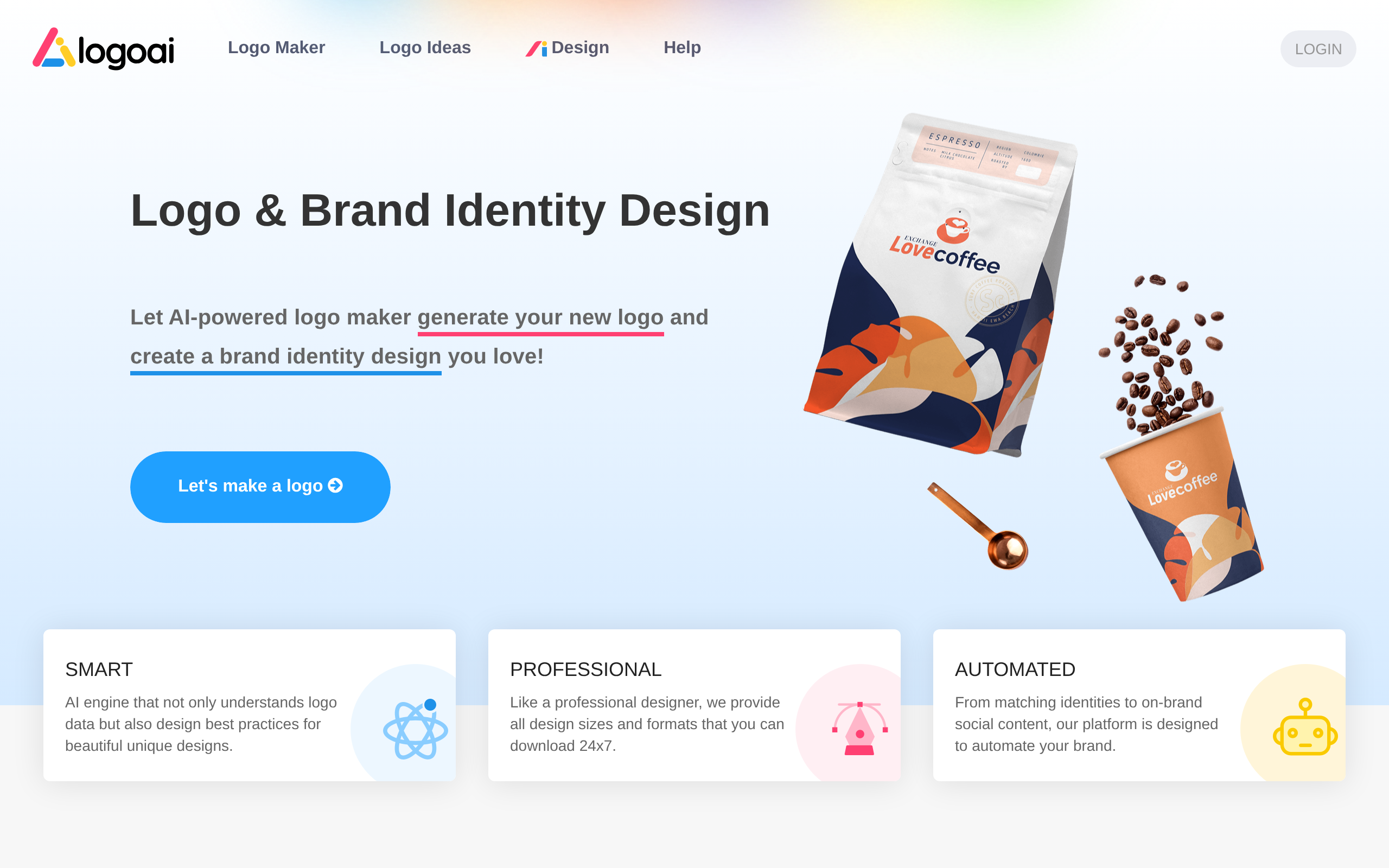
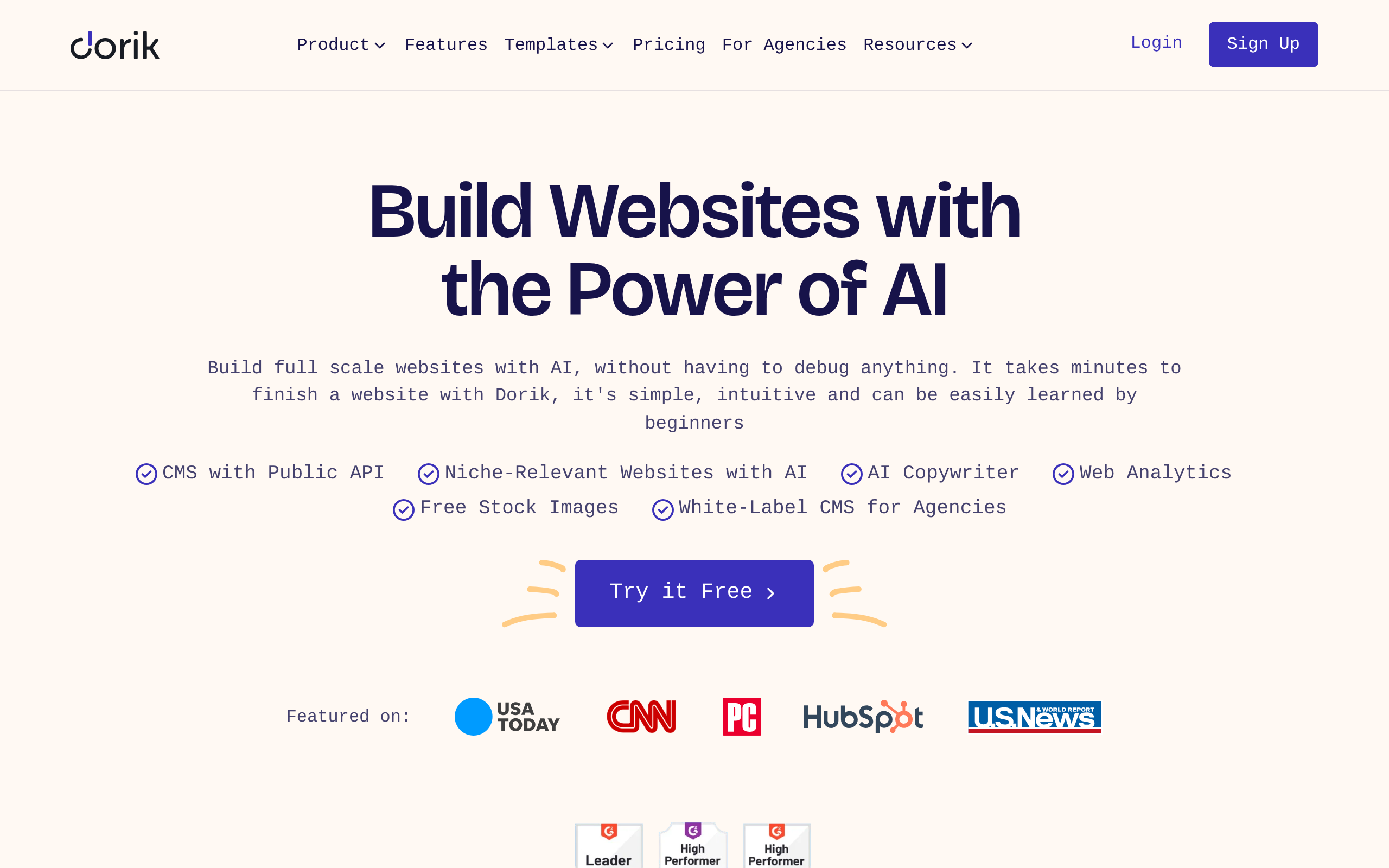
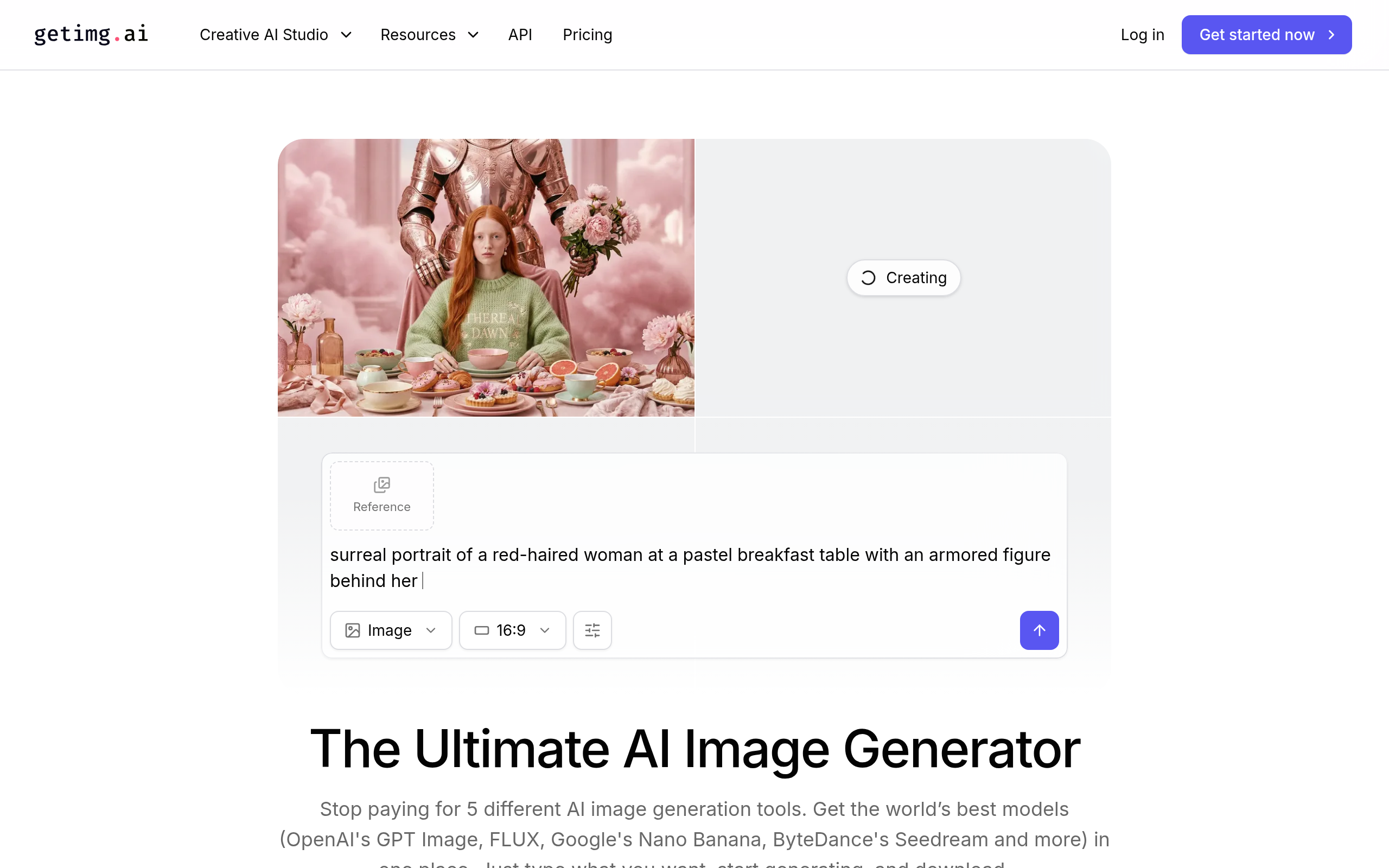
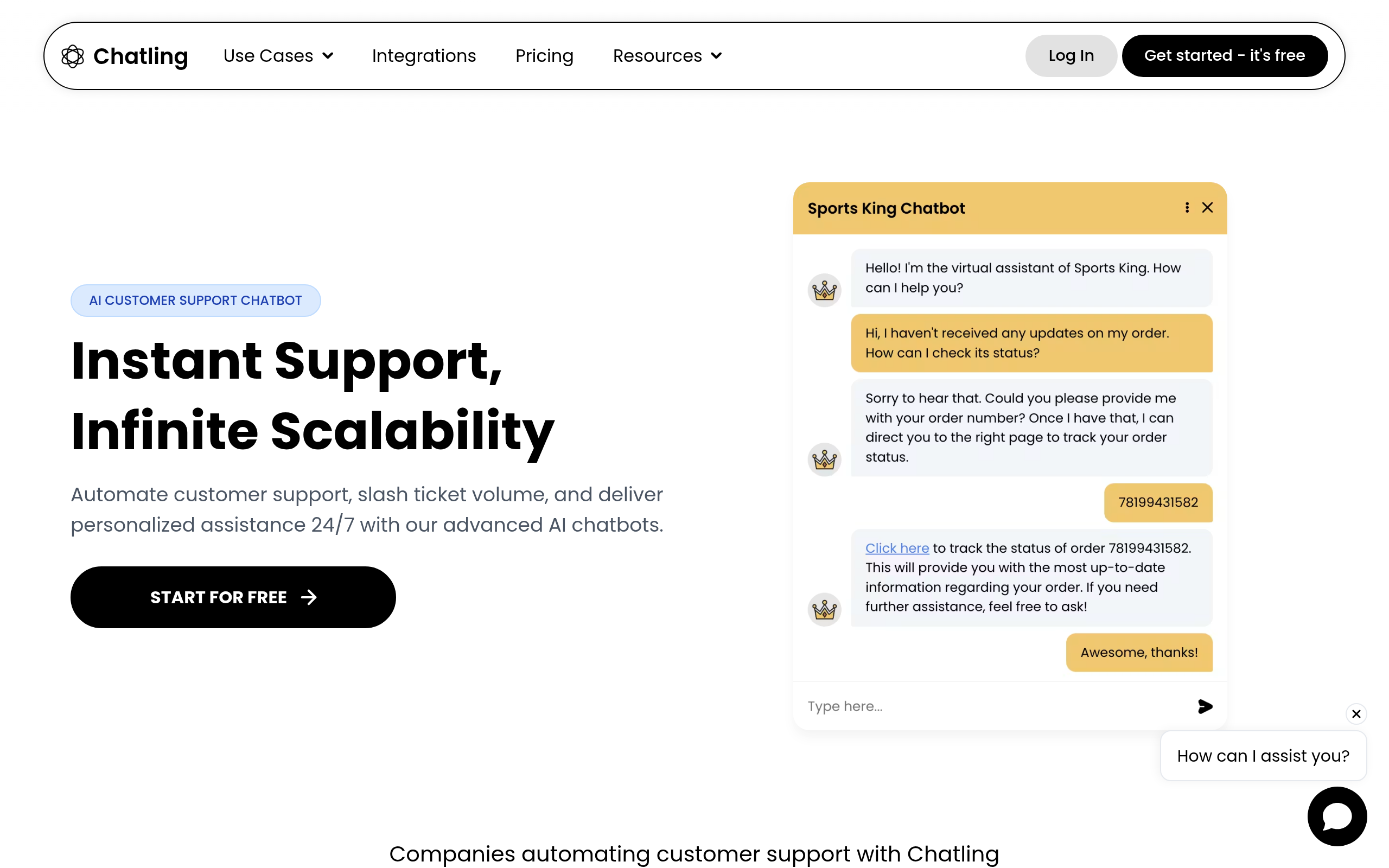
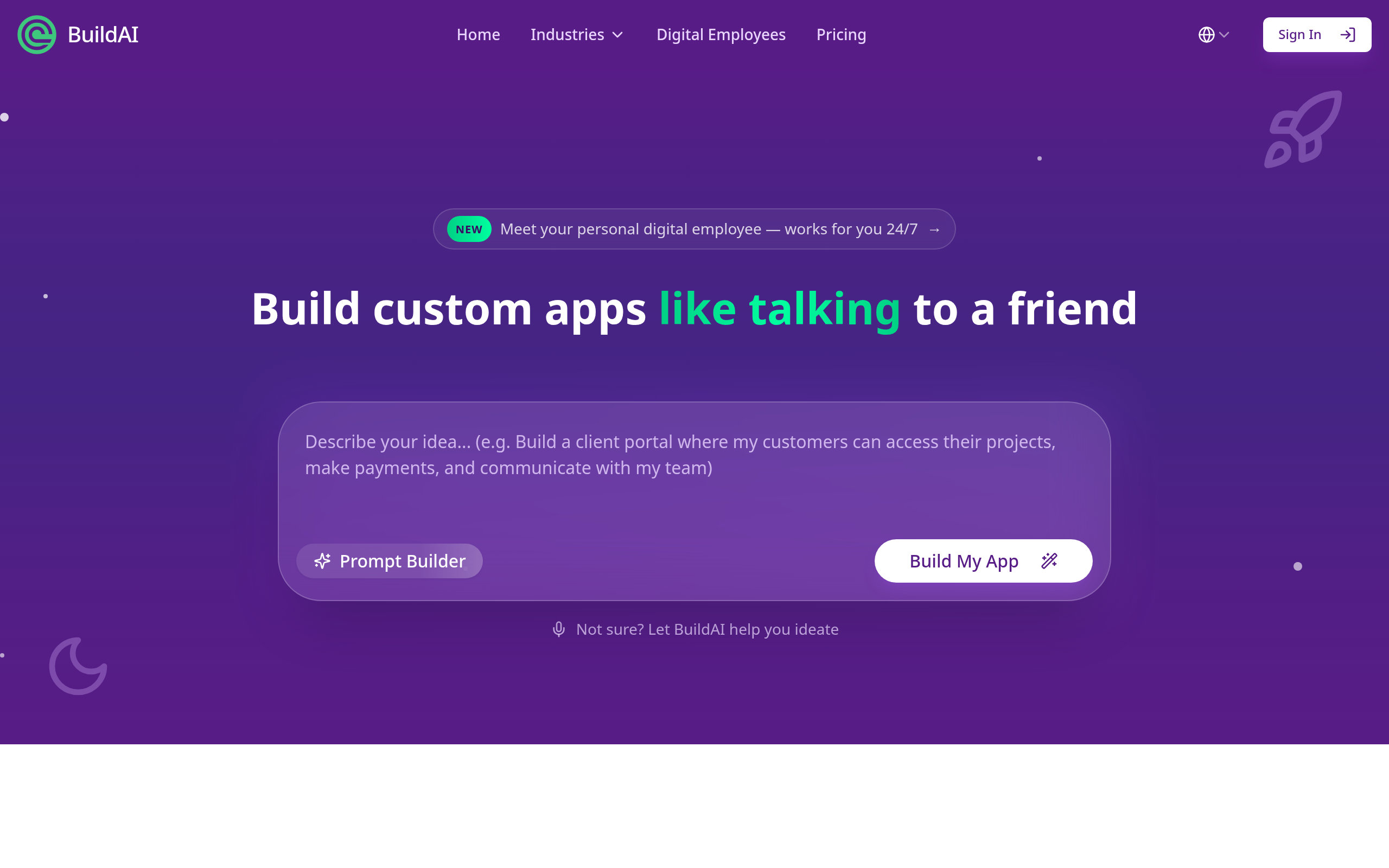
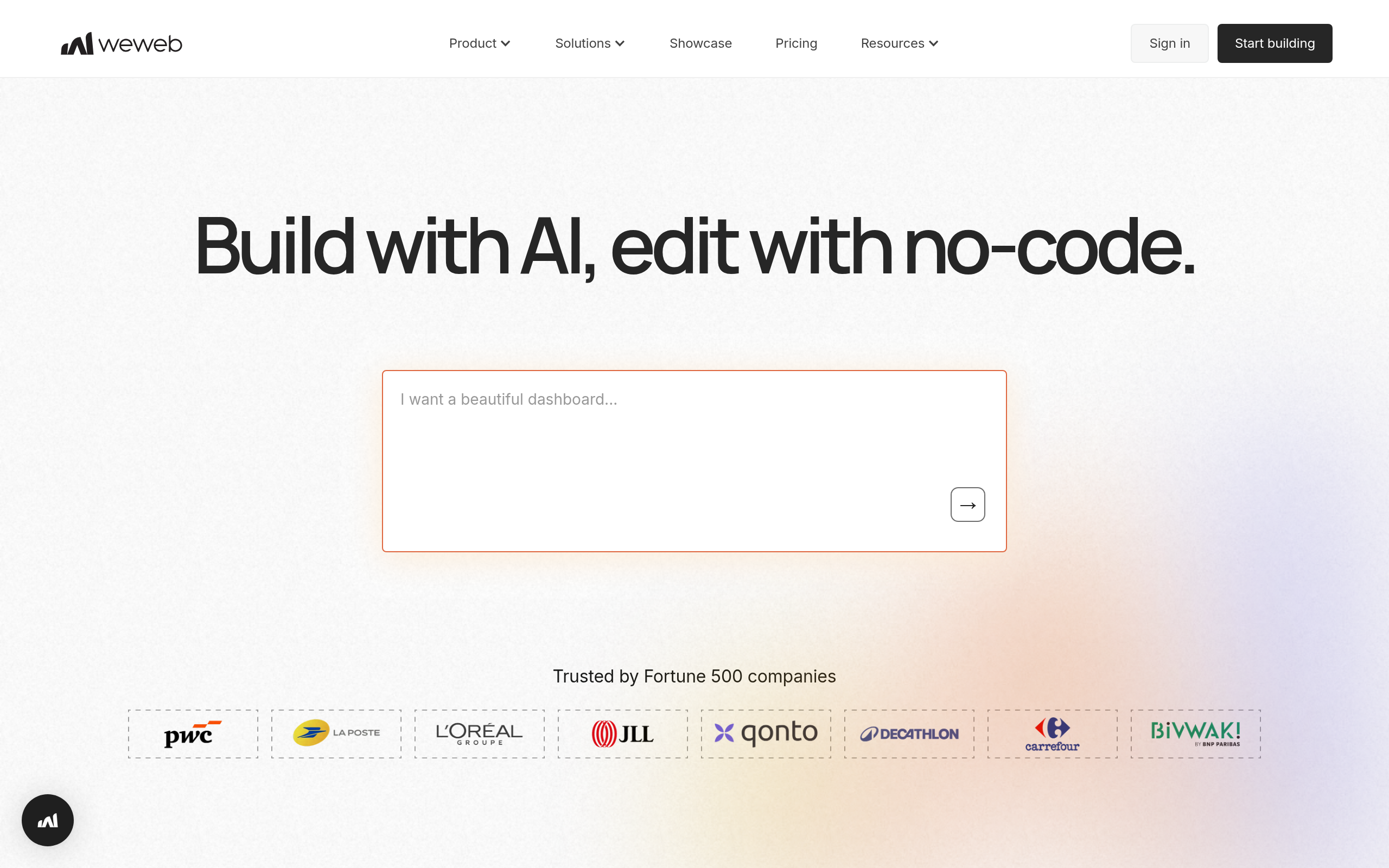
For building the site, WeWeb handles powerful, data-driven no-code projects, while Dorik is great for getting a clean site up simply and fast; BuildAI helps add AI-powered features. For branding, LogoAI generates a logo and brand kit. For visuals, getimg.ai produces custom images and graphics. And to make the site interactive, Chatling adds an AI chatbot that answers visitor questions and captures leads. Together these cover the full build without code. For app-style projects, see our no-code AI app builders guide.
How to build a website with AI (step by step)
- Choose your builder — Dorik for a simple marketing site, WeWeb for a powerful, data-driven one.
- Create your brand — generate a logo and brand kit with LogoAI to set the visual identity.
- Build the pages — assemble your structure and content in the builder, adding AI features with BuildAI.
- Generate visuals — create custom images and graphics with getimg.ai to replace stock.
- Add a chatbot — install Chatling to answer questions and capture leads automatically.
- Review and launch — check content, links, mobile layout and accuracy, then ship it live.
The branding and visuals that make a site look real
What separates an amateur AI-built site from a credible one is usually the branding and visuals, not the builder. A consistent logo, colour palette and identity signal that you're a real, serious operation, and AI branding tools generate these in minutes rather than requiring a designer. Custom imagery matters just as much: nothing screams generic template like the same stock photos every other site uses, whereas AI-generated visuals tailored to your content make the site feel intentional and distinctive. The discipline is to actually use these instead of defaulting to whatever the template ships with. Spend the small extra effort to generate a proper logo, apply a coherent colour scheme, and create images that fit your specific business. This is the layer that makes the difference between a site that looks like a free template and one that looks like a brand, and AI makes that layer accessible to anyone willing to take the step.
Reviewing before you ship
AI gets you most of the way to a finished website, but the last stretch — the review before launch — is entirely yours, and skipping it is how good builds get undermined. AI tools assemble pages, generate copy and create visuals fast, but they don't guarantee that every link works, that the layout holds up on mobile, that the copy is accurate and free of placeholder text, or that the chatbot answers correctly. These are exactly the things visitors notice and that erode trust when they're wrong. So before you ship, walk the whole site as a visitor would: click every link, view it on a phone, read every line of copy for accuracy and tone, test the chatbot with real questions, and confirm there's no leftover Lorem Ipsum or broken image. AI did the heavy production to get you to ninety percent; the final ten percent of polish and accuracy is human judgement, and it's what makes the site genuinely launch-ready rather than merely assembled. Treat the review as a non-negotiable step, not an optional one, and you ship a site you can stand behind.
The bottom line
Building a website with AI is now genuinely accessible to non-technical people: choose a builder, create your brand, generate visuals, add a chatbot, and ship — all without code. Use Dorik or WeWeb to build, BuildAI for AI features, LogoAI for branding, getimg.ai for visuals, and Chatling for a chatbot. Pick the right builder for your needs first, invest in branding and custom visuals so the site looks like a brand not a template, and review everything before launch — because AI gets you ninety percent there, but the final polish and accuracy are yours.
Disclaimer: AI website tools speed up building but don't guarantee working links, mobile layout, accurate copy or correct chatbot answers. Review the whole site as a visitor before launch — the final polish is your responsibility.
Tools mentioned in this guide
Pricing, features and model availability can change over time. Always verify current details on each tool's official website before deciding.
Frequently Asked Questions
Can I build a website with AI and no code?
Can I build a website with AI and no code?
What are the best AI tools for building a website?
What are the best AI tools for building a website?
Which AI website builder should I choose?
Which AI website builder should I choose?
How do I make an AI-built website look professional?
How do I make an AI-built website look professional?
Do I need to review an AI-built site before launch?
Do I need to review an AI-built site before launch?
Can I add a chatbot to my website with AI?
Can I add a chatbot to my website with AI?
Don't just pick a tool — get the whole workflow
Tell Comparee your goal and get a complete step-by-step AI workflow with the right tool for every step.