Best AI Tools for Faceless YouTube Channels in 2026
Best AI tools for faceless YouTube channels in 2026: avatar generators, voiceover, and video editors for the script-to-video workflow. No camera needed.
- A faceless YouTube channel requires zero on-camera presence — AI tools handle scripting, voiceover, video assembly, and thumbnails from end to end.
- The smartest approach is a staged workflow: AI content planner → AI voiceover or avatar generator → AI video editor → publish.
- Cuppa AI holds the highest CompareeScore (94) in the Video Generation & Editing category — an ideal starting point for structured content planning.
- AI avatar generators like Synthesys AI Avatar Video Generator and Free AI Avatar Video Generator deliver a human-presenter feel without a camera.
- Most tools featured here offer a free tier or trial — build a working pipeline before spending a penny.
The best AI tools for faceless YouTube channels in 2026 — covering the complete script-to-published-video workflow — are: Cuppa AI for content planning and scripting, Synthesys AI Avatar Video Generator and Free AI Avatar Video Generator for avatar-based spokesperson videos, AI Dubbing and Speechlab for voiceovers, PlayPlay for template-driven video creation, TechSmith for screen-capture tutorial content, and VidpexAI and BLEND for AI-assisted video assembly. No camera, lighting setup, or studio required at any stage.
What Is a Faceless YouTube Channel and Why Are AI Tools a Game-Changer in 2026?
A faceless YouTube channel is a channel where the creator never appears on screen. Instead, content is built from voiceovers, stock footage, AI-generated visuals, screen recordings, animations, or AI avatars. Popular niches include personal finance, history, true crime, how-to tutorials, software reviews, and ranked listicles.
In 2026, the production barrier has effectively collapsed. AI tools now handle the entire pipeline — topic ideation, scripting, voiceover synthesis, video assembly, and thumbnail generation — at a cost and time commitment that was unthinkable three years ago. The bottleneck is no longer equipment or budget; it is choosing the right combination of tools for each stage and building a repeatable process.
Browse the full Video Generation & Editing catalog on Comparee to compare all available tools side by side with verified scores and feature breakdowns.
Quick Verdict — Best AI Tool for Each Stage of Your Faceless Channel Workflow
Before diving into detail, here is the full picture at a glance so you can jump straight to what you need:
| Workflow Stage | Best Tool | Runner-Up | Free Access? |
|---|---|---|---|
| Content planning & scripting | Cuppa AI | PlayPlay | Yes |
| AI avatar spokesperson video | Synthesys AI Avatar Video Generator | AI Avatar Maker | Free trial |
| Voiceover / AI dubbing | AI Dubbing | Speechlab | Yes |
| Template-driven branded video | PlayPlay | BLEND | Yes |
| AI-scripted video generation | VidpexAI | EaseMate AI | Yes |
| Screen-capture / tutorial content | TechSmith | YouCam Online Editor | Free trial |
| Zero-budget avatar video | Free AI Avatar Video Generator | AI Avatar Maker | Fully free |
Which AI Tools Are Best for Scripting and Content Planning?
The first stage of every faceless video is a solid script. Poor scripts produce unwatchable videos regardless of how good the production tools are. AI content planning tools fix the blank-page problem and help creators maintain a consistent publishing cadence.
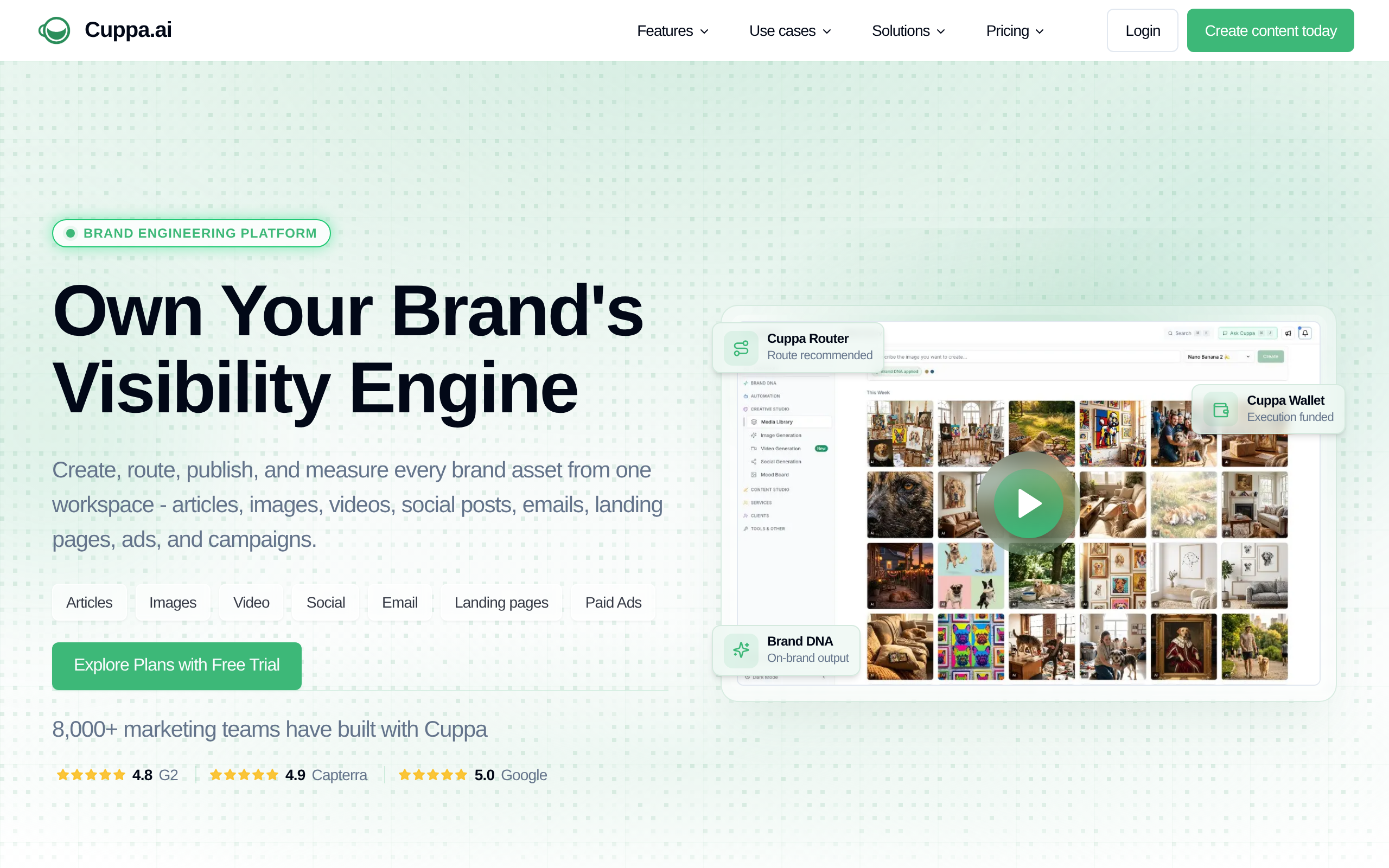
Cuppa AI sits at the top of Comparee's Video Generation & Editing rankings with a CompareeScore of 94 — the highest in the category. For faceless channel creators, it addresses the most consistent bottleneck: moving quickly from a topic idea to a structured, usable content outline. Rather than staring at a blank document, creators get a usable starting point they can refine in minutes. Cuppa AI also offers a free tier, making it the natural first tool to add to any faceless YouTube stack.
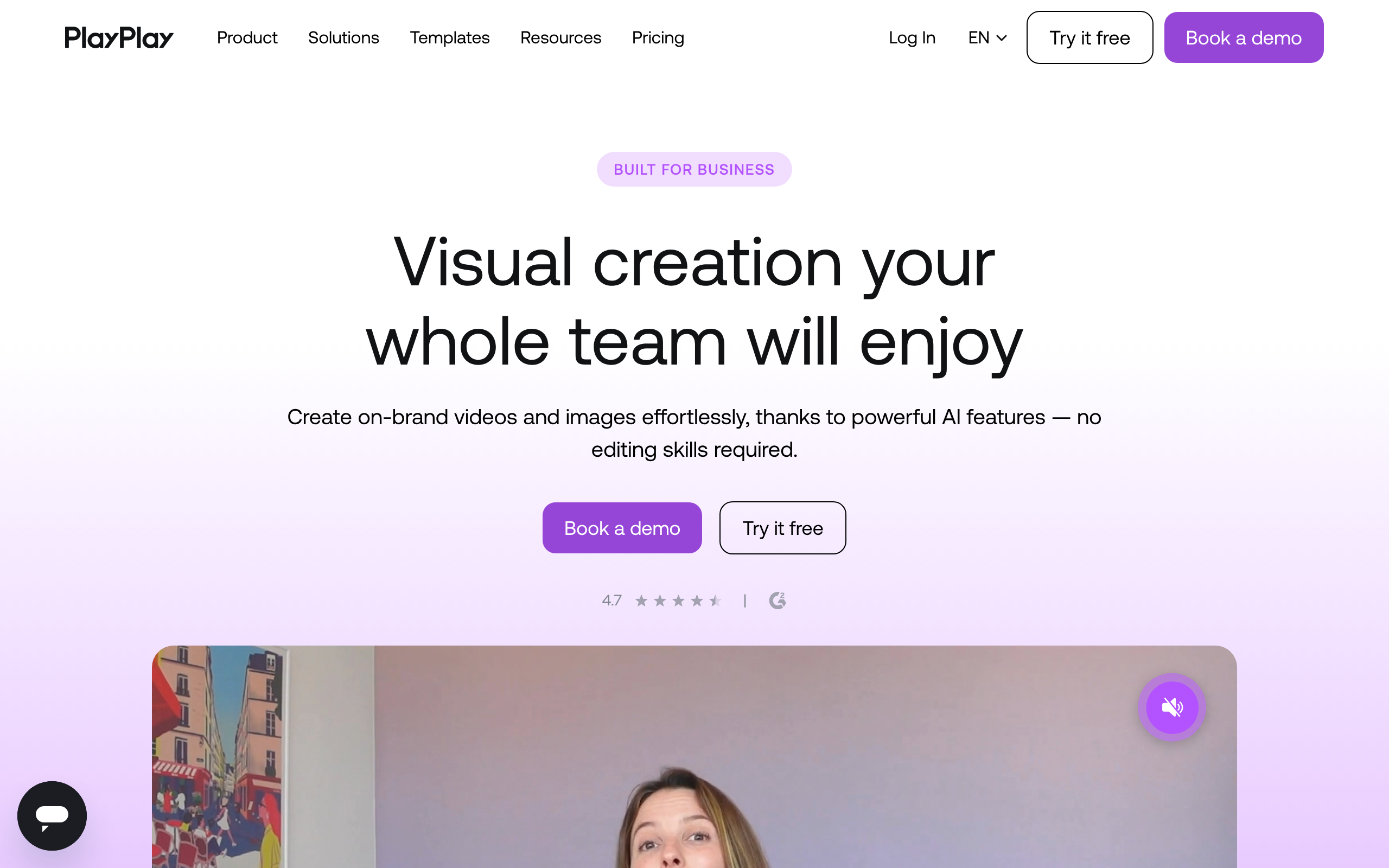
PlayPlay is worth evaluating alongside Cuppa AI if your channel leans toward a more brand-forward or corporate-style format. It integrates content creation with a visual template environment, which keeps your script and video format aligned from the very beginning — useful when you want consistency across a high volume of uploads.
A note on general AI writing assistants like ChatGPT or Claude: they work well for drafting raw scripts but are not specialized video tools. The most effective approach is to draft a script with a general assistant, then refine and structure it inside a dedicated platform like Cuppa AI before moving to production.
What Are the Best AI Video Generators for Faceless YouTube Channels?
Video generation is the core of the faceless workflow. The tools in this segment range from fully automated text-to-video platforms to AI-assisted editors that work with footage you already have. Here is how they compare across the dimensions that matter most for faceless content:
| Tool | AI Avatar | Voiceover Built-in | Stock Library | Auto-Captions | Templates |
|---|---|---|---|---|---|
| Synthesys AI Avatar Video Generator | Yes | Yes | Yes | Yes | Yes |
| Free AI Avatar Video Generator | Yes | Yes | Limited | Yes | Limited |
| AI Avatar Maker | Yes | Yes | Limited | No | Yes |
| VidpexAI | Yes | Yes | Yes | Yes | Yes |
| PlayPlay | No | Yes | Yes | Yes | Yes |
| BLEND | No | Partial | Yes | Yes | Yes |
| EaseMate AI | No | Yes | Yes | Yes | Yes |
| TechSmith | No | No | No | Yes | No |
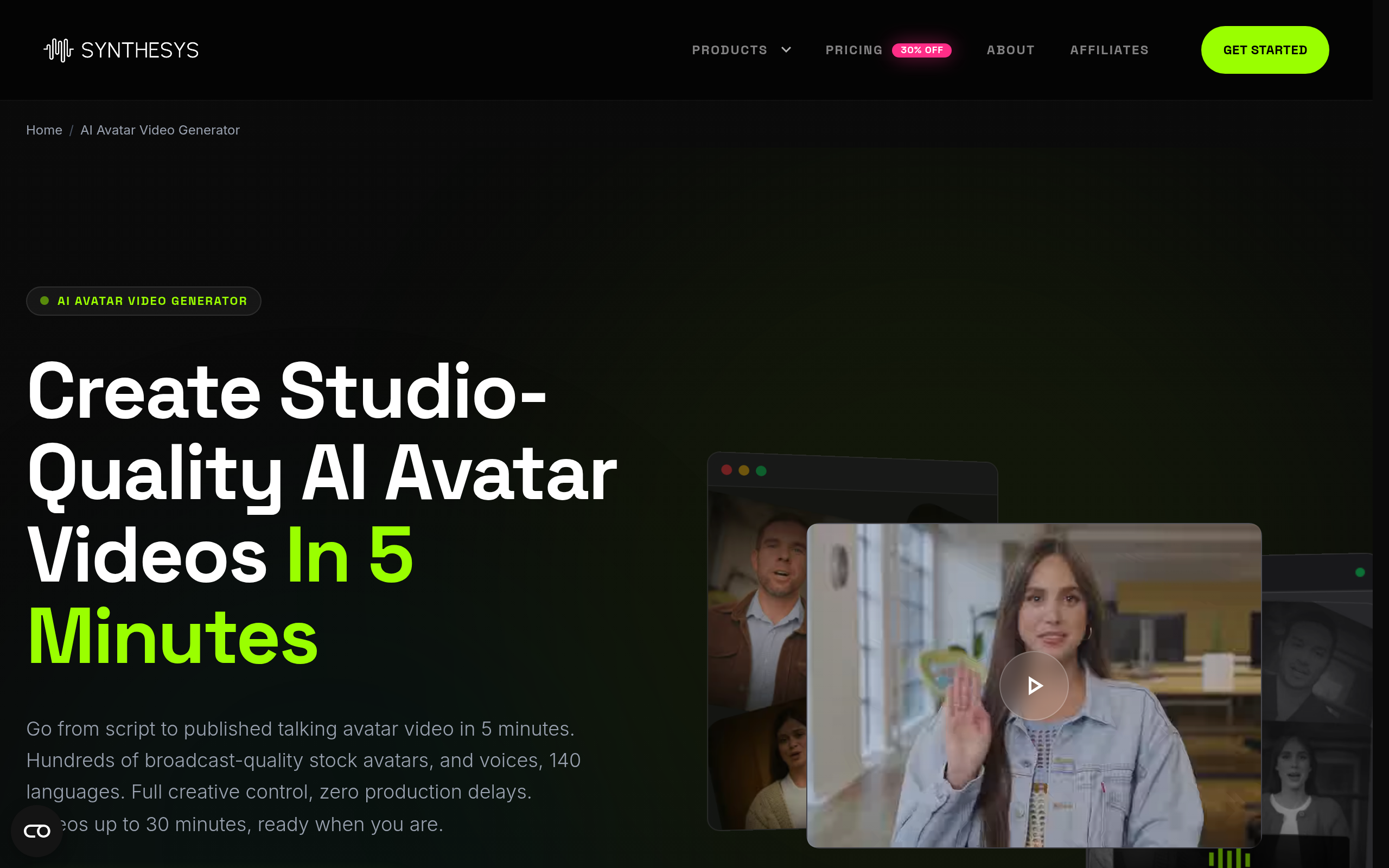
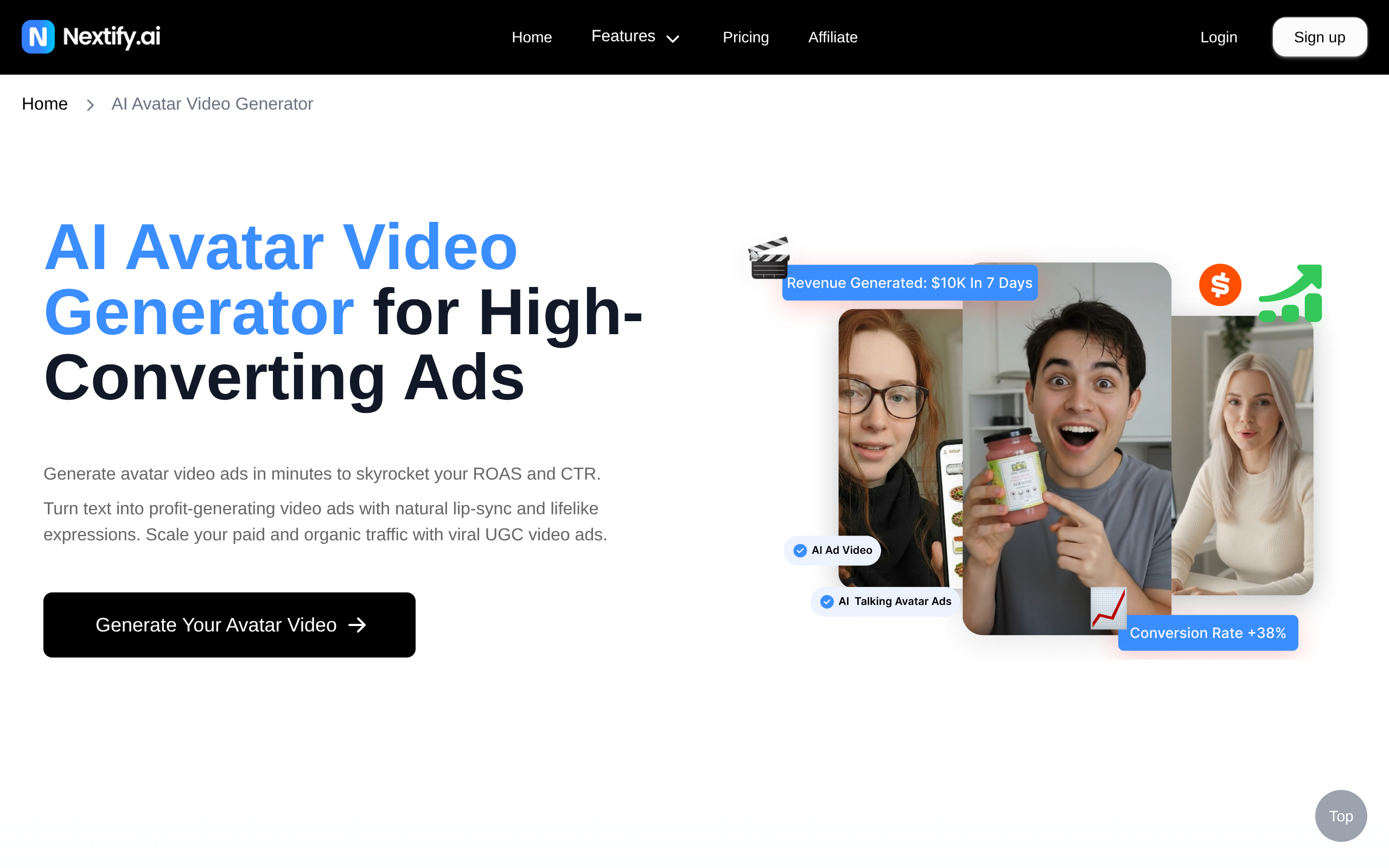
Synthesys AI Avatar Video Generator is the flagship choice for creators who want a human-looking AI presenter in every video. It generates realistic, lip-synced spokesperson videos directly from a text script — the defining capability for faceless channels that want the "person talking to camera" feel without any actual person. Built-in voiceover synthesis and a library of avatar styles make it a near-complete production environment for this format.
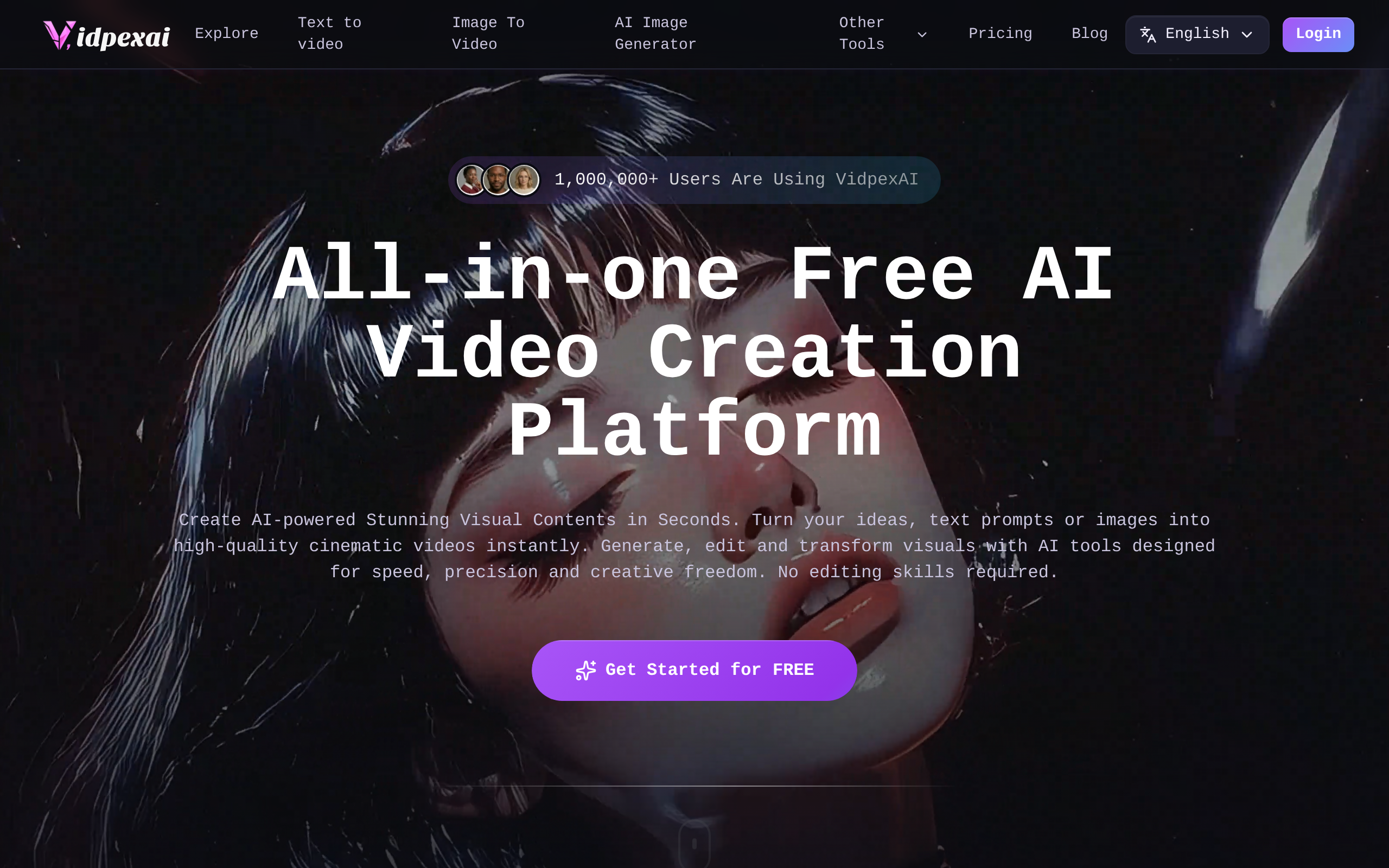
VidpexAI takes a broader approach: it builds videos from text prompts or scripts with AI-selected visuals and auto-voiceover, with less emphasis on an on-screen avatar. It suits channels in the news, finance, or education space where information density matters more than presenter personality.
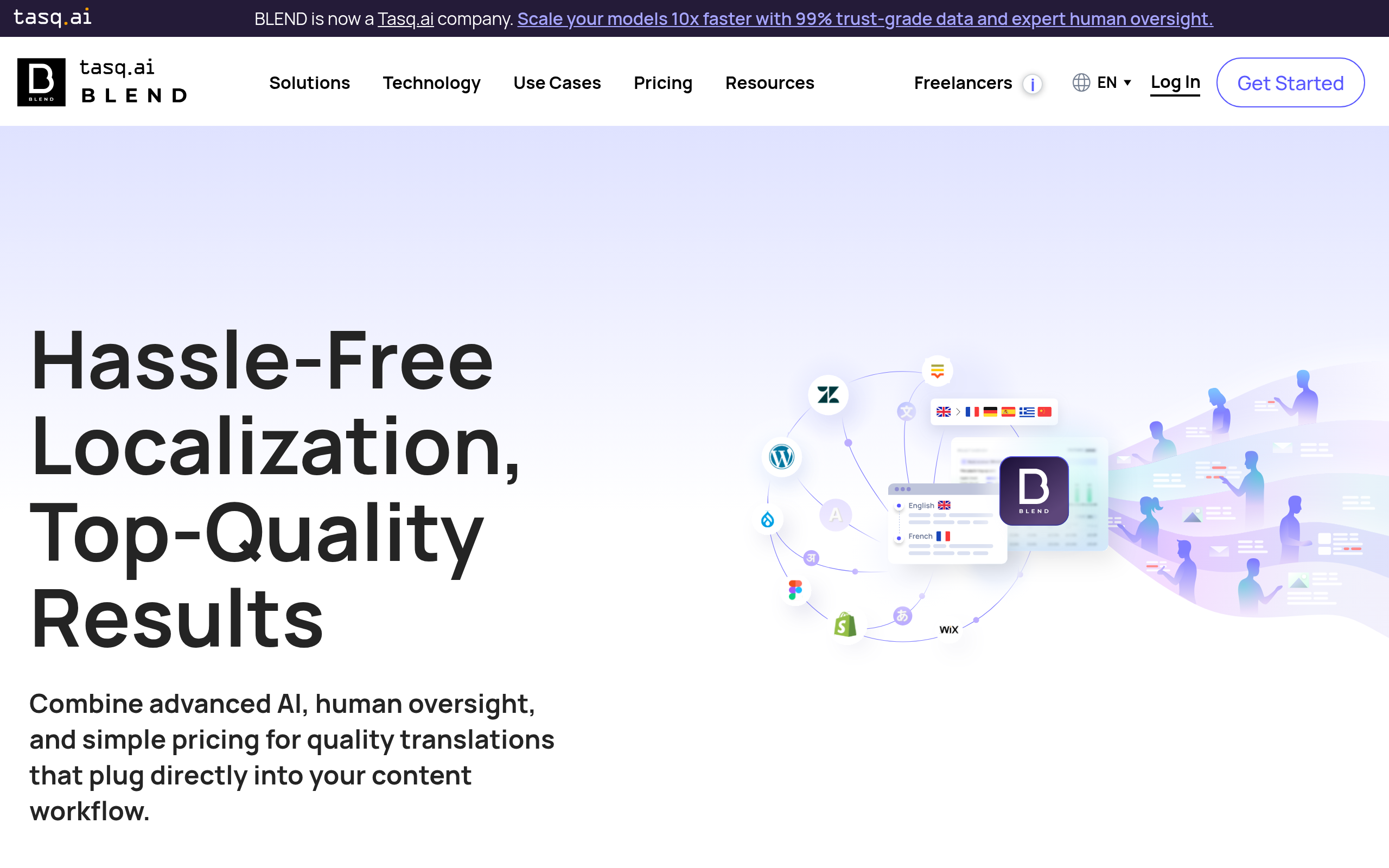
BLEND and EaseMate AI sit closer to the intelligent editing end of the spectrum — more AI-assisted assembly than pure generation. They are the right choice if you have stock footage or existing clips that need smart stitching and captioning rather than starting from a text prompt.
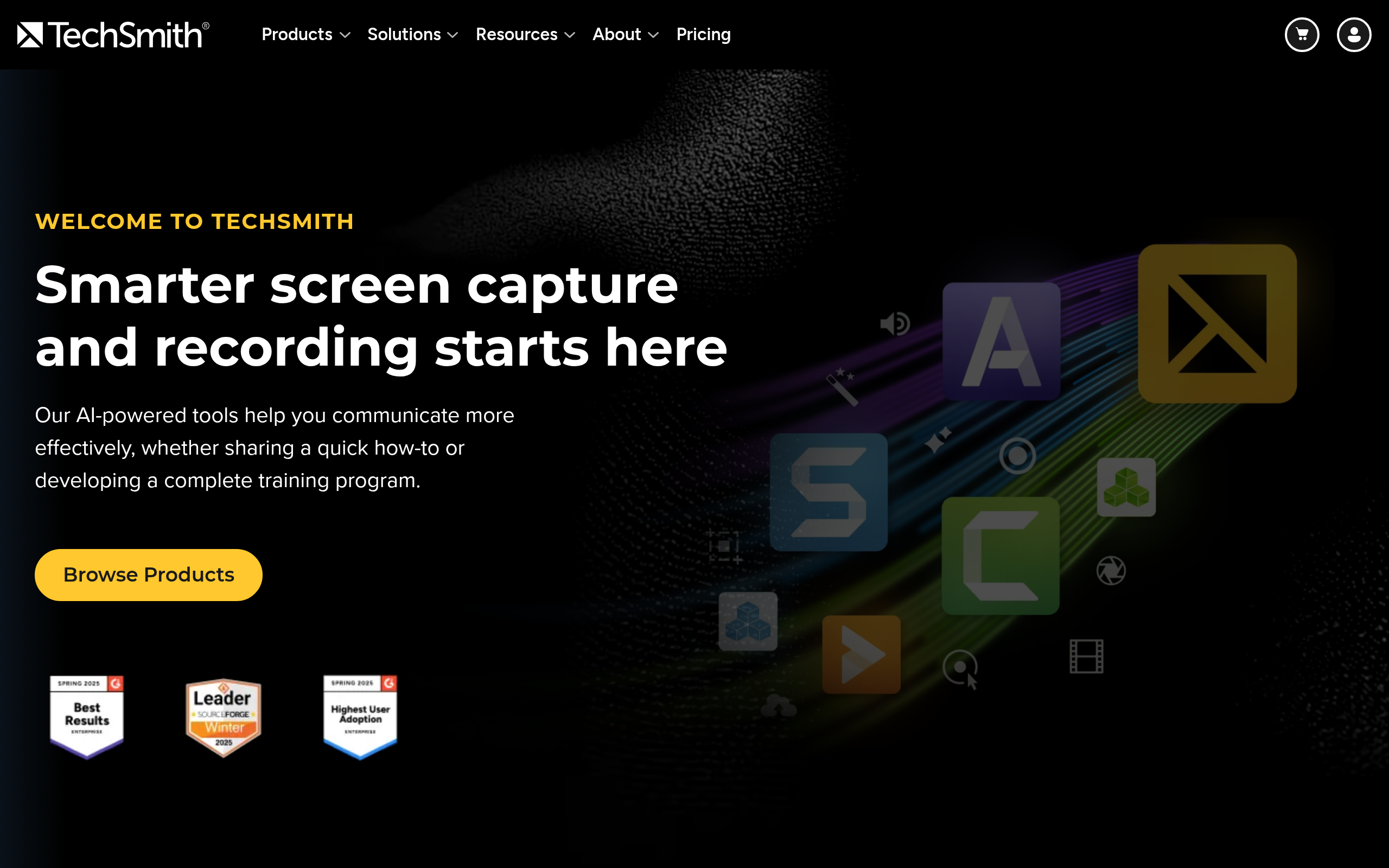
TechSmith — maker of Camtasia and Snagit — is the right pick for tutorial-style channels: software walkthroughs, product deep-dives, and screen-recorded how-to guides. It does not generate AI avatars, but it offers the most control over screen-capture quality, annotation, and non-linear editing for this content type. No other tool in this list matches it for screen-recording depth.
Which AI Avatar Tools Let You Host Videos Without Being on Camera?
AI avatar tools are arguably the single biggest unlock for faceless YouTube creators. They deliver the psychological trust-building effect of a human presenter without anyone appearing on camera. Here is how the main options differ:
Synthesys AI Avatar Video Generator leads this segment in the Comparee catalog. The workflow is direct: paste a script, choose an avatar style, pick a voice, and export a finished video. The output looks and sounds like a professional spokesperson recording. For channels where on-screen authority matters — finance, health, education, or any niche where the viewer needs to trust the source — this is the strongest single tool in the category.
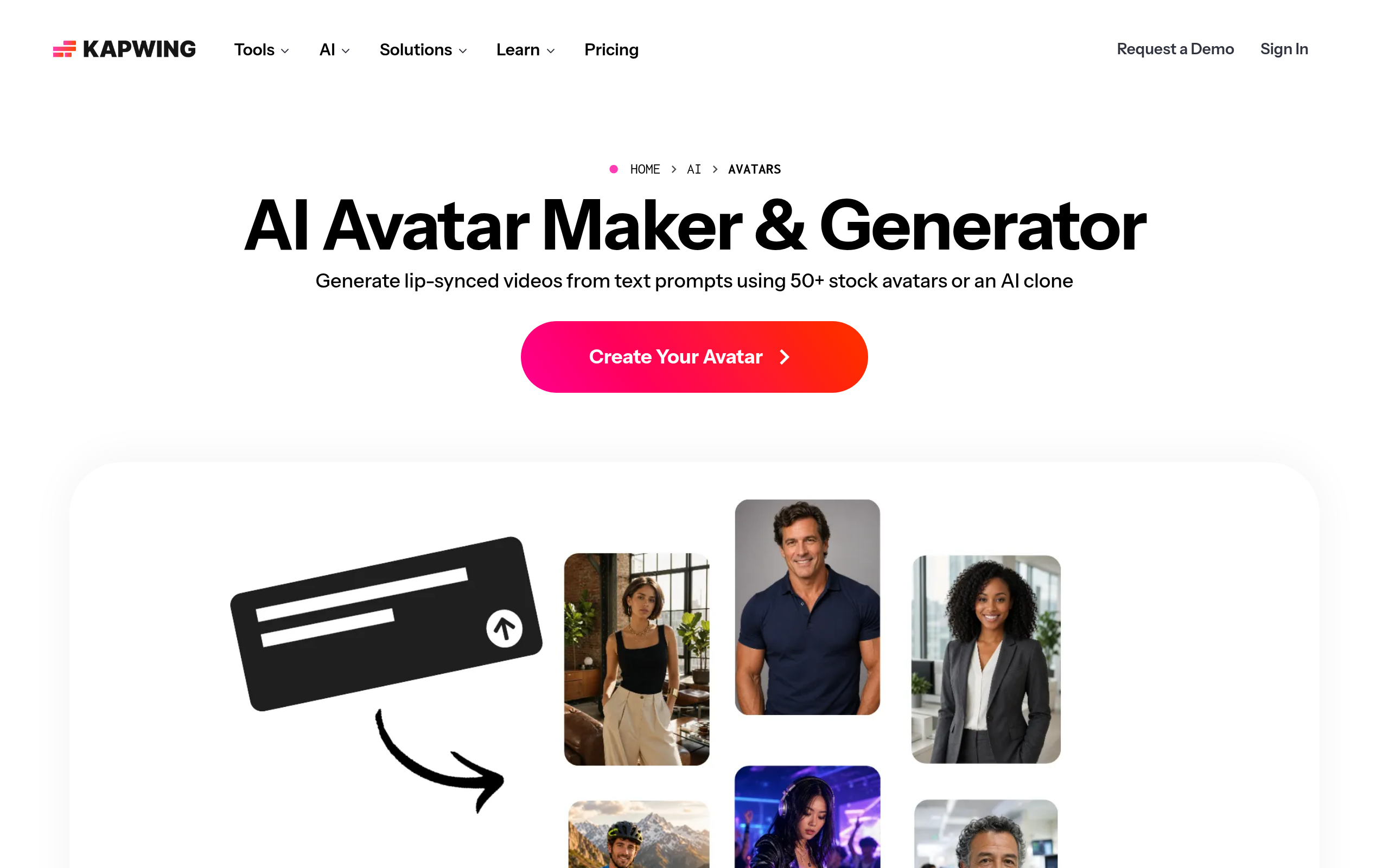
AI Avatar Maker takes a different angle: instead of selecting from a library of existing avatars, it is designed for building a custom avatar persona — a unique virtual character that becomes part of the channel's brand identity. Creators who want a distinctive, recognisable on-screen character across every upload will find this the right complement to a video production tool like PlayPlay or VidpexAI.
Free AI Avatar Video Generator is the entry-level option for creators who want to test the avatar format before spending anything. It covers the essentials — text-to-avatar-video with synthesized voice — at no cost. Feature depth is naturally more limited than paid platforms, but it is the fastest way to validate whether the spokesperson-avatar format works for your niche before committing to a subscription.
Gan.AI is another avatar-focused tool in Comparee's catalog worth exploring if you need video personalization at scale — for example, if your channel strategy involves producing many variations of a similar video for different segments of your audience.
How Do I Create Voiceovers for a Faceless YouTube Channel Using AI?
Voiceover is the backbone of any faceless video. Options range from built-in platform voice synthesis to dedicated AI dubbing tools with more voice customization.
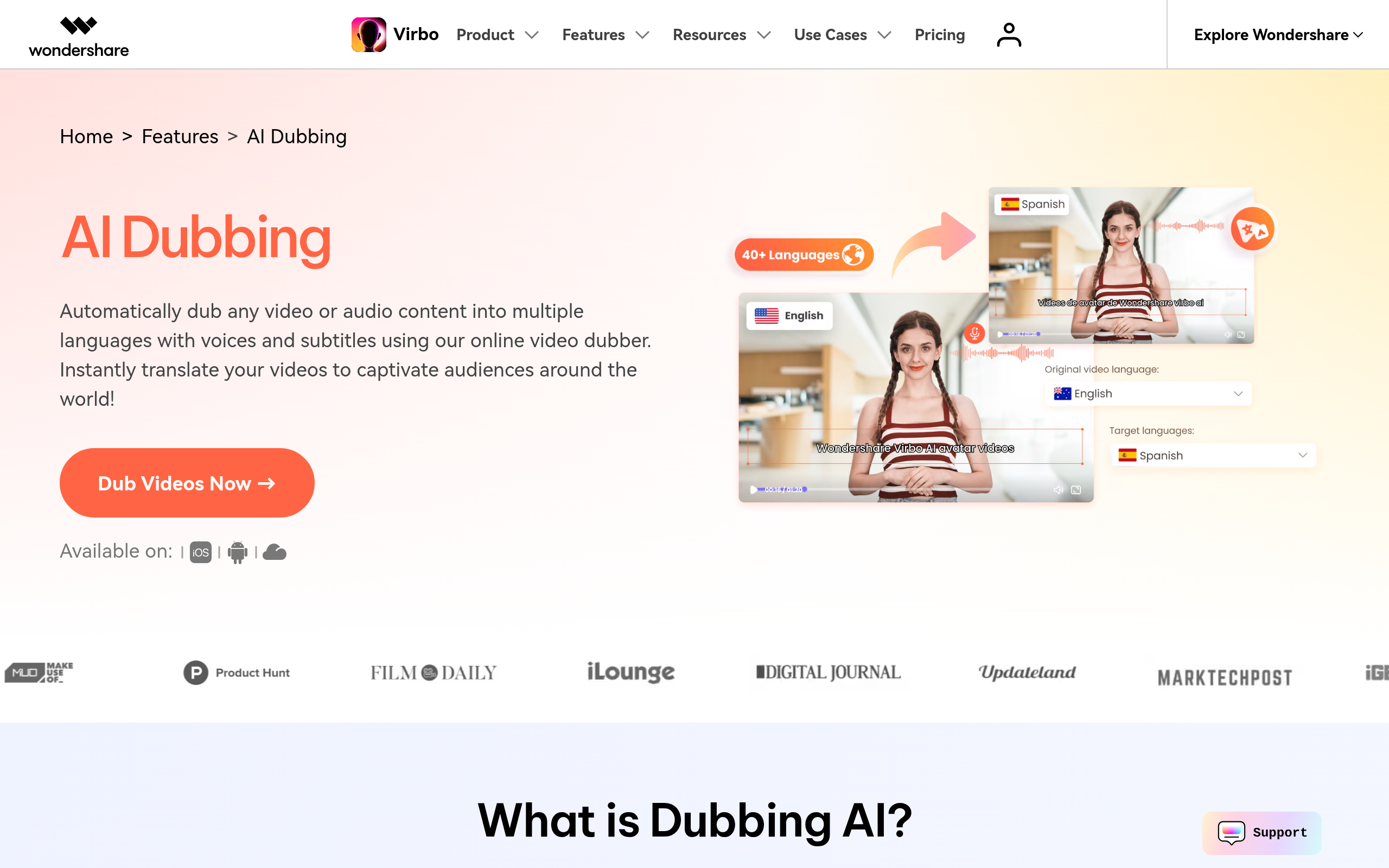
AI Dubbing is purpose-built for adding synthesized voice tracks to video content. For faceless creators who build videos from templates or stock footage, it offers a clean pipeline: bring in the video, add the script, get a voiced-over output. This is especially useful for channels that repurpose existing footage or plan to release content in multiple languages — AI dubbing handles the translation and re-voicing in one step.
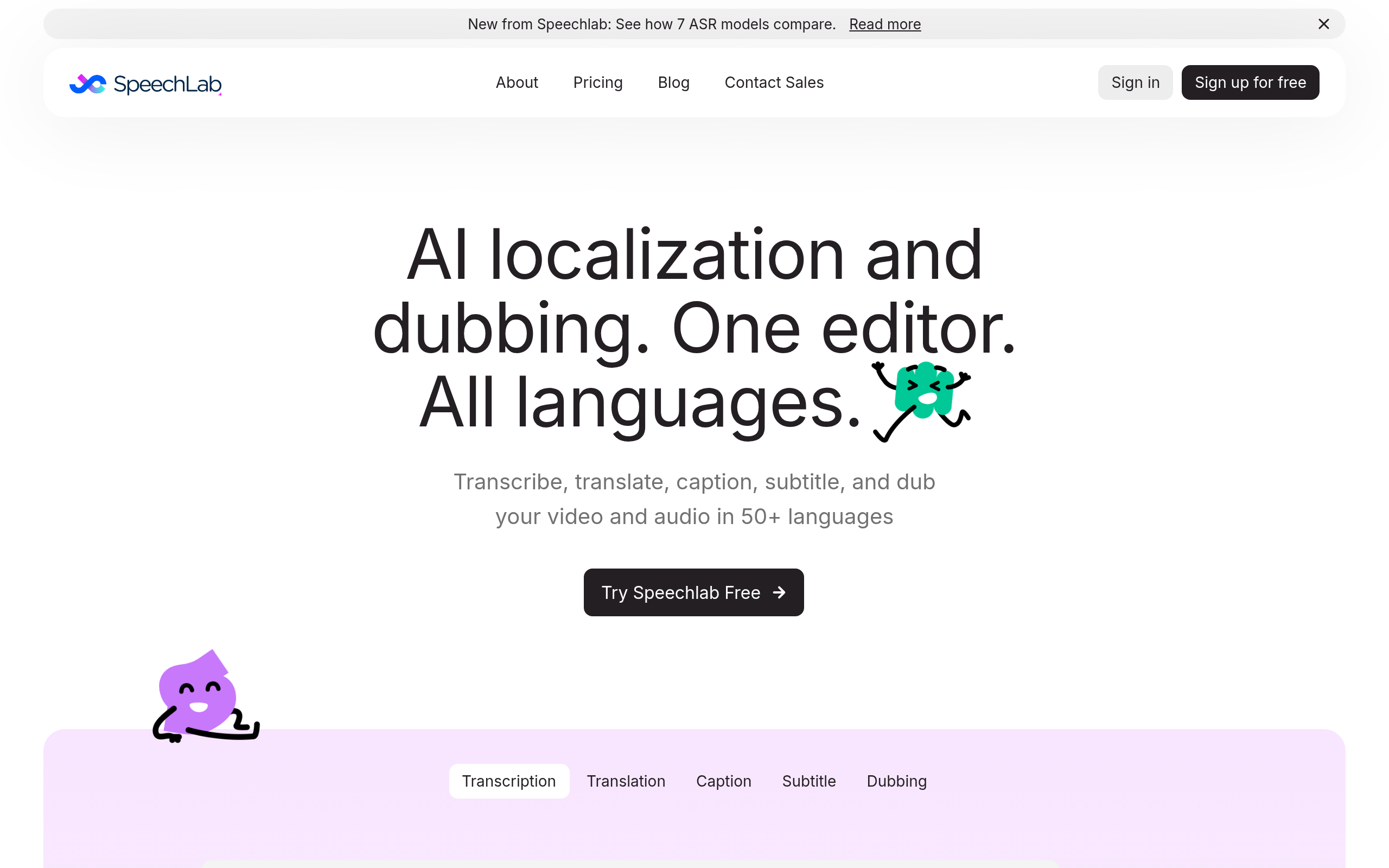
Speechlab goes deeper on the speech processing side, with AI-powered transcription, voice synthesis, and multilingual output. If your faceless channel targets multiple language markets — or if you want to repurpose existing videos with a refined, cleaner voice track — Speechlab is the specialist tool to evaluate. Both AI Dubbing and Speechlab offer free access to get started, which removes the financial risk from initial testing.
For channels already using Synthesys AI Avatar Video Generator or VidpexAI, the built-in voiceover may be sufficient — a dedicated dubbing tool is most valuable when you need voice customization or multilingual output beyond what the video platform provides.
Which Tools Have the Best Free Plan for New Faceless Creators?
Most creators starting a faceless channel want to validate their niche and format before paying for tools. Here is how the pricing models break down across the key tools:
| Tool | Free Tier? | Pricing Model | Best For |
|---|---|---|---|
| Cuppa AI | Yes | Subscription | Content planning, consistent creators |
| Free AI Avatar Video Generator | Yes (core features) | Freemium | Beginners validating the avatar format |
| AI Dubbing | Yes | Usage-based / subscription | Voiceover-heavy or multilingual channels |
| Speechlab | Yes | Usage-based | Transcription-heavy or multilingual channels |
| Synthesys AI Avatar Video Generator | Free trial | Subscription | Committed avatar-video creators |
| PlayPlay | Yes | Subscription | Branded / template-driven channels |
| BLEND | Yes | Subscription | Video assembly and editing |
| VidpexAI | Yes | Subscription | AI-scripted video channels |
| TechSmith | Free trial | One-time or subscription | Screen-capture / tutorial channels |
The most budget-friendly starting stack covers the full workflow at no cost: Free AI Avatar Video Generator for avatar videos, AI Dubbing for voiceovers, and Cuppa AI for content planning. Test this combination for your first 4–6 videos before deciding which paid upgrades are worth the investment.
What Does a Complete AI-Powered Faceless YouTube Workflow Look Like Step by Step?
Here is a practical, repeatable workflow for a faceless channel publishing one video per week using AI tools throughout:
- Step 1 — Topic research and outline (20–30 min): Use Cuppa AI to generate topic ideas based on your niche and build a structured content outline. Validate the topic against search intent before scripting.
- Step 2 — Script writing (20–30 min): Expand the outline into a full script. A general AI assistant can help with drafting; review for factual accuracy and cut any filler. Target 1,200–1,800 words for a 10–15 minute video.
- Step 3 — Voiceover generation (10 min): Feed the finalized script into AI Dubbing or Speechlab. Listen back and adjust pronunciation, pacing, or voice style as needed.
- Step 4 — Video assembly (20–40 min): Import the voiceover into Synthesys AI Avatar Video Generator (for avatar-style) or VidpexAI (for stock-footage-driven). Add visuals, captions, and transitions. Export the video.
- Step 5 — Final edit and polish (10–20 min): Run final edits in BLEND or TechSmith (Camtasia) — cut dead air, tighten pacing, ensure captions are accurate.
- Step 6 — Thumbnail creation: Use a dedicated AI image or design tool to create a click-worthy thumbnail. SellerPic (also in Comparee's Video Generation & Editing catalog) supports AI-powered visual asset creation.
- Step 7 — Upload and optimise: Write the title, description, tags, and chapters. Schedule the upload during your channel's peak traffic window.
Total production time per video with this workflow: 90–120 minutes for creators who have established their tool setup, 2–3 hours for those still learning the platforms. The time investment drops significantly after the first 5–10 videos once the workflow becomes habitual.
Comparee's Verdict — Which Tool Is Right for You?
Here is Comparee's explicit tool-to-creator matching, with no "it depends" hedging:
- Best overall for faceless YouTube: Synthesys AI Avatar Video Generator — the most complete avatar-video solution for creators who want a polished, presenter-style channel. It handles the hardest part of the workflow (human-feeling on-screen presence) with the least friction.
- Best for beginners with zero budget: Free AI Avatar Video Generator — start here to test the avatar format at no cost before committing to a paid platform.
- Best for content planning and scripting: Cuppa AI — highest CompareeScore in the Video Generation & Editing category. The natural starting point for any creator who struggles with consistent topic generation and structured outlines.
- Best for screen-recording and tutorial channels: TechSmith — Camtasia remains the industry benchmark for software tutorial content. Nothing in this list matches its screen-capture depth for this specific content type.
- Best voiceover tool for multilingual or dubbing-heavy channels: Speechlab and AI Dubbing — evaluate both; Speechlab for transcription-heavy workflows, AI Dubbing for rapid multi-language output.
- Best for branded, template-driven channels: PlayPlay — suited to professional or corporate-style faceless channels with a consistent visual brand.
- Best for AI-assisted video editing and assembly: BLEND — the right choice when you have footage and need intelligent assembly tools rather than a generator starting from scratch.
- Best custom avatar persona builder: AI Avatar Maker — for creators who want a unique, branded virtual character rather than a library avatar.
Comparee's verdict: Synthesys AI Avatar Video Generator is the best choice for most faceless YouTube channel creators in 2026 — it handles the hardest part of the workflow with the least manual effort. Pair it with Cuppa AI for scripting and AI Dubbing for voice customization, and you have a three-tool production stack that can sustain a consistent weekly publishing schedule without any studio investment.
Explore and compare all tools in the Video Generation & Editing category on Comparee to find the right fit for your channel's specific format and niche.
Tools mentioned in this guide

Pricing, features and model availability can change over time. Always verify current details on each tool's official website before deciding.
Frequently Asked Questions
What is a faceless YouTube channel?
What is a faceless YouTube channel?
What are the best AI tools for faceless YouTube channels in 2026?
What are the best AI tools for faceless YouTube channels in 2026?
Do I need a camera to start a faceless YouTube channel?
Do I need a camera to start a faceless YouTube channel?
How do I create voiceovers for a faceless YouTube channel using AI?
How do I create voiceovers for a faceless YouTube channel using AI?
What is the best free AI tool for faceless YouTube channels?
What is the best free AI tool for faceless YouTube channels?
How long does it take to produce a faceless YouTube video with AI tools?
How long does it take to produce a faceless YouTube video with AI tools?
Is it possible to monetize a faceless YouTube channel?
Is it possible to monetize a faceless YouTube channel?
What is the best AI avatar generator for YouTube channels?
What is the best AI avatar generator for YouTube channels?
Don't just pick a tool — get the whole workflow
Tell Comparee your goal and get a complete step-by-step AI workflow with the right tool for every step.