How to Create Product Demos with AI Video in Minutes
Learn how to create professional AI product demo videos in minutes using screen recording, AI voiceover, and avatar tools. Comparee's expert guide.
- AI product demo videos can be created in under 30 minutes — no camera crew, voice actor, or studio required.
- Three main formats to choose from: screen recording with AI narration, AI avatar presenter, and personalized outreach clip.
- TechSmith (Camtasia) is the industry benchmark for screen-recorded walkthroughs with in-video annotations and timeline editing.
- Synthesys AI Avatar Video Generator lets you add a professional presenter to any demo without ever going on camera.
- Gan.AI enables one-to-one personalized demo videos at scale — each prospect gets a clip with their name, company, and use case.
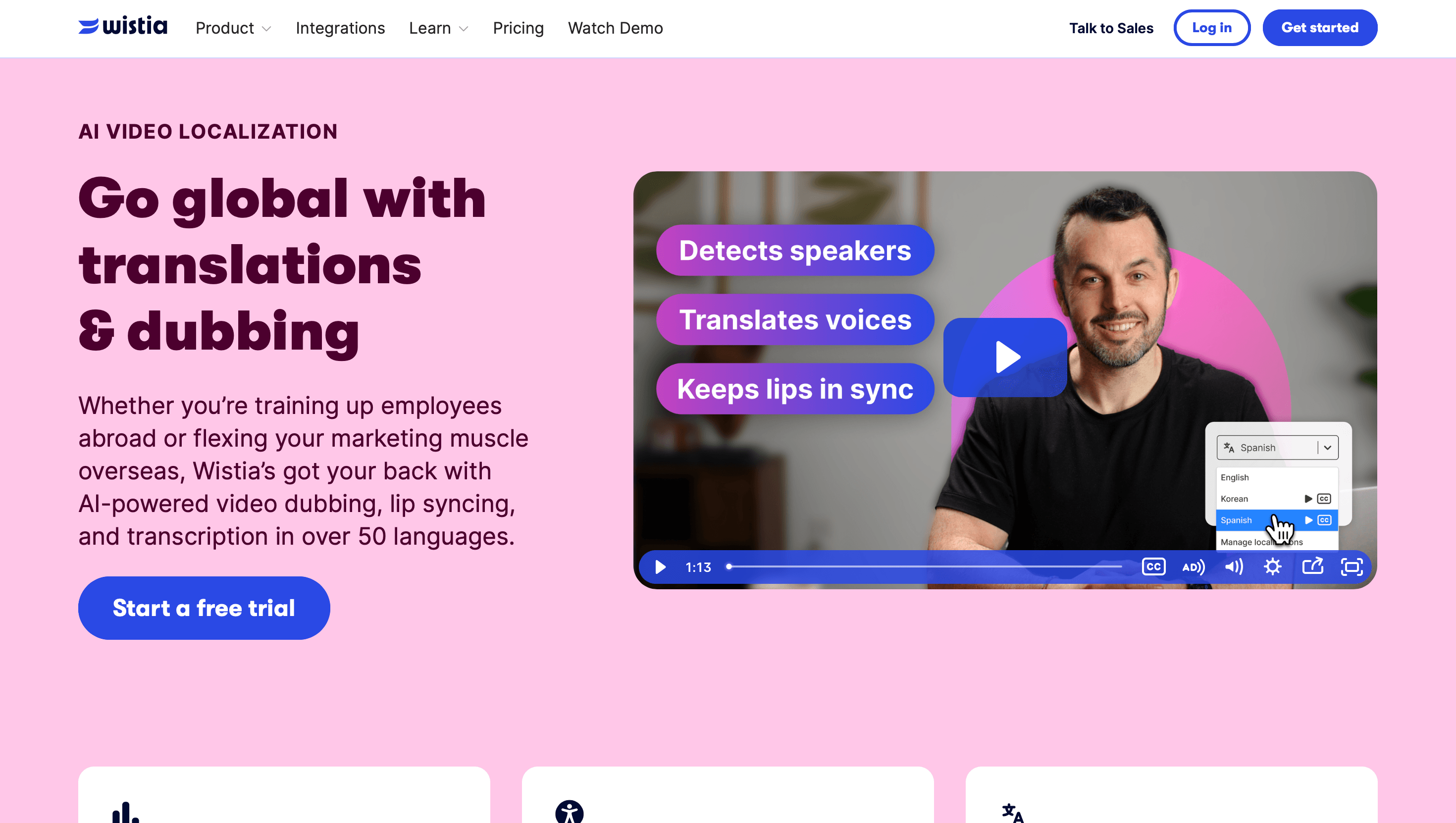
- Wistia Video Localization is the go-to hosting layer for SaaS landing pages, with viewer heatmaps, CTA overlays, and lead-capture gates built in.
You can create a polished SaaS product demo video in under 30 minutes using AI tools that handle the heavy lifting: screen capture, AI voiceover, on-screen captions, and even a virtual presenter. The fastest workflow starts with recording your interface using TechSmith or EaseMate AI, adding AI-generated narration via Speechlab or AI Dubbing, and then hosting the finished video on Wistia Video Localization for direct embedding on your pricing or landing page. No microphone. No camera. No production agency.
What Is an AI Product Demo Video and Why Does Every SaaS Team Need One?
A product demo video is a short, focused walkthrough that shows prospects how your software works and — crucially — what problem it solves for them. Unlike a full tutorial, a strong demo runs 2–5 minutes, hits the core "aha moment" early, and closes with a clear call to action. The AI element changes the economics entirely: what used to require a recording studio, a voice actor, and days in post-production can now be completed by a solo founder in an afternoon.
From a sales perspective, demo videos placed on a landing page remove friction for prospects who do not want to book a call. In B2B SaaS, they also appear in cold outreach (personalized snippets), onboarding email sequences, and help-center articles — each use case extending the value of a single recorded asset without additional production cost.
Browse the full landscape of tools in the Video Generation & Editing category on Comparee to see what the market currently offers across every price tier.
Which AI Tools Are Best for Creating SaaS Product Demo Videos?
The category breaks into four functional groups: screen-capture editors, AI voiceover and dubbing, AI avatar presenters, and video hosting platforms. The quick-verdict table below maps each tool to its primary strength so you can choose the right one — or the right combination — for your workflow.
| Tool | Primary Strength | Best For | Free Tier |
|---|---|---|---|
| TechSmith | Screen recording + timeline editing | In-depth feature walkthroughs, tutorial demos | Trial available |
| Wistia Video Localization | Video hosting + SaaS analytics | Embedding on landing pages, lead capture | Free plan (limited) |
| Speechlab | AI voiceover + multilingual dubbing | Adding narration to screen recordings | Free tier |
| AI Dubbing | AI-powered audio replacement | Repurposing existing demos in new languages | Free tier |
| Synthesys AI Avatar Video Generator | AI avatar presenter | Presenter-style demos without on-camera recording | Free tier |
| Gan.AI | Personalized AI video at scale | Sales outreach, named-account demo clips | Trial available |
| PlayPlay | Template-based video creation | Quick branded demos and feature announcements | Free trial |
| EaseMate AI | AI-powered editing and caption generation | Fast editing, auto-removal of dead time | Free tier |
How Do You Create a Product Demo Video with AI Voiceover Step by Step?
The process has six steps and can realistically be completed in a single working session once you have your script ready.
Step 1 — Write a tight script
Open with a one-sentence problem statement, follow with two or three sentences on what your product does, then walk through the core workflow in logical order. Keep landing page demos under four minutes; sales outreach clips under 90 seconds. A well-structured script is the fastest path to a good demo — AI tools cannot compensate for a poorly ordered narrative.
Step 2 — Record your screen
TechSmith's Camtasia is the benchmark here. It captures your screen at high resolution, lets you zoom into specific UI elements for emphasis, and includes a built-in editor where you can trim dead time and add callout annotations. EaseMate AI offers a lighter-weight alternative with AI-assisted editing that automatically removes filler pauses from the raw recording — useful if you prefer to record first and clean up later.
Step 3 — Generate AI voiceover
Upload your script to Speechlab or AI Dubbing and select a voice tone that matches your brand — neutral, friendly, or authoritative. Both tools sync the generated audio to your video timeline. If you want to repurpose an existing English demo for an international audience, AI Dubbing handles audio replacement cleanly without requiring a new screen-capture session.
Step 4 — Add captions and branding
PlayPlay and EaseMate AI both offer auto-caption generation and branded lower-thirds. Captions are essential: a large share of prospects watch video without sound, particularly when they encounter demos through LinkedIn posts or embedded emails. Skipping captions means losing a significant portion of your potential viewers.
Step 5 — Export and host
Upload your finished video to Wistia Video Localization. Wistia gives you an embeddable player with brand-matched colors, viewer heatmaps that show where drop-off happens, and optional lead-capture forms that appear before or after the video plays — useful for gated high-intent content.
Step 6 — Embed on your landing page
Place the Wistia embed code above the fold on your pricing or feature page. Use a thumbnail that shows the actual product interface rather than a generic play button icon — it sets accurate expectations and increases play rate meaningfully.
Screen Recording vs. AI Avatar vs. Personalized Clip — Which Demo Format Is Right for You?
Each format serves a distinct conversion context. Choosing the wrong format for the wrong funnel stage is a common reason demo videos underperform.
| Format | When to Use | Production Time | Recommended Tooling |
|---|---|---|---|
| Screen recording + AI voiceover | Feature deep-dives, help center, onboarding | 1–3 hours | TechSmith + Speechlab |
| AI avatar presenter | Homepage hero, sales deck opener, event recap | 30–60 minutes | Synthesys AI Avatar Video Generator |
| Personalized outreach clip | Cold email, named-account prospecting, deal acceleration | 15 minutes per batch | Gan.AI |
| Branded template video | Social proof snippets, feature release announcements | 20–45 minutes | PlayPlay |
Screen recording remains the highest-trust format for complex products because prospects see the actual interface in real time. AI avatar demos work well for short intros where you want a human face without the cost or scheduling overhead of filming. Personalized clips from Gan.AI are most effective in direct outreach — inserting a prospect's name, company logo, or stated use case into a base recording raises reply rates relative to generic video thumbnails.
What Features Should I Look for in a Product Demo Video Tool?
Feature needs differ by team size, funnel stage, and production volume. The table below covers the capabilities that matter most for demo-specific workflows.
| Feature | TechSmith | Speechlab | Synthesys AI Avatar Video Generator | Wistia Video Localization | Gan.AI |
|---|---|---|---|---|---|
| Screen recording | Yes (core feature) | No | No | No | No |
| AI voiceover generation | Limited | Yes (core feature) | Yes (via avatar) | No | Yes |
| AI avatar presenter | No | No | Yes (core feature) | No | Yes |
| Auto-captions | Yes | Yes | Yes | Yes | Yes |
| Viewer analytics / heatmaps | Basic | No | No | Yes (core feature) | Yes |
| Landing page embed player | Via export only | Via export only | Via export only | Yes (native) | Yes (native) |
| Personalization at scale | No | No | Limited | No | Yes (core feature) |
| Multilingual dubbing | No | Yes | Partial | Yes (localization) | Partial |
How Much Does AI Product Demo Software Cost?
Pricing structures vary significantly across tool types. The table below reflects general tier structures — always verify current pricing on each vendor's page, as this category evolves quickly.
| Tool | Pricing Model | Free Tier | Main Cost Driver |
|---|---|---|---|
| TechSmith | Annual subscription (per seat) | Trial only | Number of seats |
| Wistia Video Localization | Subscription (video count limits) | Yes, limited | Videos hosted + bandwidth |
| Speechlab | Usage-based or subscription | Yes | Minutes of audio generated |
| AI Dubbing | Usage-based | Yes | Minutes of video processed |
| Synthesys AI Avatar Video Generator | Subscription | Yes | Avatar video minutes per month |
| Gan.AI | Subscription + usage | Trial | Personalized videos rendered |
| PlayPlay | Subscription | Trial | Per seat, storage |
| EaseMate AI | Freemium | Yes | Export resolution and advanced features |
Most teams start with free tiers to validate their production workflow, then upgrade once demo creation becomes a regular cadence. Solo founders can cover the basics with EaseMate AI for editing and the free tier of Wistia Video Localization for hosting — both without upfront spend.
Which AI Product Demo Tool Is Best for My Use Case? — Comparee's Verdict
Comparee's verdict: TechSmith is the best choice for SaaS teams building detailed feature walkthroughs where showing the actual interface is critical. Camtasia remains unmatched for screen-capture quality, in-video zoom effects, and timeline annotation — the standard for software product demos that need to build trust through transparency.
Synthesys AI Avatar Video Generator is the best choice for teams that need a professional-looking presenter without scheduling a recording session. It suits homepage hero demos and sales deck openers where a human face increases engagement but the budget or logistics of on-camera filming are impractical.
Gan.AI is the best choice for account executives and SDRs who send demo videos directly to named prospects. The personalization layer — inserting a prospect's company name, role, or use case into a base recording — addresses the "this feels like a mass blast" objection that undermines generic outreach.
Wistia Video Localization is the best choice when you need more than just a video player. Its viewer analytics, CTA overlays, and lead-capture gates make it the right hosting layer for any high-intent SaaS landing page regardless of which tool you used to create the video.
Speechlab is the best choice when your bottleneck is narration — whether you are adding voiceover to existing screen recordings or dubbing a demo into multiple languages for international go-to-market expansion.
PlayPlay is the best choice for marketing teams producing high volumes of short branded video content around product launches and feature announcements, where speed and brand consistency across multiple outputs matters more than production depth.
For a broader view of what the market offers, explore the full Video Generation & Editing tools on Comparee.
Tools mentioned in this guide
Pricing, features and model availability can change over time. Always verify current details on each tool's official website before deciding.
Frequently Asked Questions
What is the best AI tool for creating SaaS product demo videos?
What is the best AI tool for creating SaaS product demo videos?
How long should a product demo video be?
How long should a product demo video be?
Can I create a product demo video without recording my voice?
Can I create a product demo video without recording my voice?
What is the difference between Speechlab and AI Dubbing for product demos?
What is the difference between Speechlab and AI Dubbing for product demos?
How do I add an AI avatar presenter to a product demo?
How do I add an AI avatar presenter to a product demo?
Can I send personalized demo videos to individual sales prospects?
Can I send personalized demo videos to individual sales prospects?
Where should I host my product demo video?
Where should I host my product demo video?
How do I make a product demo video without showing my face?
How do I make a product demo video without showing my face?
Don't just pick a tool — get the whole workflow
Tell Comparee your goal and get a complete step-by-step AI workflow with the right tool for every step.