AI Video Generation: The Complete Guide for 2026
AI video generation explained for 2026 — how it works, avatar vs generative vs editing, the best tools (Colossyan, AKOOL, Visla), and pro tips.
Key takeaways
- AI video generation creates or assembles video from text, scripts or footage — turning ideas into video without cameras or actors.
- Three main types: avatar video (a presenter reads your script), generative video (scenes from prompts), and AI editing (auto-editing, subtitles, dubbing).
- For training and marketing avatars, Colossyan Creator and AKOOL; for social/UGC, JoggAI and MakeUGC; for all-round creation, Visla; for generative, Pollo AI.
- Match the tool to the job — avatar, generative and editing are different problems.
- Always review outputs and check licensing before publishing, especially for commercial use.
AI video generation uses artificial intelligence to create or assemble video from text, scripts or existing footage — letting you produce videos without cameras, actors or editing skills. In 2026 it spans three distinct jobs: AI avatars that present your script, generative models that create scenes from prompts, and AI editing that automates subtitles, cuts and dubbing. This guide explains how each works, where they help, the best tools, and how to get professional results — so you can pick the right approach instead of fighting the wrong tool.
What is AI video generation?
AI video generation is the use of AI models to produce video content automatically. Instead of filming, you provide an input — a script, a text prompt, or raw footage — and the AI generates a finished or near-finished video. The technology removes the traditional barriers to video (equipment, talent, editing time), which is why it has exploded for marketing, training, social content and localization. The catch: "AI video" is not one thing, and choosing the wrong type for your goal is the most common reason people are disappointed.
The three types of AI video generation
| Type | What it does | Best for |
|---|---|---|
| Avatar video | An AI presenter reads your script on camera | Training, explainers, marketing, localization |
| Generative video | Creates scenes/clips from text prompts | Creative, concept, b-roll, social |
| AI editing | Auto-edits, captions, dubs, repurposes footage | Turning recordings into finished clips |
Avatar video is the most production-ready: type a script, pick a presenter, get a clean talking-head video — ideal for training and explainers. Generative video creates new visuals from prompts and is improving fast, best for creative and social clips. AI editing takes existing footage and does the tedious work — cutting, captioning, dubbing into other languages.
Real use cases
- Training and onboarding — turn documents into avatar-led courses in minutes.
- Marketing and ads — produce a steady stream of social and ad videos without a studio.
- Localization — dub one video into many languages to reach global audiences.
- Social content — repurpose long videos into short, captioned clips.
- Product explainers — clear, repeatable videos that scale across your catalogue.
Best AI video generation tools in 2026
Pick by the job you need done:
| Use case | Best tools |
|---|---|
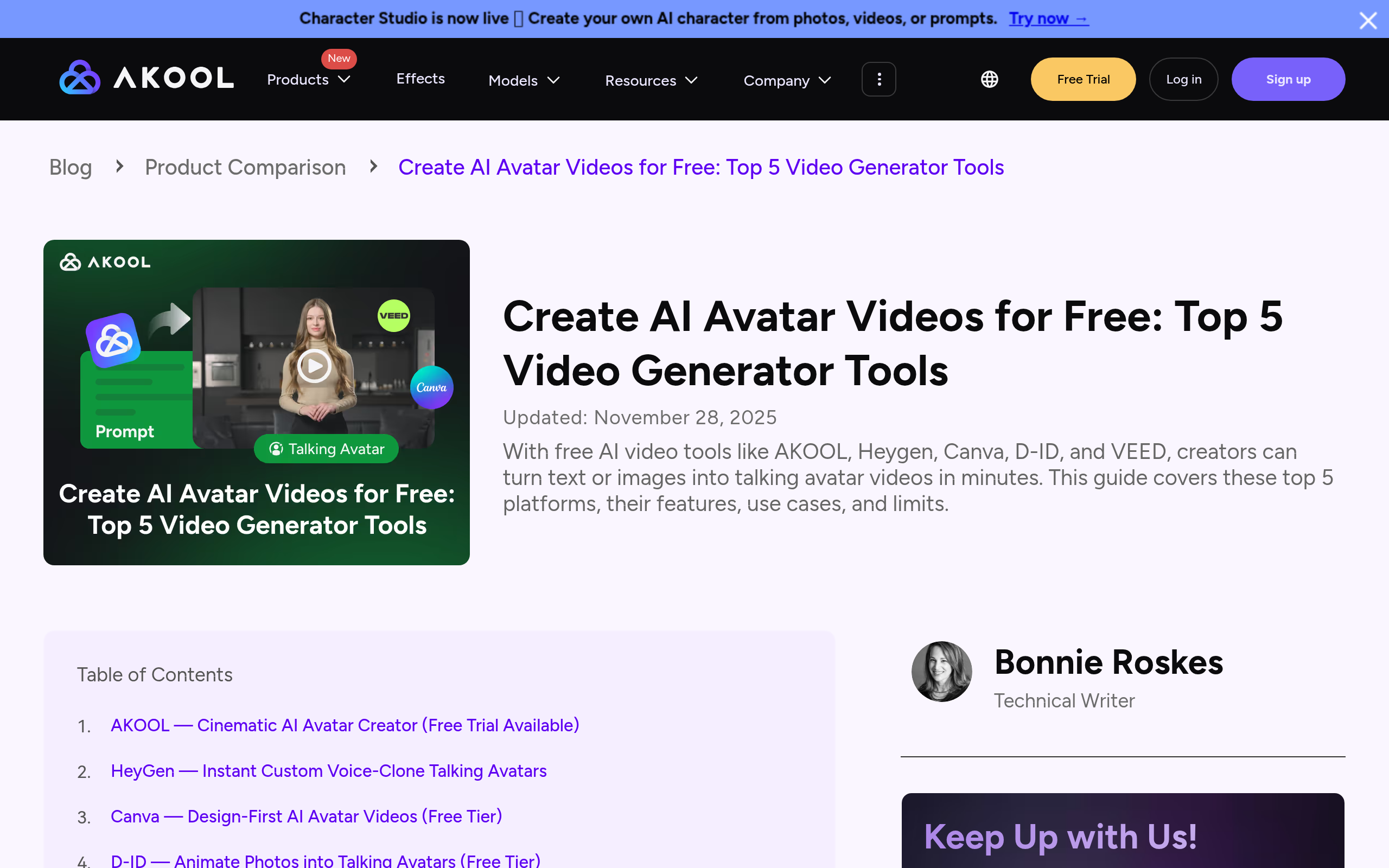
| Avatar (training/marketing) | Colossyan Creator, AKOOL |
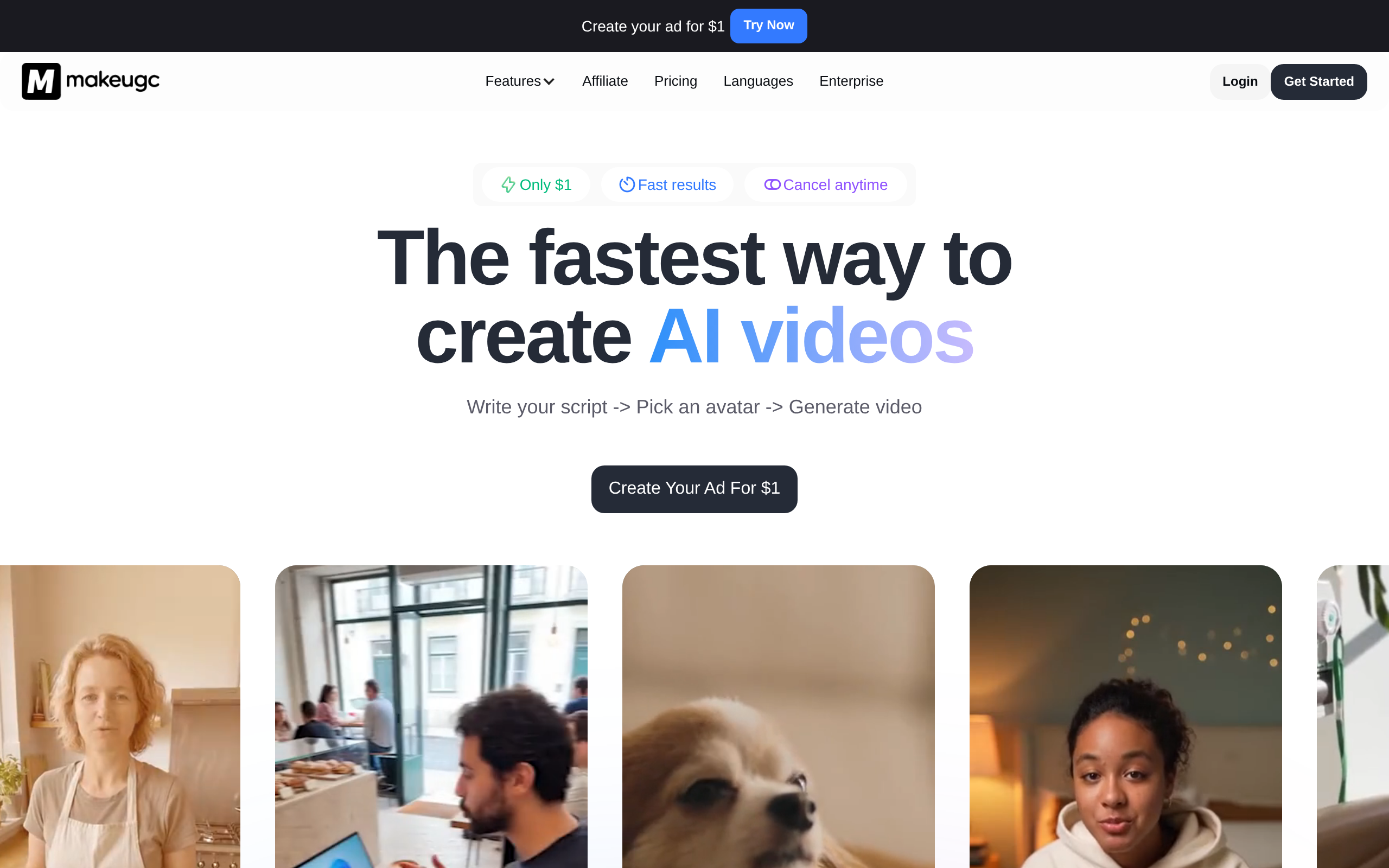
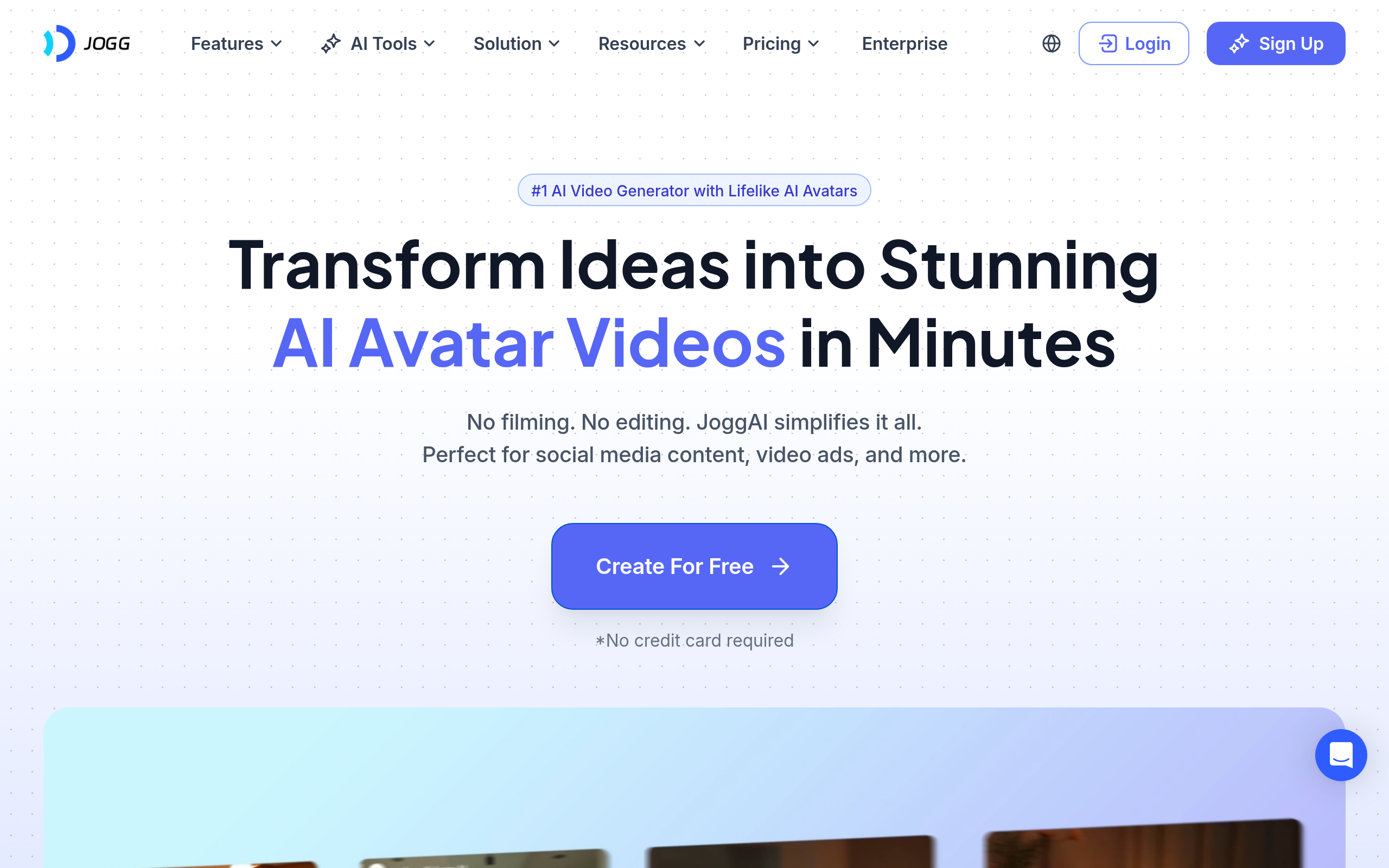
| Social / UGC ads | JoggAI, MakeUGC |
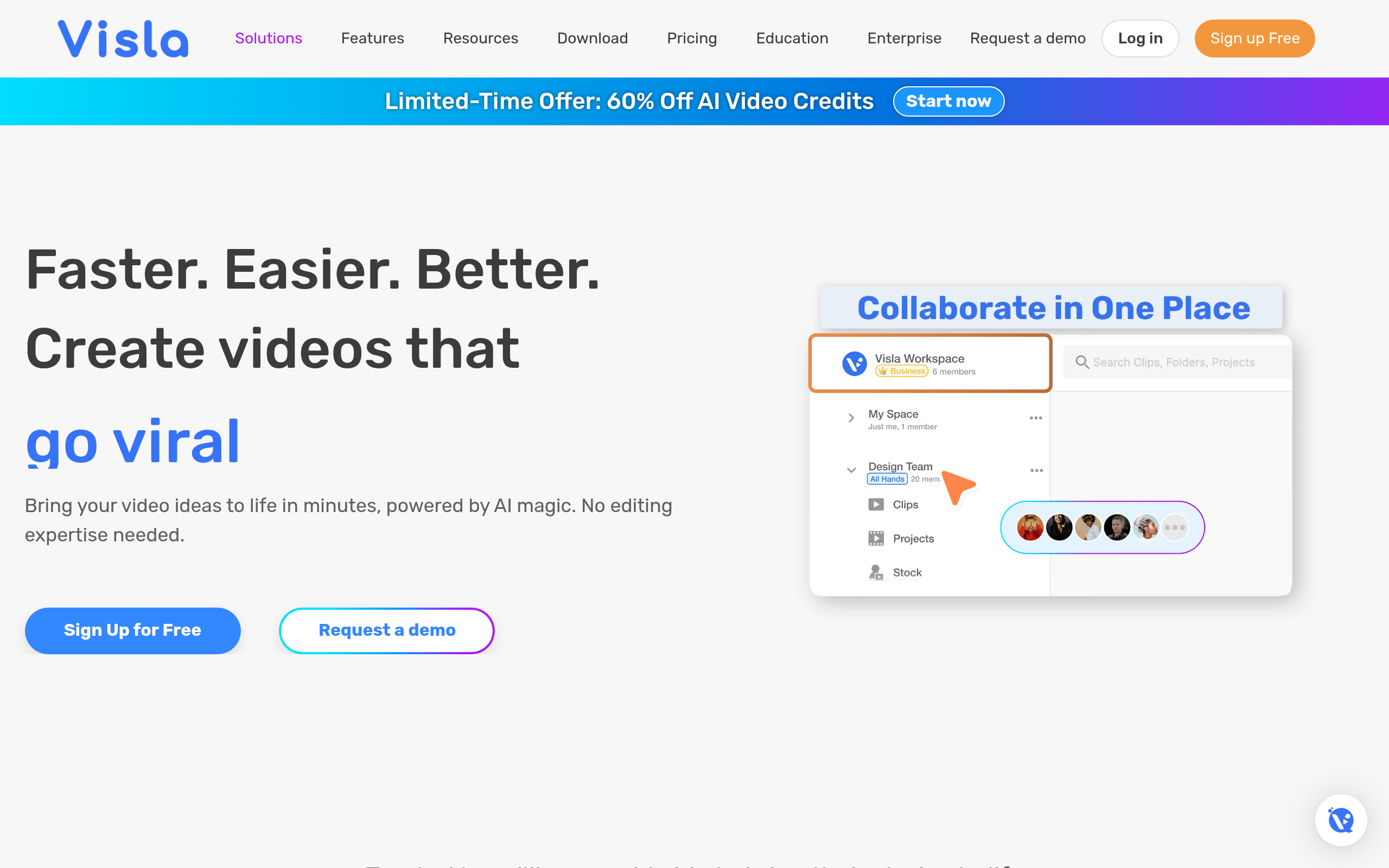
| All-round AI creation | Visla |
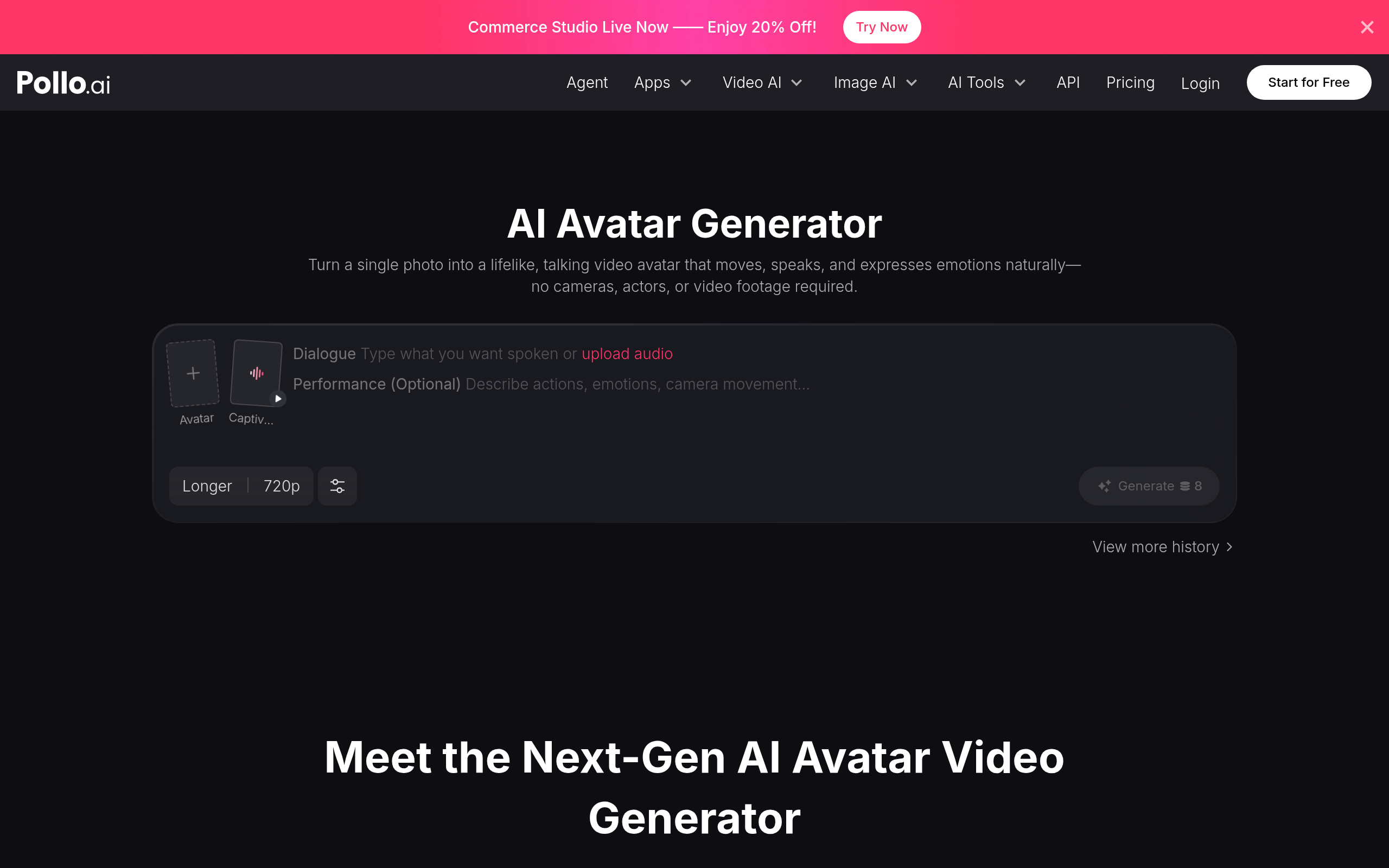
| Generative video | Pollo AI |
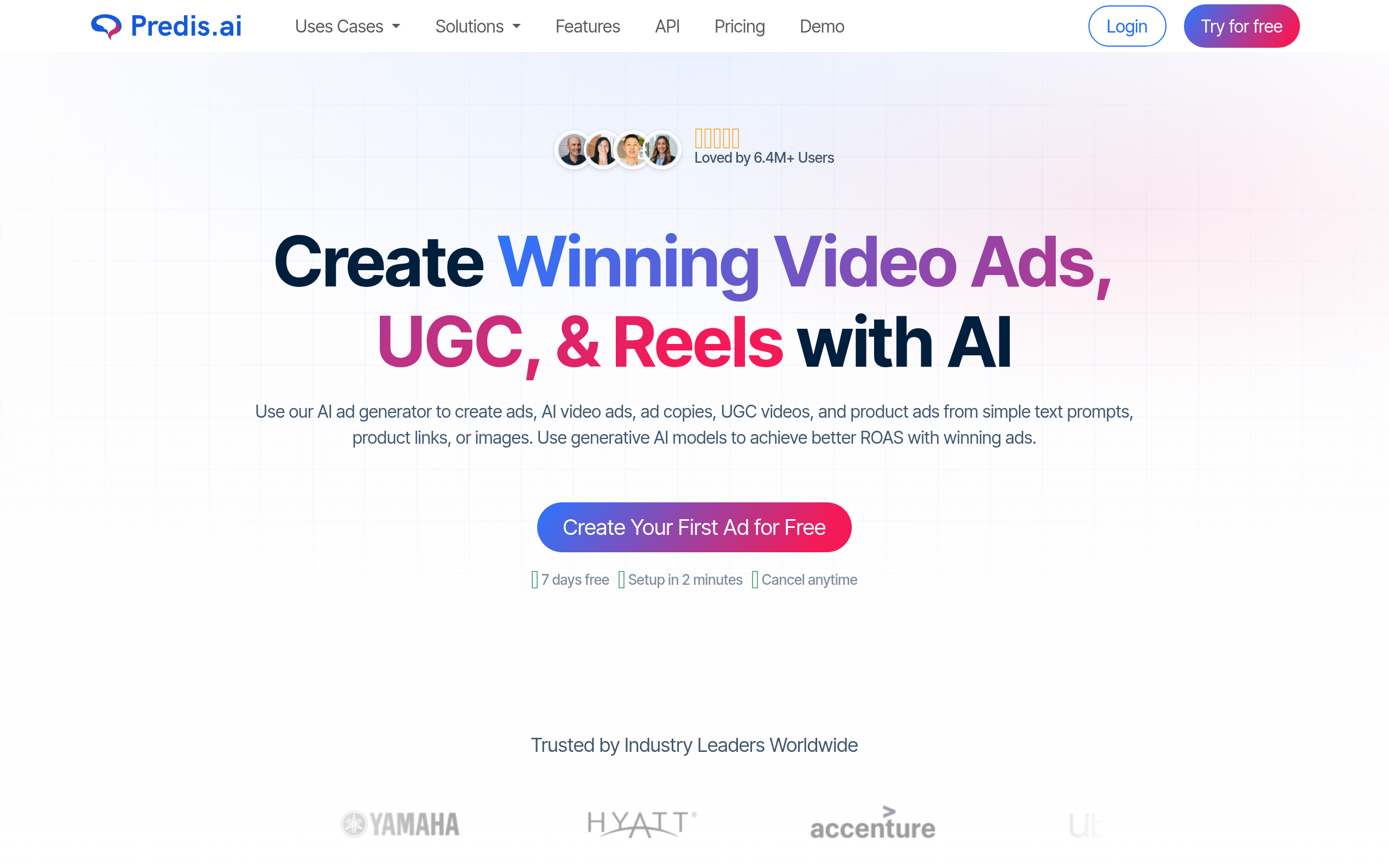
| Social video content | Predis.ai |
For professional avatar video — training, explainers, on-brand marketing — Colossyan Creator and AKOOL are strong all-rounders. For fast, social and UGC-style ad videos, JoggAI and MakeUGC target that authentic aesthetic. For do-it-all AI creation and editing in one place, Visla is versatile; for pure generative video from prompts, Pollo AI; and for a steady stream of social video, Predis.ai. Compare more in our Synthesia alternatives and Runway alternatives guides and the video generation category.
How to make a great AI video (step by step)
- Define the goal and format — training explainer, social ad, or localized version? This decides the type.
- Write a tight script (for avatar) or a clear prompt (for generative). The input quality drives the output.
- Pick the right tool for that type — do not force an avatar tool to generate a scene.
- Generate, then refine — the first output is a draft; iterate on script, pacing and visuals.
- Add captions and localize if your audience needs it — captions lift watch time on social.
- Review carefully before publishing — check for errors, especially in on-screen text, and confirm licensing.
Tips for professional results
Keep scripts conversational and short — AI presenters sound best with natural, spoken-style sentences. For social, design for sound-off viewing with captions. Match the avatar and tone to your brand and audience; a polished corporate presenter can feel wrong for UGC ads, where a more authentic style performs better. And always treat the first generation as a draft — the videos that work are the ones you refine.
Things to watch: quality, rights and ethics
Two cautions apply across all AI video. First, review outputs — AI can mispronounce names, mangle on-screen text, or produce odd artefacts, so never publish unchecked. Second, licensing and consent: usage rights for AI-generated content can be nuanced, especially commercially, and cloning a real person's likeness or voice requires consent. Used responsibly, AI video is a genuine force multiplier; used carelessly, it creates legal and reputational risk.
Why AI video matters now
Video has become the default format for marketing, training and social — but traditional production is slow and expensive, requiring cameras, talent, studios and editing time that most teams cannot spare for every message. AI video generation collapses that cost. A training video that once took a week of scripting, filming and editing can be drafted in an afternoon; a localized version in twelve languages, which used to be a major project, becomes a few clicks. That economic shift is why AI video has moved from novelty to workhorse: it lets small teams produce the volume of video that audiences now expect, and lets larger teams reallocate their best creative effort to the work that truly needs a human touch. The quality gap has also narrowed dramatically — avatar presenters and generative scenes that looked obviously synthetic a year ago are now good enough for real publishing in many contexts. The result is that "we don't have the budget for video" is no longer a valid excuse for most use cases.
How to choose the right AI video tool
Start by naming the job, because the single biggest mistake is using the wrong category of tool. If you need a presenter to deliver scripted content — training, explainers, announcements — you want an avatar tool. If you need short, authentic-feeling clips for ads and social, you want a UGC-style generator. If you have footage and need it cut, captioned and localized, you want an AI editor. If you want entirely new visuals conjured from a description, you want generative video. Only once you know the job should you compare specific tools, and even then the right move is to generate one real piece of content you would actually publish during a free trial — that single test reveals quality and fit far better than any feature list. Match the tool to the job, judge it on your real content, and the choice usually becomes obvious.
The bottom line
AI video generation in 2026 is three jobs, not one: avatar video for training and marketing (Colossyan Creator, AKOOL), social and UGC (JoggAI, MakeUGC), all-round creation (Visla) and generative scenes (Pollo AI). Match the tool to the goal, treat the first output as a draft, review before publishing, and mind licensing — and you can produce video faster and cheaper than ever, at a quality that genuinely competes.
Disclaimer: AI-generated video can contain errors and its licensing can be nuanced. Review outputs before publishing, confirm commercial usage rights, and obtain consent before cloning anyone's likeness or voice.
Tools mentioned in this guide
Pricing, features and model availability can change over time. Always verify current details on each tool's official website before deciding.
Frequently Asked Questions
What is AI video generation?
What is AI video generation?
What is the best AI video generator?
What is the best AI video generator?
How do I make a video with AI?
How do I make a video with AI?
Can I use AI-generated videos commercially?
Can I use AI-generated videos commercially?
What is the difference between avatar and generative AI video?
What is the difference between avatar and generative AI video?
Is AI video generation hard to learn?
Is AI video generation hard to learn?
Don't just pick a tool — get the whole workflow
Tell Comparee your goal and get a complete step-by-step AI workflow with the right tool for every step.