Best AI Video Editing Tools for Creators in 2026
The best AI video editing tools for creators in 2026, compared by use case — Reels, YouTube, business, repurposing — with a clear recommendation for each.
Key takeaways
- VEED is the best all-round online AI video editor; CapCut is best for short-form social.
- Descript wins for text-based editing; Vizard.ai for repurposing long videos into clips.
- Match the tool to your format — Reels, YouTube, business/training and repurposing each have a different best pick.
- Most offer a free tier, so test on one real project before paying.
"Best AI video editor" depends entirely on what you make. A TikTok creator, a YouTuber, a course builder and a marketer repurposing webinars all need different tools. This guide skips the generic ranking and instead gives you the best AI video editing tool for each real use case, using tools from the Comparee catalog — so you can pick by your format, not by hype. Every recommendation below is tied to a concrete scenario, so you can jump straight to the section that matches how you actually work and skip the rest.
Quick verdict: best AI video editor by use case
| Use case | Best pick | Why |
|---|---|---|
| All-round online editing | VEED | Browser-based, captions, easy |
| Short-form (Reels/TikTok) | CapCut | Fast mobile short-form editing |
| Text-based / voice workflows | Descript | Edit video by editing text |
| Repurposing long videos | Vizard.ai | Auto-cuts clips from long content |
| Business / training video | Visla / TechSmith | Briefs, tutorials, screen capture |
| Prompt-to-video | Invideo Agent One | Generates video from text |
| Hosting / business workflow | Vimeo | Hosting + business video tools |
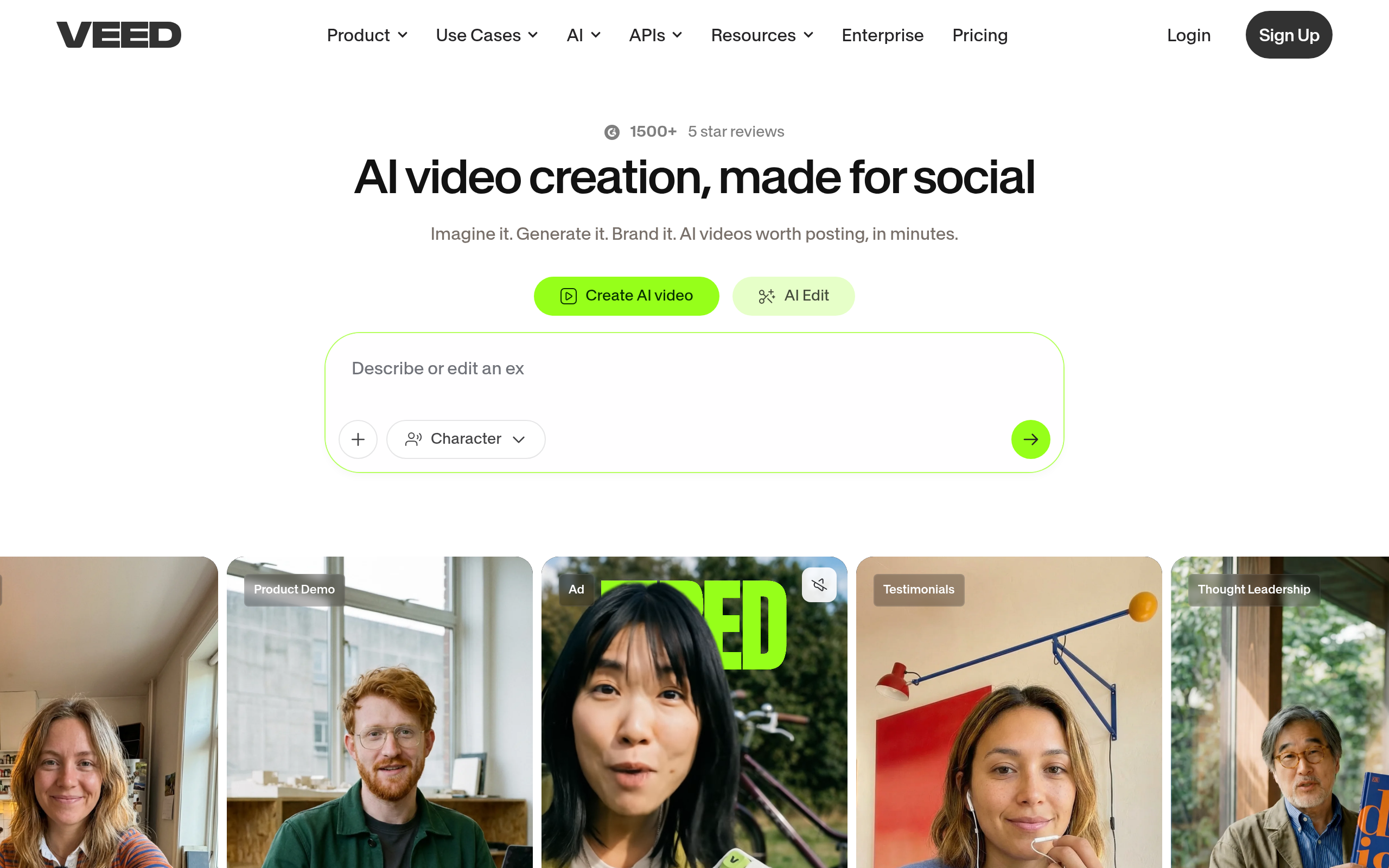
Best overall online editor: VEED
VEED is the most versatile starting point for most creators: it runs in the browser, handles trimming, b-roll, effects and accurate auto-captions, and has a gentle learning curve. If you only adopt one AI video editor and your work spans formats, VEED is the safe default.
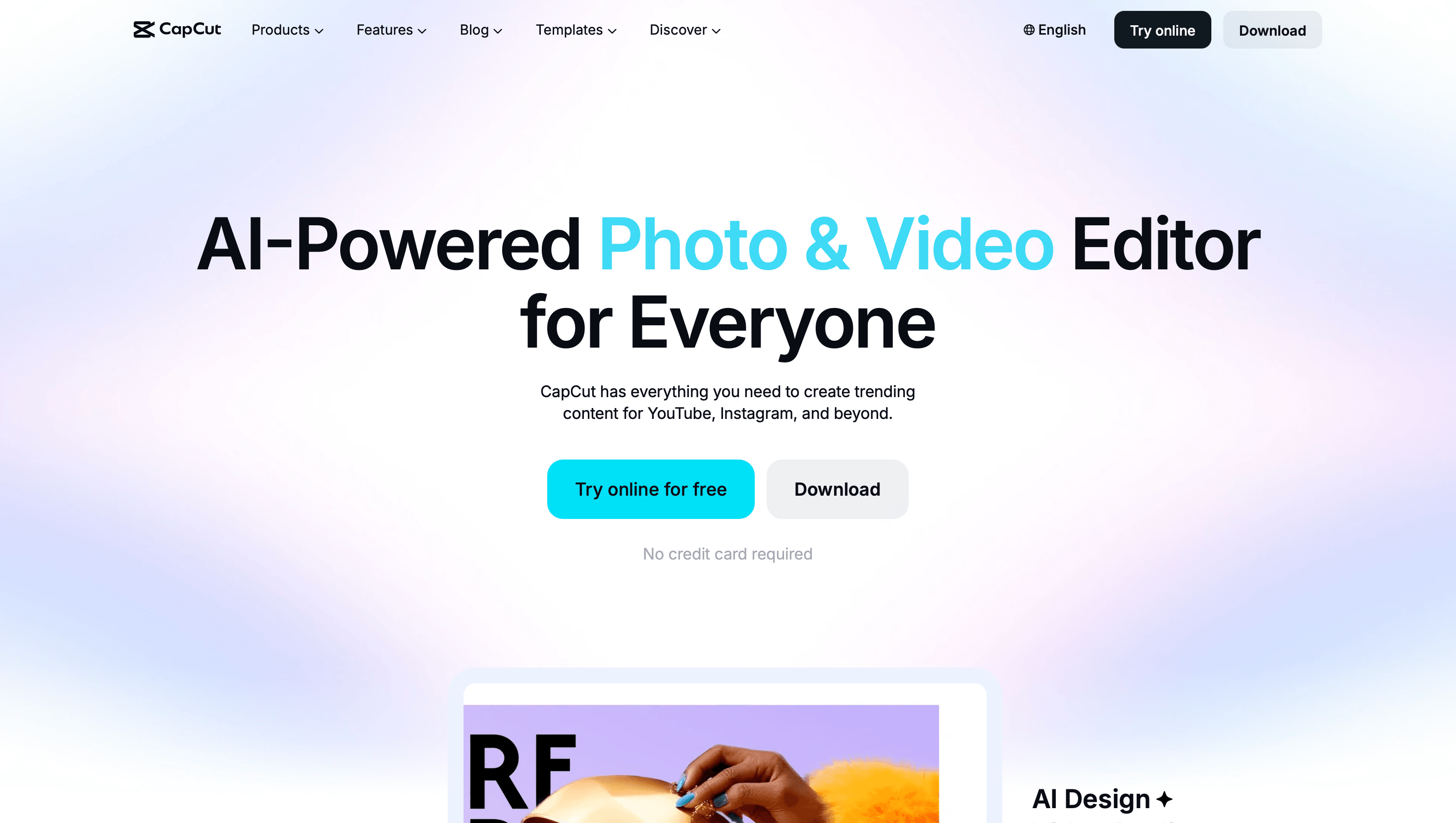
Best for short-form: CapCut
For Reels, TikTok and Shorts, CapCut is the go-to. It is built for fast, mobile-first short-form editing — trends, transitions, captions and effects — and is free to start. If your content lives on vertical feeds, this is where to begin.
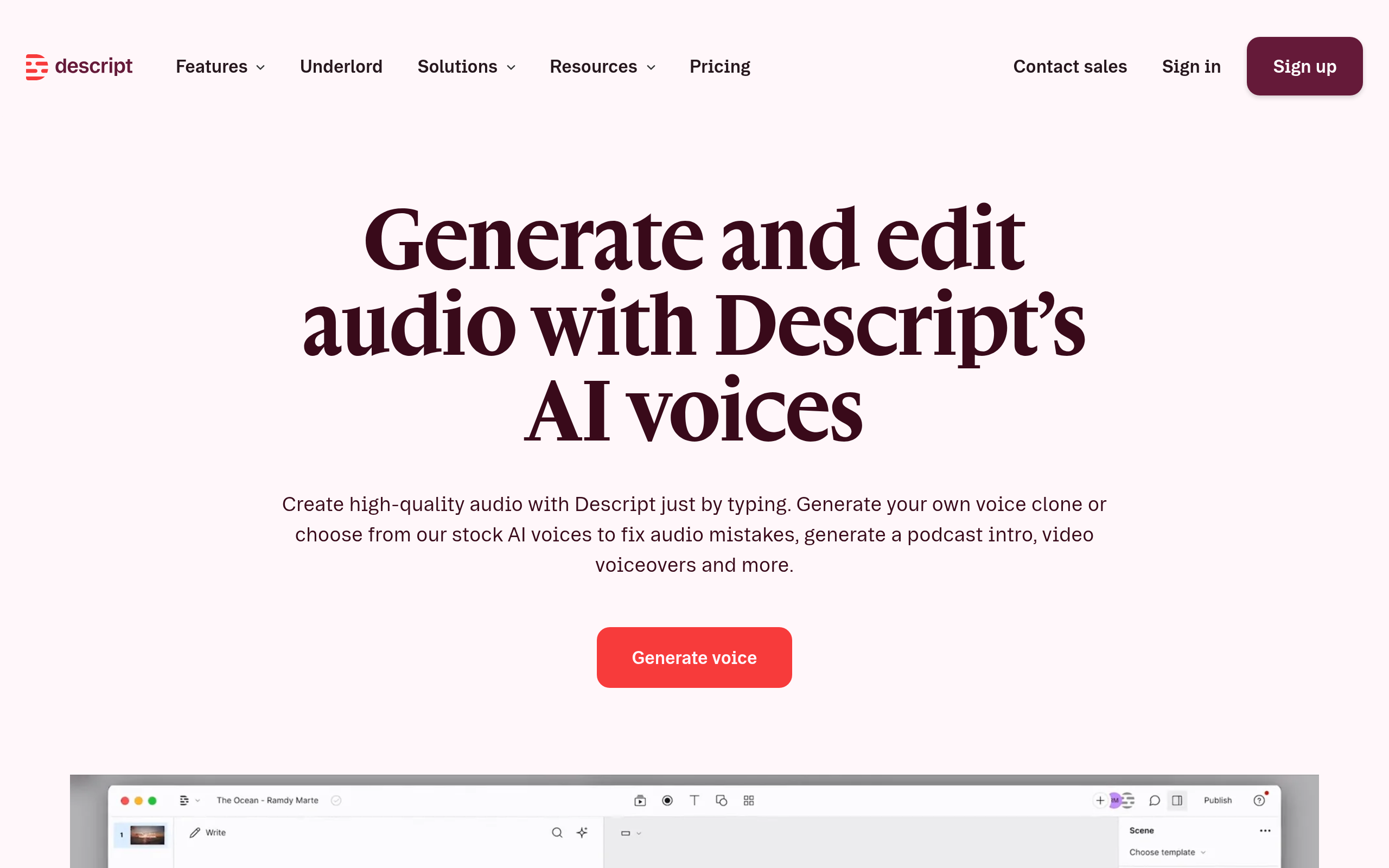
Best for text-based editing: Descript
Descript lets you edit video by editing a transcript: delete a word, the video cuts with it. For podcasters, talking-head creators and anyone who works with a lot of spoken content, this is a dramatically faster workflow than a traditional timeline.
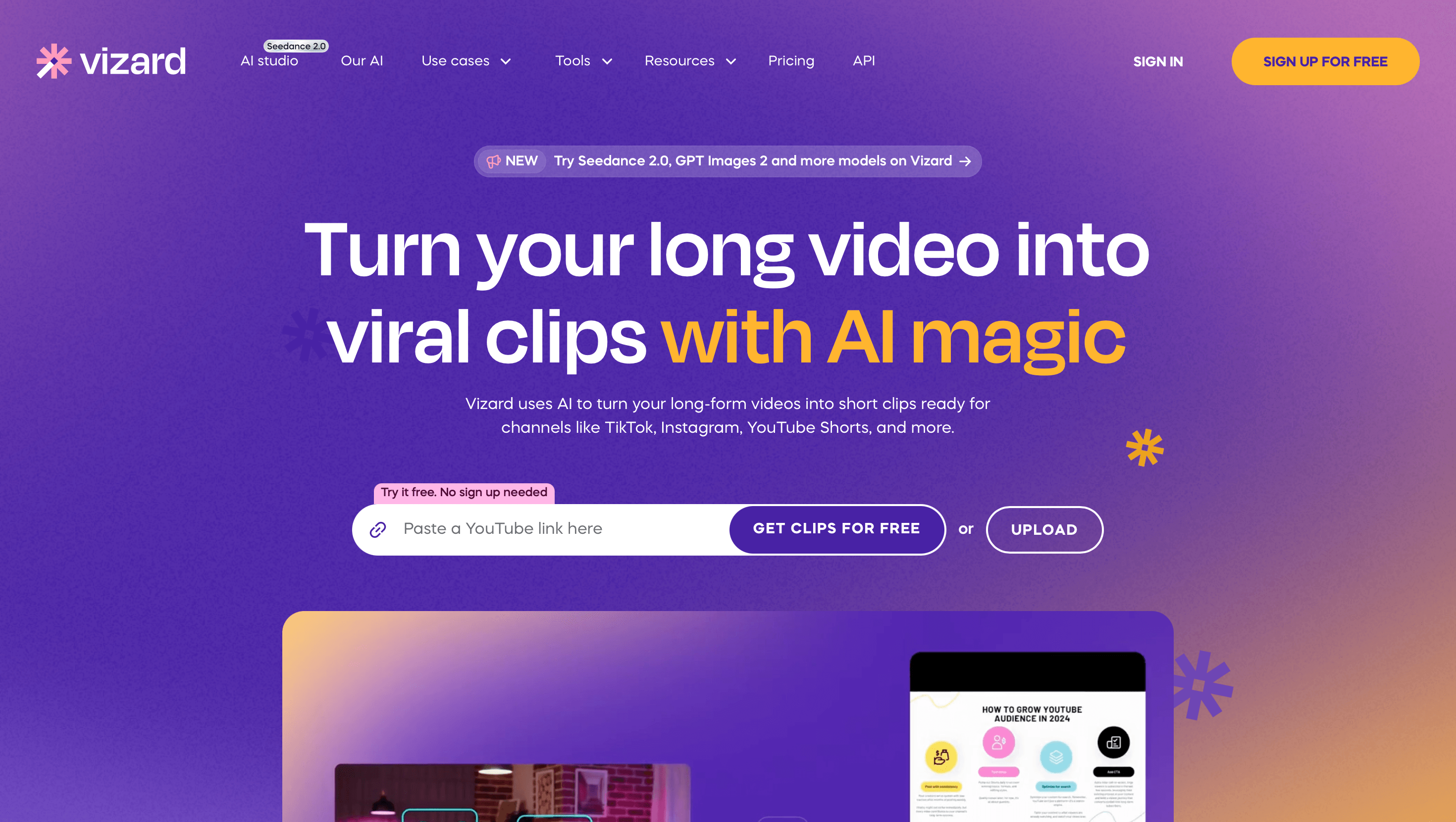
Best for repurposing: Vizard.ai
Vizard.ai scans a long video and automatically cuts the strongest moments into short, captioned vertical clips. If you already produce webinars, podcasts or long YouTube videos, it multiplies your short-form output with almost no extra effort.
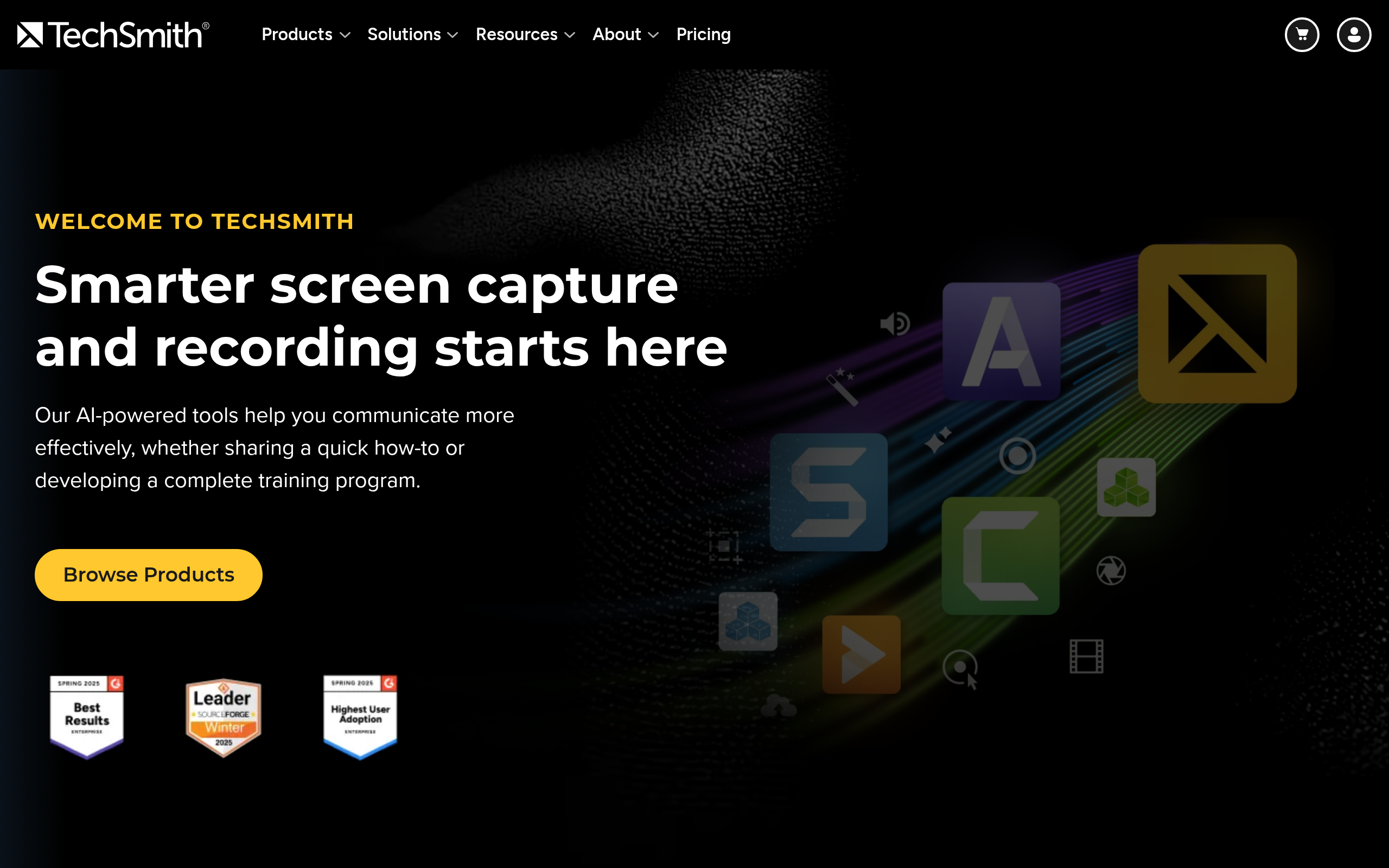
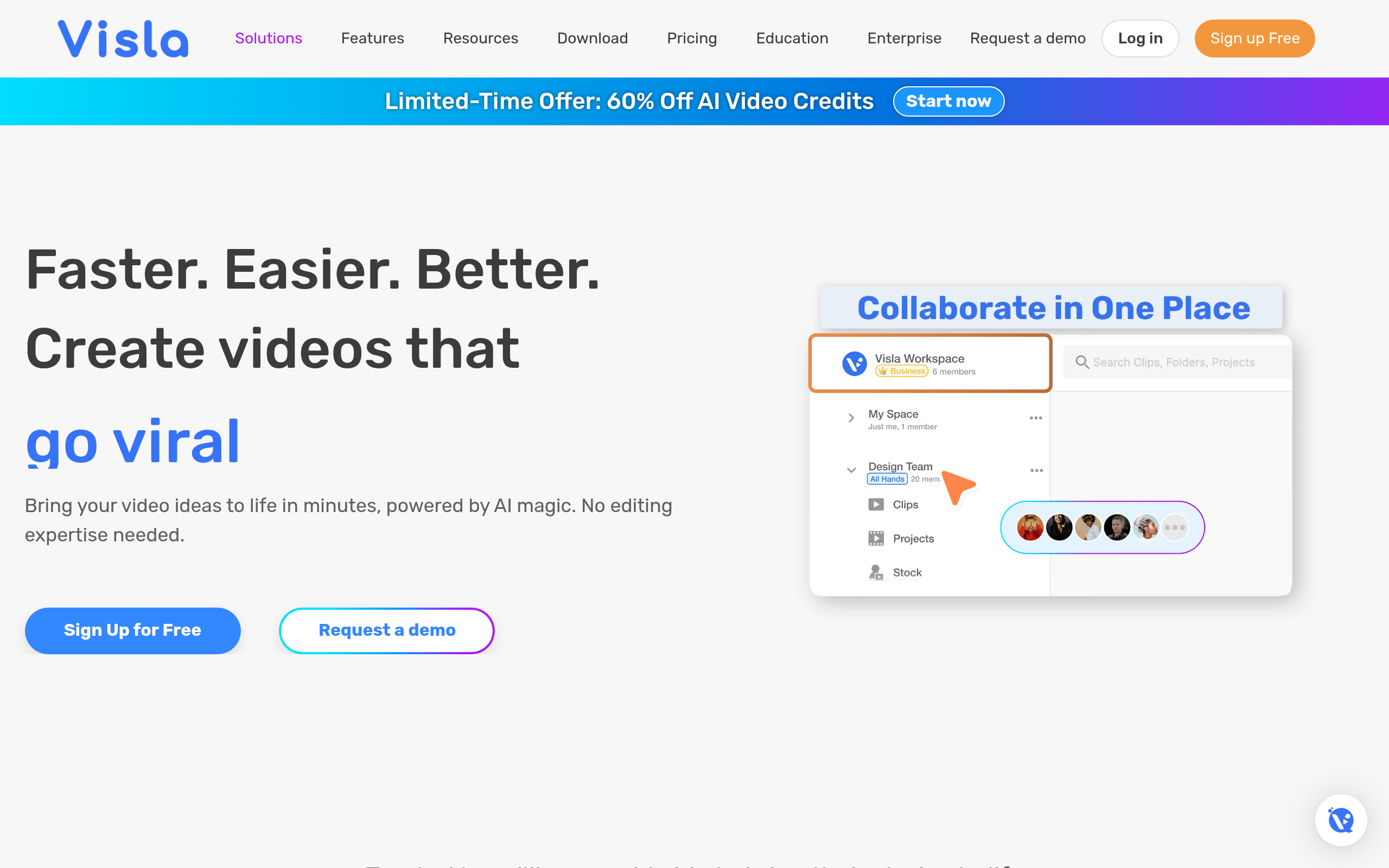
Best for business and training: Visla & TechSmith
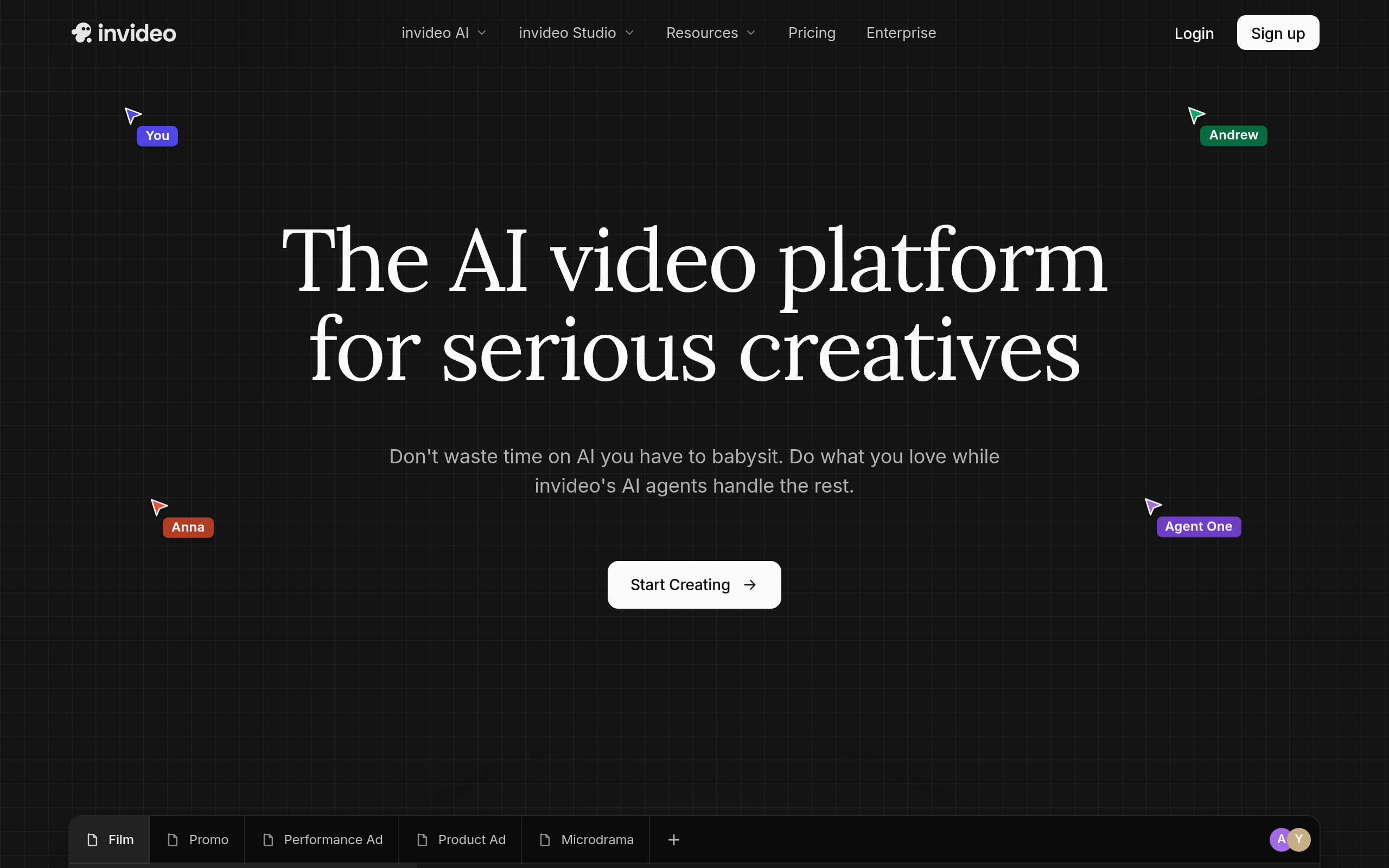
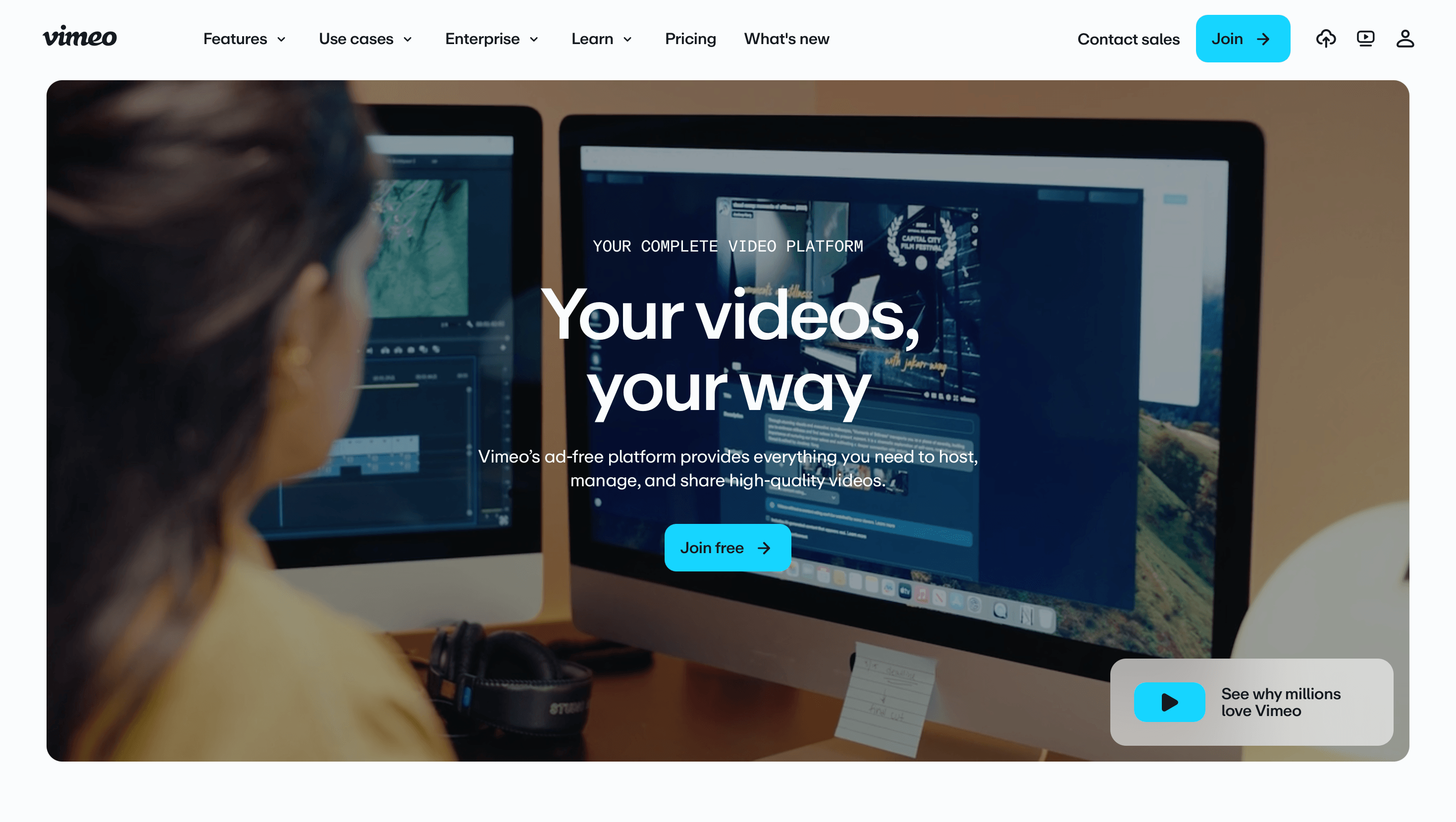
Visla turns a brief into business and social video quickly, which suits marketing teams that need consistent output. TechSmith is the pick for tutorials, screen recording and training content, where clarity matters more than cinematic polish. For prompt-to-video, Invideo Agent One generates footage from text, and Vimeo covers hosting and the wider business video workflow.
How to choose your AI video editor
Start with the question that actually matters: what do you make most? Not what you might make someday — what fills your calendar now. If 80% of your output is vertical short-form, a short-form-first tool like CapCut will save you more time than a powerful generalist you fight with daily. If you record a lot of talking-head or podcast content, text-based editing in Descript changes your whole week. The second question is how much you repurpose: creators sitting on a library of long videos get more value from Vizard.ai than from any editor, because the bottleneck is not editing quality, it is producing enough clips.
The third factor is team and handoff. A solo creator can pick whatever feels fastest; a marketing team needs something colleagues can learn quickly and hand off between people, which is where browser-based tools like VEED and brief-to-video tools like Visla earn their place. Finally, weigh the export and hosting side — if your videos need to live somewhere with analytics and access control, Vimeo's hosting workflow matters as much as the editing. Most creators converge on a two-tool setup: a daily-driver editor plus one specialist for the job their main editor does worst.
Common mistakes when picking a video editor
The biggest mistake is buying for the feature list instead of the workflow. A tool can have every capability and still slow you down if the path from raw footage to finished video has too many steps for your format. The second mistake is paying before testing on a real project — a five-minute demo tells you almost nothing; one actual video tells you everything about whether captions are accurate, exports are fast and the interface gets out of your way. Almost every tool here has a free tier for exactly this reason, so use it. The third mistake is collecting tools: subscribing to four editors "just in case" wastes money and splits your skills. Pick one daily driver, get genuinely fast in it, and add a specialist only when a specific job repeatedly hurts.
Comparee recommendation
Pick by your format, not by a leaderboard:
- Reels/TikTok creator? → CapCut, with VEED for extra polish and captions.
- YouTuber / talking-head? → Descript for text-based editing, VEED for finishing.
- Repurposing long content? → Vizard.ai, full stop.
- Business / training? → Visla for marketing video, TechSmith for tutorials.
- Want to generate video from a prompt? → Invideo Agent One.
Most creators end up using two: one editor for the bulk of the work and one specialist (repurposing or text-based) for a specific job. See the full landscape in our guide to the best AI video generators and compare options in the top video tools ranking.
Free vs paid: how much do you really need to spend?
You can run a serious creator workflow on free tiers for longer than most people assume. CapCut is genuinely free for short-form, and VEED, Descript and Vizard.ai all offer free plans that are enough to evaluate them on real work and, for light users, to keep using indefinitely. The honest trigger for upgrading is not "I should pay for the pro version" — it is a specific limit hitting you repeatedly: a watermark you cannot ship with, an export length you keep bumping into, or a feature like advanced captions or longer uploads you now need every week. When that happens, upgrade the one tool you rely on most rather than paying for several. The creators who overspend are the ones who subscribe to everything early; the ones who get value pay for one tool deeply and ride free tiers for the rest. Treat your editing stack like any other cost — pay for what you use heavily, and let the occasional jobs run on free plans until they genuinely hurt.
The bottom line
There is no single best AI video editor — there is a best one for your format. VEED is the safest all-rounder, CapCut owns short-form, Descript transforms text-heavy editing, and Vizard.ai is unbeatable for repurposing. Test your top pick on one real project (most have free tiers), and browse the video editing category on Comparee to compare them side by side.
Tools mentioned in this guide
Pricing, features and model availability can change over time. Always verify current details on each tool's official website before deciding.
Frequently Asked Questions
What is the best AI video editing tool in 2026?
What is the best AI video editing tool in 2026?
What is the best AI video editor for TikTok and Reels?
What is the best AI video editor for TikTok and Reels?
Can AI edit video automatically?
Can AI edit video automatically?
Which AI video editor is best for repurposing long videos?
Which AI video editor is best for repurposing long videos?
Are AI video editors free?
Are AI video editors free?
Don't just pick a tool — get the whole workflow
Tell Comparee your goal and get a complete step-by-step AI workflow with the right tool for every step.