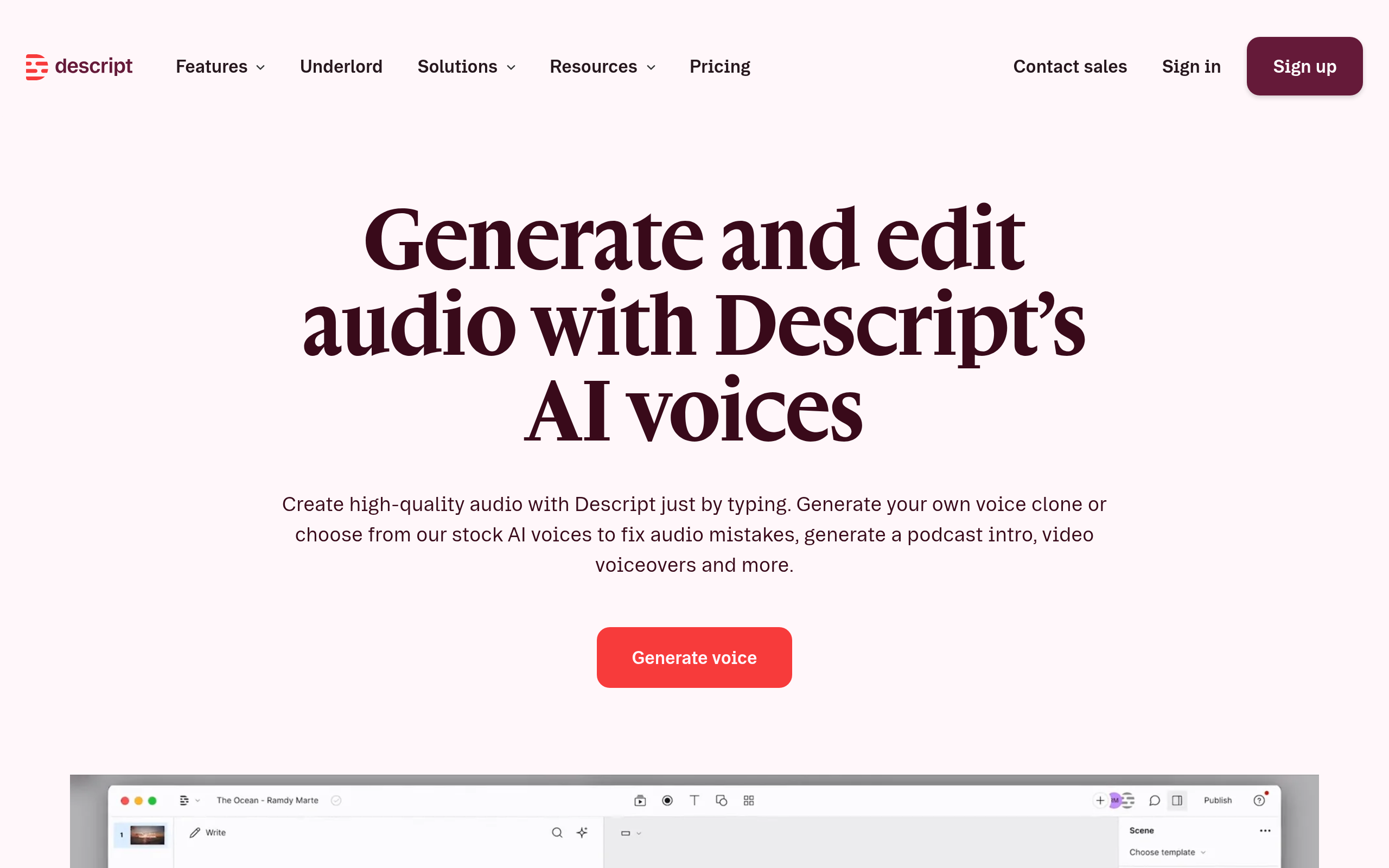
Descript
94Comparee ScoreDescript transcribes your video or audio and then lets you edit the media by editing the transcript — delete a sentence in the text and the footage goes with it. That one idea is the reason the product exists, and everything else is built to remove the tedious parts of talking-head production: stripping filler words, shortening gaps, removing retakes, cleaning up room noise with Studio Sound, and correcting eye contact so it looks like you were reading the camera. It records screen and webcam, handles multitrack podcast sessions with speaker detection, auto-cuts vertical clips out of long recordings, and can regenerate a misspoken word in your cloned voice with matching lip-sync. It is a cloud application rather than a traditional editor, which is what makes it fast and also what limits it.
Comparee rates Descript 94/100 in Video Generation & Editing — based on catalog data as of August 2026. Methodology.
About Descript
Pros & cons
✓ Pros
- ✓Edit video by editing the transcript — the fastest way to cut talking-head footage that exists
- ✓One-click removal of filler words, long gaps and retakes
- ✓Studio Sound cleans up room noise without a treated recording space
- ✓Voice cloning with regenerate: retype a wrong word and the audio and lip-sync are rebuilt
- ✓Eye contact correction and green screen without a physical screen
- ✓Automatic multicam and multitrack transcription with speaker detection
- ✓Auto-generates short social clips from long recordings, with unlimited captions on every tier
- ✓Free plan needs no credit card
✗ Cons
- ✗The meter counts every minute of media you upload or record, transcribed or not — scrapped takes and re-uploads burn your monthly allowance
- ✗Refunds are tight: plans only within 48 hours of the invoice, seats within 7 days, and credit top-ups not at all
- ✗Stability is the recurring long-term complaint — crashes, freezes and lost work on longer or complex projects, even on strong machines
- ✗Not a finishing tool: no colour grading, no motion graphics, no layered effects, and audio control well short of a real DAW
- ✗The entry paid tier caps export at 1080p and is single-seat; 4K and unlimited voice cloning start a tier higher
- ✗Transcription still stumbles on proper nouns, brand names and jargon, so treat it as a draft
- ✗Cloud-based, so there is no offline working
Descript pricing
Frequently asked questions
What is Descript?
Descript is a Video Generation & Editing tool: Descript transcribes your video or audio and then lets you edit the media by editing the transcript — delete a sentence in the text and the footage goes with it. That one idea is the reason the product exists, and everything else is built to remove the tedious parts of talking-head production: stripping filler words, shortening gaps, removing retakes, cleaning up room noise with Studio Sound, and correcting eye contact so it looks like you were reading the camera. It records screen and webcam, handles multitrack podcast sessions with speaker detection, auto-cuts vertical clips out of long recordings, and can regenerate a misspoken word in your cloned voice with matching lip-sync. It is a cloud application rather than a traditional editor, which is what makes it fast and also what limits it.
Is Descript free?
Descript offers a free option.
What are the best Descript alternatives?
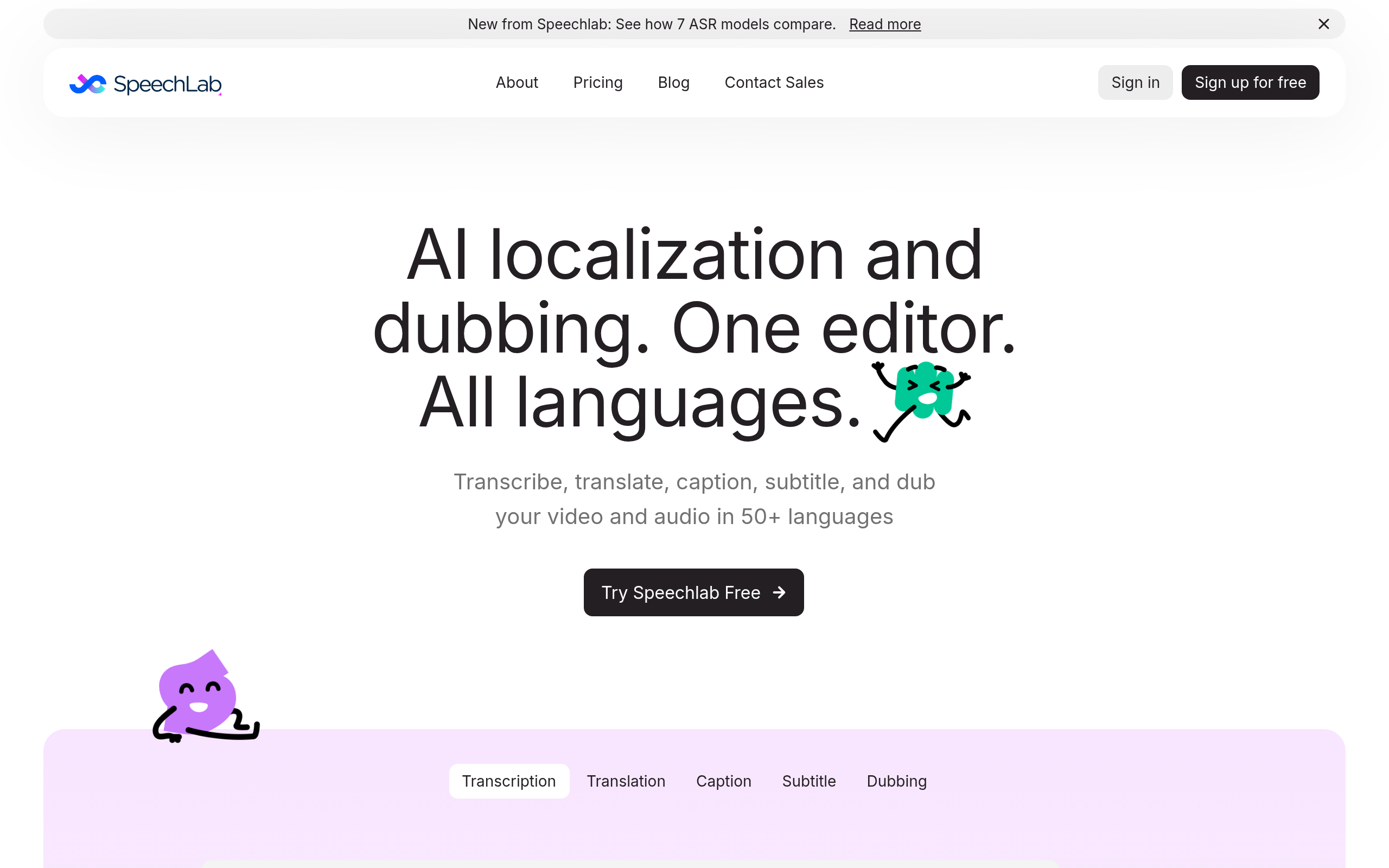
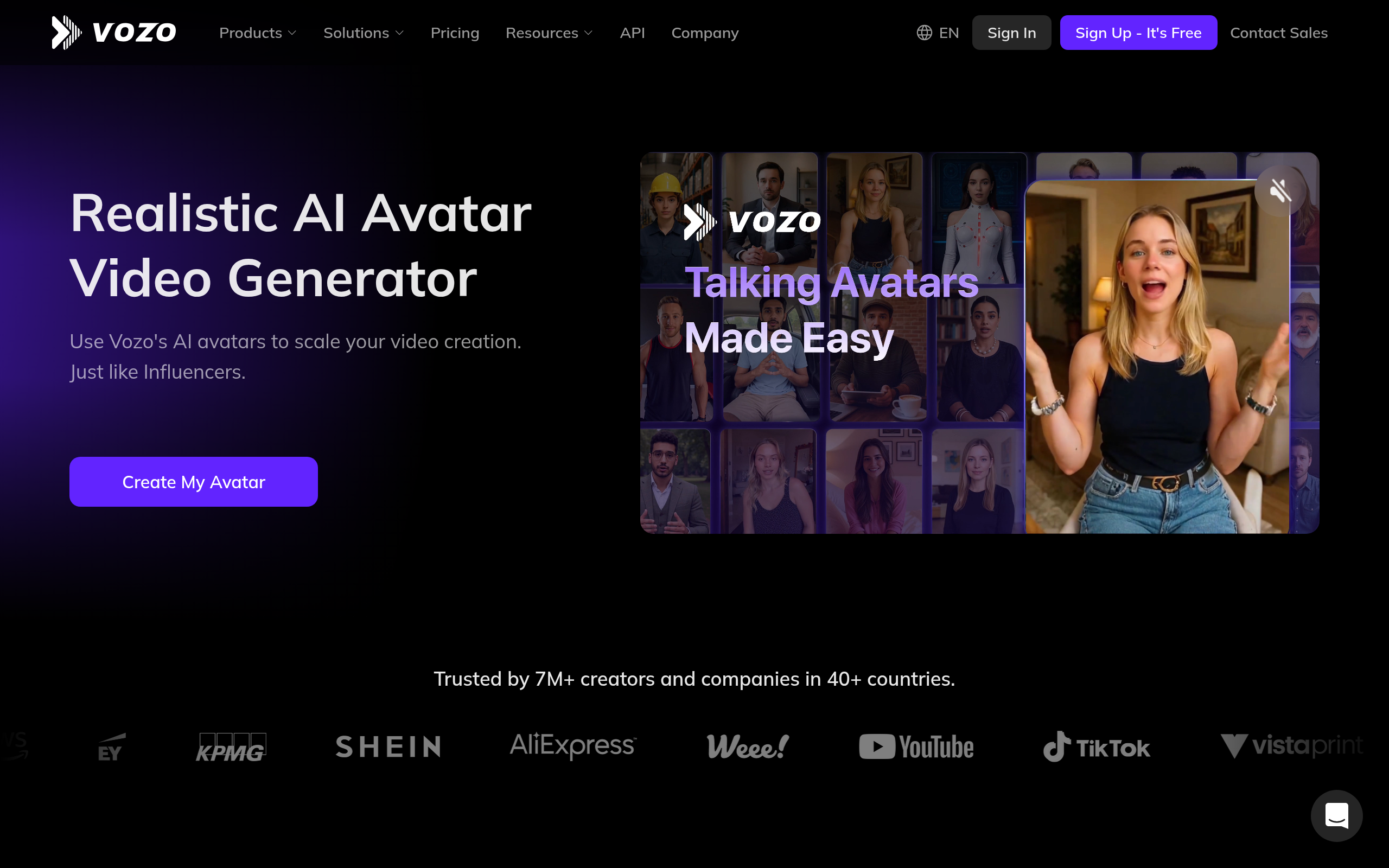
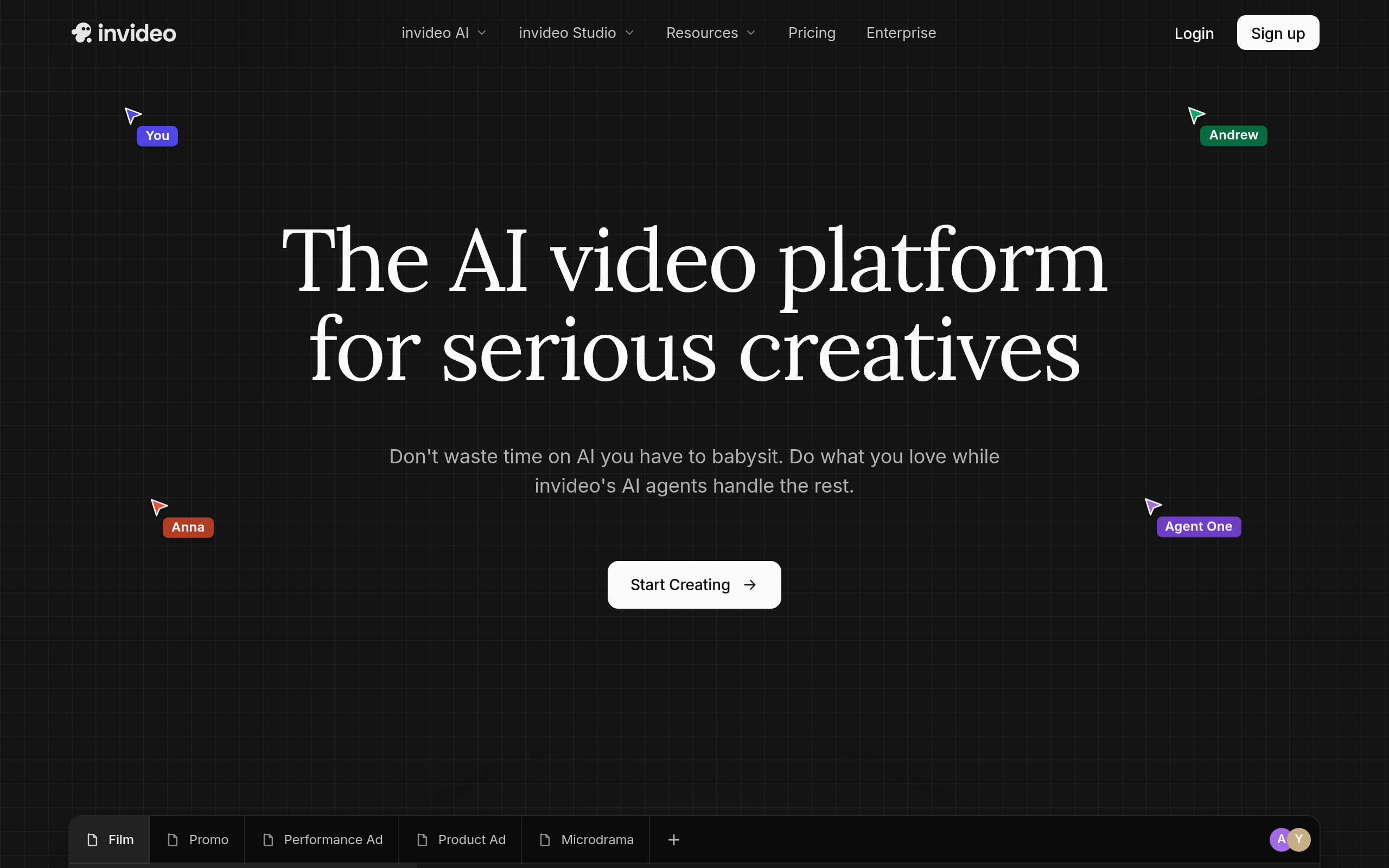
Based on Comparee's ranking, top alternatives include Predis.ai, Speechlab, VidpexAI. See the full ranked list on our Descript alternatives page.
How does Comparee rate Descript?
Descript has a Comparee Score of 94/100 — a transparent, rule-based rating from catalog signals (data completeness, pricing transparency, category fit). Affiliate partnerships never influence the score.
Comparee Score: 94/100
Transparent, rule-based — never influenced by partnerships. How it works
Top Descript alternatives



Featured in our guides
Try Descript
Free trial available — test it before you commit.
Visit Descript ↗