Best AI Chatbots for Customer Support in 2026
The best AI chatbots for customer support in 2026, compared by use case — small business, helpdesk integration, websites and messaging. Comparee's verdict.
Key takeaways
- The best support chatbot depends on your setup — small business, helpdesk integration, website widget or messaging.
- For easy website chatbots, Chatling; for helpdesk integration, Kaily AI Chatbot For Helpdesk and Capacity.
- For messaging channels, Messenger Bot; for live-chat sites, Click4Assistance; for agentic support, Newo.
- Enterprises with existing stacks may extend Intercom or Freshchat with AI.
An AI support chatbot can deflect repetitive questions, answer instantly around the clock, and free your team for harder cases. But the best one depends on your setup — a small business website, a helpdesk you already run, a messaging channel, or an enterprise stack. This guide compares the best AI chatbots for customer support in 2026 by use case, using real tools from the Comparee catalog.
A support chatbot is one of the highest-leverage pieces of AI a business can deploy, because customer questions are repetitive by nature — a large share are variations of the same handful of issues. Automating those instant, around-the-clock answers frees your team for the cases that genuinely need a person, and it improves response times that customers increasingly expect to be immediate. But the gap between a chatbot that helps and one that frustrates is wide, and it comes down to fit: the right tool for a small website is not the right tool for an enterprise helpdesk. The table below matches tools to setups for exactly that reason.
The short answer
For a quick, easy website chatbot, Chatling is a strong starting point. To plug AI into a helpdesk, Kaily AI Chatbot For Helpdesk and Capacity are built for that. For messaging channels, Messenger Bot; for live-chat-style sites, Click4Assistance; and for more agentic, autonomous support, Newo.
Best AI support chatbots by use case
| Use case | Best pick | Why |
|---|---|---|
| Easy website chatbot | Chatling | Quick to set up, no-code |
| Helpdesk integration | Kaily AI Chatbot For Helpdesk / Capacity | AI on top of your helpdesk |
| Messaging channels | Messenger Bot | Messenger and social DMs |
| Live-chat websites | Click4Assistance | Live chat + AI |
| Agentic / autonomous support | Newo | Agent-style resolution |
| Enterprise stack | Intercom / Freshchat | AI inside an existing platform |
Best for small business and websites: Chatling and Click4Assistance
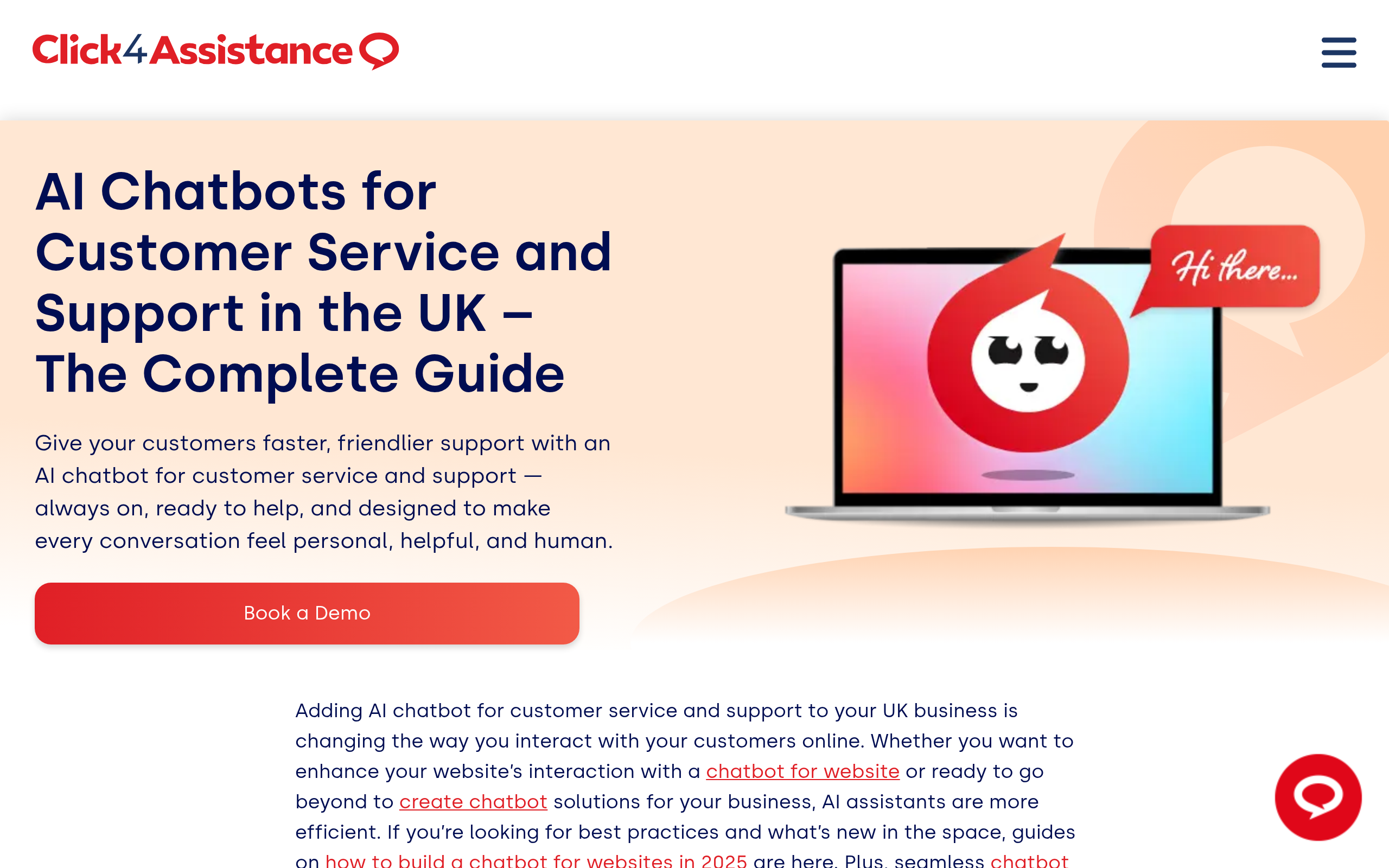
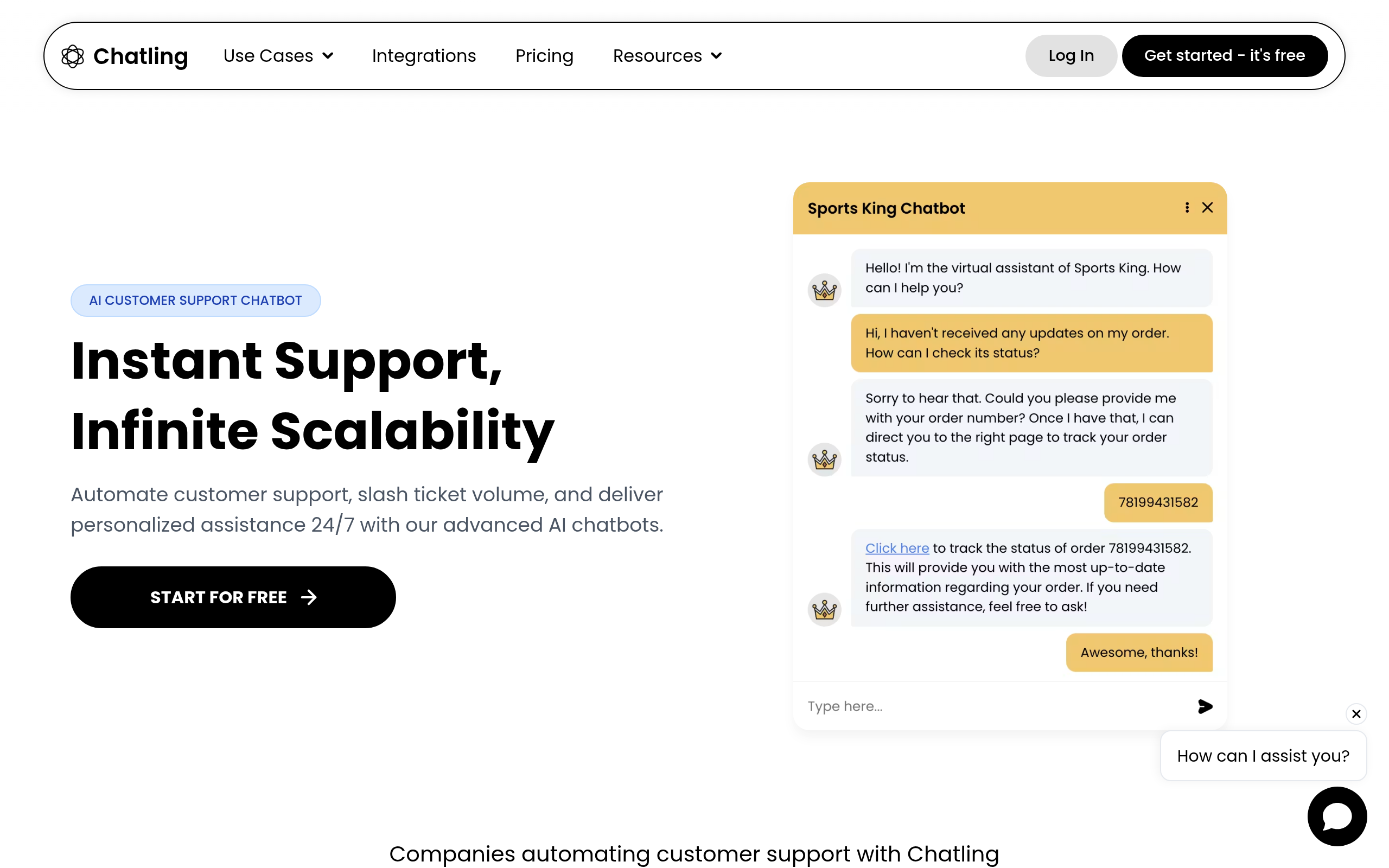
Chatling is a no-code way to add an AI chatbot to a website — train it on your content and it answers common questions without engineering effort, which suits small businesses. Click4Assistance blends live chat with AI for sites that want a human handoff when the bot reaches its limit. Both get you a working support bot quickly without a big project.
Best for helpdesk and messaging: Kaily, Capacity and Messenger Bot
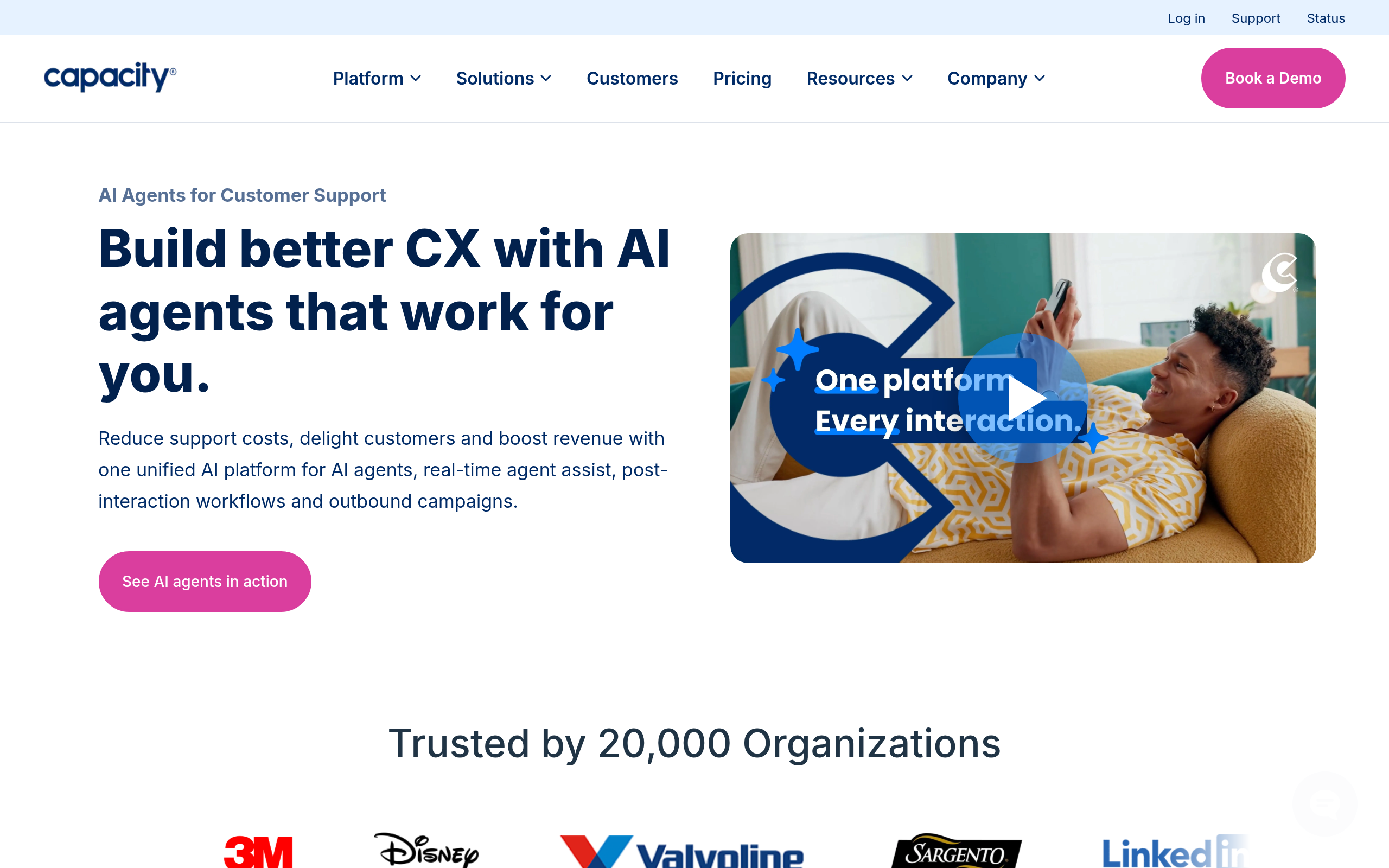
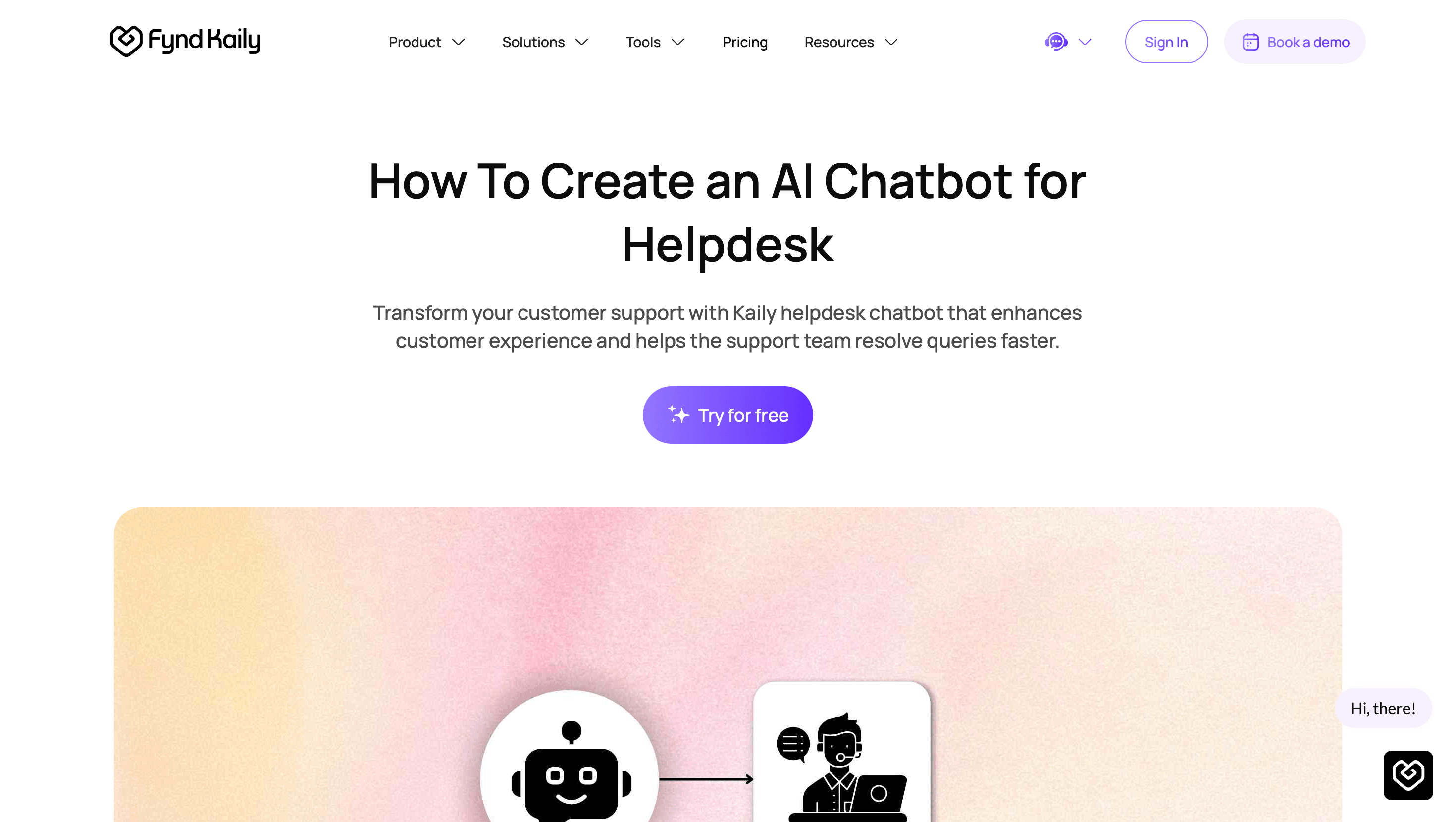
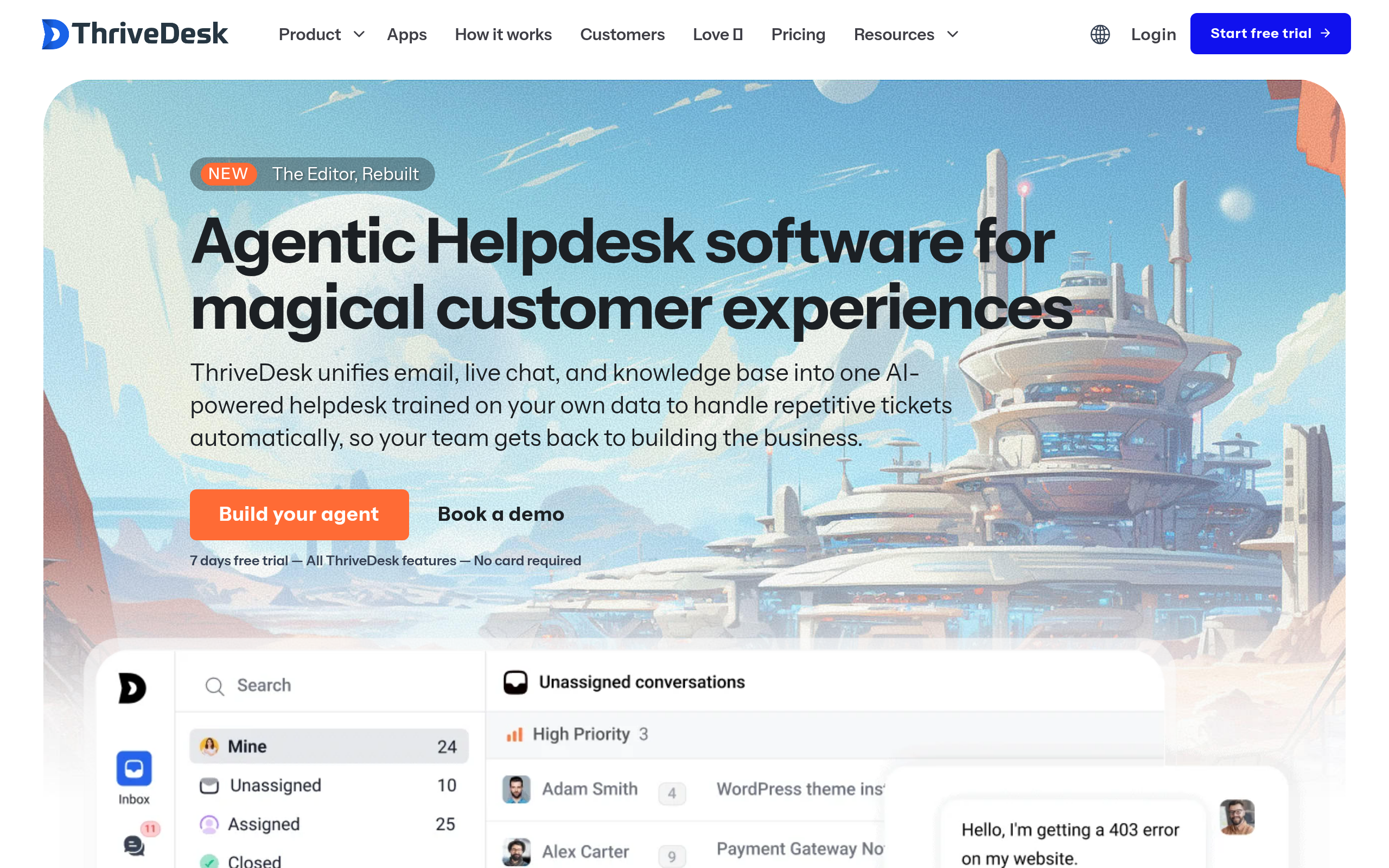
If you already run a helpdesk, Kaily AI Chatbot For Helpdesk and Capacity layer AI onto your existing tickets and knowledge base, so the bot resolves what it can and routes the rest. For social and messaging, Messenger Bot handles Messenger and DM channels where a lot of customer questions actually arrive. ThriveDesk is a lighter helpdesk option to consider alongside these.
Best for autonomous and enterprise support: Newo, Intercom and Freshchat
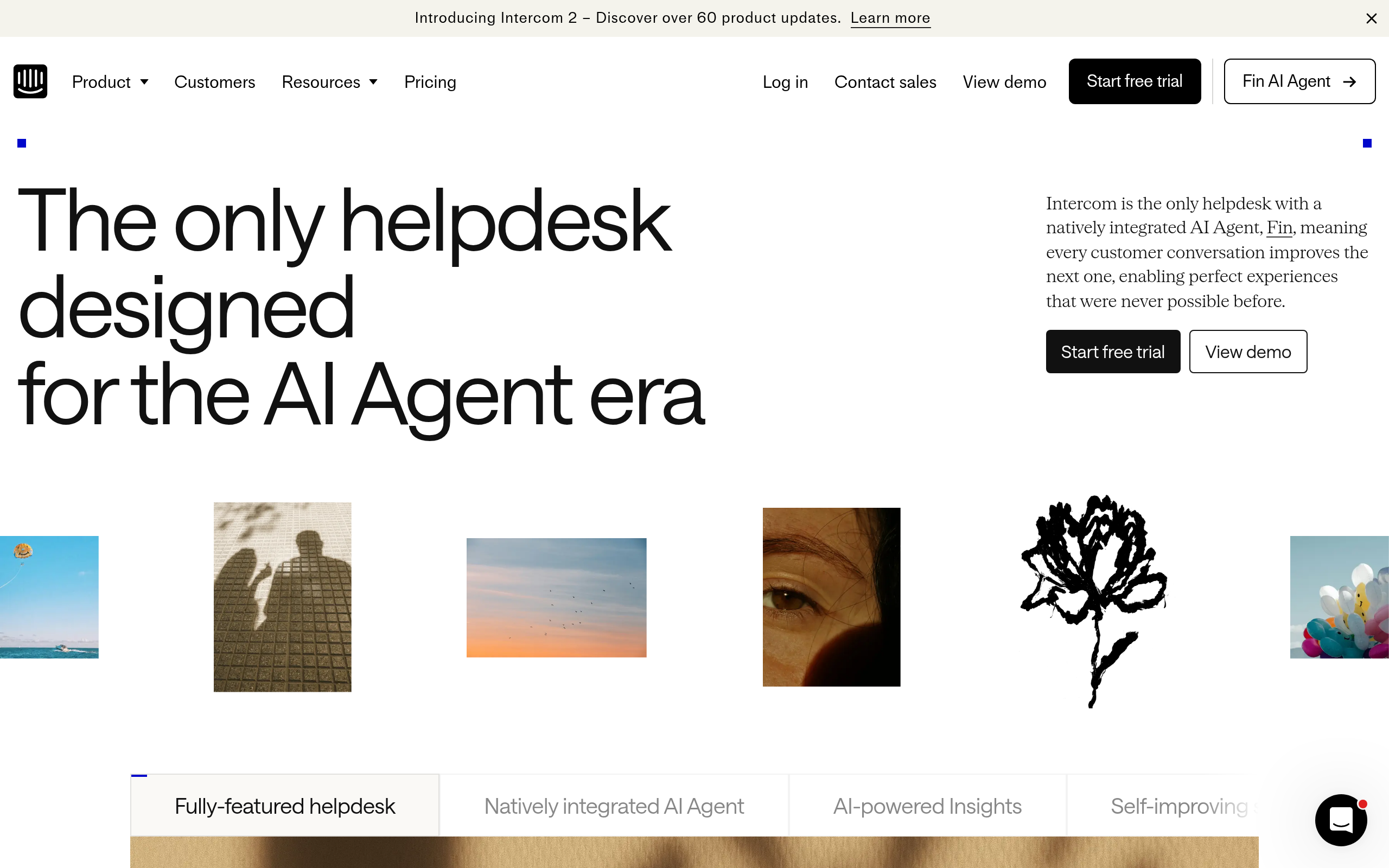
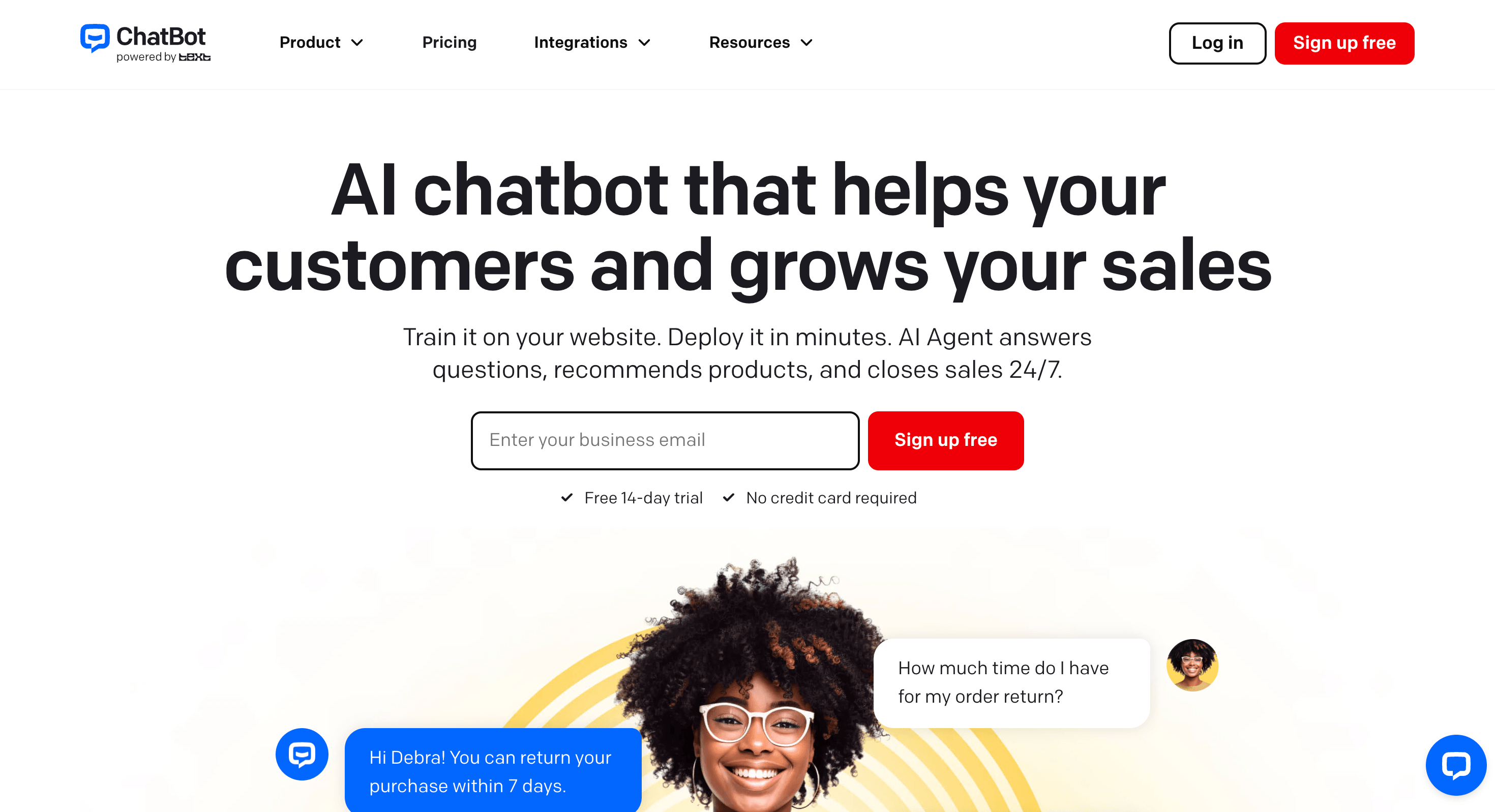
For support that resolves more on its own, Newo takes an agentic approach — handling multi-step queries rather than just FAQs. At enterprise scale, teams often add AI to a platform they already use: Intercom and Freshchat both offer AI features inside established support suites, which avoids ripping out your stack. ChatBot is a general-purpose option for sites that want a straightforward branded bot.
How to choose, and the privacy note
Match the chatbot to where your customers reach you and what you already run. A standalone website widget (Chatling) suits a small site; AI on top of a helpdesk (Kaily, Capacity) suits a team with existing tickets; messaging bots (Messenger Bot) suit social-first audiences; and adding AI to Intercom or Freshchat suits enterprises that don't want to migrate. One important note: support bots handle customer data and conversations, so check each tool's data handling and compliance before connecting it to real customer interactions.
Comparee recommendation
- Small business / website? → Chatling.
- Helpdesk integration? → Kaily AI Chatbot For Helpdesk or Capacity.
- Messaging? → Messenger Bot.
- Autonomous resolution? → Newo.
- Enterprise stack? → Intercom or Freshchat.
Choose by your setup and channels. Compare the options in the top support tools and the customer support category on Comparee.
Common mistakes with support chatbots
The fastest way to frustrate customers is a bot with no escape hatch. An AI chatbot should deflect the routine questions and hand off cleanly to a human when it reaches its limit — tools like Click4Assistance that blend AI with live chat get this right, and any setup you choose should make the handoff obvious. The second mistake is launching the bot on thin knowledge; a chatbot is only as good as the content it's trained on, so feed it your real help docs, FAQs and policies before going live, or it will confidently give wrong answers. The third is "set and forget": review what customers actually ask and where the bot fails, then keep improving its knowledge. A support bot is a product you maintain, not a switch you flip once.
How to roll out an AI support chatbot
Start narrow. Point the bot at your top ten repetitive questions — password resets, shipping status, basic how-tos — using a tool like Chatling for a website or Kaily AI Chatbot For Helpdesk on your existing tickets, and let it handle just those at first. Watch the transcripts, fix the gaps, and expand its scope as it proves reliable. This builds customer trust instead of risking it on day one. On cost, several of these tools have free tiers or trials, so you can prove the deflection rate before paying; upgrade when message volume, integrations or advanced AI features justify it. And throughout, treat customer data carefully — the bot sees real conversations, so confirm each tool's data handling and compliance before connecting it to live support. Done well, a support chatbot answers instantly around the clock and frees your team for the cases that genuinely need a person.
The deeper point is that a support chatbot is a reflection of your support content, not a replacement for it. A bot trained on clear, complete help documentation answers well; a bot bolted onto thin or outdated docs answers badly and erodes trust. So the highest-leverage work is often improving the knowledge the bot draws on, not tweaking the bot itself. Get the content right, give customers an easy path to a human, and keep refining from real transcripts — and an AI chatbot becomes a genuine extension of your team rather than a wall between you and your customers.
Whichever you pick, launch it narrow, watch the real transcripts, and expand its scope only as it earns trust — a chatbot that quietly handles your top questions well beats an ambitious one that answers everything badly.
Above all, measure what matters: deflection rate, customer satisfaction and how often the bot escalates correctly. Those numbers, not the feature list, tell you whether the chatbot is genuinely helping your customers and your team.
The bottom line
The best AI support chatbot depends on your setup: Chatling for easy websites, Kaily and Capacity for helpdesks, Messenger Bot for messaging, Newo for autonomous support, and Intercom or Freshchat for enterprises. Test on real questions and verify data handling before going live.
Tools mentioned in this guide
Pricing, features and model availability can change over time. Always verify current details on each tool's official website before deciding.
Frequently Asked Questions
What is the best AI chatbot for customer support in 2026?
What is the best AI chatbot for customer support in 2026?
What is the best AI chatbot for a small business website?
What is the best AI chatbot for a small business website?
Can an AI chatbot integrate with my helpdesk?
Can an AI chatbot integrate with my helpdesk?
Are AI support chatbots safe for customer data?
Are AI support chatbots safe for customer data?
Are AI chatbots free?
Are AI chatbots free?
Don't just pick a tool — get the whole workflow
Tell Comparee your goal and get a complete step-by-step AI workflow with the right tool for every step.