How to Automate Customer Support with AI: A 2026 Guide
How to automate customer support with AI in 2026 — what to automate, a step-by-step setup, the best AI chatbot tools, and mistakes to avoid.
Key takeaways
- AI can automate the repetitive 60-80% of support — common questions, status checks, triage — freeing humans for complex cases.
- Start by adding an AI chatbot trained on your own help content; it answers instantly and deflects tickets 24/7.
- Best website chatbots include Chatling and Kaily AI Chatbot For Helpdesk; for broader automation, Capacity; for live chat, Click4Assistance.
- Always keep a clear human escalation path — automate deflection, not the hard or sensitive cases.
- Measure deflection rate and CSAT before and after, and expand only what genuinely helps.
To automate customer support with AI, train an AI chatbot on your own help content so it instantly answers common questions and handles triage 24/7, while routing complex or sensitive issues to humans. Done well, this deflects the repetitive majority of tickets, cuts response times to seconds, and lets your team focus on the cases that actually need a person. This guide walks through exactly what to automate, how to set it up step by step, the best tools in 2026, and the mistakes that make AI support feel worse, not better.
What "AI customer support" actually means
AI customer support uses large language models to understand a customer's question in natural language and respond using your knowledge — help articles, docs, policies and past answers. The most common form is an AI chatbot on your website or in your app that answers instantly. Beyond chat, AI also powers triage (classifying and routing tickets), agent assist (drafting replies for human agents), and knowledge automation (keeping answers consistent). The goal is not to remove humans — it is to remove the repetitive load so humans handle what matters.
What you should (and shouldn't) automate
| Automate with AI | Keep human |
|---|---|
| FAQs, how-to, account/status questions | Complex, multi-step problems |
| First-line triage and routing | Sensitive issues (billing disputes, complaints) |
| After-hours coverage | High-value or at-risk customers |
| Draft replies for agents to review | Anything requiring empathy or judgement |
A good rule: automate the questions you answer the same way every time, and escalate everything else. The repetitive tier is usually 60-80% of volume — automating it is where the value is.
How to automate customer support with AI (step by step)
- Audit your tickets — find your most common, repetitive questions. These are your automation targets.
- Gather your knowledge — help articles, FAQs, docs and good past replies. The AI is only as good as what you feed it.
- Add an AI chatbot trained on that content (e.g. Chatling or Kaily AI Chatbot For Helpdesk) to your site.
- Set a clear escalation path — when the bot is unsure or the customer asks, hand off to a human or a ticket smoothly.
- Test with real questions before going live; fix wrong or thin answers by improving the underlying content.
- Launch, then measure deflection rate, resolution time and CSAT — and iterate.
Best AI customer support tools in 2026
The right tool depends on whether you want a website chatbot, broader automation, or live chat:
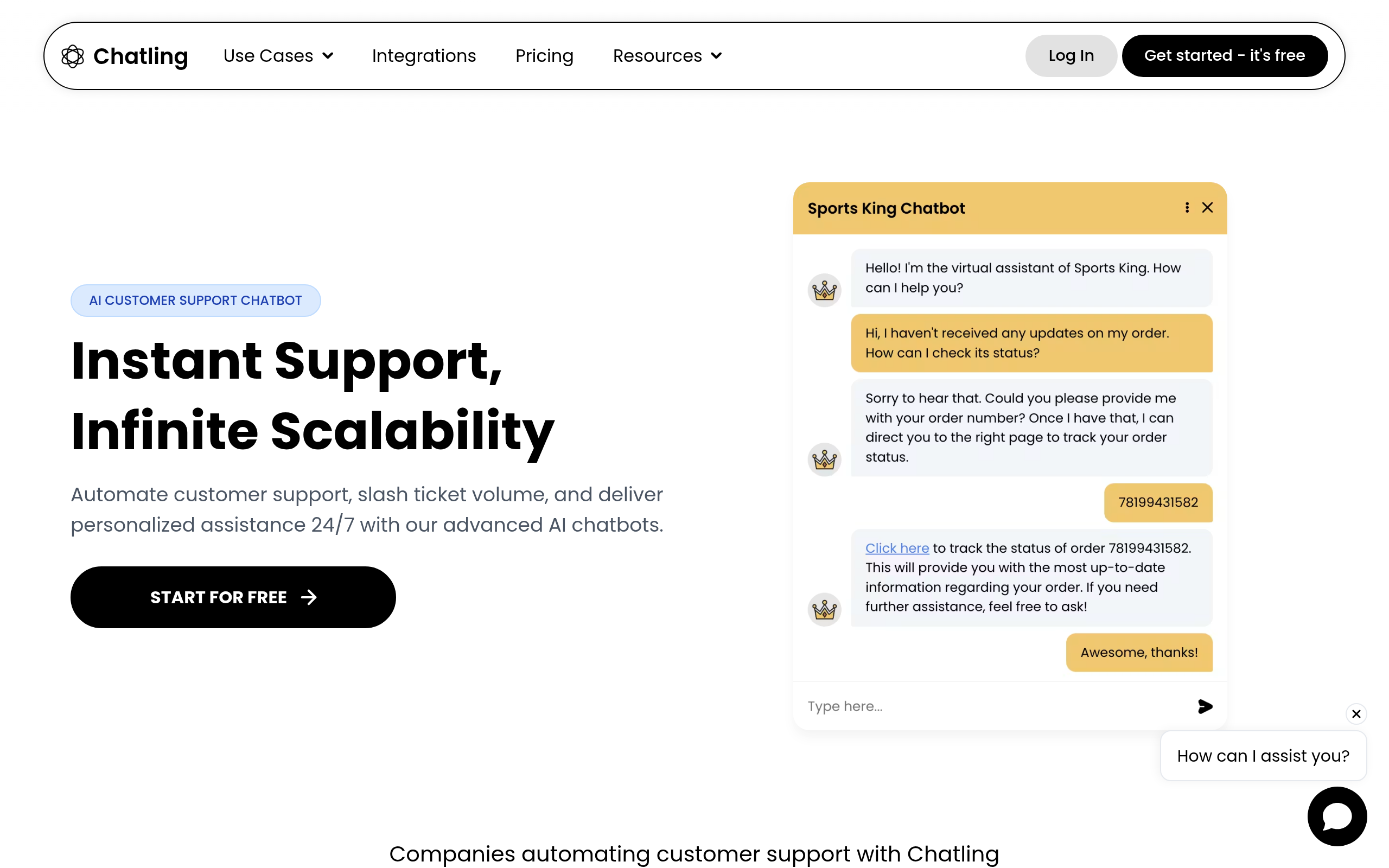
- Chatling — add an AI chatbot to your website that answers from your content; quick to deploy for deflecting common queries.
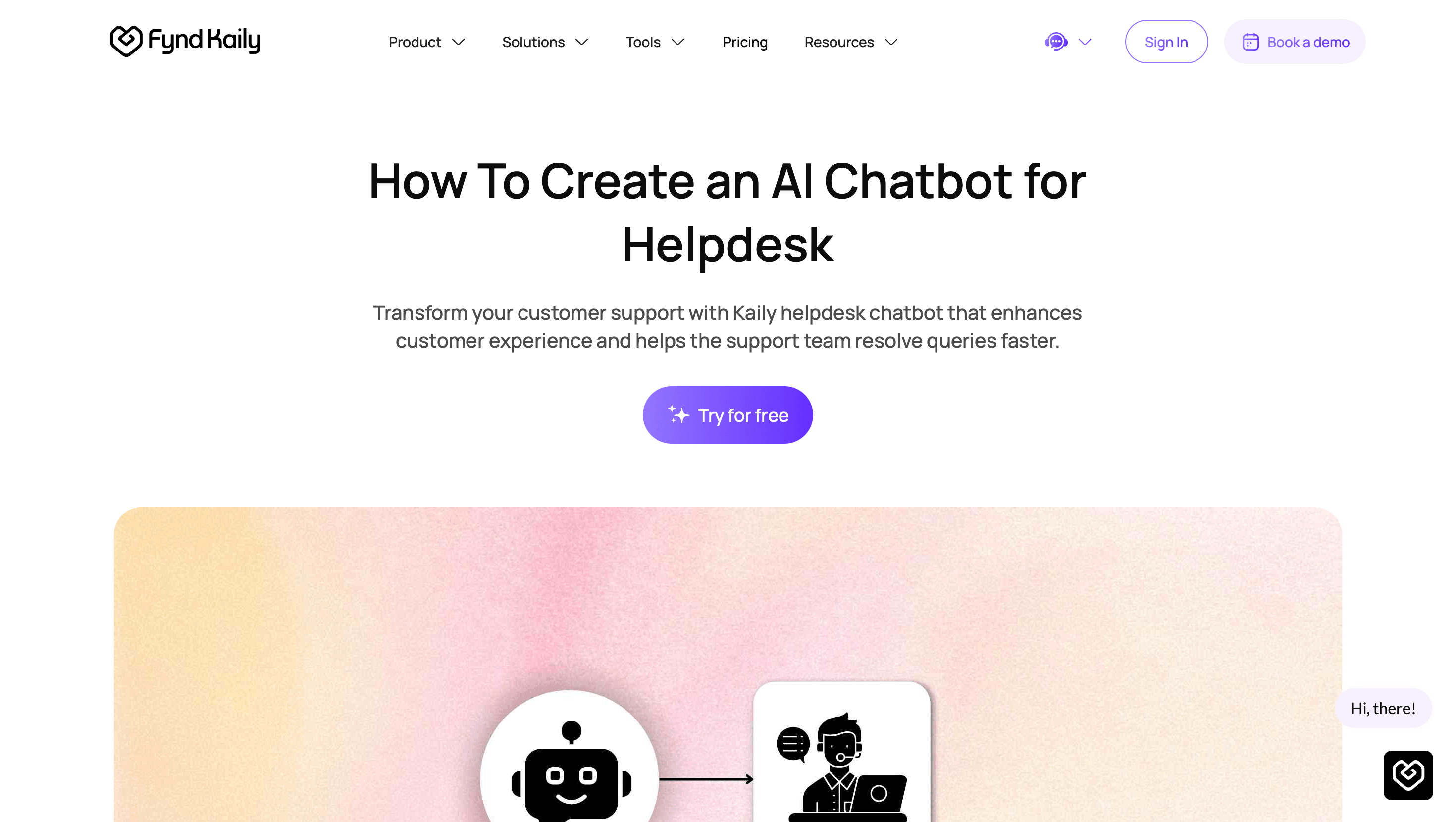
- Kaily AI Chatbot For Helpdesk — an AI chatbot built specifically for helpdesk use, automating responses.
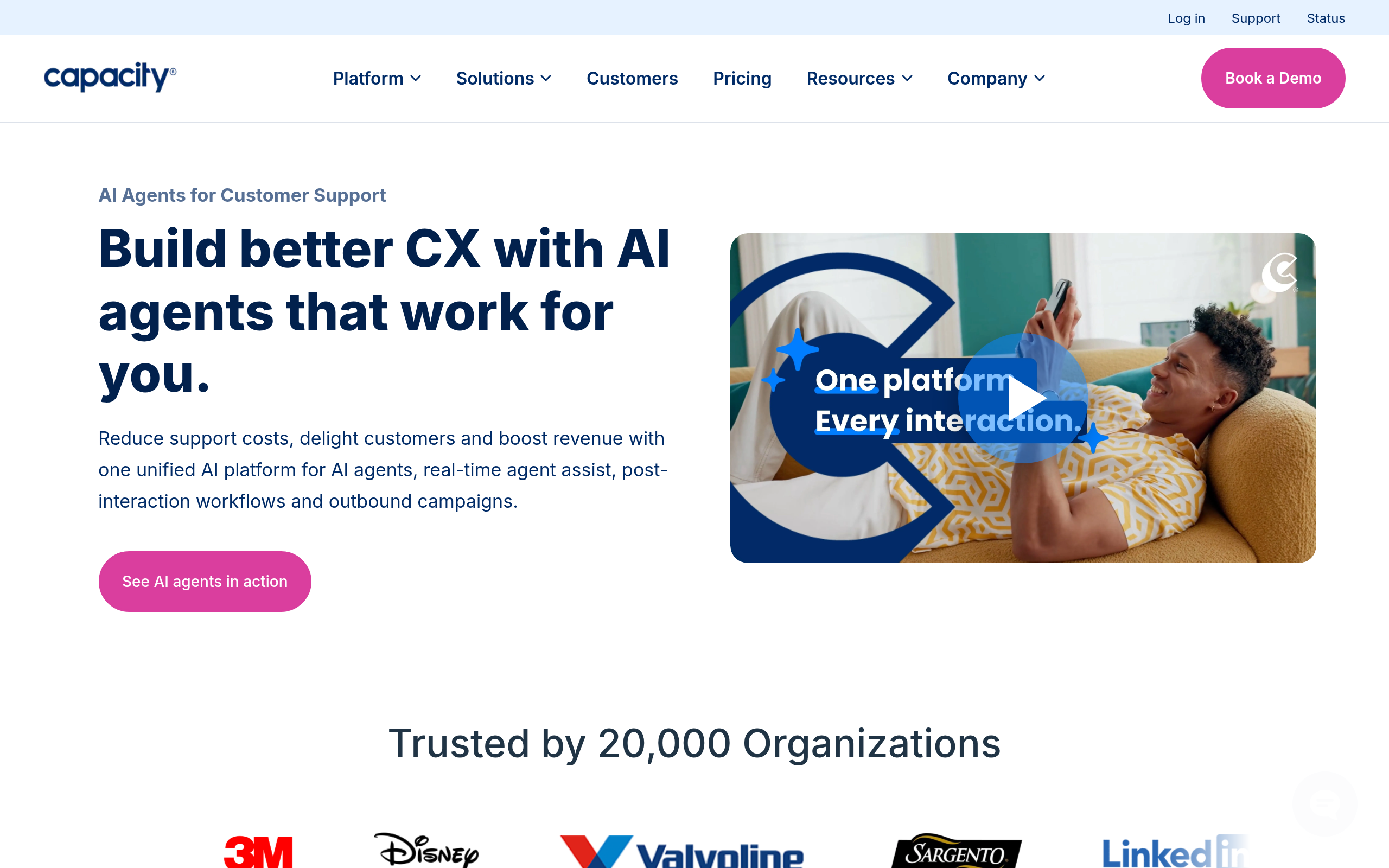
- Capacity — AI-powered knowledge and support automation across workflows for teams that want AI to handle more.
- Newo — build AI agents that handle customer interactions end to end.
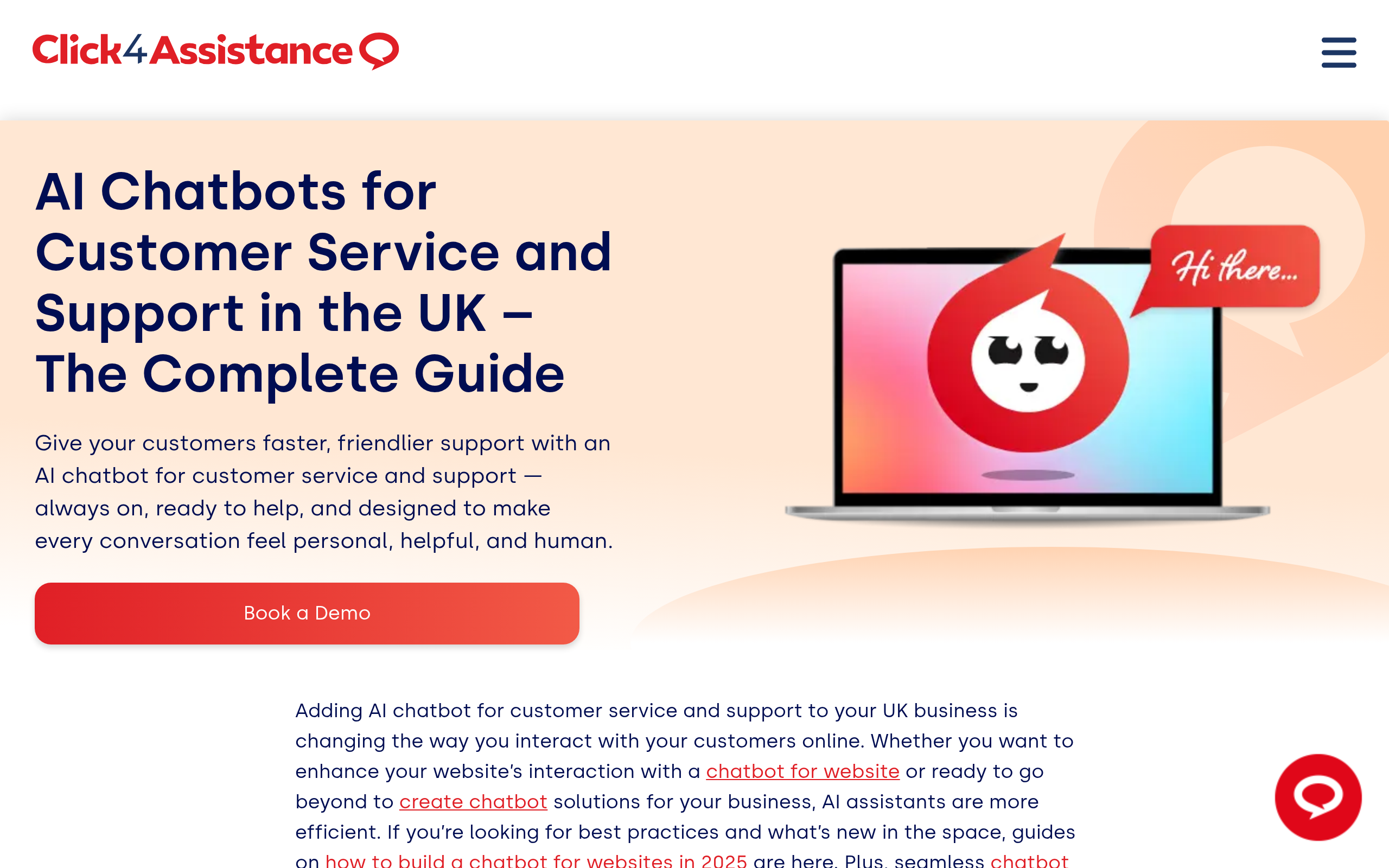
- Click4Assistance — live chat for websites when you want real-time human conversations alongside AI.
- Messenger Bot — for engaging customers on messaging and social channels.
For most websites, the fastest win is a focused AI chatbot like Chatling or Kaily AI Chatbot For Helpdesk; teams wanting deeper automation lean toward Capacity or AI agents from Newo. Compare more in the customer support category, and see our Zendesk alternatives guide for full helpdesks.
How to measure success
Three metrics tell you if AI support is working: deflection rate (the share of conversations resolved without a human), resolution time (should drop sharply for common questions), and CSAT (customer satisfaction must hold or improve — automation that frustrates people is a net loss). Track all three before and after, and treat a falling CSAT as a signal to narrow what you automate, not to push harder.
Common mistakes to avoid
The classic failure is hiding the human — customers tolerate a bot that helps, but they hate being trapped in one. Always offer an obvious path to a person. The second is launching on thin content: if your help articles are weak, the AI's answers will be too, so fix the knowledge first. The third is automating sensitive cases (complaints, billing disputes) that need empathy and judgement — keep those human. And mind privacy: be clear about how customer data is handled.
Why automate support with AI now?
Customer expectations have shifted: people want answers in seconds, at any hour, and they increasingly start by asking a question in plain language rather than digging through a help centre. AI meets that expectation in a way human-only teams cannot — it never sleeps, never has a queue, and answers the hundredth identical question with the same patience as the first. The business case is straightforward. Support volume tends to grow with your customer base, but the questions are heavily repetitive, so the cost of answering them manually scales painfully. Automating that repetitive tier flattens the curve: you handle more customers without linearly adding headcount, your team stops burning out on copy-paste answers, and your best agents spend their time where it actually moves the needle — saving at-risk accounts and solving genuinely hard problems. The teams that win on support in 2026 are not the ones with the biggest queues; they are the ones who let AI absorb the routine so people can do the human work.
What makes AI support feel good (not robotic)
The difference between AI support that customers love and AI support they hate comes down to a few details. First, ground the AI in accurate, well-written content — a bot that confidently gives a wrong answer is worse than no bot at all, so your help articles are the foundation. Second, make the handoff to a human effortless and obvious; nothing frustrates people more than feeling trapped in a loop with no way out. Third, let the AI admit uncertainty — a bot that says "let me get a person for that" earns more trust than one that bluffs. Fourth, keep responses concise and specific to the question rather than dumping a wall of generic help text. Get these right and customers often prefer the instant, accurate AI answer to waiting for a human; get them wrong and even a technically capable bot will damage your reputation. The technology is rarely the hard part — the content quality and the escalation design are.
The bottom line
Automating customer support with AI is one of the clearest wins available in 2026: deflect the repetitive majority of tickets with a chatbot trained on your own content, route the rest to humans, and measure deflection and CSAT. Start with a focused tool like Chatling or Kaily AI Chatbot For Helpdesk, keep a clean escalation path, and expand only what genuinely improves the experience. The result: faster answers for customers and a team freed to handle what actually needs them.
Disclaimer: AI support tools can give incorrect answers and must be grounded in accurate, up-to-date content. Always provide a human escalation path and handle customer data responsibly.
Tools mentioned in this guide
Pricing, features and model availability can change over time. Always verify current details on each tool's official website before deciding.
Frequently Asked Questions
How do I automate customer support with AI?
How do I automate customer support with AI?
What is the best AI chatbot for customer support?
What is the best AI chatbot for customer support?
Will AI replace customer support agents?
Will AI replace customer support agents?
What should I not automate in customer support?
What should I not automate in customer support?
How do I measure if AI support is working?
How do I measure if AI support is working?
Is AI customer support expensive to set up?
Is AI customer support expensive to set up?
Don't just pick a tool — get the whole workflow
Tell Comparee your goal and get a complete step-by-step AI workflow with the right tool for every step.