AI Chatbots: How to Build One for Your Website (2026 Guide)
How to build an AI chatbot for your website in 2026 — how it works, a step-by-step setup, the best tools (Chatling, Kaily, Newo), and best practices.
Key takeaways
- A modern AI chatbot answers visitors' questions in natural language using your own content — no scripted decision trees required.
- You can build one in minutes by training a no-code AI chatbot on your help docs, FAQs and site content.
- Best tools: Chatling and Kaily AI Chatbot For Helpdesk for website chatbots, Newo for AI agents, Capacity for automation, BotSaaS and AI Chat for building bots.
- Ground it in accurate content and always offer an easy path to a human.
- Test on real questions before launch and measure deflection and satisfaction.
To build an AI chatbot for your website, train a no-code AI chatbot tool on your own content — help docs, FAQs and site pages — and embed it; it then answers visitors' questions in natural language, 24/7, without scripted decision trees. Modern AI chatbots are a world away from the rigid, button-based bots of the past: they understand plain-language questions and respond using your knowledge, deflecting common queries and engaging visitors instantly. This guide explains how AI chatbots work, how to build one step by step, the best tools in 2026, and the practices that make a chatbot helpful rather than frustrating.
What is a modern AI chatbot?
A modern AI chatbot uses a large language model to understand a visitor's question in natural language and answer it using your content — your help articles, product docs, FAQs and policies. The leap from old chatbots is enormous: instead of forcing users down a tree of pre-set buttons, it handles free-form questions and responds conversationally, like a knowledgeable assistant. On a website, that means instant answers to "do you ship to Canada?" or "how do I reset my password?" without a human, at any hour. The best implementations also know their limits, handing off to a person when they are unsure or when the visitor asks.
Why add an AI chatbot to your website?
The benefits are immediate and measurable. Instant answers — visitors get help in seconds rather than waiting or searching, which improves experience and conversions. 24/7 coverage — the bot works nights and weekends when no human is available. Deflection — it handles the repetitive majority of questions, freeing your team for complex cases. And engagement — a helpful chatbot can guide visitors, answer pre-sales questions, and capture leads. For most websites, the repetitive question tier is large, and automating it with a chatbot is one of the highest-return, lowest-effort improvements you can make.
How to build an AI chatbot (step by step)
- Gather your content — help articles, FAQs, docs and good past answers. The chatbot is only as good as what you feed it.
- Choose a no-code chatbot tool (e.g. Chatling or Kaily AI Chatbot For Helpdesk).
- Train it on your content — point it at your site, docs or knowledge base.
- Set a human handoff — define when and how it escalates to a person or a ticket.
- Test with real questions — fix wrong or thin answers by improving the underlying content.
- Embed and launch, then measure deflection rate and satisfaction, and iterate.
Best AI chatbot tools in 2026
| Need | Best tool |
|---|---|
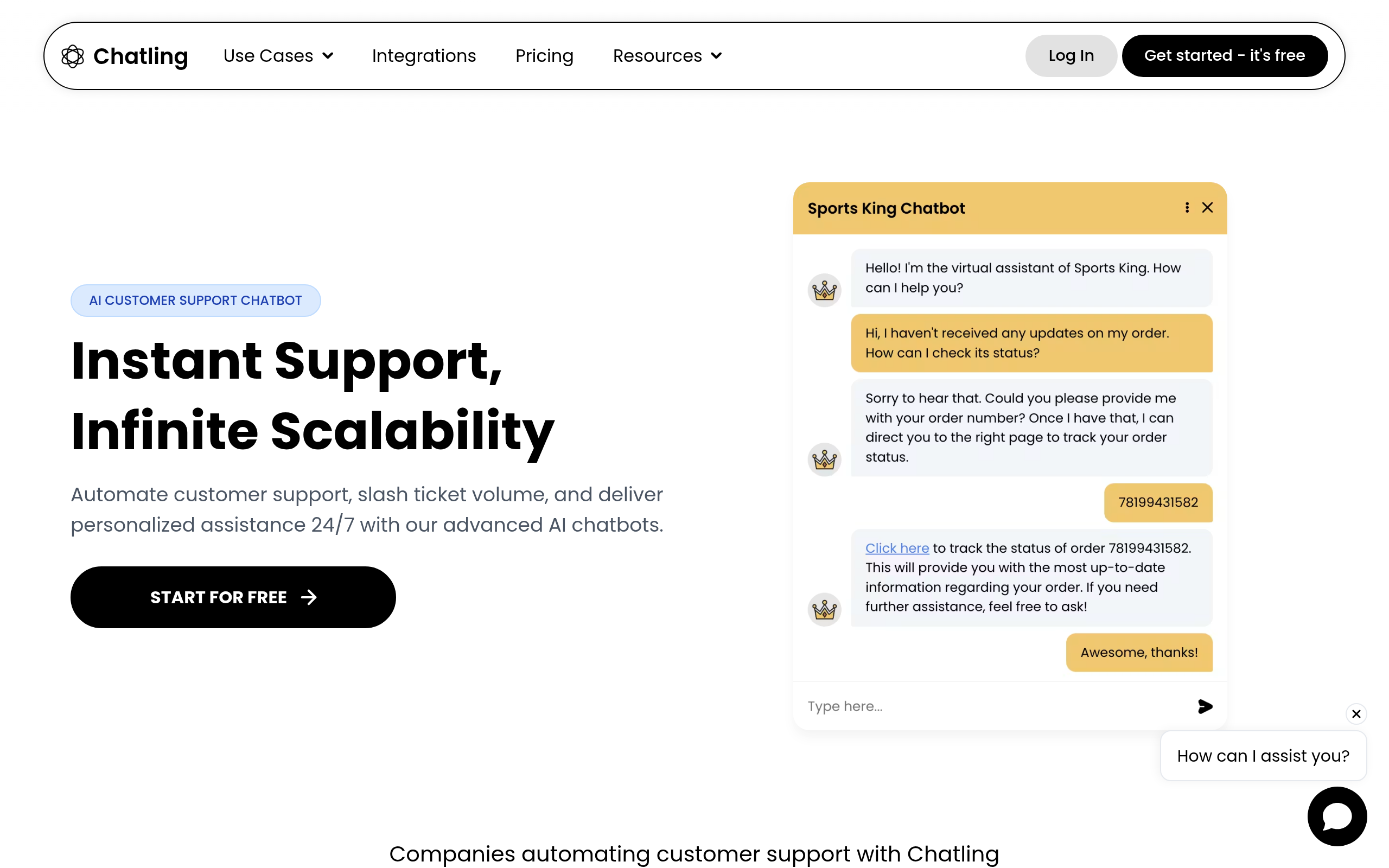
| Website AI chatbot | Chatling, Kaily AI Chatbot For Helpdesk |
| AI support agents | Newo |
| AI knowledge & automation | Capacity |
| Building bots | BotSaaS, AI Chat |
| Live chat | Click4Assistance |
For a website chatbot you can deploy quickly, Chatling and Kaily AI Chatbot For Helpdesk answer from your content with minimal setup. For AI agents that handle interactions end to end, Newo; for broader AI knowledge and automation, Capacity; and for building bots, BotSaaS and AI Chat. When you want live human chat alongside AI, Click4Assistance. Compare more in our automate customer support guide, Drift alternatives and the customer support category.
Best practices for a chatbot people actually like
The difference between a loved chatbot and a hated one comes down to a few details. Ground it in accurate content — a bot that confidently gives wrong answers is worse than none, so your knowledge base is the foundation. Make escalation easy and obvious — never trap people; offer a clear path to a human. Let it admit uncertainty — "let me get a person for that" builds more trust than a confident wrong answer. Keep answers concise and specific. And set expectations — be clear it is an AI assistant. Get these right and visitors often prefer the instant AI answer to waiting; get them wrong and even a capable bot damages your brand.
Why AI chatbots finally became worth it
Chatbots earned a bad reputation for years, and deservedly so — the old generation forced visitors through rigid button menus that rarely matched what they actually wanted to ask, ending in frustration and a "talk to a human" plea. Large language models changed everything. A modern AI chatbot understands a question phrased any way a person might phrase it, and answers from your actual content rather than a handful of pre-written responses. That single capability shift is what moved chatbots from a liability that annoyed customers to an asset that genuinely helps them. The practical result is that adding a chatbot is no longer a gamble on customer goodwill; done well, with accurate content behind it and an easy human handoff, visitors often prefer the instant, accurate AI answer to waiting in a queue. The technology finally caught up to the promise.
Common chatbot mistakes to avoid
Most disappointing chatbot deployments fail in predictable ways. The first is launching on thin or outdated content — the bot can only be as good as the knowledge behind it, so a weak help centre produces weak answers. The second is hiding the human option, trapping frustrated visitors in a loop with no escape, which does more brand damage than having no bot at all. The third is letting the bot bluff: a chatbot that confidently invents an answer erodes trust the moment a customer discovers it was wrong, whereas one that says "let me get someone who can help" earns it. And the fourth is launching and forgetting — the best chatbots improve continuously as you review real conversations and fix the gaps. Avoid these, ground the bot in good content, keep the human path obvious, and you get the upside without the old frustrations.
How to measure chatbot success
Once your chatbot is live, three metrics tell you whether it is genuinely helping. Deflection rate — the share of conversations resolved without a human — shows how much load the bot is absorbing. Customer satisfaction must hold or improve, because a bot that frustrates people is a net loss no matter how many tickets it deflects. And escalation quality — whether handoffs to humans happen smoothly and at the right moments — reveals whether the bot knows its limits. Track these from launch, and treat a falling satisfaction score as a signal to narrow what the bot handles rather than to push it harder. The goal is not maximum deflection at any cost; it is the right balance where customers get fast, accurate help and humans handle what genuinely needs them.
The bottom line
Building an AI chatbot for your website is one of the highest-return, lowest-effort upgrades available in 2026: train a no-code tool on your content, embed it, and deflect the repetitive majority of questions 24/7. Use Chatling or Kaily AI Chatbot For Helpdesk for a website chatbot, Newo for AI agents, or Capacity for broader automation. Ground it in accurate content, offer an easy human handoff, and measure deflection and satisfaction — and you give visitors instant help while freeing your team for the questions that truly need them.
Disclaimer: AI chatbots can give incorrect answers and must be grounded in accurate, current content. Always provide a clear human escalation path and handle customer data responsibly.
Tools mentioned in this guide
Pricing, features and model availability can change over time. Always verify current details on each tool's official website before deciding.
Frequently Asked Questions
How do I build an AI chatbot for my website?
How do I build an AI chatbot for my website?
What is the best AI chatbot tool?
What is the best AI chatbot tool?
Do I need to code to build an AI chatbot?
Do I need to code to build an AI chatbot?
How is a modern AI chatbot different from old ones?
How is a modern AI chatbot different from old ones?
Will an AI chatbot replace my support team?
Will an AI chatbot replace my support team?
How do I make my chatbot accurate?
How do I make my chatbot accurate?
Don't just pick a tool — get the whole workflow
Tell Comparee your goal and get a complete step-by-step AI workflow with the right tool for every step.