How to Repurpose Content with AI: A 2026 Guide
How to repurpose content with AI in 2026 — turn one blog, video or podcast into social posts, clips, threads and more, with the best tools.
Key takeaways
- Content repurposing turns one piece — a blog, video or podcast — into many formats across channels, multiplying its reach.
- AI makes repurposing nearly automatic: it reformats, summarises, clips and rewrites in seconds.
- Best tools: Visla and Pollo AI for video, Predis.ai and Ocoya for social, Simplified AI Writer for text, Flixier AI Dubbing for clips and dubbing.
- Adapt for each platform, do not just copy-paste — repurposing is reformatting, not duplicating.
- Edit AI output for voice and accuracy; review before publishing.
Content repurposing with AI means taking one piece of content — a blog post, video or podcast — and using AI to turn it into many formats across different channels, multiplying its reach for a fraction of the effort of creating each from scratch. The insight behind repurposing is simple: creating great content is hard, so getting maximum mileage from each piece is one of the highest-leverage things a creator or marketer can do. AI makes it nearly automatic — reformatting, summarising, clipping and rewriting in seconds. This guide covers how to repurpose content with AI, the workflows that work, and the best tools in 2026.
What is content repurposing (and why it matters)?
Content repurposing is adapting a single piece of content into multiple formats for different platforms and audiences. A long blog post becomes a Twitter thread, a LinkedIn post, an email, and a short video script. A podcast episode becomes clips, quotes, a summary article, and social posts. A webinar becomes a blog, a highlights reel, and a series of social cards. The value is leverage: instead of every channel demanding fresh content, one strong piece feeds them all, dramatically increasing your output and reach without proportionally increasing your effort. AI is what makes this practical at scale, automating the tedious reformatting that used to make repurposing nearly as much work as creating.
What AI can repurpose (and into what)
| Source | Repurpose into |
|---|---|
| Blog post / article | Threads, social posts, email, video script |
| Long video | Short clips, captions, social cards, blog |
| Podcast | Clips, quotes, summary article, social posts |
| Webinar / talk | Highlights reel, blog, social series |
AI handles each direction. It can summarise and reformat text into platform-native posts, clip long videos into shorts with captions, transcribe and extract quotes from audio, and rewrite one piece for different audiences and tones. The result is that a single content investment fuels weeks of multi-channel output.
Best AI tools for repurposing content in 2026
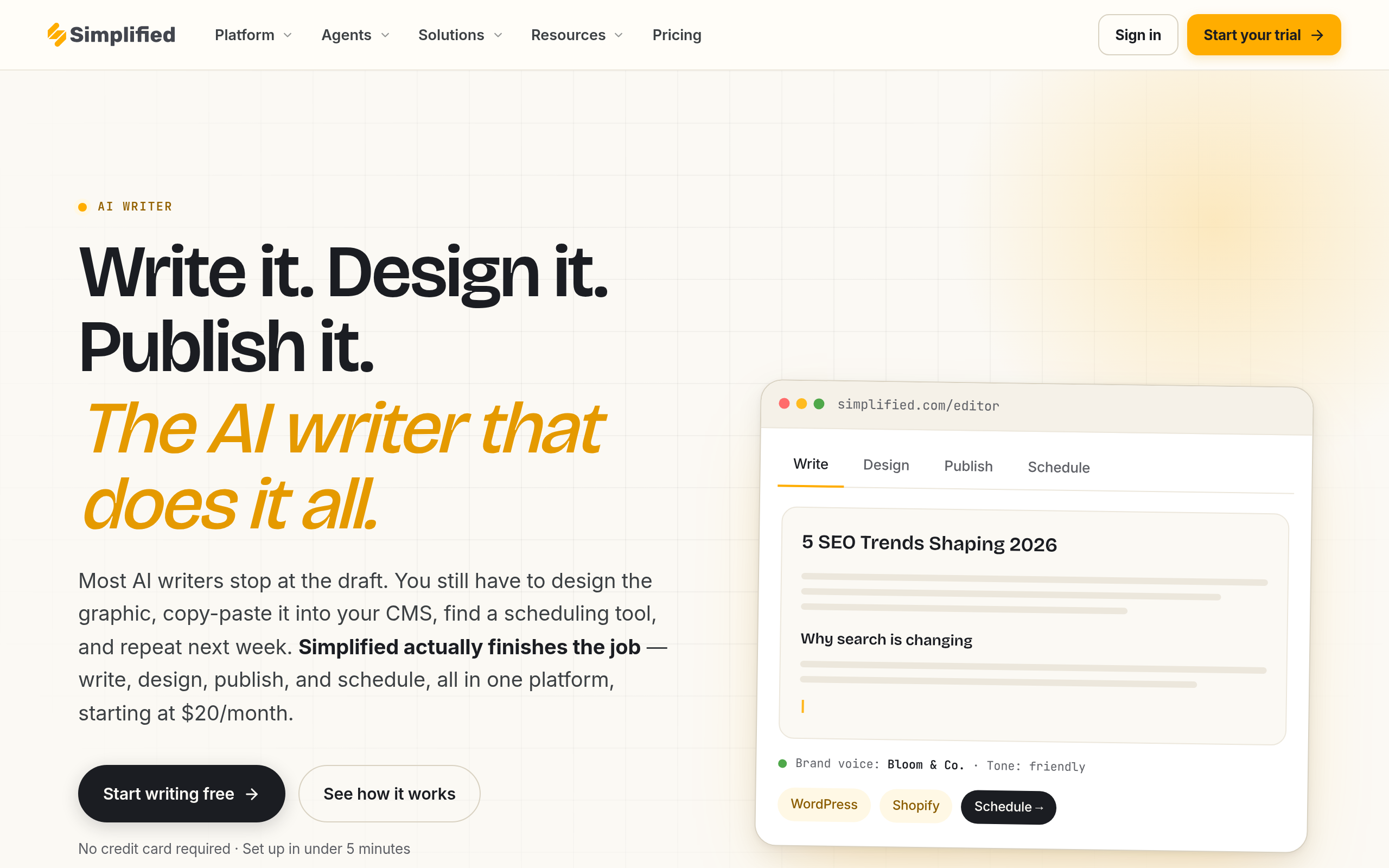
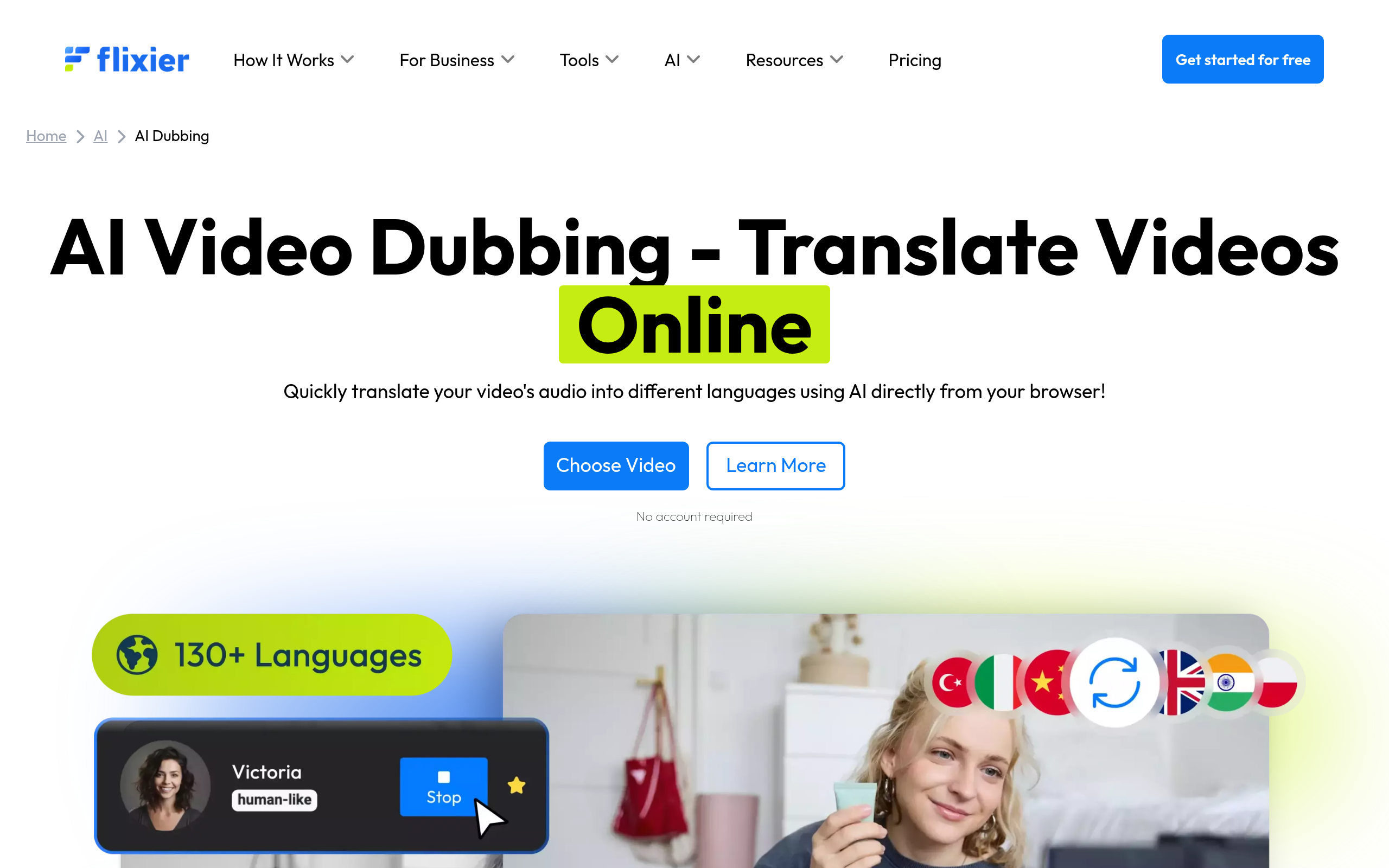
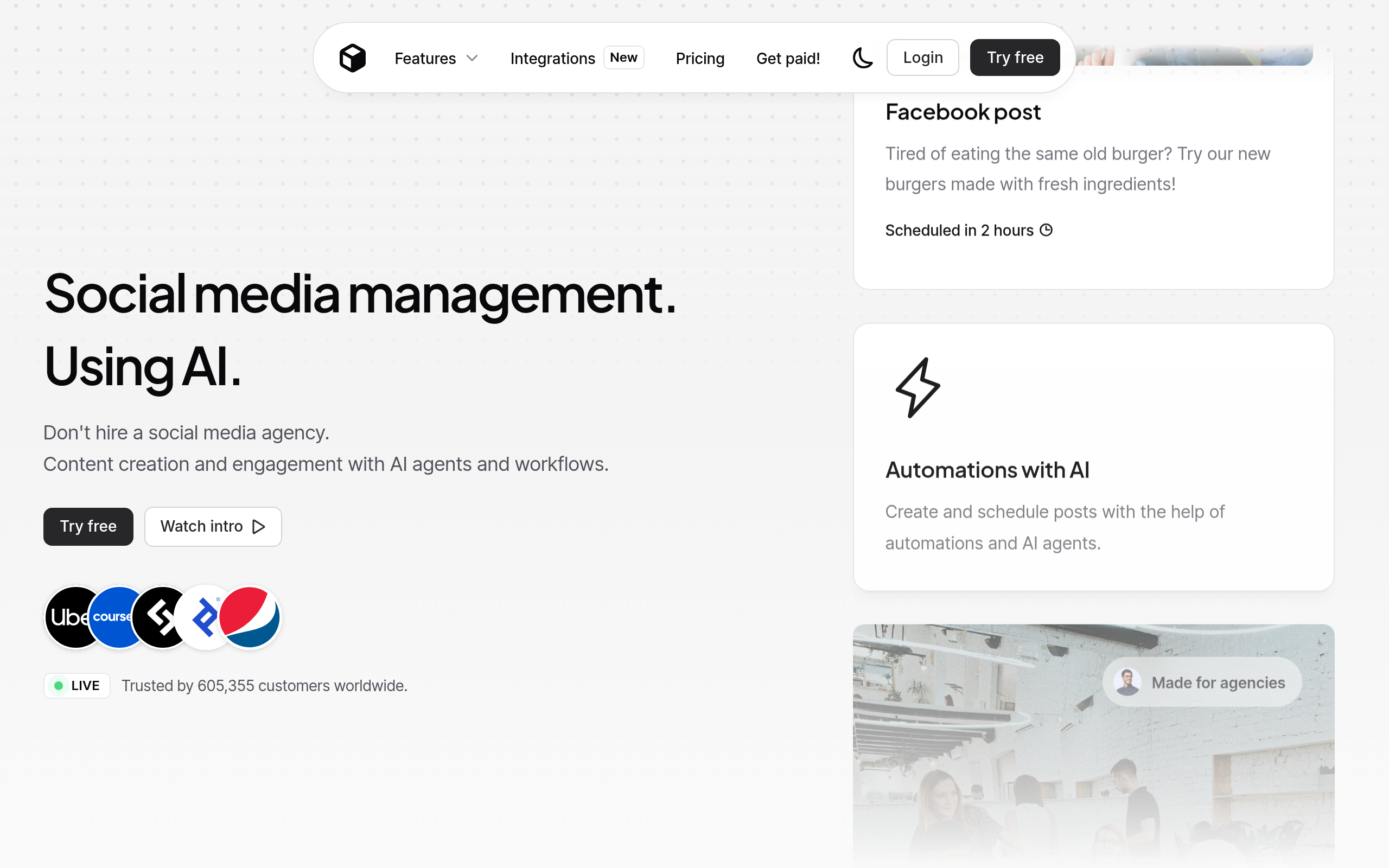
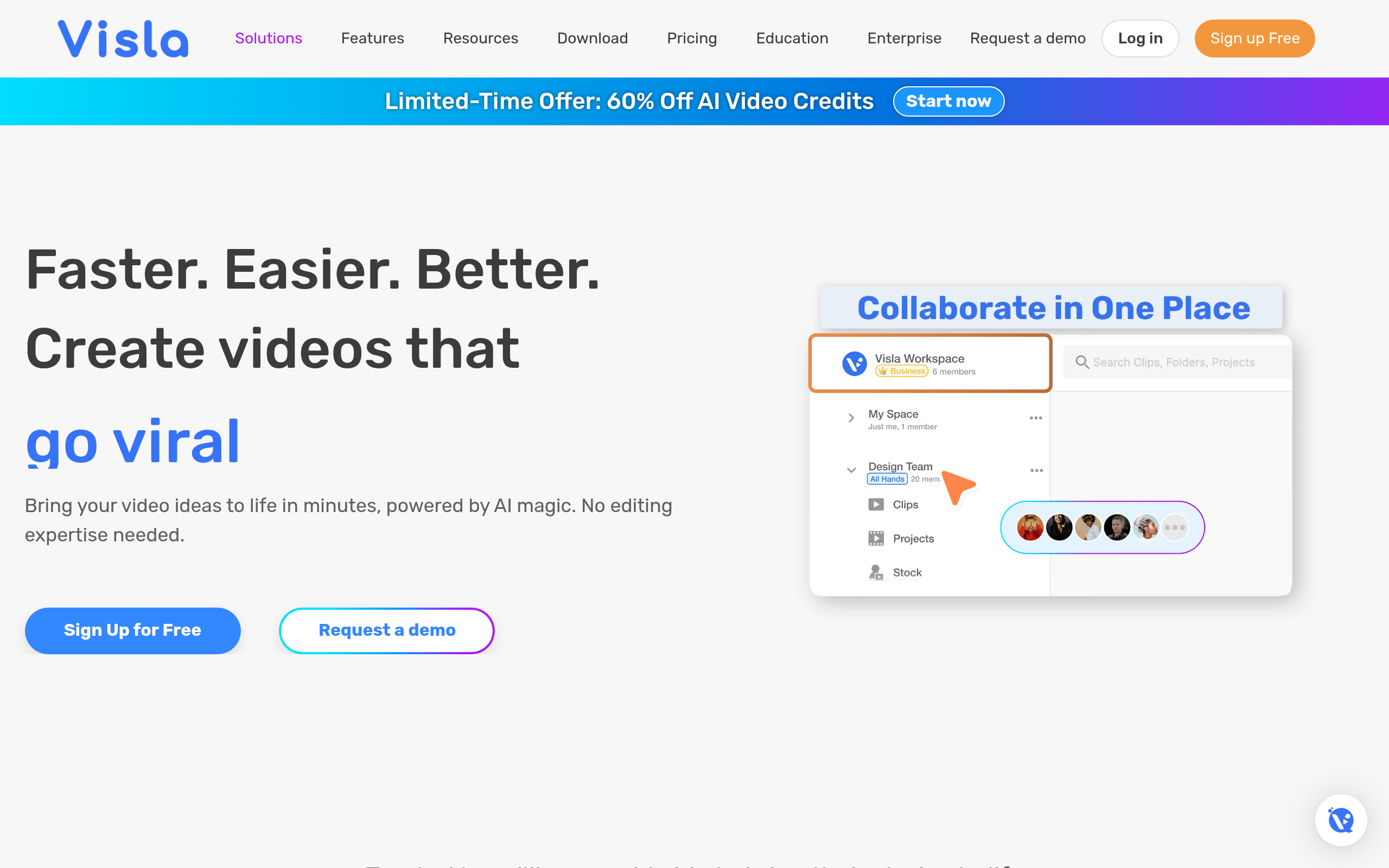
Match the tool to the format you are creating. For video — turning long footage into clips or new pieces — Visla creates and edits with AI and Pollo AI generates video, while Flixier AI Dubbing handles browser editing, clipping and dubbing for new-language versions. For social, Predis.ai and Ocoya generate posts (including video) from your content. And for text — reformatting a blog into threads, emails and posts — Simplified AI Writer. Explore deeper in our guides to AI video generation, AI for social media and AI copywriting.
A content repurposing workflow (step by step)
- Create one strong "pillar" piece — a substantial blog, video or podcast worth repurposing.
- Map the formats you want — which platforms and content types each piece will feed.
- Use AI to reformat — clips with Visla or Flixier AI Dubbing, social with Predis.ai, text with Simplified AI Writer.
- Adapt for each platform — do not copy-paste; tailor tone, length and format to each.
- Edit for voice and accuracy — AI gives you a draft; make it sound like you.
- Schedule and publish across channels, spreading one piece over days or weeks.
The mistake that makes repurposing fail
The biggest mistake is treating repurposing as copy-paste — posting the identical content everywhere. Each platform has its own format, tone and audience expectations, and content that ignores them underperforms or feels lazy. A blog excerpt dumped into a tweet, or a horizontal video posted vertically without adaptation, signals that you did not care. Real repurposing is reformatting: the same core idea, genuinely adapted for each channel. AI makes that adaptation fast, but you still need to direct it — tell it the platform and audience, then edit the result so it feels native. Done well, repurposing multiplies reach; done as copy-paste, it just spreads thin content wider.
Why repurposing beats creating more
The instinct of most creators and marketers facing the demand for constant content is to make more of it — but that is the hardest, slowest path, and it leads straight to burnout. Repurposing flips the logic. Instead of treating every platform as a separate content factory, you treat one strong piece as a source that feeds them all. The economics are compelling: a single well-researched blog post or recorded talk represents hours of thinking and effort, and squeezing one social post out of it wastes most of that investment. Turning it into a thread, an email, several short clips, a set of quote cards and a summary video extracts the full value of the work you already did. AI is what makes this practical, because it removes the tedious reformatting that used to make repurposing almost as slow as creating from scratch. The shift in mindset — from "what do I make next?" to "how much can I get from what I made?" — is one of the most freeing changes a content creator can adopt.
Building a repeatable repurposing system
The creators who get the most from repurposing do not do it ad hoc; they build a repeatable system. It starts with deliberately creating "pillar" content designed to be broken apart — a substantial blog, a long video, or an in-depth podcast rich enough to yield many derivatives. From each pillar, they have a standard map of outputs: so many short clips, a thread, an email, a set of social cards, a summary article. AI tools handle the mechanical transformation for each format, and the creator's job becomes directing and lightly editing rather than building each piece from nothing. Crucially, they schedule these derivatives over days or weeks rather than dumping them at once, so one pillar piece sustains a consistent presence across channels. This systematic approach turns content from a relentless treadmill into a manageable, leveraged process — and it is exactly the kind of repetitive, format-shifting work that AI excels at accelerating.
The bottom line
Repurposing content with AI is one of the highest-leverage moves in content marketing: one strong piece, turned by AI into many formats, feeds every channel for a fraction of the effort. Use Visla and Flixier AI Dubbing for video, Predis.ai and Ocoya for social, and Simplified AI Writer for text. Create a strong pillar piece, adapt it genuinely for each platform rather than copy-pasting, edit for voice, and publish across channels — and you multiply your reach without multiplying your work — which, in a world that demands constant content across more channels than any team can staff, is genuinely one of the few sustainable ways for any creator or team to keep up without quietly burning out.
Disclaimer: AI-repurposed content should be adapted per platform and edited for voice and accuracy, not copy-pasted. Review outputs before publishing.
Tools mentioned in this guide

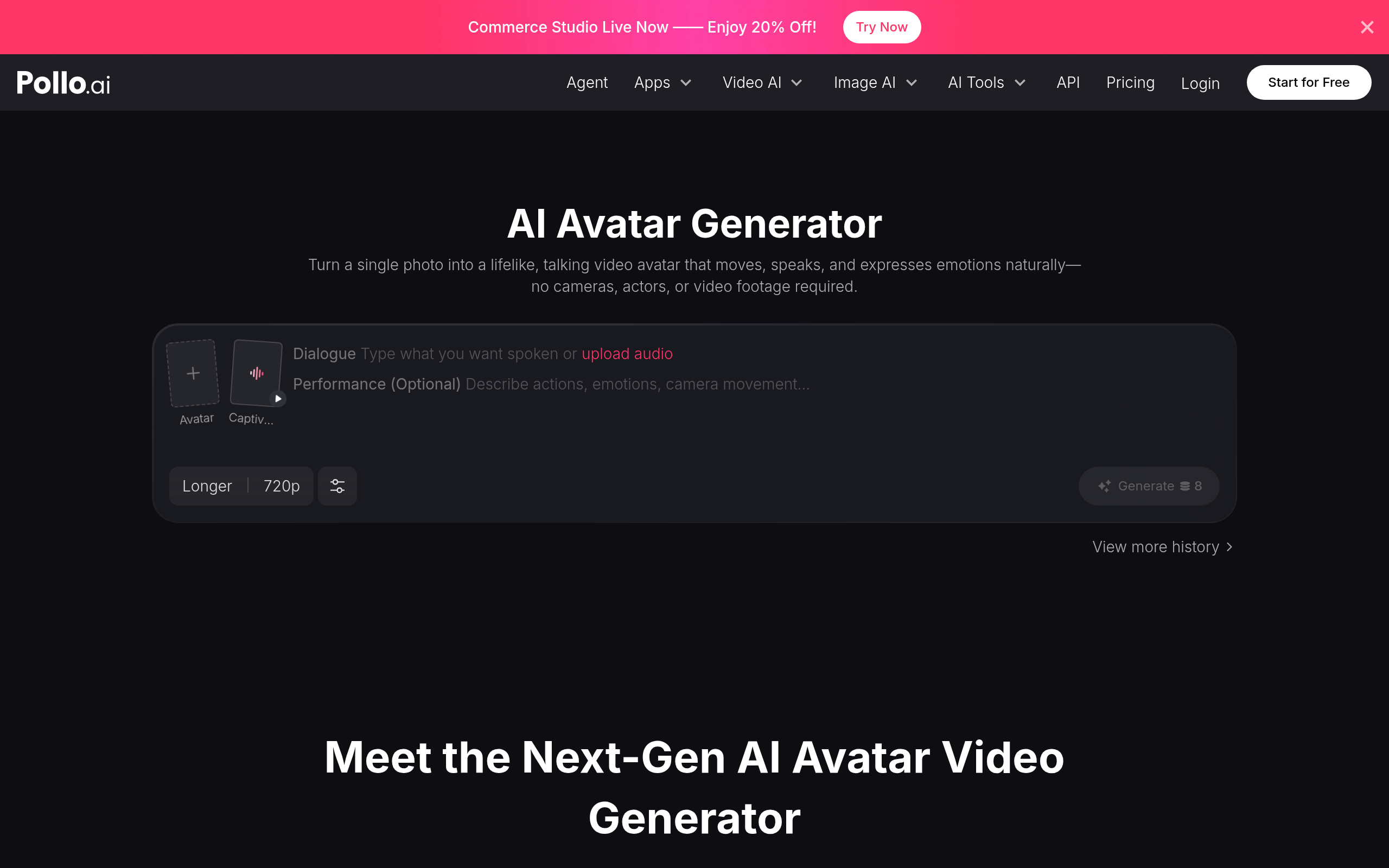
Pricing, features and model availability can change over time. Always verify current details on each tool's official website before deciding.
Frequently Asked Questions
What does it mean to repurpose content?
What does it mean to repurpose content?
How do I repurpose content with AI?
How do I repurpose content with AI?
What are the best AI content repurposing tools?
What are the best AI content repurposing tools?
Can AI turn a long video into short clips?
Can AI turn a long video into short clips?
Is repurposing just copy-pasting content everywhere?
Is repurposing just copy-pasting content everywhere?
Why is content repurposing valuable?
Why is content repurposing valuable?
Don't just pick a tool — get the whole workflow
Tell Comparee your goal and get a complete step-by-step AI workflow with the right tool for every step.