Browse AI Review (2026): No-Code Web Scraping and Monitoring
Browse AI review 2026 — no-code web scraping and website monitoring. What it does well, where it falls short, and who should use it.
Key takeaways
- Browse AI lets you extract data from websites and monitor pages for changes — without code.
- Best for non-developers who need structured web data or change alerts on a schedule.
- Less suited to massive, complex scraping projects that need a custom engineering pipeline.
- A strong pick when "I need this website's data, regularly" is the problem.
Getting structured data off websites usually means either hiring a developer or wrestling with brittle scripts. Browse AI promises a no-code path: point, train, extract. This review covers whether it delivers and who it's actually for.
An enormous amount of useful information lives on websites in a form you can see but can't easily use — competitor prices, product listings, directories, availability, changes over time. Traditionally, getting that data into a usable, structured form meant writing scraping code or hiring someone who could. That's why no-code extraction tools have taken off: they open web data to the people who actually need it. Browse AI is one of the most searched options in this space, and the reason is its promise to make scraping and monitoring accessible without code. This review looks at how well it delivers on that promise, where it fits, and the practical and legal limits worth knowing before you rely on it.
The short verdict
Browse AI is a no-code tool for extracting data from websites and monitoring pages for changes. If your problem is "I need this site's data on a schedule" or "tell me when this page changes," it's a genuinely useful, accessible solution. It's not built to replace a full custom scraping pipeline for enormous, complex projects — but most people don't need that.
What is Browse AI?
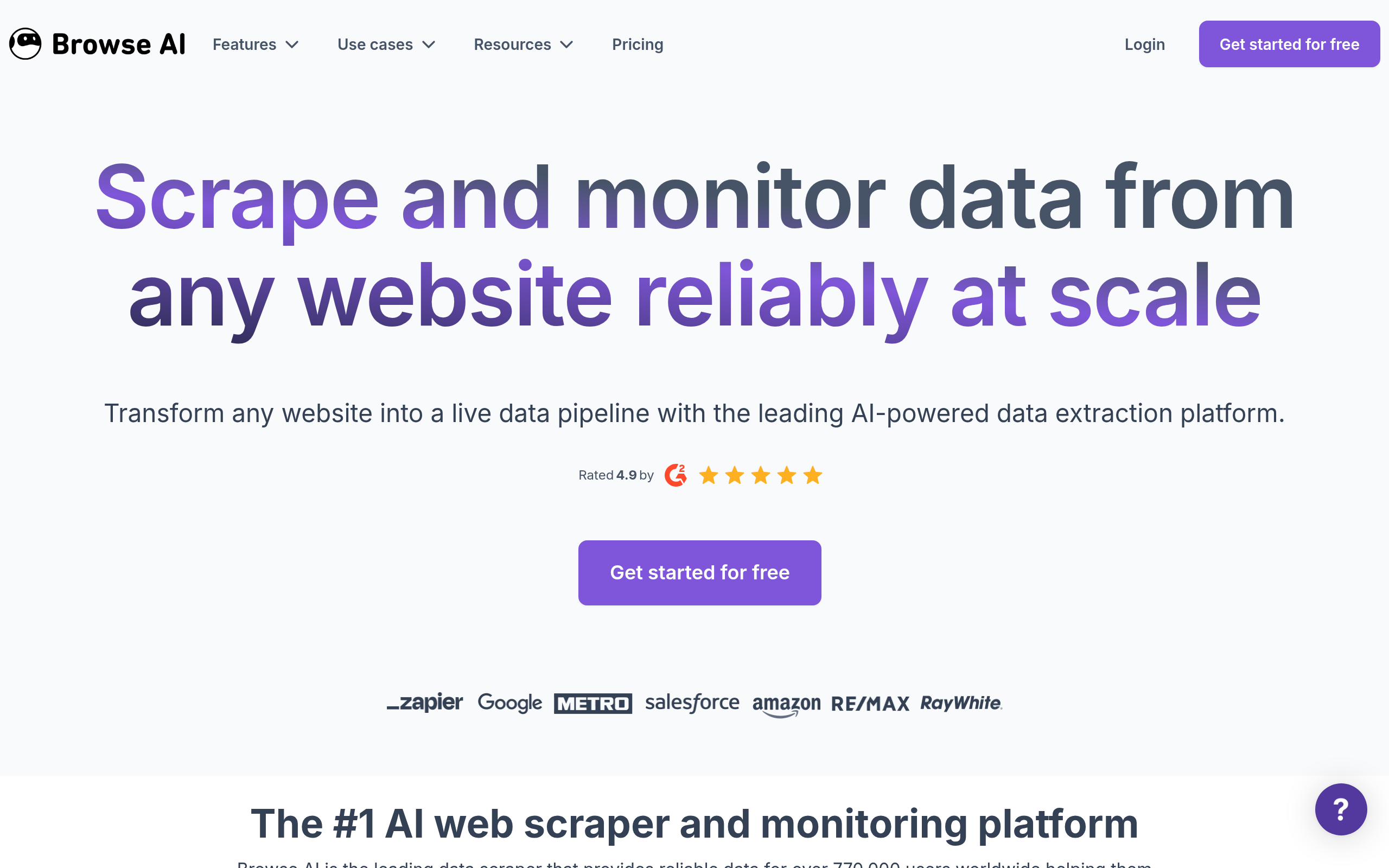
Browse AI lets you teach a "robot" to read a website by showing it what data you want, then it extracts that data into a structured format on a schedule. It also handles monitoring — watching a page and alerting you when something changes (a price, availability, a listing). The whole point is that you don't write code: you configure it visually, which opens web data to people who'd otherwise need a developer.
Who Browse AI is for
It fits non-developers who need web data regularly — marketers tracking competitor prices, ops teams pulling listings, founders monitoring a market, analysts who need a feed of structured data without building an engineering pipeline. If your workflow includes "check this website and record what's there," Browse AI turns a manual chore into an automated step. It also slots neatly into broader automations as the data-extraction piece.
Strengths
The headline strength is accessibility — it makes scraping and monitoring possible without code, which is the whole reason to choose it. The scheduling and monitoring features mean you set it up once and get fresh data or alerts automatically. And because it outputs structured data, it connects cleanly into spreadsheets and other tools, so the extracted data is actually usable rather than a one-off export.
Considerations
No-code scraping has limits. Very complex or very large-scale projects — sites with heavy anti-bot defences, or millions of pages — can stretch what any no-code tool does well, and may still need a custom solution. Websites also change, so any scraper (Browse AI included) occasionally needs re-training when a target site is redesigned. And, as always with web data, it's on you to use it within each site's terms and applicable law.
How Browse AI compares
Browse AI sits in the space between manual copy-paste and custom-built scrapers. If you're evaluating it alongside other no-code and automation tools, it helps to see the landscape — some tools build apps, some automate workflows, and Browse AI specialises in extraction. Our guide to the best no-code AI app builders puts data-extraction tools in context, and the AI Tools, Comparisons & Workflows hub has more.
Pricing approach
Browse AI offers tiered plans based on usage. Because the specifics change, check the current pricing on their site — but the model is designed so you can start small and scale as your data needs grow.
Pros and cons
| Pros | Cons |
|---|---|
| ✅ No-code — accessible to non-developers | ⚠️ Largest/most adversarial scraping may need custom builds |
| ✅ Scheduling + change monitoring built in | ⚠️ Scrapers need re-training when sites redesign |
| ✅ Outputs structured, usable data | ⚠️ You must respect each site's terms and law |
| ✅ Slots into broader automations |
How to get the most out of Browse AI
To get the most from Browse AI, start with one specific, high-value data need — a competitor's prices, a set of listings, a page you check manually — and automate exactly that. Set a sensible schedule rather than scraping constantly, connect the output into a spreadsheet or your tools, and check periodically that a site redesign hasn't broken the robot. Used this way it quietly replaces a recurring manual chore.
Is Browse AI worth it?
Is Browse AI worth it? If your problem is "I need this website's data, regularly" and you don't want to hire a developer, yes — it's an accessible, practical solution that turns manual checking into an automated feed. It won't replace a bespoke engineering pipeline for the largest, most defended scraping jobs, but most people don't need that. For the common case, it earns its place.
Browse AI in practice
In practice, Browse AI is most valuable for the recurring data tasks people quietly do by hand — checking a competitor's prices every Monday, pulling new listings from a marketplace, watching a page for a status change. Automating those isn't just faster; it makes the data reliable and timestamped instead of dependent on someone remembering to look. Teams often start with one robot for their single most annoying manual check, then add more as they see how much time it frees up.
Who should skip Browse AI
Who should skip Browse AI? If your scraping needs are enormous in scale or target sites with aggressive anti-bot defences, a no-code tool will eventually hit limits, and a custom-built pipeline may serve you better. And if you only ever need a website's data once, a manual export is simpler than setting up automation. For ongoing, structured web-data needs at a normal scale, though, it's exactly the right tool.
A practical way to evaluate Browse AI is to pick the single web-data task you most often do by hand and try to automate just that. If it captures the data cleanly and keeps it fresh on a schedule, you've found a tool that quietly removes a recurring chore — and you can expand from there. If that one task involves a heavily defended site or millions of pages, you'll quickly learn whether your needs sit inside or outside what no-code scraping handles. Most people's needs sit comfortably inside it, which is why the tool has the audience it does. Treat the free or entry tier as a real test rather than a demo, and respect each target site's terms as you go.
The verdict
Browse AI is a strong pick when you need web data or change-monitoring and don't want to write code. It won't replace a bespoke engineering pipeline for the largest, most adversarial scraping jobs — but for the common, practical need of "get me this website's data, regularly," it's accessible, capable and a real time-saver. If that's your problem, it's well worth a trial.
Disclaimer: features and pricing change frequently — confirm the current details on the product's official site before deciding. This review is independent and based on the tool's general capabilities and positioning.
Tools mentioned in this guide
Pricing, features and model availability can change over time. Always verify current details on each tool's official website before deciding.
Frequently Asked Questions
What does Browse AI do?
What does Browse AI do?
Is Browse AI good for non-developers?
Is Browse AI good for non-developers?
Can Browse AI handle large scraping projects?
Can Browse AI handle large scraping projects?
Is web scraping with Browse AI legal?
Is web scraping with Browse AI legal?
Don't just pick a tool — get the whole workflow
Tell Comparee your goal and get a complete step-by-step AI workflow with the right tool for every step.