Best AI Tools for LinkedIn Content Creation & Engagement
The best AI tools for LinkedIn content creation, post scheduling, and audience growth in 2026 — Comparee's expert verdict for founders and content marketers.
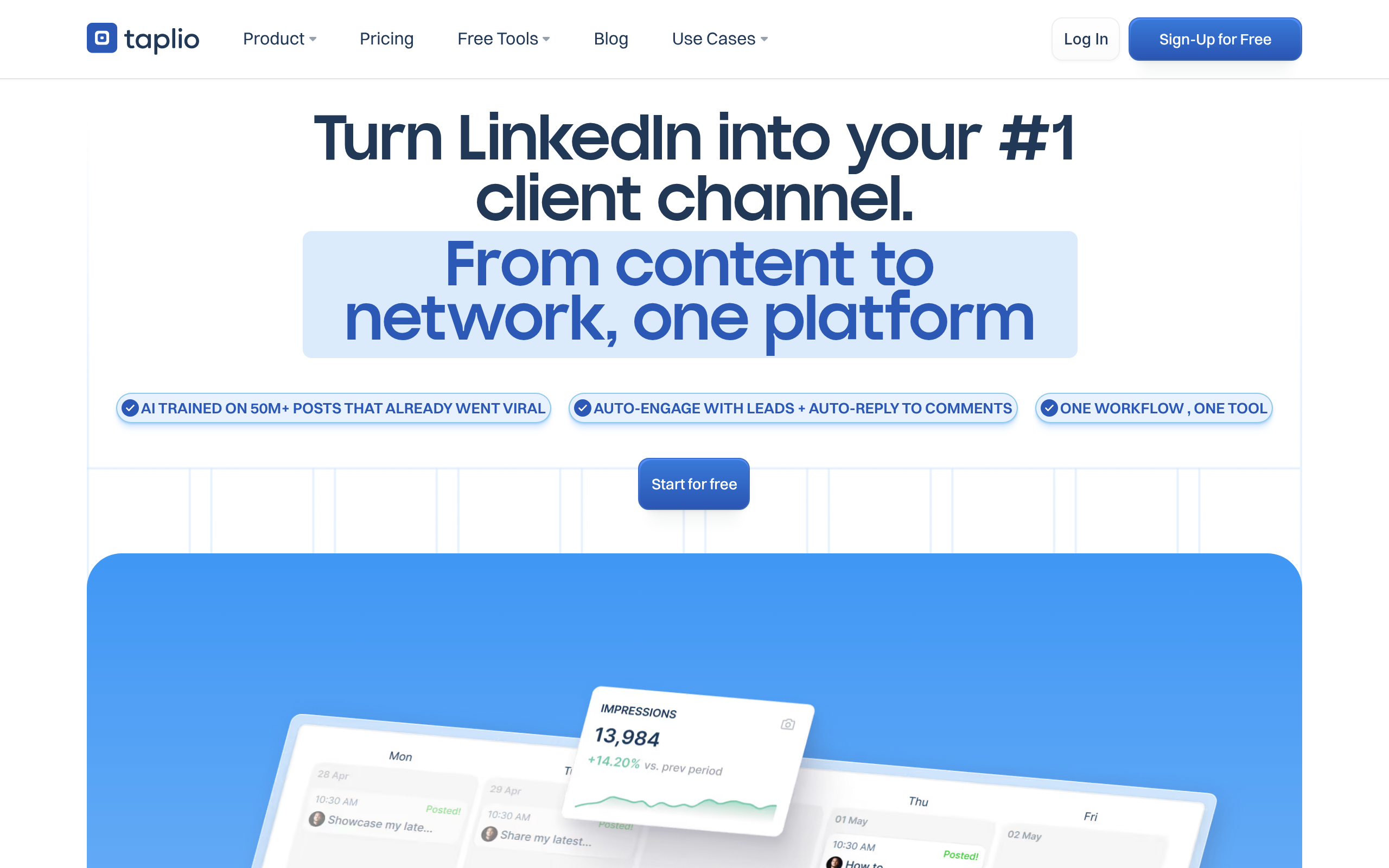
- Taplio is the most LinkedIn-focused all-in-one platform — purpose-built for AI post generation, scheduling, and relationship-driven engagement in a single workflow.
- Buffer and SocialPilot are the strongest multi-channel schedulers with solid LinkedIn support — better if you manage several social platforms simultaneously.
- AI writers like Simplified AI Writer and Rytr cut post-drafting time significantly with LinkedIn-specific templates and tone controls.
- Iconosquare delivers the deepest analytics to surface which formats and topics actually drive profile visits, followers, and leads.
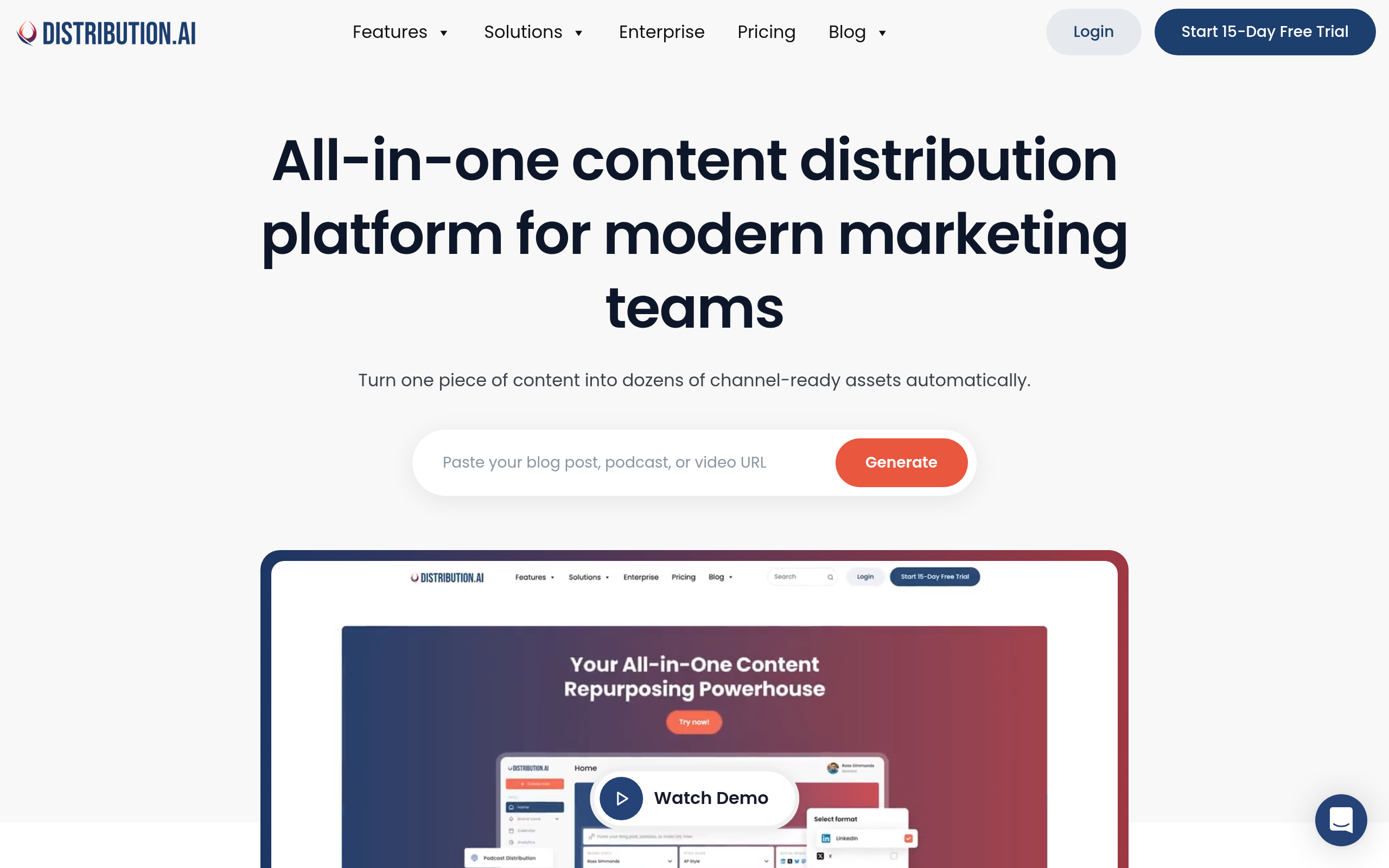
- Distribution.ai automates repurposing of long-form content (newsletters, podcasts, blog posts) into LinkedIn-ready snippets — a major time saver for content-heavy creators.
- Most tools offer a free tier or trial — start lean, validate your posting rhythm, then upgrade when you hit the limits.
LinkedIn rewards consistency, specificity, and a genuine point of view — none of which require you to spend three hours a week staring at a blank draft editor. The right AI tools handle the mechanical parts (drafting, formatting, scheduling, measuring) so you can focus on the strategic parts (what you actually believe and why it matters to your audience). The short answer: Taplio is the strongest choice for founders and solo personal brand builders who live on LinkedIn, while Buffer and SocialPilot win for teams managing LinkedIn alongside multiple other channels. Here is how the full landscape breaks down.
What Are the Best AI Tools for LinkedIn Content Creation in 2026?
The LinkedIn AI tools market splits into three functional layers: content generators (write or draft posts), schedulers (plan and auto-publish), and analytics platforms (tell you what is working and why). The best tools now combine two or even all three of these. Below is a quick-verdict matrix of the eight strongest options across Comparee's catalog.
| Tool | Best For | Free Tier | Primary Strength |
|---|---|---|---|
| Taplio | Founders, solopreneurs, personal brand builders | Trial available | LinkedIn-native: AI posts + scheduling + engagement CRM |
| Buffer | Individuals managing 2–4 social channels | Yes | Clean multi-platform scheduler with readable analytics |
| SocialPilot | Agencies and teams with multiple client accounts | Trial available | Bulk scheduling, approval workflows, client reporting |
| Iconosquare | Analytics-first marketers and growth teams | Trial available | Deep engagement, growth, and audience analytics |
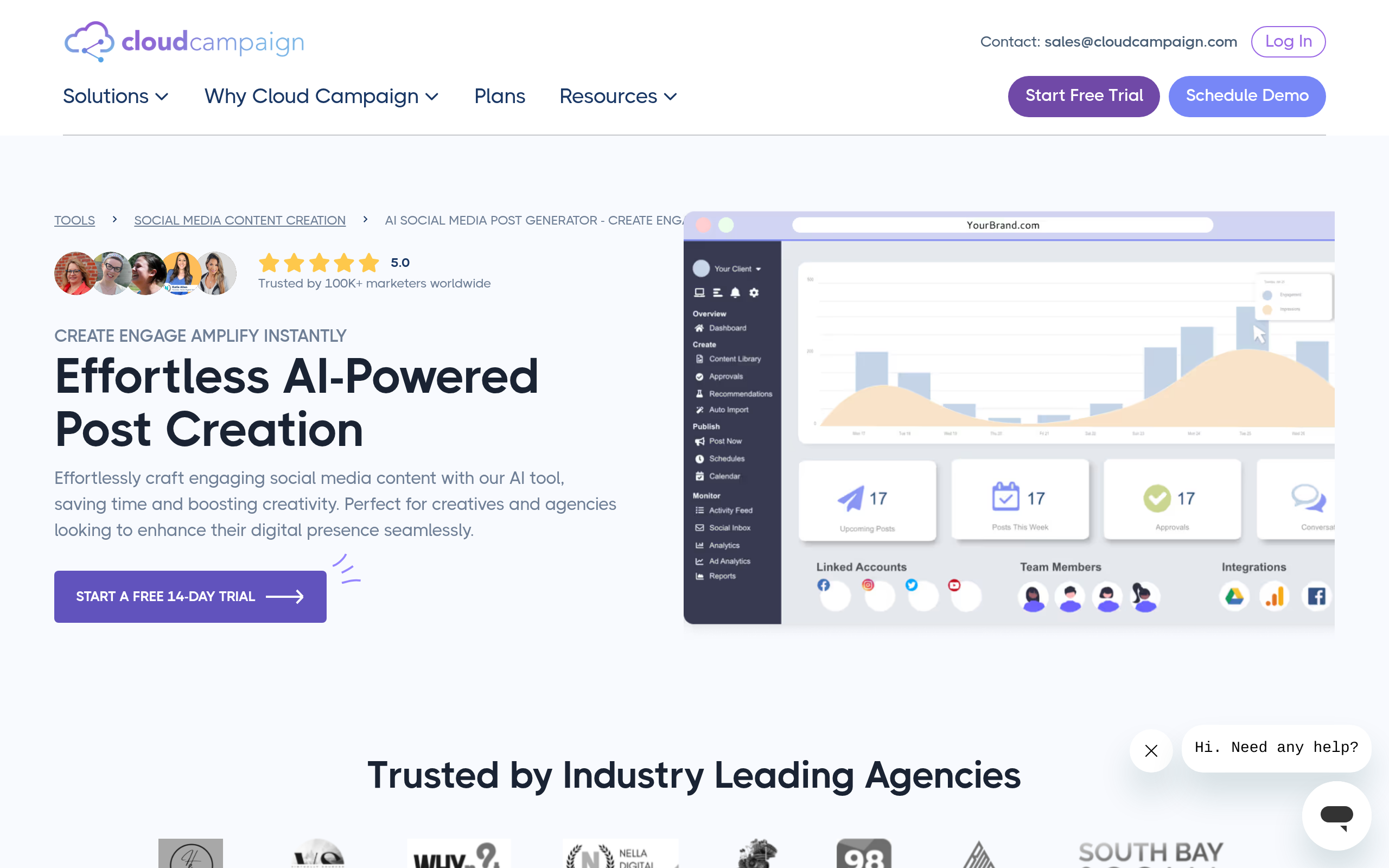
| AI Social Media Post Generator | Quick one-off post creation, no account needed | Yes | Instant AI-drafted posts with platform targeting |
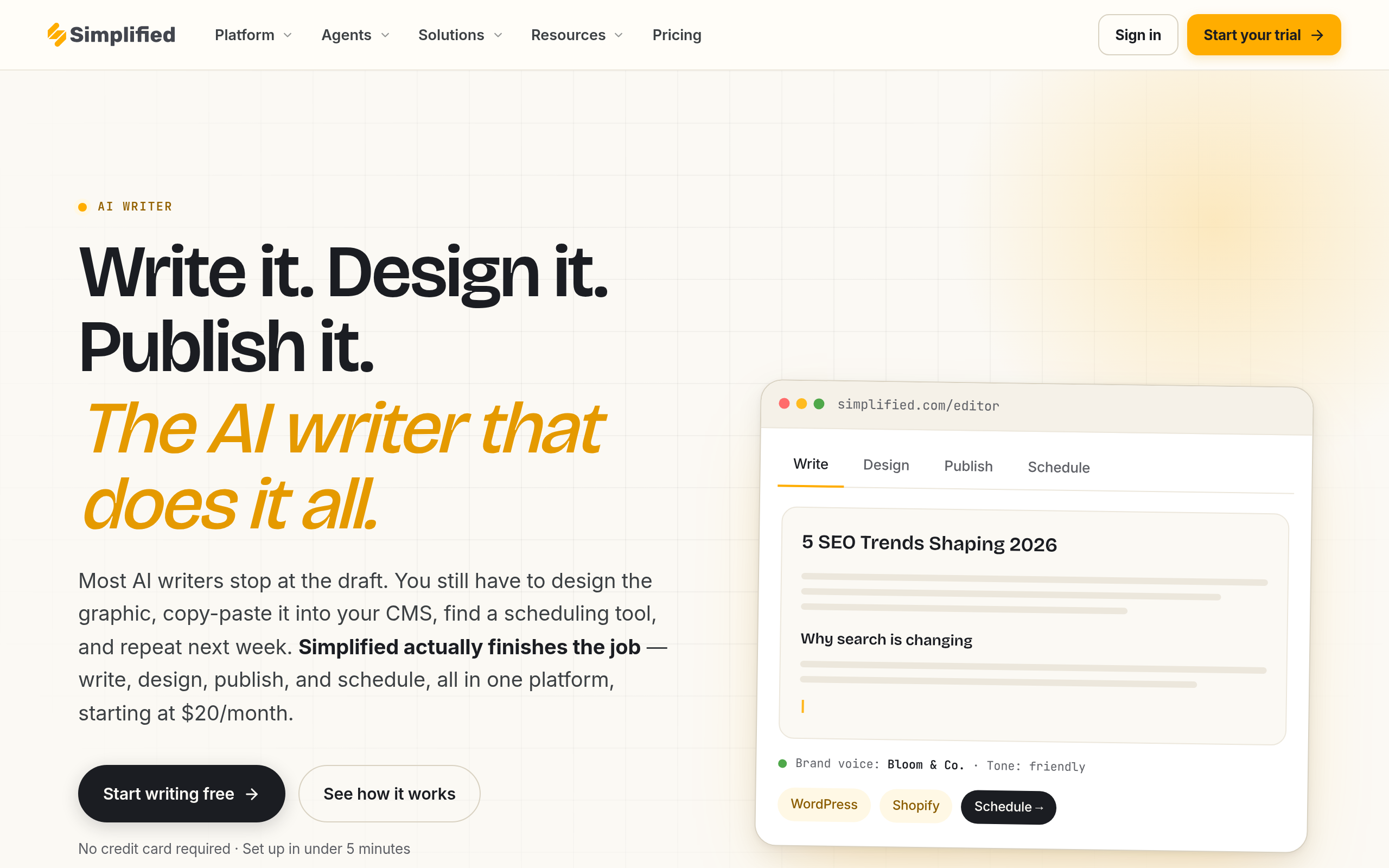
| Simplified AI Writer | Content marketers producing multi-format output | Yes | Multi-format AI writing with brand voice controls |
| Rytr | Solo creators on a tight budget | Yes (monthly cap) | Affordable AI copy with LinkedIn-specific tones |
| Distribution.ai | Long-form creators repurposing to social | Trial available | Automated content distribution and repurposing across channels |
Which AI Tool Is Best for Writing LinkedIn Posts?
For dedicated LinkedIn post writing quality, Taplio leads the field because it was designed exclusively around LinkedIn's content formats — hook-driven text posts, carousel outlines, thought leadership threads, and engagement-optimized CTAs. It learns from high-performing posts across the platform and can generate content that mimics your voice and topic focus from a short prompt.
Simplified AI Writer is the strongest generalist alternative. It covers LinkedIn posts alongside blog articles, email copy, ad headlines, and dozens of other formats. Its brand voice feature trains the AI on your previous writing, which meaningfully reduces the generic-AI feel. The free tier is genuinely usable rather than artificially limited — a good entry point before committing to a paid plan.
Rytr is the budget-friendly pick. It includes a LinkedIn-specific output mode, supports multiple tones (professional, casual, inspirational, witty), and the free plan allows a meaningful volume of monthly output. For solo creators who are posting once or twice a week and mostly need drafts to edit, Rytr frequently covers the need without a paid subscription.
The AI Social Media Post Generator serves a different need: frictionless one-off post creation with no workflow setup. If you have a topic idea right now and want a LinkedIn-ready draft in 60 seconds without logging into a platform you pay for, this is the fastest path.
| Tool | LinkedIn-native? | Brand voice training | Carousel / thread formats | Free plan |
|---|---|---|---|---|
| Taplio | Yes — built exclusively for LinkedIn | Yes | Yes | Trial only |
| Simplified AI Writer | Multi-platform with LinkedIn templates | Yes | Limited | Yes |
| Rytr | Multi-platform with LinkedIn tone mode | Tone settings only | No | Yes (capped) |
| AI Social Media Post Generator | Platform-aware, LinkedIn included | No | No | Yes |
What Makes Taplio Stand Out for LinkedIn Personal Branding?
Taplio occupies a genuinely different position from generic social schedulers: it treats LinkedIn as the only channel worth optimizing for, which means every feature is tuned to LinkedIn's algorithm, audience behavior, and engagement mechanics rather than trying to cover every platform adequately.
For founders and consultants investing in a personal brand on LinkedIn, the key differentiators are:
- Engagement-informed post suggestions: Taplio draws on trending and high-performing LinkedIn content to suggest hooks and post structures that resonate with the platform's current algorithm — not generic AI templates.
- Relationship tracking: A CRM-lite layer lets you track interactions with specific people on LinkedIn, useful for founders doing warm outreach or staying top-of-mind with prospects without a full CRM setup.
- Smart scheduling: Posts are queued for the specific time windows when your particular audience is most active, based on historical engagement data from your account.
- Analytics feedback loop: Post-level performance data surfaces which topics and formats drive profile views, follower growth, and impressions — so you can iterate on what is working rather than guessing.
The honest limitation: Taplio is LinkedIn-only. If you also manage Instagram, X, or Facebook pages as part of the same content program, you will need a second scheduling tool. Buffer or SocialPilot fill that gap cleanly.
How Do AI Scheduling Tools Improve LinkedIn Consistency and Reach?
Consistency is the single biggest predictor of LinkedIn audience growth. A well-written post published once every three weeks is objectively less effective than a decent post published twice a week for three months straight. Schedulers make that rhythm maintainable without becoming a full-time job.
Buffer is the benchmark for frictionless LinkedIn scheduling. Its LinkedIn integration is reliable, its analytics dashboard is readable without data analysis expertise, and the free plan supports enough posts and profiles for solo creators. The interface is intentionally minimal — scheduling a post takes under two minutes, which matters when you are doing it as part of a larger workflow rather than as a primary task.
SocialPilot targets teams and agencies: bulk scheduling via CSV upload, client-facing dashboards, content approval workflows where a manager signs off before posts go live, and white-label PDF reports. If you manage LinkedIn for more than one brand or client, SocialPilot's collaboration features justify the cost difference compared to Buffer. Its LinkedIn-specific performance data includes post-level breakdown by impression type, which helps content teams report tangible results.
For creators producing long-form content, Distribution.ai addresses a specific and real bottleneck: manually adapting a 2,000-word newsletter into a punchy LinkedIn post is time-consuming and often skipped. Distribution.ai automates this repurposing step, taking your source content and generating platform-optimized snippets — including LinkedIn-formatted posts — automatically. For founders who publish regularly on Substack, run a podcast, or maintain a blog, this removes a step that otherwise becomes the reason LinkedIn gets neglected.
| Tool | Platforms beyond LinkedIn | Team / approval features | Content repurposing | Analytics depth |
|---|---|---|---|---|
| Taplio | LinkedIn only | Limited | No | Medium — LinkedIn-specific |
| Buffer | Yes (Instagram, X, Facebook, Pinterest) | Basic (drafts, notes) | No | Medium — cross-platform |
| SocialPilot | Yes (multi-platform) | Full (approvals, client access) | No | Medium-high with white-label reports |
| Distribution.ai | Yes (multi-channel) | Basic | Yes — core differentiator | Limited |
How Do I Measure LinkedIn Growth With AI Analytics Tools?
Writing and scheduling posts handles content production. Analytics close the loop — they tell you why some posts get 5x the reach of others, which audience segments are engaging, and whether your LinkedIn activity is actually driving the outcomes you care about (profile visits, connection requests, inbound leads).
Iconosquare offers the most granular analytics for LinkedIn among the tools in this guide. It tracks follower growth trends, post reach by format (text vs. image vs. document carousel vs. video), engagement rate over time, and audience demographic data. For marketing teams running LinkedIn as a lead generation channel, these signals are operationally useful — they show whether your content is reaching the audience you intended to attract or just generating impressions from irrelevant accounts.
Taplio's built-in analytics cover the essentials within its own scheduling workflow: top-performing posts, growth trends, and per-post engagement breakdown. For founders who do not need cross-platform comparison, this is sufficient and more convenient than managing a separate analytics platform.
Buffer's analytics are the most accessible for non-data people — clear charts, plain-language insights, and a straightforward best-time-to-post recommendation based on your historical data. If your reporting need is "what content worked this month," Buffer covers it. If you need "why did engagement drop 20% in week 3 and which audience segment disengaged," Iconosquare is the right call.
Which LinkedIn AI Tool Is Right for Your Situation?
The correct answer genuinely depends on three variables: whether you are a solo creator or a team, whether LinkedIn is your only channel or one of several, and what your primary bottleneck is — writing, publishing cadence, or measurement.
- Solo founder or consultant building a personal brand on LinkedIn: Start with Taplio. It handles AI drafting, scheduling, and engagement tracking in one LinkedIn-native interface. Add Rytr if you want cheaper AI-generated first drafts to refine, rather than writing from scratch.
- Content marketer managing LinkedIn plus 2–3 other social channels: Use Buffer for scheduling and basic analytics, paired with Simplified AI Writer for batch-producing posts across platforms. Add Iconosquare if you need shareable performance reports.
- Agency or team managing multiple client LinkedIn pages: SocialPilot for its client workflows, bulk scheduling, and white-label reporting. Pair with an AI writer for content production speed across accounts.
- Long-form creator — newsletter writer, podcaster, blogger: Distribution.ai is built for your workflow — repurpose into LinkedIn posts automatically instead of treating it as a separate content production task.
- Getting started with zero budget: Use the AI Social Media Post Generator for drafts plus Buffer's free plan for scheduling. This gives you a working content pipeline at no cost. Upgrade to Taplio or Simplified AI Writer once you are posting consistently and want brand voice controls or deeper analytics.
Comparee's Verdict: Best LinkedIn AI Tool for Each Use Case
Comparee's verdict: Taplio is the best choice for founders, consultants, and solopreneurs who are serious about growing a personal brand on LinkedIn — its platform-native design, AI post generation trained on LinkedIn-specific performance data, and relationship engagement layer make it the most complete single-tool solution for this use case. No generic social media tool comes close for pure LinkedIn personal branding.
For teams and agencies, SocialPilot is the best choice — multiple client accounts, bulk scheduling, approval workflows, and client-facing reports without needing an enterprise contract. Buffer is the best choice for individual marketers and founders who manage LinkedIn alongside a handful of other channels and want a reliable, low-friction scheduler over a feature-dense platform.
For content generation specifically: Simplified AI Writer for marketers who need multi-format output; Rytr for solopreneurs prioritizing cost. For analytics: Iconosquare for data-driven teams. For repurposing: Distribution.ai removes a real manual step. And for quick one-off generation with no setup: the AI Social Media Post Generator does exactly what the name says.
Browse and compare all these tools on Comparee's Social Media & Creator Tools category, or explore the Marketing & Growth category for tools covering the broader growth stack alongside LinkedIn — including email marketing, SEO, and demand generation.
Tools mentioned in this guide
Pricing, features and model availability can change over time. Always verify current details on each tool's official website before deciding.
Frequently Asked Questions
What is the best AI tool for LinkedIn post generation?
What is the best AI tool for LinkedIn post generation?
Is Taplio worth the cost for personal brand building on LinkedIn?
Is Taplio worth the cost for personal brand building on LinkedIn?
Can Buffer handle LinkedIn scheduling effectively?
Can Buffer handle LinkedIn scheduling effectively?
What is the difference between Taplio and Buffer for LinkedIn?
What is the difference between Taplio and Buffer for LinkedIn?
Which LinkedIn AI tool is best for a team managing multiple client accounts?
Which LinkedIn AI tool is best for a team managing multiple client accounts?
Do any LinkedIn AI tools offer a completely free plan?
Do any LinkedIn AI tools offer a completely free plan?
How do I repurpose blog posts or newsletters into LinkedIn content with AI?
How do I repurpose blog posts or newsletters into LinkedIn content with AI?
Is Iconosquare good for LinkedIn analytics?
Is Iconosquare good for LinkedIn analytics?
Don't just pick a tool — get the whole workflow
Tell Comparee your goal and get a complete step-by-step AI workflow with the right tool for every step.