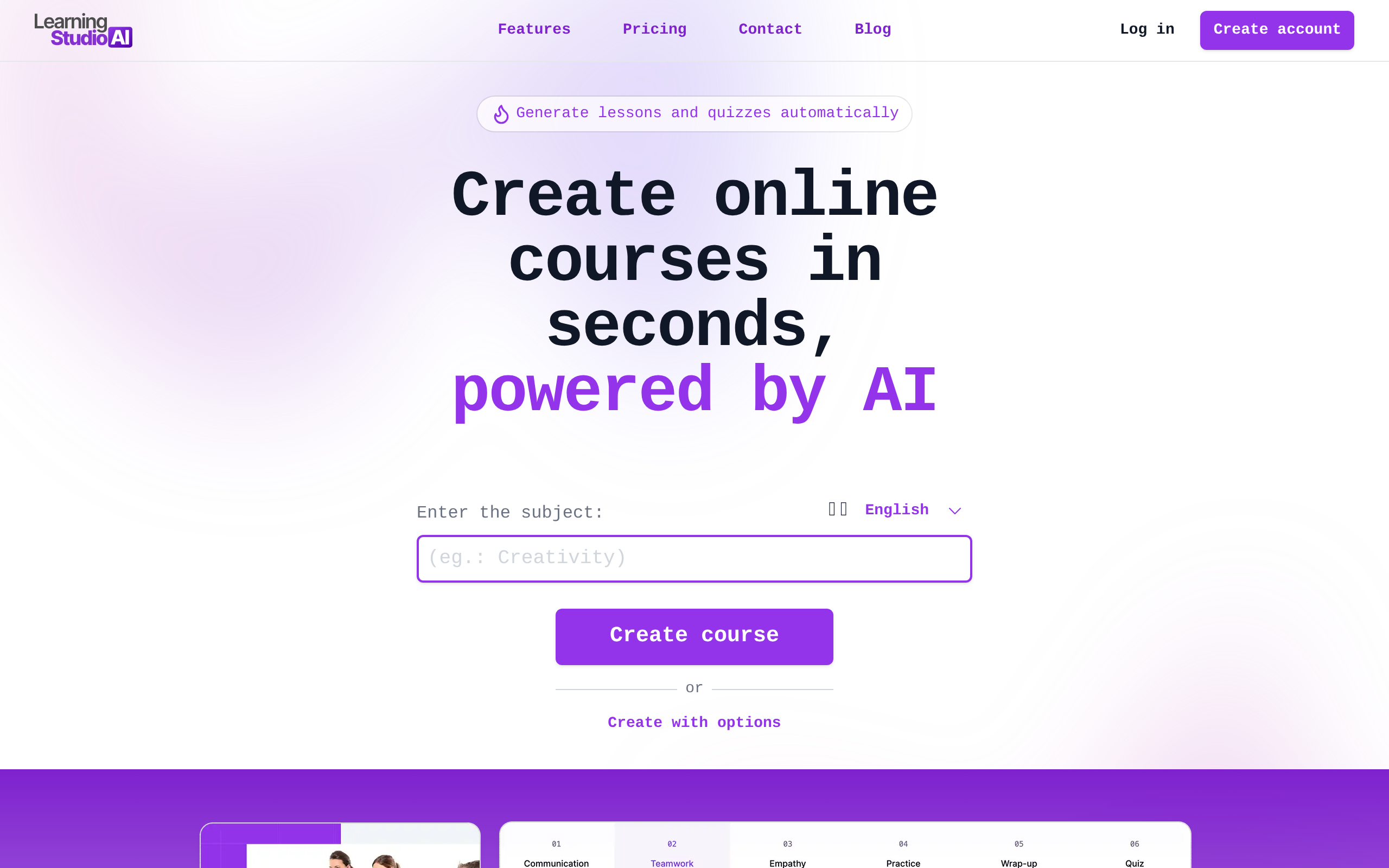
LearningStudioAI
95Comparee ScoreLearningStudioAI turns a prompt or an uploaded document into a structured e-learning course. Feed it a PowerPoint, Word file, PDF or plain text and it produces a lesson outline, written lessons and quizzes, which you then edit inside the tool using AI actions such as expand, summarise and rewrite. You can add YouTube or Vimeo video, images and text-to-speech audio, then export to PDF or to a SCORM package that drops straight into an existing LMS — that SCORM export is the main reason to choose it over a general-purpose AI writer. It is an authoring tool rather than a learning platform: it does not host students, sell courses or take payments, so you still need an LMS or a course platform alongside it. The best fit is a corporate L&D team converting internal policies and decks into modules, or an instructional designer who wants a fast first draft and expects to edit it properly.
Comparee rates LearningStudioAI 95/100 in Education & Learning — based on catalog data as of August 2026. Methodology.
About LearningStudioAI
Pros & cons
✓ Pros
- ✓Converts existing PowerPoint, Word, PDF and text files into a structured course
- ✓SCORM export drops the result straight into an existing corporate LMS
- ✓Inline AI editing — expand, summarise or rewrite any section without starting over
- ✓Generates quizzes and can suggest additional sections for an existing outline
- ✓AI images and text-to-speech are included on every paid tier
- ✓Logo removal is available from the entry plan, not reserved for enterprise
✗ Cons
- ✗Generated content reads as basic and needs real editing before it is publication-ready
- ✗Monthly caps on course generation are low, and drafts you discard still count against them
- ✗Document imports are page-limited by tier, so a long policy manual can exceed the entry plan
- ✗There is no free trial, and refunds are only available within 7 days of the first payment
- ✗Cancelling deletes your courses after 15 days and breaks shared links immediately — export everything first
- ✗Built for text and slides, not for video-led courses
LearningStudioAI pricing
Frequently asked questions
What is LearningStudioAI?
LearningStudioAI is a Education & Learning tool: LearningStudioAI turns a prompt or an uploaded document into a structured e-learning course. Feed it a PowerPoint, Word file, PDF or plain text and it produces a lesson outline, written lessons and quizzes, which you then edit inside the tool using AI actions such as expand, summarise and rewrite. You can add YouTube or Vimeo video, images and text-to-speech audio, then export to PDF or to a SCORM package that drops straight into an existing LMS — that SCORM export is the main reason to choose it over a general-purpose AI writer. It is an authoring tool rather than a learning platform: it does not host students, sell courses or take payments, so you still need an LMS or a course platform alongside it. The best fit is a corporate L&D team converting internal policies and decks into modules, or an instructional designer who wants a fast first draft and expects to edit it properly.
Is LearningStudioAI free?
LearningStudioAI offers a free option.
What are the best LearningStudioAI alternatives?
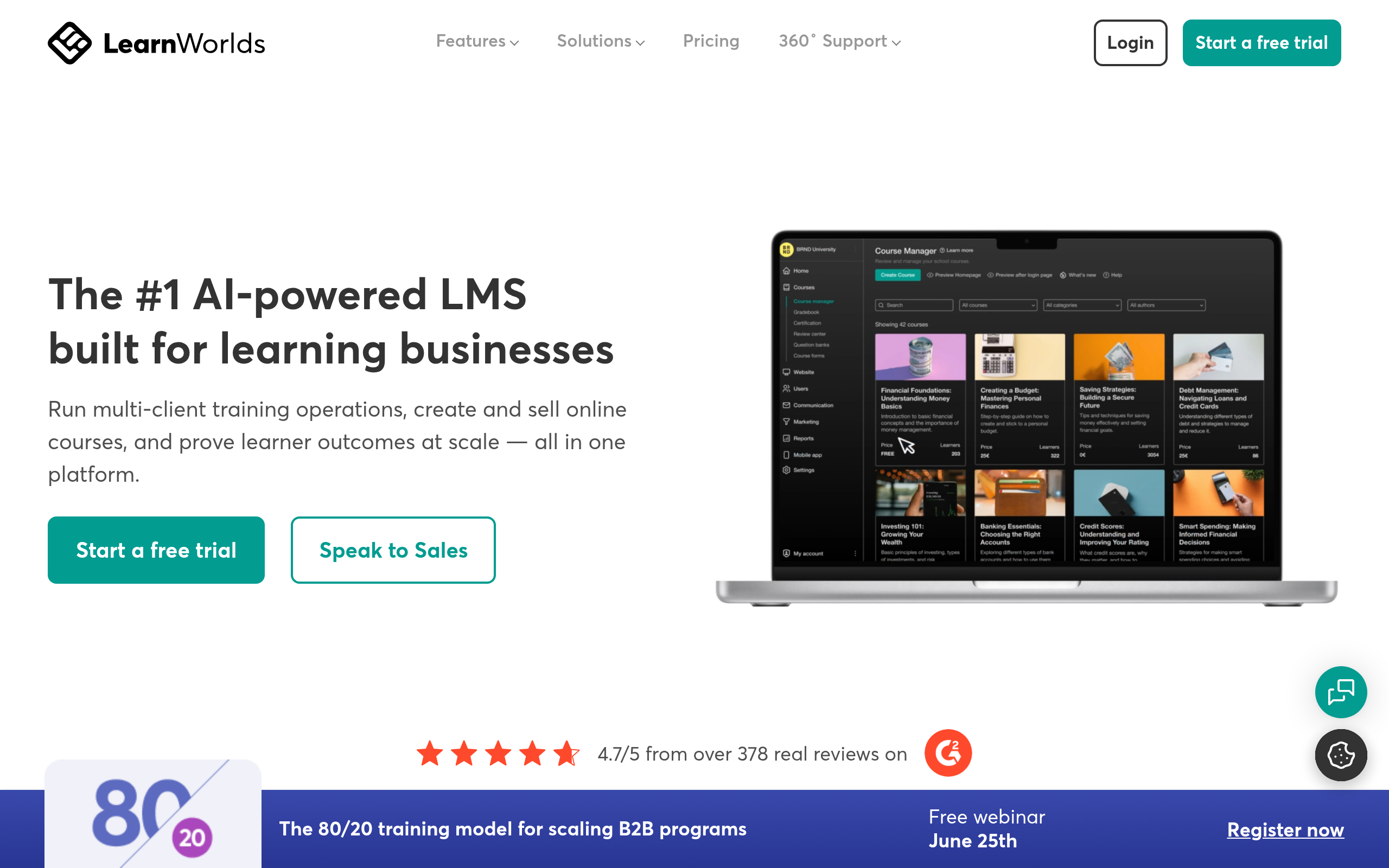
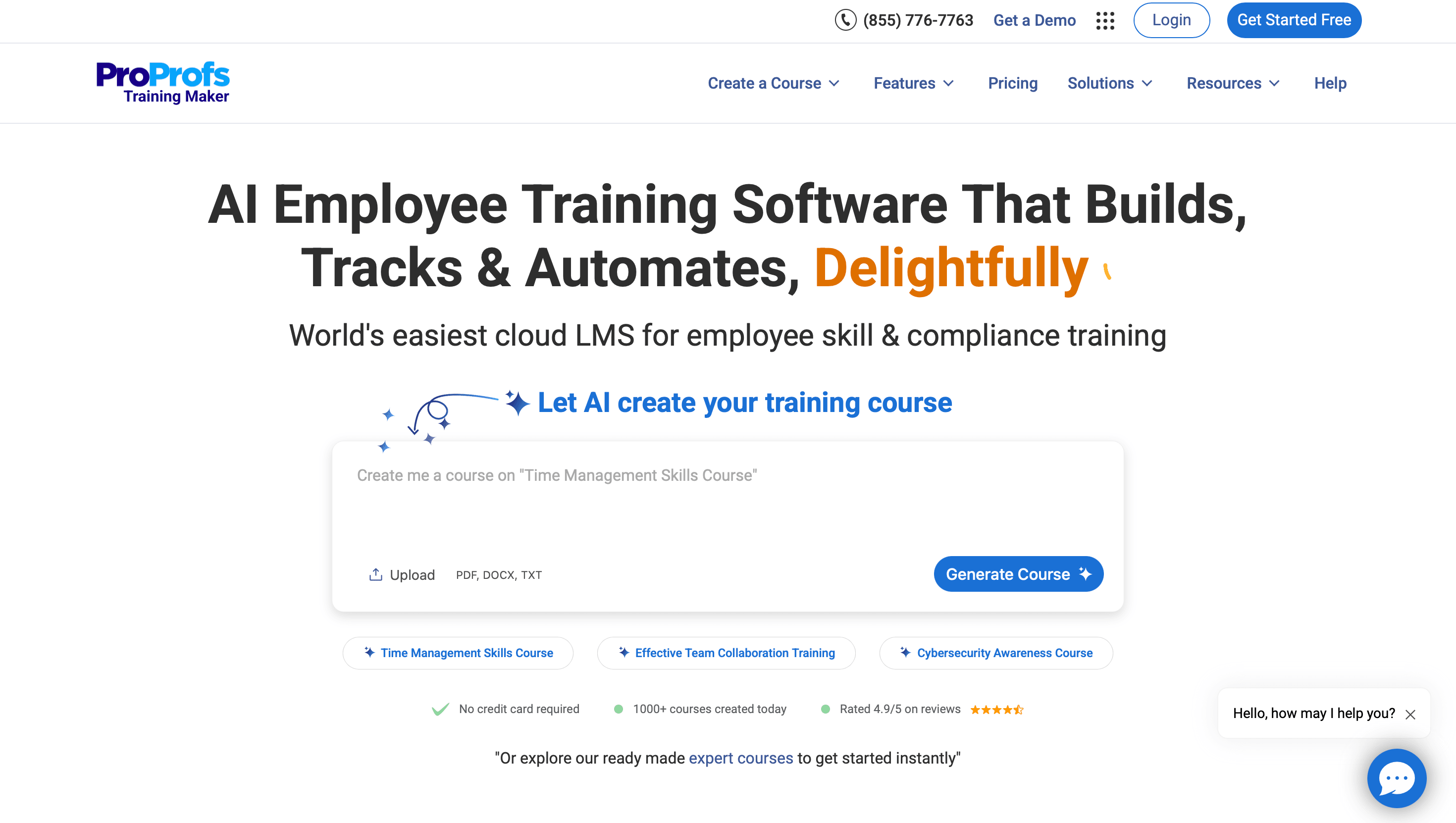
Based on Comparee's ranking, top alternatives include OpenEduCat, LearnWorlds, ProProfs Training Maker. See the full ranked list on our LearningStudioAI alternatives page.
How does Comparee rate LearningStudioAI?
LearningStudioAI has a Comparee Score of 95/100 — a transparent, rule-based rating from catalog signals (data completeness, pricing transparency, category fit). Affiliate partnerships never influence the score.
Comparee Score: 95/100
Transparent, rule-based — never influenced by partnerships. How it works
Top LearningStudioAI alternatives

Featured in our guides
Try LearningStudioAI
Visit the official website for details.
Visit LearningStudioAI ↗