AI Tools for Teachers & Educators: The Complete Guide for 2026
AI tools for teachers and educators in 2026 — lesson content, slides, avatar-led video lessons and courses, plus an academic-integrity caveat and the best tools
Key takeaways
- AI tools help teachers create lesson content, slides, avatar-led video lessons and full courses — cutting prep time so they can focus on students.
- The biggest wins are content creation and media production, the parts of teaching that eat the most prep hours.
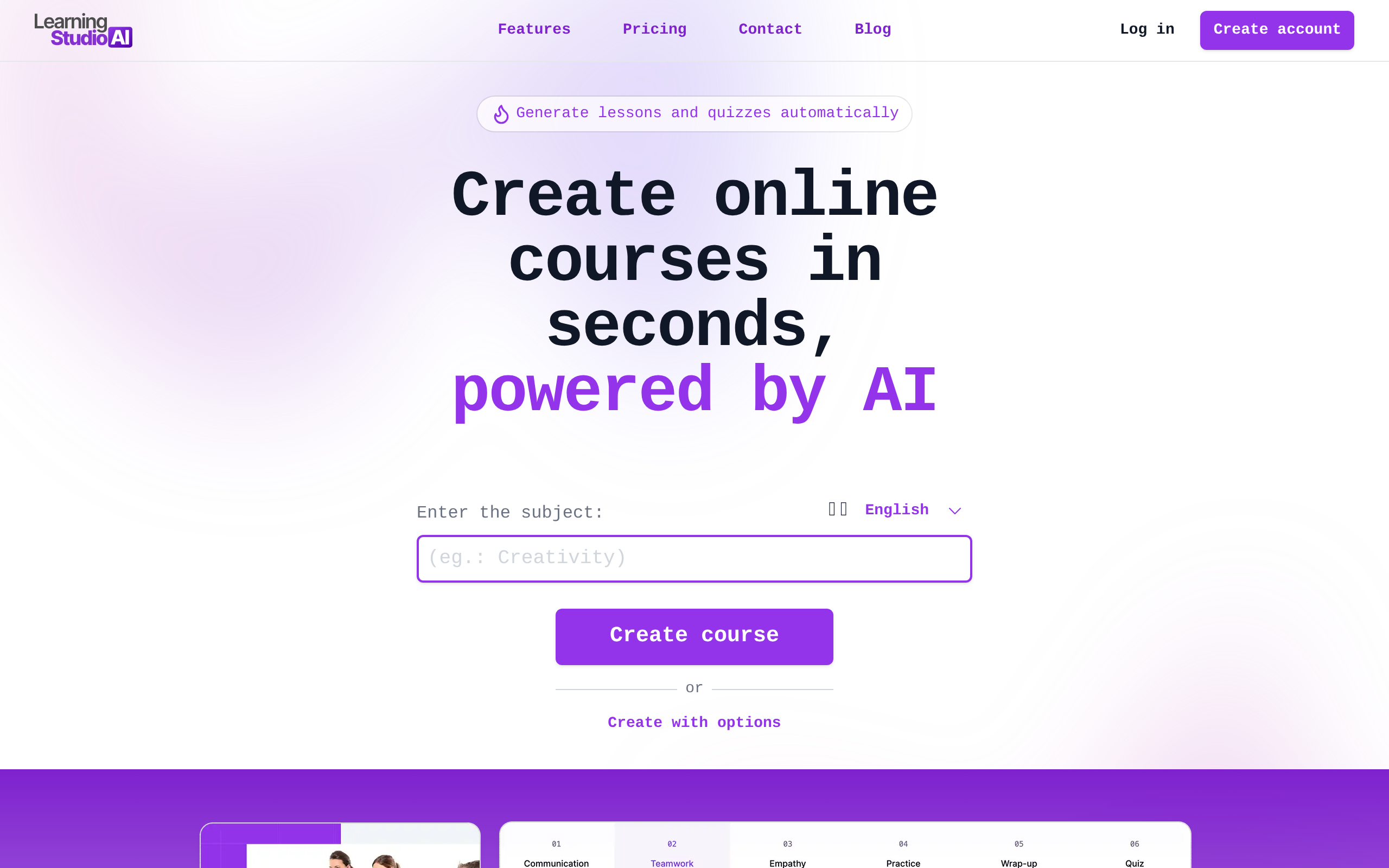
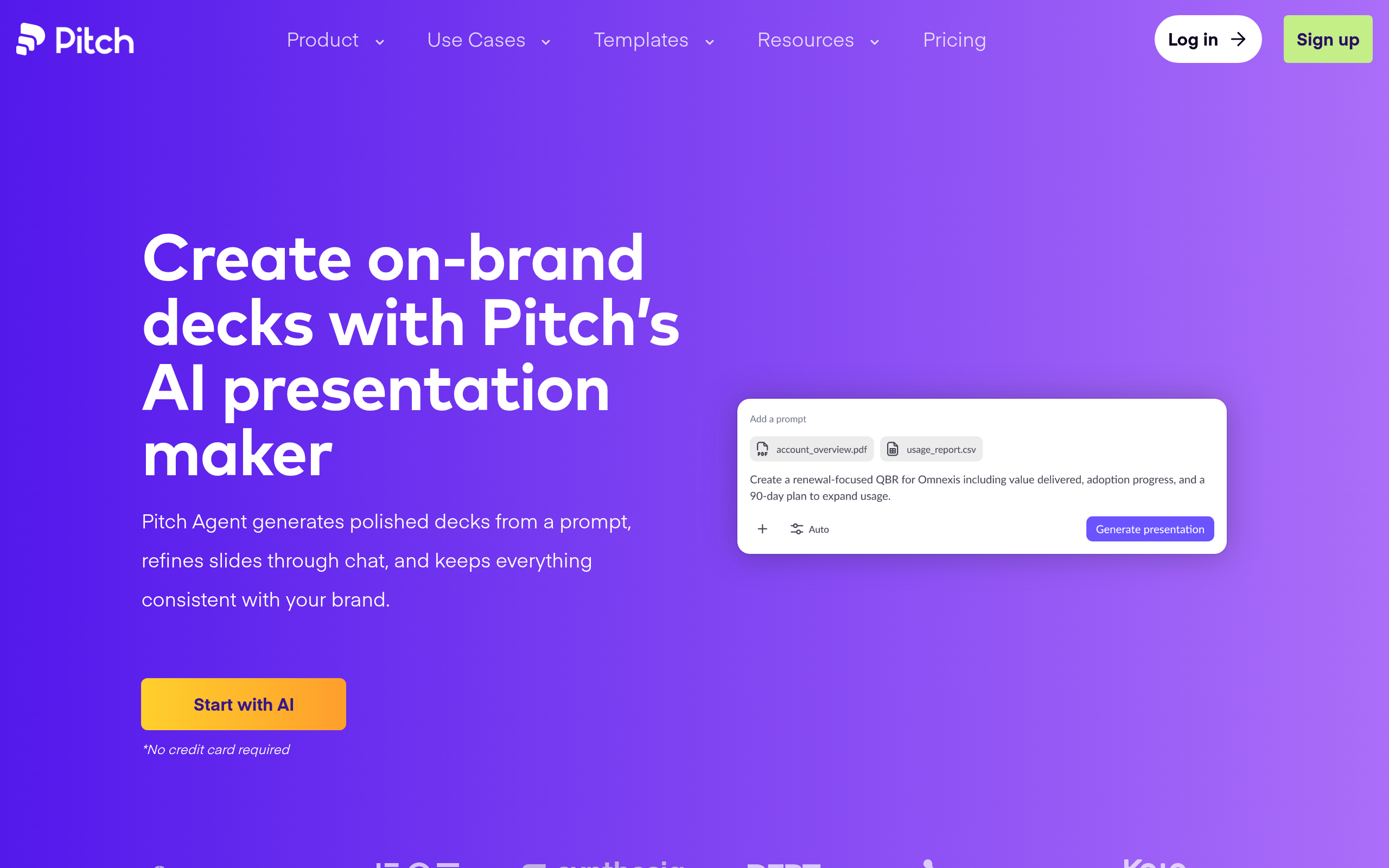
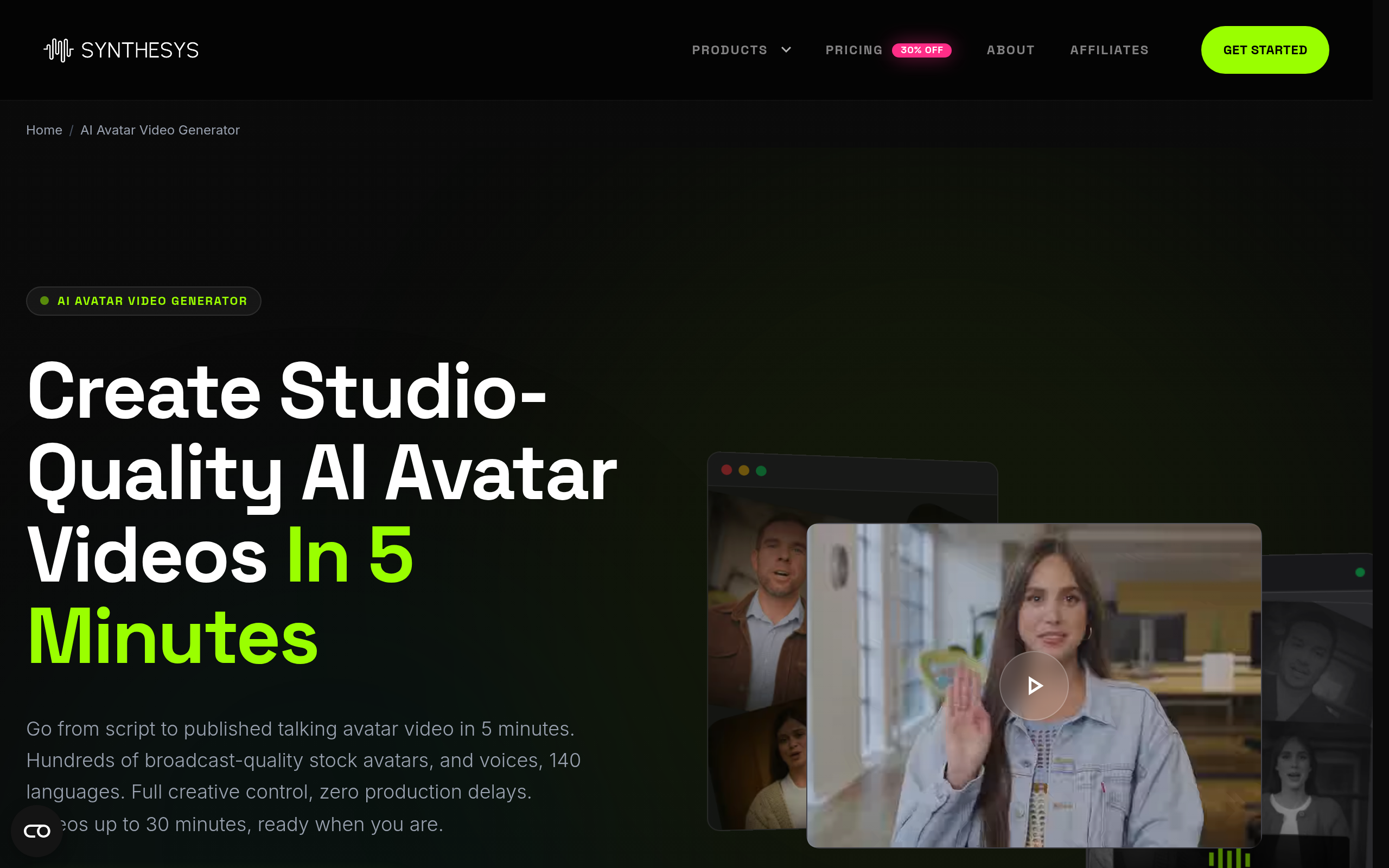
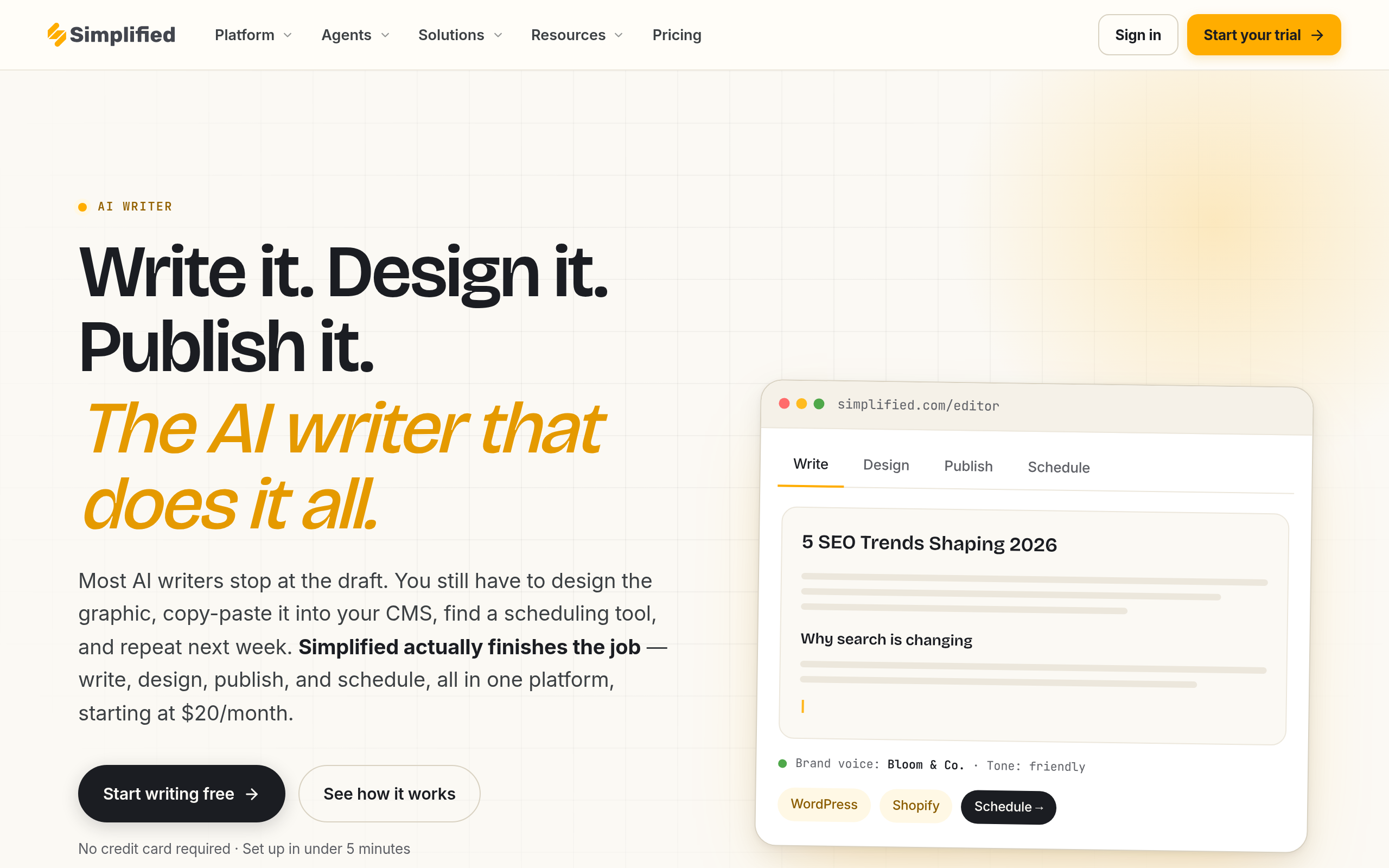
- Best tools: LearningStudioAI for course building, Colossyan Creator and Synthesys AI Avatar Video Generator for avatar video lessons, Simplified AI Writer for written content and Pitch for slides.
- AI drafts the materials, but the teacher's expertise, accuracy check and pedagogy stay essential.
- Be mindful of academic integrity — model responsible AI use and verify everything for accuracy.
AI tools help teachers and educators produce lesson content, slide decks, avatar-led video lessons and entire online courses far faster than building them by hand, freeing up the time and energy that matters most — the time spent actually teaching and supporting students. Teaching has always carried an enormous, often invisible workload: planning lessons, making slides, creating materials, recording explainer videos, and assembling courses. Much of this preparation happens on evenings and weekends. AI now automates a large share of that content production, and used responsibly it can give educators back their most precious resource — time — while improving the consistency and reach of their materials. This guide covers what AI does for educators, the best tools in 2026, how to build course content, and the academic-integrity considerations every educator should keep front of mind.
What are AI tools for teachers and educators?
AI tools for teachers are applications that use AI to take over or accelerate the content-creation side of teaching. They span several jobs. Lesson content tools draft explanations, worksheets, quizzes and reading material on any topic and level. Slide and presentation tools turn an outline into a polished deck in minutes. Avatar video tools create video lessons with a realistic on-screen presenter from just a script, with no camera or recording required. And course-building tools assemble structured online courses complete with modules, lessons and assessments. The unifying idea is that the mechanical work of producing teaching materials — writing, formatting, designing, recording — can be largely automated, so educators spend less time on production and more on the human side of teaching: explaining, mentoring, assessing understanding, and responding to individual students. AI does not replace the teacher's expertise or judgement; it removes the production bottleneck around it.
Lesson content, slides and avatar video lessons
The most immediately useful applications for educators cluster around content and media. For written lesson content — explanations, worksheets, quiz questions, reading passages — AI can draft a first version in seconds that the teacher then refines and corrects, turning hours of writing into minutes of editing. For slides, AI presentation tools convert an outline or topic into a clean, well-structured deck, removing the tedious design work that consumes so much prep time. The most striking development is avatar-led video lessons: instead of filming yourself, you write a script and an AI generates a video featuring a realistic presenter delivering it, in multiple languages if needed. This makes video lessons — which students increasingly expect and which work well for flipped classrooms and online learning — feasible for any teacher, not just those with recording setups and editing skills. Together, these capabilities address exactly the parts of teaching that consume the most preparation time, which is why they have become so popular among educators. To build a complete course, see our guide on how to create an online course with AI.
Best AI tools for teachers in 2026
| Need | Best tool |
|---|---|
| Building structured courses | LearningStudioAI |
| Avatar-led video lessons | Colossyan Creator, Synthesys AI Avatar Video Generator |
| Written lesson content | Simplified AI Writer |
| Slides & presentations | Pitch |
For building structured online courses with modules and lessons, LearningStudioAI helps you assemble complete course content efficiently. For avatar-led video lessons from a script — no camera required — Colossyan Creator and Synthesys AI Avatar Video Generator both create video lessons featuring a realistic presenter, which is ideal for flipped classrooms and online learning. For written lesson content like explanations, worksheets and quizzes, Simplified AI Writer drafts material fast that you then refine and verify. And for slides and presentations, Pitch turns your outline into a polished deck quickly. Pick the tools that match how you teach, and always keep your subject expertise in the loop to check accuracy.
How to create a lesson or course with AI (step by step)
- Outline your learning objectives — decide what students must understand before you generate anything.
- Draft the written content with Simplified AI Writer, then edit it for accuracy and your teaching style.
- Build your slides from the outline using Pitch.
- Create video lessons with Colossyan Creator or Synthesys AI Avatar Video Generator from your script.
- Assemble the course in LearningStudioAI, adding assessments to check understanding.
- Review everything for accuracy — verify facts, fix errors, and ensure the material is pedagogically sound before students see it.
The academic-integrity caveat (read this)
This is the consideration no educator can skip. AI in education is a double-edged tool: the same technology that helps teachers create materials also lets students generate essays and answers, which raises real questions about academic integrity and genuine learning. Educators have a dual responsibility here. First, on your own use: AI-generated content can be confidently wrong, so never put material in front of students without checking it for accuracy — your subject expertise is exactly what catches the errors AI makes, and an unverified factual mistake in a lesson does real harm. Second, on student use: rather than pretending AI does not exist, the responsible path is to teach students how to use it ethically — as a tool for learning and drafting, not a shortcut that bypasses understanding — and to design assessments that reward genuine comprehension over text that AI can produce. Model the behaviour you want to see: be transparent about where you use AI, emphasise that it assists rather than replaces thinking, and uphold your institution's policies. Used this way, AI strengthens education; used carelessly, it can undermine the learning it is meant to support. The technology is powerful, but the educator's judgement, accuracy check and ethical framing are what keep it on the right side of that line.
Why AI matters for educators now
Teacher workload and burnout are serious, well-documented problems, and a large share of that load is content production that happens outside teaching hours. AI directly attacks that burden. By drafting materials, generating slides, and creating video lessons in minutes rather than hours, it gives educators back time they can redirect to the irreplaceable human work of teaching — explaining difficult concepts, mentoring struggling students, giving feedback, and building relationships. There is also a quality and access dimension: AI makes it feasible to produce video lessons, multilingual materials and well-structured courses that were previously out of reach for most teachers, which can improve learning for students who benefit from different formats. And as online and blended learning continue to grow, the ability to produce polished digital course content quickly has become a core skill rather than a nice-to-have. None of this changes the fundamental truth that great teaching is human — but it does mean that educators who adopt these tools thoughtfully can spend more of their finite energy on the students and less on the production line, which is exactly where that energy belongs.
The bottom line
AI tools let teachers produce lesson content, slides, avatar-led video lessons and full courses in a fraction of the usual time, attacking the content-production workload that drives so much educator burnout. Use LearningStudioAI for course building, Colossyan Creator and Synthesys AI Avatar Video Generator for avatar video lessons, Simplified AI Writer for written content, and Pitch for slides. But keep your expertise in the loop: verify everything for accuracy, design assessments that reward real understanding, model ethical AI use for your students, and follow your institution's policies. Done responsibly, AI gives educators back time for the human work that matters most.
Disclaimer: AI-generated educational content can be confidently wrong — always verify facts and pedagogy before sharing material with students. Use AI ethically, uphold academic-integrity standards, teach students responsible use, and follow your institution's policies on AI in teaching and assessment.
Tools mentioned in this guide
Pricing, features and model availability can change over time. Always verify current details on each tool's official website before deciding.
Frequently Asked Questions
What AI tools are best for teachers?
What AI tools are best for teachers?
Can AI create video lessons for teachers?
Can AI create video lessons for teachers?
How can teachers use AI to save time?
How can teachers use AI to save time?
Is it ethical for teachers to use AI?
Is it ethical for teachers to use AI?
How does AI affect academic integrity?
How does AI affect academic integrity?
Can AI build an online course?
Can AI build an online course?
Don't just pick a tool — get the whole workflow
Tell Comparee your goal and get a complete step-by-step AI workflow with the right tool for every step.