How to Create an Online Course with AI: A 2026 Guide
Create an online course with AI in 2026: structure, script, generate avatar-led video lessons, build slides, and pick a platform. A practical step-by-step guide
Key takeaways
- Building an online course in 2026 means AI can handle scripting, video production and slides while you focus on the teaching.
- Tools like Colossyan Creator, Synthesys AI Avatar Video Generator, LearningStudioAI and Pitch cover video, structure and decks.
- Avatar-led video lets you produce talking-head lessons without ever appearing on camera.
- A clear curriculum and tight learning outcomes matter more than production polish.
- AI accelerates production, but you still own the expertise and the accuracy of what you teach.
In 2026 you can design, script, film and package a complete online course using AI, even if you hate being on camera and have never edited a video. The traditional barriers to course creation — writing a coherent curriculum, recording hours of talking-head footage, designing professional slides and stitching it all together — are exactly the tasks AI now handles well. What it cannot do is supply your expertise or guarantee that what you teach is correct. Think of AI as a production studio and a teaching assistant rolled into one: it speeds up everything around the knowledge, but the knowledge has to be yours. This guide takes you from a blank page to a publishable course, and names the specific tools that make each stage faster.
What is an AI-built online course?
An AI-built online course is one where machine learning supports the heavy lifting at each production stage while you remain the subject expert and final editor. AI can propose a curriculum outline from a topic, draft lesson scripts, turn those scripts into avatar-led videos that look like a presenter is speaking to camera, generate slide decks, and even create quizzes. The result feels like a professionally produced course, but the workflow is closer to writing a detailed document than running a film shoot. Crucially, this lowers the cost of iteration: if a lesson lands badly, you can rewrite the script and regenerate the video in minutes rather than rebooking a studio. That speed is what lets solo creators ship courses that used to require a small team.
Start with structure, not video
The most common mistake first-time course creators make is jumping straight to recording. A course lives or dies on its structure: clear learning outcomes, a logical sequence of modules, and lessons short enough to hold attention. Before you generate a single video, decide what a student should be able to do by the end of the course, then work backwards into modules and individual lessons that each teach one idea. AI can help here by expanding a rough topic into a draft outline and suggesting where prerequisites belong, but you must review it critically — automated outlines tend to be generic and occasionally pad with filler. A tight, opinionated structure built on real outcomes will outperform a beautifully produced but aimless course every time.
Scripting lessons that actually teach
Once your structure is set, each lesson needs a script. Good teaching scripts are conversational, use concrete examples, and repeat key ideas without sounding repetitive. AI writing tools are excellent first-draft engines: feed them your learning outcome and key points, and they will return a structured script you can refine. The danger is accepting that draft uncritically. AI can state things confidently that are subtly wrong, oversimplified or out of date, and in an educational context that erodes trust fast. So treat every generated script as a draft to be fact-checked and infused with your own voice, stories and hard-won caveats. The script is where your expertise must show up most clearly, because everything downstream — the video, the slides, the quiz — is built on top of it.
Best AI course creation tools
| What you need | Best tool |
|---|---|
| Avatar-led video lessons | Colossyan Creator |
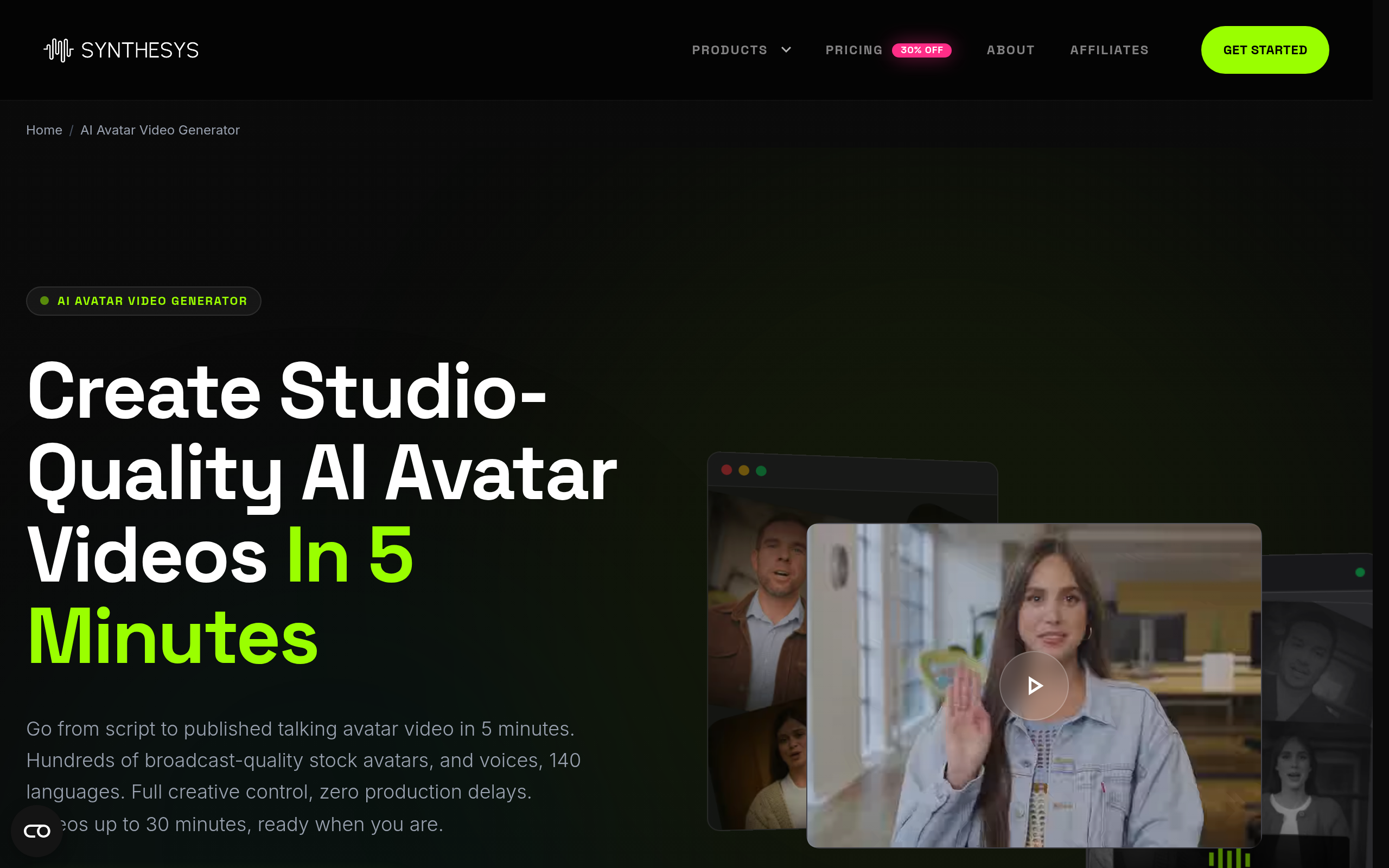
| Alternative avatar video generation | Synthesys AI Avatar Video Generator |
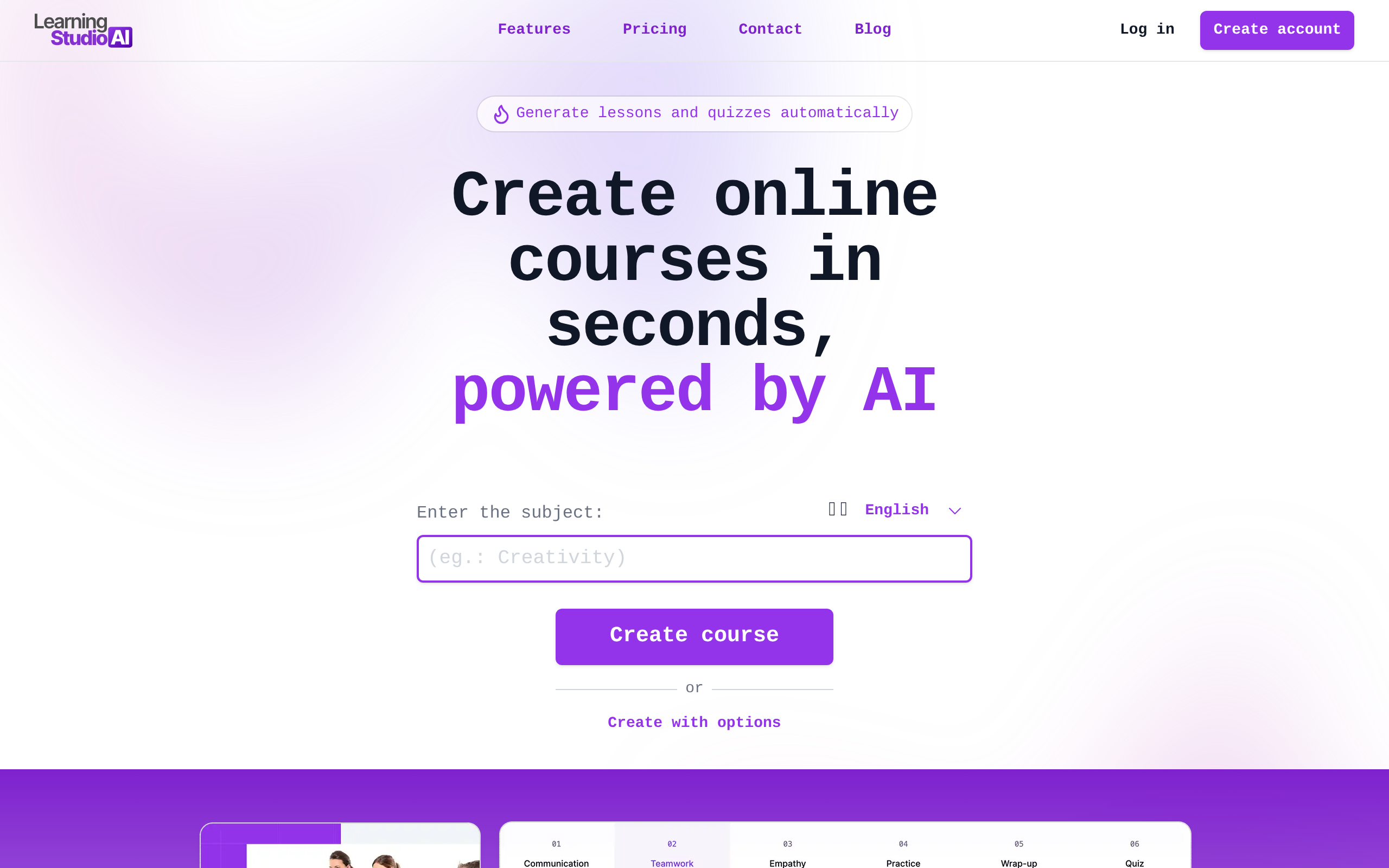
| Structure a full course end to end | LearningStudioAI |
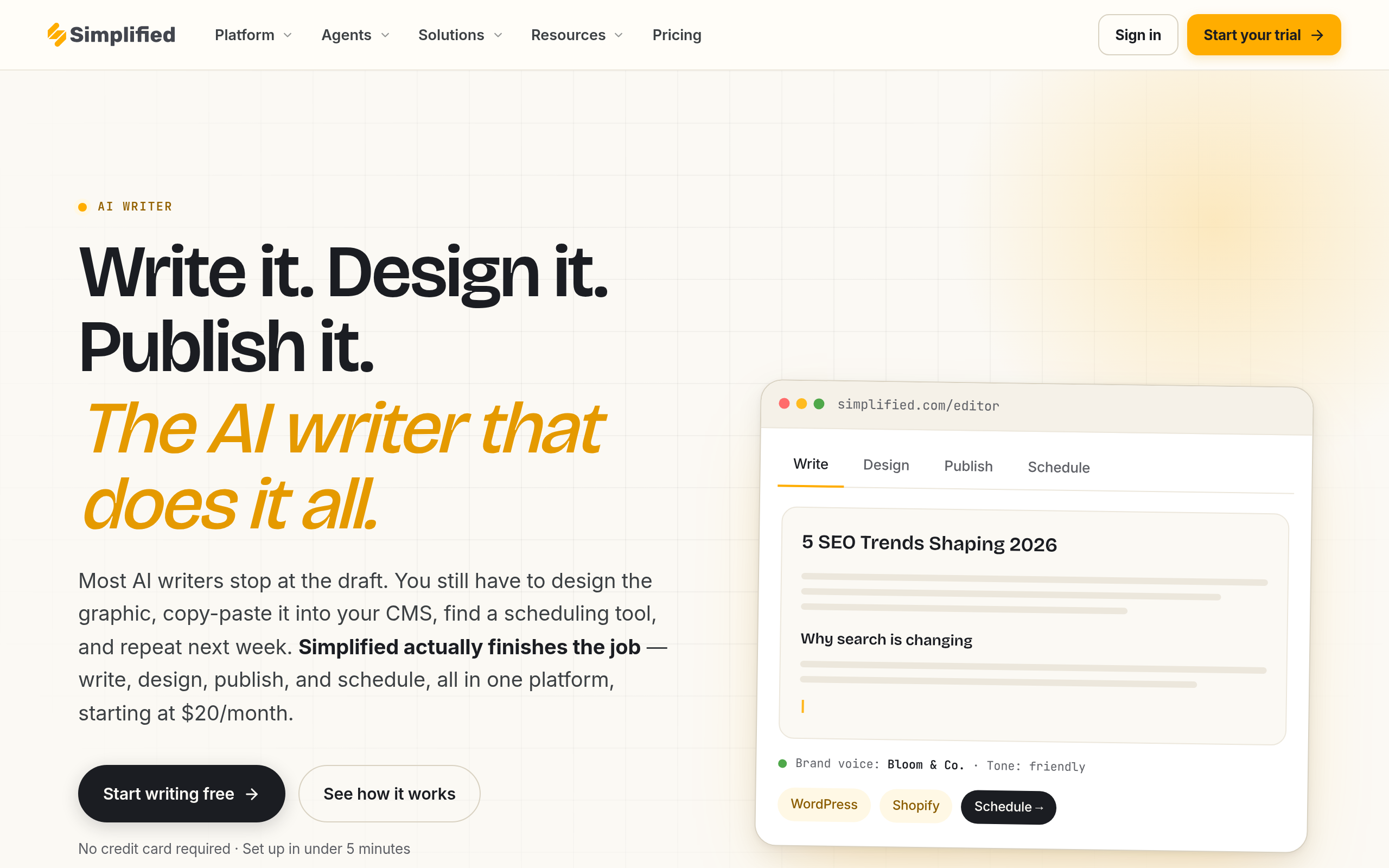
| Draft lesson scripts and copy | Simplified AI Writer |
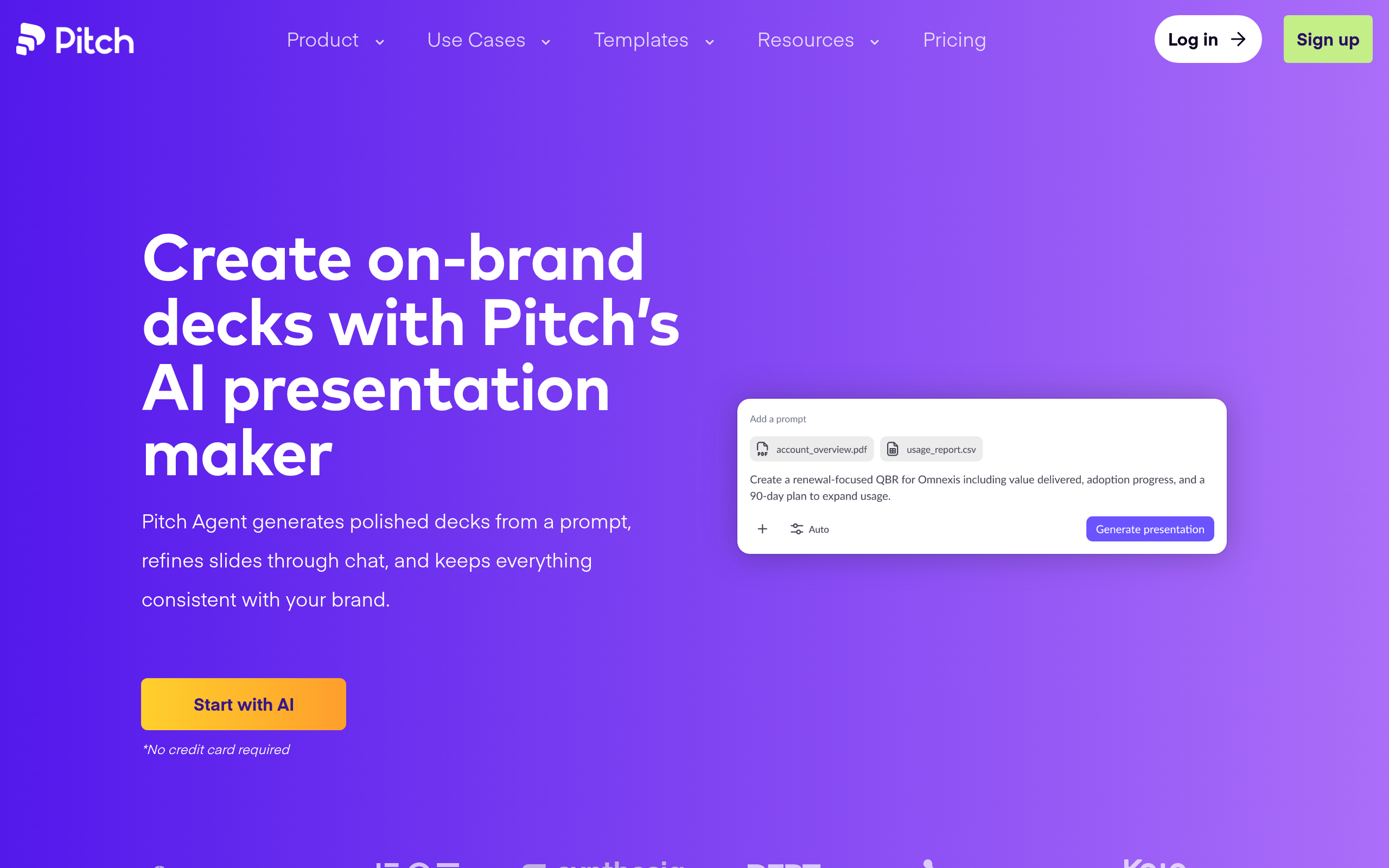
| Design polished slide decks | Pitch |
Colossyan Creator is a strong choice for turning scripts into avatar-led video lessons, letting you produce talking-head content in multiple languages without ever filming yourself. Synthesys AI Avatar Video Generator offers a similar avatar video capability and is worth comparing for voice and avatar variety. LearningStudioAI focuses specifically on course building, helping you go from a topic to a structured set of lessons. Simplified AI Writer is a practical first-draft tool for lesson scripts, descriptions and marketing copy. Pitch handles the visual side, helping you build clean, on-brand slide decks that support your lessons rather than distract from them. If avatars are central to your plan, our guide to AI avatars and virtual humans goes deeper on how they work and where they fall short.
How to create your course (step by step)
- Define the outcome: write down exactly what a student should be able to do after finishing the course.
- Build the structure: break the outcome into modules and short single-idea lessons in a logical sequence.
- Draft each lesson script with AI, then fact-check it and rewrite it in your own voice with real examples.
- Generate avatar-led videos from your scripts and design supporting slides for each lesson.
- Add quizzes or exercises so students apply what they learned, not just watch passively.
- Publish on a course platform, gather feedback from early students, and revise weak lessons by regenerating them.
Avatars: powerful, but use them honestly
AI avatars are the feature that makes camera-shy experts able to publish video courses at all, and that is genuinely liberating. You write a script, choose a presenter, and get a polished talking-head video without lights, makeup or retakes. But there are honesty considerations. Students generally appreciate knowing when a presenter is a synthetic avatar rather than assuming it is you on camera, and some topics — especially those built on personal trust or coaching — benefit from your real face and voice. Avatars also still have small tells in lip-sync and gesture that can feel uncanny in long stretches. A sensible approach is to use avatars where they save real time, keep lessons short, and be transparent about how the videos are made. Transparency costs nothing and protects the trust your course depends on.
Choosing a platform and pricing your course
Where you host your course shapes how you get paid and how students experience it. Some creators sell through dedicated course platforms that handle payments, drip scheduling and student progress; others embed lessons on their own site for full control. There is no single right answer — it depends on whether you value convenience or ownership, and whether you are selling a one-off course or building a subscription. On pricing, resist the urge to compete on cheapness. A course is valued on the transformation it delivers, not the hours of video it contains, so price against the outcome a student gets. Start with a small cohort, collect testimonials and refine the weak lessons, then raise the price as the course proves its results. AI makes revisions cheap, so treat your first version as a starting point rather than a finished product.
The bottom line
Creating an online course in 2026 is about leading with structure and expertise while letting AI compress the production. Use LearningStudioAI to shape the curriculum, Simplified AI Writer to draft scripts you then fact-check, Colossyan Creator or Synthesys AI Avatar Video Generator for avatar-led video, and Pitch for slides. The tools handle the studio work, but the teaching, accuracy and honesty are yours. Build a tight course around a real outcome, be transparent about your use of avatars, and iterate based on student feedback — and you can publish a professional course solo in a fraction of the time it once took.
Disclaimer: AI-generated scripts and outlines can contain errors or outdated information; always fact-check educational content before publishing. Verify each tool's features, licensing and avatar usage terms directly with the provider, and be transparent with students about AI-generated presenters.
Tools mentioned in this guide
Pricing, features and model availability can change over time. Always verify current details on each tool's official website before deciding.
Frequently Asked Questions
Can I create a course with AI if I do not want to be on camera?
Can I create a course with AI if I do not want to be on camera?
Should I trust AI-written lesson scripts?
Should I trust AI-written lesson scripts?
What matters more, structure or production quality?
What matters more, structure or production quality?
Do I have to tell students the presenter is an AI avatar?
Do I have to tell students the presenter is an AI avatar?
How should I price an AI-built course?
How should I price an AI-built course?
How do I improve a course after launch?
How do I improve a course after launch?
Don't just pick a tool — get the whole workflow
Tell Comparee your goal and get a complete step-by-step AI workflow with the right tool for every step.