Best AI Presentation Makers in 2026: Slides in Minutes
The best AI presentation makers in 2026, compared by use case — business decks, pitch decks, education, branded decks and Google Slides. Comparee's verdict.
Key takeaways
- The fastest path from a topic to a finished deck is an AI presentation maker — type a prompt, get structured slides.
- For an all-round pick, Decktopus AI and AiPPT turn a topic into a polished deck in minutes.
- Use Pitch for collaborative business decks, Slidebean for startup pitch decks, SlidesAI or GPT for Google Slides if you live in Google Slides.
- Pick by your use case — there is no single "best" tool, only the best one for your deck.
Building a presentation by hand is slow: you outline, write, design, and reformat until it looks right. AI presentation makers collapse that into minutes — you describe the topic and the tool generates a structured, designed deck you then refine. This guide compares the best AI presentation makers in 2026 and tells you which to choose for your specific deck, using real tools from the Comparee catalog.
The shift is bigger than just faster slides. A few years ago, a good-looking deck meant hiring a designer or spending hours in PowerPoint; now a single prompt produces a structured, on-brand starting point in under a minute. That changes who can make a strong presentation — anyone can, which means the bar for content and clarity, not design, is what now separates a good deck from a forgettable one. The tools below differ less in whether they can generate slides and more in how well they fit a specific job, so the question worth answering is not "which is best" but "which is best for the deck I'm making this week".
The short answer
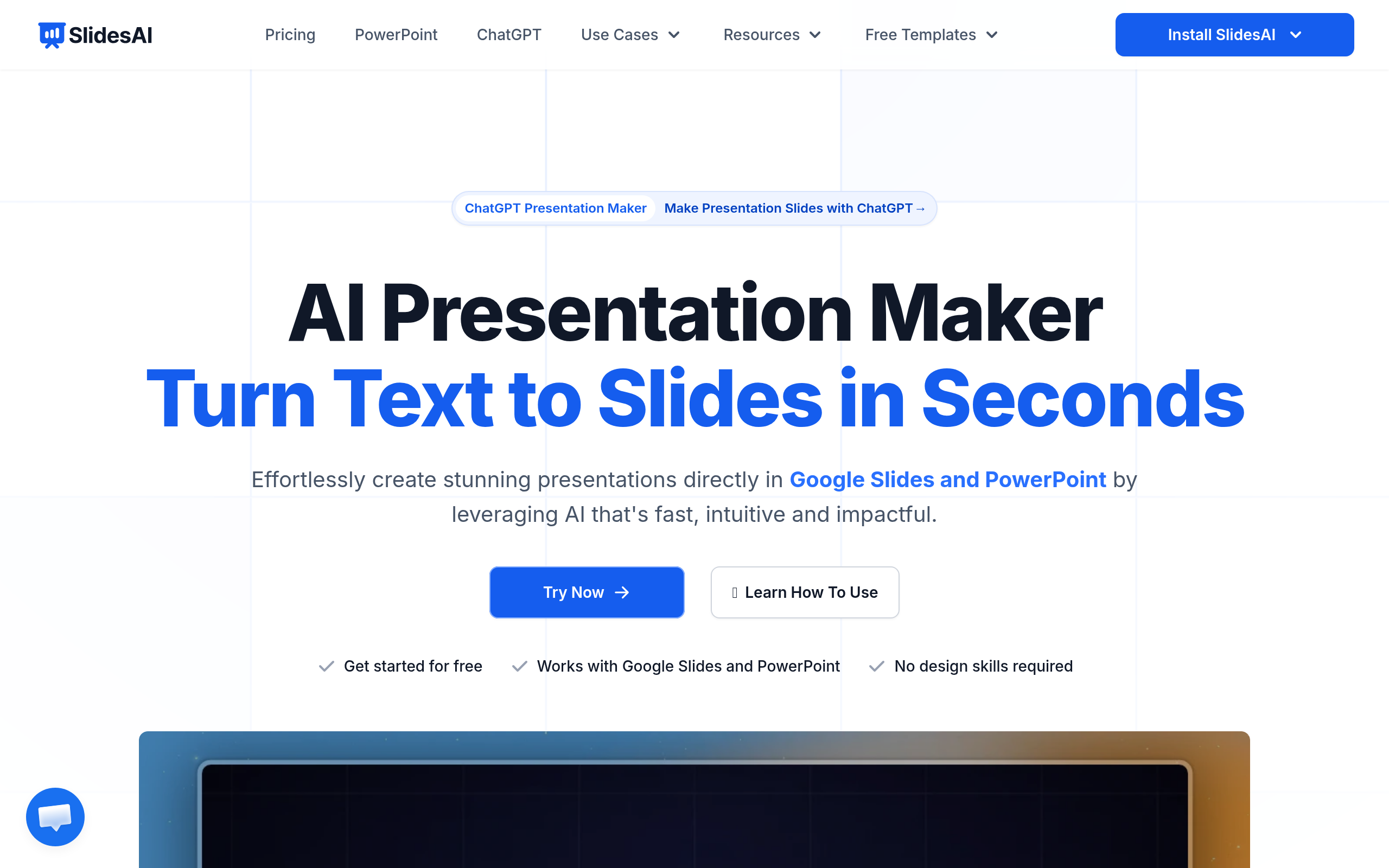
For most people, an all-round AI presentation maker like Decktopus AI or AiPPT is the fastest way to a finished deck. If you collaborate with a team, Pitch is built for that. For startup fundraising, Slidebean is purpose-made for pitch decks. And if your workflow is Google Slides, SlidesAI and GPT for Google Slides add AI without leaving the tool you already use.
Best AI presentation makers by use case
| Use case | Best pick | Why |
|---|---|---|
| All-round / fastest deck | Decktopus AI | Topic to designed deck in minutes |
| Fast AI slide generation | AiPPT | Quick structured slides from a prompt |
| Team / business decks | Pitch | Collaboration + brand control |
| Startup pitch decks | Slidebean | Investor-ready pitch templates |
| Interactive presentations | Genially | Animations, interactivity, embeds |
| Branded business decks | Visme AI Branded Presentation Generator | On-brand, data visuals |
| Google Slides users | SlidesAI / GPT for Google Slides | AI inside Google Slides |
Best all-round: Decktopus AI and AiPPT
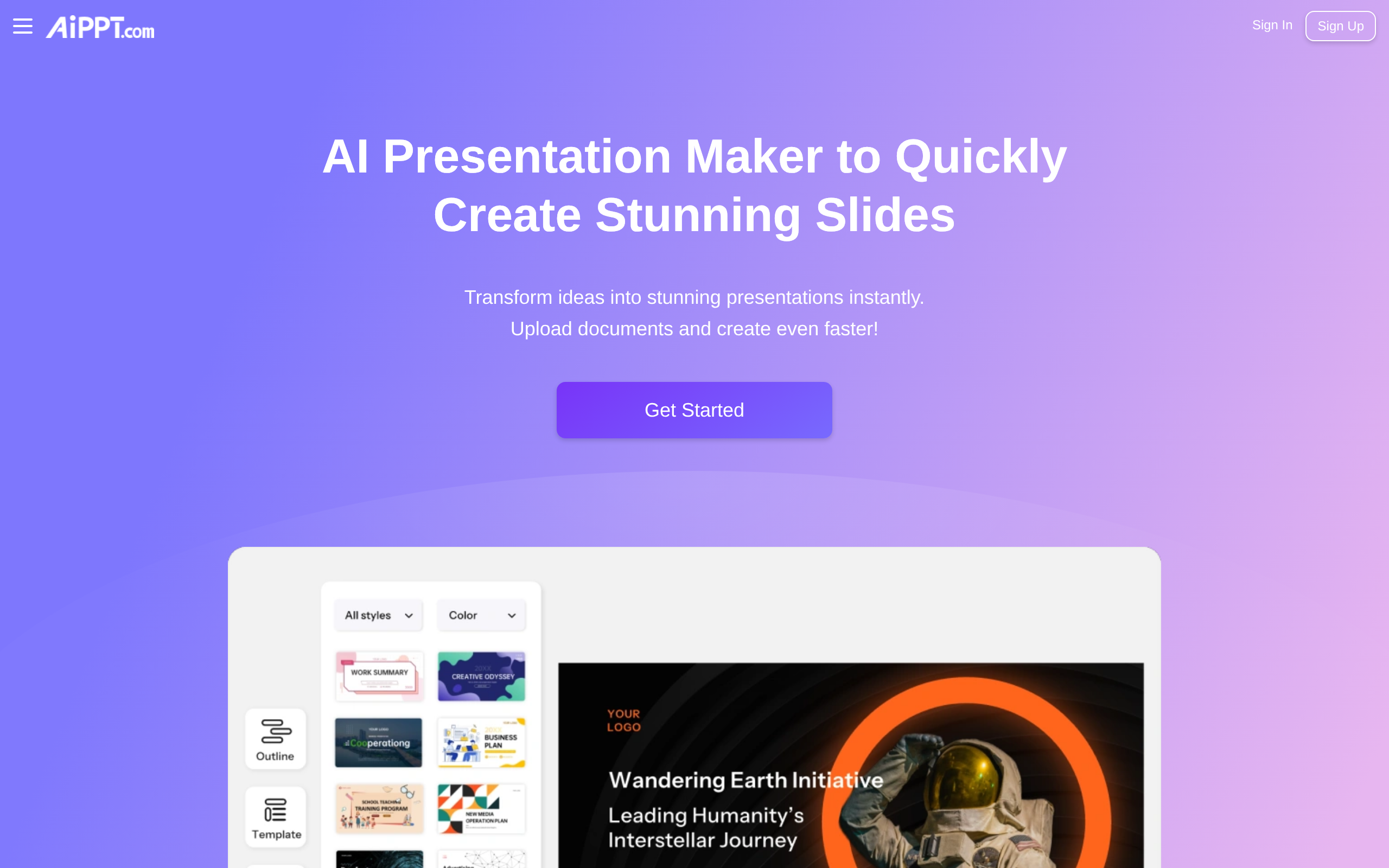
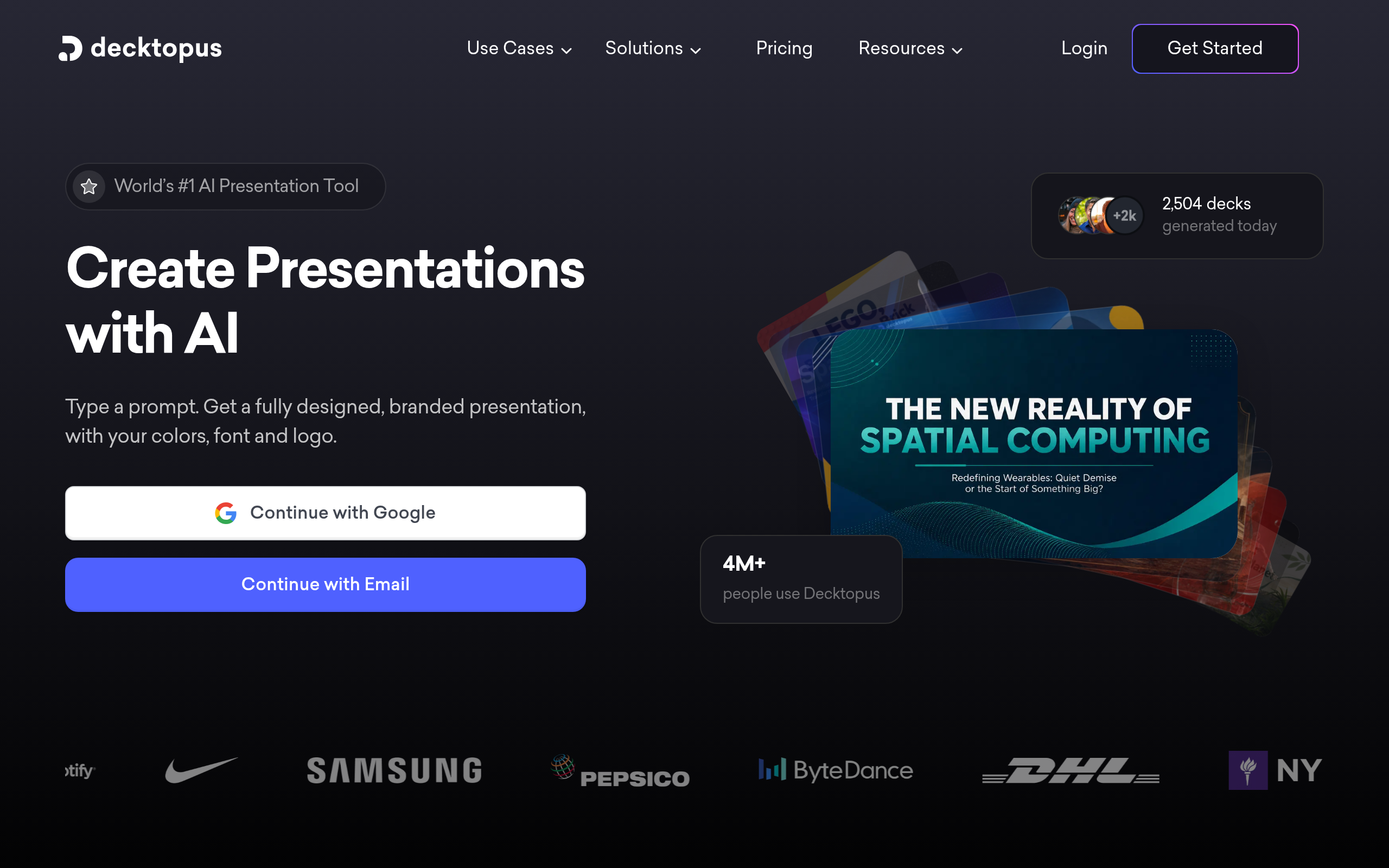
Decktopus AI is the closest thing to a one-click deck: give it a topic and it generates a coherent, designed presentation with sensible structure, which you then tweak. AiPPT works similarly and is fast at turning a prompt or outline into structured slides, which makes it a strong default when you need something presentable quickly rather than pixel-perfect.
Best for teams and pitch decks: Pitch and Slidebean
Pitch is built for collaborative business decks — multiple people, brand templates, and a clean editor that keeps a team consistent. For fundraising, Slidebean is specialised in startup pitch decks, with investor-tested structures so you spend less time guessing what slides a deck needs. If your deck is going in front of customers or investors, these two beat a generic generator.
Best for education and branding: Genially and Visme
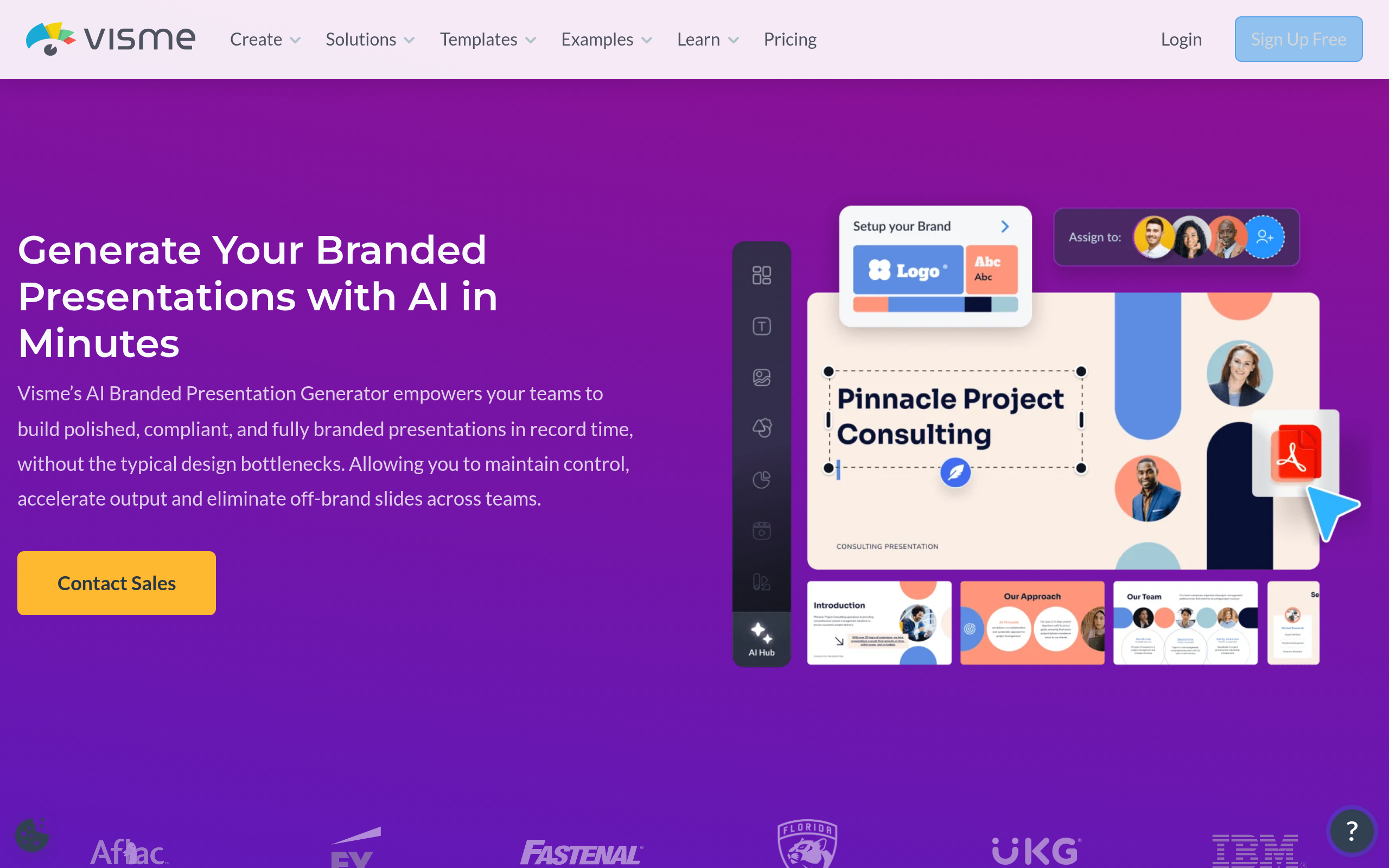
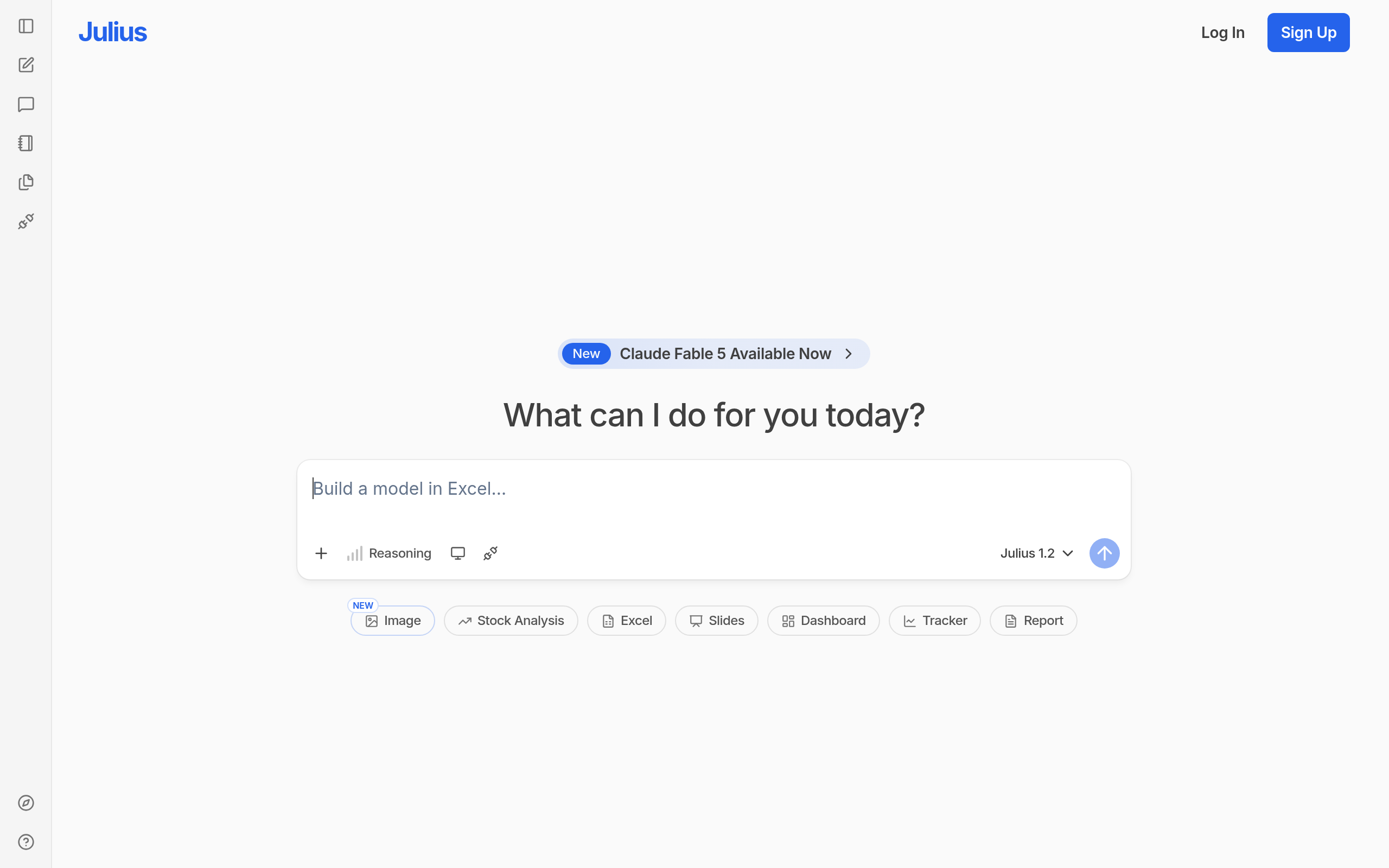
For classrooms and engaging content, Genially adds interactivity — animations, clickable elements and embeds that a static deck can't match. For marketing and sales teams that need on-brand output, Visme AI Branded Presentation Generator keeps presentations consistent with your brand and is strong on data visuals. Julius AI is worth a look when your deck is data-heavy and you want charts generated from numbers.
Best for Google Slides: SlidesAI and GPT for Google Slides
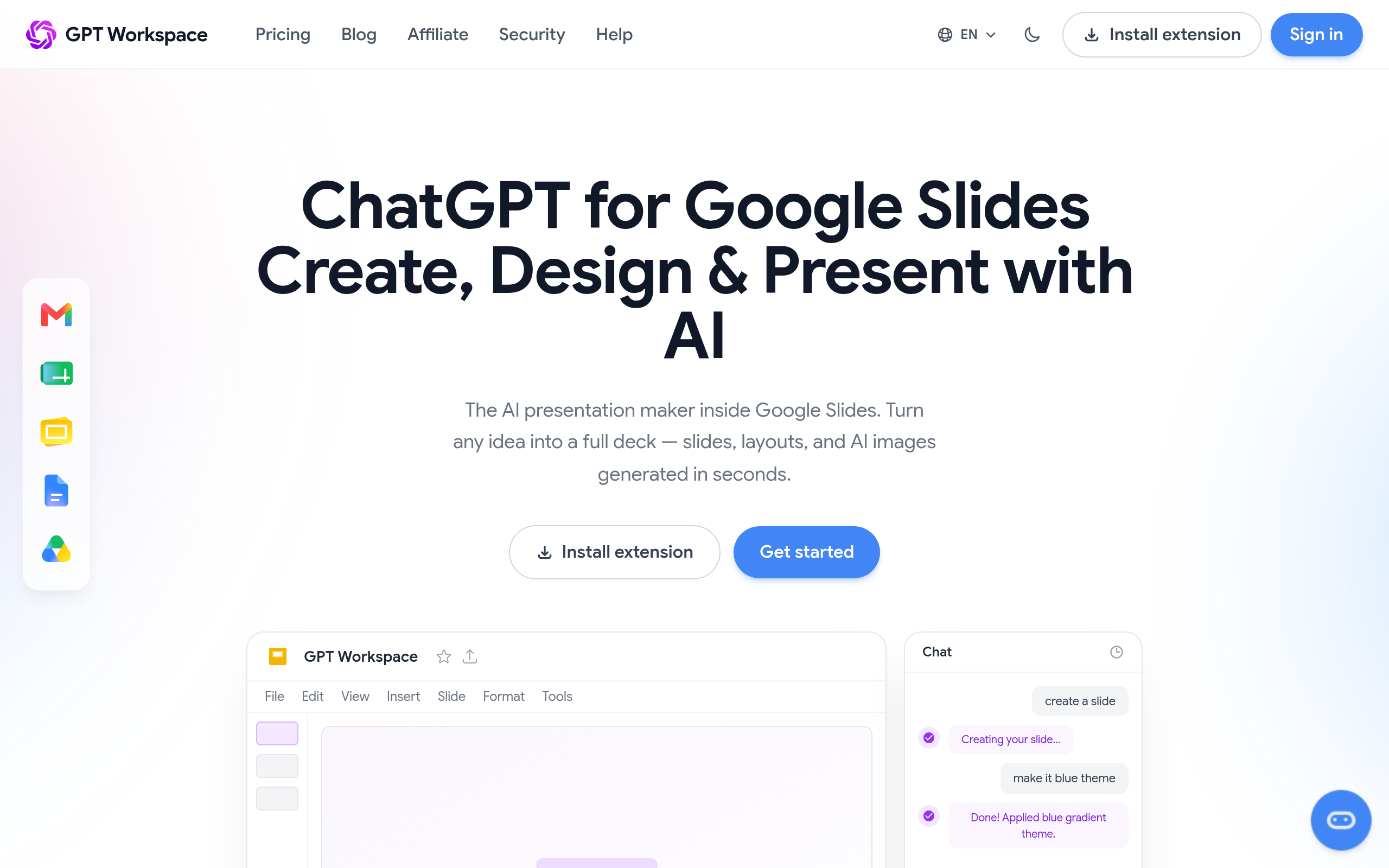
If you already work in Google Slides, you don't need to switch tools. SlidesAI generates slides from text directly inside Google Slides, and GPT for Google Slides adds AI assistance to the editor you know. Free AI Presentation Maker is a lightweight option to try the concept before committing to anything paid.
How to choose your AI presentation maker
Start with where the deck ends up. A quick internal update justifies the fastest generator; a board meeting or investor pitch justifies a specialist. Then weigh collaboration: solo creators can pick whatever is fastest, while teams need brand templates and shared editing, which is exactly where Pitch and Visme earn their place. Finally, consider your existing workflow — if your company runs on Google Workspace, an in-Slides tool removes friction that a separate app adds. Most people end up using one fast generator for drafts and one polished tool for the decks that matter.
Comparee recommendation
- Need a deck fast? → Decktopus AI or AiPPT.
- Team / business deck? → Pitch.
- Startup pitch? → Slidebean.
- Education / interactive? → Genially.
- Live in Google Slides? → SlidesAI or GPT for Google Slides.
Pick by the deck in front of you, not by a leaderboard. Most teams keep a fast generator for everyday slides and a specialist for high-stakes presentations. Browse and compare the options in the top presentation tools on Comparee, and see the wider landscape in AI Tools, Comparisons & Workflows.
Free vs paid: what do you actually need?
Most AI presentation makers have a free tier, and for an occasional deck that is often enough. Free AI Presentation Maker and the free plans of tools like Decktopus AI and AiPPT let you generate a presentation and judge the quality before paying. The honest trigger to upgrade is a specific limit you keep hitting: a watermark you can't present with, an export format you need, brand controls, or a slide count cap. When that happens, pay for the one tool you use most rather than subscribing to several. Teams are the exception — if multiple people build decks, a collaborative tool like Pitch or a branded one like Visme AI Branded Presentation Generator pays for itself in consistency and time saved, so the paid plan is justified from day one.
Common mistakes with AI presentation makers
The biggest mistake is shipping the first generated draft. AI gives you a strong structure and a decent design, but the deck that lands is the one where you cut filler slides, tighten the story, and add the one or two slides only you can write — your specific data, your argument, your recommendation. Treat the AI output as a fast first draft, not the final deck. The second mistake is choosing on features instead of fit: a tool can have every template and still slow you down if it doesn't match how you work, which is why testing on one real deck beats reading a spec sheet. The third is over-designing — interactive animations from Genially are great for a webinar but distracting in a board meeting, so match the format to the audience. Used with judgement, these tools turn a half-day of slide-wrangling into twenty minutes, and the time you save is best spent on the content that actually persuades.
The bottom line
The best AI presentation maker is the one that matches your deck: Decktopus AI and AiPPT for speed, Pitch for teams, Slidebean for pitches, Genially for interactivity, and SlidesAI for Google Slides. Most have free tiers, so test your top pick on one real presentation before paying, and compare them side by side in the presentations category.
Tools mentioned in this guide
Pricing, features and model availability can change over time. Always verify current details on each tool's official website before deciding.
Frequently Asked Questions
What is the best AI presentation maker in 2026?
What is the best AI presentation maker in 2026?
Can AI make a full presentation from a topic?
Can AI make a full presentation from a topic?
What is the best AI tool for Google Slides?
What is the best AI tool for Google Slides?
Which AI tool is best for a startup pitch deck?
Which AI tool is best for a startup pitch deck?
Are AI presentation makers free?
Are AI presentation makers free?
Don't just pick a tool — get the whole workflow
Tell Comparee your goal and get a complete step-by-step AI workflow with the right tool for every step.