How to Create Presentations with AI: A 2026 Guide
How to create presentations with AI in 2026 — a step-by-step process, the best AI presentation tools (Pitch, Visme, AiPPT), and design tips.
Key takeaways
- AI presentation tools turn a prompt, outline or document into a structured, designed slide deck in minutes.
- They handle the slow parts — structure, layout, design — so you focus on the message and the data.
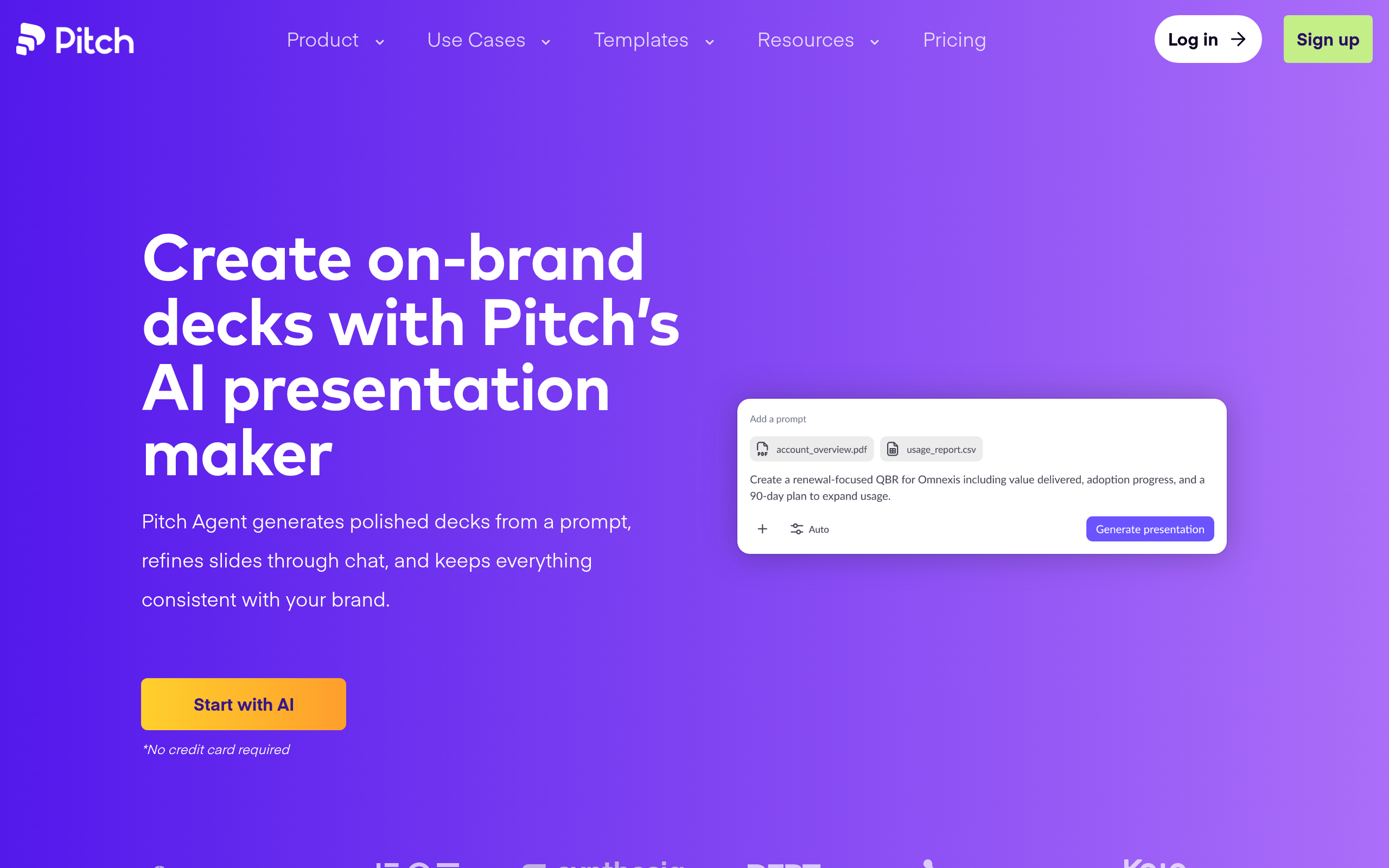
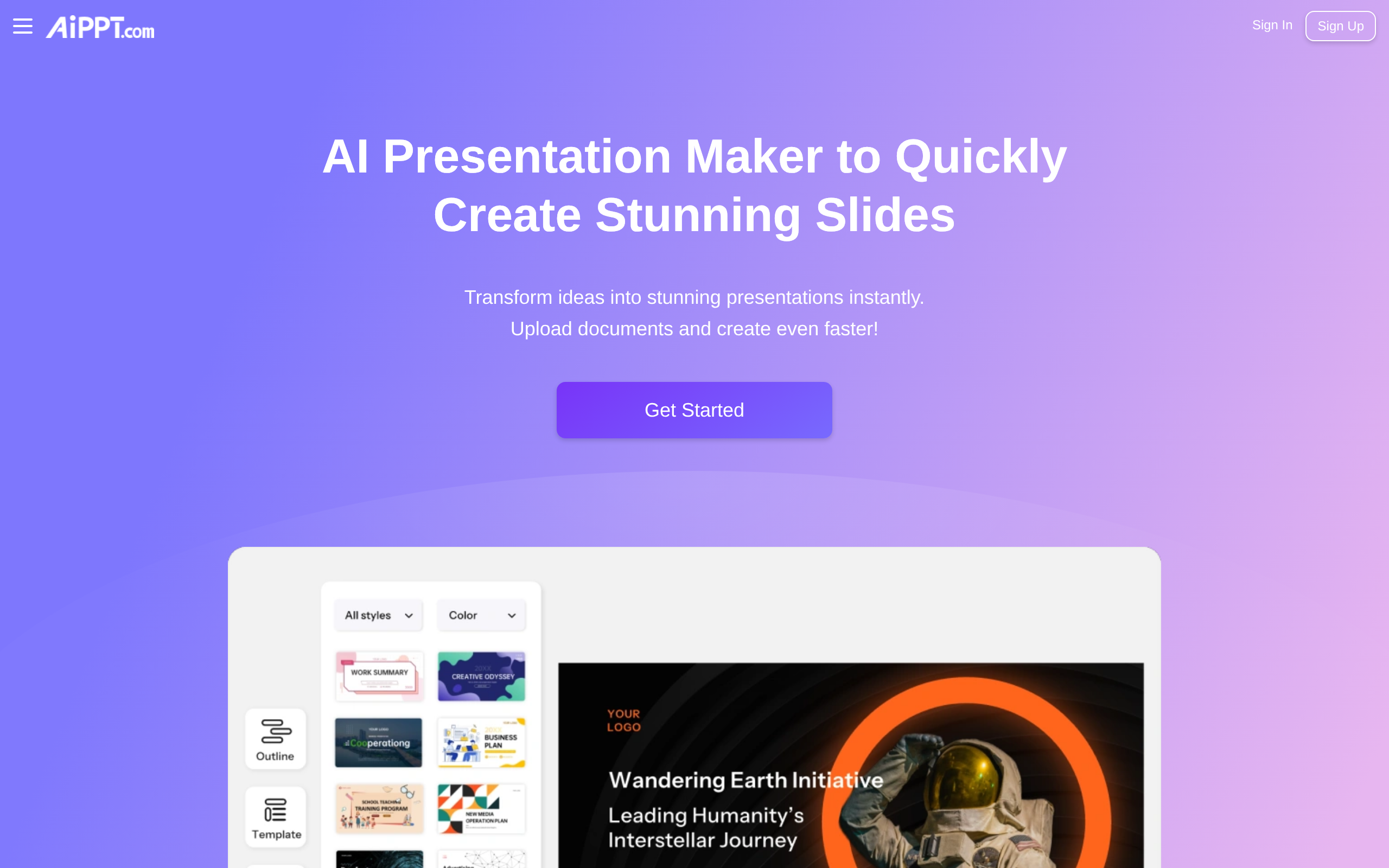
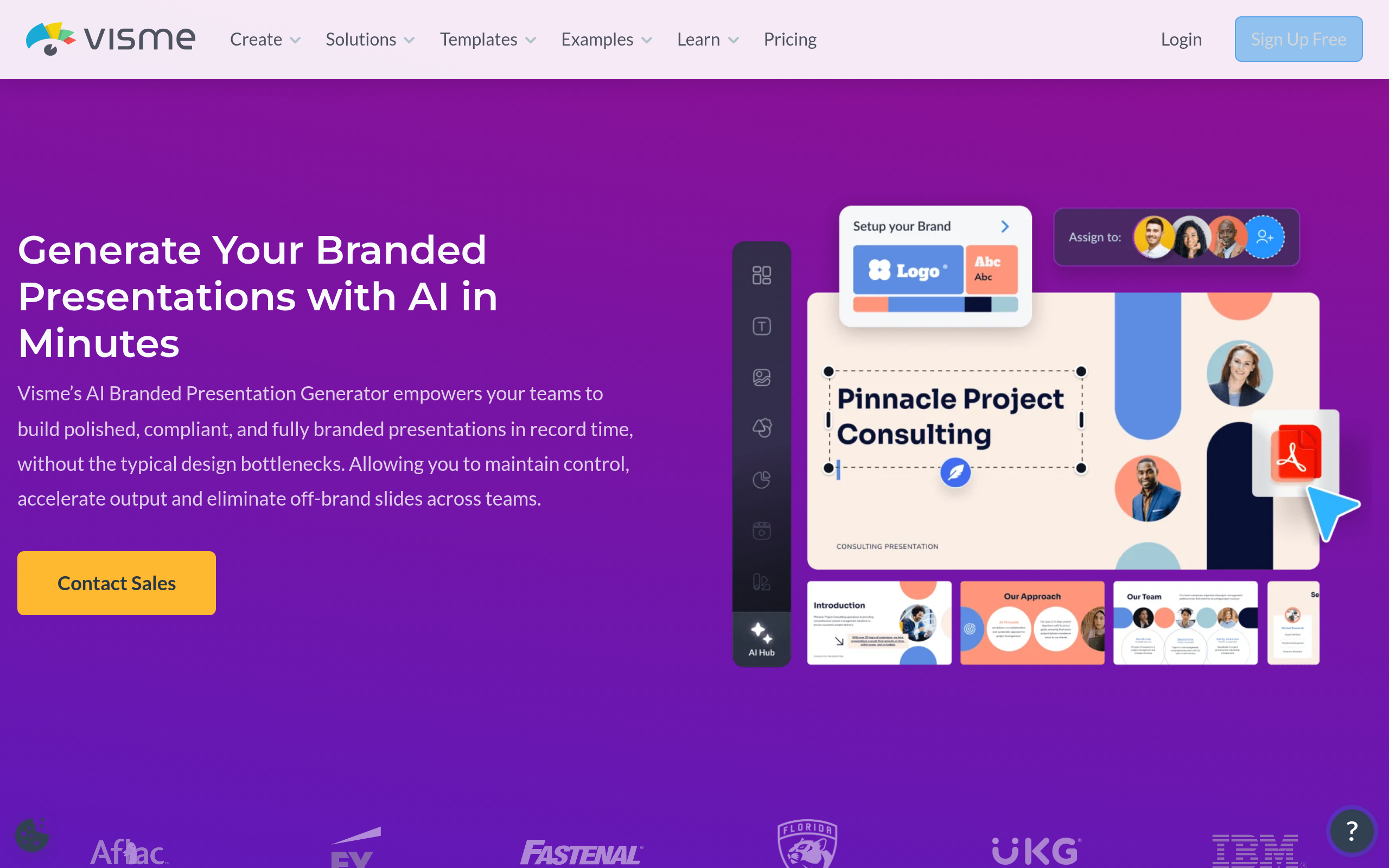
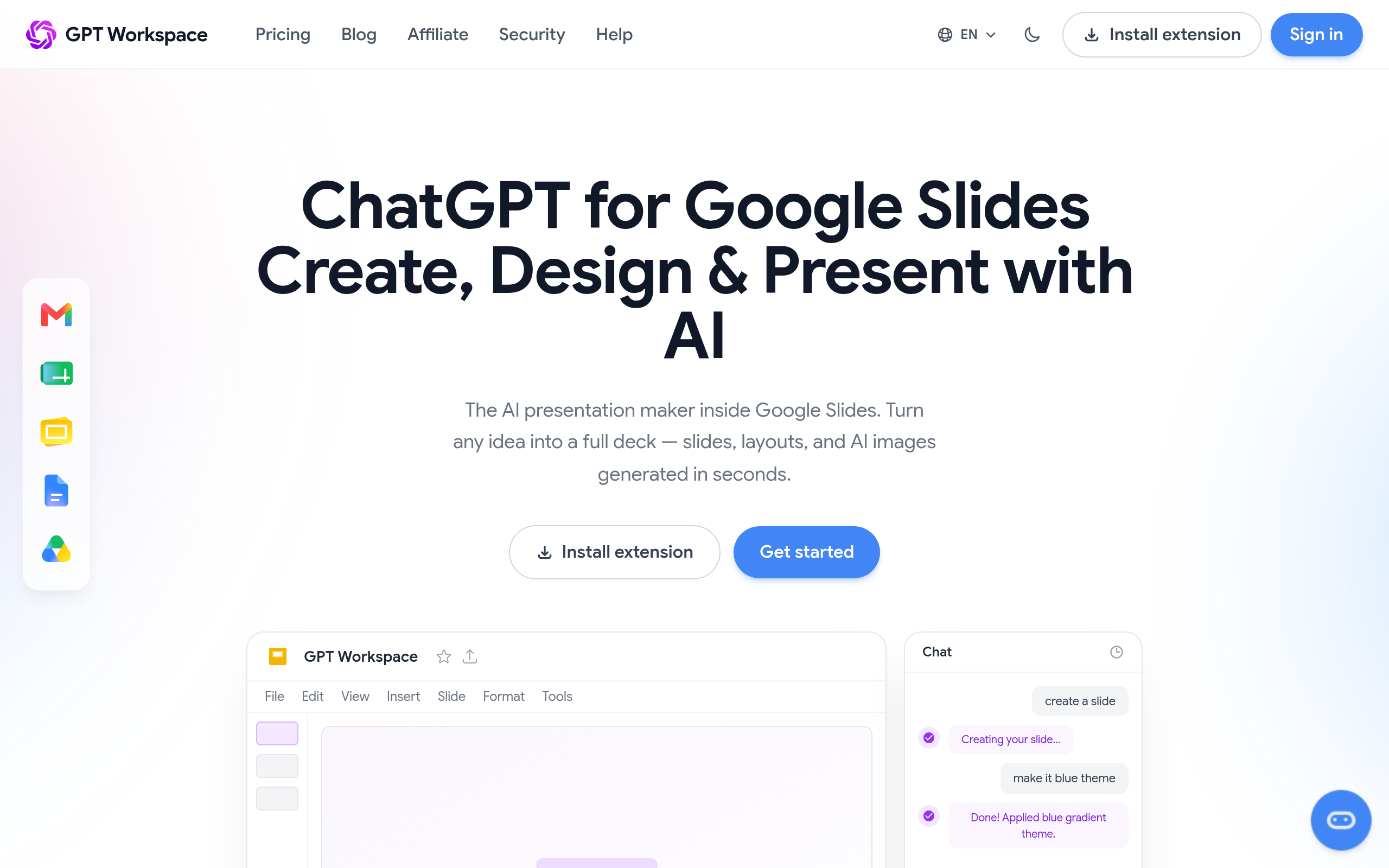
- Best tools: Pitch for collaborative team decks, AiPPT for fast generation, Visme AI Branded Presentation Generator for on-brand, GPT for Google Slides for Google users.
- Always edit AI output — fix the facts, sharpen the story, and keep slides simple.
- Match the tool to whether you need collaboration, speed, branding, or Google integration.
To create a presentation with AI, give an AI presentation tool a prompt, outline or document, and it generates a structured, designed slide deck in minutes — which you then edit for accuracy, story and branding. AI removes the two slowest parts of making slides: figuring out the structure and doing the design. That leaves you to focus on what actually matters — the message, the data, and the narrative. This guide covers exactly how to do it well: the process step by step, the best tools in 2026, and the design principles that separate a generic AI deck from one that lands.
What AI presentation tools actually do
An AI presentation maker takes a high-level input — a topic, a rough outline, or even a long document — and produces a complete deck: it proposes a slide structure, writes draft content for each slide, chooses layouts, and applies a consistent visual design. Some tools focus on speed (a deck in one click), others on collaboration (teams editing together), others on brand control (every slide on-brand automatically), and others on working inside an existing suite like Google Slides. What they all share is automating the scaffolding so you start from a real draft instead of a blank slide.
How to create a presentation with AI (step by step)
- Clarify your goal and audience — what one thing should the audience do or believe afterwards? This drives everything.
- Give the AI a strong brief — a clear topic, key points, and any content (a doc or notes) you want it to build from. Better input, better deck.
- Generate the first draft with your chosen tool (e.g. AiPPT or Pitch).
- Edit ruthlessly — fix every fact, cut filler, and make each slide carry one idea. AI gives you structure; you supply judgement.
- Apply your brand — colours, fonts and logo, ideally via a tool that enforces it like Visme AI Branded Presentation Generator.
- Rehearse and refine — read it aloud, tighten the flow, and remove anything that does not serve the goal.
Best AI presentation tools in 2026
Choose by how and where you work:
| Need | Best tool |
|---|---|
| Collaborative team decks | Pitch |
| Fast AI generation | AiPPT |
| Branded, data-rich decks | Visme AI Branded Presentation Generator |
| Inside Google Workspace | GPT for Google Slides |
For teams that build decks together and need them to stay on-brand, Pitch is purpose-built, with collaboration and brand control front and centre. When you need a solid deck fast, AiPPT generates structured slides quickly. For polished, on-brand, infographic-rich presentations, Visme AI Branded Presentation Generator shines, and if you live in Google Workspace, GPT for Google Slides brings AI generation right into Google Slides. Compare more in our Gamma alternatives and Beautiful.ai alternatives guides and the presentations category.
Design principles for AI decks
AI gets you a structured draft, but great presentations follow a few timeless rules that the AI will not enforce for you. One idea per slide — if a slide makes two points, split it. Less text, more emphasis — slides are a backdrop for you, not a document to be read, so cut sentences to phrases. Show data visually — a chart beats a table of numbers for an audience. Consistency — the same fonts, colours and spacing throughout signal professionalism, which is exactly where brand-aware tools help. And a clear arc — setup, insight, payoff — so the deck tells a story rather than listing facts. Apply these on top of the AI draft and a generic deck becomes a persuasive one.
Common mistakes to avoid
The biggest mistake is shipping the AI's first draft unedited — it gives you scaffolding, not a finished, accurate, on-message deck, and it can state things that are wrong, so always fact-check. The second is cramming slides with text because the AI generated it; cut hard. The third is ignoring brand consistency, which makes even good content look amateur. And the fourth is choosing the wrong tool for the job — a solo speed-generator when you needed team collaboration, or vice versa. Match the tool to your situation and treat AI as a fast first draft, not the final word.
Why use AI for presentations at all
Anyone who has built a deck knows where the time goes: not into the message, but into wrestling with structure, layouts, alignment and design. You spend an hour nudging boxes and choosing fonts before you have said anything meaningful. AI flips that ratio. By generating a structured, designed draft in minutes, it hands you back the hours you used to lose to formatting, so you can spend them on the parts that actually persuade — the argument, the evidence, the story. For people who are not designers, the benefit is even bigger: the AI applies competent design defaults you might not produce yourself, so your deck looks professional from the first draft. The result is not just faster slides; it is better use of your time and, often, a better-looking outcome than you would have built by hand under deadline pressure.
When AI presentations work best
AI decks are at their strongest for the everyday presentations that make up most of business life: internal updates, sales decks, training, proposals and pitches where speed and clarity matter more than bespoke artistry. For these, a fast, on-brand draft you refine is exactly right. They are less suited to once-a-year, high-stakes keynotes where every slide is a crafted moment — there, AI still helps with the first draft, but you will invest heavily in human polish. Knowing which kind of presentation you are making tells you how much to lean on the AI: lean hard for the routine, lean lighter for the showpiece, and in both cases let the tool remove the busywork so your attention goes where it counts.
The bottom line
Creating presentations with AI is about leverage: let the tool handle structure and design so you can focus on message and story. Brief it well, generate a draft, then edit for accuracy, brevity and brand. Pick Pitch for team collaboration, AiPPT for speed, Visme AI Branded Presentation Generator for branding, or GPT for Google Slides for Google workflows. Done this way, you get professional decks in a fraction of the time — without sacrificing the one thing that makes a presentation work: a clear, well-told point. The shift is simple but profound — for the first time, the slowest, most tedious part of presenting is handled for you, so the quality of your deck now depends almost entirely on the quality of your thinking rather than your patience with a slide editor.
Disclaimer: AI presentation tools produce drafts that can contain errors. Always fact-check content and refine the story and design before presenting.
Tools mentioned in this guide
Pricing, features and model availability can change over time. Always verify current details on each tool's official website before deciding.
Frequently Asked Questions
How do I create a presentation with AI?
How do I create a presentation with AI?
What is the best AI presentation tool?
What is the best AI presentation tool?
Can AI make a whole presentation for me?
Can AI make a whole presentation for me?
Is there an AI presentation tool for Google Slides?
Is there an AI presentation tool for Google Slides?
How do I make AI slides look professional?
How do I make AI slides look professional?
Are AI presentation tools free?
Are AI presentation tools free?
Don't just pick a tool — get the whole workflow
Tell Comparee your goal and get a complete step-by-step AI workflow with the right tool for every step.