Pitch Review (2026): Collaborative Presentation Software
Pitch review 2026 — collaborative presentation software for teams. What it does well, where it falls short, and alternatives.
Key takeaways
- Pitch is modern, collaborative presentation software built for teams.
- Best for teams that create decks together and want brand consistency and a clean editor.
- Less necessary for solo users who only make the occasional simple slide.
- A strong pick for business and team presentations.
Most presentation tools were designed for one person working alone. Pitch takes the opposite view — it's built around teams creating decks together. This review covers whether that focus makes it the right tool for you.
Presentation tools were built decades ago for one person making slides alone, and it shows — most still treat a deck as a solo file to be emailed around. But in modern teams, presentations are collaborative: sales decks, marketing materials and investor presentations all pass through several hands and must stay on-brand. That mismatch is why a newer generation of presentation software has appeared, and Pitch is one of the most searched, built specifically around team collaboration and brand consistency. This review covers what it does well, who it genuinely fits, and when an older or simpler tool is still enough.
The short verdict
Pitch is collaborative presentation software with a clean, modern editor and strong support for teams working on decks together. If multiple people touch your presentations and you care about brand consistency, it's an excellent fit. For a solo user making the rare simple slide, it may be more than you need.
What is Pitch?
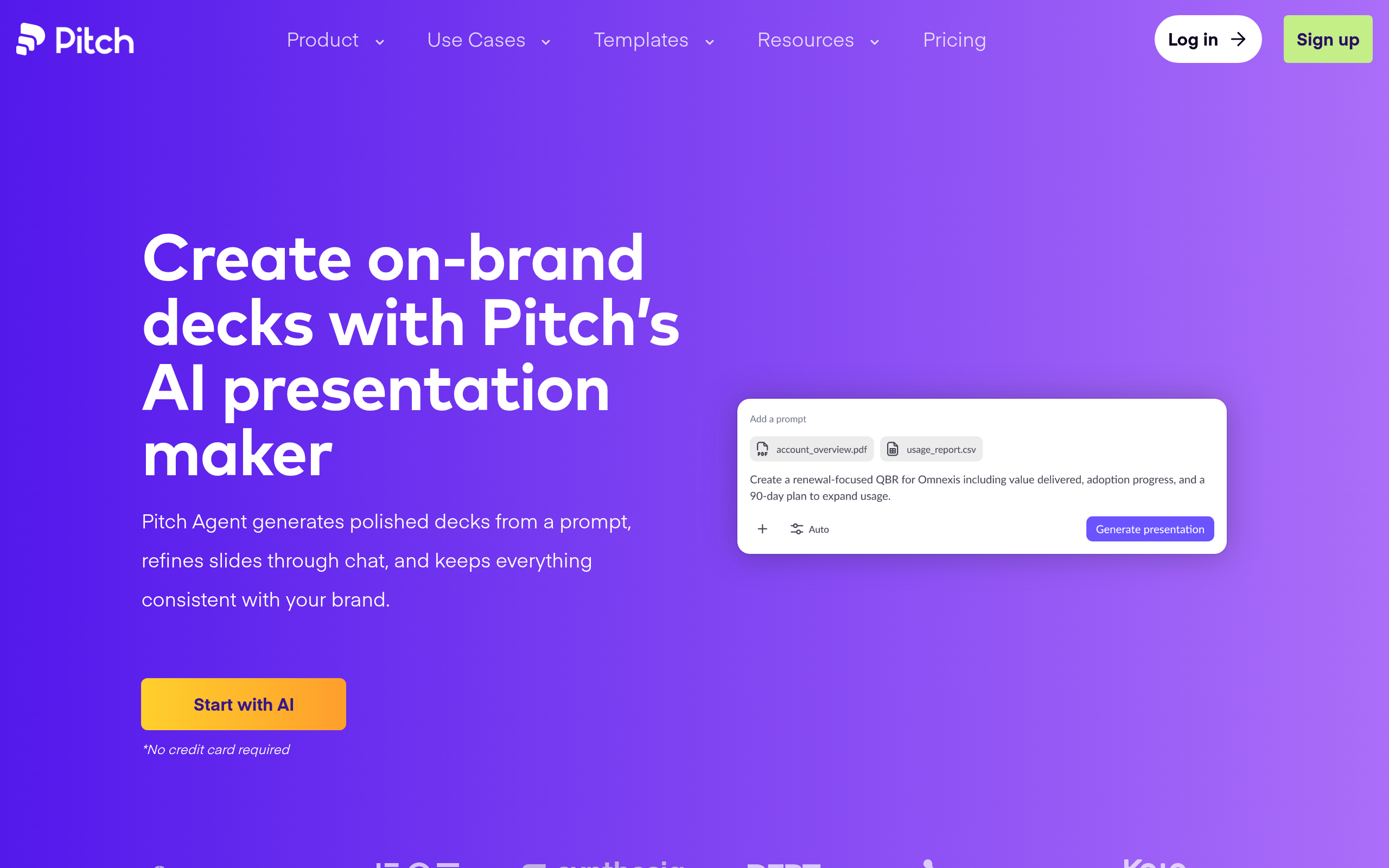
Pitch is a tool for creating presentations with a focus on collaboration, brand control and a polished editing experience. Rather than treating a deck as a solo document, it's designed for teams to build, review and refine together, with templates and brand assets that keep everything consistent. The result is presentations that look professional and stay on-brand without each person reinventing the design.
Who Pitch is for
It fits teams that present regularly — sales teams building pitch decks, marketing teams producing on-brand presentations, startups creating investor and customer decks, and any group where multiple people contribute to slides. If your current process involves emailing slide files back and forth and fighting to keep branding consistent, Pitch directly addresses that.
Strengths
The core strength is collaboration — multiple people can work on a deck without the version chaos of passing files around. Brand control keeps presentations consistent, which matters for any team that cares how it looks to customers and investors. And the editor itself is modern and clean, making it pleasant to build polished slides rather than wrestling with clunky tools.
Considerations
If you're a solo user making occasional simple slides, much of Pitch's value (team collaboration, brand systems) doesn't apply, and a simpler tool may suffice. Teams deeply embedded in another ecosystem should also check how Pitch fits their existing workflow. As with any tool, the benefit is real when you use what makes it special — here, the team and brand features.
How Pitch compares
Pitch is one of several strong presentation options, and the best choice depends on whether you prioritise collaboration, AI generation, interactivity or working inside another suite. See where it fits among the alternatives in our guide to the best AI presentation makers and the presentations category.
Pricing approach
Pitch offers free and paid tiers, with the paid plans aimed at teams that need collaboration and brand features. Pricing changes, so confirm the current details on their site — but you can start and evaluate the editor before committing.
Pros and cons
| Pros | Cons |
|---|---|
| ✅ Real-time collaboration without file chaos | ⚠️ Less value for solo, occasional users |
| ✅ Brand control keeps decks consistent | ⚠️ Check fit with your existing ecosystem |
| ✅ Modern, pleasant editor | ⚠️ Benefits depend on using the team features |
| ✅ Free and paid tiers to evaluate |
How to get the most out of Pitch
To get the most from Pitch, set up your brand assets and templates first, so every deck starts on-brand and your team isn't reinventing design each time. Collaborate directly in the tool instead of emailing files around, and use the shared templates to keep sales and marketing presentations consistent. The more your team leans on the collaboration and brand features, the more it pays off.
Is Pitch worth it?
Is Pitch worth it? For teams that present regularly and care about brand consistency, yes — it removes the version chaos of passing slide files around and keeps everything polished and on-brand. For a solo user making the occasional simple slide, a lighter tool is probably enough. The value is in the team and brand features, so the more people touch your decks, the stronger the case.
Pitch in practice
In practice, Pitch solves the quiet pain of team presentations: the emailed "final_v3_REALfinal.pptx" files, the slides that drift off-brand, the person who can't open the format. With everyone working in one place against shared templates and brand assets, decks stay consistent and the version chaos disappears. Sales and marketing teams in particular benefit, because their presentations represent the company to customers and investors, and consistency there genuinely matters.
Who should skip Pitch
Who should skip Pitch? If you're a solo user making the occasional simple slide, most of what makes Pitch special — collaboration and brand systems — doesn't apply, and a lighter tool will do. Teams already deeply committed to another presentation ecosystem should also weigh the switching cost. But for groups that build decks together and care how they look, it's a natural fit.
A good way to evaluate Pitch is to move one real team deck into it and have a couple of people collaborate on it with shared brand templates. If the version chaos disappears and the result stays consistently on-brand without anyone fighting the design, you've seen exactly what it's built for. Solo users running the same test will likely find the team features irrelevant — which is the honest signal that a simpler tool would serve them better. Because there are free and paid tiers, you can try the editor and the collaboration before committing budget. For teams that present often and care how they look, it tends to win people over quickly.
It's also worth remembering that presentations are often the face a company shows to customers and investors, so consistency isn't cosmetic — it's credibility. A tool that keeps every deck on-brand and removes the version chaos of passing files around protects that credibility while saving the team real time. For groups that present regularly, those two benefits together are exactly what an older, solo-oriented tool can't provide, and they're what make the switch worthwhile.
In short, the more collaborative and brand-conscious your presentation work is, the more clearly Pitch earns its place in your stack.
The verdict
Pitch is a strong choice for teams that build presentations together and care about staying on-brand. Its collaboration and brand features are exactly what file-passing, design-inconsistent workflows are missing. If you're a solo user with simple needs, a lighter tool may be enough — but for teams, Pitch is well worth a trial.
Disclaimer: features and pricing change frequently — confirm the current details on the product's official site before deciding. This review is independent and based on the tool's general capabilities and positioning.
Tools mentioned in this guide
Pricing, features and model availability can change over time. Always verify current details on each tool's official website before deciding.
Frequently Asked Questions
What is Pitch used for?
What is Pitch used for?
Is Pitch good for teams?
Is Pitch good for teams?
Is Pitch free?
Is Pitch free?
What are good alternatives to Pitch?
What are good alternatives to Pitch?
Don't just pick a tool — get the whole workflow
Tell Comparee your goal and get a complete step-by-step AI workflow with the right tool for every step.