Best AI Presentation Makers for Pitch Decks in 2026
Compare the 8 best AI presentation makers for pitch decks in 2026. Honest reviews, feature tables, pricing tiers, and Comparee's verdict for founders.
- Best overall for pitch decks: Pitch — built specifically for investor decks with real-time collaboration and viewer analytics
- Best free option: 2Slides - Free AI Pitch Deck Generator — full AI generation at zero cost, no credit card required
- Best for speed: Decktopus AI — prompt-to-complete-deck in minutes, ideal for tight deadlines
- Best for enterprise brand control: Visme AI Branded Presentation Generator — deep brand kit integration with AI-powered design
- Every tool reviewed offers a free tier or free trial — no reason not to test before committing
- Pick your tool based on workflow priority: collaboration-first, speed-first, or brand-first
The best AI presentation maker for pitch decks in 2026 is Pitch for most startup founders — it combines AI layout assistance with real-time co-founder collaboration and investor-facing deck analytics. For a completely free option, 2Slides - Free AI Pitch Deck Generator stands out. For a branded enterprise deck, Visme AI Branded Presentation Generator wins on design depth. Below, we break down 8 top tools from the Presentations & Slides category, compare features, pricing tiers, and give you a concrete "best for" verdict for every use case.
What Makes an AI Pitch Deck Tool Actually Good?
Not all AI presentation tools are built the same. A generic slide builder optimized for school reports will fail when you're preparing a Series A deck. Here's what separates a solid pitch deck tool from a mediocre one:
- Investor-ready templates: Pre-built structures covering problem, solution, market size, traction, team, and ask slides
- AI content assistance: The tool should help you write, not just format — suggesting copy based on your startup description
- Collaboration features: Co-founders, advisors, and designers need live editing access
- Deck analytics: Knowing which slide investors spend time on (or drop off at) is critical pitch intelligence
- Export flexibility: PDF, PowerPoint, or shareable link — investors have different preferences
- Brand control: For Series B+ or corporate decks, consistent brand application is non-negotiable
Which AI Presentation Maker Is Best for Pitch Decks in 2026?
Here is the quick verdict matrix — use this to find your match before diving deeper:
| Tool | Best for | AI generation | Collaboration | Free tier | Investor analytics |
|---|---|---|---|---|---|
| Pitch | Startup founders, seed–Series B | Layout + content suggestions | Real-time | Yes | Yes |
| Slidebean | Early-stage non-designers | Auto-layout AI | Limited | Yes | Yes |
| 2Slides - Free AI Pitch Deck Generator | Bootstrapped founders, first drafts | Full prompt-to-deck | No | Fully free | No |
| Decktopus AI | Solo founders, speed-priority | Full prompt-to-deck | Basic | Yes | No |
| Presentations.AI | Content-heavy pitches, long-form | Outline-to-slides | Yes | Yes | No |
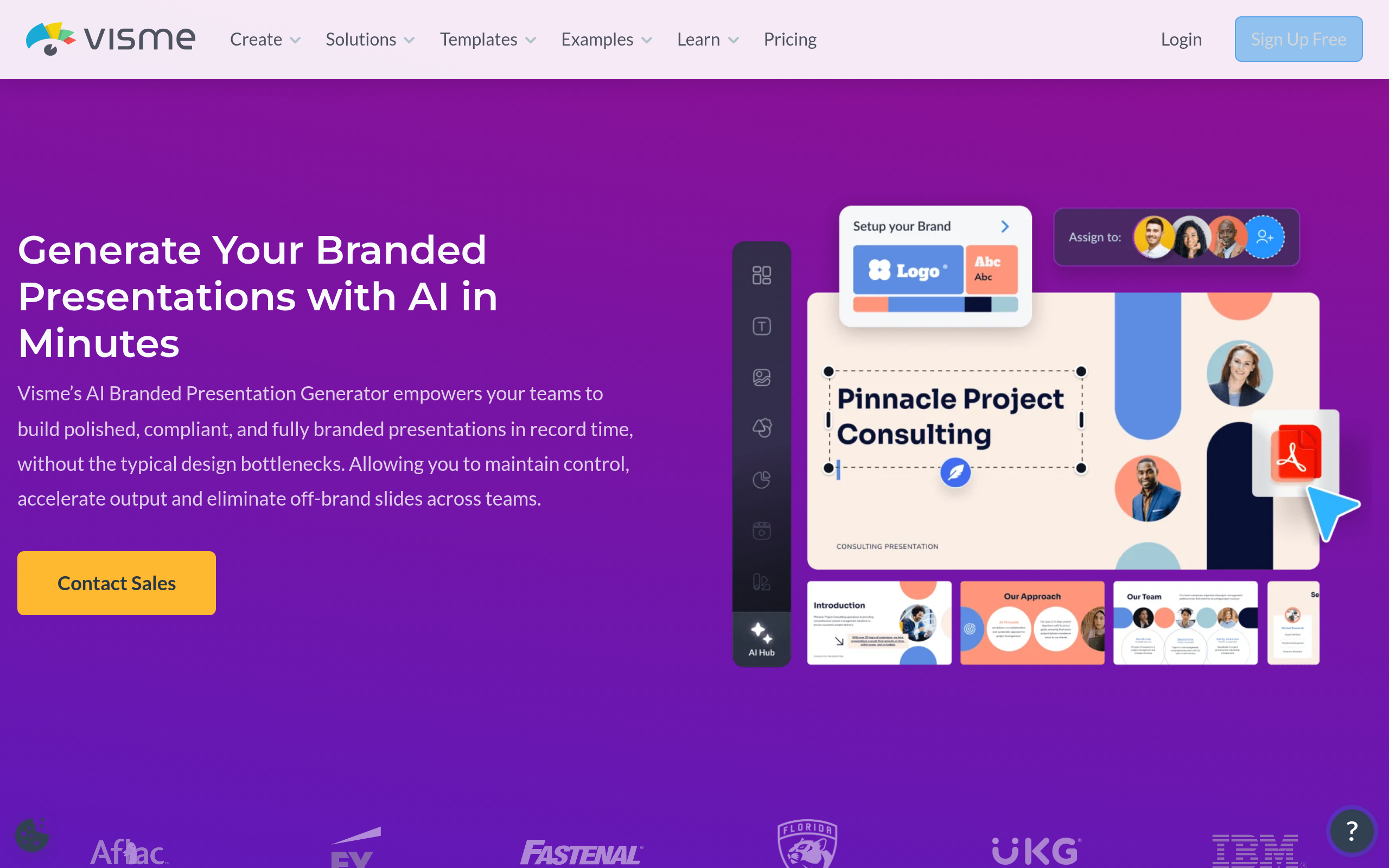
| Visme AI Branded Presentation Generator | Corporate, enterprise, Series C+ | Brand-aware AI | Team workspaces | Yes | No |
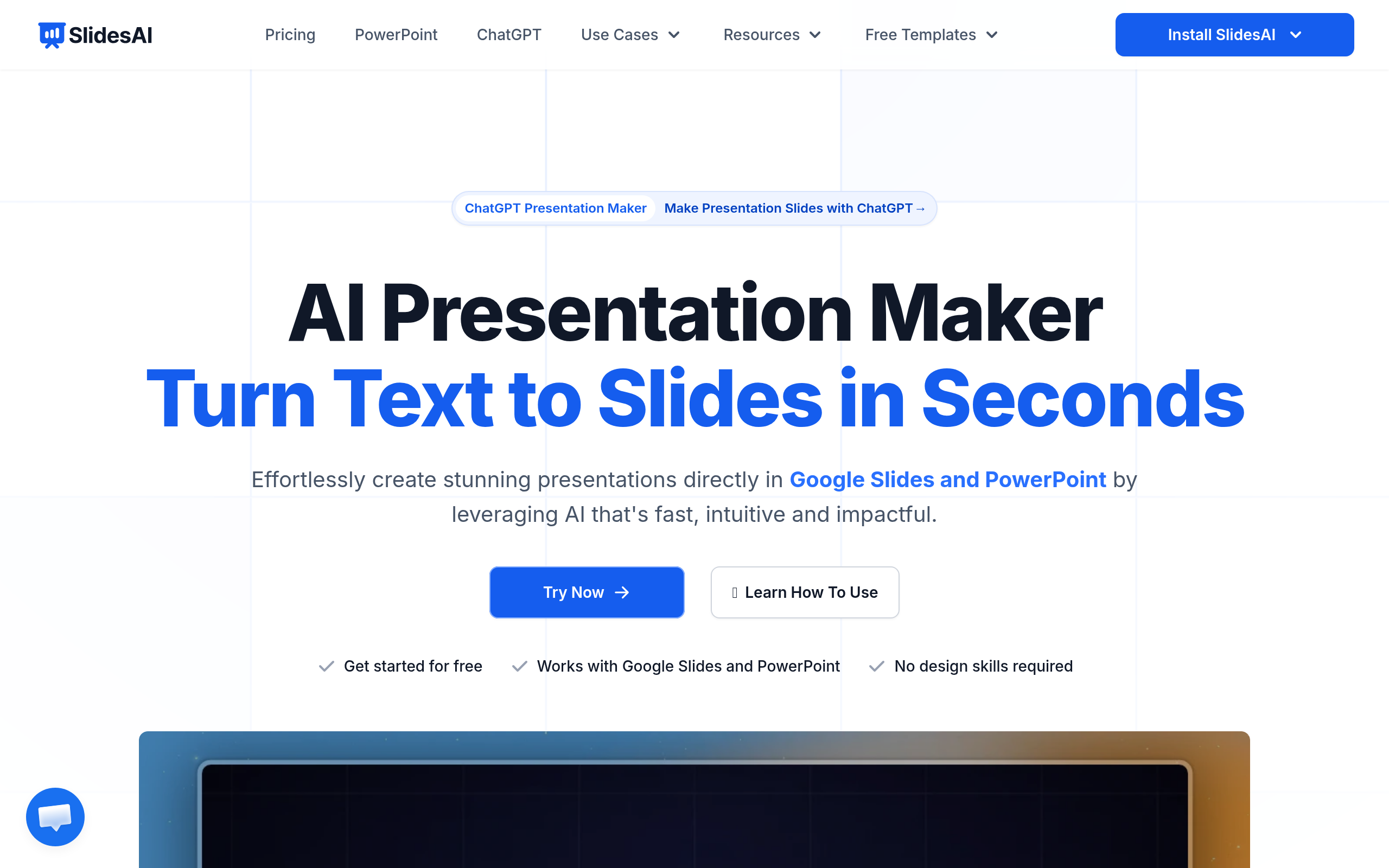
| SlidesAI | Google Slides power users | Text-to-slides add-on | Via Google | Yes | No |
| PPT AI | PowerPoint-native corporate teams | Prompt-to-PPTX | Via Office | Yes | No |
Pitch — The Best Collaboration-First Pitch Deck Tool
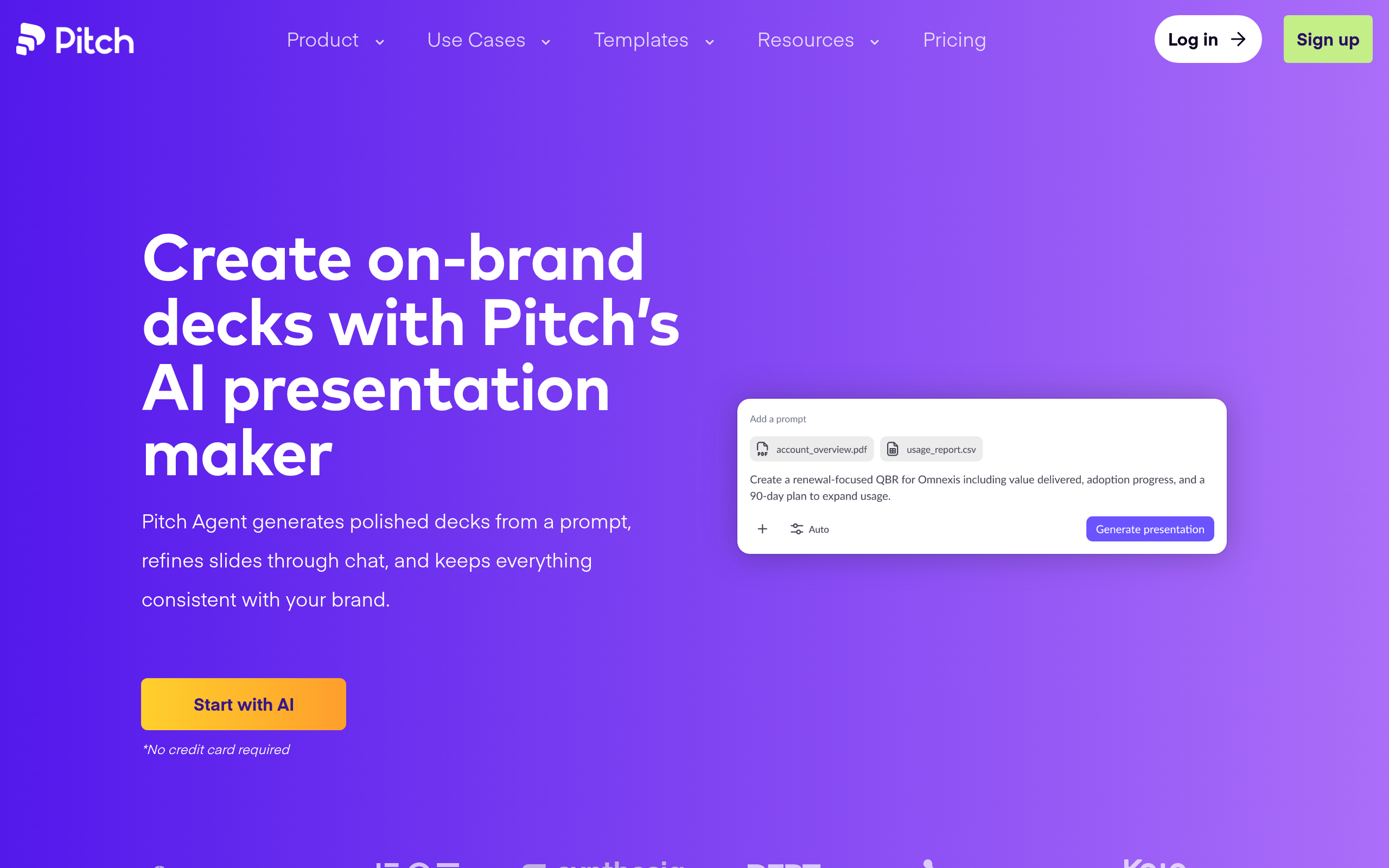
Pitch was designed from the ground up for startup pitch decks, and it shows. The platform offers a library of investor-ready templates covering every standard section — problem, solution, market size, business model, go-to-market, traction, team, and ask. What distinguishes it is the combination of AI content suggestions and real-time collaboration: co-founders, designers, and advisors can work on the same deck simultaneously, leave comments, and track version history.
The standout feature for fundraising is Pitch's analytics dashboard. After sharing a link with investors, you see which slides they viewed, for how long, and whether they forwarded the deck. That data shapes every follow-up conversation. The free tier is generous for early-stage use; paid plans unlock advanced analytics and custom domains. Among all tools reviewed here, Pitch has the most complete pitch-specific feature set.
Slidebean — Best for Non-Designer Founders
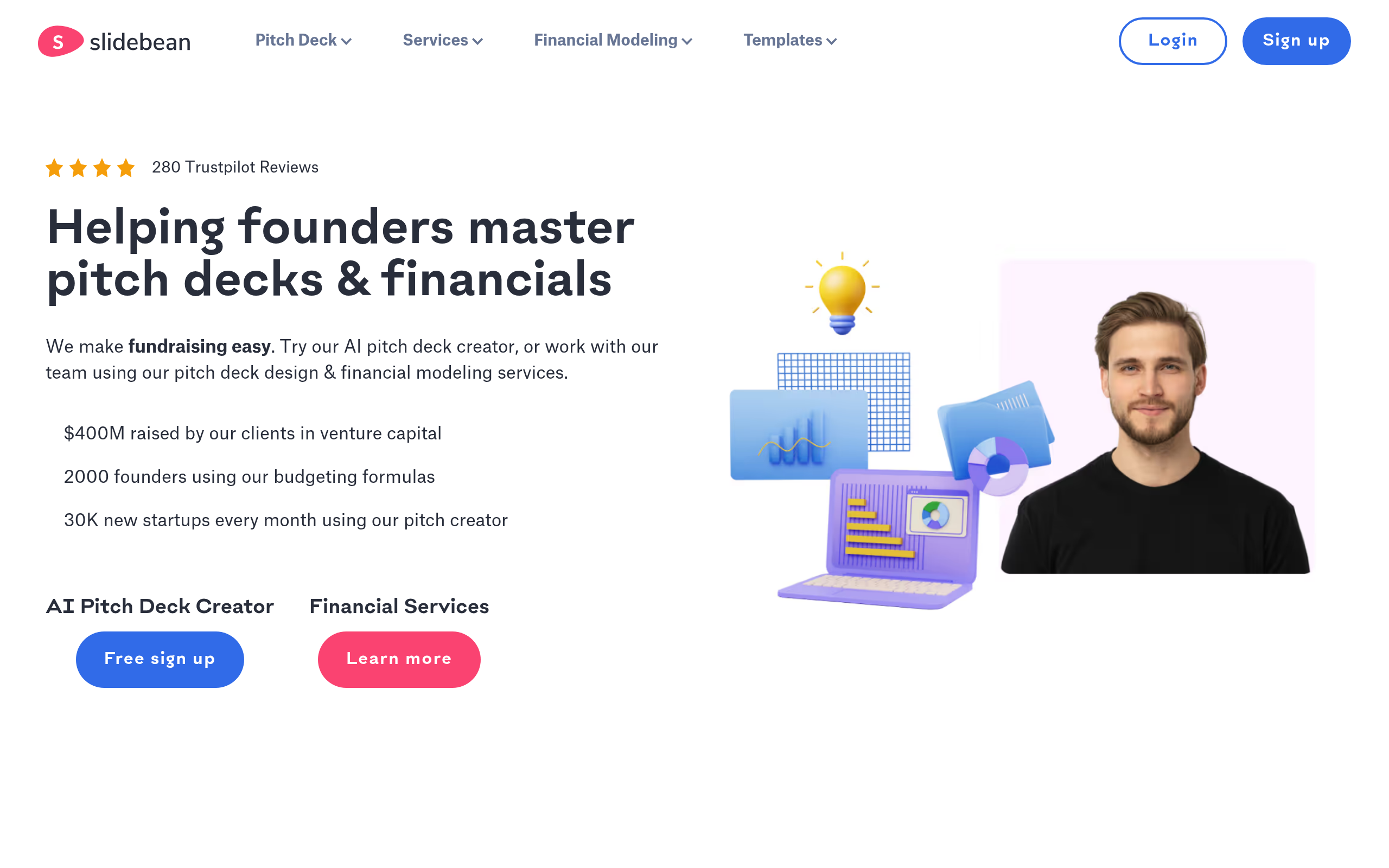
Slidebean has been a favorite among early-stage startups for a straightforward reason: it removes the biggest pitch deck blocker, which is design. Founders describe what their startup does, and Slidebean's AI auto-formats the content into professional slides — handling visual hierarchy, font sizing, and color application automatically. No fighting with alignment or slide composition.
The platform also offers a paid deck review service where pitch deck experts critique your content, which is valuable if you want human feedback beyond AI suggestions. Like Pitch, Slidebean includes investor analytics so you know when a VC opens your deck and how long they spent on each slide. The free tier allows deck creation but limits exports; paid plans are needed for PDF downloads and full tracking.
2Slides — The Best Free AI Pitch Deck Generator
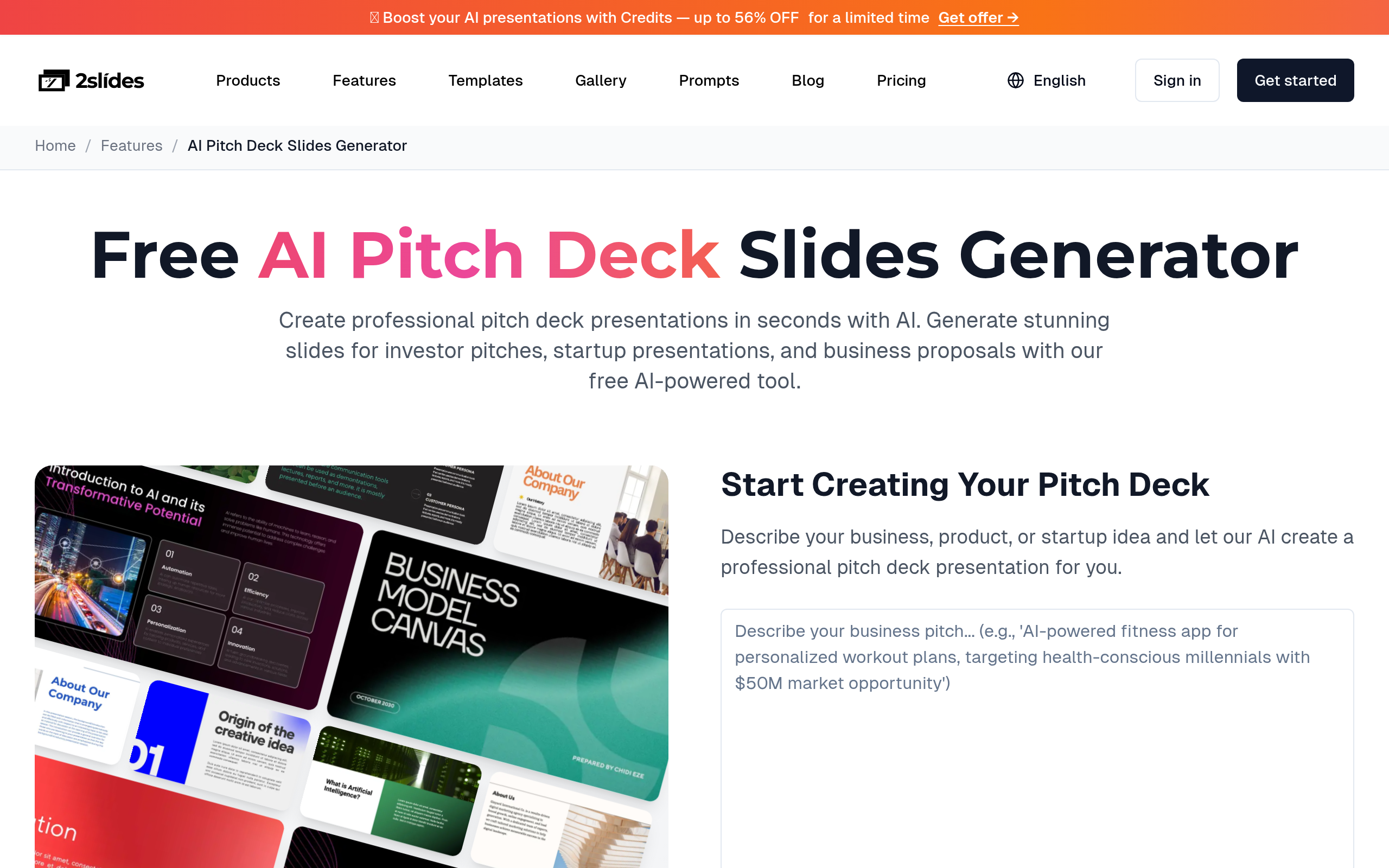
2Slides - Free AI Pitch Deck Generator does exactly what the name says: describe your startup or presentation topic, and the AI generates a complete deck — at no cost. No credit card, no trial timer, no upgrade wall blocking the export. For a bootstrapped founder who needs a first draft to show a mentor or potential co-founder, the price point is impossible to argue with.
The output quality is solid for a zero-cost tool: structured slides with placeholder content ready to customize. It will not replace a designer-polished Series A deck, but it completely solves the blank-page problem. Think of it as the AI that handles deck scaffolding so you can focus on refining your narrative and numbers.
Decktopus AI — Best When Speed Is the Constraint
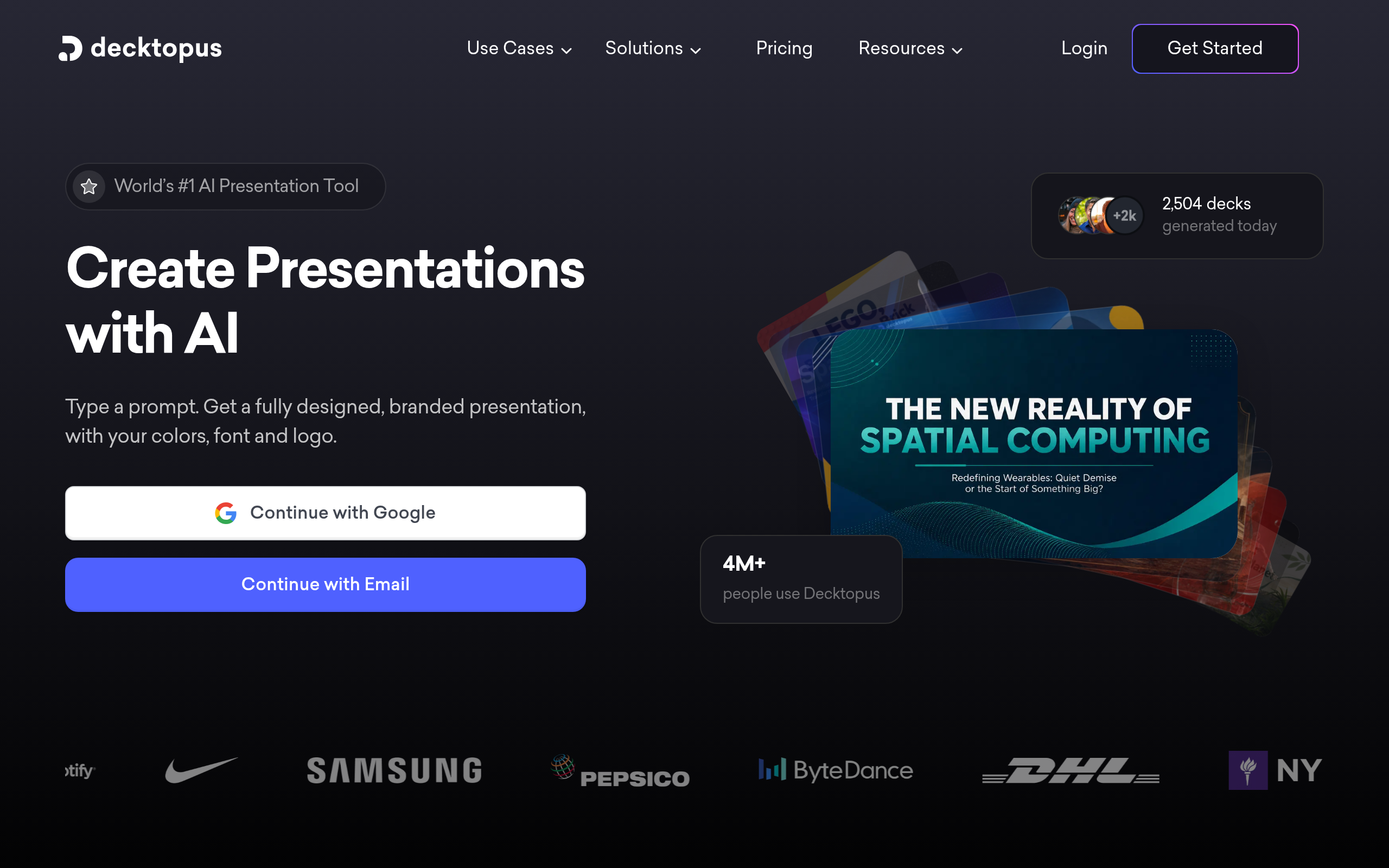
If your priority is getting a complete, presentable deck in the shortest time possible, Decktopus AI is the answer. Type a topic or paste an outline, and the AI generates a full presentation with slides, layout, and suggested speaker notes. The whole process takes minutes rather than hours. Demo day in two hours with nothing prepared? Decktopus AI is built for that scenario.
Decktopus AI also supports interactive features like embedded forms and Q&A elements — useful for pitch presentations where you want to capture audience questions in real time. The free tier gives access to core features with limited AI credits; paid plans unlock more generations and custom branding. It is particularly well-suited for solo founders without a design team who need something pitch-ready fast.
Presentations.AI — Best for Content-Heavy Pitches
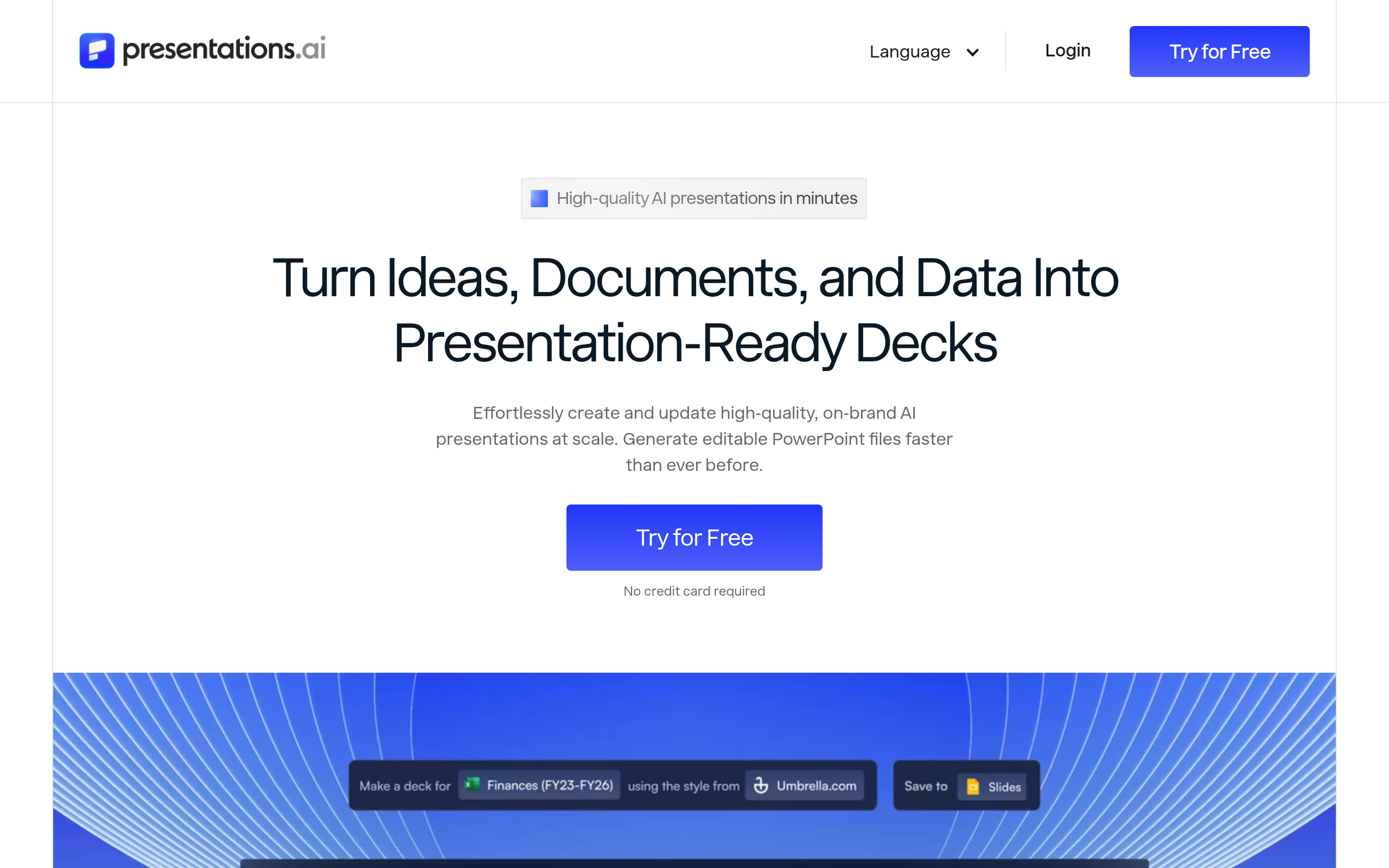
Presentations.AI takes a content-first approach: paste in your business plan, your executive summary, or even a rough document, and the AI structures it into presentation format intelligently. This makes it especially strong for decks that require substantial written content — detailed market analysis, technical product explanations, or regulatory-heavy industries where depth matters as much as design.
The tool handles outlining smartly, breaking long-form content into digestible slides without losing the thread of the argument. For founders preparing investor memos that also need to function as live presentation decks, Presentations.AI bridges that gap cleanly. It is less focused on visual polish than Pitch or Slidebean, but stronger on content structure.
Visme AI Branded Presentation Generator — Best for Enterprise Decks
Visme AI Branded Presentation Generator is the heavyweight option for teams requiring full brand control. Upload your brand assets — logos, color palettes, typography — and the AI applies them consistently across every generated slide. This is critical for corporate pitch decks where off-brand slides signal disorganization to institutional investors or board members.
Visme AI Branded Presentation Generator also goes beyond slides: it is a full visual content platform, so the same tool handles infographics, reports, and social assets alongside pitch decks. If your marketing and design team needs a single platform for all visual content, Visme's depth justifies the higher price tier. For Series C+ fundraises and corporate M&A decks, it is the professional choice.
SlidesAI and PPT AI — Best for Staying in Your Existing Ecosystem
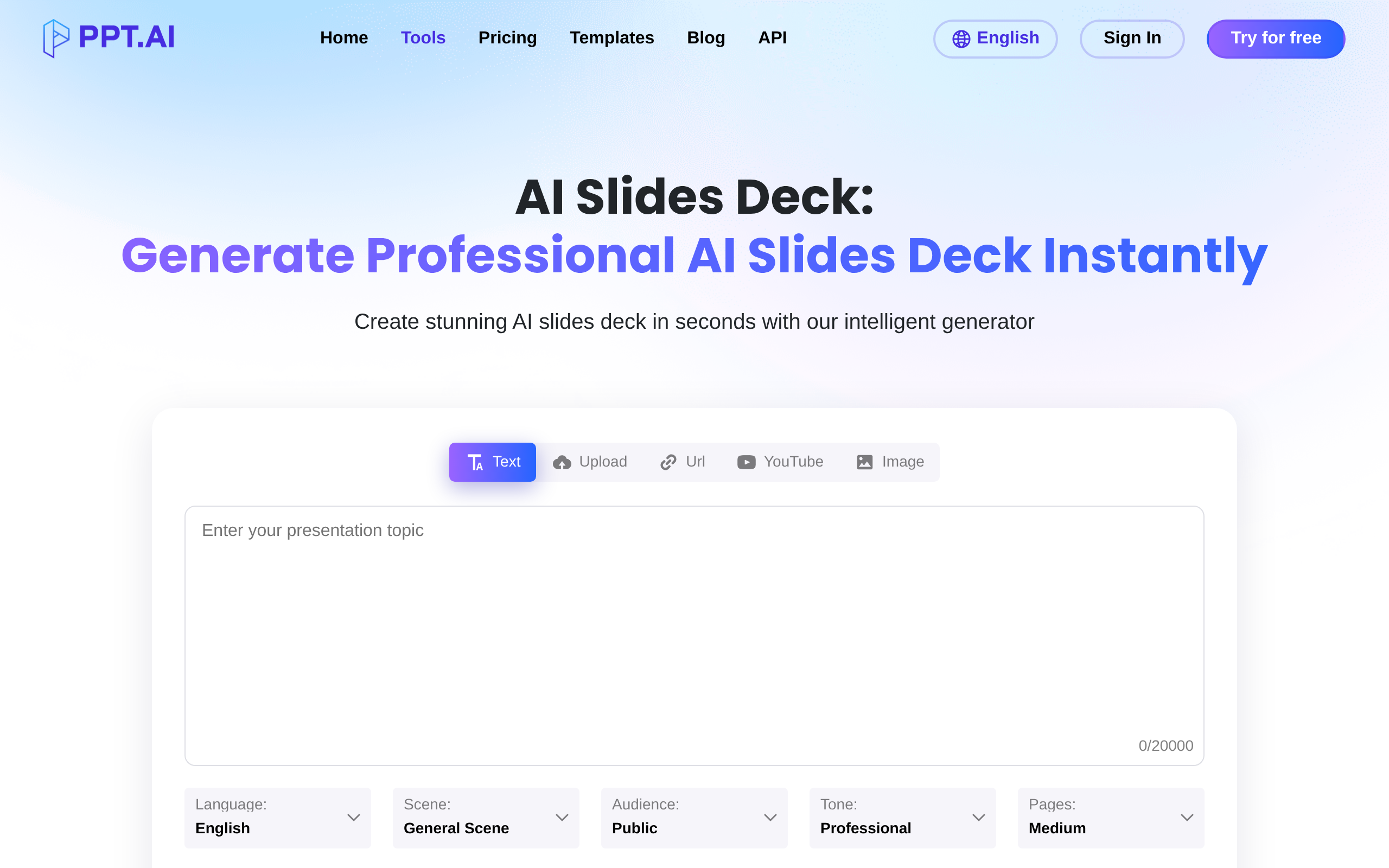
Not every team wants to switch platforms. SlidesAI integrates directly into Google Slides as an add-on — paste text, click generate, and AI-built slides appear inside your existing Google Workspace environment. For teams already embedded in Google Docs, Sheets, and Slides, this frictionless workflow removes the adoption barrier entirely. The sharing, commenting, and revision history remain in the Google ecosystem you already know.
PPT AI does the same for Microsoft PowerPoint users. Generate a full PPTX from a prompt, then edit it in PowerPoint or upload it to Microsoft Teams. Corporate environments with strict software policies often cannot switch to web-only SaaS tools — PPT AI solves that constraint neatly. Both tools trade some depth of pitch-specific features for the massive advantage of zero workflow disruption.
For a full comparison of these and more tools, browse the Presentations & Slides category on Comparee.
How Do These Tools Compare on Features?
| Feature | Pitch | Slidebean | Decktopus AI | Visme AI | SlidesAI | PPT AI |
|---|---|---|---|---|---|---|
| AI slide generation from prompt | Partial | Yes | Yes | Yes | Yes | Yes |
| Investor deck templates | Yes | Yes | Yes | Yes | Limited | Limited |
| Real-time collaboration | Yes | Limited | Basic | Yes (teams) | Via Google | Via Office 365 |
| Deck analytics / viewer tracking | Yes | Yes | No | No | No | No |
| Custom brand kit | Partial | Limited | Yes (paid) | Full | Limited | Via template |
| Export to PDF / PPTX | Yes | Yes (paid) | Yes | Yes | Yes (native) | Yes (native) |
| Speaker notes generation | Yes | No | Yes | Yes | Partial | Partial |
| Interactive elements / embeds | No | No | Yes | Yes | No | No |
How Do Pricing Models Compare Across AI Pitch Deck Tools?
Every tool on this list offers some form of free access, but the limits vary significantly. Key patterns to know before you commit:
| Tool | Free tier limits | Paid model type | Best value for |
|---|---|---|---|
| Pitch | Unlimited decks, limited analytics | Per-seat subscription | Active fundraising teams of 2–10 |
| Slidebean | Create decks, limited export | Subscription + pay-per-export | Solo founders needing occasional exports |
| 2Slides - Free AI Pitch Deck Generator | Fully free | Freemium or fully free | Zero-budget early stage |
| Decktopus AI | Limited AI credits per month | Subscription | Frequent presenters who need speed |
| Presentations.AI | Free plan with generation limits | Subscription | Content-heavy business pitches |
| Visme AI Branded Presentation Generator | Free (limited features and storage) | Individual + team subscriptions | Marketing and enterprise teams |
| SlidesAI | Limited monthly generations | Subscription | Google Workspace-native teams |
| PPT AI | Free tier with credit limits | Subscription or credits | PowerPoint-native corporate teams |
What Workflow Should I Follow When Building a Pitch Deck with AI?
The best AI tool will not save a poorly structured pitch story. Use this workflow regardless of which tool you pick:
- Define your ask first. Before opening any tool, write one sentence: "I am raising $X for [use] from [investor type]." Everything in the deck should serve this sentence.
- Pick a template that matches your stage. Pre-seed decks typically run 10–12 slides. Series A decks go deeper on traction and unit economics. Do not pad your deck to look more substantial.
- Let AI draft, then edit ruthlessly. AI-generated slide copy is a starting point, not a finished product. Replace every generic headline with something specific to your startup.
- Share early for feedback. Use Pitch's analytics or Slidebean's sharing link to observe how an advisor engages before sending to investors.
- Prepare both a live link and a PDF. Always send investors a PDF master in addition to the interactive link — some prefer reviewing offline or forwarding to partners.
Which AI Pitch Deck Tool Is Right for Your Funding Stage?
Stage matters more than feature lists when choosing a tool. Here is the practical map:
- Idea / pre-product: 2Slides - Free AI Pitch Deck Generator or Decktopus AI — get something presentable fast at no cost
- Pre-seed / seed: Slidebean or Pitch — investor-ready templates and analytics start to matter here
- Series A / B: Pitch — real-time collaboration with co-founders and investor tracking justify the subscription
- Series C+ / enterprise: Visme AI Branded Presentation Generator — brand control and team workspaces are non-negotiable at this stage
- Google Workspace shop: SlidesAI — no platform switching, no adoption friction
- Microsoft / Office 365 shop: PPT AI — stay native in PowerPoint
Comparee's Verdict — The Best AI Pitch Deck Tools in 2026
After comparing features, pricing tiers, collaboration capabilities, and pitch-specific functionality across all eight tools, here is Comparee's concrete verdict:
- Pitch is the best choice for startup founders actively fundraising who need investor analytics, real-time collaboration, and professional templates in one place. If you can only use one tool, use Pitch.
- Slidebean is the best choice for solo non-designer founders at pre-seed who need a professionally designed deck without the cost of a designer.
- 2Slides - Free AI Pitch Deck Generator is the best choice for bootstrapped founders who need a first draft at zero cost. No excuses for skipping the deck.
- Decktopus AI is the best choice when the clock is the constraint — demo day in two hours? Decktopus delivers.
- Visme AI Branded Presentation Generator is the best choice for enterprise and marketing-heavy companies where brand consistency across all stakeholder materials is mandatory.
- Presentations.AI is the best choice for founders whose pitch decks double as detailed written briefs — strong on content structure, weaker on design.
- SlidesAI is the best choice for teams embedded in Google Workspace who want AI-assisted slides without leaving their environment.
- PPT AI is the best choice for PowerPoint-native corporate teams who need AI generation without platform migration.
Ready to explore and compare all options? Visit the full Presentations & Slides category on Comparee for up-to-date scores, feature details, and user reviews.
Tools mentioned in this guide
Pricing, features and model availability can change over time. Always verify current details on each tool's official website before deciding.
Frequently Asked Questions
What is the best AI tool for making a pitch deck in 2026?
What is the best AI tool for making a pitch deck in 2026?
Can AI generate a complete pitch deck from scratch?
Can AI generate a complete pitch deck from scratch?
What slides should every pitch deck include?
What slides should every pitch deck include?
Is Pitch or Slidebean better for startup founders?
Is Pitch or Slidebean better for startup founders?
Which AI pitch deck generator is completely free to use?
Which AI pitch deck generator is completely free to use?
How many slides should an AI-generated pitch deck have?
How many slides should an AI-generated pitch deck have?
Can I track whether investors actually opened my pitch deck?
Can I track whether investors actually opened my pitch deck?
Can I export an AI-generated pitch deck to PowerPoint or PDF?
Can I export an AI-generated pitch deck to PowerPoint or PDF?
Don't just pick a tool — get the whole workflow
Tell Comparee your goal and get a complete step-by-step AI workflow with the right tool for every step.