How to Create AI Talking Avatar Videos for Training (2026)
Step-by-step workflow for L&D teams: write scripts, pick AI avatars, localize for global teams, and publish to your LMS — top tools for each stage in 2026.
- The complete L&D workflow has five stages: script → avatar selection → video production → localization → LMS publishing — getting all five right is what separates polished training from awkward AI video.
- Write short, declarative sentences; AI avatars read punctuation literally. Dense prose sounds robotic — plan 2–3 minute micro-modules rather than 20-minute monoliths.
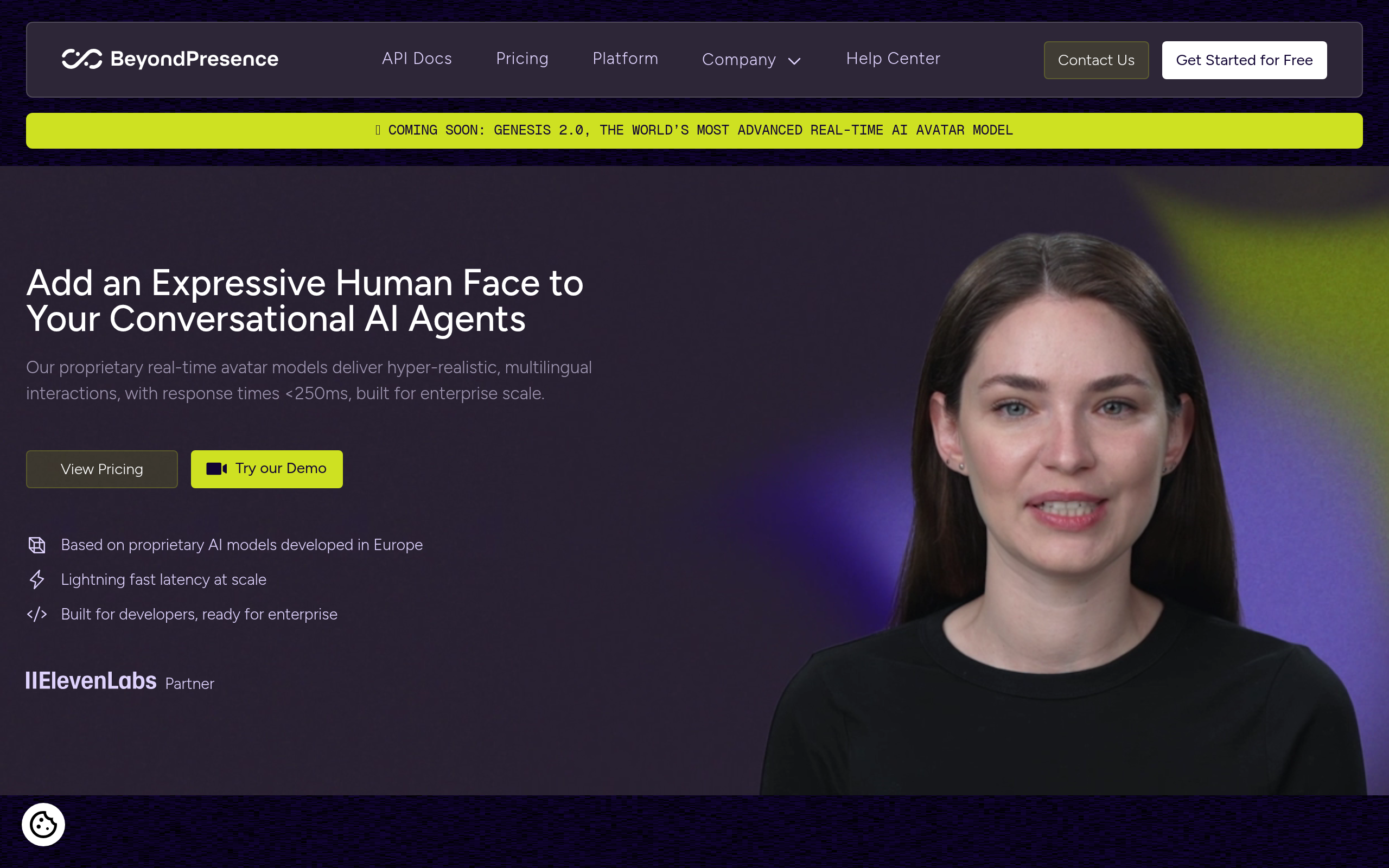
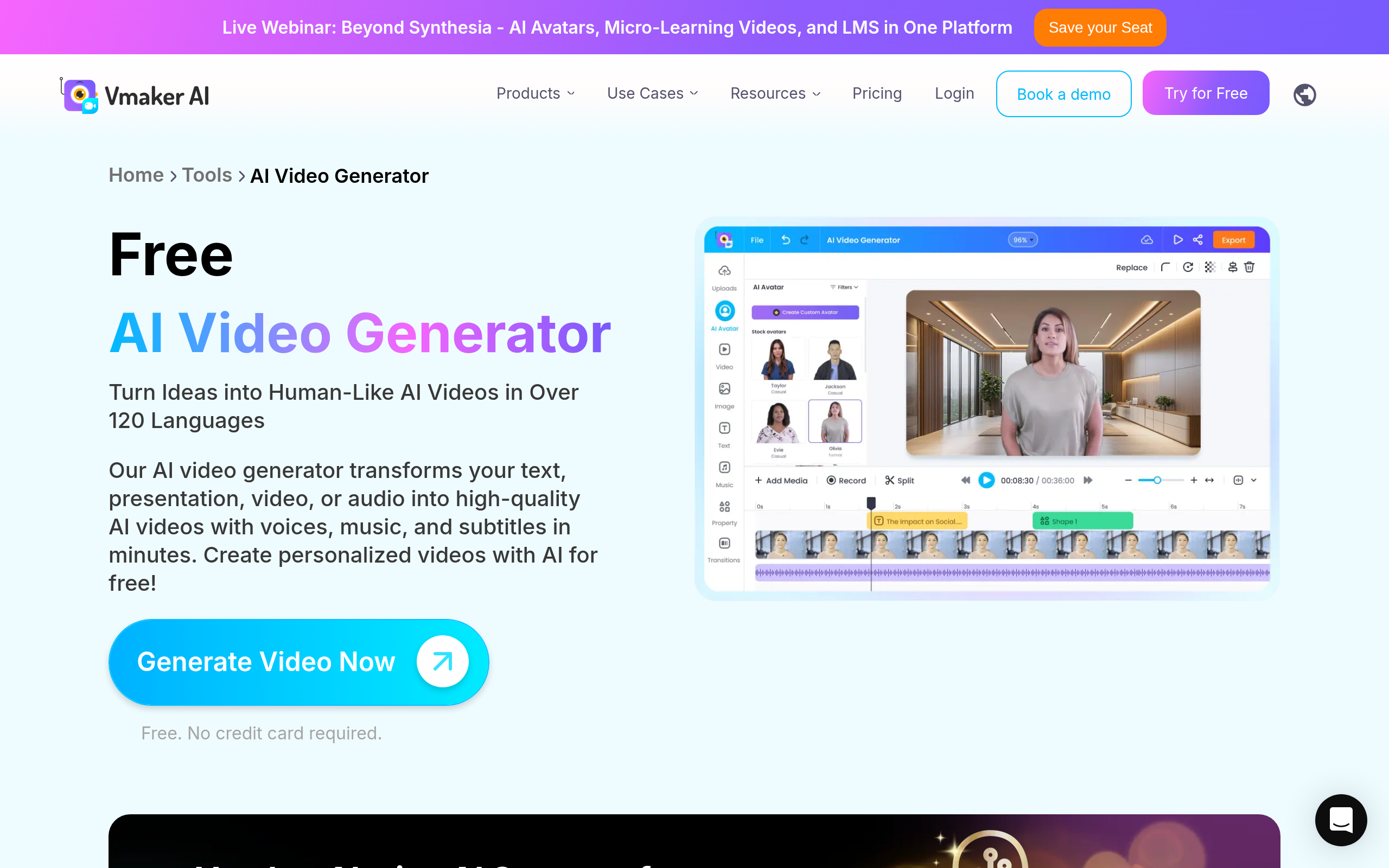
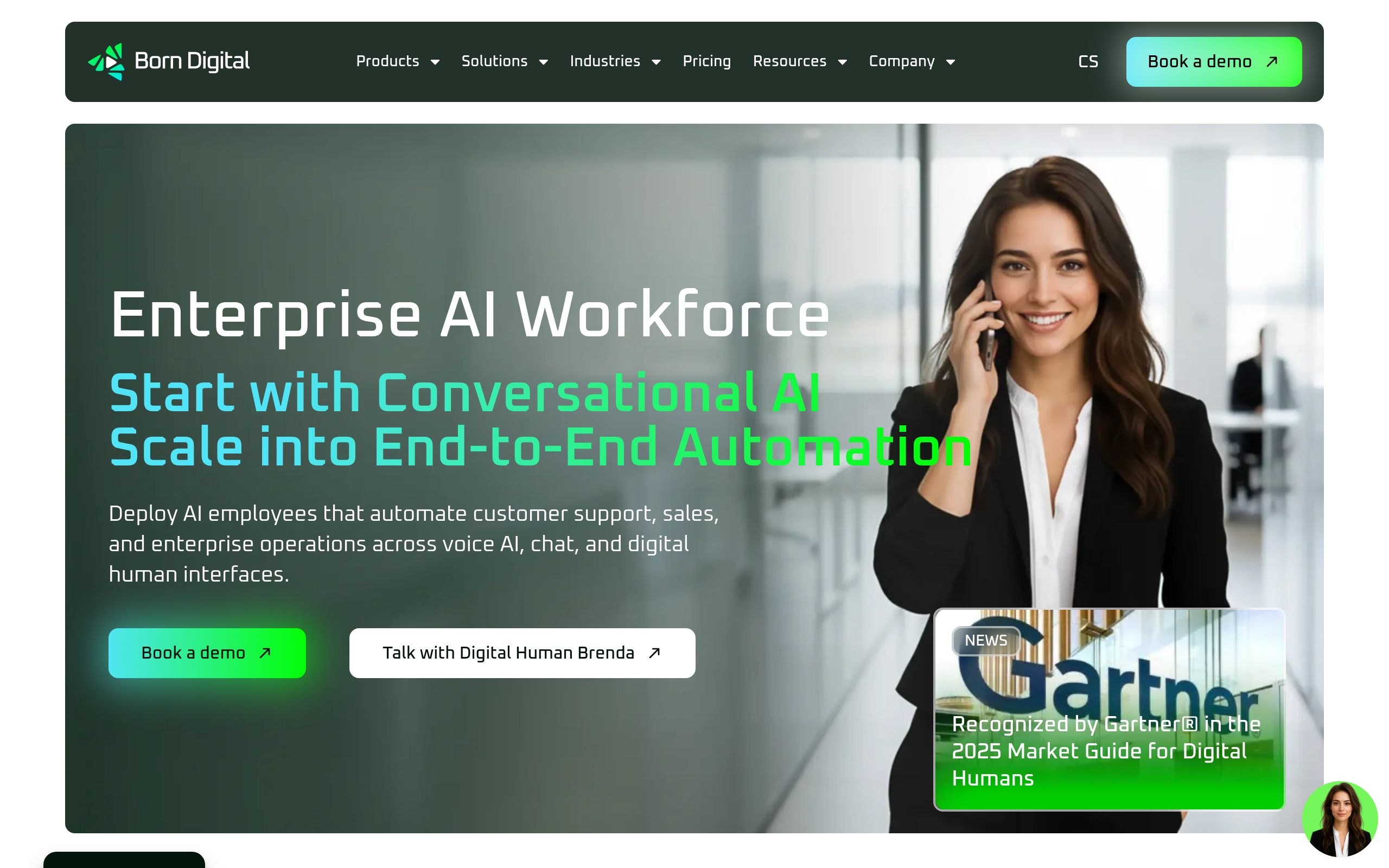
- For enterprise interactive avatar experiences, Born Digital and Beyond Presence are purpose-built for corporate L&D; for accessible free-tier entry, Vmaker AI and Captions are the strongest starting points.
- Localization is where AI avatar video pays for itself: one script, one avatar, many languages — no re-recording studio time required.
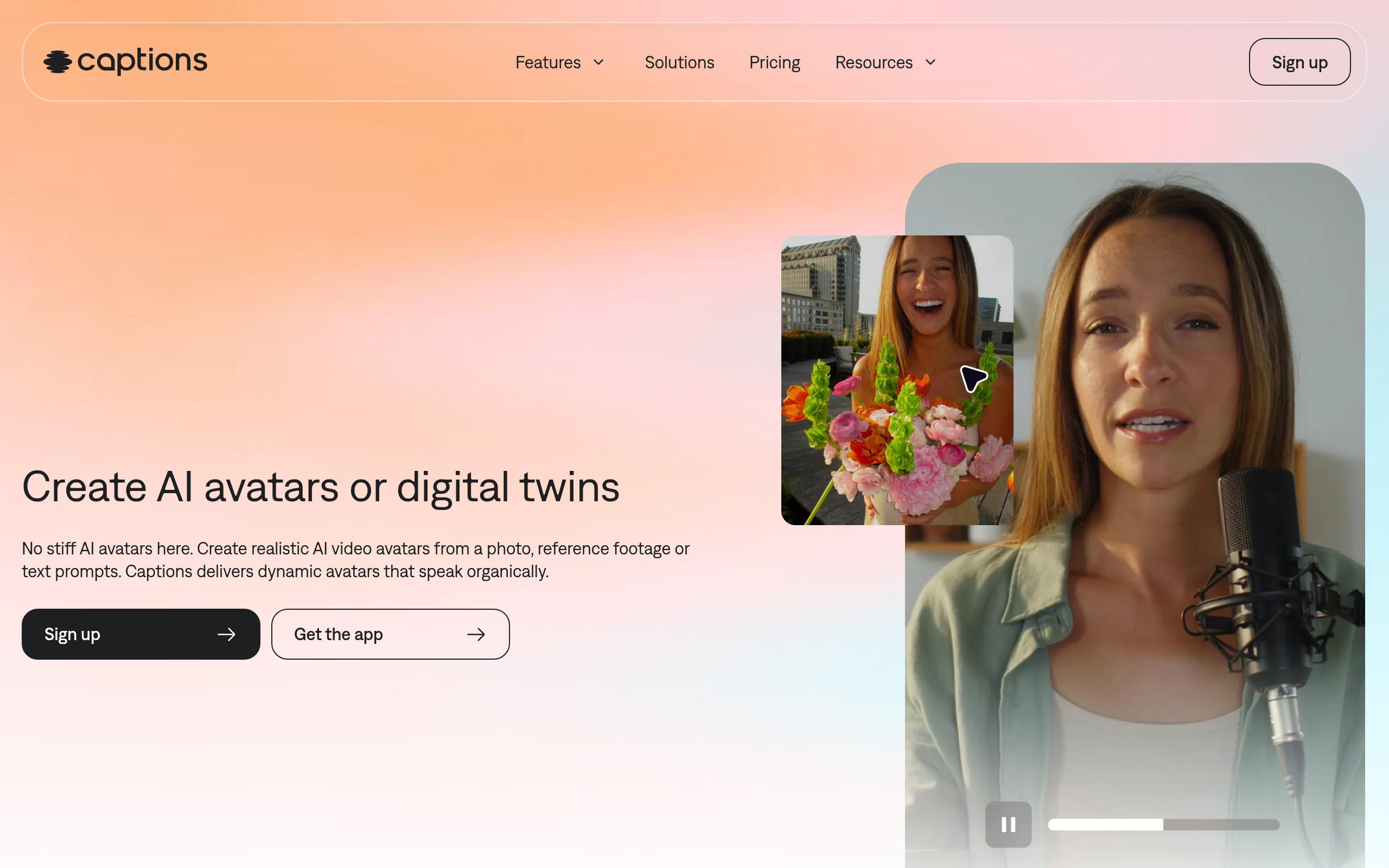
- Captions auto-generates subtitles and captions, making AI avatar training videos accessible by default — a compliance requirement in many jurisdictions.
- Always run localized content past a native speaker before publishing; AI voice quality varies significantly by language and regional accent.
How to Create AI Talking Avatar Videos for Training: The Complete 2026 Workflow
The fastest way to produce professional training videos in 2026 is to write a script, generate an AI avatar presenter, localize it into multiple languages, and publish it directly to your LMS — all without a camera, studio, or video editing background. Tools in the AI Avatars & Virtual Humans category have matured to the point where a skilled instructional designer can ship a full course in a fraction of the time it took three years ago.
This guide walks through each stage of the workflow with practical advice and specific tool recommendations for L&D teams, HR teams, and instructional designers producing corporate training at any scale.
What Does a Good AI Avatar Training Video Workflow Actually Look Like?
Before touching any software, it helps to understand the five-stage pipeline that separates high-quality AI avatar training from content that looks like it was generated at 2 a.m. by a junior marketer:
- Stage 1 — Script: Write a tight, punctuation-driven script. Every comma is a breath, every period is a pause. AI avatars respect your punctuation far more than a human presenter would.
- Stage 2 — Platform and avatar selection: Choose the right tool for your use case (interactive vs. asynchronous, enterprise governance vs. quick production, embedded vs. standalone). Select or create your avatar.
- Stage 3 — Video production: Assemble your scenes, upload your script, match your brand, and render. Most modern platforms handle this in minutes.
- Stage 4 — Localization: Translate your script (or dub existing video) and regenerate or overdub the avatar in each target language. Review with a native speaker before publishing.
- Stage 5 — LMS publishing: Export as MP4 or SCORM/xAPI package, upload to your LMS, configure completion tracking, and publish to your learner population.
Each stage has its own failure modes. The sections below address each one directly.
How Do I Write a Script That Actually Works for an AI Avatar?
Script quality is the single highest-leverage decision in the entire workflow. A great platform cannot save a bad script; a mediocre platform can produce excellent results with a well-written one.
The rules that matter most for AI avatar scripts:
- One idea per sentence. AI avatars do not breathe naturally between clauses the way humans do. Long compound sentences blur into a monotonous run-on. Keep sentences under twenty words whenever possible.
- Use punctuation to control pacing. A comma creates a micro-pause. A period creates a full stop. An em-dash creates a beat. Most platforms parse these cues directly — use them deliberately.
- Avoid idioms and humor that depend on timing. "Wait for it..." does not land when the wait is algorithmic. Humor can work, but it needs to be semantic (funny by word choice) rather than performative (funny by delivery).
- Write for the ear, not the eye. Read your script aloud before pasting it into the platform. If it sounds clunky when you say it, it will sound worse when the avatar says it.
- Target 2–3 minute modules. Research consistently shows learner attention drops sharply after three minutes of video. AI avatar production has no incremental cost per module — use that to your advantage and break content into focused chunks.
- Build in knowledge-check hooks. End each module with a question that your LMS quiz layer will answer. "By the end of this module, you should be able to..." framing improves both engagement and learning transfer.
How Do I Choose the Right AI Avatar Platform for L&D?
The platform you choose determines what is possible in every downstream stage. Here is a structured view of the main tool types available and what they are best suited for in a training context:
| Platform type | Best for | Example tools (catalog) | Key limitation |
|---|---|---|---|
| Enterprise interactive avatar agents | Onboarding bots, compliance Q&A, interactive role-play simulations | Born Digital, Beyond Presence | Higher setup complexity; less suited to passive video libraries |
| Screen recording + avatar overlay | Software training, process walkthroughs, quick how-to modules | Vmaker AI | Avatar appears as overlay; not a standalone presenter-style video |
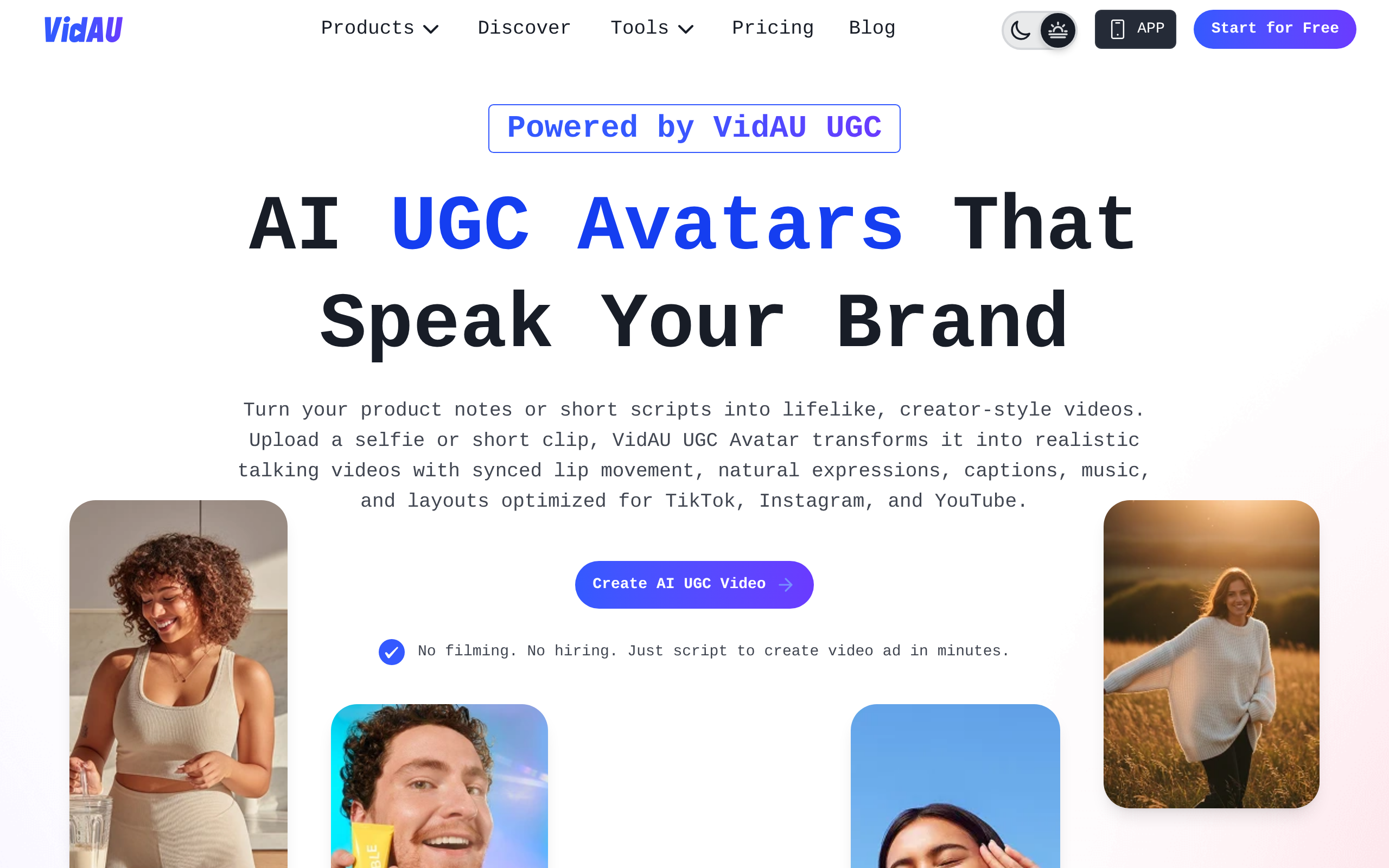
| UGC-style and marketing-influenced avatar video | Culture videos, employer branding, new hire welcome messages | VidAU UGC Avatars, Adsmaker AI | Style may feel less formal for compliance or technical training |
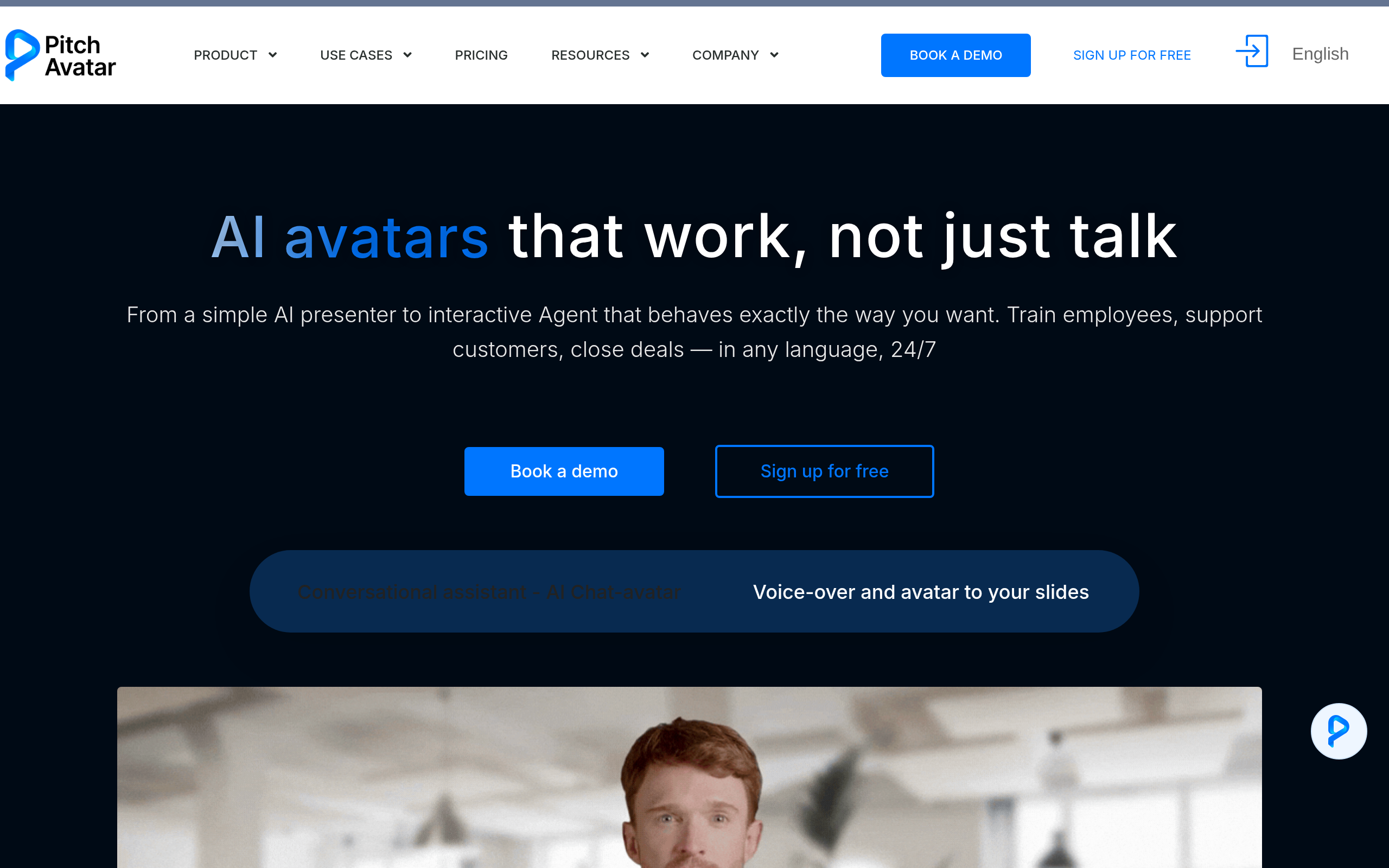
| Avatar-in-deck (presentation-native) | Sales enablement training, product training decks, SDR coaching | Pitch Avatar | Deck-centric format; not designed for standalone video delivery |
| Caption-first mobile video | Short-form training, deskless worker compliance, social learning | Captions | Best for short-form content; less suited to structured course libraries |
| Live avatar streaming | Virtual instructor-led training (vILT), avatar-fronted webinars | LiveAvatar | Requires live facilitation; not asynchronous by default |
For teams that need SCORM or xAPI export (the standard for LMS integration and completion tracking), enterprise-grade platforms like Synthesia are currently the most complete option in the market — though this space is evolving quickly. Most catalog tools export MP4, which can be uploaded manually to any LMS with SCORM packaging done separately.
How Do I Create and Customize My AI Avatar for Training?
Once you have your platform, the avatar creation step is typically where teams spend too little time. Your avatar is the face of your training program — a poor choice undermines engagement even if the content is excellent.
Stock avatars are the fastest path. Most platforms offer a library of pre-built, photorealistic AI presenters across different genders, ages, and ethnicities. For most teams, a well-chosen stock avatar is indistinguishable from custom and produces professional results in under an hour of setup.
Custom avatars (cloned from a real person's video recording) are worth the effort when:
- Your program has a named spokesperson or executive champion who should be seen to present the content.
- You are producing content that will be updated regularly and the presenter needs to be consistent across years of updates.
- Your audience has a strong cultural expectation of seeing a known internal face rather than a generic presenter.
Platform capabilities differ here. Born Digital is designed for enterprise interactive avatar experiences — their custom avatar pipeline is oriented toward building a repeatable, governable AI representative for ongoing programs. Beyond Presence focuses on high-realism avatar rendering suited to enterprise immersive experiences. VidAU UGC Avatars provides diverse avatar styles including user-generated-content aesthetics that can feel more authentic for culture-heavy or employer branding content.
For voice selection: match the avatar's voice accent and pace to your primary learner audience. A British-accented avatar training a US-based manufacturing workforce is not wrong, but it adds a small cognitive friction that compounds across hours of content. Most platforms offer regional voice variants — use them.
How Do I Localize AI Avatar Videos for a Global Workforce?
This is where AI avatar production creates genuine leverage over traditional video. Producing the same training in eight languages previously required eight recording sessions, eight editing rounds, and eight sets of distribution assets. With AI avatars, it adds roughly one translation review cycle per language.
The two main localization approaches:
- Script-first (recommended for new content): Write your master script in one language, translate it to each target language, and generate a separate avatar video in each language. The avatar speaks the translated script with lip synchronization in the target language. Result: a native-quality video for each locale from a single production run.
- Video dubbing (recommended for existing recorded content): Upload a previously recorded human video and use a dubbing-capable platform to re-dub it in target languages. Tools like HeyGen (not in the Comparee catalog but widely used in the market) specialize in this approach. This is the right path when you have a library of existing human-recorded training that you need to extend into new markets without re-shooting.
Captions adds a critical layer here: auto-generated subtitles and captions make AI avatar training accessible to learners who are deaf or hard of hearing, non-native speakers reading along, or employees in environments where audio is restricted. Accessibility compliance in many jurisdictions (ADA, EN 301 549 in Europe) requires captioned video content — Captions handles this automatically rather than as a separate production step.
| Localization scenario | Best approach | Recommended tool |
|---|---|---|
| New content, 5+ languages from script | Script-first multilingual generation | Born Digital, Vmaker AI |
| Existing recorded video, dub into new languages | AI video dubbing with lip-sync | HeyGen (context reference), Captions |
| Accessibility — auto-captions for all videos | Auto-captioning with language detection | Captions |
| Live multilingual vILT session with avatar presenter | Real-time streaming avatar with multilingual TTS | LiveAvatar, Beyond Presence |
QA rule that cannot be skipped: before publishing any localized version, have a fluent native speaker watch the full video. AI translation quality has improved dramatically, but regional colloquialisms, compliance-critical phrasing, and safety instructions require human review. Budget 30–60 minutes per video per language for this review step.
How Do I Export and Publish AI Avatar Videos to an LMS?
The final mile of the workflow is where L&D teams often underestimate complexity. Uploading a video to an LMS and calling it a course are two different things. Here is what you need to know:
MP4 export is the universal fallback. Every platform in the catalog exports MP4. You can upload MP4 to any LMS (TalentLMS, Moodle, Cornerstone, Docebo, Learnupon, 360Learning) and it will play. What you lose without SCORM: automatic completion tracking, quiz layering within the video, and attempt reporting. For simple awareness content or supplementary videos, MP4 is fine.
SCORM/xAPI export is required when you need: completion tracking tied to learner records, mandatory viewing enforcement, integrated knowledge-check quizzes with pass/fail logic, or regulatory reporting. Currently, the most complete AI avatar platform for SCORM output is Synthesia (referenced here as market context — not in the Comparee AI Avatars & Virtual Humans catalog). For catalog tools, the practical path is to create a SCORM wrapper using a separate course authoring tool (Articulate Rise, Adobe Captivate, or iSpring) that embeds the MP4 output from your avatar platform and adds the interactive quiz and tracking layers on top.
Recommended LMS publishing checklist:
- Set a minimum watch percentage (typically 90%) before marking complete
- Add a post-video knowledge check (3–5 questions) to verify comprehension
- Tag each module with version and language metadata for audit trail purposes
- Test on mobile before publishing — deskless workers increasingly access LMS content on phones
- Confirm caption/subtitle file is attached and auto-plays for accessibility compliance
Which AI Avatar Tool Is Best for Each Stage of the L&D Workflow?
Different tools excel at different stages. Here is the quick verdict matrix for the most common L&D team profiles:
| L&D team profile | Primary tool | Why | Supporting tool |
|---|---|---|---|
| Enterprise corporate L&D, interactive simulations | Born Digital | Built for enterprise interactive avatar agents; HR onboarding and compliance role-play | Beyond Presence |
| Software / process training with screen content | Vmaker AI | Native screen recording + avatar overlay; no second tool needed for software walkthroughs | Captions for accessibility |
| Global workforce, heavy localization need | Born Digital | Multilingual interactive avatar; enterprise-grade content governance | Captions for subtitle layer |
| Small team, limited budget, quick start | Vmaker AI | Free tier, accessible workflow, screen + avatar in one tool | Captions |
| Sales enablement / product training in decks | Pitch Avatar | Avatar presents the deck automatically; async demo format for sales teams | VidAU UGC Avatars |
| Virtual instructor-led training (vILT) | LiveAvatar | Real-time streaming avatar for webinar and live session format | Beyond Presence |
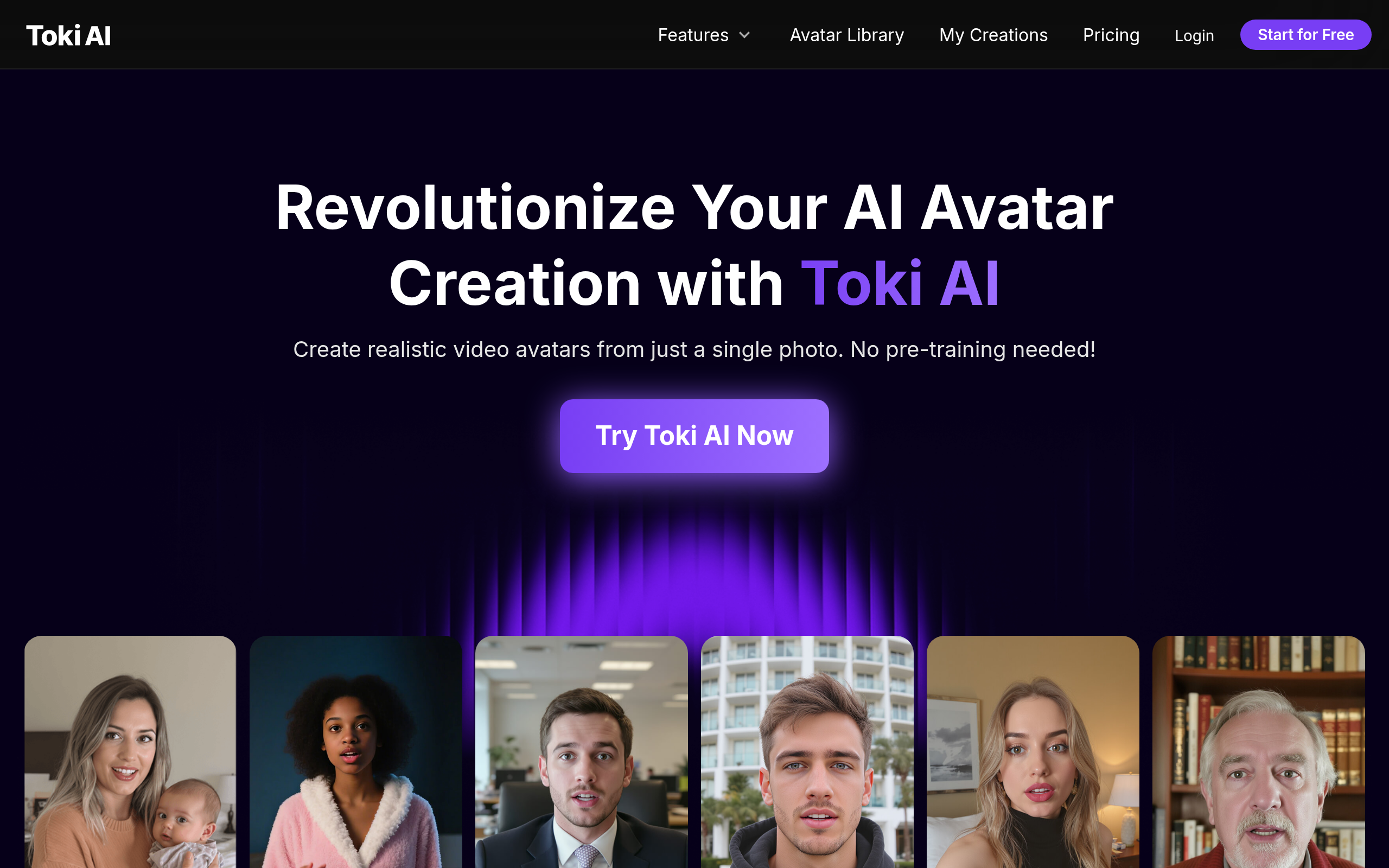
| Employer branding, culture onboarding content | VidAU UGC Avatars | Authentic UGC style works better for culture content than formal presenter style | Toki AI |
| Deskless workers, mobile-first learning | Captions | Mobile-optimized, auto-captions by default, short-form format | Vmaker AI |
Comparee's Verdict: Best AI Avatar Tools for L&D in 2026
Comparee's verdict: Born Digital is the best choice for enterprise L&D teams building interactive avatar-based training programs — its focus on conversational AI agent experiences makes it the strongest pick for onboarding simulations, compliance role-play, and HR workflows where the learner needs to interact with the avatar, not just watch it. Vmaker AI is the best choice for teams getting started with AI avatar training on a budget — the free tier, screen recording integration, and accessible workflow make it the lowest-friction entry point for small L&D teams or solo instructional designers. Captions is the best supporting tool for any team regardless of primary platform — auto-captioning for accessibility compliance is non-negotiable in most enterprise environments, and Captions handles it without adding a separate production step.
For sales enablement teams producing training content in deck form, Pitch Avatar is the most purpose-built solution. For virtual instructor-led formats, LiveAvatar covers live streaming scenarios that asynchronous video platforms do not address. For high-realism enterprise immersive experiences, Beyond Presence is worth evaluating alongside Born Digital.
The full catalog of AI avatar and virtual human tools is available in the AI Avatars & Virtual Humans category on Comparee. If you are producing learning content more broadly, the Video Generation & Editing tools category covers adjacent platforms for screen recording, editing, and post-production workflows.
Tools mentioned in this guide
Pricing, features and model availability can change over time. Always verify current details on each tool's official website before deciding.
Frequently Asked Questions
Can I create AI avatar training videos for free?
Can I create AI avatar training videos for free?
What is the difference between SCORM and MP4 for LMS publishing?
What is the difference between SCORM and MP4 for LMS publishing?
Do I need video editing skills to create AI avatar training videos?
Do I need video editing skills to create AI avatar training videos?
How long should each AI avatar training module be?
How long should each AI avatar training module be?
Can AI avatar training replace human instructors?
Can AI avatar training replace human instructors?
How do I ensure AI avatar training videos are accessible for learners with disabilities?
How do I ensure AI avatar training videos are accessible for learners with disabilities?
How accurate is AI lip-sync for languages other than English?
How accurate is AI lip-sync for languages other than English?
Can I update an AI avatar training video without re-recording everything?
Can I update an AI avatar training video without re-recording everything?
Don't just pick a tool — get the whole workflow
Tell Comparee your goal and get a complete step-by-step AI workflow with the right tool for every step.