How to Automate Your Email Sequences with AI
Step-by-step guide to building AI-powered email sequences — welcome, nurture, and win-back flows — with GetResponse, ActiveCampaign, Hoppy Copy, and more.
- AI email sequence automation runs welcome, nurture, and win-back flows 24/7 without manual intervention — once built, they work on autopilot.
- The right platform depends on your setup: GetResponse and ActiveCampaign handle end-to-end sequence building; Hoppy Copy accelerates copy generation; n8n powers custom data-driven triggers.
- A welcome sequence typically runs 5–7 emails over 10–14 days; nurture sequences run 6–10 emails over 3–6 weeks; win-back sequences use 3–5 emails with escalating urgency.
- Behavioral triggers (opens, clicks, page visits, cart abandonment) dramatically outperform pure time-based drips.
- Clean your list after every win-back sequence — inactive subscribers who never re-engage hurt deliverability for everyone else on your list.
The fastest way to automate email sequences with AI is to pick a platform with a built-in visual automation builder — GetResponse and ActiveCampaign are the two most complete options — map your trigger logic, use an AI copywriting tool like Hoppy Copy to generate each email's copy, and activate the sequence. For teams with complex data needs, n8n can connect your email platform to your CRM, analytics stack, or e-commerce store via API and fire sequences based on any behavioral event. Below is the full step-by-step breakdown, from choosing your stack to launching a working win-back flow.
What Is an Automated Email Sequence and Why Does AI Change the Game?
An automated email sequence is a pre-built series of emails that sends based on a subscriber's actions (behavior-triggered) or a fixed schedule (time-based drip). Instead of writing one-off broadcasts, you build a flow once and let it run indefinitely for every new subscriber who meets the trigger condition.
Three sequences drive the majority of email revenue for most businesses:
- Welcome sequences — delivered immediately after sign-up, they set expectations, introduce your brand, and push toward a first conversion while engagement is highest.
- Nurture sequences — medium-term campaigns that move leads from awareness to a purchase decision with educational, value-first content.
- Win-back sequences — re-engagement campaigns targeting subscribers who have stopped opening or clicking (typically 60–90+ days of inactivity).
AI changes this in three meaningful ways: it generates email copy in minutes rather than hours, it optimizes send timing per subscriber (send-time optimization), and it enables dynamic content blocks that personalize body text based on CRM or behavioral data — without manually duplicating every variant. For a broader look at what marketing automation tools can do, explore the Marketing & Growth category on Comparee.
Which Tools Do You Need to Build AI Email Sequences?
You need at minimum: an email automation platform with a sequence builder (to handle triggers, delays, and delivery), and optionally a dedicated AI copywriting tool if your platform's built-in writer is limited. Advanced setups add a workflow connector for custom behavioral triggers from external data sources.
| Tool | Best For | Pricing Model | Key AI Feature |
|---|---|---|---|
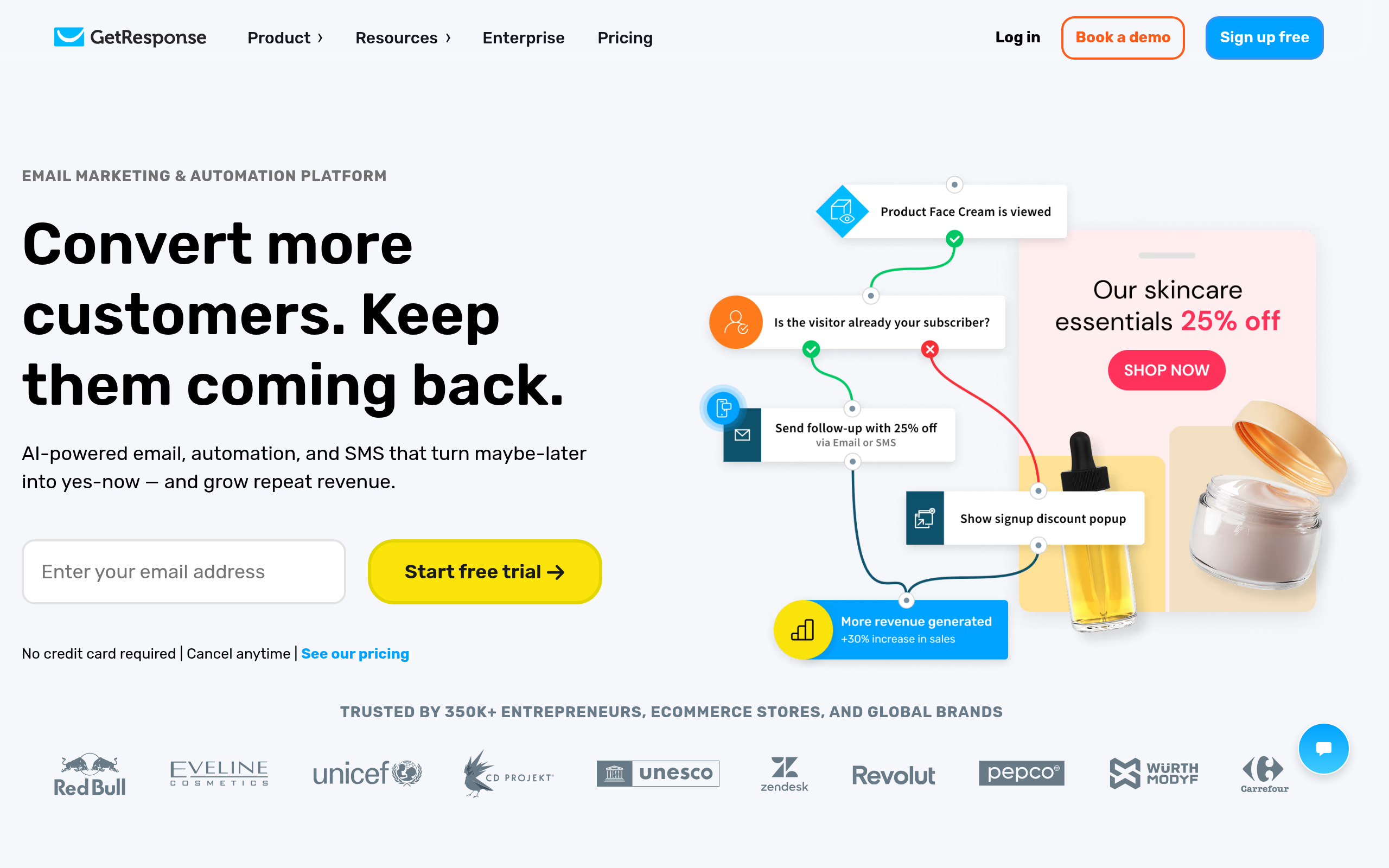
| GetResponse | SMBs wanting an all-in-one sequence platform | Free tier + paid plans | AI email writer, visual automation builder |
| ActiveCampaign | Teams needing advanced CRM + conditional logic | Subscription (no free tier) | Predictive sending, lead scoring, AI win probability |
| Mailmeteor | Gmail users running personalized campaigns | Free tier + paid plans | Mail merge personalization at scale |
| Optimove | Enterprise-level behavioral segmentation and churn prevention | Contact-based pricing | Predictive churn detection, journey optimization |
| Cloze | Relationship-driven sequences with CRM context | Subscription | AI follow-up reminders, contact intelligence |
| n8n | Developers who need custom API-driven behavioral triggers | Free (self-hosted) + cloud plans | Workflow automation connecting any email platform to external data |
| Hoppy Copy | Generating email sequence copy fast | Subscription | AI sequence generator, subject line writer, A/B variant creator |
| Bardeen | Sales teams automating outreach without coding | Free tier + paid | Browser-based no-code automation for prospect follow-up |
How Do You Build a Welcome Sequence Step by Step?
A welcome sequence is the highest-ROI flow you can build. New subscribers are most engaged in the first 24–48 hours — open rates for welcome emails run significantly higher than standard campaigns. Here is the exact build process.
Step 1: Define your goal and map the journey
Before touching any tool, decide what the sequence needs to accomplish: onboarding a free trial user, delivering a lead magnet, or driving a first purchase. Map 5–7 touchpoints over 10–14 days. Write these out as plain text first — the platform and copy come after the strategy.
Step 2: Set the trigger in your automation platform
In GetResponse or ActiveCampaign, create a new automation workflow and set the entry trigger to "subscriber joins list" or "form submitted." This fires Email 1 immediately upon sign-up. Set subsequent emails as time delays from that initial trigger event (not from the previous email send — this avoids compounding delays if emails get stuck in queues).
Step 3: Generate the copy with an AI tool
Open Hoppy Copy's sequence generator: input your brand name, product, and the tone you want (conversational, professional, direct), then generate all 5–7 emails in a single pass. Edit for brand voice — never publish raw AI output without review — but you get a structured first draft in minutes instead of hours. The subject lines especially benefit from AI generation: test at least two variants per email.
A proven welcome sequence structure:
- Email 1 (Immediately): Confirm opt-in and deliver the lead magnet if applicable. Subject line: direct and functional.
- Email 2 (Day 2): Brand story — who you are and why you built this. Keep it personal and concise.
- Email 3 (Day 4): Core value proposition with social proof — one customer result, one testimonial, or one key metric.
- Email 4 (Day 7): Educational content — teach something genuinely useful, with a soft CTA.
- Email 5 (Day 10): Case study or detailed testimonial to build purchase confidence.
- Email 6 (Day 12): Product or service introduction with a clear, single call to action.
- Email 7 (Day 14): Final push — urgency framing, a limited bonus, or simply a direct ask.
Step 4: Add conditional branching
In ActiveCampaign, add a condition after Email 3: if the subscriber clicked the CTA, move them into the nurture sequence immediately and skip the remaining welcome emails. If they didn't click, continue the sequence as planned. This single branch ensures engaged subscribers don't receive content that's no longer relevant to where they are in the journey.
How Do You Build a Nurture Sequence That Actually Converts?
Nurture sequences run longer — 6–10 emails over three to six weeks — and their job is to move a warm lead from "interested" to "ready to buy." The key discipline is value-first sequencing: at least 60% of emails should teach, inspire, or help — not pitch.
A high-converting nurture sequence structure:
- Emails 1–3: Educational content that addresses the lead's core pain point — no selling, just genuine help.
- Emails 4–5: Social proof — case studies, real customer results, or before/after scenarios.
- Email 6: FAQ email — answer the top three objections your sales team hears most often.
- Emails 7–8: Soft offer, framed as the natural solution to the pain points covered earlier.
- Emails 9–10: Direct offer with urgency or a comparison to the cost of doing nothing.
ActiveCampaign's lead scoring is particularly powerful here: assign points when a lead visits the pricing page, clicks a demo link, or downloads a specific resource. When a lead hits a score threshold, automatically move them to a "sales-ready" segment or notify a rep. Optimove adds a predictive layer — it identifies which subscribers are most likely to convert based on behavioral patterns across your entire customer base, not just individual actions.
For copy, Hoppy Copy handles nurture sequences as a dedicated format — input your product, audience, and sequence length, and it produces a full series with consistent narrative arc across all emails.
How Do You Build a Win-Back Sequence for Inactive Subscribers?
Win-back sequences target subscribers who have stopped engaging — typically defined as no opens or clicks in 60–90 days (adjust based on your normal send frequency). These sequences are critical both for revenue recovery and list hygiene.
A four-email win-back sequence that works:
- Email 1 (Day 1): "We miss you" — acknowledge the silence, remind them of the value they signed up for. Light tone, no pressure.
- Email 2 (Day 5): Value reminder — highlight what's new, your best content since they went quiet, or key product updates they missed.
- Email 3 (Day 10): Incentive — an exclusive discount, free resource, or early access to something new. Make it feel earned, not desperate.
- Email 4 (Day 14): Last chance — tell them you'll remove them from the active list if they don't re-engage. This email typically has the highest open rate of the entire sequence because the stakes are clear.
Optimove excels at this flow: its churn-prediction model flags subscribers showing early signs of disengagement — before they fully go dark — so you can start the win-back flow earlier, when reactivation is still easier. GetResponse lets you segment inactive subscribers automatically and launch a win-back campaign in a few clicks without custom development. After the sequence ends, remove everyone who still hasn't engaged — a smaller, cleaner list consistently outperforms a large, stale one.
How Does AI Improve Sequence Timing and Personalization?
Two AI capabilities make the biggest practical difference in sequence performance once your flows are live:
Send-time optimization: Instead of sending your entire list at 9 a.m. on Tuesday, AI analyzes each subscriber's historical open patterns and delivers their email at the individual moment they're most likely to read it. Both GetResponse and ActiveCampaign include this feature. The open rate lift varies by audience, but it requires no additional configuration — just enable it and it runs.
Behavioral triggers beyond time delays: Time-based sequences send on a fixed schedule. Behavior-based sequences fire on actions: visited the pricing page, clicked a specific product link, abandoned a cart, downloaded a resource. n8n is the most flexible option for custom behavioral triggers — you can connect your email platform to your CRM, analytics stack, or e-commerce backend via API and fire sequences based on virtually any data event. For teams who need this without writing code, Bardeen provides browser-based no-code automation that connects tools through point-and-click workflows.
Dynamic content blocks let you personalize the body of a single email template differently for each subscriber segment — by industry, product interest, company size, or location — without duplicating the entire sequence. Explore AI Agents & Automation tools on Comparee for workflow platforms that support advanced behavioral trigger architectures.
AI Email Sequence Platform Comparison: Features and Pricing
| Feature | GetResponse | ActiveCampaign | Mailmeteor | Optimove | n8n |
|---|---|---|---|---|---|
| Visual automation builder | Yes | Yes (advanced) | Limited | Yes | Yes (node-based) |
| Behavioral triggers | Yes | Advanced | No | Predictive | Unlimited (via API) |
| AI email writer | Yes | Yes | No | No | No |
| Send-time optimization | Yes | Yes | No | Yes | No |
| Built-in CRM | Yes | Yes | Via Google Workspace | Enterprise integration | External (you connect it) |
| A/B testing | Yes | Yes | Limited | Yes | Via integration |
| Free tier available | Yes | No | Yes | No | Yes (self-hosted) |
| Best fit team size | Solo to mid-market | Growth to enterprise | Solo to small team | Enterprise | Tech team / developer |
| Use Case | Recommended Tool | Why It Fits |
|---|---|---|
| Startup or solopreneur with small list | GetResponse | Free tier, all-in-one builder, built-in AI writer — lowest time-to-first-sequence |
| E-commerce with complex automation | ActiveCampaign | Best conditional logic, cart abandonment triggers, and lead scoring in this class |
| Gmail-native team, personalized outreach | Mailmeteor | Lives inside Gmail, handles mail merge and follow-up for small-list campaigns |
| Enterprise with churn prevention focus | Optimove | Predictive segmentation and proactive win-back intelligence before subscribers fully disengage |
| CRM-first team tracking relationships | Cloze | Keeps email automation in the context of long-term relationship history |
| Developer building custom trigger logic | n8n | API-first, self-hosted, connects any data source to any email platform |
| Sales team, fast prospect follow-up | Bardeen | No-code, browser-based, deploys in hours without engineering support |
| Any team needing sequence copy fast | Hoppy Copy | Purpose-built for email marketing copy — generate a full sequence in one session |
Comparee's Verdict: The Right Tool for Each Situation
GetResponse is the best starting point for small teams and solo marketers who want a complete email automation platform with a free tier, a visual sequence builder, and an AI email writer included — it covers welcome, nurture, and win-back without requiring additional tools. ActiveCampaign is the best choice for growth-stage companies with complex customer journeys: its conditional logic, lead scoring, and CRM integration are the deepest in this comparison, and it is the platform serious email marketers graduate to when they outgrow basic drip builders.
Optimove is the right choice for enterprise marketing teams where churn prevention and behavioral segmentation are top priorities — its predictive models add genuine intelligence that rule-based platforms cannot replicate. For teams that need to connect email sequences to any external data source without building proprietary infrastructure, n8n is unmatched in flexibility at its price point. Cloze is the best fit when email automation needs to live inside a relationship management context — it keeps your sequence history alongside full contact intelligence. And for AI-generated email copy, Hoppy Copy is the dedicated tool — pair it with whichever platform you choose to cut drafting time dramatically.
Browse the full Marketing & Growth catalog on Comparee for additional email marketing, campaign automation, and customer engagement tools.
Tools mentioned in this guide
Pricing, features and model availability can change over time. Always verify current details on each tool's official website before deciding.
Frequently Asked Questions
What is the best AI tool for automating email sequences?
What is the best AI tool for automating email sequences?
How many emails should a welcome sequence have?
How many emails should a welcome sequence have?
What triggers should I use for automated email sequences?
What triggers should I use for automated email sequences?
How long should a nurture email sequence be?
How long should a nurture email sequence be?
What is a win-back email sequence and when should I use it?
What is a win-back email sequence and when should I use it?
What is the difference between GetResponse and ActiveCampaign for email automation?
What is the difference between GetResponse and ActiveCampaign for email automation?
Can I automate email sequences without coding?
Can I automate email sequences without coding?
How do I measure whether my email sequence is working?
How do I measure whether my email sequence is working?
Don't just pick a tool — get the whole workflow
Tell Comparee your goal and get a complete step-by-step AI workflow with the right tool for every step.