Zapier vs Make vs n8n: Workflow Automation Platforms Compared
Zapier, Make, or n8n? Compare pricing models (per-task vs per-op vs self-host), learning curves, and AI features to find the right workflow automation platform.
- n8n is the best choice for developers and technical teams — open-source, self-hostable, zero per-task fees, and the deepest AI pipeline support of the three.
- Zapier wins on ease of use and app breadth — the fastest path to automation for non-technical ops and marketing teams.
- Make (formerly Integromat) is the power-user sweet spot: a visual canvas that handles complex branching logic without requiring code.
- Pricing philosophy matters more than headline price — Zapier charges per task, Make charges per operation, n8n charges per workflow execution (or nothing if self-hosted).
- AI features are now a genuine differentiator: n8n leads for agent pipelines and on-premise AI; Zapier and Make offer simpler AI connectors for standard use cases.
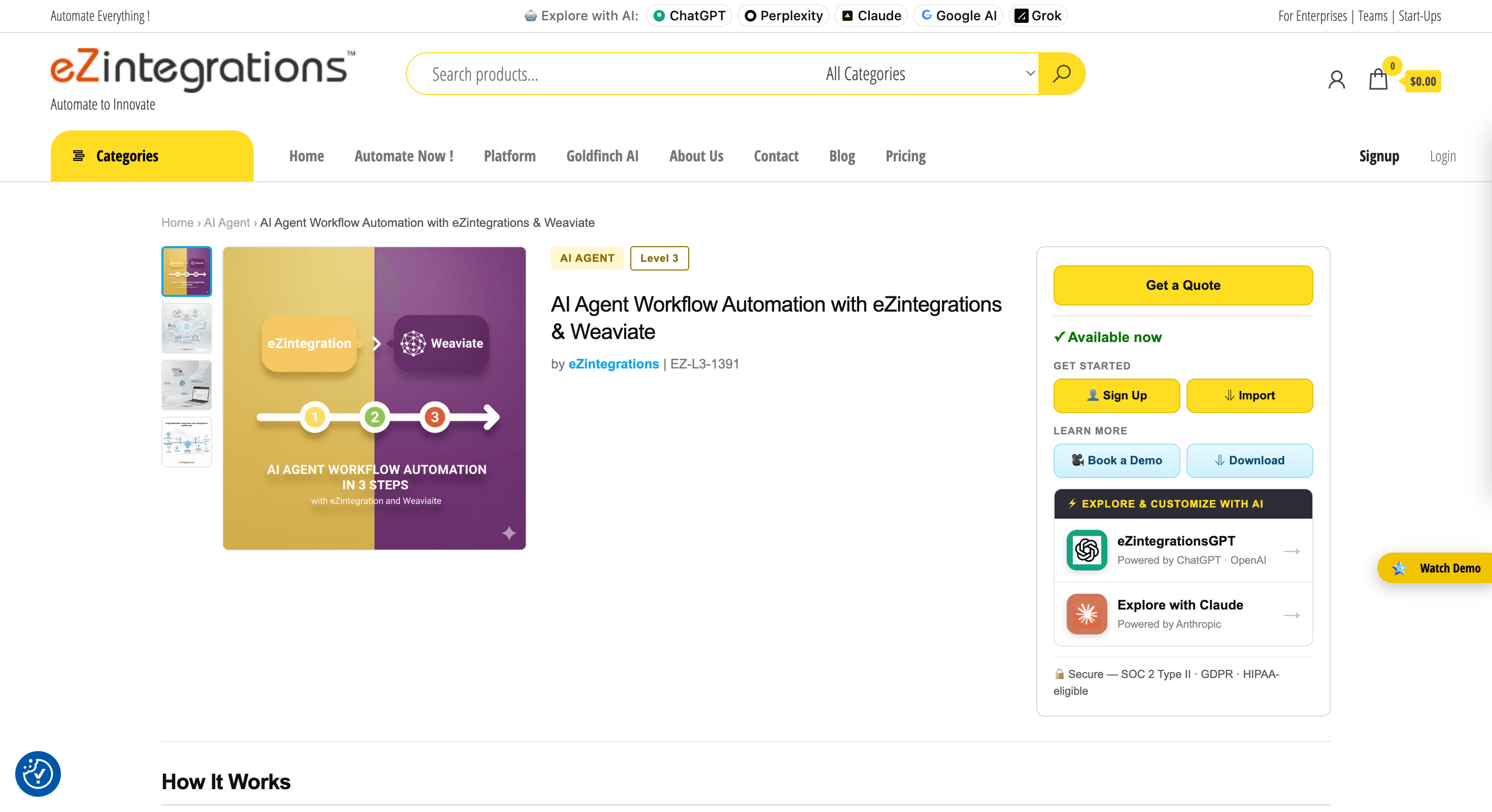
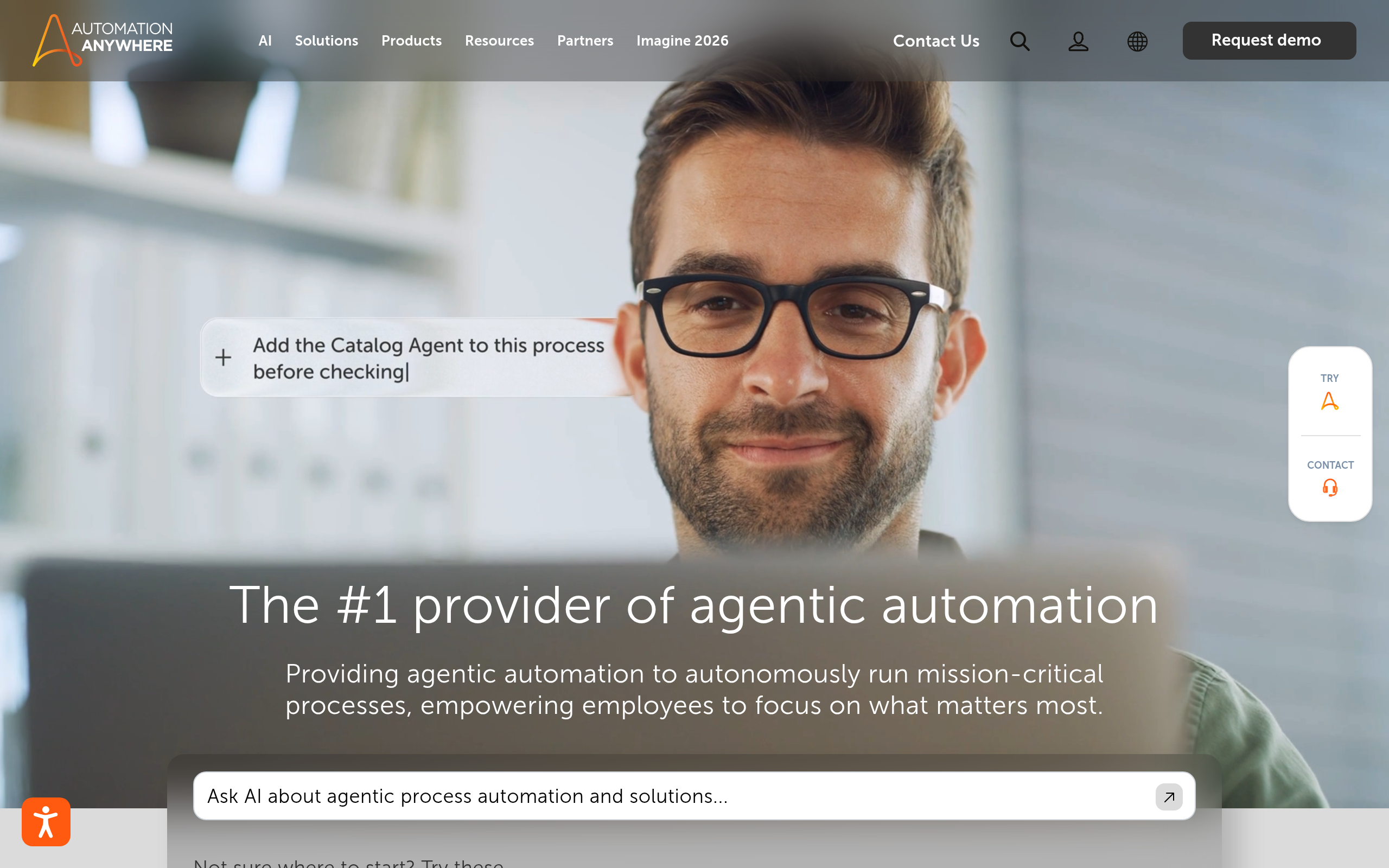
- Enterprise teams with legacy systems should also evaluate Automation Anywhere; SMBs wanting a managed approach should look at eZintegrations Automation Hub.
The Short Answer: Which Automation Platform Should You Pick?
For most non-technical users and marketing teams, Zapier remains the safest starting point — the largest app library, the simplest interface, and an enormous base of community tutorials. If you need more visual power and better pricing for complex workflows without a technical learning cliff, Make (formerly Integromat) is the smarter upgrade. For developers, data-conscious organizations, or anyone building serious AI automation pipelines, n8n delivers unmatched flexibility — especially self-hosted, where workflow execution costs nothing beyond your server bill. Each platform wins on a different axis, and the right choice depends almost entirely on your team's technical profile, workflow complexity, and expected volume.
How Does Zapier, Make, and n8n Pricing Actually Work?
Pricing philosophy is the single biggest decision driver here — the model, not just the price tier.
Zapier: Per-task billing
Zapier bills per task — each action step a Zap performs counts as one task. A three-step Zap that runs 1,000 times per month consumes 3,000 tasks. The free tier covers a limited monthly task quota and restricts you to single-step Zaps. Paid tiers unlock multi-step Zaps and larger task pools. This model is the easiest to understand but can become expensive as workflow complexity or run frequency grows, since every intermediate step counts separately.
Make: Per-operation billing
Make charges per operation — roughly one unit per module execution within a scenario. A scenario with four modules running 1,000 times uses 4,000 operations. Make's free tier is typically more generous than Zapier's in raw operations per month, and paid tiers offer progressively lower per-operation rates. Because Make's visual canvas makes it easier to design efficient flows with fewer modules, users often end up with lower effective operation counts than equivalent Zapier multi-step setups.
n8n: Per-workflow execution — or free if self-hosted
n8n's pricing is structurally different. The cloud version charges per workflow execution, not per node or step inside a workflow — a 20-node workflow that runs 1,000 times costs the same execution units as a 3-node workflow running the same number of times. More importantly, n8n's self-hosted version is free under its fair-code license for internal use. Teams with any engineering capacity can run n8n on their own infrastructure and eliminate per-execution costs entirely.
| Platform | Billing Unit | Free Tier | Self-Hosting | Cost at High Volume |
|---|---|---|---|---|
| Zapier | Per task (each action step) | Yes, limited tasks | No | Gets expensive fast |
| Make | Per operation (each module run) | Yes, more generous | No | Better than Zapier |
| n8n | Per execution (cloud) or free (self-hosted) | Yes (cloud + self-host) | Yes, open-source | Best — especially self-hosted |
Which Automation Platform Is Easiest to Learn?
Learning curve is where these platforms diverge most clearly by persona — and underestimating this has caused plenty of failed automation projects.
Zapier is the fastest platform to get productive on. The Trigger → Action model is intuitive, the setup wizard guides you step by step, and most app connections come pre-configured with sensible field mappings. A non-technical marketer can set up a working, multi-step Zap in under 15 minutes on their first day. The trade-off is that Zapier's simplicity becomes a ceiling: complex logic, loops, error branches, and data transformation are either impossible or require awkward workarounds.
Make has a steeper initial learning curve because its visual canvas introduces concepts like iterators, aggregators, routers, and scenario scheduling that don't exist in Zapier's mental model. However, once that model clicks, Make's UI is more powerful and more transparent — you see the entire scenario at a glance, watch data flow between modules during test runs, and handle complex logic naturally. For an ops professional willing to spend a few hours learning the fundamentals, Make quickly outperforms Zapier on everything except raw app coverage.
n8n is the most technical of the three. Its node-based canvas is visually similar to Make, but n8n assumes familiarity with JSON data structures, HTTP request configuration, and often JavaScript expressions for data transformation. The payoff is significant: you can call any API that exists, write full JavaScript or Python code directly inside nodes, handle authentication edge cases, and build workflows that would be impossible in the other two. For a developer, n8n is often faster than writing integration glue code from scratch. For a non-technical marketer, it requires a technical partner to get started effectively.
Feature Comparison: What Can Each Automation Platform Do?
| Feature | Zapier | Make | n8n |
|---|---|---|---|
| Pre-built app integrations | 6,000+ | 1,500+ | 400+ (plus any HTTP API) |
| Workflow builder style | Linear step-by-step | Visual canvas | Visual canvas (node graph) |
| Custom code in workflows | Code step (JS/Python) | Limited expressions | Full JS and Python nodes |
| Webhooks | Yes (paid tiers) | Yes (all tiers) | Yes (all tiers, including self-hosted) |
| Error handling and retry | Basic notifications | Advanced error routes | Advanced with custom logic |
| Data transformation | Built-in formatters | Functions and expressions | Full JavaScript expressions |
| Self-hosting option | No | No | Yes, open-source |
| Native AI/LLM nodes | Yes (AI actions) | Yes (AI modules) | Yes (LangChain + direct API) |
| On-premise data control | No | No | Yes (self-hosted) |
Zapier's massive integration catalog remains its primary differentiator. For connecting mainstream SaaS apps — CRM to email, Slack to spreadsheets, forms to databases — Zapier almost certainly has a pre-built, tested connector. Make's canvas approach shines when workflows need to branch, loop over arrays, aggregate data from multiple sources, or handle multi-path logic. n8n's code-first philosophy means nothing is off-limits: custom APIs, private data sources, complex data transformations, and full AI pipelines are all first-class capabilities.
AI Features: Which Automation Platform Leads for AI Workflows?
AI integration has moved from a novelty to a core capability across all three platforms — but the depth and flexibility differ substantially.
Zapier introduced AI Actions and its Zapier Central product for building AI agent workflows. For non-technical users, these abstractions lower the barrier to connecting language models (OpenAI, Anthropic, Google) to existing Zaps without configuring APIs manually. The limitation is architectural: Zapier's linear trigger-action model constrains what AI agents can do — you can call an LLM and pass the output downstream, but orchestrating multi-step agent reasoning or branching on AI decisions requires significant workarounds.
Make offers OpenAI, Anthropic, and other AI service modules natively. Its scenario canvas is actually well-suited to AI pipelines: you can branch based on AI output classifications, loop through batches of documents for AI processing, and aggregate results across parallel paths. Make's visual debugger helps enormously when AI responses are unexpected or malformed.
n8n has invested most deeply in AI agent infrastructure. It ships native LangChain nodes, memory nodes for persistent agent context, tool-calling nodes, and direct connections to any LLM API via HTTP. Developers can build multi-agent pipelines, retrieval-augmented generation (RAG) workflows with vector databases, and custom AI tools — all within n8n's workflow environment. Self-hosted deployments add a critical advantage for AI work: all data stays on your infrastructure, making n8n the only viable option for AI automation with sensitive or regulated data.
| AI Capability | Zapier | Make | n8n |
|---|---|---|---|
| LLM API connections | Pre-built connectors | Pre-built modules | Pre-built + any HTTP endpoint |
| AI agent orchestration | Zapier Central (limited) | Via scenario branching | Native LangChain agent nodes |
| RAG and vector workflows | Not native | Limited | Yes (Pinecone, Weaviate, etc.) |
| Custom AI tool definitions | No | No | Yes (code nodes + tool calling) |
| On-premise AI (data privacy) | No | No | Yes (self-hosted) |
What Are the Best Alternatives to Zapier, Make, and n8n?
The three-platform comparison covers a lot of ground, but the AI Agents & Automation category includes strong alternatives for specific contexts.
Automation Anywhere is an enterprise-grade Robotic Process Automation (RPA) platform. Where Zapier, Make, and n8n focus on API-to-API connections, Automation Anywhere automates UI interactions — clicking through legacy systems, extracting data from desktop applications, and handling processes that simply have no API. Its AI-powered document intelligence and bot management infrastructure make it the right tool for large organizations running complex, legacy-heavy back-office operations that the API-native platforms cannot reach.
eZintegrations Automation Hub targets SMBs and mid-market teams that want pre-built integration templates and a more managed-service approach to automation. If your team lacks the bandwidth to build from scratch and you want vendor support rather than a DIY workflow tool, eZintegrations Automation Hub sits in a different operational category than the self-serve platforms.
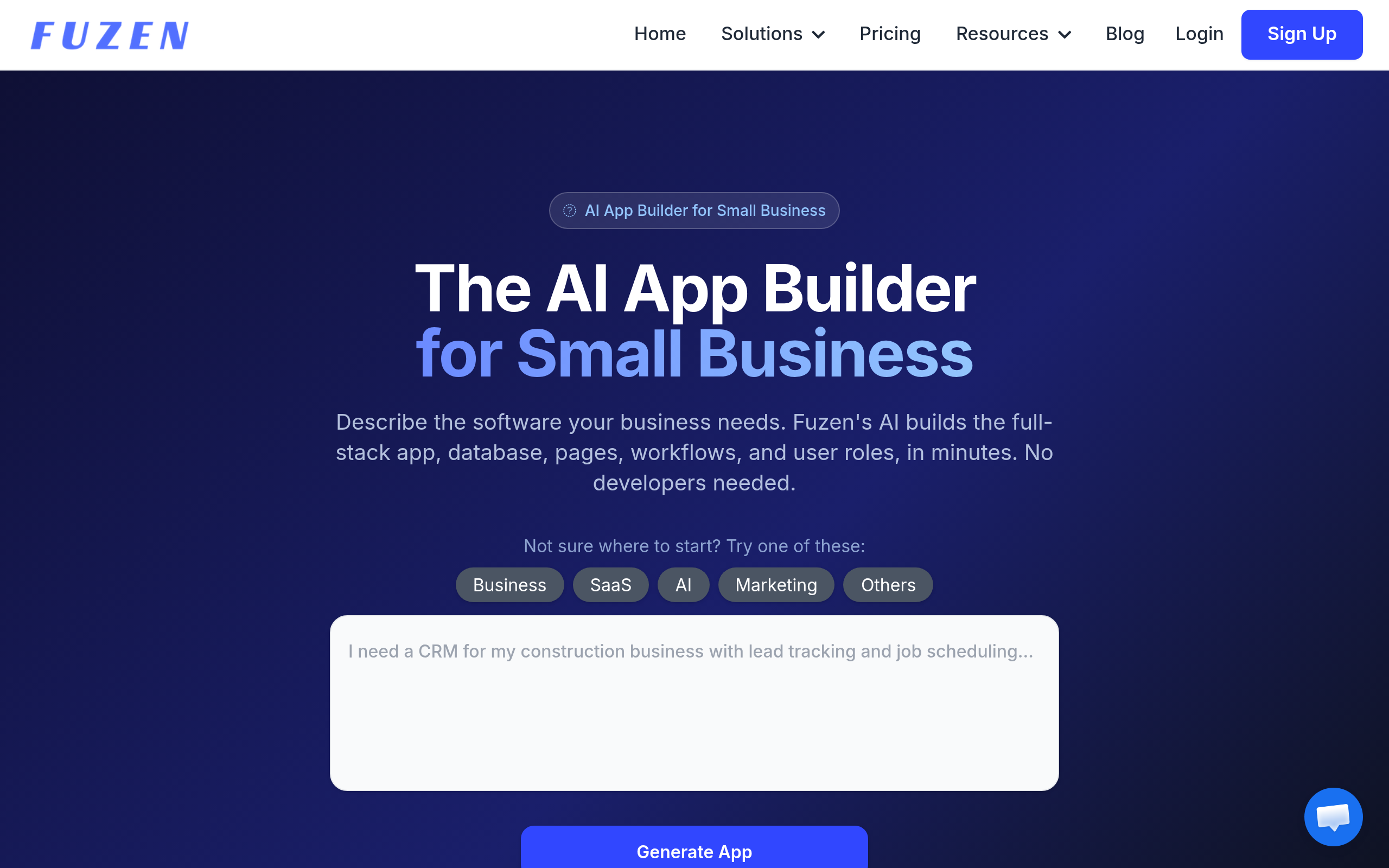
Fuzen takes a no-code workflow approach with a focus on structured business process automation — closer to a lightweight BPM tool than an integration platform. It suits teams that need defined process flows with human approval steps, rather than fully automated data-pipeline integrations.
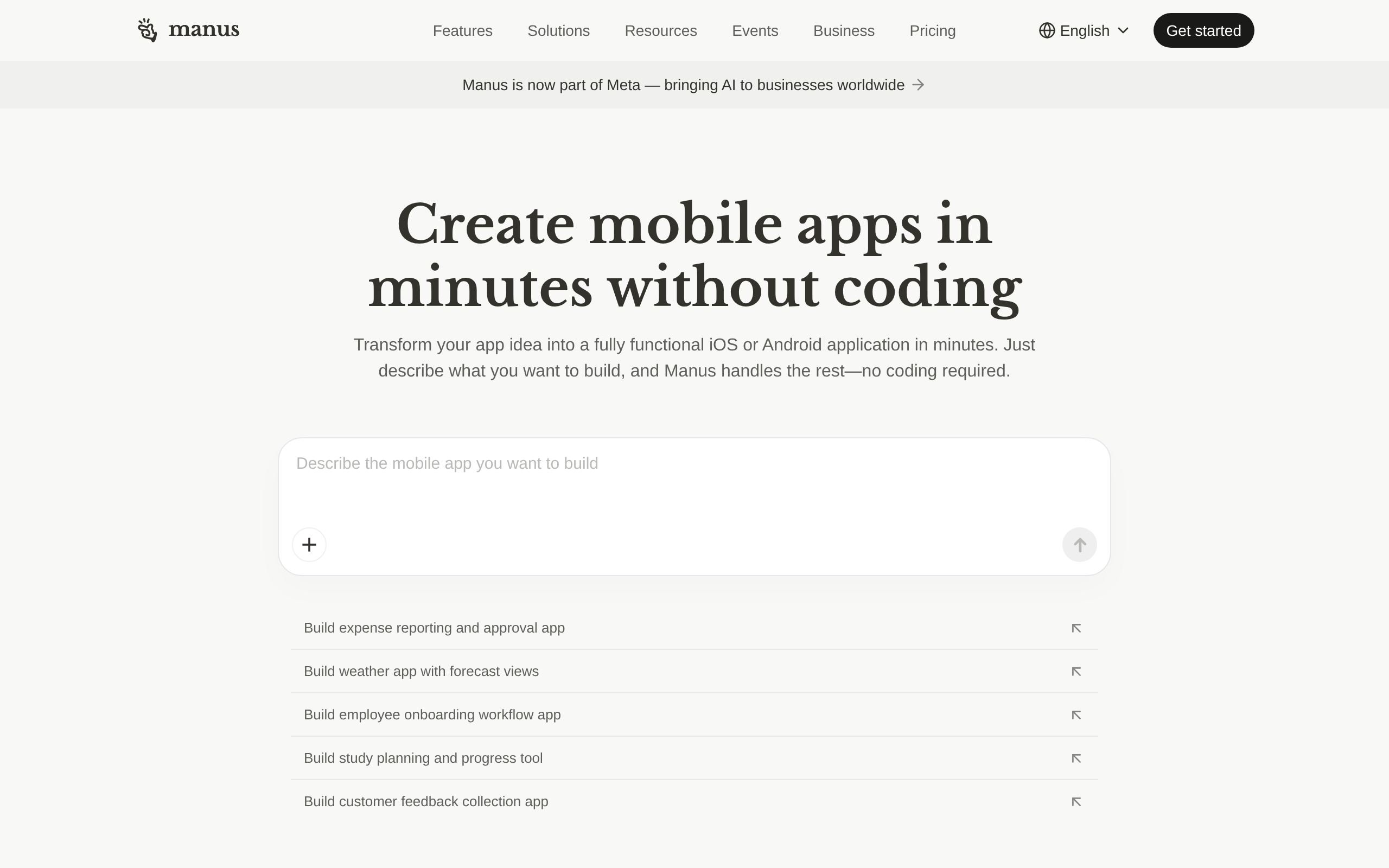
Manus represents a different paradigm altogether: an AI agent platform where you describe a goal and the agent figures out the execution steps, rather than defining a rigid trigger-action sequence. For exploratory, variable, or research-driven tasks that don't fit a predetermined workflow shape, Manus is worth evaluating as a complement or alternative to traditional automation platforms.
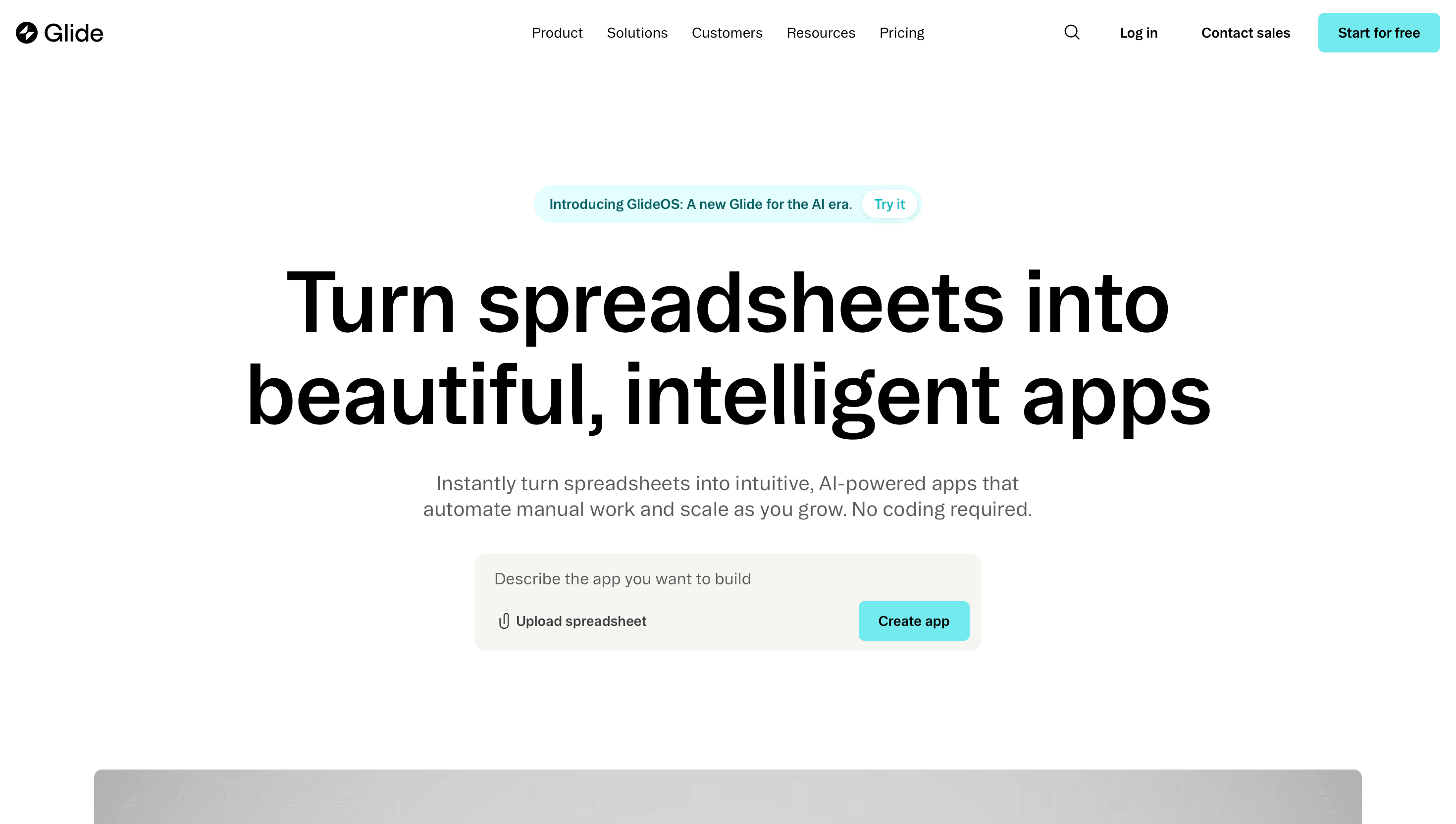
Glide bridges automation and internal app building — useful when the end goal is a usable interface powered by automated data flows, not just behind-the-scenes integration logic.
Comparee's Verdict: Which Workflow Automation Platform Is Right for You?
Comparee's verdict: n8n is the best choice for developers, technical ops teams, and any organization prioritizing AI workflows, data sovereignty, or cost control at scale — especially when self-hosted. Zapier is the best choice for non-technical teams, marketers, and anyone who needs fast time-to-value across the widest possible range of SaaS apps. Make is the best choice for power users and technically-inclined ops professionals who need complex branching logic and better pricing without committing to code — the most underrated of the three for anyone who has hit Zapier's complexity ceiling.
| Your Situation | Best Pick | Why It Wins Here |
|---|---|---|
| Non-technical marketer or ops | Zapier | Fastest setup, guided UX, widest app library |
| Power user needing complex logic | Make | Visual canvas, branching, better pricing at volume |
| Developer or technical team | n8n | Full code access, self-host, best AI pipeline depth |
| Enterprise with legacy/UI automation | Automation Anywhere | RPA + AI for processes with no API |
| SMB wanting managed integrations | eZintegrations Automation Hub | Templates + support, lower DIY overhead |
| AI-first autonomous task execution | Manus | Goal-based agent execution for variable workflows |
If you are just starting out with zero automation in place, Zapier's free tier is the lowest-friction entry point. Once you hit its complexity or cost limits — and most growing teams do — Make is the natural upgrade path. When you need full technical control, persistent data handling, or serious AI agent infrastructure, n8n is where the ceiling disappears. Explore the full AI Agents & Automation category on Comparee to compare all available platforms side by side.
Tools mentioned in this guide
Pricing, features and model availability can change over time. Always verify current details on each tool's official website before deciding.
Frequently Asked Questions
Is Zapier better than Make for most users?
Is Zapier better than Make for most users?
Is n8n really free?
Is n8n really free?
Can n8n replace Zapier completely?
Can n8n replace Zapier completely?
Which platform is best for building AI agent workflows?
Which platform is best for building AI agent workflows?
What is the difference between Zapier tasks and Make operations?
What is the difference between Zapier tasks and Make operations?
Which automation platform is best for small businesses?
Which automation platform is best for small businesses?
Can I migrate from Zapier to n8n?
Can I migrate from Zapier to n8n?
Which platform handles workflow errors and failures best?
Which platform handles workflow errors and failures best?
Don't just pick a tool — get the whole workflow
Tell Comparee your goal and get a complete step-by-step AI workflow with the right tool for every step.