AI Tools for Freelancers: The Complete Guide for 2026
The 2026 guide to AI tools for freelancers: do client work faster solo across content, proposals, design, automation and client email.
Key takeaways
- Freelancers can use AI to deliver client work faster solo — across content, proposals, design, automation and client communication.
- Tools like Simplified AI Writer, Pitch, getimg.ai and n8n remove the slow parts of running a one-person business.
- The leverage is in non-billable time: proposals, admin and email that eat hours you cannot invoice.
- AI should speed up your delivery, not replace the expertise clients are paying you for.
- A small connected stack lets one freelancer take on more clients without working more hours.
For freelancers in 2026, the smartest use of AI is reclaiming non-billable time — the proposals, admin, first drafts and client emails that eat your week without ever appearing on an invoice. As a solo operator you are simultaneously the strategist, the producer, the salesperson and the office manager, and the jobs that drain you most are rarely the creative work clients hired you for. AI is unusually well suited to that overhead. It can draft a proposal deck, turn a brief into a first content draft, generate design assets, and automate the repetitive admin that surrounds every project. This guide covers where AI gives freelancers the most leverage, the specific tools worth using, and how to keep the expertise that justifies your rate firmly your own.
What are AI tools for freelancers?
AI tools for freelancers are software products that help a one-person business produce client work and run its operations faster, without hiring. They span the full freelance workflow: writing content, building proposals and decks, creating design and image assets, automating admin like invoicing reminders and file handling, and drafting client communication. What sets the freelance use case apart is that you wear every hat and have no team to delegate to, so any task AI removes goes straight back into either billable work or your own time. The right tools do not pretend to be the freelancer — they handle the scaffolding around the expertise, so the high-value thinking and client relationship stay where they belong, with you.
Reclaiming the non-billable hours
Every freelancer knows the quiet tax of non-billable work. For every hour spent on the craft, there can be another spent writing proposals, formatting decks, chasing approvals, and answering routine emails. Over a month that overhead can swallow days you could have billed or rested. AI attacks this directly. A proposal that took an evening to assemble can start from an AI-generated structure you refine. A client email thread that needed careful wording can begin from a draft you polish in seconds. Repetitive admin — moving files, sending reminders, updating a tracker — can be automated entirely so it never reaches your to-do list. The point is not to make your work feel automated to clients; it is to make the invisible overhead disappear so more of your time is either earning or yours.
Speed without losing the expertise clients pay for
The risk with AI for freelancers is leaning on it for the very thing clients value: your judgement. A client hires you over a cheaper option because of your taste, experience and accountability, and none of that can be outsourced to a model. The healthy pattern is to use AI for velocity on the scaffolding — outlines, first drafts, asset variations, admin — while you own the strategy, the final quality bar, and the client relationship. AI gives you a faster starting point on a blank page; you provide the part that makes the deliverable worth your rate. Used this way, AI lets you take on more clients or finish faster without diluting the quality that earned you the work. Used carelessly, it produces generic deliverables that erode the reputation freelancing depends on.
Best AI tools for freelancers
| What you need | Best tool to start with |
|---|---|
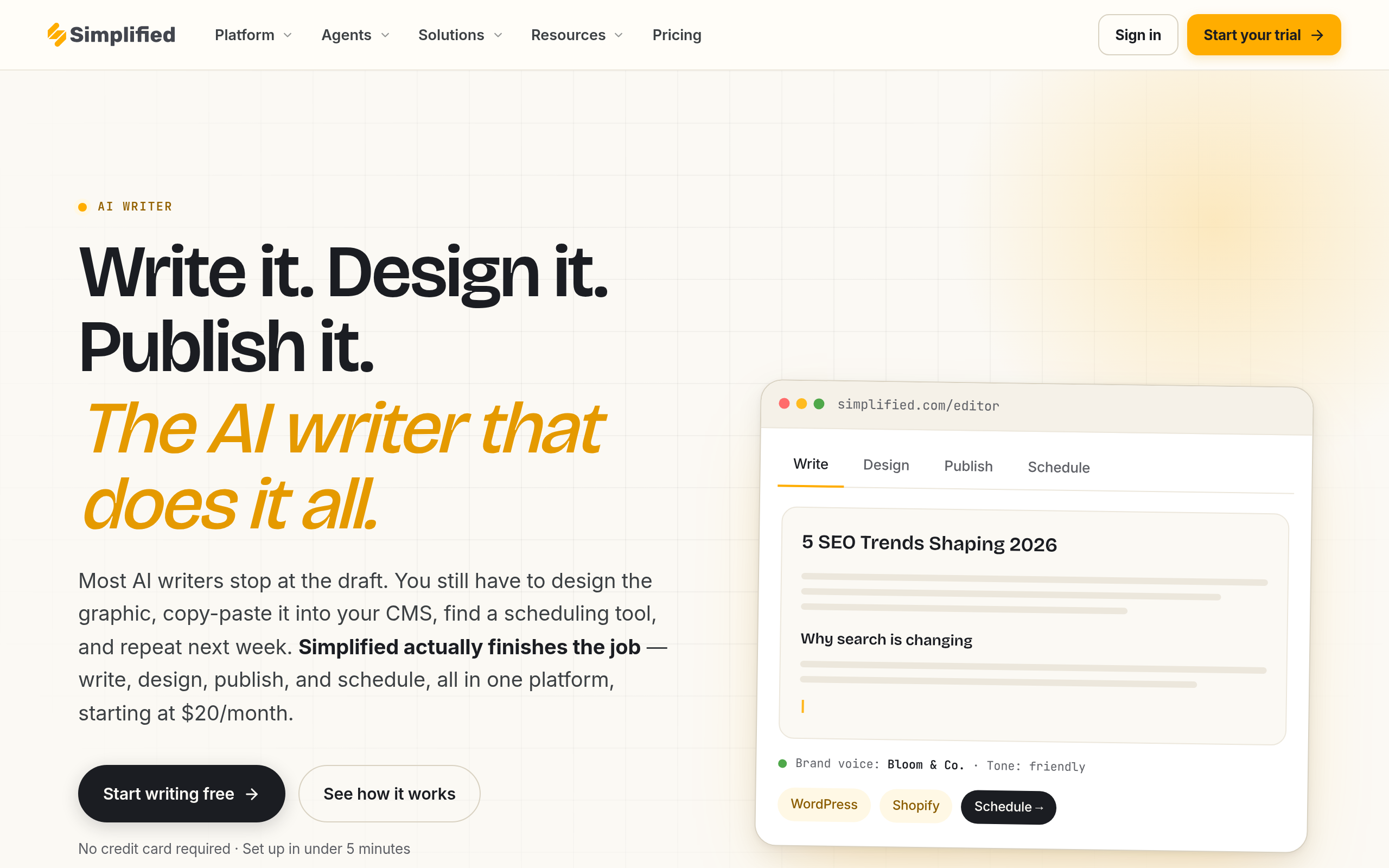
| Draft client content and copy fast | Simplified AI Writer |
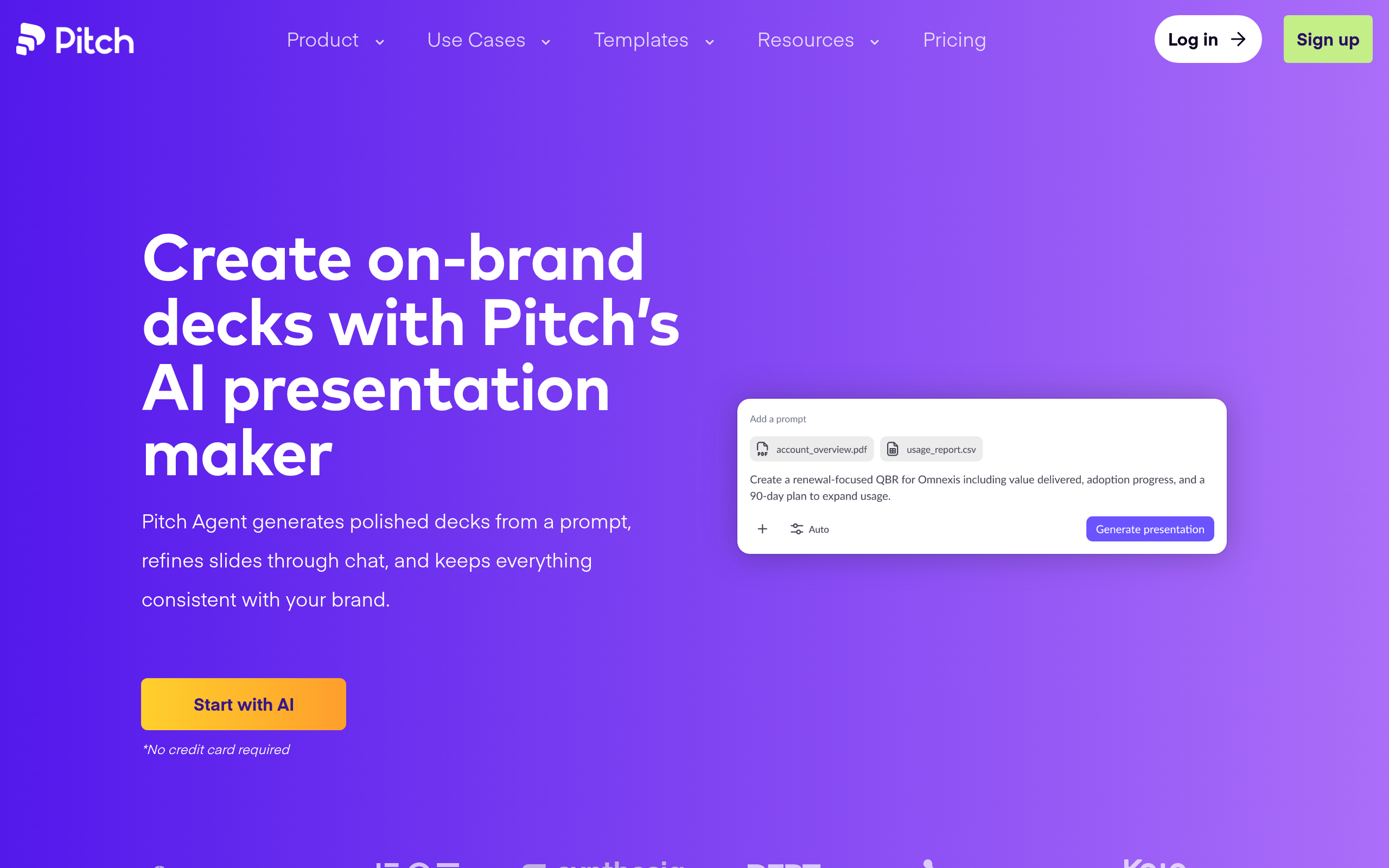
| Build proposals and pitch decks | Pitch |
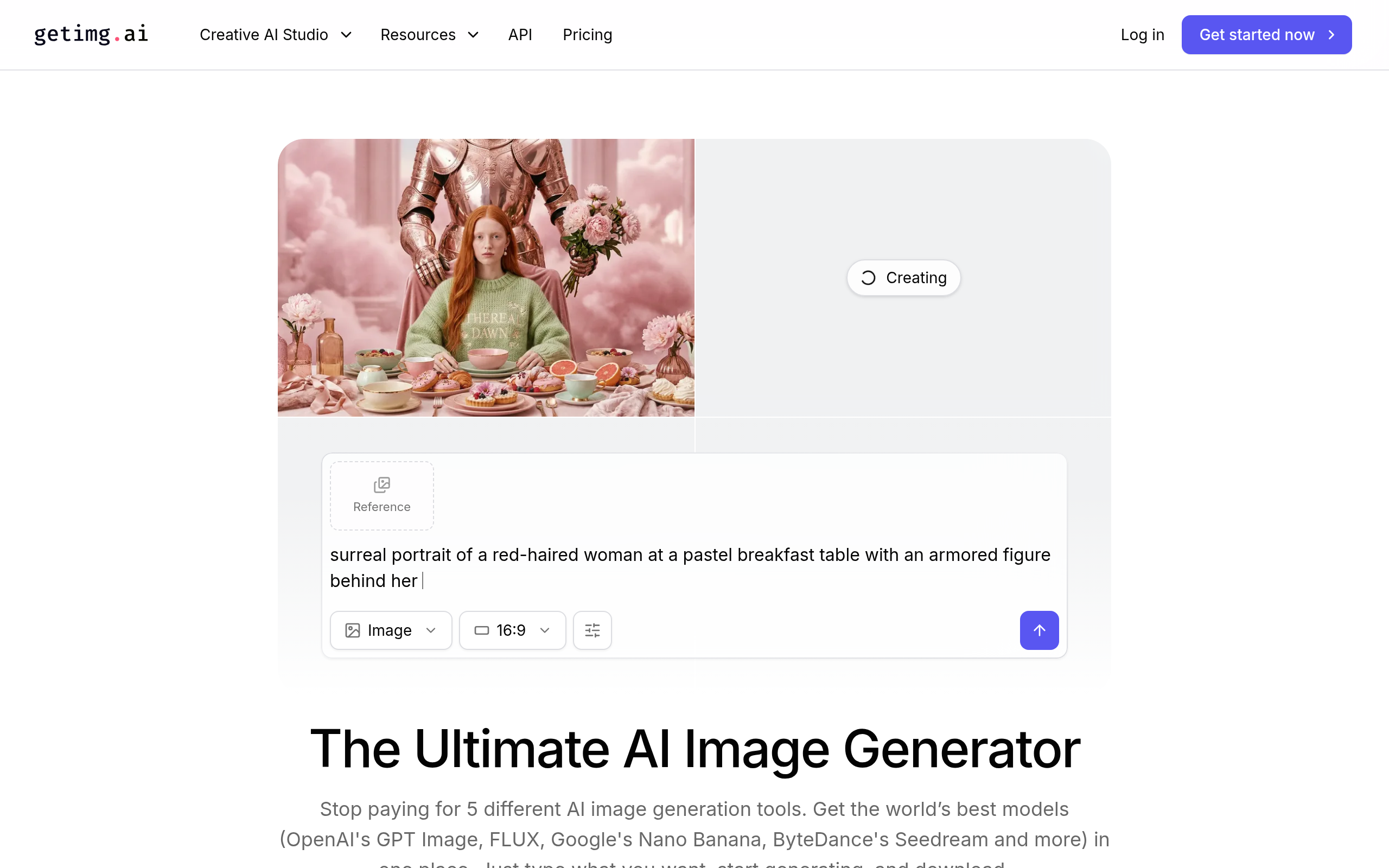
| Generate design and image assets | getimg.ai |
| Automate repetitive admin and handoffs | n8n |
| Write better client emails faster | Hoppy Copy |
Simplified AI Writer is a dependable starting point for any freelancer who produces written deliverables, turning a brief or outline into a first draft you can shape into client-ready work. Pitch helps you build proposals and decks far faster than starting from a blank slide, which matters because winning work is itself unpaid time. getimg.ai generates images and design assets, useful when a project needs visuals but does not justify hiring a designer. n8n is the automation layer that handles the admin glue — moving files, sending reminders, connecting the apps you use — so routine operations run without you. And Hoppy Copy helps you draft clear, persuasive client emails and outreach quickly, smoothing the constant communication that freelancing runs on. If writing is central to your services, our complete guide to AI copywriting goes deeper on getting client-grade results from these tools.
How to build a freelance AI stack (step by step)
- Track one week of your time and separate billable craft from non-billable overhead like proposals, admin and email.
- Target the biggest overhead drain first — for many freelancers that is proposals with Pitch or first drafts with Simplified AI Writer.
- Feed the tool your real context: the brief, your past work, your tone, so the output starts close to client-ready.
- Add getimg.ai when projects need visuals and Hoppy Copy to speed up the client emails that fill your day.
- Automate the repetitive glue — reminders, file handling, status updates — with n8n so admin runs itself.
- Always apply a human editing and quality pass before anything reaches a client, since your reputation is the product.
Why AI matters for freelancers now
Freelancing in 2026 is more competitive and more global, which puts pressure on both speed and margins. Clients can compare you against a wider pool, and the freelancers who win are often those who deliver faster without dropping quality. At the same time, the overhead of running a solo business has not shrunk — if anything, more platforms and channels mean more admin. AI is the lever that lets one person absorb that load. It does not just make you faster on the craft; it removes the surrounding tasks that quietly cap how many clients you can serve. A freelancer who automates proposals, admin and first drafts can take on more work, charge for outcomes rather than hours, and protect their time. The ones who ignore AI are not just slower — they are paying for overhead their competitors have automated away.
Common mistakes freelancers make with AI
The first mistake is delivering raw AI output to clients. It saves time in the moment but produces generic, sometimes inaccurate work that damages the relationship and your reputation. Always edit and verify before sending. The second mistake is automating the wrong things — pouring effort into clever automations for tasks that barely occur, instead of the high-frequency overhead that actually drains you. The third is using AI to mask a lack of expertise rather than to amplify real skill; clients can tell, and it rarely ends well. Finally, many freelancers either avoid AI entirely out of principle or over-rely on it out of haste. The balanced approach treats AI as a fast junior assistant: useful for drafts and grunt work, never trusted with final judgement. Keep the strategy, taste and accountability yours, and let AI handle the rest.
The bottom line
For freelancers, AI is most valuable not on the craft itself but on everything around it — the proposals, admin, first drafts and emails that never make it onto an invoice. Use Simplified AI Writer for content, Pitch for proposals, getimg.ai for visuals, n8n for automation, and Hoppy Copy for client email. Reclaim the non-billable hours, keep your expertise human, and let a small connected stack help one person do the work of several.
Disclaimer: This guide is for general informational purposes only and reflects the landscape as of 2026. Tool features, pricing and availability change frequently — confirm current details on each provider's official site, and never send AI-generated work to a client without your own review.
Tools mentioned in this guide

Pricing, features and model availability can change over time. Always verify current details on each tool's official website before deciding.
Frequently Asked Questions
What is the best AI tool for a freelancer to start with?
What is the best AI tool for a freelancer to start with?
Can AI help me win more freelance clients?
Can AI help me win more freelance clients?
Is it safe to send AI-generated work to clients?
Is it safe to send AI-generated work to clients?
How can a freelancer automate boring admin?
How can a freelancer automate boring admin?
Will using AI lower the value of my freelance work?
Will using AI lower the value of my freelance work?
Do I need design skills to create visuals as a freelancer?
Do I need design skills to create visuals as a freelancer?
Don't just pick a tool — get the whole workflow
Tell Comparee your goal and get a complete step-by-step AI workflow with the right tool for every step.