Best AI Tools for Legal Document Review & Drafting
Best AI tools for legal document drafting & review in 2026 — NDAs, privacy policies, employment docs. Direct picks by user type and document category.
- AI legal document tools cover a wide range: NDAs, privacy policies, employment agreements, immigration documents, compliance filings, and court-filing research — not just commercial contracts.
- Spellbook and LegalOn lead for legal teams drafting and reviewing commercial documents; AI Lawyer and goHeather are better suited for non-lawyers and small businesses.
- Drafting and reviewing are distinct tasks — some tools specialize in one; your optimal choice may differ depending on whether you are creating a document or analysing one you received.
- None of the tools described here constitute legal advice. AI-generated documents and review outputs require attorney verification for any high-stakes or legally consequential matter.
- Document type matters: privacy policies, NDAs, immigration petitions, and employment contracts each have different risk profiles and jurisdiction requirements — a tool strong on contract redlining may be weak on regulatory compliance language.
- For non-lawyers handling routine business paperwork, goHeather and AI Lawyer offer guided, accessible workflows that require no legal background to use effectively.
The best AI tool for legal document review and drafting depends on what you are actually creating or reviewing. NDAs, privacy policies, immigration petitions, employment agreements, regulatory filings, and business contracts are all legal documents — but they have different structures, different risk profiles, and different requirements for who needs to be involved. AI tools in this space are no longer limited to contract redlining: the generation now covers document drafting from scratch, plain-English review for non-lawyers, compliance document generation, and guided workflows for handling legal paperwork without specialist training. This guide maps the best options across use cases, user types, and document categories, with concrete recommendations for each.
Important: Nothing in this article, and nothing produced by the tools described here, constitutes legal advice. Legal documents carry real consequences. For any agreement or filing with significant legal or financial implications, consult a qualified attorney licensed in your jurisdiction before relying on AI-generated output.
Browse the full Legal & Compliance AI tools directory on Comparee for the complete catalog.
What Can AI Do for Legal Document Drafting and Review?
Modern AI legal tools perform two distinct types of work, and it is worth being clear about what each involves before choosing a tool:
- Document drafting: Generating a first-draft document from a structured template, a set of inputs (parties, jurisdiction, key terms), or a natural-language description. Good drafting tools produce documents that reflect your actual situation rather than a generic boilerplate — some use guided question flows to populate jurisdiction-specific provisions correctly.
- Document review: Analysing an existing document you received, flagging unusual or unfavourable clauses, summarising obligations in plain English, identifying missing provisions, and suggesting edits. Review tools are most valuable when you are on the receiving end of someone else's draft and need to understand what you are agreeing to before signing.
Some tools do both; others specialise. The distinction matters because the capabilities required differ: drafting tools need strong templates and jurisdiction awareness; review tools need accurate extraction and risk classification. Tools that attempt both can introduce quality trade-offs compared to purpose-built alternatives.
Beyond commercial contracts, AI legal tools now handle:
- Privacy policies and terms of service: Generating GDPR-compliant or CCPA-compliant policies based on your business type and data practices.
- Employment documents: Offer letters, NDAs, IP assignment agreements, independent contractor agreements.
- Immigration documents: Cover letters, supporting-document summaries, and petition narratives — particularly for US immigration filings where structured narrative language matters.
- Compliance documents: Acceptable-use policies, data processing agreements, internal policy templates.
- Court and legal filings: Research support, brief structuring, citation assistance — though this remains the most sensitive area given professional responsibility considerations.
Which AI Tool Is Best for Drafting Legal Documents from Scratch?
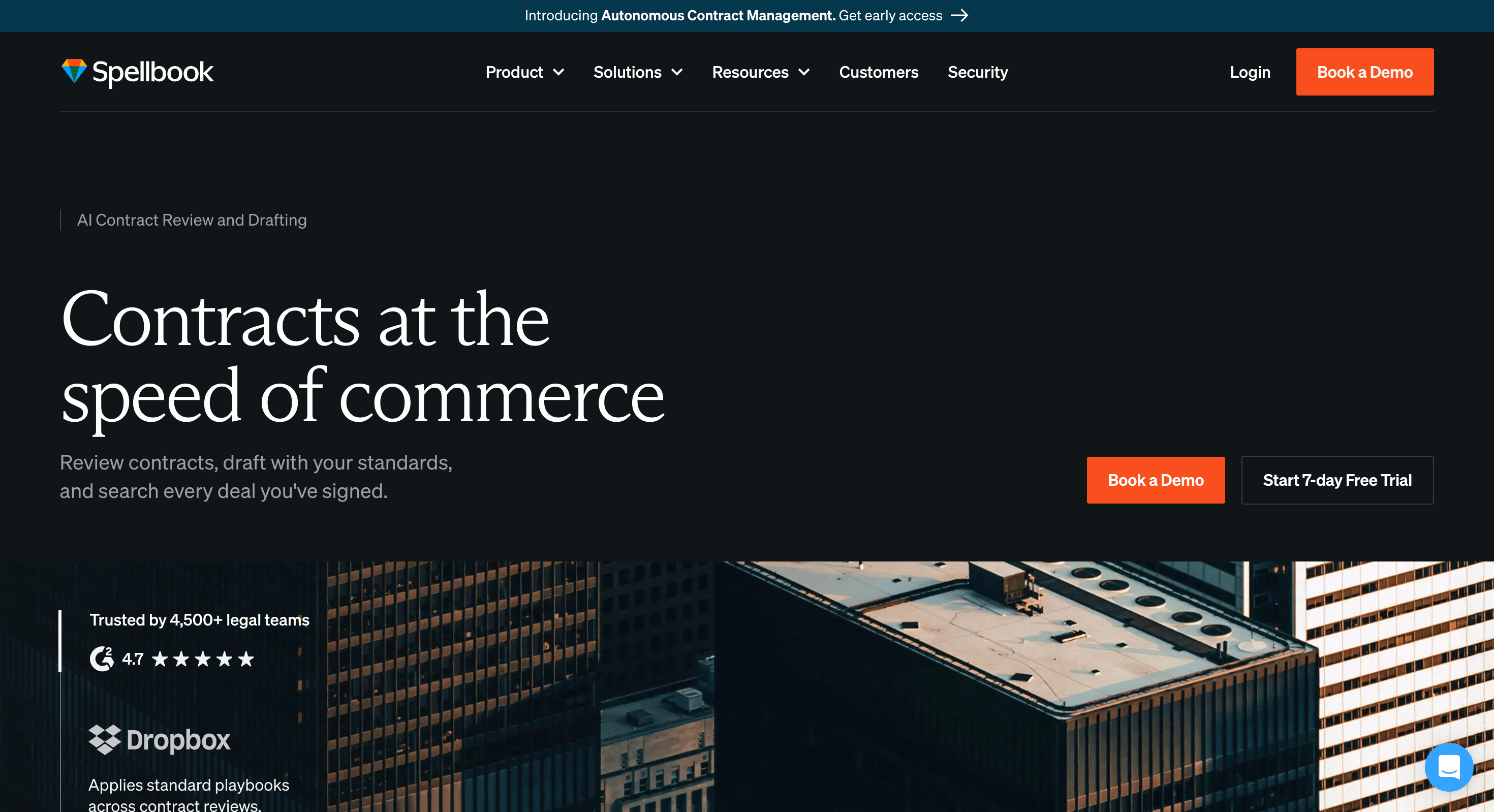
Spellbook is the leading option for legal teams drafting commercial documents inside Microsoft Word. It runs as a native Word add-in, generates clause suggestions, drafts entire sections from your description, and applies your configured playbook positions throughout. It handles a broad range of document types — NDAs, MSAs, SOWs, licensing agreements, and more — making it the strongest single tool for legal professionals who draft varied documents at volume.
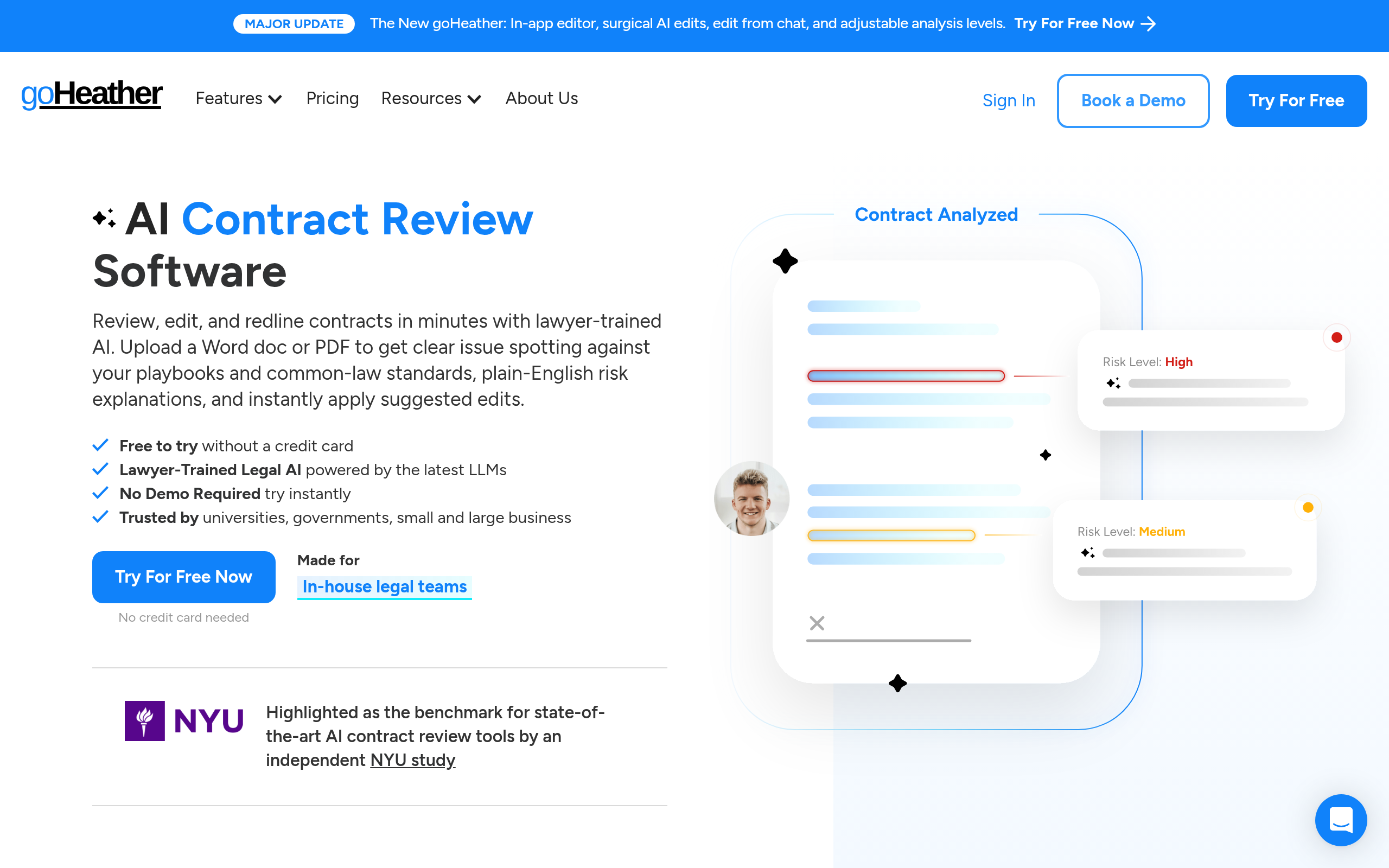
goHeather is purpose-built for small businesses that need standard legal documents without in-house counsel. The platform walks non-lawyers through document creation with structured question flows: you answer questions about your situation, and the tool generates a jurisdiction-aware document based on your responses. It covers common business documents — contractor agreements, employment contracts, NDAs, basic service agreements. For founders and SMB operators who need workable documents without paying for legal hours on each one, goHeather offers a practical middle ground between a blank template and a lawyer.
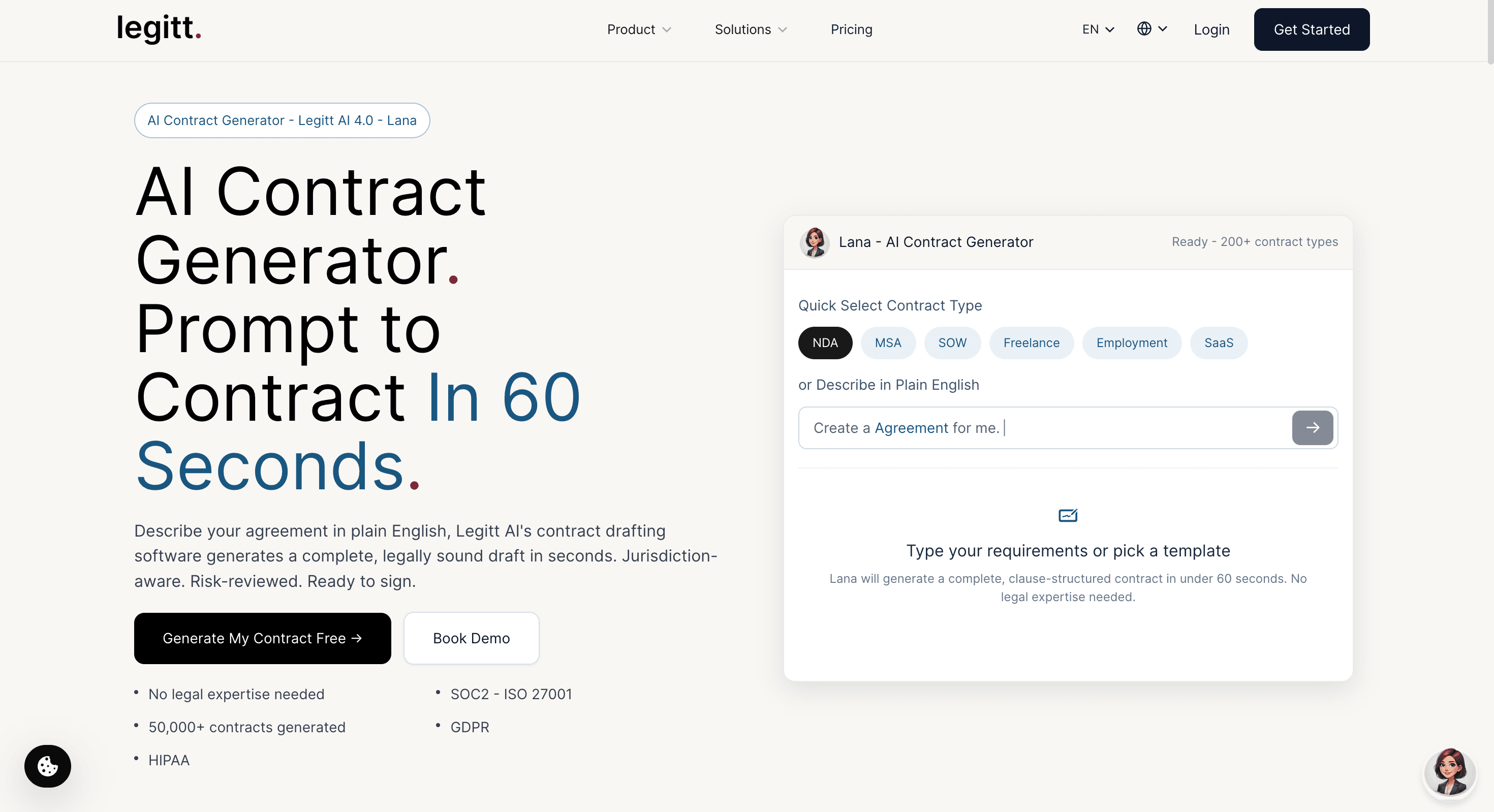
Legitt AI combines document creation with contract lifecycle management in a single platform. You can draft documents, send them for e-signature, track versions, and manage renewals without leaving the tool. For growing businesses managing an increasing volume of agreements across multiple counterparties, drafting and lifecycle management in one place is a meaningful operational advantage.
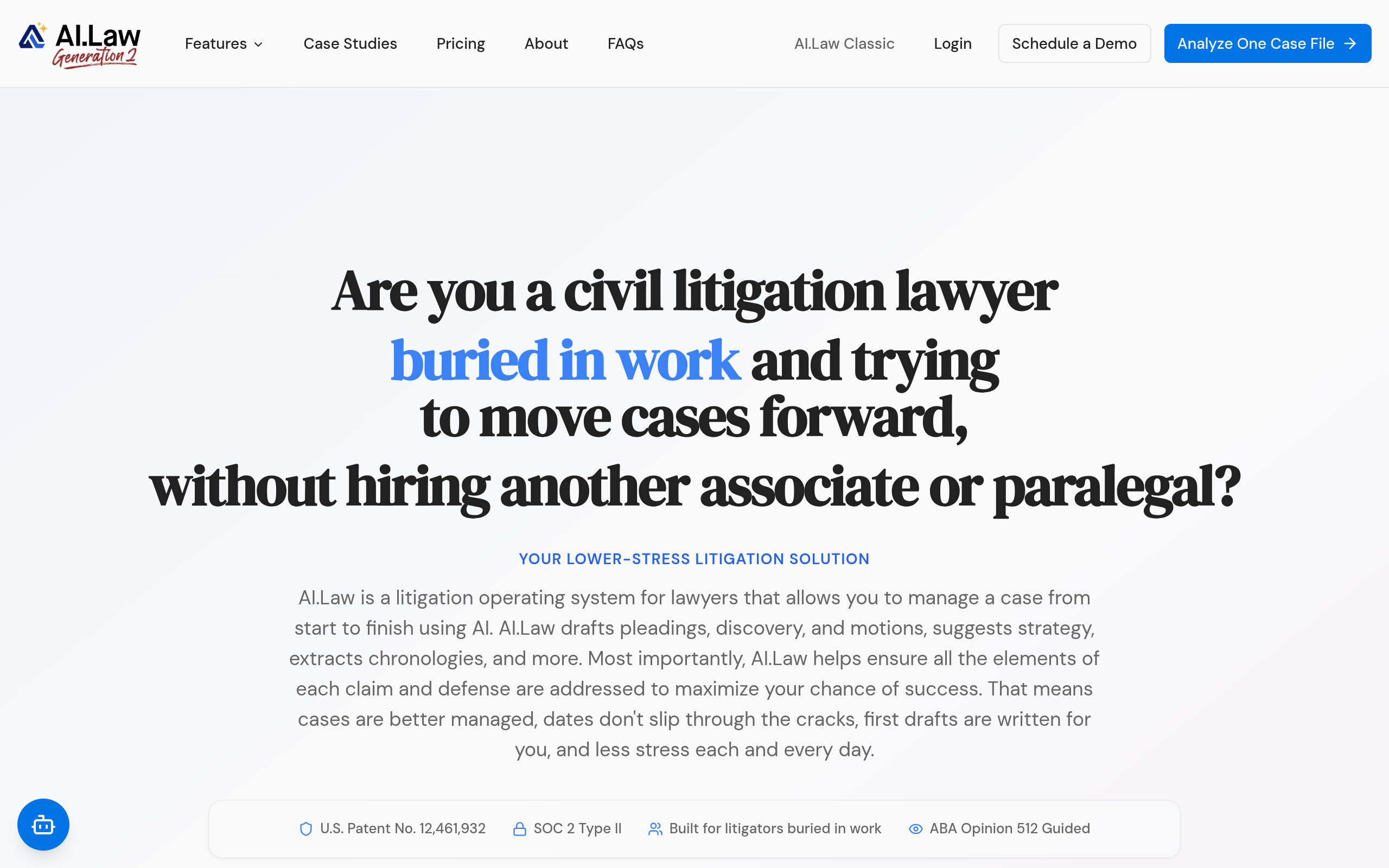
AI.Law covers legal document drafting across a broader range of document types, including areas that more narrowly focused contract tools do not handle well. For practitioners or legally sophisticated users who need to work across commercial, employment, and compliance document categories, it offers breadth that specialised contract tools lack.
| Tool | Best For | Drafting Strength | Document Types Covered | Word Add-in |
|---|---|---|---|---|
| Spellbook | Legal teams, commercial documents | High — full clause drafting + playbook | Commercial contracts, NDAs, licensing | Yes (primary interface) |
| goHeather | Small businesses, non-lawyers | High — guided workflow for standard docs | Employment, contractor, NDA, service | No — web only |
| Legitt AI | SMBs needing drafting + lifecycle | Moderate — templates + AI customisation | Contracts, service agreements, NDAs | No — web platform |
| AI.Law | Legal professionals, broad range | Moderate to high | Commercial, employment, compliance | Varies by plan |
| LegalOn | In-house teams with playbooks | High on standard commercial types | MSAs, NDAs, SOWs, vendor agreements | Yes |
Which AI Tools Work Best for NDAs, Privacy Policies, and Business Templates?
NDAs and privacy policies are among the highest-volume legal documents non-lawyers encounter regularly. Both are standardised enough that AI handles them reasonably well — but "standard" still conceals significant variation by jurisdiction, relationship type, and business context.
For NDAs: LegalOn includes pre-built NDA playbooks that flag deviations from your standard positions on mutual vs. one-sided confidentiality obligations, disclosure scope, and exclusion carve-outs. Spellbook can both draft and review NDAs inside Word with redline suggestions. goHeather is the strongest option for generating a first NDA for a founder-to-contractor or vendor relationship without any legal background. For individual review of an NDA you have received, AI Lawyer delivers a plain-English summary of what you are agreeing to in minutes.
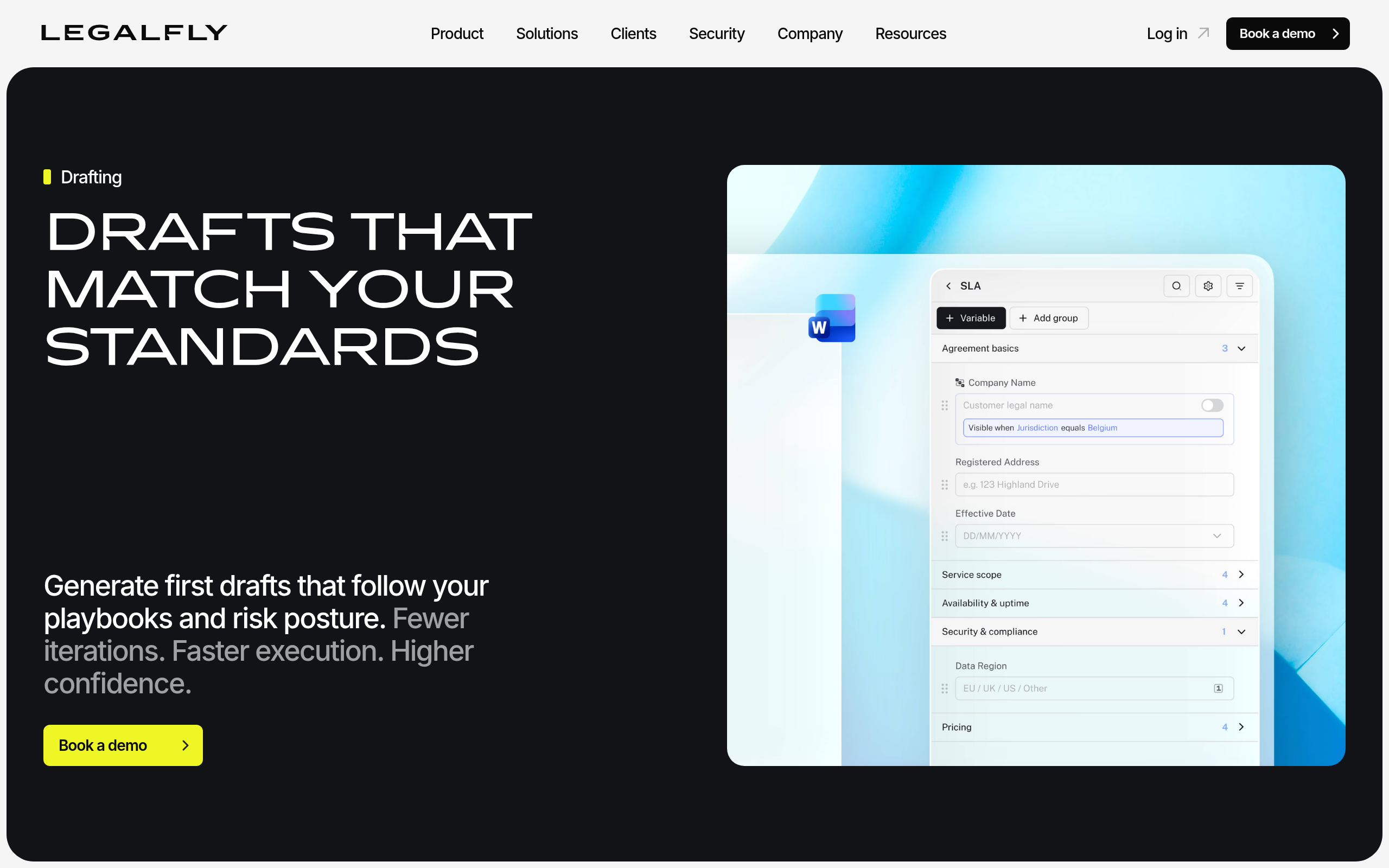
For privacy policies and terms of service: These documents are increasingly regulated — GDPR in the EU, CCPA in California, PIPEDA in Canada, and a growing body of state-level US privacy laws. LEGALFLY is built with a strong focus on European legal practice and data residency requirements, making it well-suited for EU-compliant policy generation. goHeather also includes privacy policy generation for small businesses. Regardless of which tool you use, policies that claim compliance with specific regulations should be reviewed by a privacy lawyer before publication.
For employment documents: Offer letters, IP assignment agreements, and contractor agreements are well-covered by goHeather, Legitt AI, and Spellbook. Employment documents are jurisdiction-sensitive — what is enforceable in California may not be in the UK or Germany — so jurisdiction selection during document creation is critical, and AI output in this area warrants particularly careful attorney review.
How Do AI Tools Handle Legal Document Review?
When you receive a document drafted by the other side, AI review tools perform a different job than drafting assistants: they analyse the incoming text, identify what is unusual or unfavourable, and give you a picture of what you are agreeing to before you sign.
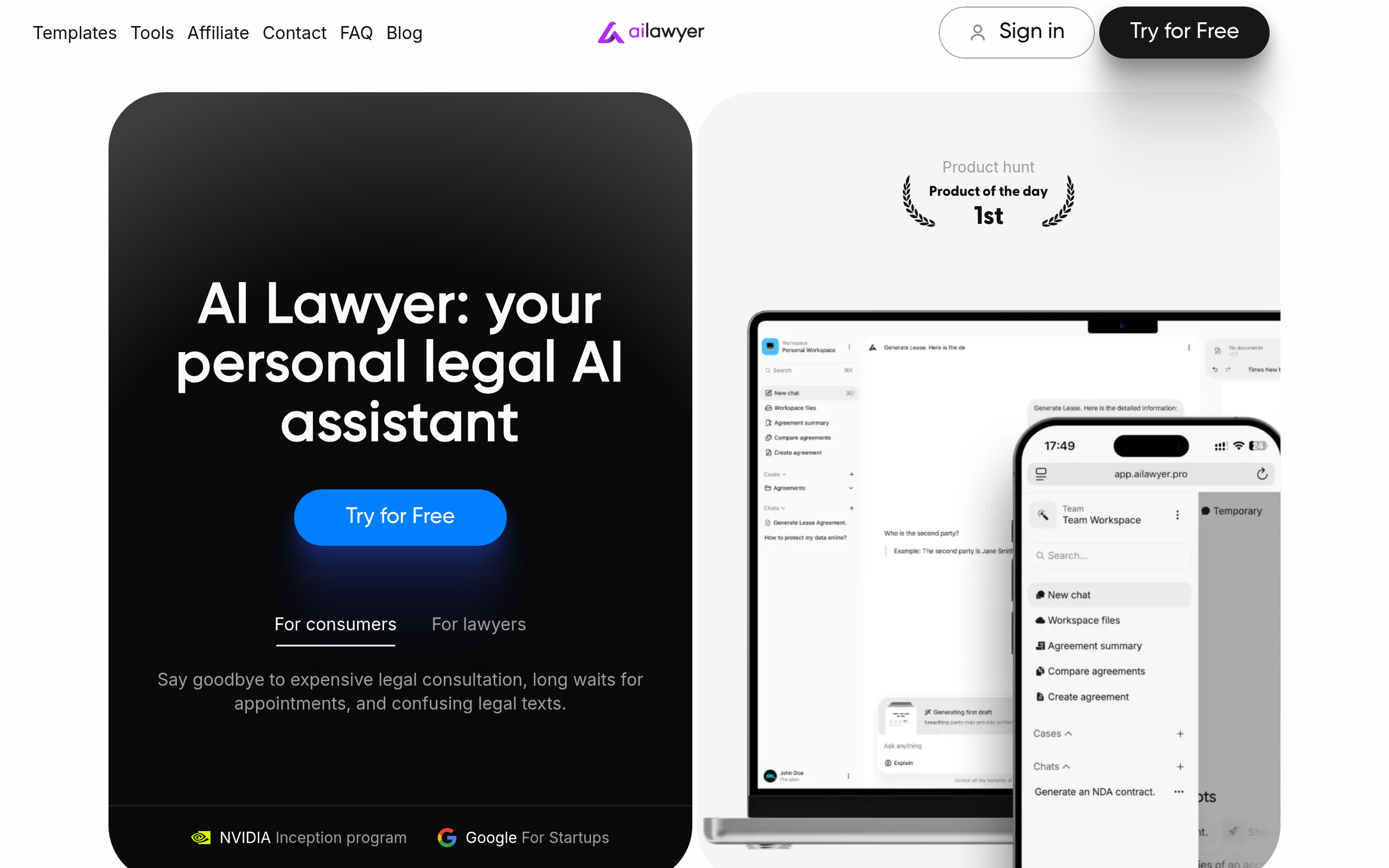
AI Lawyer is designed for this use case with a non-lawyer audience in mind. Upload a document — a lease, a vendor agreement, an employment contract, an immigration notice — and it produces a plain-English summary of your obligations, flags provisions that are atypical or potentially unfavourable, and answers specific questions about the text in accessible language. It does not require legal training to use effectively, and it handles a broader range of document types than most contract-specific tools.
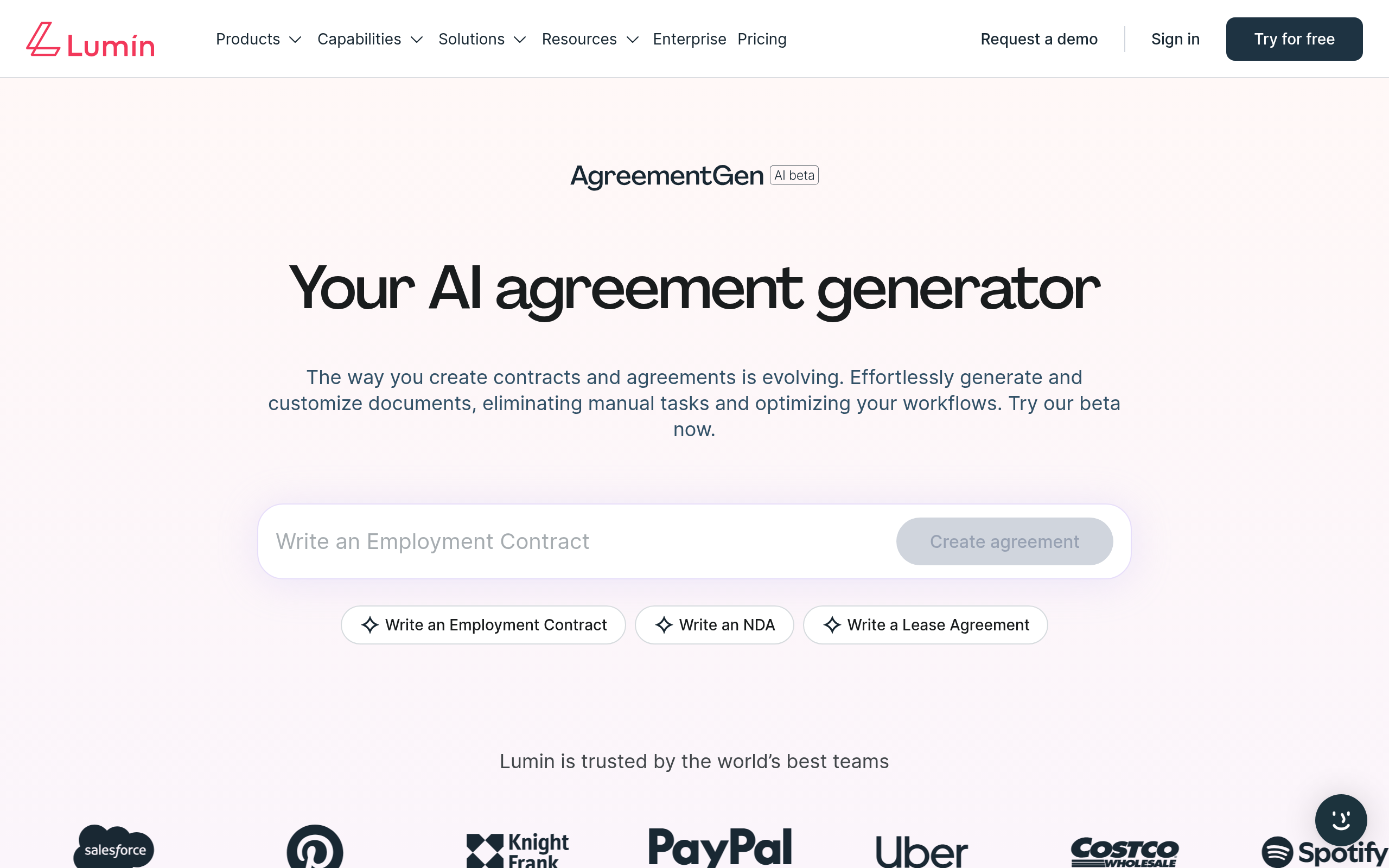
LuminPDF brings AI review capabilities specifically to PDF documents, which matters because many legal documents — court filings, regulatory notices, formal agreements — arrive as PDFs rather than editable Word files. PDF-native review lets you annotate and analyse documents in their original format without requiring a conversion step that can disrupt formatting or alter the document record.
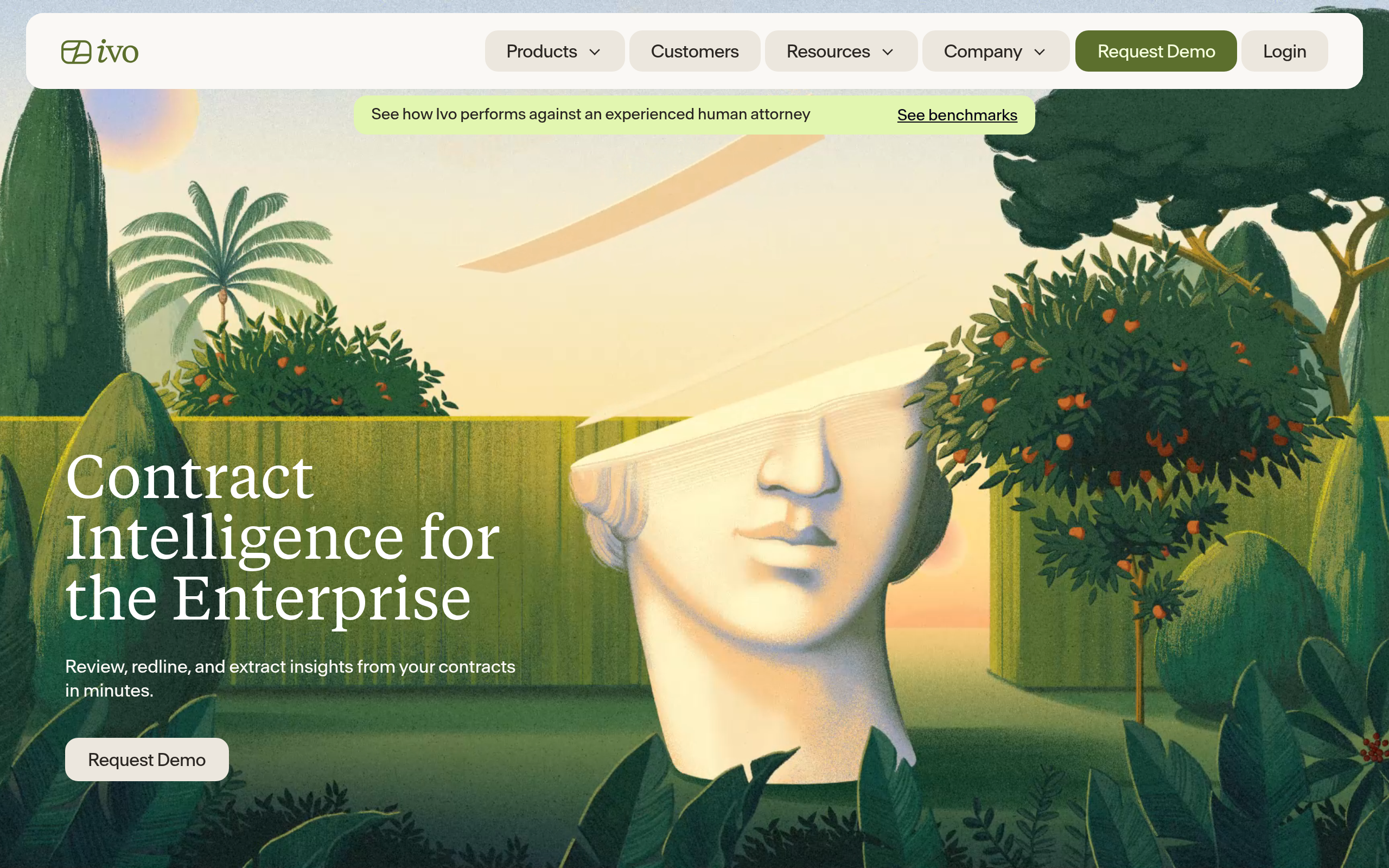
Ivo handles high-volume review for in-house legal teams, operating in both Microsoft Word and Google Docs — a rare combination. Its structured extraction and redlining capabilities make it efficient for teams reviewing a standardised stream of incoming documents where consistency and speed are the priority.
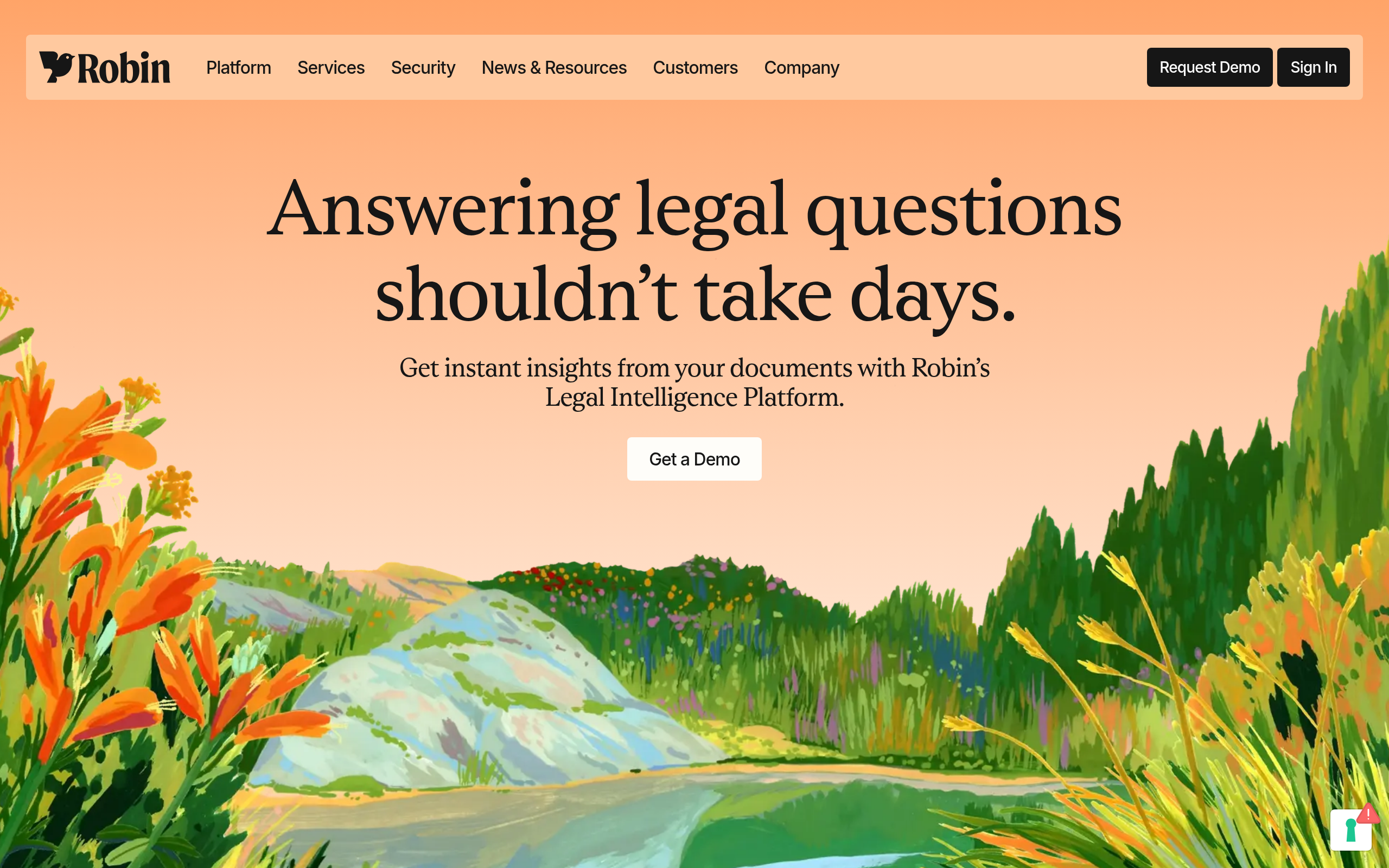
Robin takes a self-service angle, providing a Q&A interface that lets non-lawyers within an organisation ask questions about existing documents. This reduces the volume of low-complexity requests reaching the legal team and enables business units to self-serve answers to routine questions about obligations, rights, and terms without waiting for attorney availability.
| Tool | Best Review Use Case | Plain-English Output | PDF Support | Intended User |
|---|---|---|---|---|
| AI Lawyer | Any document type, non-lawyer review | Yes — core feature | Yes | Individuals, founders, SMBs |
| LuminPDF | PDF-native document review and annotation | Partial | Yes (primary format) | Anyone working with PDF legal docs |
| Ivo | High-volume in-house contract and document review | Structured summary | Via Word/Docs import | In-house legal teams |
| Robin | Self-serve Q&A on existing documents | Yes | Yes | Non-lawyer business users |
| LegalOn | Playbook-based review of commercial agreements | Structured output | Via Word import | In-house legal teams |
| LEGALFLY | EU-compliant document review | Partial | Yes | EU-based legal professionals |
Which Tool Is Right for Your Document Type and Role?
The fastest path to the right tool is matching it against your primary use case and user profile:
| If You Are… | Primary Need | Recommended Tool |
|---|---|---|
| In-house counsel, drafting commercial agreements | Drafting + redlining in Word | Spellbook or LegalOn |
| Founder or SMB operator, standard business documents | Guided document generation | goHeather |
| Startup scaling contract volume plus e-signature | Drafting + full lifecycle management | Legitt AI |
| Non-lawyer reviewing a document you received | Plain-English review and risk flags | AI Lawyer |
| Legal team reviewing PDF documents from counterparties | PDF-native review and annotation | LuminPDF |
| Business team needing to self-serve contract Q&A | Document Q&A without legal background | Robin |
| EU-based legal professional, compliance-sensitive docs | GDPR-aware drafting and review | LEGALFLY |
| High-volume in-house review, Google Workspace | Redlining + structured extraction at scale | Ivo |
| Practitioner needing broad document type coverage | Drafting across commercial and compliance docs | AI.Law |
What Are the Limitations and Legal Risks of AI Document Tools?
Understanding where these tools fail is as important as knowing where they succeed. The following limitations apply to the current generation:
- Not legal advice: Every tool in this category explicitly disclaims that its output constitutes legal advice. AI-generated documents and review outputs are starting points — attorney review is necessary for any document with significant legal or financial consequences. This is not a minor caveat; it is a fundamental limitation of the technology as it currently exists.
- Jurisdiction gaps: Most tools are trained primarily on US commercial contract language. Immigration documents, court filings, EU-regulated compliance documents, and employment agreements in non-US jurisdictions carry risk of incorrect or inapplicable language. Always verify that the jurisdiction selection matches your actual governing law — and do not assume that a US-trained tool handles UK, EU, or APAC legal standards accurately.
- Template dependence in drafting: Guided drafting tools generate documents based on templates. If your situation is unusual — an atypical commercial structure, a complex cross-border transaction, a highly negotiated relationship — the template output may not capture the nuance your situation requires. The more unusual your circumstances, the more important attorney involvement becomes.
- Hallucination risk in review: AI review tools can miss provisions, misread cross-referenced clauses, or produce summaries with subtle inaccuracies on complex or unusual language. A tool that reports no unusual provisions is not a clean bill of legal health — a human spot-check remains necessary on anything material.
- Data confidentiality: Legal documents routinely contain trade secrets, deal economics, and personal data. Before uploading sensitive documents to any cloud-based tool, review the vendor's data processing agreement and confirm whether your documents are used for model training. Enterprise-focused tools typically offer contractual data protection commitments; consumer-facing tools vary significantly in their data handling practices.
Comparee's Verdict: Best AI Legal Document Tool by Use Case
Comparee's verdict on the best AI legal document tools in 2026, with direct recommendations matched to specific buyer profiles:
- Best overall for legal teams drafting and reviewing commercial documents: Spellbook — the most mature AI drafting and review tool for legal professionals, with deep Word integration, broad document type coverage, and strong redlining capabilities that make it the default choice for in-house teams.
- Best for non-lawyers reviewing any document in plain English: AI Lawyer — the most accessible option for founders, freelancers, and individuals who need to understand a document they did not draft. It handles a broader range of document types than contract-specific tools and requires no legal training to use effectively.
- Best for small businesses generating standard legal documents: goHeather — guided question-flow workflows produce jurisdiction-aware documents without requiring legal knowledge, covering the most common SMB document types including NDAs, contractor agreements, and employment contracts.
- Best for in-house teams needing fast time-to-value on structured document review: LegalOn — pre-built playbooks for common document types mean teams generate value without extensive configuration, with strong coverage of NDAs, MSAs, SOWs, and vendor agreements.
- Best for reviewing documents that arrive as PDFs: LuminPDF — the strongest option for AI-assisted review of documents in PDF format, covering annotation and analysis natively without requiring conversion to an editable format.
- Best for SMBs needing drafting plus e-signature plus lifecycle management: Legitt AI — covers the full document journey from creation to renewal in a single platform, reducing the tool sprawl that comes with managing agreements at growing scale.
- Best for EU-based legal professionals handling compliance-sensitive documents: LEGALFLY — purpose-built with European jurisdiction requirements and data residency in mind, covering compliance dimensions that US-centric tools regularly miss.
- Best for enabling business teams to self-serve document questions: Robin — routes routine document Q&A through a self-service interface trained on your agreements, reducing the volume of low-complexity questions reaching legal staff.
- Best for high-volume in-house review with Google Workspace: Ivo — the only major AI legal tool with native support for both Word and Google Docs, designed for speed and consistency on standardised contract and document types at scale.
- Best for practitioners needing cross-category document coverage: AI.Law — offers breadth across commercial, employment, and compliance document types that specialised contract tools do not match, making it a strong choice for practitioners who work across multiple practice areas.
Three questions drive the choice: Do you need to draft documents or review them (or both)? What document types do you handle most often? And do you need attorney-grade playbook features or plain-English accessibility for non-lawyers? Answer those, and the right tool from this list becomes clear.
See the complete Legal & Compliance AI tools directory on Comparee for full catalog listings and additional options not covered in this guide.
Tools mentioned in this guide
Pricing, features and model availability can change over time. Always verify current details on each tool's official website before deciding.
Frequently Asked Questions
Can AI tools draft a legal document I can actually use?
Can AI tools draft a legal document I can actually use?
What types of legal documents can AI tools create?
What types of legal documents can AI tools create?
Is AI legal document review reliable enough to trust?
Is AI legal document review reliable enough to trust?
Can AI help with immigration documents and petitions?
Can AI help with immigration documents and petitions?
Which AI legal document tool is best for someone without legal training?
Which AI legal document tool is best for someone without legal training?
What is the difference between AI contract review tools and broader AI legal document tools?
What is the difference between AI contract review tools and broader AI legal document tools?
Do AI tools handle GDPR and privacy policy generation?
Do AI tools handle GDPR and privacy policy generation?
Are AI legal document tools secure and confidential?
Are AI legal document tools secure and confidential?
Don't just pick a tool — get the whole workflow
Tell Comparee your goal and get a complete step-by-step AI workflow with the right tool for every step.