How to Start a Podcast with AI: A 2026 Guide
Start a podcast with AI in 2026: record, edit text-first, transcribe, add intro music, and dub into new languages. A practical, step-by-step guide.
Key takeaways
- Starting a podcast in 2026 is less about expensive gear and more about a workflow that lets AI handle the slow parts.
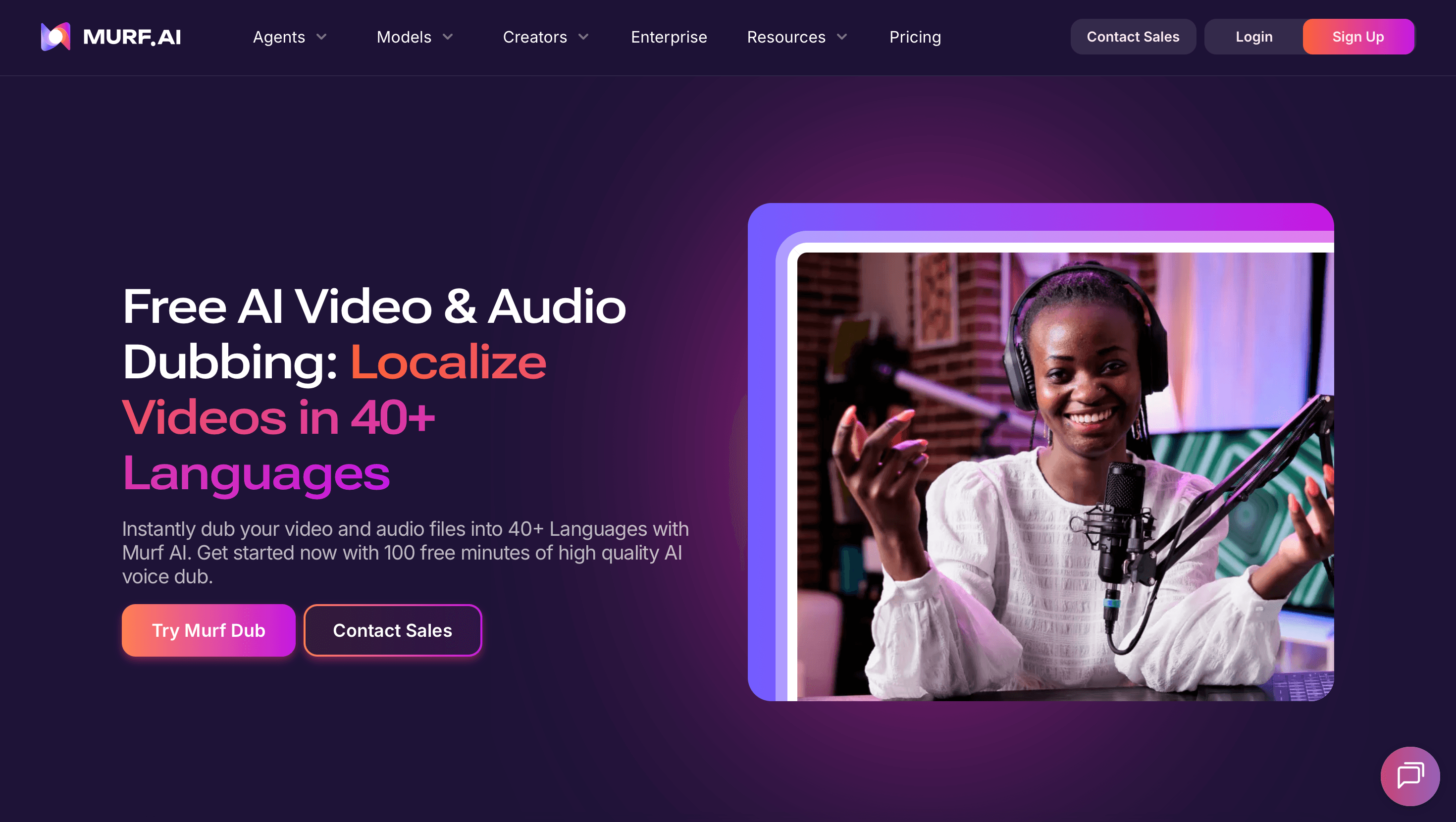
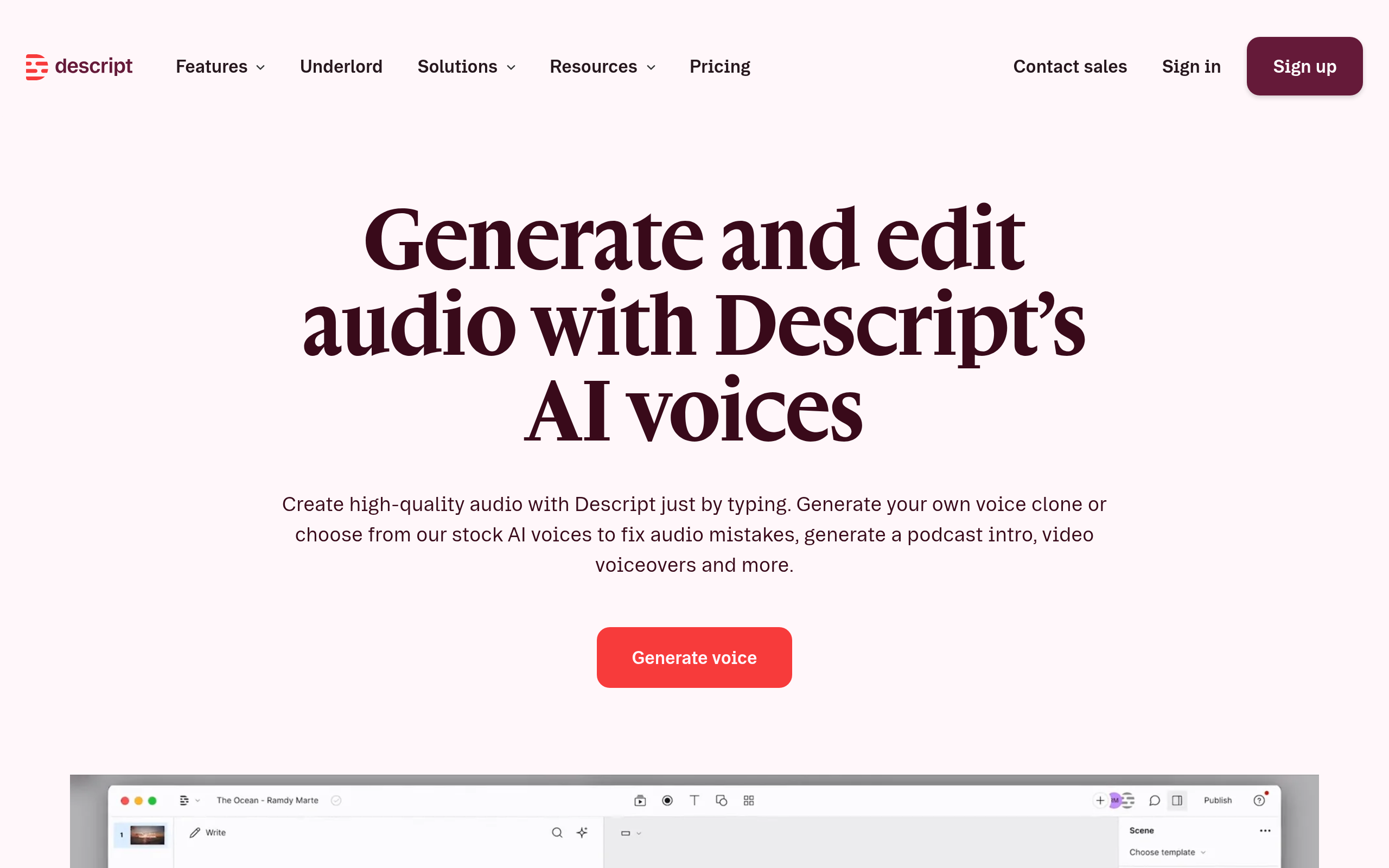
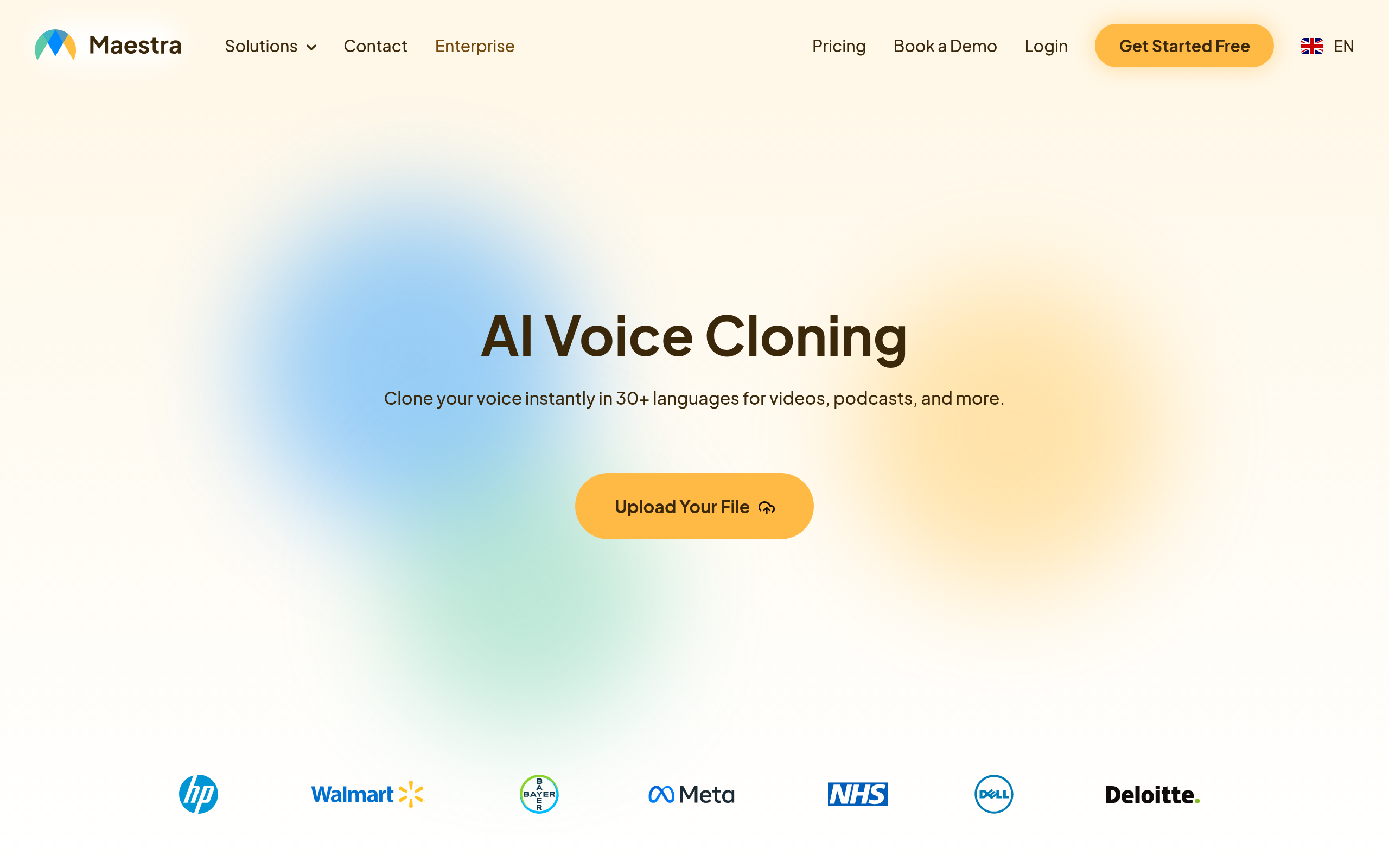
- Tools like Descript, Maestra AI Voice Cloning, Soundverse AI and Murf AI Dubbing cover editing, voice, music and translation.
- Text-based editing means you cut audio by deleting words in a transcript instead of dragging waveforms.
- Transcripts double as show notes, captions and SEO-friendly episode pages, so transcription is not optional.
- Dubbing into other languages can multiply your audience without re-recording a single episode.
You can launch a polished podcast in 2026 using AI for the recording, editing, transcription, music and even translation, without a studio or an audio engineer. The hard part of podcasting was never the talking — it was the production tail: cleaning up filler words, balancing levels, writing show notes and getting episodes out on a schedule. Modern AI audio tools collapse that tail dramatically. You record a conversation, let software transcribe it, edit the words rather than the waveform, drop in an intro, and publish. This guide walks through that workflow end to end and names the specific tools worth trying, while staying honest about where a human still needs to stay in the loop.
What is an AI podcast workflow?
An AI podcast workflow is simply the chain of steps from a raw recording to a published episode, where machine learning does the repetitive heavy lifting at each stage. Instead of opening a digital audio workstation and manually slicing clips, you lean on transcription to turn speech into editable text, on noise reduction to clean up a less-than-perfect room, on generated or licensed music for your intro, and on synthetic voice and dubbing when you want extra languages or pickups you never recorded. The point is not to remove yourself from the creative decisions — it is to remove the busywork so you can publish consistently. Consistency, far more than audio fidelity, is what actually grows a show.
Recording: get clean audio first
No amount of AI will rescue audio that was recorded badly, so the recording stage still matters most. Record in the quietest room you have, get the microphone close to your mouth, and avoid hard echoey surfaces. If you are recording remote guests, have each person record their own local track rather than relying on the call audio, because a clean isolated track gives the AI far more to work with during clean-up. Once you have decent source files, AI tools can remove background hum, even out volume between speakers and strip out clicks. But the principle holds: clean input first, AI polish second. Treat the software as a finisher, not a magic wand, and your episodes will sound dramatically more professional from day one.
Editing by deleting words, not waveforms
The single biggest time-saver in modern podcasting is text-based editing. Your recording is transcribed into a document, and when you delete a sentence in that document, the corresponding audio is removed too. Cutting a rambling tangent or a string of "ums" becomes as fast as editing an email. This flips the mental model of audio editing from a specialist skill into something anyone literate can do. Many tools also detect and remove filler words across the whole episode in one click, tighten gaps of silence, and let you regenerate a mispronounced word using a synthetic version of the speaker's own voice. For a solo creator, this is the difference between spending an afternoon per episode and spending twenty minutes.
Best AI podcast tools
| What you need | Best tool |
|---|---|
| Record and edit by text | Descript |
| Clone your voice for fixes | Maestra AI Voice Cloning |
| Generate intro and background music | Soundverse AI |
| Dub episodes into other languages | Murf AI Dubbing |
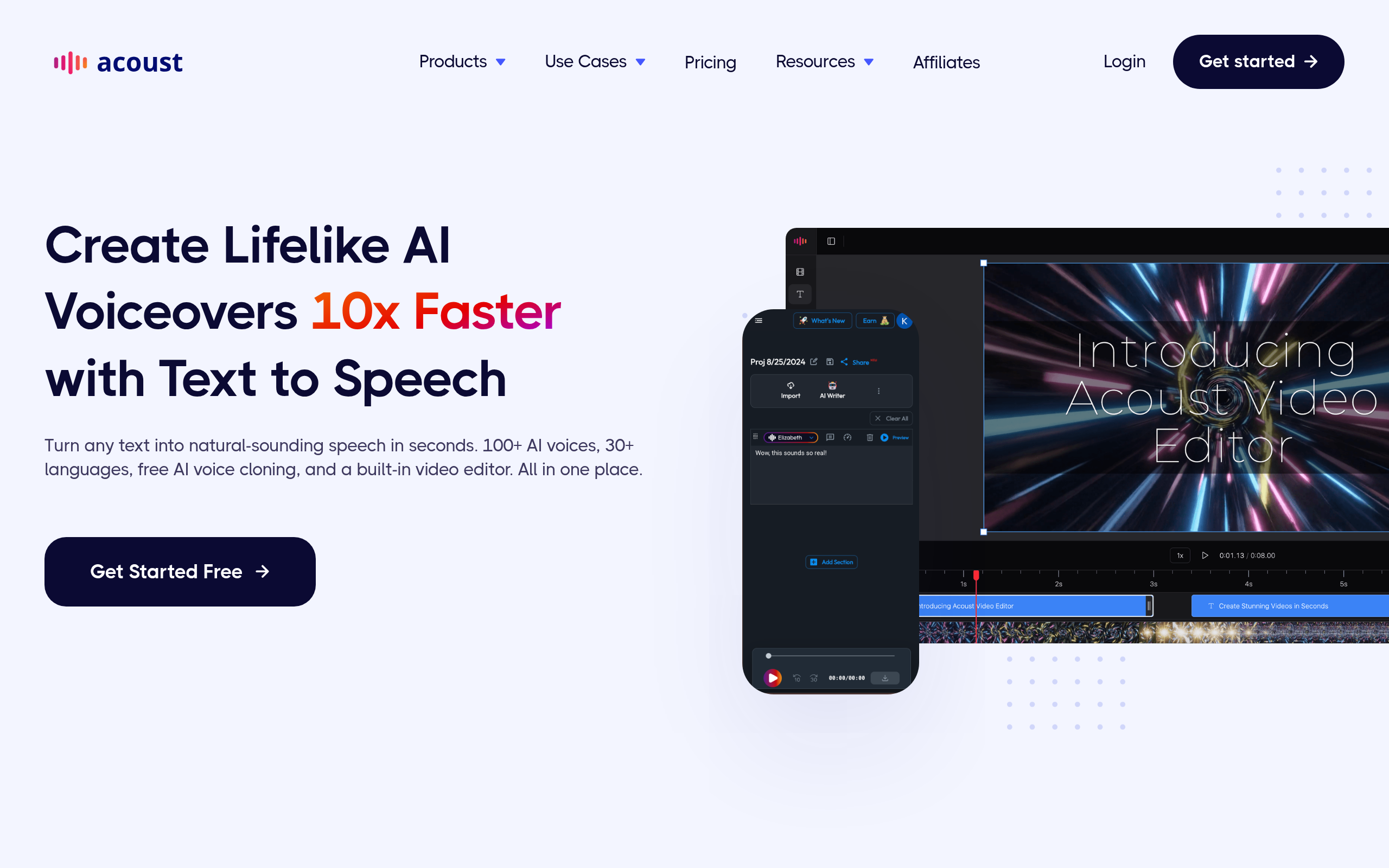
| Transcribe and add captions | Acoust AI |
Descript is the backbone for most AI-first podcasters because it combines recording, transcription and text-based editing in one place, so you can cut, rearrange and clean an episode by editing a document. Maestra AI Voice Cloning lets you create a model of your own voice, which is genuinely useful for re-recording a flubbed line or fixing a mispronounced name without setting the mic back up. Soundverse AI helps you generate original intro stings and background beds so you are not stuck hunting for royalty-free music. Murf AI Dubbing can translate and voice your episodes into other languages, opening your show to listeners you would otherwise never reach. Acoust AI rounds things out with transcription and captioning so every episode ships with show notes and accessible text. If you want to push the translation angle further, see our guide to AI dubbing and subtitles, and for original music our AI music generation guide.
How to start your AI podcast (step by step)
- Pick a narrow topic and a simple format (solo, interview, or co-hosted) so each episode is easy to plan and record.
- Record clean local tracks for every speaker, getting the mic close and the room quiet.
- Import the recording into a text-based editor and cut the episode by deleting words and filler in the transcript.
- Clean the audio with noise reduction and leveling, then fix any mistakes using a cloned voice rather than re-recording.
- Add a generated intro and outro, export the final audio, and publish the transcript as show notes for search and accessibility.
- Optionally dub the episode into one or two extra languages and distribute those versions to new audiences.
Transcripts are your secret growth channel
Most new podcasters treat the transcript as an afterthought, but it is arguably the most valuable byproduct of your show. A full text transcript gives search engines and AI answer engines something to index, which is how people discover episodes they were never searching for by name. The same transcript becomes your show notes, your social media quotes, your newsletter content and the captions that make clips watchable on mute. Because AI transcription is now fast and cheap, there is no reason to skip it. Treat every episode as both an audio file and a written article, and you effectively double the content you produce from a single recording session without any extra work on your part.
Going multilingual without re-recording
Translation used to mean hiring voice actors and re-recording entire episodes, which put international reach out of reach for nearly everyone. AI dubbing changes the math. You can take a finished English episode, translate the transcript, and generate a voiced version in another language that roughly matches your timing and tone. It will not be perfect — idioms, jokes and culturally specific references rarely survive a machine translation intact — so a native speaker review is wise before you publish anything you care about. Used carefully, though, dubbing lets a one-person show suddenly speak to listeners in markets that were previously invisible to it. Start with one additional language where you have audience signal, measure the response, and expand only if the numbers justify it.
The bottom line
Starting a podcast in 2026 is mostly about building a repeatable workflow and letting AI absorb the tedious production work. Use Descript as your editing hub, lean on Maestra AI Voice Cloning for clean fixes, generate music with Soundverse AI, reach new languages with Murf AI Dubbing, and ship accessible transcripts with Acoust AI. The tools will keep improving, but the formula stays the same: record clean audio, edit the words not the waveform, publish consistently, and repurpose every transcript. Do that and you will sound professional from your very first episode while spending a fraction of the time production used to demand.
Disclaimer: Tool capabilities and pricing change frequently. Always verify features, language support and licensing terms directly with each provider before relying on them for published work, and review AI-translated or AI-voiced content with a human before release.
Tools mentioned in this guide
Pricing, features and model availability can change over time. Always verify current details on each tool's official website before deciding.
Frequently Asked Questions
Do I need expensive equipment to start an AI podcast?
Do I need expensive equipment to start an AI podcast?
What is text-based audio editing?
What is text-based audio editing?
Can AI really fix a mispronounced word in my voice?
Can AI really fix a mispronounced word in my voice?
Should I publish transcripts of my episodes?
Should I publish transcripts of my episodes?
Is AI dubbing good enough to publish?
Is AI dubbing good enough to publish?
How often should I publish?
How often should I publish?
Don't just pick a tool — get the whole workflow
Tell Comparee your goal and get a complete step-by-step AI workflow with the right tool for every step.