How to Automate LinkedIn Outreach with AI (2026)
The best AI tools to automate LinkedIn outreach in 2026 — prospect discovery, connection requests, sequenced DMs, and how to stay compliant with LinkedIn limits
- AI automates the full LinkedIn outreach pipeline — prospect discovery, personalized connection requests, and multi-step DM sequences — without manual clicking.
- LinkedIn's weekly connection request cap (~100/week on standard accounts) is the primary compliance constraint; good tools randomize delays and enforce caps automatically.
- Sequenced LinkedIn DMs consistently outperform cold email for B2B reply rates when paired with genuine AI personalization — not template blasts.
- Top picks: Outreach for enterprise SDR teams; Instantly for high-volume startups; Bardeen for no-code browser automation; Leadspicker for AI-driven lead discovery.
- AI personalization that references a prospect's recent post, job change, or company news lifts reply rates significantly over generic templates.
- Never share your LinkedIn credentials with a cloud-based third-party tool — use browser extensions or official API integrations to protect your account.
The short answer: the best LinkedIn outreach automation stack in 2026 pairs a lead-finding tool (to identify your ideal customer profile) with a sequencing platform (to send personalized connection requests and DM follow-ups at scale). Tools like Outreach, Instantly, and Bardeen handle the execution while AI handles personalization — so you reach the right people, stay within LinkedIn's limits, and don't sound like a bot.
This guide covers outbound prospecting, connection request automation, sequenced DMs, and compliance. If you're looking for tools to write LinkedIn posts and schedule content, that's a different discipline entirely.
What Is LinkedIn Outreach Automation — and How Does AI Change It?
LinkedIn outreach automation means using software to handle the repetitive mechanical steps in outbound sales: finding prospect profiles, sending connection requests, and following up with DMs — without doing it manually one by one. In earlier years this was mostly about speed. AI changes the equation by adding dynamic, per-prospect personalization at scale.
Instead of sending a generic opener that just inserts a first name, AI can read a prospect's recent posts, detect a job change, pull their company's latest news, or reference a shared connection — and generate a message that sounds like you actually did your homework. Reply rates on genuinely personalized outreach are often 5–10x higher than template blasts, even when the personalization is AI-generated.
There are two main technical approaches to LinkedIn automation:
- Browser-extension / session-based tools — act as you inside your own LinkedIn browser session. Safer for compliance, since LinkedIn sees activity coming from your usual IP and browser. Examples: Bardeen. Best for solo operators and small teams.
- Sales engagement platforms — multi-channel cadence tools that manage LinkedIn touchpoints alongside email and calls in one workflow. Examples: Outreach, Instantly. Better for SDR teams with CRM requirements.
Quick Verdict — Best AI LinkedIn Outreach Tool by Use Case
| Tool | Best For | LinkedIn Support | Starting Price |
|---|---|---|---|
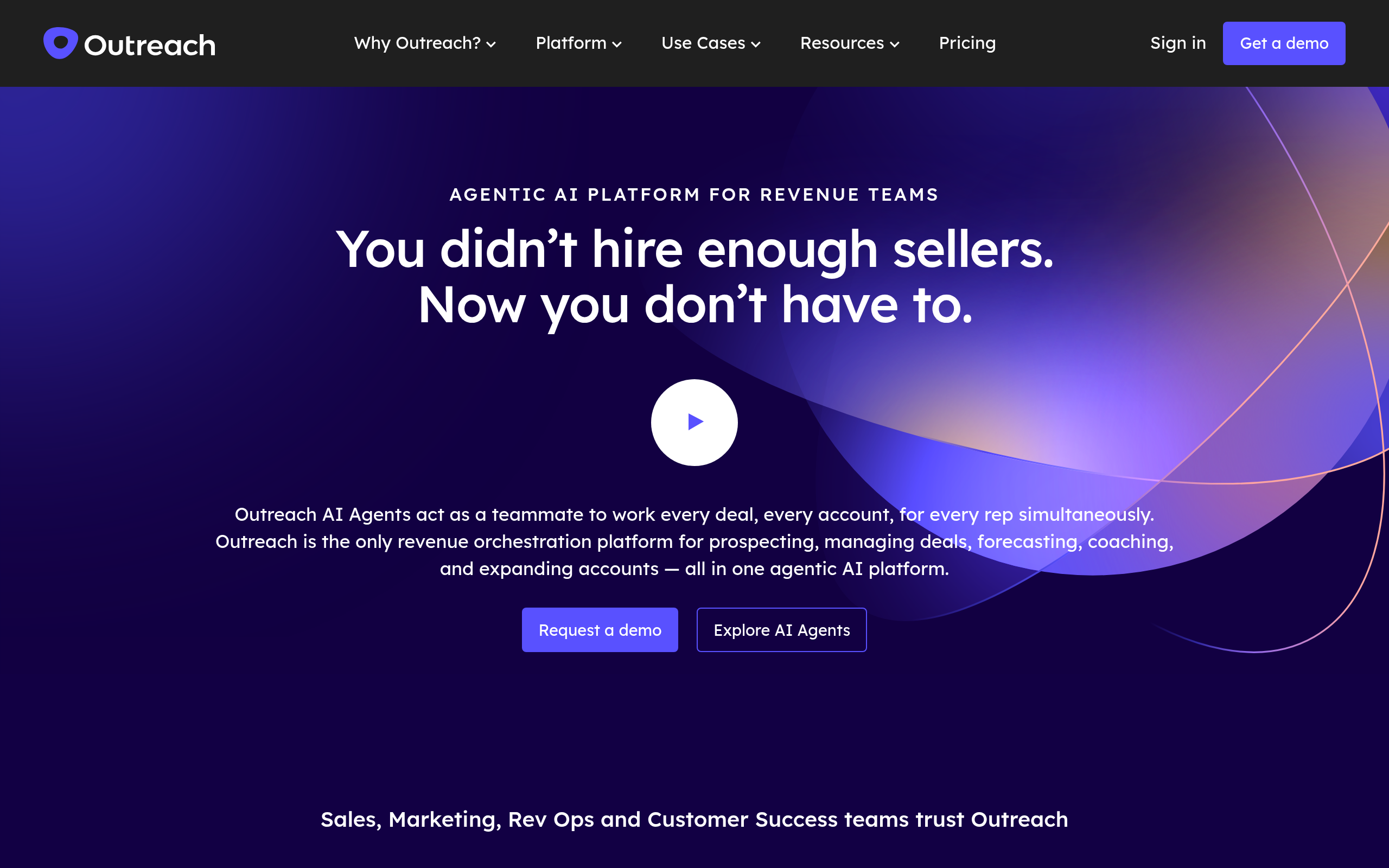
| Outreach | Enterprise SDR teams, multi-channel cadences | LinkedIn steps inside sequences | Custom (enterprise) |
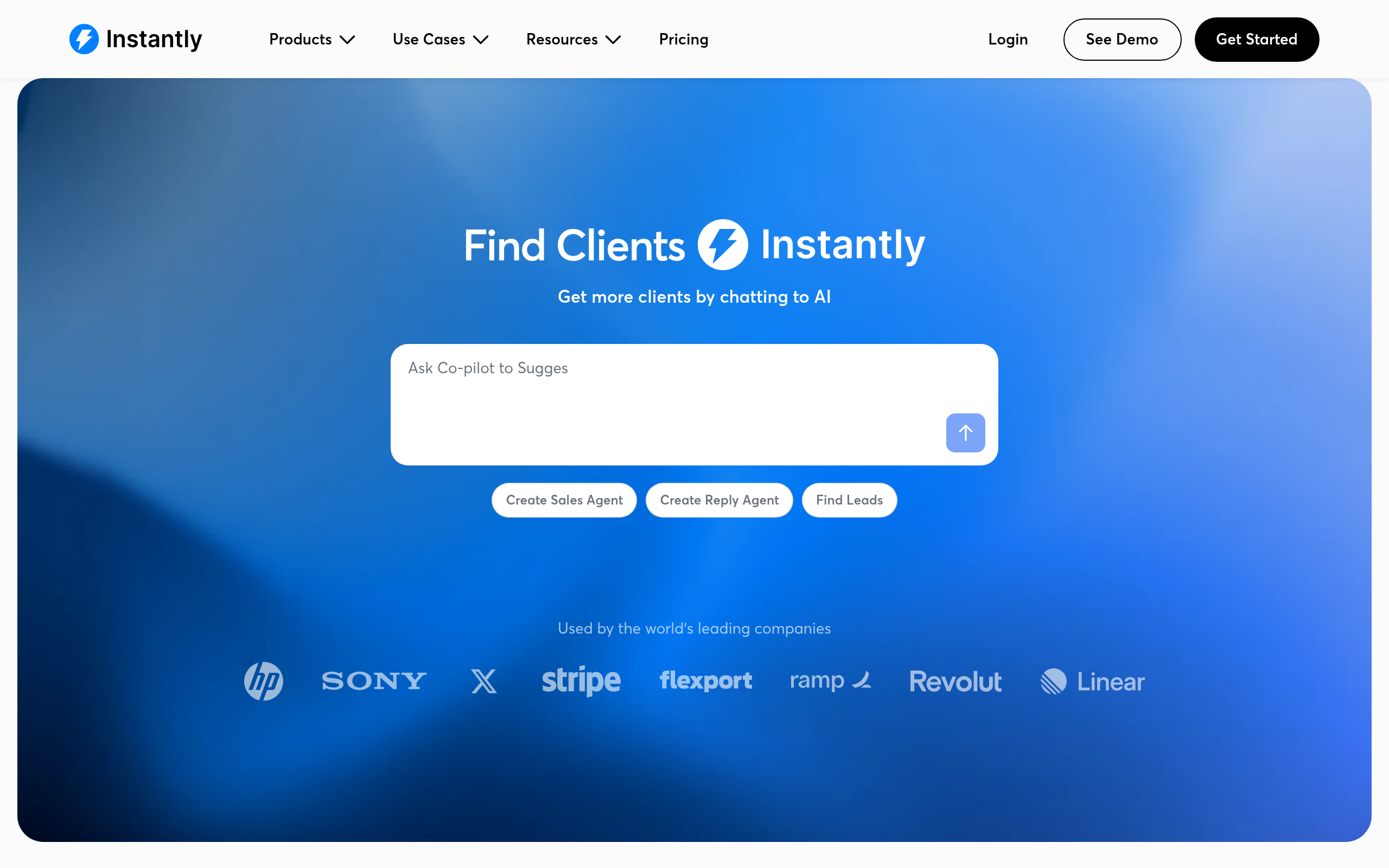
| Instantly | High-volume cold outreach, startups | LinkedIn + email unified campaigns | Free tier available |
| Bardeen | No-code browser automation, solo operators | Native LinkedIn browser workflows | Free tier available |
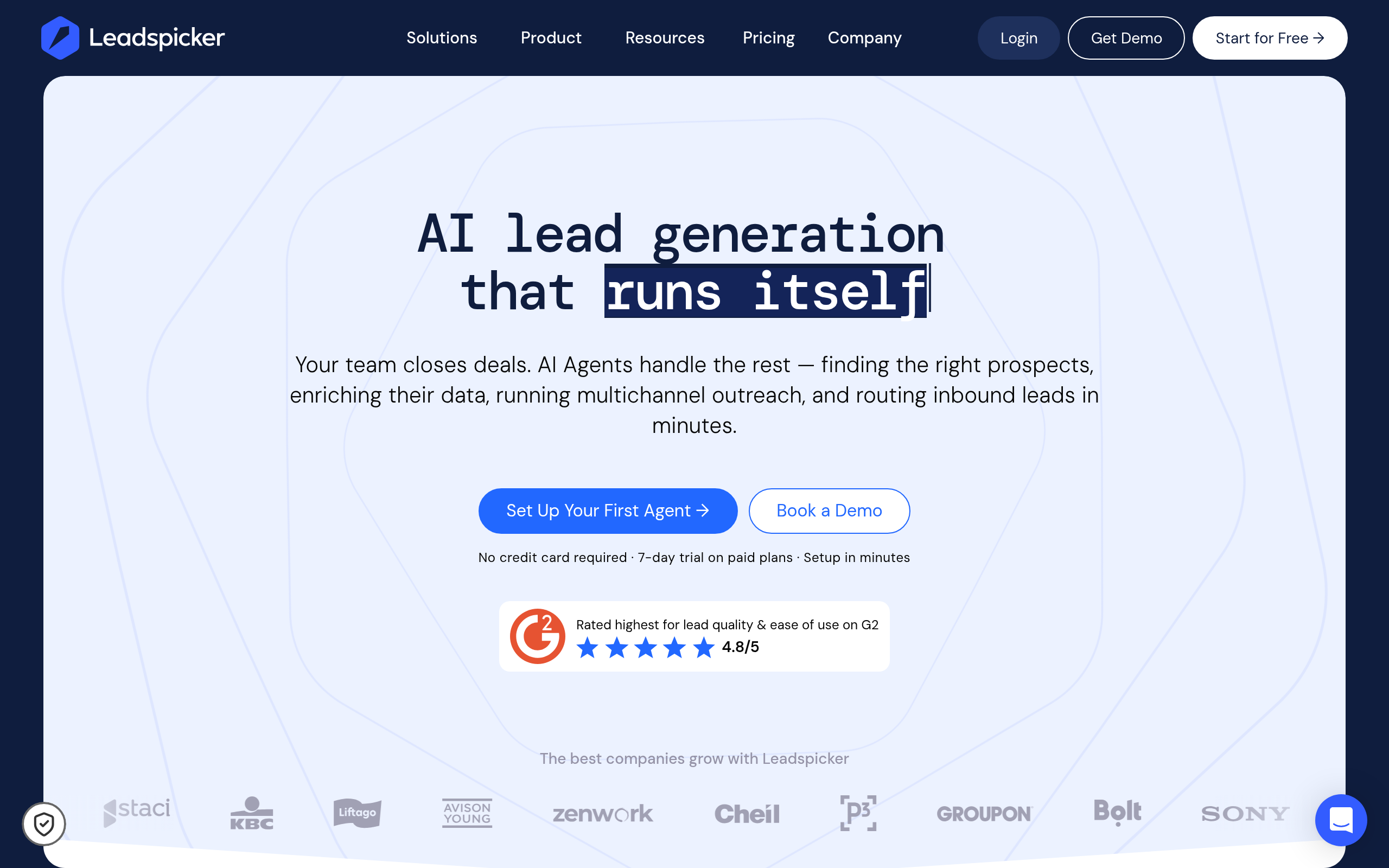
| Leadspicker | AI-driven lead discovery and enrichment | LinkedIn-first prospecting | Free tier available |
| Fireflies.ai | Meeting intelligence after LinkedIn-sourced calls | Post-connection call capture | Free tier available |
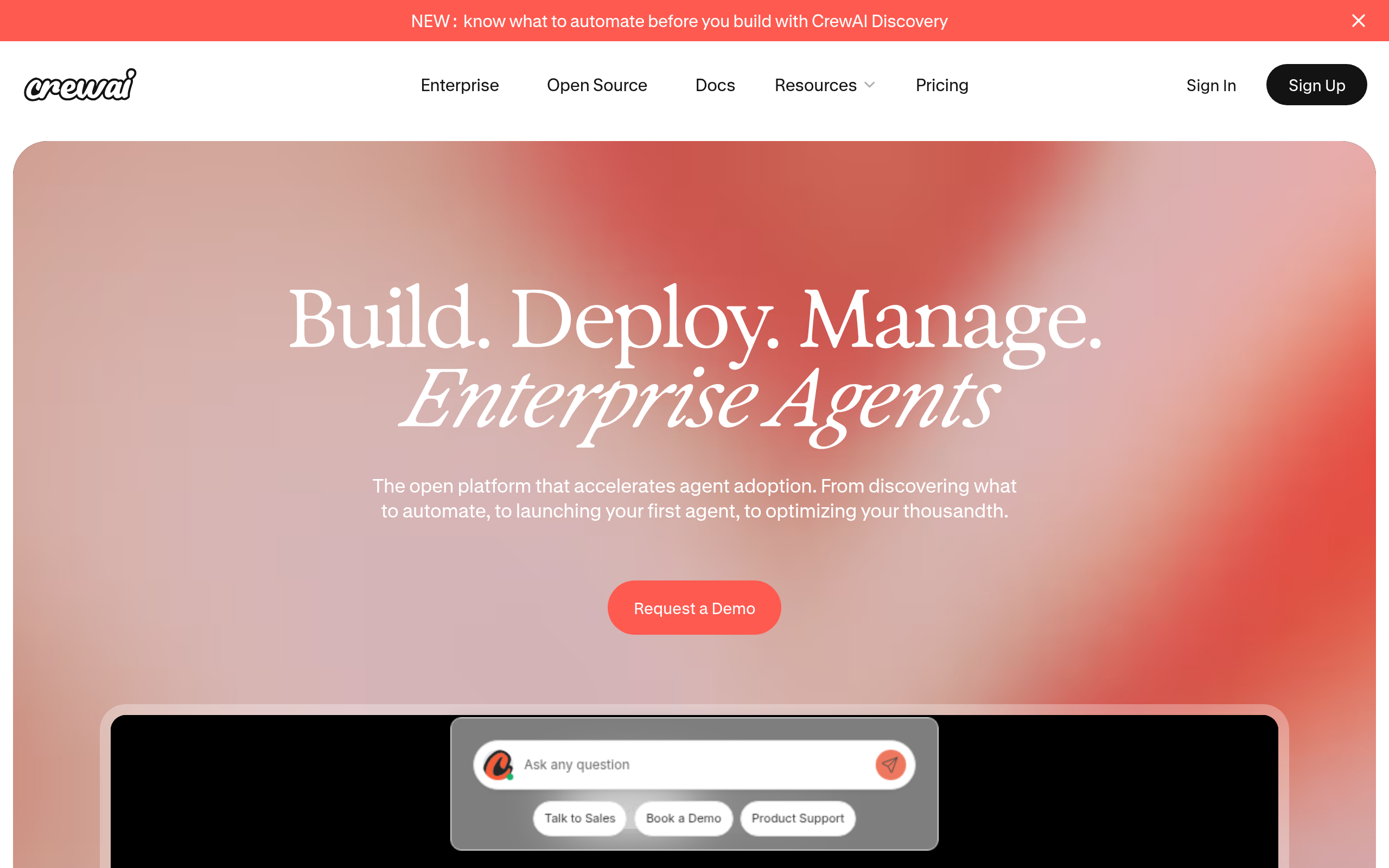
| CrewAI | Custom AI outreach agents for technical teams | Custom via API integrations | Free (open-source) |
How Do AI Tools Automate LinkedIn Connection Requests?
Connection request automation works in two phases: finding the right targets and sending the request with a personalized note.
The finding phase uses LinkedIn's own search filters — job title, company size, industry, geography, seniority level — often enhanced by AI-powered tools like Leadspicker that layer ICP scoring on top. Instead of manually reviewing hundreds of profiles, AI ranks prospects by fit score so you only run outreach on high-probability targets. Some tools integrate with LinkedIn Sales Navigator for advanced Boolean search and intent signals like job changes or funding rounds.
The sending phase is where compliance matters most. Good automation tools:
- Randomize the time between requests (e.g., 30–120 seconds of variable delay, not 200 requests fired in rapid sequence)
- Enforce daily and weekly send caps automatically — you set the ceiling and the tool stays under it
- Generate a personalized connection note for each prospect using AI (pulling from their profile, recent posts, company news)
- Track acceptance rates by campaign variant so you can A/B test connection note approaches
Bardeen handles this through browser-based workflows: you build an automation that visits a prospect's LinkedIn profile, reads their recent activity, generates a tailored connection note, and sends the request — all through your own browser session. Because Bardeen acts as you inside LinkedIn (not as a separate cloud login), it's significantly less likely to trigger LinkedIn's bot detection.
Which Tools Build the Best Sequenced LinkedIn DM Campaigns?
After a connection is accepted, the conversion work begins. A well-structured 3–5 step DM sequence moves a prospect from accepted connection to meeting booked. Here's how the main tools compare on the features that matter most:
| Feature | Outreach | Instantly | Bardeen | Leadspicker |
|---|---|---|---|---|
| Multi-step DM sequences | Yes (LinkedIn as cadence step) | Yes (LinkedIn + email unified) | Yes (browser-triggered flows) | Limited |
| AI personalization | Yes (AI writing assist) | Yes (AI at scale per prospect) | Yes (custom AI in workflow) | Yes (enrichment data) |
| CRM integration | Deep (Salesforce, HubSpot) | Moderate (Zapier + native) | Yes (via automation) | Basic |
| Email + LinkedIn combined | Yes | Yes | Yes (via workflow) | No |
| Free plan | No | Yes | Yes | Yes |
| Best team size | 10+ SDRs | 1–20 reps | Solo or small team | Solo/SMB |
Outreach is the industry standard for enterprise sales teams. Its cadence builder lets you alternate between LinkedIn messages, emails, and call tasks across a 2–4 week sequence. AI analyzes reply sentiment, suggests optimal send times, and surfaces prospects who show buying signals. The tradeoff is cost and complexity — it's built for teams with dedicated ops, not a solo founder setting up their first campaign.
Instantly has become a strong choice for leaner teams. It unifies cold email and LinkedIn in one dashboard, includes AI message personalization that can customize each DM at scale using enriched prospect data, and offers a free tier that's genuinely usable for validating a campaign before committing to paid. Its interface is significantly more accessible than Outreach for early-stage teams.
How Do I Stay Compliant with LinkedIn's Outreach Limits?
This is the section most guides skip — and the one that matters most for keeping your account healthy.
LinkedIn actively detects and restricts accounts that exhibit automated behavior. Key limits and rules to understand:
- Connection request cap: Standard LinkedIn accounts can send roughly 100 connection requests per week. LinkedIn tightened this from ~300/week in 2021. Premium and Sales Navigator users may have somewhat higher limits, though LinkedIn doesn't publish exact figures. Stay well under the cap — aim for 50–80/week when starting out.
- InMail credits: Sales Navigator users receive a monthly InMail credit allocation to message 2nd and 3rd degree connections without needing a prior connection. Credits are typically around 50/month on base plans.
- DM limits for 1st-degree connections: No hard published limit, but sending hundreds of identical messages triggers spam detection. Use AI personalization to vary the content.
- Account warming: New LinkedIn accounts should ramp up slowly. Start at 10–20 outreach actions per day and increase gradually over several weeks. Jumping to 80 connection requests on day one on a new account is a red flag.
- Detection signals: LinkedIn's system watches for rapid sequential actions, identical message content across many sends, unusual activity hours, and IP mismatches.
Tools built for compliance — like Outreach and Bardeen — include built-in rate limiting and randomized delay logic. If you're building a custom workflow with CrewAI, you're responsible for implementing these guardrails yourself, which requires meaningful engineering work.
One hard rule: if a tool requires your LinkedIn username and password to log in on your behalf from their cloud server, that's a significant account risk. LinkedIn's terms prohibit this kind of access. Prefer browser-extension tools like Bardeen, or platforms with official LinkedIn partner API integrations.
How Does AI-Powered LinkedIn Prospecting Actually Work?
You can't automate good outreach on bad prospect data. Finding the right people is the upstream constraint — and AI has substantially improved this step.
Leadspicker is built specifically for AI-powered LinkedIn prospecting: it searches LinkedIn, scores leads against your ICP criteria (role, seniority, company size, industry, location, growth signals), and builds an enriched list with verified contact data. This eliminates hours of manual profile filtering. The output feeds directly into your sequencer — Instantly or Outreach — for the actual outreach campaign.
A complete prospecting workflow looks like:
- Step 1 — Define ICP: Job title, company size, industry, location, seniority. The tighter this is, the better your reply rate.
- Step 2 — Find prospects: LinkedIn Sales Navigator (Boolean search + intent filters) combined with Leadspicker for AI scoring and enrichment.
- Step 3 — Enrich contacts: Verify emails, add company context, pull recent activity (posts, job changes, funding) for personalization tokens.
- Step 4 — Import to sequencer: Push to Instantly or Outreach with personalization fields pre-populated.
- Step 5 — Review before launch: Sample 10–15 AI-generated messages before setting the campaign live. AI personalization still benefits from human QA.
Explore more prospecting and outreach tools in the Sales & Lead Generation category on Comparee.
What Does a Full LinkedIn Outreach Stack Look Like by Team Size?
| Team Profile | Prospecting | Sequencing | Meeting Capture |
|---|---|---|---|
| Solo founder / freelancer | Leadspicker (free) | Instantly or Bardeen | Fireflies.ai (free) |
| Small SDR team (2–5 reps) | Leadspicker + Sales Navigator | Instantly (paid) | Fireflies.ai |
| Growth team / scale-up | Sales Navigator + enrichment API | Outreach | Fireflies.ai |
| Technical team / agency | Leadspicker + custom scraping | CrewAI custom agent | Custom integration |
A well-performing 5-step LinkedIn DM sequence looks like: (1) Connection request with a one-sentence personalized note referencing their role or recent post → (2) Welcome DM within 24 hours of acceptance: acknowledge the connection and deliver a one-line value prop → (3) Follow-up DM on day 4–5: share a case study, relevant resource, or insight specific to their industry → (4) Soft CTA on day 9–10: low-pressure message asking if it's relevant to what they're working on → (5) Graceful close on day 14–15: final message, leave the door open without pressure.
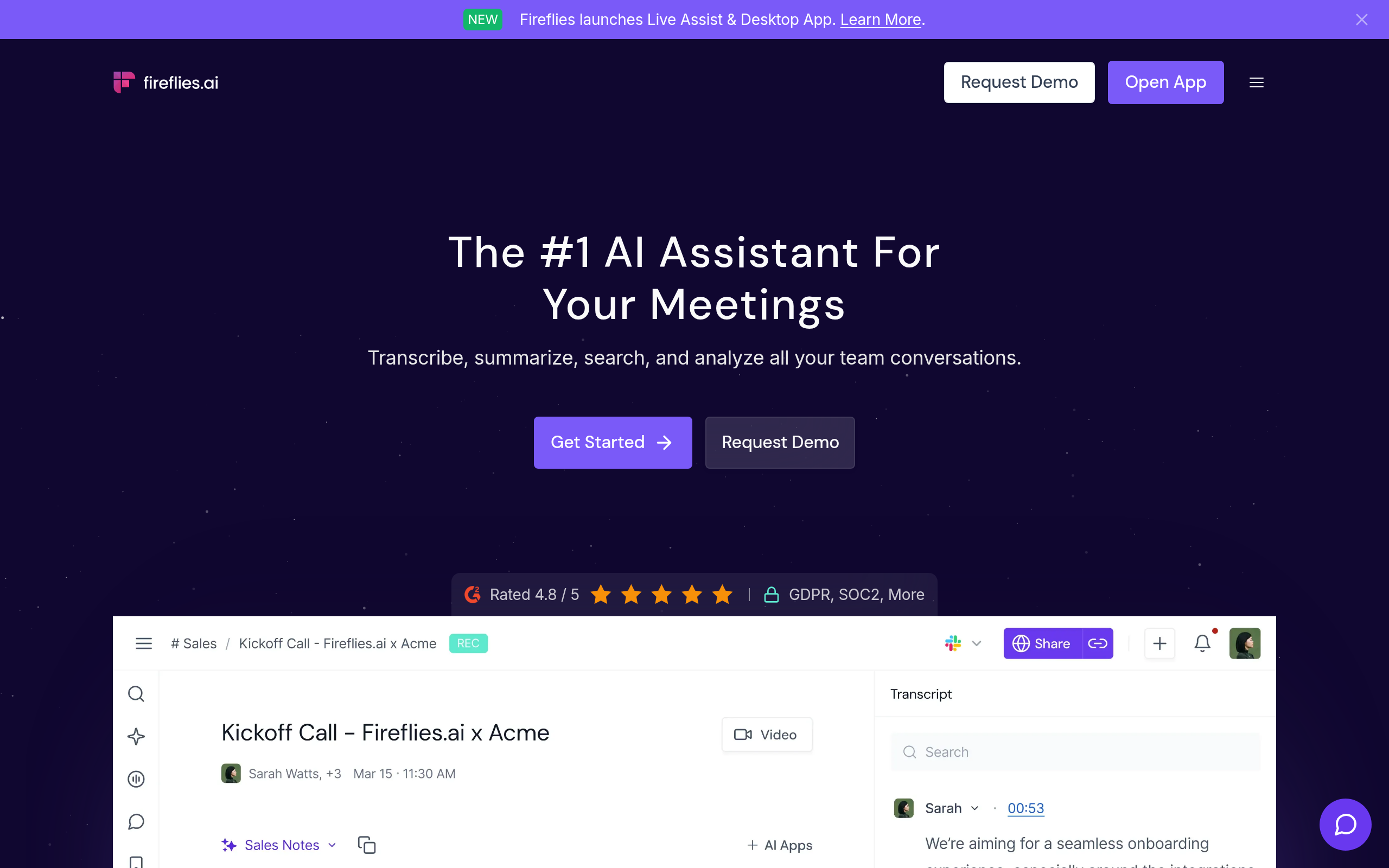
After a prospect converts to a call, Fireflies.ai handles the meeting side: it joins calls (Zoom, Google Meet, Teams), transcribes and summarizes the conversation, and surfaces action items. For prospects who engage with your LinkedIn content without responding to DMs, Bardeen can trigger a re-engagement automation when they comment on a post or view your profile again.
Comparee's Verdict: Which LinkedIn Outreach Tool Is Right for You?
Here are the direct recommendations:
Comparee's verdict: Outreach is the best choice for enterprise B2B sales teams running structured multi-channel cadences with CRM integration — it's the most complete platform but requires budget and a dedicated ops function to get full value. Instantly is the best choice for startups and growing SMBs that want a unified cold email plus LinkedIn outreach platform without enterprise pricing — its AI personalization at scale and free tier make it the default recommendation for most teams starting out. Bardeen is the best choice for solo operators and small teams that want powerful no-code LinkedIn automation that stays inside the browser session and minimizes account risk. Leadspicker is the best starting point when your bottleneck is prospect quality and ICP targeting rather than outreach volume. Fireflies.ai is the best add-on once you're booking meetings — it turns LinkedIn-sourced calls into structured intelligence. And CrewAI is for technical teams who want to build fully custom AI outreach agents rather than rely on a SaaS platform's limitations.
For most B2B founders in 2026: start with Leadspicker (free) for finding prospects and Instantly (free tier) for outreach sequences. Add Fireflies.ai for meetings. Upgrade to Outreach once you have 3+ SDRs and a repeatable process worth scaling.
Tools mentioned in this guide
Pricing, features and model availability can change over time. Always verify current details on each tool's official website before deciding.
Frequently Asked Questions
Is LinkedIn outreach automation against LinkedIn's terms of service?
Is LinkedIn outreach automation against LinkedIn's terms of service?
How many LinkedIn connection requests can I safely send per week?
How many LinkedIn connection requests can I safely send per week?
What is the difference between a LinkedIn DM and an InMail?
What is the difference between a LinkedIn DM and an InMail?
Can AI personalize LinkedIn messages at scale without sounding generic?
Can AI personalize LinkedIn messages at scale without sounding generic?
Do I need LinkedIn Sales Navigator for automated outreach?
Do I need LinkedIn Sales Navigator for automated outreach?
What happens if LinkedIn restricts my account for automation?
What happens if LinkedIn restricts my account for automation?
Is it legal to scrape LinkedIn for prospect data?
Is it legal to scrape LinkedIn for prospect data?
What is the best sequence length for LinkedIn DM outreach?
What is the best sequence length for LinkedIn DM outreach?
Don't just pick a tool — get the whole workflow
Tell Comparee your goal and get a complete step-by-step AI workflow with the right tool for every step.