Cursor vs GitHub Copilot vs Windsurf: AI Coding Compared
Cursor, GitHub Copilot, or Windsurf? Honest 2026 three-way comparison of features, agentic workflows, pricing models, and which AI coding tool fits your use cas
- Cursor wins for developers who want deep agentic control — it can autonomously rewrite files, run terminal commands, and iterate until the code works.
- GitHub Copilot is the enterprise-safe choice — it plugs into your existing editor (VS Code, JetBrains, Neovim) with no IDE switch required.
- Windsurf by Codeium delivers a polished AI-first IDE with a generous free tier and a clean "Cascade" agentic workflow that keeps developers in the loop.
- All three support multi-file agentic editing in 2026, but depth, UX, and autonomy levels differ meaningfully.
- Pricing structures diverge: Copilot is flat per-seat, Cursor and Windsurf mix subscription with usage credits at higher tiers.
- For design-to-code pipelines, Locofy.ai is a specialized complement worth pairing with any of these three tools.
Choosing between Cursor, GitHub Copilot, and Windsurf is one of the most consequential productivity decisions a developer can make in 2026. The short answer: Cursor leads on agentic depth, Copilot wins on ecosystem fit and team rollout, and Windsurf hits the sweet spot for value and clean UX. But the right pick depends on whether you want an AI-native IDE, a coding plugin that lives inside your existing editor, or a flow-state middle ground. This guide breaks down all three across every dimension that matters so you can decide in under ten minutes.
What Are Cursor, GitHub Copilot, and Windsurf?
These three tools represent the current generation of AI coding assistants, but they approach the problem very differently:
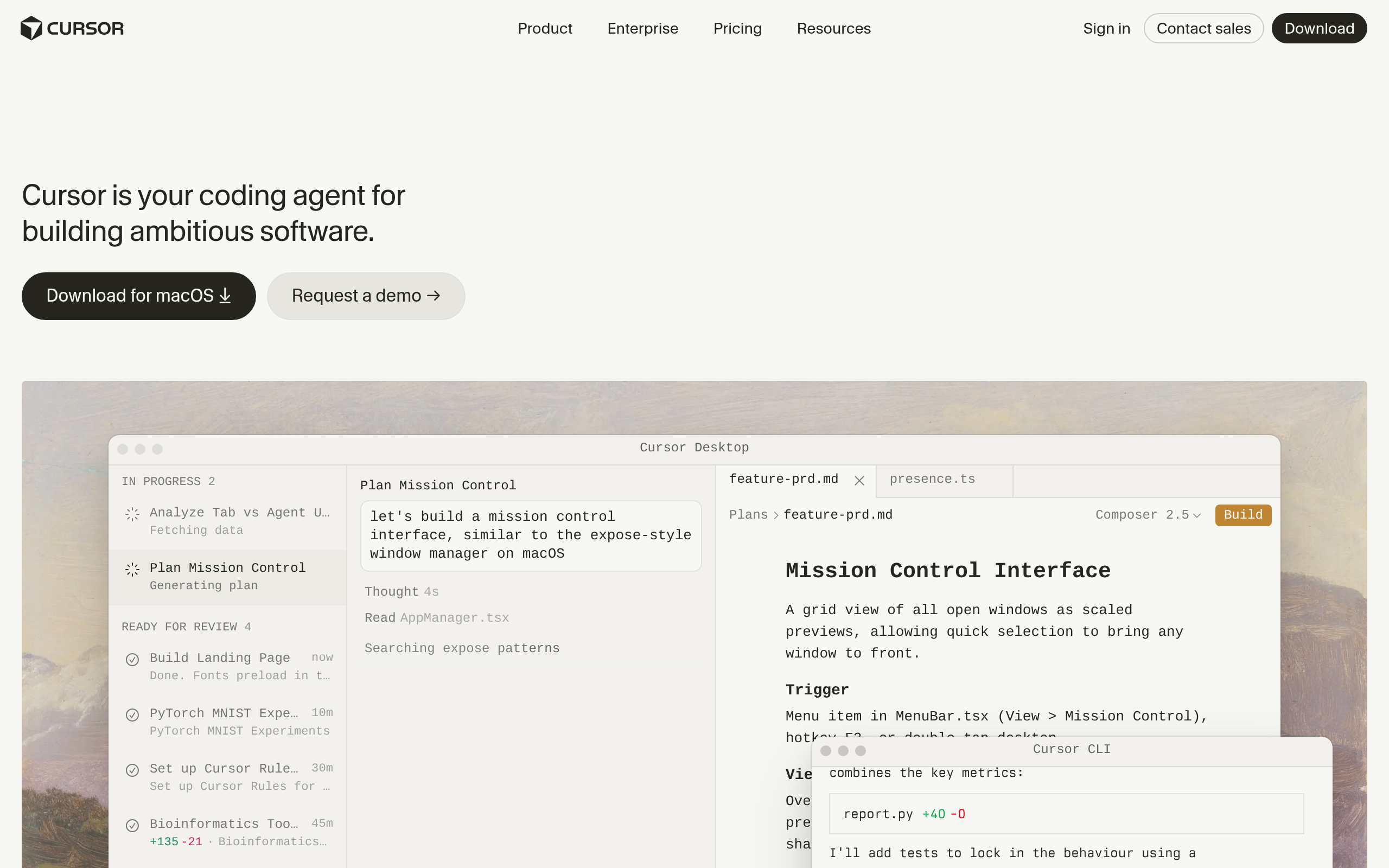
- Cursor is a standalone IDE built as a fork of VS Code. It embeds AI at the core of the editing experience — from inline completions to full Agent mode, where the AI can autonomously open files, write code, run terminal commands, read error output, and loop until tests pass or the feature is done.
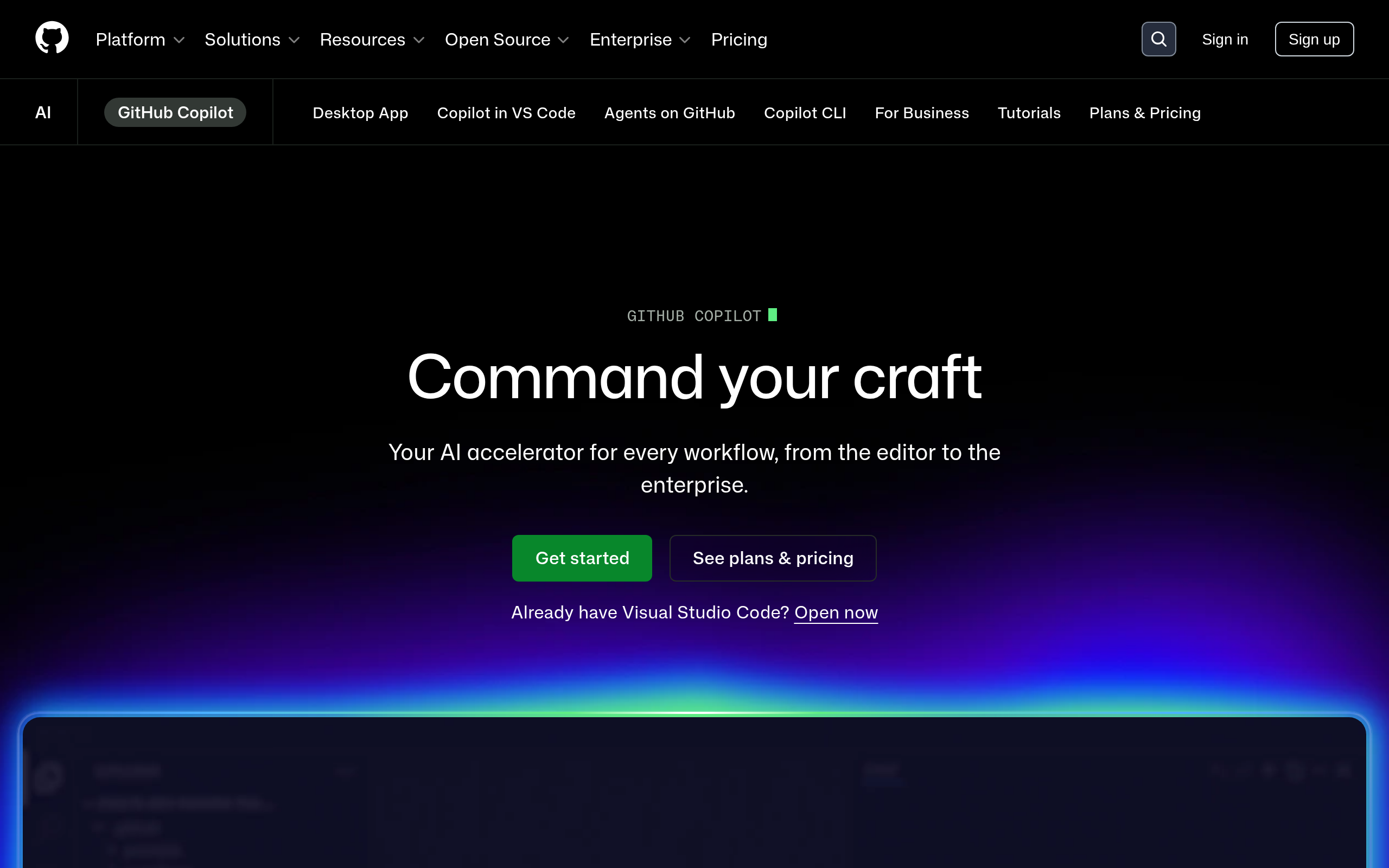
- GitHub Copilot is a plugin-first assistant from Microsoft and GitHub that lives inside your existing editor. It began as autocomplete and has evolved into a comprehensive agentic assistant with Copilot Chat, Copilot Edits (multi-file changes with a diff review interface), and Copilot Workspace (browser-based planning and code generation connected to GitHub Issues).
- Windsurf is an AI-first IDE built by Codeium. It competes directly with Cursor and features Cascade — an agentic mode that plans, writes, self-corrects, and can connect to external tools via MCP (Model Context Protocol). Windsurf emphasizes keeping developers in a flow state by minimizing the friction between intention and execution.
All three now support the major frontier LLMs — GPT-4o, Claude Sonnet and Opus, Gemini — at various tier levels. The real differentiators are IDE flexibility, agentic depth, context window handling, and pricing model. Let's go through each.
Quick Verdict — Which AI Coding Tool Is Best for You?
| Tool | Best for | IDE approach | Free tier | Agentic mode |
|---|---|---|---|---|
| Cursor | Power users, agentic enthusiasts, solo builders | Standalone IDE (VS Code fork) | Yes (limited) | Agent / Composer |
| GitHub Copilot | Teams, enterprises, JetBrains and Neovim users | Plugin for your existing editor | Yes (limited) | Copilot Edits + Workspace |
| Windsurf | Solo devs wanting clean UX and strong free tier | Standalone IDE (VS Code fork) | Yes (generous) | Cascade |
How Does Each Tool Handle Inline Completion and Chat?
Inline autocomplete is where AI coding started, and all three tools do it well — but with noticeably different personalities:
Cursor offers tab-complete suggestions that understand the full file context and your repo index. The CTRL+K shortcut opens an inline edit bar where you describe what you want in natural language and the AI rewrites the selected block. The chat panel supports @codebase (semantic search over the whole repo), @file, @doc, and @web references — making it easy to ground the AI in specific context without copy-pasting.
GitHub Copilot still has arguably the smoothest autocomplete experience. Ghost text completions feel natural and non-intrusive, trained on GitHub's vast public codebase. Copilot Chat in VS Code supports questions about specific files, selected code, or entire workspaces. For developers who don't want the AI dominating their screen, Copilot's approach — always present but never pushy — is a genuine virtue.
Windsurf completions are fast and context-aware. The Cascade panel lets you switch between write mode (generate code suggestions) and act mode (agentic — run terminal, edit multiple files, read results). The UX is arguably the cleanest of the three: the AI side panel feels integrated rather than bolted on, and the visual trace of what the AI is doing at each step is especially helpful when you're reviewing autonomous changes.
| Feature | Cursor | GitHub Copilot | Windsurf |
|---|---|---|---|
| Inline tab completion | Yes | Yes (best-in-class feel) | Yes |
| Inline edit (CTRL+K style) | Yes | Yes (Copilot Edits) | Yes |
| Chat panel with code context | Yes (@codebase) | Yes (Copilot Chat) | Yes (Cascade) |
| Full repo semantic search | Yes | Partial (workspace indexing) | Yes |
| Works in existing editors | No — standalone only | Yes (VS Code, JetBrains, Neovim, Eclipse) | No — standalone only |
| Model choice flexibility | Multiple (Claude, GPT, Gemini) | Multiple (GPT-4o, Claude) | Multiple (Claude, GPT, Gemini) |
| MCP tool integration | Yes | Limited | Yes (Cascade MCP) |
Which AI Coding Tool Has the Best Agentic Workflow?
Agentic AI coding — where the model autonomously makes multi-step changes, runs tests, reads error output, and retries — is the defining frontier in 2026. All three tools have it, but the experience differs significantly in depth and philosophy.
Cursor Agent mode is the most aggressive. You hand it a feature description, and it opens relevant files, writes code, runs the terminal, reads the output, fixes errors, and loops. The optional "YOLO mode" removes confirmation prompts entirely. This is powerful but demands trust: it's easy to let the agent make large, hard-to-review changes across dozens of files in a single session. Cursor's strength is raw agentic throughput — if you want a feature built fast with minimal hand-holding, nothing else currently matches it.
GitHub Copilot Workspace takes a planning-first, browser-based approach. You describe a task in a GitHub Issue, and Copilot generates a step-by-step plan before touching a single line of code. Each step is reviewable and editable. This is intentionally more conservative, and that's a feature for teams — changes are traceable, reviewable, and fit naturally into PR workflows. Copilot Edits inside VS Code handles lighter multi-file tasks with a clean diff interface that lets developers accept or reject each change.
Windsurf Cascade sits between the two philosophically. It's agentic, but includes a clear step-by-step trace of what the AI is doing — you can see it thinking, planning, editing files, running commands. The write-vs-act toggle lets you control whether the AI merely suggests or actually executes. MCP support means Cascade can connect to browsers, databases, and APIs mid-task, making it especially powerful for full-stack work that involves real external services.
How Do the Pricing Models Compare?
Pricing is one of the sharpest differences between the three, and it matters more as your usage scales up.
| Tool | Free tier | Paid individual | Team / Enterprise | Usage credits at scale |
|---|---|---|---|---|
| Cursor | Limited monthly completions and agent runs | Monthly or annual subscription | Yes (Business plan) | Yes — fast request pool; heavy agentic use costs more |
| GitHub Copilot | Free for students and open-source maintainers; limited trial for others | Flat monthly or annual per seat | Yes (Business + Enterprise tiers with admin controls) | No — flat rate regardless of usage |
| Windsurf | Generous free tier with meaningful flow credits | Monthly or annual subscription | Yes (Teams plan) | Yes — flow credits consumed by Cascade agentic sessions |
For light daily use or learning, Windsurf's free tier is currently the most practically usable — you get real agentic sessions without immediately hitting a wall. For teams already on GitHub Enterprise, bundling GitHub Copilot is often the path of least resistance since it requires no new software procurement. Cursor's paid plan is well-priced for individual power users, but heavy agentic sessions that hammer the model API can deplete fast request pools quickly.
Which Tool Is Right for Your Team or Workflow?
The best AI coding tool depends heavily on your context. Here's a practical breakdown based on common developer scenarios:
| Scenario | Best choice | Why |
|---|---|---|
| Solo dev, greenfield projects, fast prototyping | Cursor | Agent mode can tackle whole features with minimal hand-holding |
| Enterprise team on GitHub + VS Code stack | GitHub Copilot | No editor switch required, admin controls, audit logs, SSO |
| Developer wanting clean UX and generous free tier | Windsurf | Best flow-state experience, MCP support, step-by-step Cascade trace |
| JetBrains or Neovim user | GitHub Copilot | Only tool that integrates natively outside VS Code |
| Frontend dev working with Figma designs | Locofy.ai + any above | Converts design files to production React/Next.js/Vue code |
| ML engineer running GPU compute workloads | Modal + any above | Serverless GPU compute pairs naturally with AI code generation |
| Developer learning a new stack or language | Educative + Copilot | Interactive coding environments for guided skill building |
If you're building AI-powered applications and need to run model inference directly in your code, Inference Providers (the highest-rated tool in the AI coding and software development category with a Comparee Score of 83) is worth exploring as a runtime complement to any of these three editors.
What Are the Best Alternatives If None of the Three Fit?
Cursor, Copilot, and Windsurf aren't the only options. Depending on your workflow, these specialized tools may serve you better or complement your setup:
- Locofy.ai — converts Figma, Adobe XD, and similar design files directly into production-ready React, Next.js, or Vue code. If your bottleneck is translating designs to frontend code rather than logic writing, this is a specialized tool that no general coding assistant replaces well. Comparee Score: 60.
- Modal — a serverless cloud compute platform where you write Python and run it on GPUs in seconds, with no infrastructure to manage. Not a coding assistant per se, but pairs naturally with AI coding workflows for ML and data engineering teams. Comparee Score: 66.
- Educative — an interactive coding learning platform with hands-on environments and AI assistance. If the goal is skill building rather than shipping production features, this is worth pairing with a lighter coding assistant. Comparee Score: 66.
- Inference Providers — if you're writing code that calls LLM APIs and need to route to the right provider efficiently, this tool simplifies inference infrastructure decisions. Comparee Score: 83.
Comparee's Verdict: Cursor vs GitHub Copilot vs Windsurf
Comparee's verdict: Cursor is the best choice for individual developers and power users who want the deepest agentic coding experience — it autonomously tackles multi-file features with minimal manual intervention, making it the fastest path from a feature description to working, tested code.
Comparee's verdict: GitHub Copilot is the best choice for teams and enterprises already invested in the GitHub ecosystem — it requires no editor switch, offers enterprise-grade admin controls and audit logging, and is the only option that integrates natively with JetBrains and Neovim, making it the lowest-friction team-wide rollout.
Comparee's verdict: Windsurf is the best choice for developers who want a modern AI-first IDE without Cursor's all-or-nothing agentic approach — its Cascade mode provides genuine agentic power with a step-by-step trace that keeps you in control, its free tier is the most generous of the three, and its MCP integration makes it especially strong for full-stack work touching external APIs and databases.
The practical advice: if you're a solo developer, try the free tiers of both Cursor and Windsurf in a real project for a week each and see which flow feels more natural. If you're rolling out AI coding tooling to a team already on GitHub, the default answer is GitHub Copilot — unless you have a specific reason to mandate an IDE switch and the budget to support it.
Tools mentioned in this guide
Pricing, features and model availability can change over time. Always verify current details on each tool's official website before deciding.
Frequently Asked Questions
Is Cursor better than GitHub Copilot in 2026?
Is Cursor better than GitHub Copilot in 2026?
What is Windsurf Cascade and how does it work?
What is Windsurf Cascade and how does it work?
Can I use Cursor with JetBrains or Neovim?
Can I use Cursor with JetBrains or Neovim?
Does GitHub Copilot support Claude models?
Does GitHub Copilot support Claude models?
Which AI coding tool has the best free tier?
Which AI coding tool has the best free tier?
Is Cursor worth paying for?
Is Cursor worth paying for?
What is the difference between Cursor and Windsurf?
What is the difference between Cursor and Windsurf?
Can GitHub Copilot edit multiple files at once?
Can GitHub Copilot edit multiple files at once?
Don't just pick a tool — get the whole workflow
Tell Comparee your goal and get a complete step-by-step AI workflow with the right tool for every step.