Best AI Tools for API Documentation & Code Generation in 2026
Compare the best AI tools for API documentation and code generation in 2026 — from GitHub Copilot to Document360. Find the right tool for your team.
- GitHub Copilot and Cursor lead for in-IDE code generation — Copilot for teams already on GitHub, Cursor for developers who want a fully AI-native editor with model choice.
- Document360 is the go-to dedicated platform for structured API and knowledge-base documentation, especially when managing complex docs at scale.
- Xano solves a different problem: it generates backend APIs from a visual interface — no server code required — and auto-documents them at the same time.
- CodeRabbit sits at the intersection of code review and documentation, automatically explaining pull requests and building an auditable record of design decisions.
- No single tool does everything. The most practical setup for most engineering teams is one code-generation tool (Copilot or Cursor) paired with a documentation layer (CodeRabbit at minimum, Document360 for complex docs).
If you need the short answer: for pure in-editor code generation, GitHub Copilot or Cursor are the default picks for most teams in 2026. For AI-assisted API documentation, Document360 handles structured knowledge bases while CodeRabbit automates code-level docs through pull request reviews. But these categories solve genuinely different problems — and knowing which bottleneck is actually slowing your team down changes which tool you should reach for first.
What Are the Best AI Code Generation Tools in 2026?
Code generation tools live inside your editor. They watch what you type and suggest completions, functions, refactors, or entire blocks of code based on context. The category has matured quickly, and the meaningful differences now come down to context window quality, IDE breadth, and how they handle private codebases.
GitHub Copilot
GitHub Copilot is the most widely deployed AI code assistant on the market. It integrates into VS Code, JetBrains IDEs, Neovim, and the GitHub web interface. In 2026, it supports multi-file context awareness, chat-based code generation, CLI command suggestions, and pull request summaries directly inside GitHub. Its main strength is the depth of platform integration: teams on GitHub Actions and GitHub Enterprise get security scanning of AI suggestions, policy controls, and audit logs baked in.
Copilot offers a limited free tier, with paid individual and business plans unlocking the full feature set including higher usage limits and advanced models. It works best when your codebase already lives in GitHub — the tighter the integration, the more it can leverage about your project structure.
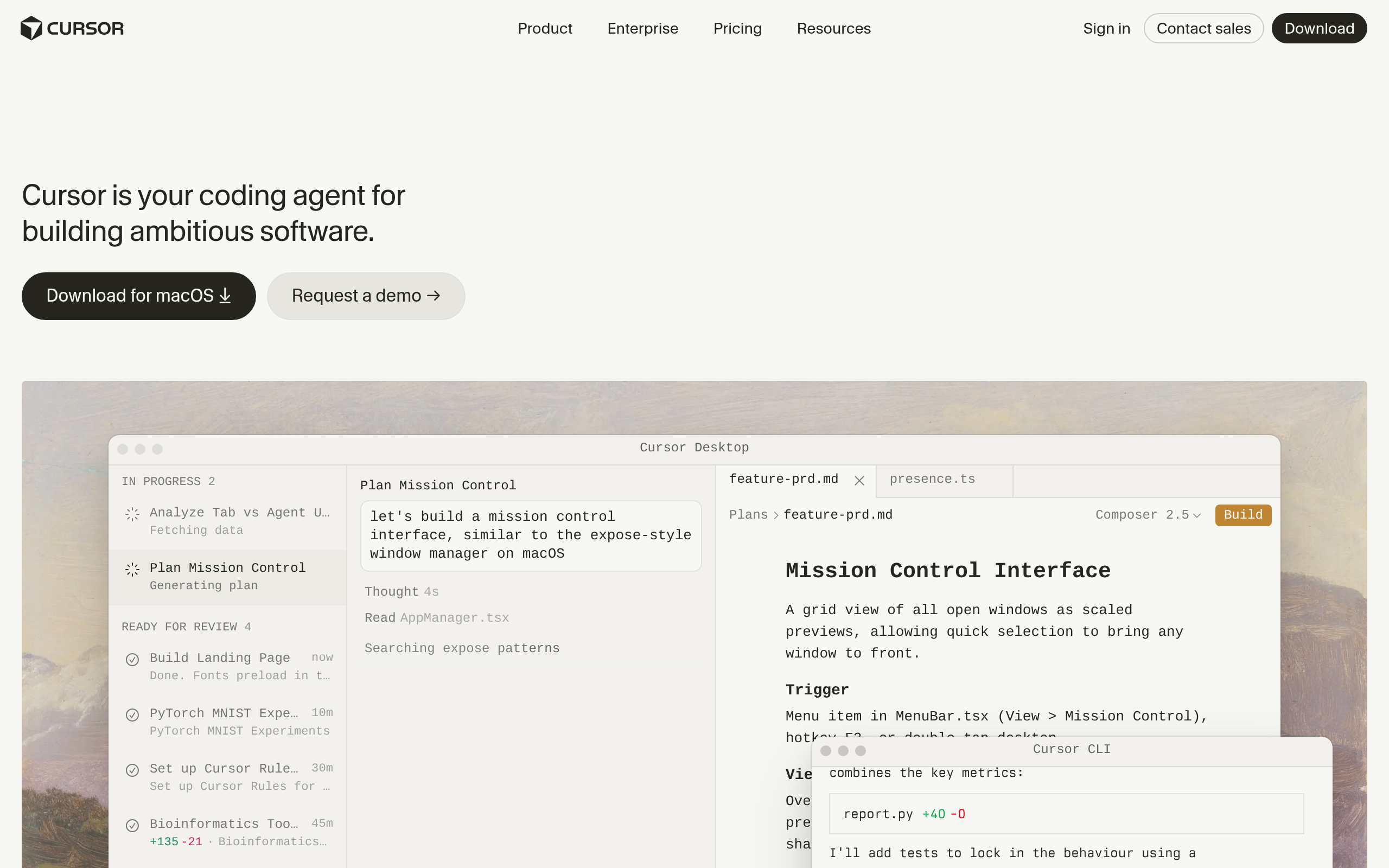
Cursor
Cursor is an AI-native code editor built on VS Code's foundation. Where Copilot adds AI to your existing editor, Cursor is designed around AI from day one. Its key differentiator is deep codebase context: you can ask Cursor to find every place a function is used, refactor across multiple files simultaneously, or generate new features by describing them in plain language. It also lets you choose the underlying model (GPT-4o, Claude, and others depending on your plan), which matters when you have specific latency, cost, or capability requirements.
Cursor is the natural choice for developers who want the most capable AI editing experience and are willing to adopt a new editor to get it. A generous free tier covers everyday use, with paid plans for power users.
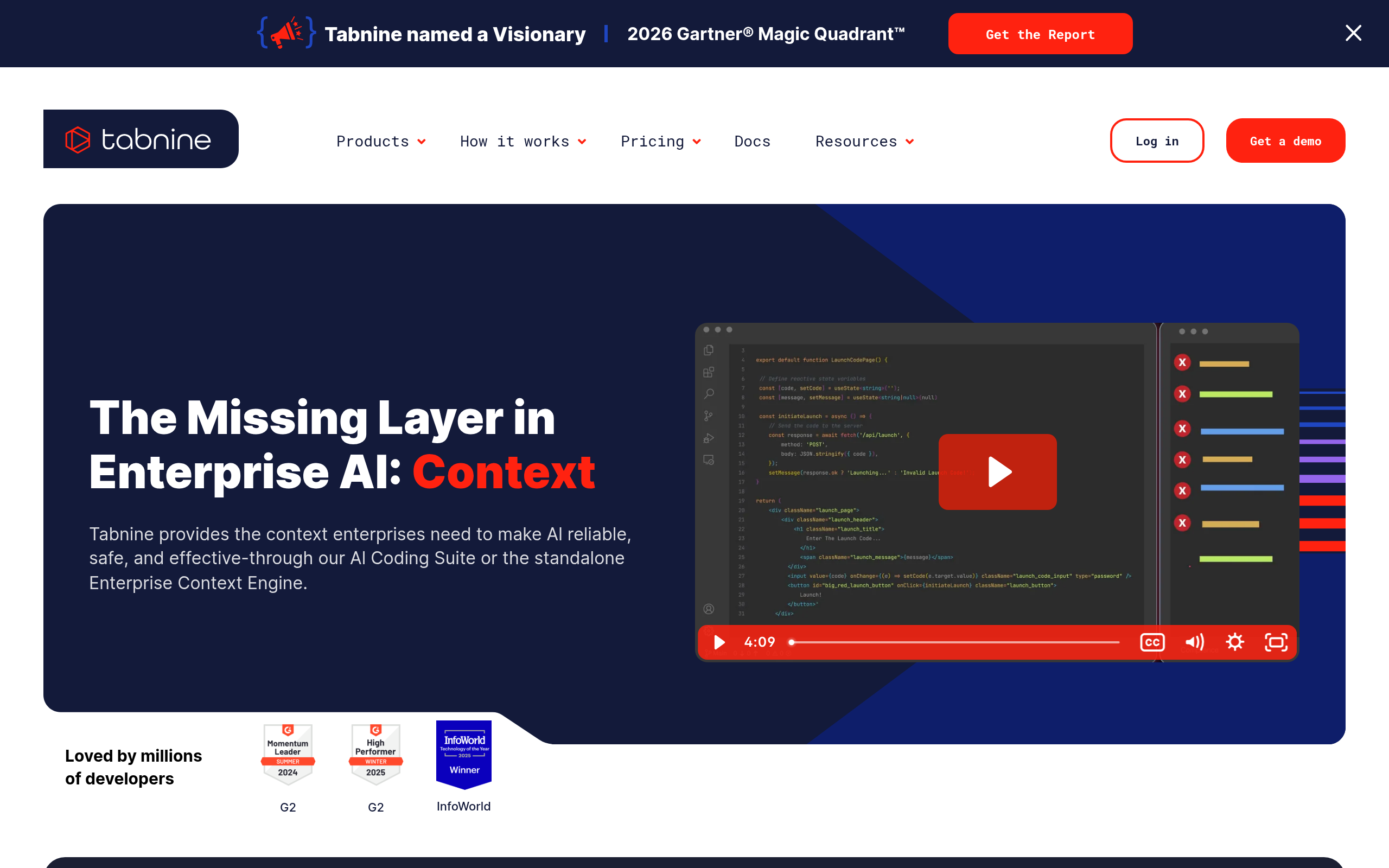
Tabnine
Tabnine has been in AI code completion longer than most. Its standout feature in 2026 is data privacy: Tabnine offers on-premises and private cloud deployment, meaning your code never touches a third-party API. For companies in regulated industries — finance, healthcare, government, defense — where sending proprietary code to an external service is a compliance problem, Tabnine is the de-facto answer in this category.
Beyond privacy, it supports all major IDEs and offers a team-learning mode that fine-tunes suggestions on your actual codebase over time. The trade-off is that raw suggestion quality can feel slightly less aggressive than Copilot or Cursor in head-to-head comparisons, but for enterprise environments where code confidentiality is non-negotiable, that trade-off is worth it.
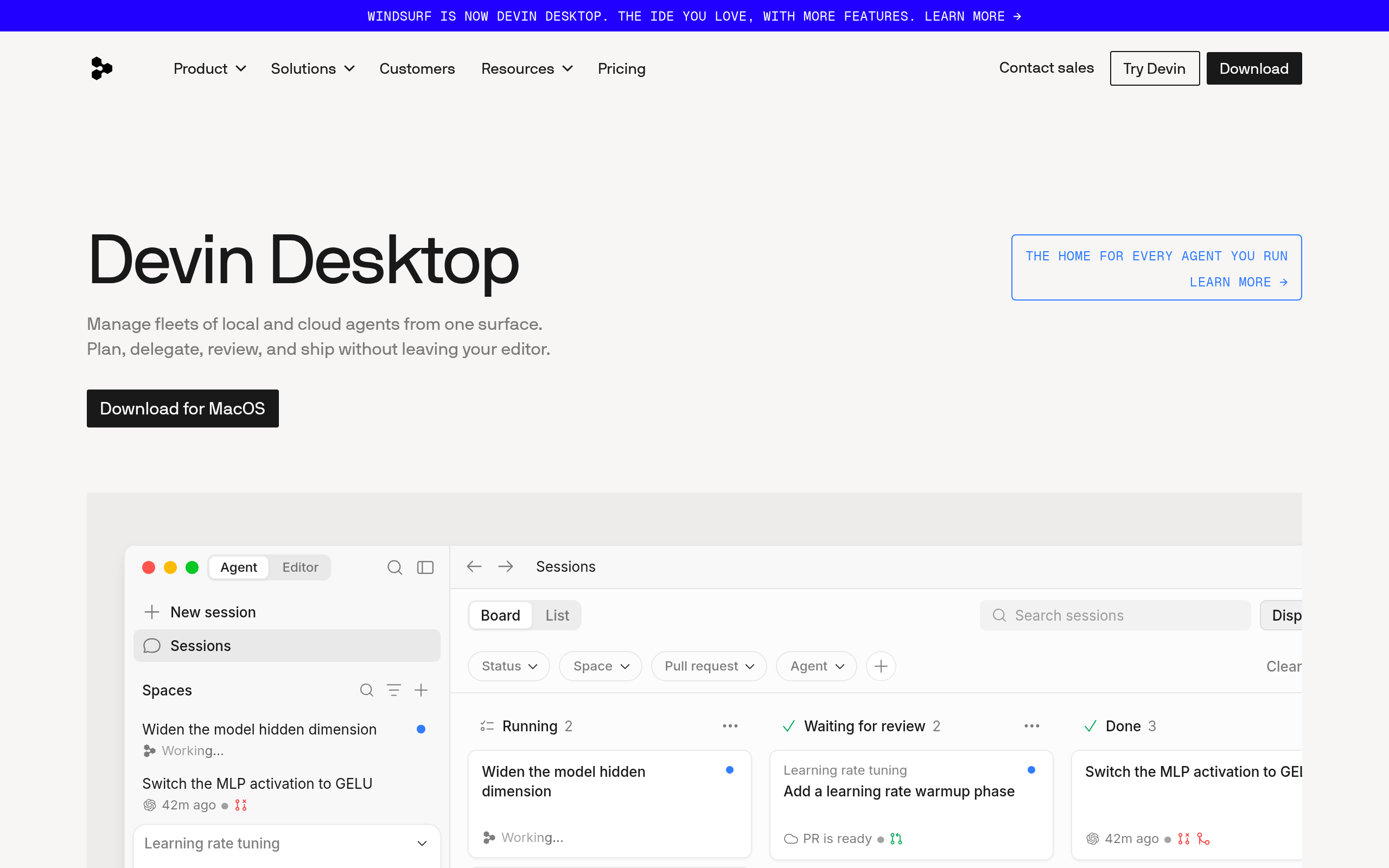
Codeium
Codeium (now part of the Windsurf ecosystem) is the free-tier champion of AI code completion. It supports over 70 programming languages and integrates into most popular IDEs. For individual developers or small teams who want capable AI assistance without a subscription, Codeium's free plan covers most everyday needs. In 2026 it has expanded into agentic code generation through the Windsurf editor, letting users describe larger tasks and have the AI break them down and execute them step by step.
If you're evaluating whether an AI coding tool is worth paying for, starting with Codeium is the sensible move before committing budget to a paid tool.
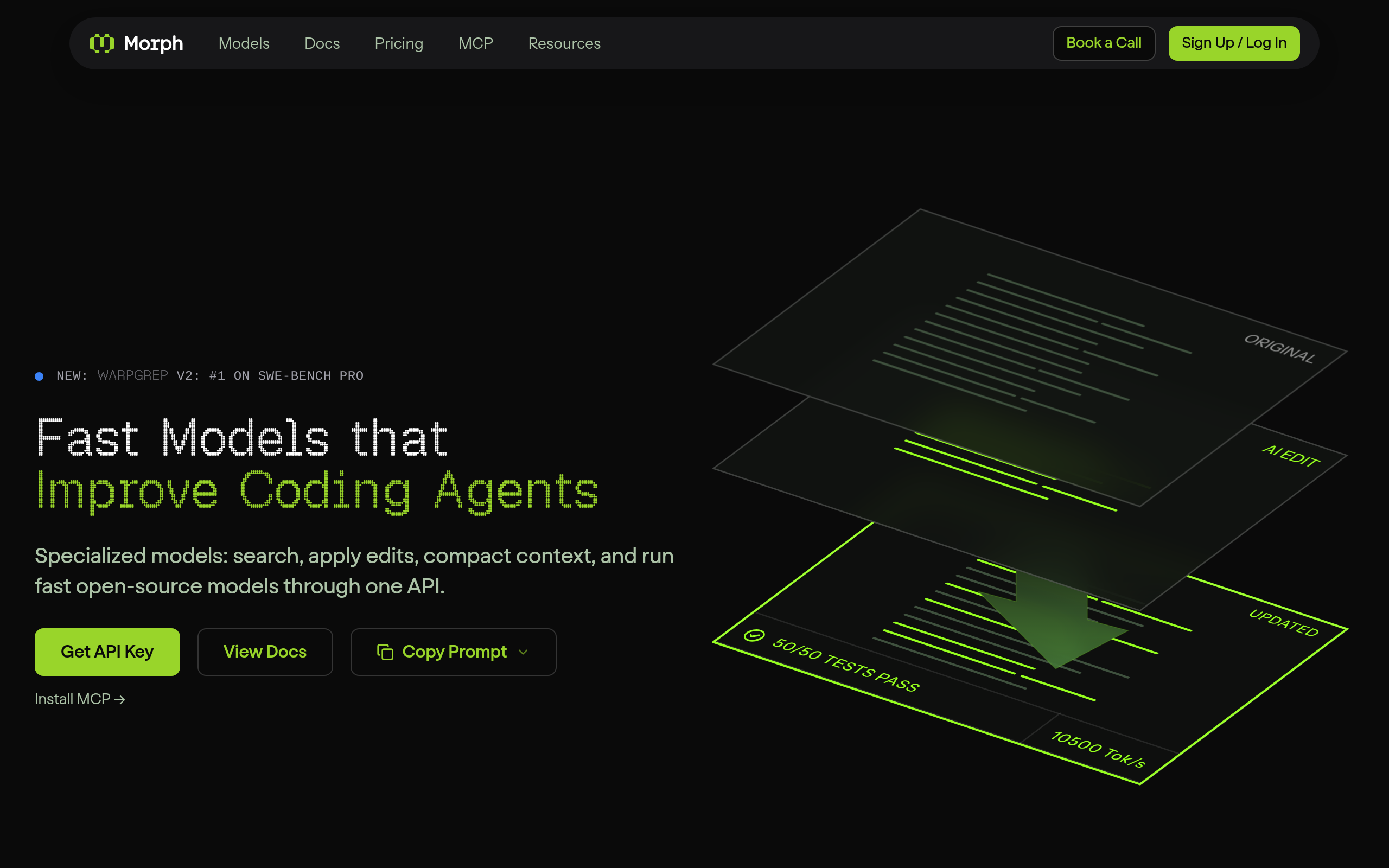
Morph
Morph approaches code generation from a different angle than IDE assistants. Rather than interactive completions, Morph focuses on reliable, structured code editing — it's built to apply AI-suggested changes to a codebase deterministically, addressing a persistent pain point: AI edits that look correct in a chat window but introduce subtle bugs when applied to a real project. Morph is particularly useful in automated pipelines where you want programmatic, verifiable code changes rather than a conversational back-and-forth.
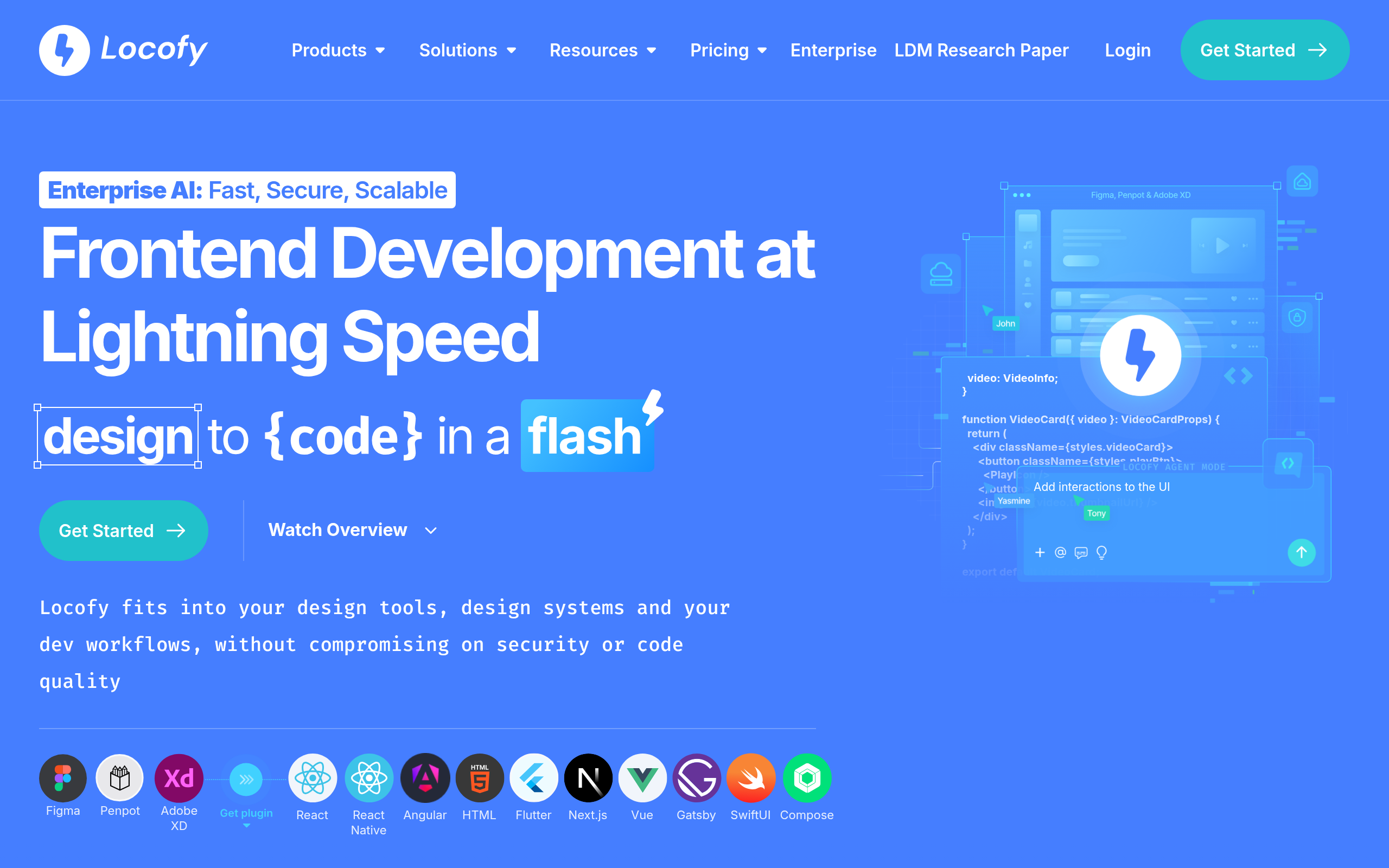
Locofy.ai
Locofy.ai occupies a specific but fast-growing niche: converting Figma and Adobe XD designs directly into production-ready frontend code. It outputs React, Next.js, Vue, React Native, and other frameworks, letting frontend teams go from a finished design to a working component without manually translating pixel values into CSS. It is not a general-purpose code generation tool — it won't help you write a REST endpoint or a data pipeline — but for design-to-code workflows it is the most focused solution in the market.
Which AI Tools Are Best for API Documentation in 2026?
API documentation tools are a distinct category. They help you write, structure, maintain, and publish docs — not generate application code. The best tools in 2026 use AI to reduce the manual burden of keeping documentation accurate and complete as the codebase changes underneath it.
Document360
Document360 is a purpose-built knowledge-base and API documentation platform. Its AI features include automated draft generation from code snippets or support ticket inputs, semantic search across all content, and AI-assisted gap detection that flags underdocumented areas. It supports API reference pages, developer portals, version-controlled docs, and internal wikis in a single platform.
Document360 is not a code editor and will not write your application logic. But if your team's problem is maintaining accurate, versioned, developer-facing documentation at scale, it is the most complete dedicated platform in this roundup. It integrates with Slack, Jira, GitHub, and other workflow tools, and is available at pricing tiers from early-stage startups through large enterprises.
Xano
Xano is a no-code backend builder that auto-generates REST APIs from a visual interface. You define data models, business logic, and endpoints through a GUI; Xano handles deployment and automatically produces API documentation alongside it. In 2026 it has added an AI-assisted query builder that lets you describe what an endpoint should do in plain English, then generates the underlying logic for you.
Xano is not a documentation tool in the traditional sense — it is a backend-as-a-service that shrinks the documentation problem by building structure-first. It is best suited for non-technical founders, rapid MVP prototyping, and teams who want a fully functional backend and API without writing server code. A free tier is available, with paid plans scaling on usage.
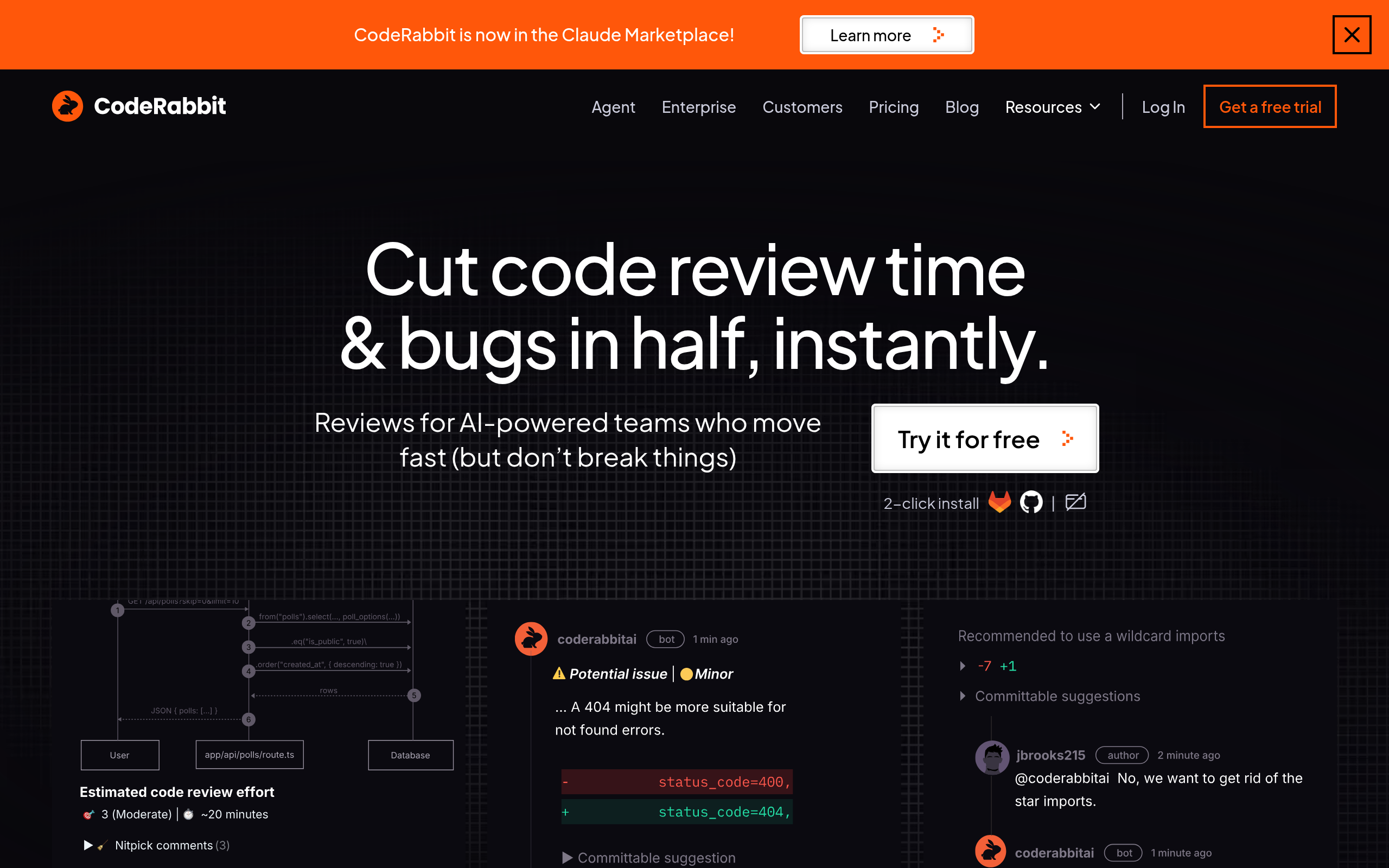
CodeRabbit
CodeRabbit is an AI code review tool that integrates directly into your GitHub or GitLab pull request workflow. When a PR is opened, CodeRabbit reads the diff, infers the intent of the change, and posts line-by-line review comments, security flags, and an automatically generated PR summary. From a documentation perspective, those summaries — accumulated across hundreds of pull requests — create a living audit trail of why the codebase looks the way it does, without developers needing to change any habits.
For teams where documentation debt comes from sparse commit messages and undocumented design decisions, CodeRabbit is the lowest-friction way to start closing that gap. It is free for open-source repositories, with paid plans for private repos.
How Do These Nine Tools Compare at a Glance?
| Tool | Primary function | Best for | Works in IDE? | Pricing model |
|---|---|---|---|---|
| GitHub Copilot | Code generation / completion | Teams on GitHub ecosystem | Yes | Free tier + paid plans |
| Cursor | AI-native code editor | Power users wanting full AI editor | Yes (is the editor) | Free tier + paid plans |
| Tabnine | Code completion, privacy-first | Regulated industries, enterprise | Yes | Free + paid + on-premises |
| Codeium | Code completion | Individual devs, budget-conscious teams | Yes | Generous free tier |
| Morph | Structured code editing | Automated / pipeline code changes | API / programmatic | Usage-based |
| Locofy.ai | Design-to-code conversion | Frontend teams working from Figma | Plugin | Free tier + paid plans |
| Document360 | API + knowledge-base docs | Teams managing developer docs at scale | No (web platform) | Tiered subscription |
| Xano | No-code backend + API builder | Non-technical founders, rapid MVPs | No (web platform) | Free tier + paid plans |
| CodeRabbit | AI code review + PR documentation | Teams wanting automated PR summaries | GitHub / GitLab PR | Free for OSS + paid plans |
What Is the Difference Between Code Generation and API Documentation Tools?
These two categories are frequently grouped together under the banner of "AI developer tools," but they solve genuinely different problems and should be evaluated separately.
- Code generation tools help you write code faster. They autocomplete, suggest, refactor, and synthesise functions based on the context of your current file and the broader codebase. The output is executable code that ships in your product.
- API documentation tools help you explain your code — to other developers, to API consumers, or to your future self. The output is structured text: reference pages, tutorials, changelogs, and developer portals.
The confusion arises because a few tools touch both. CodeRabbit reviews code and generates PR documentation as a by-product. Xano generates both a working API and its accompanying documentation simultaneously. But most tools in the market are clearly one or the other, and the decision of which to invest in starts with an honest assessment of where your team is actually losing time.
Code Generation Feature Comparison
| Feature | GitHub Copilot | Cursor | Tabnine | Codeium | Morph |
|---|---|---|---|---|---|
| Multi-file context | Yes | Yes (deep) | Partial | Yes | Yes |
| Chat interface | Yes | Yes | Yes | Yes | Programmatic only |
| Model choice | Limited | Yes (GPT-4o, Claude, etc.) | Tabnine model | Codeium model | Configurable |
| On-premises deployment | Enterprise only | No | Yes | No | No |
| Codebase fine-tuning | Yes (Enterprise) | Indexing / RAG | Yes | Partial | No |
| VS Code support | Yes | Built-in (is VS Code fork) | Yes | Yes | API |
API Documentation Tool Feature Comparison
| Feature | Document360 | Xano | CodeRabbit |
|---|---|---|---|
| Auto-generates API reference pages | Yes | Yes (from backend models) | No (PR summaries only) |
| AI content drafting | Yes | Partial (query builder) | Yes (PR analysis) |
| Version-controlled docs | Yes | Yes (via Xano versioning) | Via Git history |
| Developer portal | Yes | Built-in | No |
| Native GitHub integration | Yes | Partial | Yes (core feature) |
| Requires writing code | No | No | No |
| Best team size | Small to enterprise | Solo to mid-size | Any size |
Which Tool Is Right for Your Team's Size and Stack?
The right answer depends on three variables: team size, technical depth, and where your biggest bottleneck actually sits.
- Solo developer or early startup: Start with Codeium (capable free code completion) and CodeRabbit (free for open-source repos). If you need a backend without writing server code, add Xano.
- Growing engineering team (5–50 developers): GitHub Copilot or Cursor for code generation depending on how central GitHub is to your workflow. Add Document360 if your docs are falling further behind your product with each sprint.
- Enterprise or regulated industry: Tabnine with on-premises deployment for code generation — it is the only option in this list that meets strict data-residency requirements. Pair with Document360 for structured documentation and CodeRabbit for PR audit trails.
- Frontend-heavy product team: Add Locofy.ai to whatever code generation tool you already use, specifically to handle the design-to-code translation that currently burns frontend developer time.
- Non-technical founder building an MVP: Xano is the answer. You get a backend, a REST API, and documentation without hiring a backend engineer or writing a line of server code.
Comparee's Verdict: Which AI Tool Should You Actually Use?
Here is the direct answer, without hedging:
- Best all-round code generation for most teams: Cursor for individual developers and small teams who want the most capable AI editing experience. GitHub Copilot for teams already invested in the GitHub platform who need enterprise controls, audit logs, and deep CI/CD integration.
- Best for privacy-sensitive or regulated environments: Tabnine — no other tool in this list offers true on-premises deployment for code generation with team-level fine-tuning.
- Best free starting point: Codeium — genuinely capable across 70+ languages without feature walls or time-limited trials.
- Best for API documentation at scale: Document360 — a dedicated platform built for exactly this use case, not an afterthought feature in a code editor.
- Best for teams who hate writing docs: CodeRabbit — documentation emerges as a natural by-product of the code review process that developers are already doing.
- Best for non-technical founders needing a backend fast: Xano — it generates the API, deploys it, and documents it without a single line of server code.
- Best for design-to-code workflows: Locofy.ai — if your team iterates in Figma and then manually writes the same components in React, Locofy eliminates that translation step.
- Best for deterministic, automated code changes: Morph — when you need reliable programmatic code edits in a pipeline rather than interactive AI suggestions in an editor.
For most engineering teams reading this in 2026, the practical recommendation is simple: one code-generation tool from the IDE category (Copilot or Cursor) plus one documentation layer (CodeRabbit at minimum, Document360 if you have complex or customer-facing docs). That combination covers the vast majority of the value without tool sprawl or budget strain.
Browse the full landscape of AI developer tools in the Coding & Software Development category on Comparee.
Tools mentioned in this guide


Pricing, features and model availability can change over time. Always verify current details on each tool's official website before deciding.
Frequently Asked Questions
What is the best AI tool for code generation in 2026?
What is the best AI tool for code generation in 2026?
Is GitHub Copilot or Cursor better for code generation?
Is GitHub Copilot or Cursor better for code generation?
Which AI tool is best for writing API documentation automatically?
Which AI tool is best for writing API documentation automatically?
Can AI tools generate complete API documentation from my existing codebase?
Can AI tools generate complete API documentation from my existing codebase?
Is Codeium really free, and what are the limitations?
Is Codeium really free, and what are the limitations?
What is CodeRabbit used for?
What is CodeRabbit used for?
What is Xano and is it really a documentation tool?
What is Xano and is it really a documentation tool?
What is the difference between AI code generation tools and AI API documentation tools?
What is the difference between AI code generation tools and AI API documentation tools?
Don't just pick a tool — get the whole workflow
Tell Comparee your goal and get a complete step-by-step AI workflow with the right tool for every step.